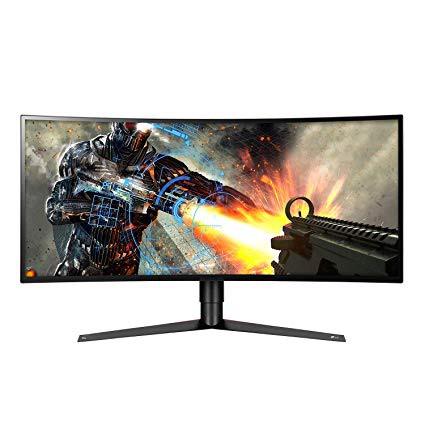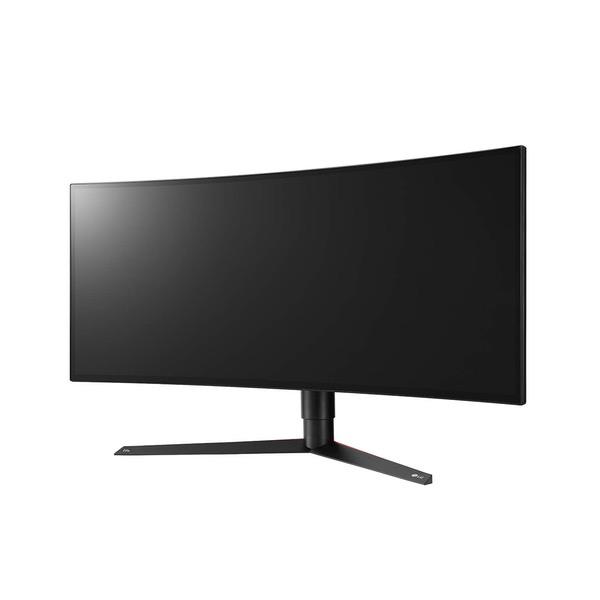
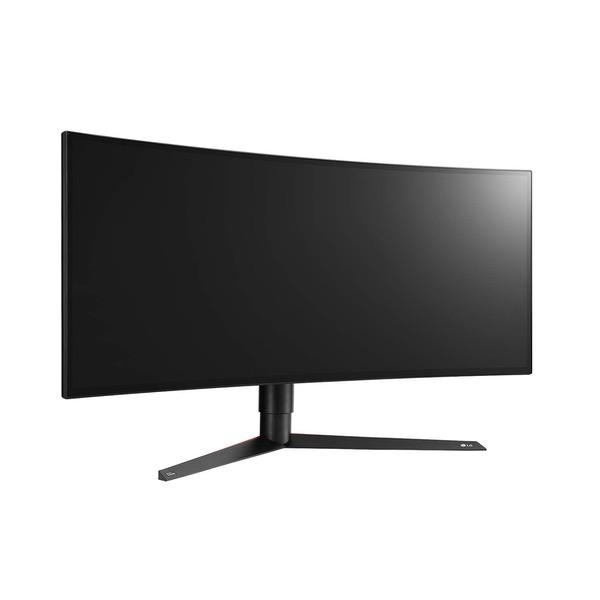
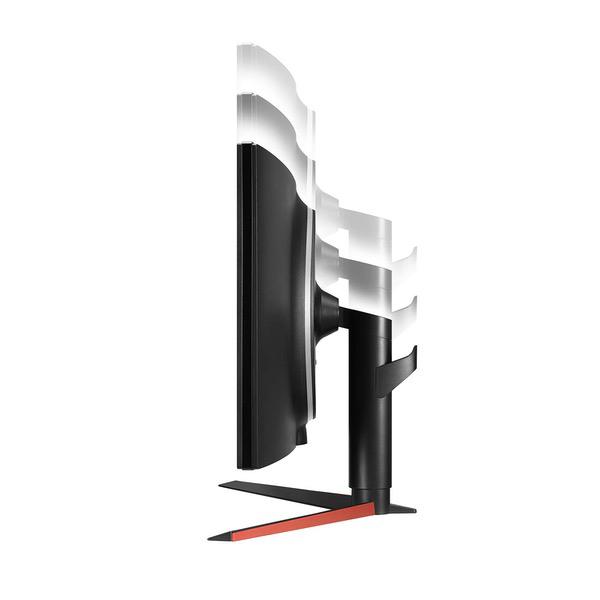
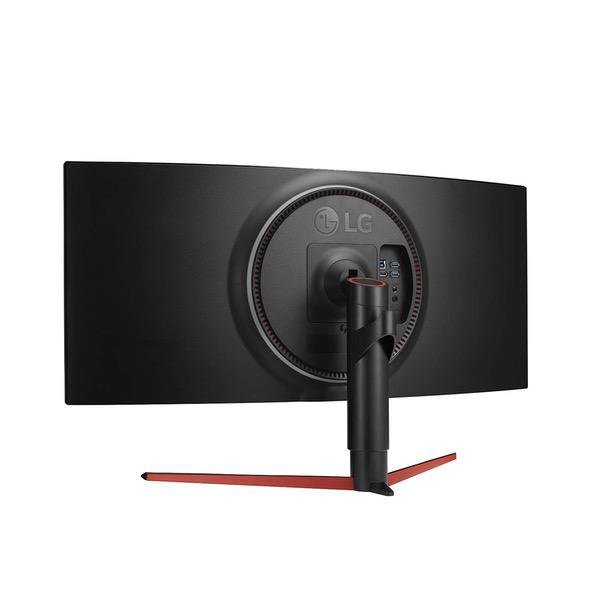
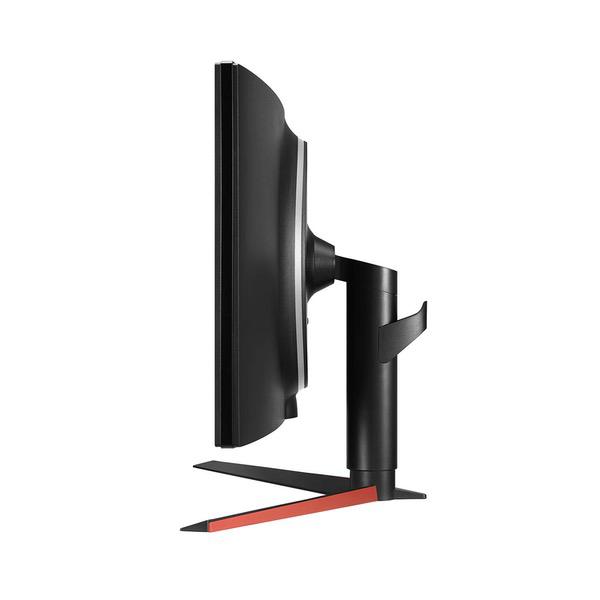
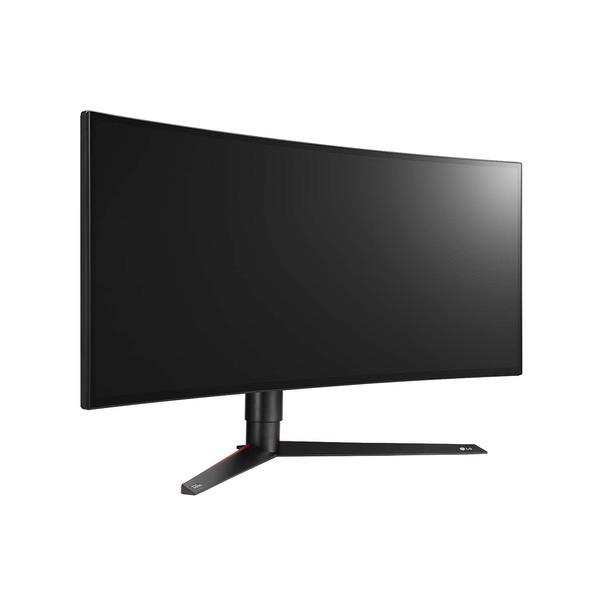
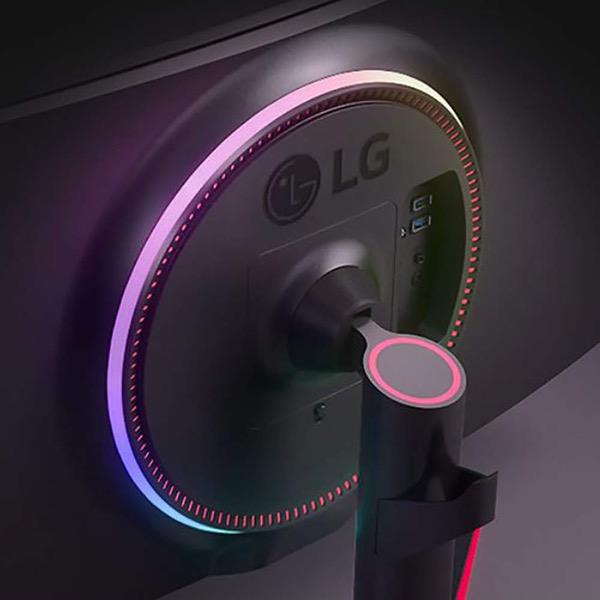
LG 34GK950G-B 34" 21:9 Ultragear WQHD Nano IPS Curved Gaming Monitor with NVIDIA G-SYNC and Sphere Lighting (2018)
Write a review
$72700

LG 34GK950G-B 34" 21:9 Ultragear WQHD Nano IPS Curved Gaming Monitor with NVIDIA G-SYNC and Sphere Lighting (2018)

Write a review
B07JVGLJ6R
+
Add to wish list
Target is a general merchandise retailer with stores in all 50 states and the District...

City: US, New York

Delivery
Pickup at your own expense
Tomorrow from 09:00 to 20:00, Store location
Free
Payment options
Apple Pay Google Pay Mastercard Visa
Cash, bank card, credit/installment payments, cashless payment for legal entities
Warranty and returns
Exchange/return of products of proper quality within 14 days Official manufacturer's warranty: 12 months
Features
Display Type
LED-Lit
Item Dimensions
32.3 x 11.3 x 18.2 in
Item Weight
17.4 lbs
Mount Type
Refresh Rate
100 hertz
Screen Size
34 in
Aspect Ratio
21:9
Description
This fits your .
Make sure this fits by entering your model number. 34" WQHD (3440 x 1440) 21:9 Curved Nano IPS Display NVidia G-Sync with 100Hz (120Hz OC) 4-Side Virtually Borderless Design LED Sphere Backlighting Height/Swivel/Tilt Adjustable Stand.Brightness:320cd/m_(Min.), 400cd/m_ (Typ.) 100 hertz
Reviews
3.5
Reviews: 20
5 stars
45%
4 stars
10%
3 stars
15%
2 stars
10%
1 star
20%
G. Doren
4
I havent used an ultra wide up until now. I have also tried the Alienware, and will be trying LGs 5k2k... but I admit, I am impressed. Compared to the Alienware AW3418DW, the LG simply has a cleaner look. The AW is too "gamey". Quality-wise, I find the LG display quality looks better. Altho its a pretty close race, and since the AW is several hundred less, some may think the AW is a better deal. BUT... Ill admit... coming from using a MacBook Pro 15" w/Retina for most of my non-work compute time, the non-Retina quality of these monitors (the AW and LG) is a bit of a bummer. I notice the difference. I wish I could purchase an iMac 5K-quality monitor (or the Surface Studio monitor)--but thats not an option. The closest (possibly) is the new LG 5k2k monitor Ive also ordered--I may opt to go with that instead. But if youre looking for a gaming monitor, I have to say, this LG looks very nice AND it supports the faster refresh with G-Sync when you want it. I ran a pixel test, and there were no broken pixels. The screen is flawless. I wish it were glossy rather than anti-glare, but its almost impossible to find non-Apple/non-Surface displays that are glossy. Unless youre looking for a retina/5K level monitor, Id recommend this LG. Especially at the reduced price (1199).
Brian Klein
4
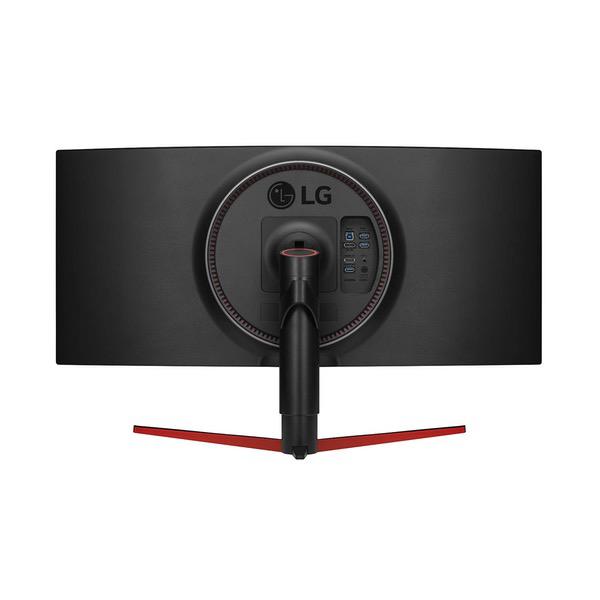
This was a difficult monitor to review - there is a lot of good, but Im not sure if theres enough to make up for the bad. First, the good: * Size - 34" with a curve screen is a perfect size. For gaming you get a huge field of view (any bigger would be too much and require too much head movement); for productivity you essentially get the benefits of a multi-monitor setup in one. LG has a nice app that can partition the screen into various sections (very easy to use, unlike some 3rd party ones). * Color Gamut - For an IPS this has a good color gamut - its noticeably better than many cheaper monitors. Its certainly not the best, but its where it needs to be for the price. * Cable Management - Great cable management in the back; it keeps my desk looking clean * USB Hub - The monitor can function as a 2-port USB hub, which is a great touch * Build Quality - Metals and nice finishes abound. No complaints here! The bad: * Price - This LG monitor is very overpriced - Dell offers a similar alienware monitor (basically the same monitor with slightly lower color gamut) for a lower price, which is going to be a better deal for most people. If you need a wide color gamut there are better options than this LG monitor. As of writing the LG costs $1.3k, and the dell costs a little under $1k. * Buttons - The button arrangement is, for lack of a better word, stupid. The power button is also the function control button, and despite having used this monitor for 2+ weeks now I still cant consistently turn it off properly. Turning it on would be easy except that the LED color button is right next to the everything button, and I consistently hit it instead when trying to turn on the monitor. Its an annoyance that I dont need on an $1.3k monitor. - Refresh rate - This has a native refresh rate of 100 Hz, and can be overclocked to 120 Hz. If overclocking you cant use the HDMI cable. The freesync equivalent has a 144 Hz native refresh rate. From my research its due to NVidia charging a lot for the requisite technology to use a 144 Hz panel, but even so - I can find smaller/lower resolution gsync monitors that are 144 Hz or better. This puts this LG in another awkward spot -if youre a gamer who really needs the high refresh rate, there are better options The ugly: * I thought that the back LED light would be cool, but its essentially worthless. Even when in a dark room it does nothing unless you have this monitor against a wall (I dont). * IPS - I have a 13" alienware with an OLED screen, and that little screen blows this away. I have an OLED tv, which also blows this away. And, finally - alienware is set to release a larger OLED monitor later this year (it will probably be fairly expensive). Were likely on the cusp of moving to OLED display technology within 2 years or so, which makes you ask - is it worth it to invest $1.3k in a monitor like this, instead of waiting for a nice OLED monitor (or just using an OLED tv as a monitor)? Overall this isnt a bad monitor - in fact (beyond the stupid button setup) its really a great monitor. However its too expensive, and occupies a really awkward niche. If youre gamer you probably want a 144 Hz refresh rate, which this doesnt have (though the Freesync version does, while also costing less - thats a much stronger buy, assuming you have an amd card). If youre a graphic designer you want something with better color reproduction. If you want an all-around monitor of this class there are cheaper options (i.e. the Dell). And if you want the best-of-the-best there are better options (more expensive larger monitors with higher refresh rates, for example; or using an OLED tv, or waiting for the alienware OLED monitor). In short, its hard to know who would really want this particular monitor as opposed to other options. If this checks off all the boxes for you then you can buy it without regrets (assuming you dont care to wait for OLED or know OLED Is out of your budget), but otherwise there are probably better options.
Product variations
Column filling
Sort by Price Sort by Availability Sort by CODE Sort by Screen Size
$72700
In stock
+
B07JVGLJ6R
Screen Size:
34 in
You may be interested
  • Bestsellers
  • Recently Viewed
 
Similar products
Show more
Fast and high quality delivery

Our company makes delivery all over the country

Quality assurance and service

We offer only those goods, in which quality we are sure

Returns within 30 days

You have 30 days to test your purchase