
















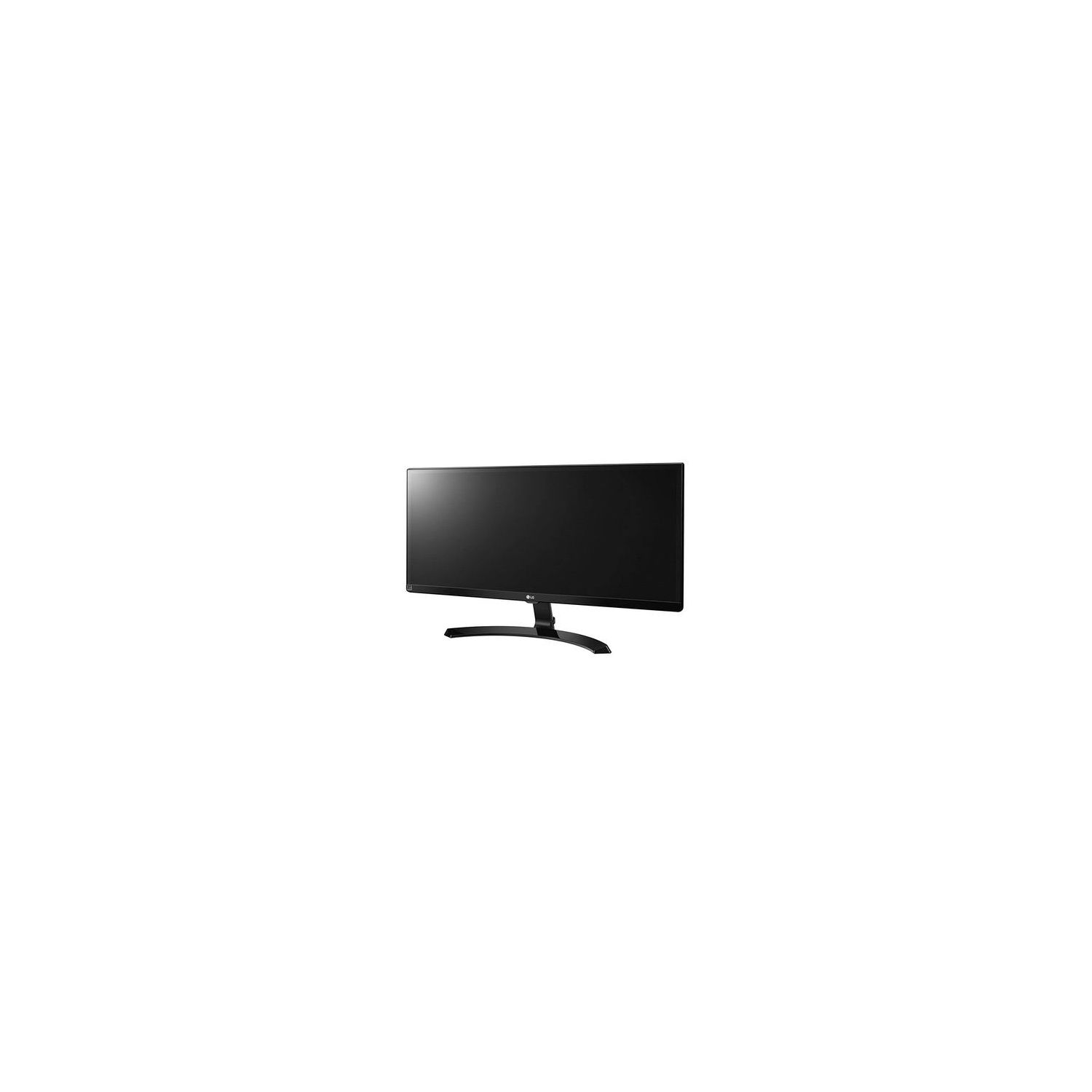
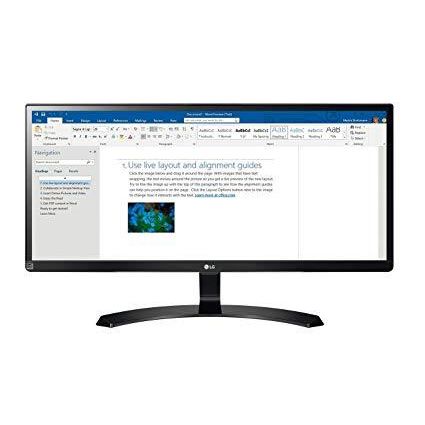
LG 29UM59-A 29-Inch UltraWide FHD 2560 x 1080 IPS Gaming Monitor
Write a review
$21400

LG 29UM59-A 29-Inch UltraWide FHD 2560 x 1080 IPS Gaming Monitor

Write a review
B071L1KDVB
+
Add to wish list
Target is a general merchandise retailer with stores in all 50 states and the District...

City: US, New York

Delivery
Pickup at your own expense
Tomorrow from 09:00 to 20:00, Store location
Free
Payment options
Apple Pay Google Pay Mastercard Visa
Cash, bank card, credit/installment payments, cashless payment for legal entities
Warranty and returns
Exchange/return of products of proper quality within 14 days Official manufacturer's warranty: 12 months
Features
Display Type
LED
Item Dimensions
29.92 x 5.51 x 15.75 in
Item Weight
10.36 lbs
Mount Type
Refresh Rate
75 hertz
Resolution
2560 x 1080
Screen Size
29 in
Aspect Ratio
Unknown
Description
This fits your .
Make sure this fits by entering your model number. AUTHORIZED LG USA Dealer - 29-Inch UltraWide Full HD 2560 x 1080 Features professional colour grading IPS DISPLAY, On-Screen control 2.0, Screen Split, 2 HDMI 1.4 Port + USB TYPE-C ALT MODE, and Eye-comfort & protection w/ Reader Mode & LG Flicker Safe INCLUDES Power Cord, HDMI Cable, 1-YEAR WARRANTY Parts and Labor
Reviews
4.5
Reviews: 20
5 stars
65%
4 stars
20%
3 stars
15%
2 stars
0%
1 star
0%
Jerry
5
This is my first ultra wide monitor, which replaced my 27" Apple display. I was surprised by the picture quality and build quality, especially since this model was a lot cheaper than the models available with the same specs (ASUS, Dell, Other LGs, etc.). I was thinking about investing $300 more to purchase the Asus MX29UC 4K monitor, but Im glad I did not. My main use for this monitor is for data analysis. My current workflow with this monitor seems a bit smoother, and the transition from a dual monitor setup was surprisingly easy. The LG screen split software is also amazing to use, but its not any different from using dual monitor setups with 4+ windows open. You are mostly limited by windows that snap to the screen, which means that the screen split modes are fixed and adjusting some of the windows to your preferred size is a bit annoying once in a specific screen split mode. Also, it seems that it takes a little bit of work to get the Mac OS to drive 2560 x 1080, or a 21:9 aspect ratio. Once you get through the display settings, the monitor is truly wonderful to use. I currently have my work computer (2013 MacBook Pro) connected to this monitor through mini-display port to Display port. I also have it mounted to a Vivo VESA mount. One thing to note: the monitor description mentioned HDMI, and USB-C ports. However, the monitor that I received had a Display port and HDMI, and no USB-C. You might want to check the images of the back panel for confirmation of existing ports before purchasing.
Lee Yuen
5
i love this monitor and once i changed the settings based on what toms hardware had for color calibration and brightness adjustment it made the monitor even better what i have it set to is 15 brightness red 50 green 50 blue 49 magenta hue 57 it makes the picture look better but i love that this monitor turns off after 4 hours say i forget to turn it off or i go somewhere without turning it off also the on screen controls are nice and i love that it goes to 75hz over 60hz a definite buy again
Heavy D
5
Works great for Autocad work. Make sure you have an up-to-date video card that can handle the higher resolution - this is important! Also, use a good quality HDMI / Display port cable. Lower cost cables will not work. Have over a dozen of these and everyone loves them.
Chuk Campos
5
This monitor was very reasonably priced and works well for my needs. I use multiple desktops under Windows 10 with a variety of apps open at once. This 34" monitor is a much better form factor for me than the 2x22" monitors I was using before this.
ThaBlackCobra
5
I am in love with this monitor. For the price, it is everything I needed and more. The only thing it doesnt have is the speakers I wanted. I am using it right now and havent stopped using it since I opened it up. Great quality, great color, great picture.
Catitude
5
I am delighted with this monitor. The usable real estate for gaming, graphics, research or anything else you might need multiple windows open for is amazing. The split window functionality that is part of the package is fantastic for Business, Socializing as well as Gaming. I have Vision conditions that heavily influenced my choices. I need large bold fonts & larger scaled UIs... 34 inches has ample room for customizing. Nyctalopia, which is commonly referred to as Night Blindness, affects my ability to distinguish details in dim lighting as well as darkened scenes on TV & dim gloomy heavily shadowed Time of Day & ambiance effects, evening, night or weather conditions in Game screens. Websites with Light Fonts on Dark backgrounds are mere smudged blurs & their content unreadable. My most recent previous Monitor was the LG 34UM58 which I gifted to my sister after 2 months use... Its only fault was a max brightness of 250nits. This one goes up to 300, I currently have contrast maxed & brightness at 260 Many of the LG Monitors, such as this one, have the Black Stabilizer feature which improves visibility in dark scenes... for me as a long time WoW player I can still see to play :) I cant comment on how the Freesync works since my Graphics card doesnt support it, but so far I havent found anything about this monitor not to like <3
Jorge Maciel
5
Color looks good, works for gaming , im not a hardcore gamer but from time to time , i played Far Cry New Dawn on it and looks pretty good, no issues nor complains. The option to connect 2 laptops on the same monitor and handle them with the same keyboard and mouse its awesome, but only works with windows and macos , not with linux/unix but no complains. the only part i dont like much is that the sw to split the screen, would be perfect if it can create a "virtual" monitor, so when you working remote, you can work like in 2 monitors, but thats ok... And the price, a good deal would be $249.
Hotel Hero
5
Beautiful screen. 75hz as well (I must have missed that in the description)
Aida Watlington
5
You can split the screen in several ways excellent when grading papers, doing homework and you need more than one website open or even documents open....
Ben-tsion Oliel
5
Great Monitor with extraordinary viewing angles. Pros: Huge desktop space on screen Easy connect with HDMI or DP Split Screen with OnScreen Control Good Looks in black Cons: Glossy finish attracts dust Huge monitor means its heavy Not extremely stable

Showing 10 of 13 reviews

Product variations
Column filling
Sort by Price Sort by Availability Sort by CODE Sort by Screen Size
$29900
In stock
+
B06Y28LK9G
Screen Size:
34 in
$21400
In stock
+
B071L1KDVB
Screen Size:
29 in
You may be interested
  • Bestsellers
  • Recently Viewed
 
Similar products
Show more
Fast and high quality delivery

Our company makes delivery all over the country

Quality assurance and service

We offer only those goods, in which quality we are sure

Returns within 30 days

You have 30 days to test your purchase