
















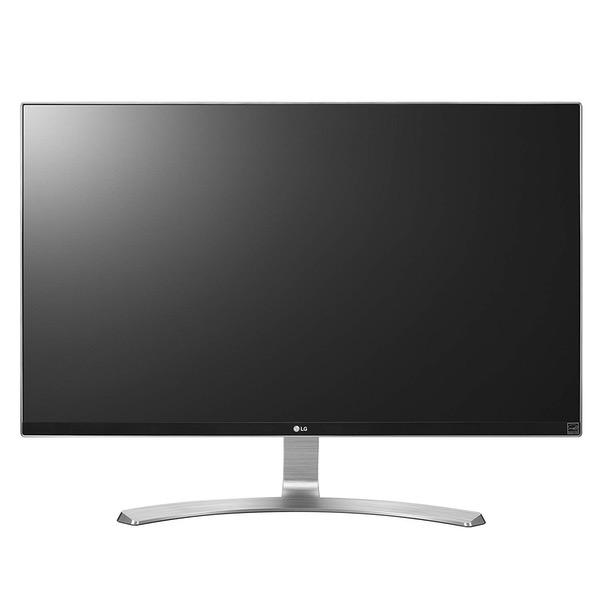
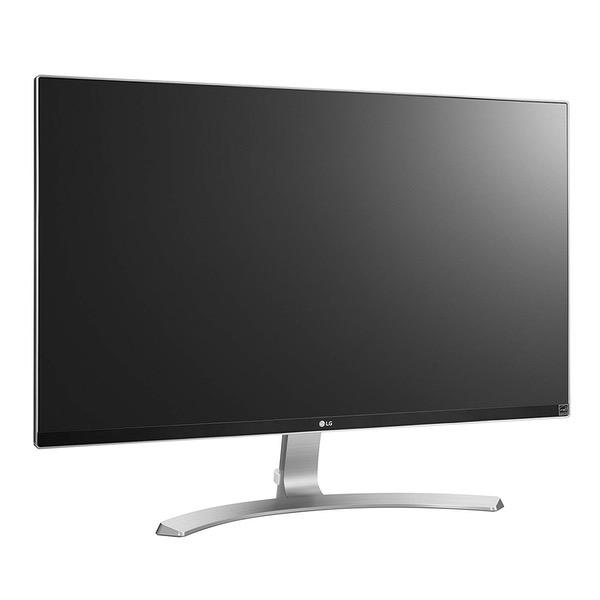
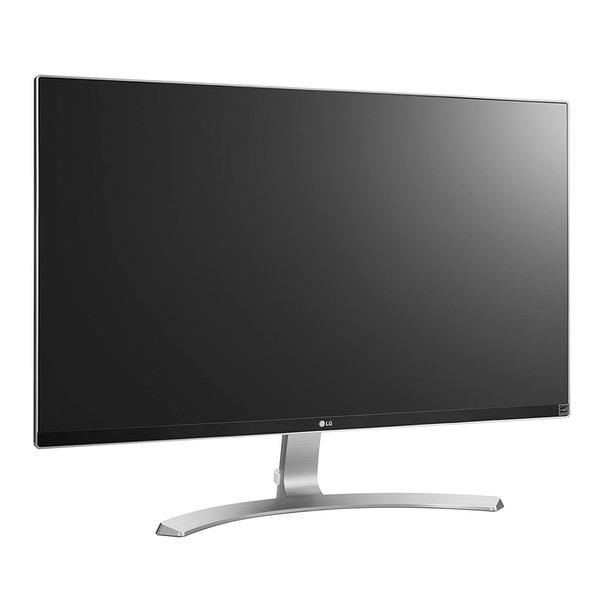
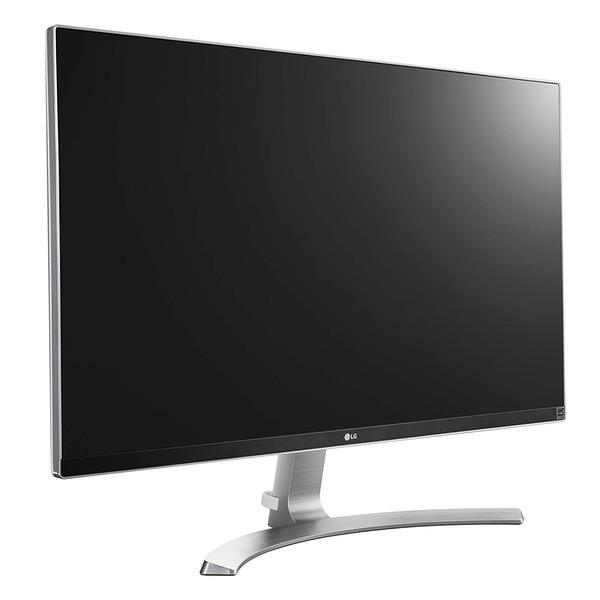
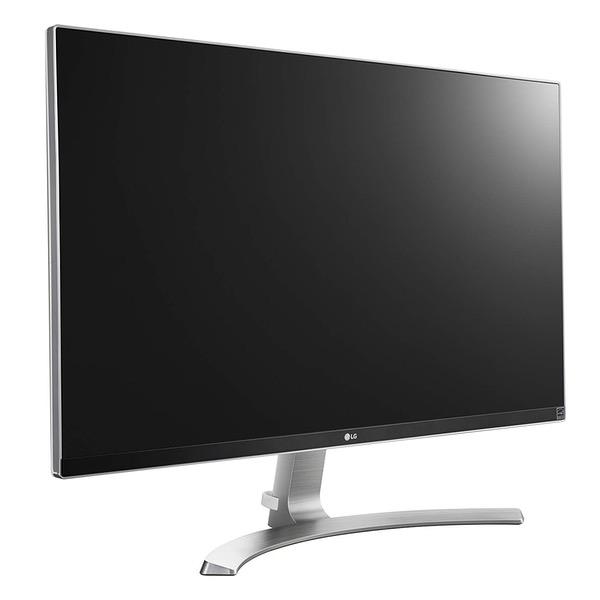
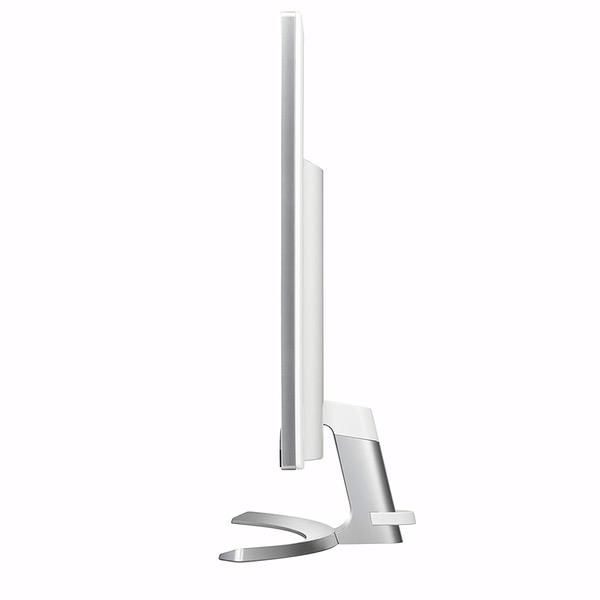
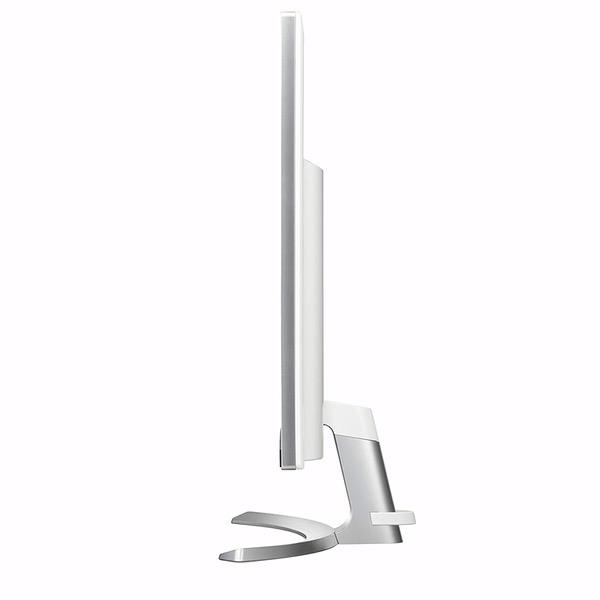
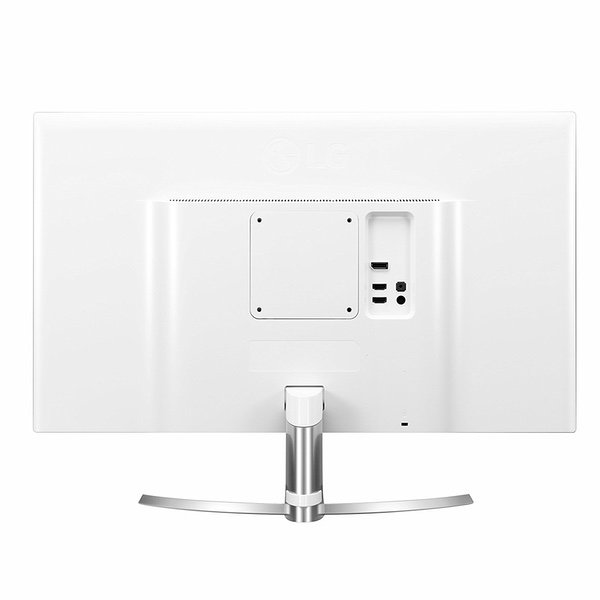
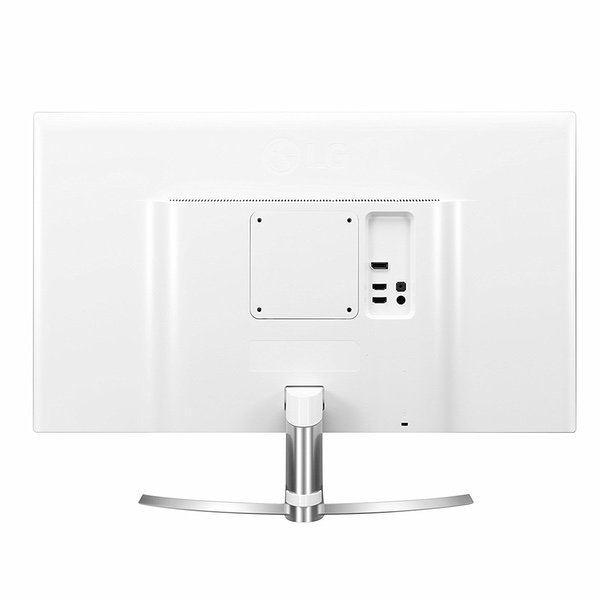
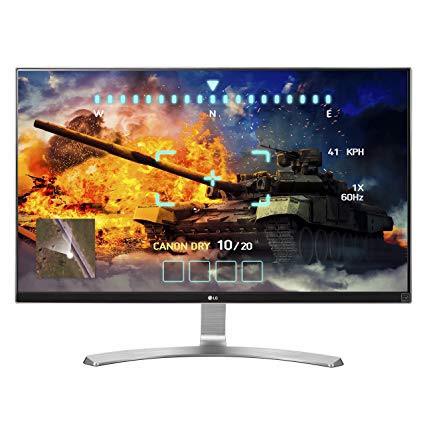
LG 27UD68-W 27-Inch 4K UHD IPS Monitor with FreeSync
Write a review
$39900

LG 27UD68-W 27-Inch 4K UHD IPS Monitor with FreeSync

Write a review
B01C3BZIIC
+
Add to wish list
Target is a general merchandise retailer with stores in all 50 states and the District...

City: US, New York

Delivery
Pickup at your own expense
Tomorrow from 09:00 to 20:00, Store location
Free
Payment options
Apple Pay Google Pay Mastercard Visa
Cash, bank card, credit/installment payments, cashless payment for legal entities
Warranty and returns
Exchange/return of products of proper quality within 14 days Official manufacturer's warranty: 12 months
Features
Display Type
LED
Item Dimensions
24.2 x 7.3 x 17.9 in
Item Weight
10.8 lbs
Mount Type
Wall Mount
Refresh Rate
60 hertz
Screen Size
27 in
Aspect Ratio
16:9
Description
This fits your .
Make sure this fits by entering your model number. 4K UHD resolution (3840 x 2160) IPS display Srgb over 99% AMD Free Sync. Input 100~240 Volt, 50/60 Hertz On-screen control with screen split Game mode and black stabilizer gaming features. Brightness - 350 cd/m2
Reviews
4
Reviews: 20
5 stars
60%
4 stars
15%
3 stars
5%
2 stars
0%
1 star
20%
morgan
5
Ok so first off, I bought this to use as a display for my PS4 Pro at college so that’s my primary use for it. Cons- Lightbleeding (common for IPS tho) Minimal audio outputs Pros+ Thin Bezel Great Viewing Angles Vibrant/Accurate Colors CRISP 4K Quality Smooth 60fps and Response Time Ease of Setup *READ* Ok so something you should know when gaming with a PS4 Pro with this monitor, the monitor obviously doesn’t support HDR, however, it DOES allow the PS4 to use the Deep Color Output feature in the PS4 screen options! This is very rare for a monitor or TV to support and it does add detail to the colors and takes advantage of the advanced 99%+RGB color range (of course non-HDR) of the monitor. Also, yes, this monitor allows Netflix, Amazon, Vudu, Apple TV, etc to stream at native 4K on capable streaming devices. Hope this review helps!
Brian coe
5
Seems like a beautiful crisp picture. FOR XBOX ONE S users: In order to get the xbox to play Blu-Ray in 4k. You need to go into the Monitor settings under: INPUT, Make Aspect Ratio ORIGINAL Under FreeSync make it Extended or basic... Also set the mode to game mode:dark CONFIRM it is in 4k by: 1. play a video 2. press the Xbox button twice 3. Goto settings / Video & Audio 4. Go into the Video settings 5. If it says 4k, you are in 4k... If it says 1080p something is wrong. FOR COMPUTER USERS: Use game mode: for reduced latency If you are using an nvidia card, make sure the freesync option is set to: off
Roberto Jorge
5
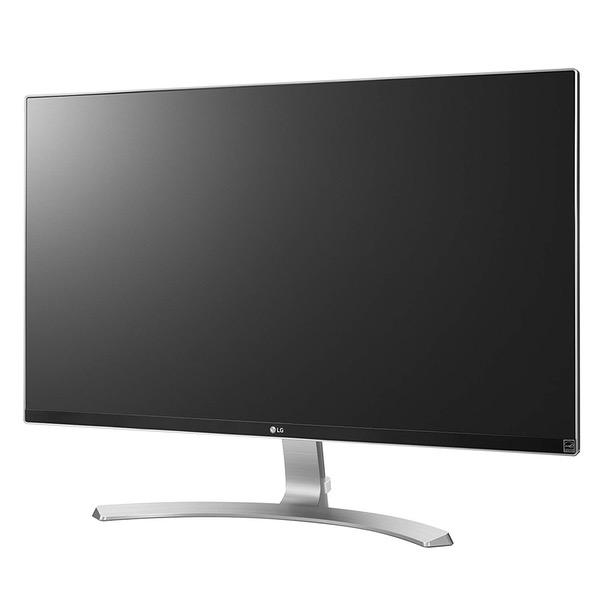
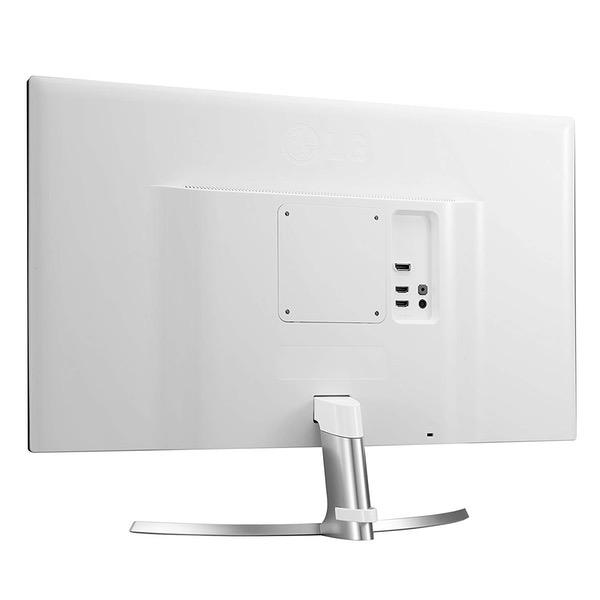
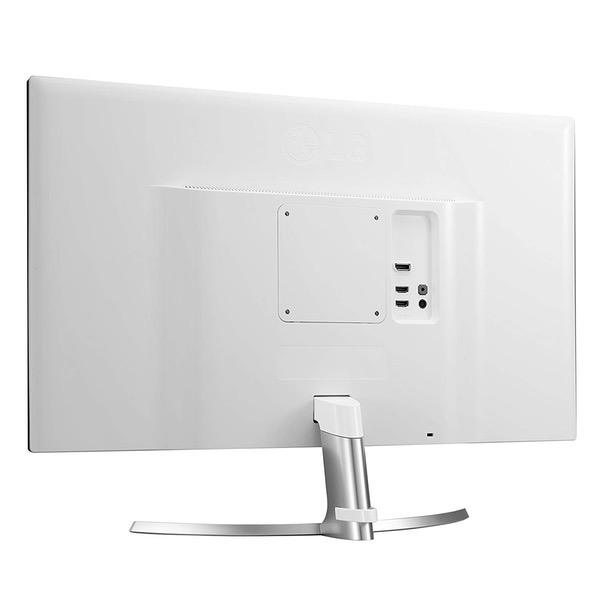
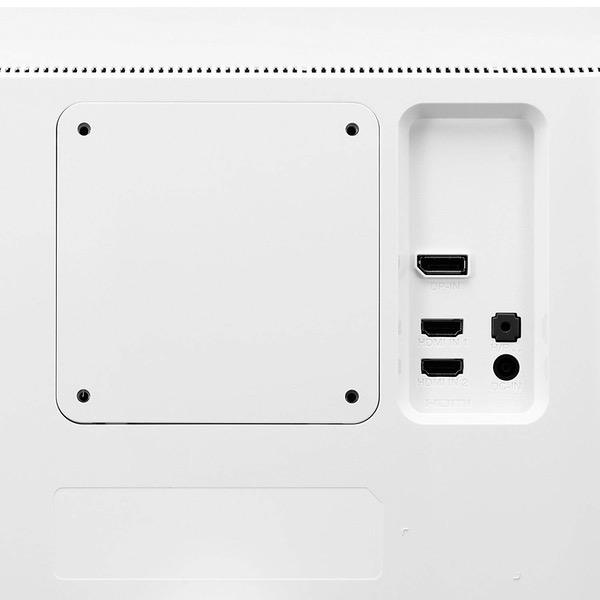
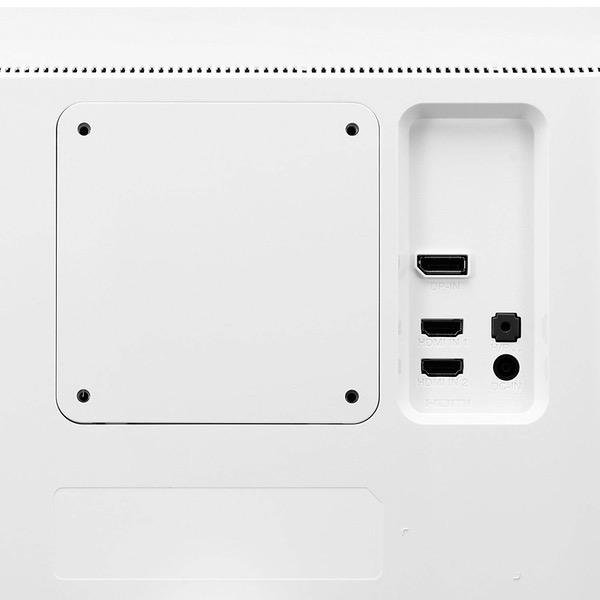
0:00 0:00 This video is not intended for all audiences. What date were you born? January February March April May June July August September October November December 1 2 3 4 5 6 7 8 9 10 11 12 13 14 15 16 17 18 19 20 21 22 23 24 25 26 27 28 29 30 31 2019 2018 2017 2016 2015 2014 2013 2012 2011 2010 2009 2008 2007 2006 2005 2004 2003 2002 2001 2000 1999 1998 1997 1996 1995 1994 1993 1992 1991 1990 1989 1988 1987 1986 1985 1984 1983 1982 1981 1980 1979 1978 1977 1976 1975 1974 1973 1972 1971 1970 1969 1968 1967 1966 1965 1964 1963 1962 1961 1960 1959 1958 1957 1956 1955 1954 1953 1952 1951 1950 1949 1948 1947 1946 1945 1944 1943 1942 1941 1940 1939 1938 1937 1936 1935 1934 1933 1932 1931 1930 1929 1928 1927 1926 1925 1924 1923 1922 1921 1920 1919 1918 1917 1916 1915 1914 1913 1912 1911 1910 1909 1908 1907 1906 1905 1904 1903 1902 1901 1900 Submit Adobe Flash Player is required to watch this video. Install Flash Player So is the LG 27UD68-W the Best 4K UHD Monitor for 2016 under 500 ? What i can say about this UHD display is that its beautifully designed, edge to edge panel with a silver frame all around and a white back and a aggressive curved stand. I really liked the awesome look of the LG 27UD68-W, that shows class. It is a IPS panel with a maximum resolution of 3840x2160 a response time of 5ms with a refresh rate of 60hrz In terms of connections it has 2x HDMI 2.0, 1x Display Port 1.4, 1x Audio Jack, 1x Power Input Jack and a Kensington lock. My review and tests had the following steps: - Unboxing - Setup - Viewing Angles (dark enviroment / light enviroment) - Colors / Contrast - UHD Pictures Slidehow (dark enviroment / light enviroment) - Movie Samples UHD (dark enviroment / light enviroment) - Light Bleeding Test - Shadows Test - After Effects / Video Editing (timeline, resolution) - Gaming (Freesync / Screen Tearing) All in all was a great experience and this year i will be upgrading my Triple Monitor Setup and these LG27UD68-W are sure on my list. Things i did like the Most: - Beautiful Design and Overall Looks - Nice Colors and Contrast - Joystick for the OSD Functions - Vesa Mount that Allow us to Use any Stand - Finally the Price Point that makes this Monitor a Deal to Have in Consideration Things i Did Like the Least: - Lack of Adjustments on the Stand - Extreme Angles with Glare (Refection)
Howard Hughes
5
Best monitor Ive ever owned, and I own 3 of them for my setup. Pros: IPS with 10 bit color, great for photo editing. 4K, but still large enough to not need text scaling (If you have fairly good vision, Id say about 30/20 or better). Its like having 4 1080p monitors setup together. Very attractive stand and back, if you care about that. Cons: While the stand looks nice, its a little wobbly if youre a fast and furious typist like I am. Also no height adjustment. The inline power brick is a bit annoying. I wish it were inside the monitor itself. Too many monitors today do this.
Paul Bradley
5
I use the monitor as the primary display for my Macbook Pro (2017) and it looks fantastic at 4K resolution. One item to note if you want to drive the monitor at 4K@60Hz -- youll need either a USB-C to HDMI 2.0 adapter, or a USB-C to DisplayPort cable. I went with the latter and its a night and day difference from using the monitor at 4K@30Hz. Even with my Anker USB-C hub that supports HDMI 2.0, I was unable to get 60Hz (only 30Hz at 4K resolution). I read there is a limitation with hubs that have USB 3.0 ports (not entirely sure if this is accurate). If using a Macbook Pro, go with a dedicated cable (as mentioned above), or get an HDMI 2.0 adapter that you run off one of the USB-C ports -- save the other port for a hub to power all your accessories.
Patrick Brown
5
Wow, this thing is wonderful. I purchased this after I had returned a Samsung curved monitor that arrived with splatters of dead pixels and I discovered that I did not enjoy the curved experience. I was worried this one might show up similarly damaged but NO, it was perfect! Zero dead pixels. It does include both an HDMI and a Displayport cable, which was awesome since other monitors usually come with one or the other. The cable management clip included is very welcomed. Putting the thing together was a breeze. I played a few rounds of Overwatch, did some roaming around in Subnautica and some bot matches of CSGO as a test and all performed admirably. I have a Vega 64 and it was able to deliver a butter smooth experience on High settings with free sync on and no overclocking. PC MASTER RACE gaming elitists will say youre better off with a high refresh rate 2k monitor at this size but I performed just fine with solid FPS across the games I tried and it looked superb doing so. My skills did not suffer at 60hz and your experience probably wont either. Youre probably not chasing Top 500 spots in competitive shooters for a Mountain Dew sponsorship and professional gaming career. If you have a more modest graphics card, you may have a different experience so look out for that. The LG On-screen monitor control software is great! No more awkwardly fiddling around with a joystick to change monitor settings. Works for both Windows and Mac; you can find it on the included CD or download off the LG website with minimal searching if you dont have a CD drive. You can set it to automatically load a preferred profile based on your use; movie mode when opening a media player or photo mode when you open a graphic design program in both OSs so thats nice. I use this with macOS as well and it looks superb, definitely a rival for the LG 5k Apple display. Color is great and fine for intermediate design work and content creation but isnt 100% Adobe RGB so if thats youre cup of tea, might need to look elsewhere. I was perfectly happy after a couple of easy tweaks for my use. My only complaint is very small -- the included stand doesnt have a lot of tilt/height adjustments...but thats what VESA hardware is for. I was perfectly fine with it and would buy a VESA mount in the future if my needs change. TLDR: 10/10 product for mixed use gaming and content creation, would buy a second one.
ZrD
5
This was purchased to accompany my Macbook Pro when Im working at home and I searched high and low for options that would match the quality of the display in the laptop before I settled on this unit. The picture is beautiful, bright, and the colors are accurate. My main use is staring at text in code editors and terminals and the difference is painfully obvious when compared to my old 1080p panel. I really cant even look at that other screen anymore without being disappointed.
Christopher Harper
5
EDIT: After binging Stranger Things, I see the IPS Glow now. Impossible to unsee once you notice it. I recommend keeping a small/dim light on during nighttime viewing or lowering the monitors brightness to around the ~50 mark to alleviate this issue. That aside- still a great display. The IPS panel in this display is top-notch. At least on my particular screen, Ive never had issues with image retention or backlight bleed. Out-of-the-box, the color calibration was the literal best I had ever experienced, and even non-4K content really pops on this. (The internal scaler seems to handle 1800p, 1440p, and 1080p very, very well. For gamers who cant run everything at native 4K, dont worry: you have options!) The only issue is the stand, which is flimsy and frankly feels godawful. Im going to replace it with a VESA mount at the first possible junction.
Shopaholic
5
This is a gorgeous monitor. Colors are fantastic and the difference from 1080p to 4k is a huge difference. Pros Design aesthetics Great Picture quality Reasonable size power brick Price Cons Stand is inadequate
Chris
5
Let me tell you, this screen is beautiful and the quality of picture is second to none! I bought this for my Ps4 Pro and O....M....G. Games look amazing! Forget about HDR no need here. This monitor gets plenty bright with very accurate colors. I use this with Black Ops 4 for PS4 Pro and works extremely well.

Showing 10 of 12 reviews

Product variations
Column filling
Sort by Price Sort by Availability Sort by CODE Sort by Screen Size
$39900
In stock
+
B01C3BZIIC
Screen Size:
27 in
You may be interested
  • Bestsellers
  • Recently Viewed
 
Similar products
Show more
Fast and high quality delivery

Our company makes delivery all over the country

Quality assurance and service

We offer only those goods, in which quality we are sure

Returns within 30 days

You have 30 days to test your purchase