
















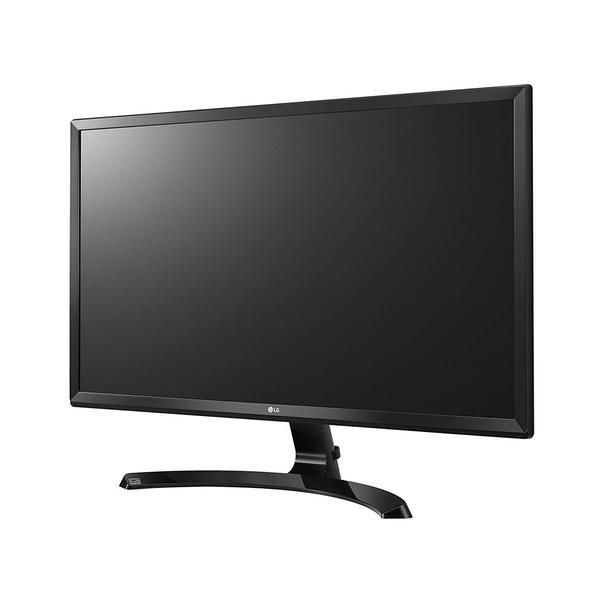
LG 24UD58-B 24-Inch 4K UHD IPS Monitor with FreeSync
Write a review
18672

LG 24UD58-B 24-Inch 4K UHD IPS Monitor with FreeSync

Write a review
B01LPNKFK0
+
Add to wish list
Target is a general merchandise retailer with stores in all 50 states and the District...

City: US, New York

Delivery
Pickup at your own expense
Tomorrow from 09:00 to 20:00, Store location
Free
Payment options
Apple Pay Google Pay Mastercard Visa
Cash, bank card, credit/installment payments, cashless payment for legal entities
Warranty and returns
Exchange/return of products of proper quality within 14 days Official manufacturer's warranty: 12 months
Features
Display Type
LCD
Item Dimensions
21.8 x 8 x 16.6 in
Item Weight
8.8 lbs
Mount Type
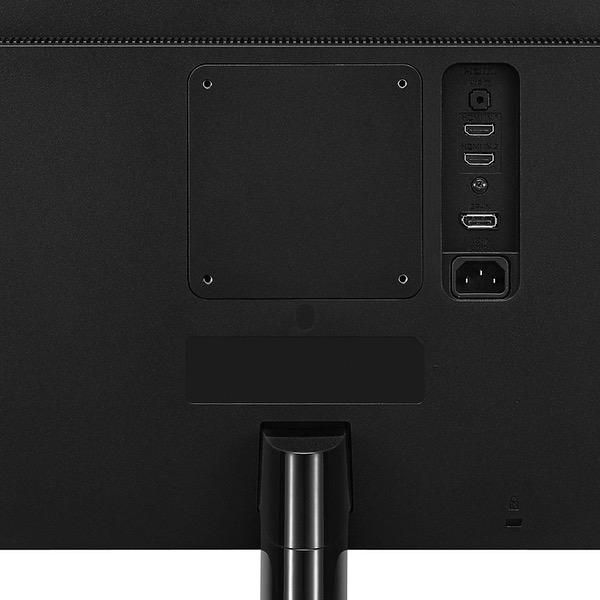
Wall Mount
Refresh Rate
60 hertz
Screen Size
23.8 in
Aspect Ratio
16:9
Description
This fits your .
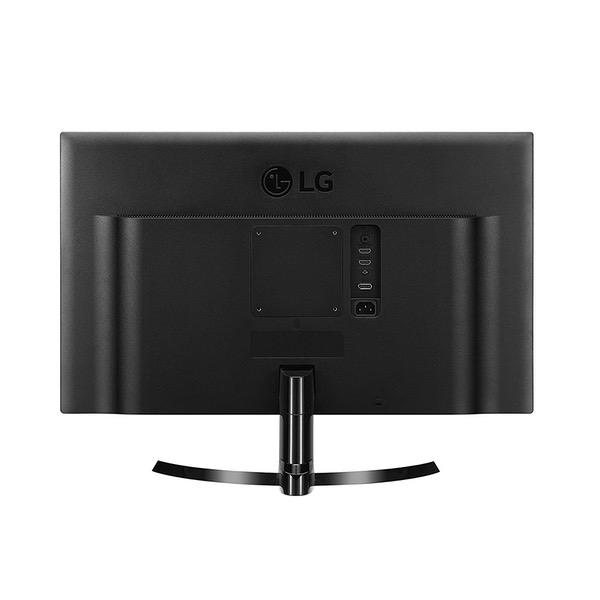
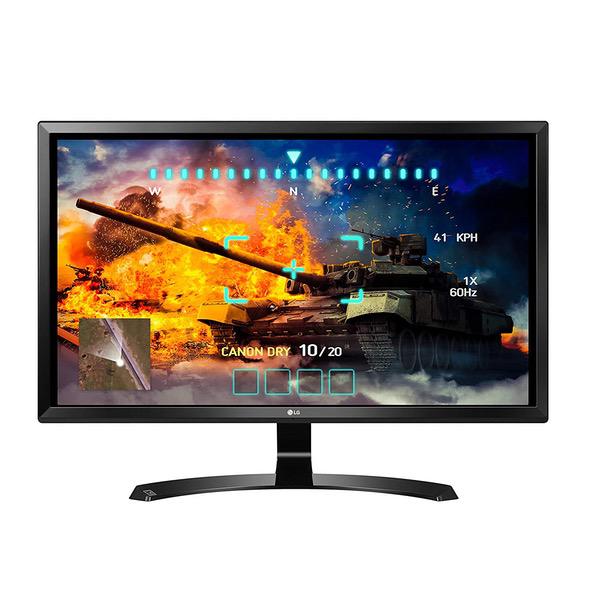
Make sure this fits by entering your model number. 24" 4K UHD (3840 x 2160) IPS monitor. Brightness is 250 cd/m2 FreeSync. Power Input : 100-240 Voltac, 50/60Hz.OS Compatibility-Windows 10 On-screen control with screen split 2.0 Game mode & black stabilizer HDMI 2.0 (x2) and DisplayPort
Reviews
3.8
Reviews: 20
5 stars
50%
4 stars
15%
3 stars
15%
2 stars
0%
1 star
20%
Gina
4
Note for Xbox one X users: You cannot use freesync since it is display port only. You have to change the settings on the monitor under picture adjust>>turn on HDMI ULTRA HD Deep Color before the xbox one x will allow 4k. Once enabled go into settings>>display and sound>>advanced video settings>> then check the following in pictures. Once that is done you can change the resolution from 1080p to 4k uhd.
Anon
4
I purchased this monitor for around $260 out of the door right before Thanksgiving. For a 2160p monitor, it is totally worth the price. However, since I dont have an AMD GPU, FreeSync is completely pointless for me. Additionally, the response rate on this monitor is pretty bad for high intensity or FPS gameplay. But when you have an IPS monitor, that should be expected. Where this monitor shines (literally) is in the color and picture quality department. 4K images, games, and movies look phenomenal on this high PPI (pixels per inch) display. You can color correct this monitor down to six parameters (colors). Setting up with my PS4 Pro was a little confusing at first. You must enable "HDMI ULTRA HD Deep Color" in the Picture settings of the monitor. On the other hand, setting up games on my desktop was a breeze. Nvidia drivers automatically changed my resolution for games and adjusted quality settings for the best experience on my 1080 Ti. Games such as GTA V and HITMAN ran buttery smooth in 2160p60Hz and look absolutely stunning! However, other games that did not have 4K textures or optimization had a better experience for me on 1080p144Hz. Upscaling the resolution for games that dont have 4K textures is not worth it, in my opinion. I will admit LGs displays arent the best. There is some backlight bleeding on the edges of the screen as some people have pointed out. It becomes a bit of an annoyance initially, but after you get used to it, it is hardly noticeable. Another con is that this monitor is not very good for web browsing. The high PPI makes text not seem crisp. You must increase text scaling if you want text that is clear let alone large enough to read. This is not this particular monitors fault but rather the fault of Windows 10 and HTML scaling for 24 inch 4K monitors - just something you should know before purchasing. Since I am coming from a 1080p 144Hz set up, getting used to this monitors low response time and refresh rate will take some time for me. Cant wait for 2160p 144Hz displays though!
Erica S
4
I bought it to replace the HD Cinema Display monitor that Ive used for years because Im working in 4K. I edit on Priemiere and Avid, sometimes FCP, and in Premiere needed playback for 4K that wouldnt stutter and would be truer to resolution. Problem is I still occasionally do get some stutter but that could be my video cards (2015 MacBook Pro Retina 16 gb, AMD Radeon R9 M370X 2048 MB), plus seem to get it more working in longer sequences which is often a memory issue. I have used the same monitor at a workplace setting operating on a late model MacPro and dont experience all the same playback issues in Premiere but cant say that its been 100% frame accurate. For most uses though, this is a serious step up from an HD monitor. In Avid, where 4K is not so great anyway, I am very happy with the display of my timeline - so much crisper I dont need glasses (haha!). Would definitely recommend to anyone looking for a 4K monitor, though wouldnt want this as my "final" monitor in any kind of online situation as Id need a truer non stutters playback, and color grade, professional monitor.
Product variations
Column filling
Sort by Price Sort by Availability Sort by CODE Sort by Screen Size
18672
In stock
+
B01LPNKFK0
Screen Size:
23.8 in
Contact us for a price
In stock
B01IRQAYPE
Screen Size:
27 in
You may be interested
  • Bestsellers
  • Recently Viewed
 
Similar products
Show more
Fast and high quality delivery

Our company makes delivery all over the country

Quality assurance and service

We offer only those goods, in which quality we are sure

Returns within 30 days

You have 30 days to test your purchase