
















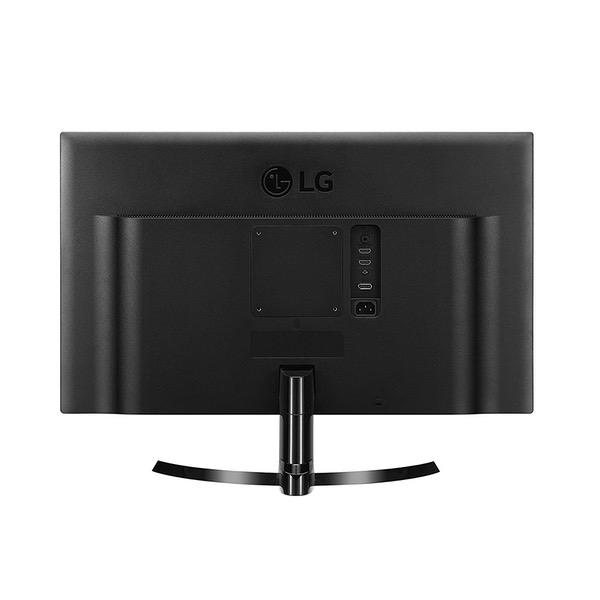
LG 24UD58-B 24-Inch 4K UHD IPS Monitor with FreeSync
Write a review
18672

LG 24UD58-B 24-Inch 4K UHD IPS Monitor with FreeSync

Write a review
B01LPNKFK0
+
Add to wish list
Target is a general merchandise retailer with stores in all 50 states and the District...

City: US, New York

Delivery
Pickup at your own expense
Tomorrow from 09:00 to 20:00, Store location
Free
Payment options
Apple Pay Google Pay Mastercard Visa
Cash, bank card, credit/installment payments, cashless payment for legal entities
Warranty and returns
Exchange/return of products of proper quality within 14 days Official manufacturer's warranty: 12 months
Features
Display Type
LCD
Item Dimensions
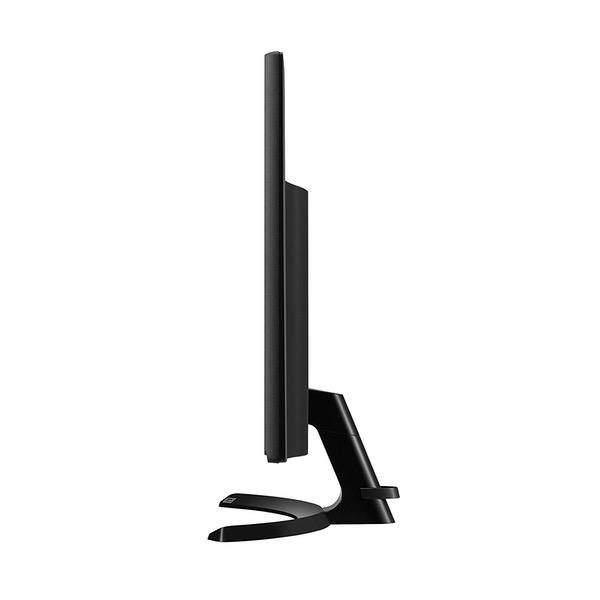
21.8 x 8 x 16.6 in
Item Weight
8.8 lbs
Mount Type
Wall Mount
Refresh Rate
60 hertz
Screen Size
23.8 in
Aspect Ratio
16:9
Description
This fits your .
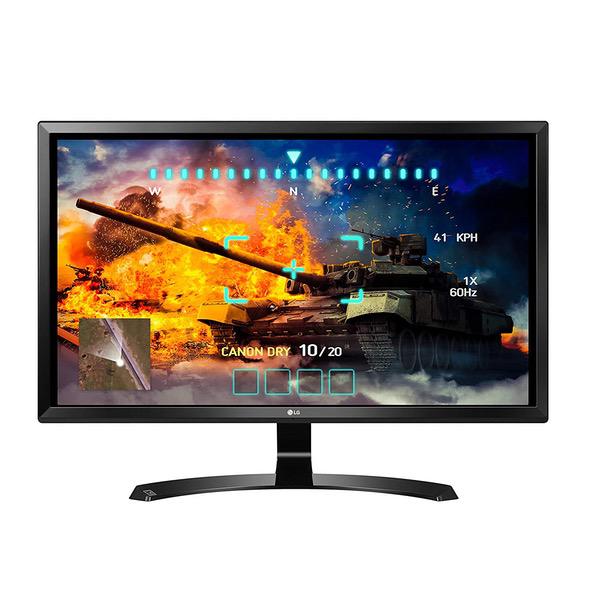
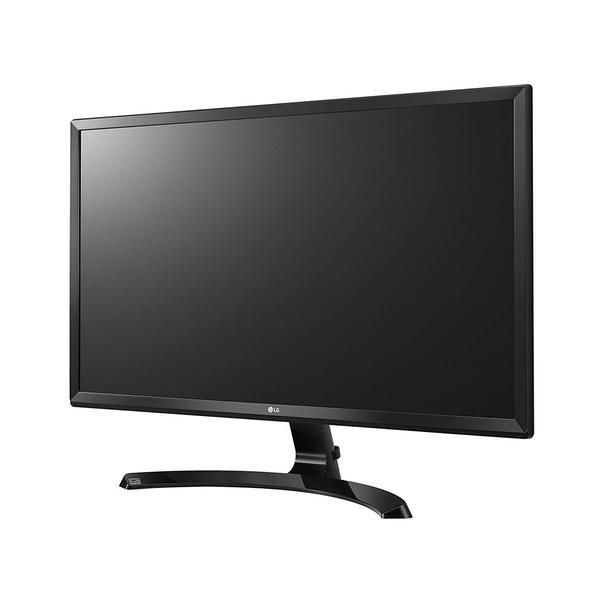
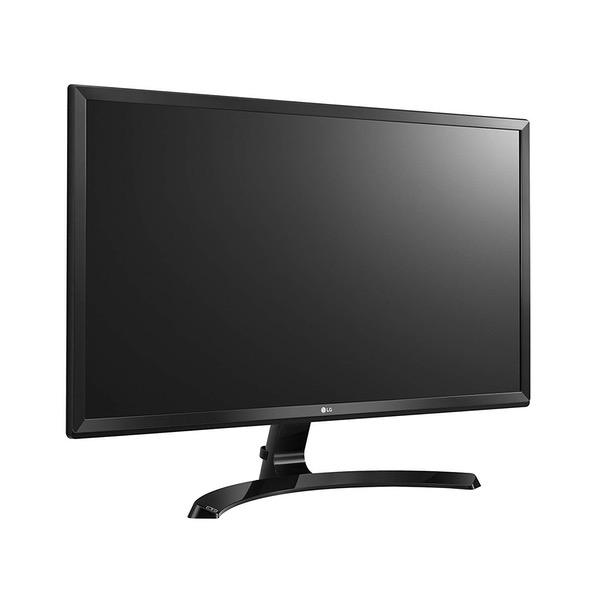
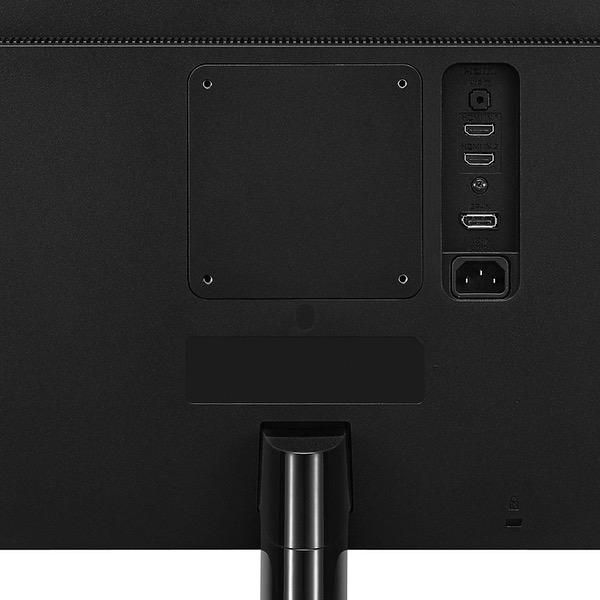
Make sure this fits by entering your model number. 24" 4K UHD (3840 x 2160) IPS monitor. Brightness is 250 cd/m2 FreeSync. Power Input : 100-240 Voltac, 50/60Hz.OS Compatibility-Windows 10 On-screen control with screen split 2.0 Game mode & black stabilizer HDMI 2.0 (x2) and DisplayPort
Reviews
3.8
Reviews: 20
5 stars
50%
4 stars
15%
3 stars
15%
2 stars
0%
1 star
20%
Josh
1
First and foremost, this is a budget model. If youre looking into getting this monitor, you need to lower your expectations if youre used to higher-end LCD panels found in higher end Samsung tablets, iPads, MacBook Pros, etc. Ive tried 3 units, all with varying degrees of defects, and Ive simply given up. Pros: - Cheap for a 27" 4K display in 2017. - Backlight bleed isnt that bad for the most part. Only one of the units had anything noticeable. - No ghosting. - Works with PlayStation 4 Pro in 4K @60Hz. - Works with my gaming desktops GTX 1080 over HDMI with 4K @60Hz. - Works with my MacBook Pro 13 2016, and MacBook 12 2016 over USB-C to DisplayPort 1.2 Alt Mode with 4K @60Hz. Cons: - Mild rainbow-effect on white backgrounds is noticeable when closer than 3ft with my vision, thanks to the LCD finish. Not bad, but not great either. - Color accuracy is mediocre out of the box. Its decent once calibrated and most of the frivolous OSD options turned off. - Complains at you if you dont use supplied cables (warnings can be disabled), but it doesnt come with 2 HDMI cables. My AmazonBasics HDMI 2.0 cable works very well with every device I tested, but the monitor still shows a popup complaining about it. Just feels wrong. - Remembers your last input source, so if the monitor is asleep and you turn on a device that was not your last used source, it wont wake the monitor until you manually switch inputs using the joystick under the bezel. I couldnt find an auto-detect input mode. - All 3 units I tried had poor color consistency across the screen. Lots of reddish areas near edges/corners on every unit. For the 3 units I tried, I had to return each due to: Unit #1: Horrible color distortion based on angle. Very headache-inducing as my left and right eyes would see different colors for the same spot on the screen. It kind of felt like I was permanently wearing one of those old red/blue 3D glasses. The OSD joystick had its Up/Left/Center (and sometimes Right) button sensors broken and refused to work until the monitor had warmed up about 10 minutes, making input switching impossible at times. Unit #2: Almost acceptable panel color consistency. The OSD joystick worked perfectly! However, there were vertical pin-stripe lines that ran all the way down the screen, about 0.75 - 1" wide of the right edge, regardless of what was being displayed (even with no devices connected, in the menu screens). The entire screen would also flicker when any vibration was applied to the desk. How did this make it past QC? Or maybe it was shipping damage? Unit #3: Mediocre panel color consistency with red areas in the bottom corners. Same dead OSD joystick Up/Left/Right/Center buttons as #1. Sometimes, the image would flicker when adjusting monitor angle. Given my experience with the other units, I wasnt going to keep something that already has something loose internally. Im very sorry for Amazon for having to put up with my returns, but this budget model of a display really needs to be removed until LG gets these kinds of issues resolved. I was hoping to win the QC roulette, but Im giving up. If the chances of getting a decently functional monitor without a glaring defect are this low, I suggest you stay away from this model.
David
1
At first I loved it and thought it was the best bang for your buck. But lately I have only had it for a few months and its already starting to flicker on me...not sure why if anyone has had this issue or if the seller knows whats going on it would help greatly. But I am scared it is already bugging out our about to fail on me....but before all the small issues this monitor is great I just hope everything doesnt fail on me. Update its now getting worst. contacting customer service...
DogRocket88
1
This first one had a cluster of dead pixels right in the middle of the display. Otherwise it looked really good so I asked Amazon for a replacement which they sent out right away. The second display was very dim even on 100% brightness. I searched the net and there appeared to be a problem with Windows 10 and LG displays being dim after an update. I spent 3-4 trying every the internet said to change the brightness via color management. Nothing seemed to work, but it did flicker a little here and there less dim. I eventually plugged my PS4 Pro in to half split the problem and it looked dark as well. My PC works fine on my 4k TV. I wanted to like this monitor because it did look good minus the pixel issue on the first one. But it was too risky for $300+ to keep it. Asked for a refund and send both monitors back.
Home Deep Peaux
1
UPDATE: Monitor fell off of stand, due to the two machine screws backing out over time, because I sure as hell remember tightening them down. The monitor fell off the stand onto my desk and then broke the display. $275 down the drain because of terrible job by LG on the mounting. I highly recommend using a Loctite or other system for making sure the two screws dont back out. LG you really did not think this design through. ------------------------------------------------- Looks good, about nearly as good as my Dell 4K UHD 2415 monitor. Not exactly as paper-like feeling as the Dell, but close enough, esp for much less cost. Note: do not use a game mode that is available in this LG monitor, if you want proper display resolution with a Macbook Pro. I had set it to a game or custom mode, and I noticed alot of text font aliasing after looking closely. I was like how could this be so much worse than my Dell. Then I went to a Photo or Reader mode in this LG control panel and the aliasing disappeared. Now its close to the Dell which is as good as one can get.
Product variations
Column filling
Sort by Price Sort by Availability Sort by CODE Sort by Screen Size
18672
In stock
+
B01LPNKFK0
Screen Size:
23.8 in
Contact us for a price
In stock
B01IRQAYPE
Screen Size:
27 in
You may be interested
  • Bestsellers
  • Recently Viewed
 
Similar products
Show more
Fast and high quality delivery

Our company makes delivery all over the country

Quality assurance and service

We offer only those goods, in which quality we are sure

Returns within 30 days

You have 30 days to test your purchase