
















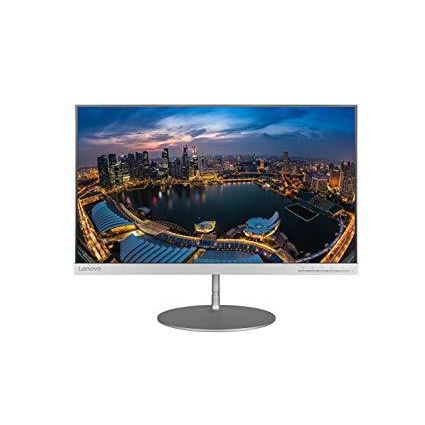
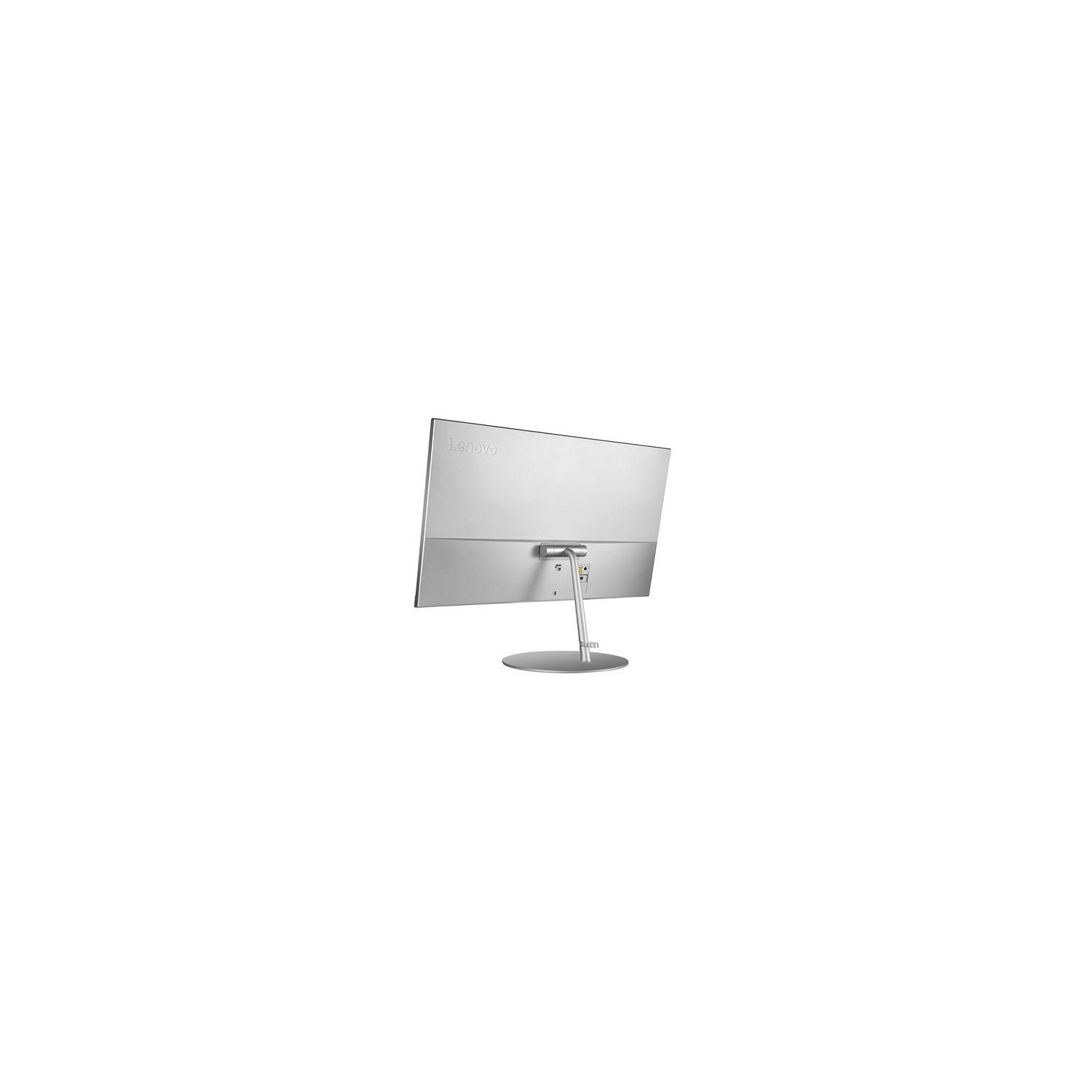
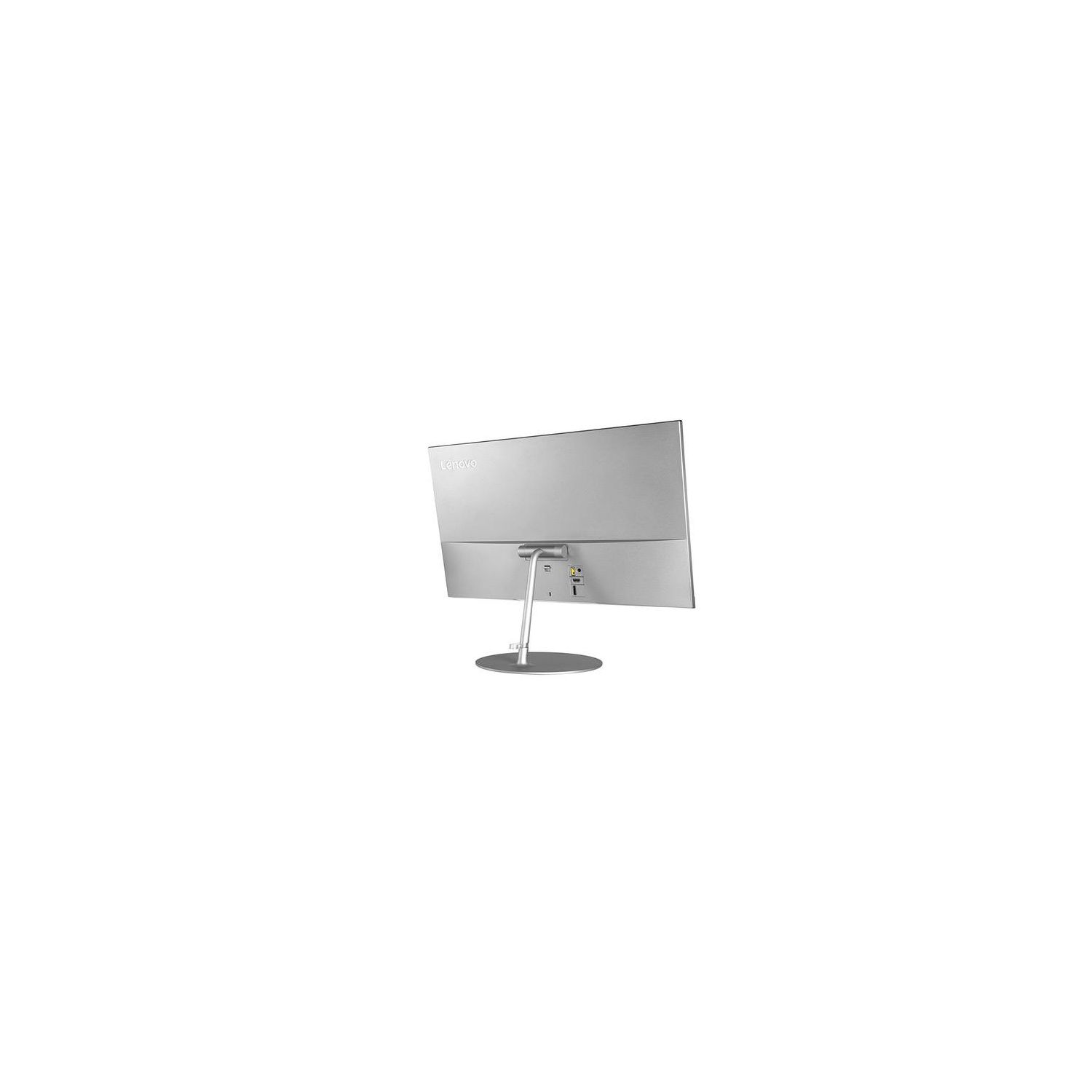
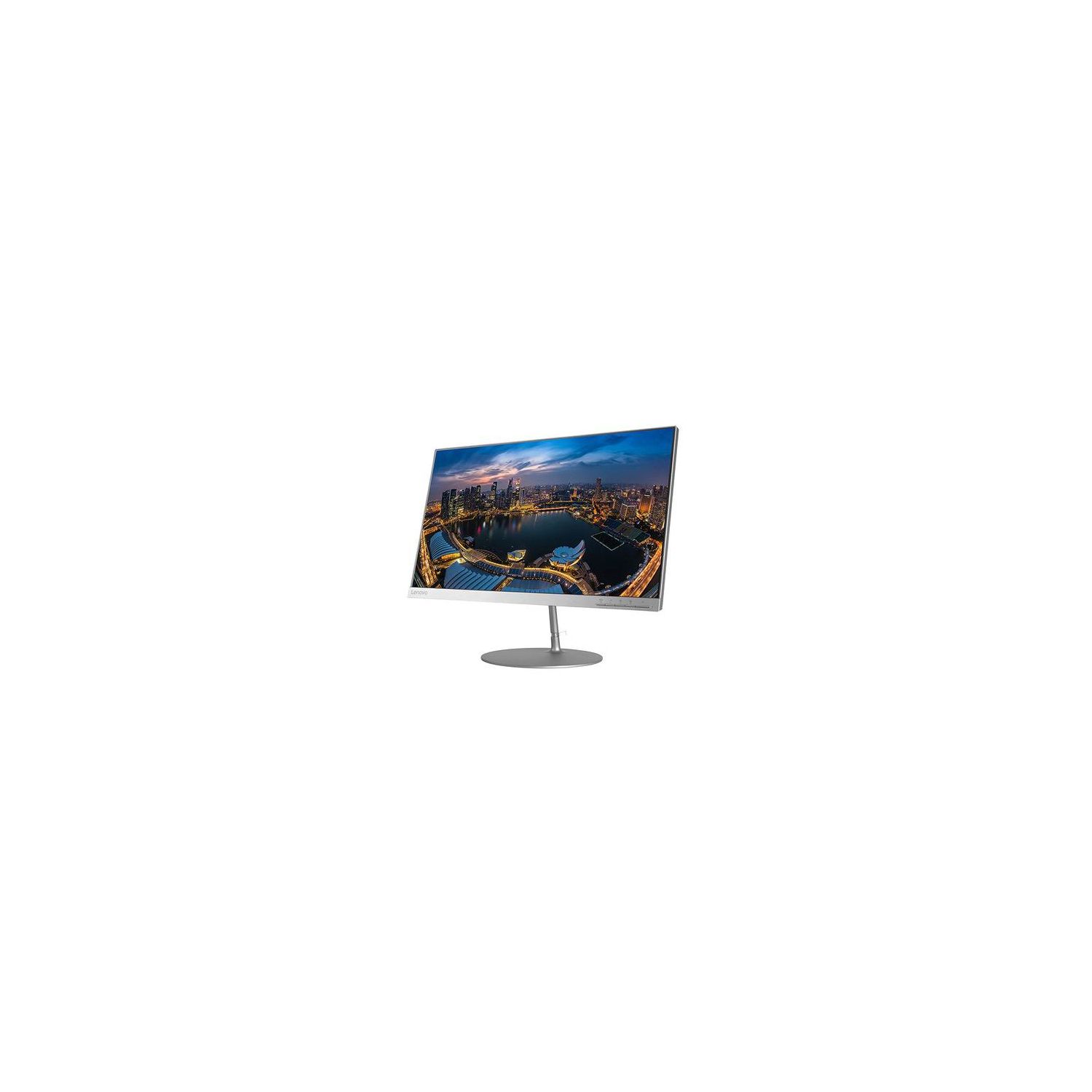
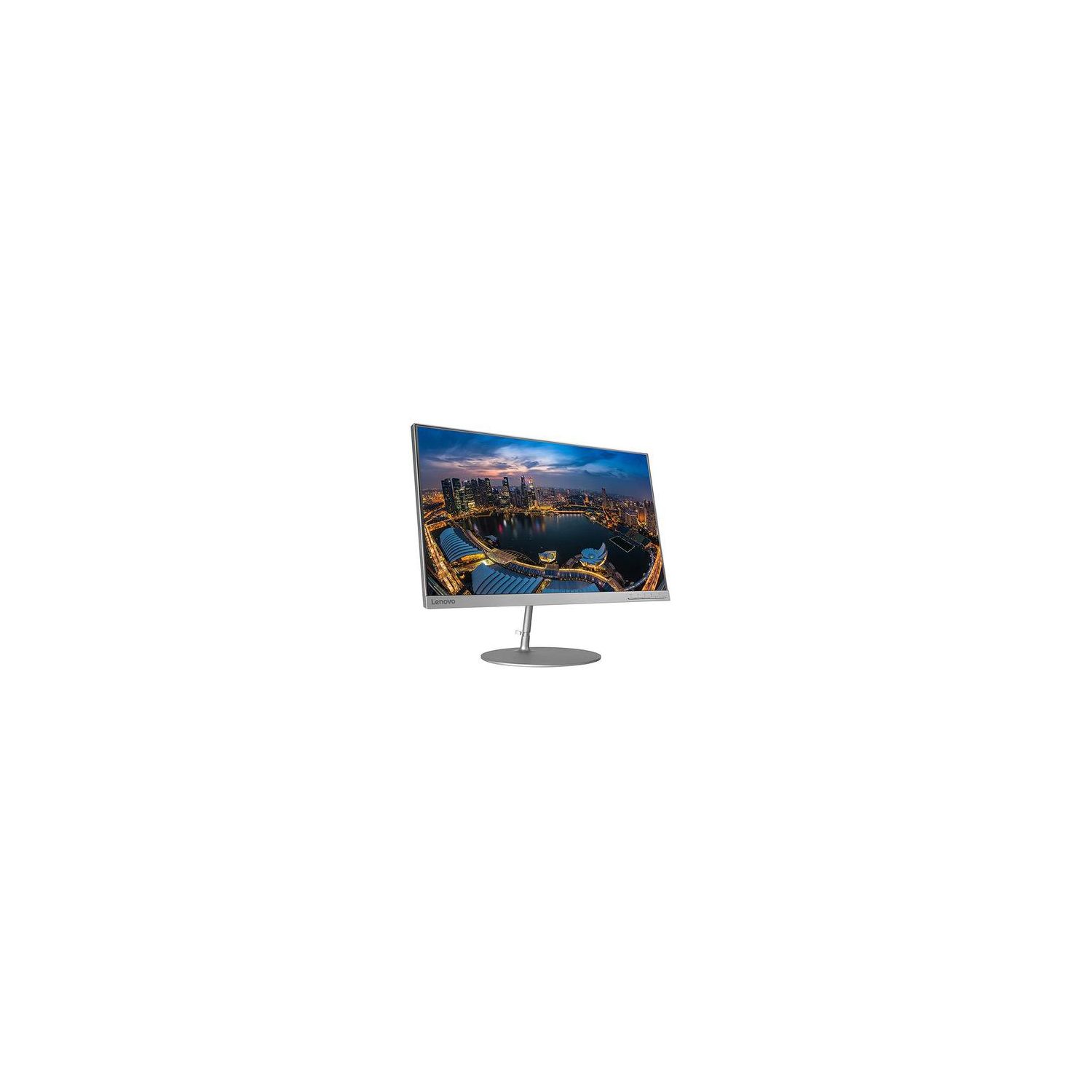
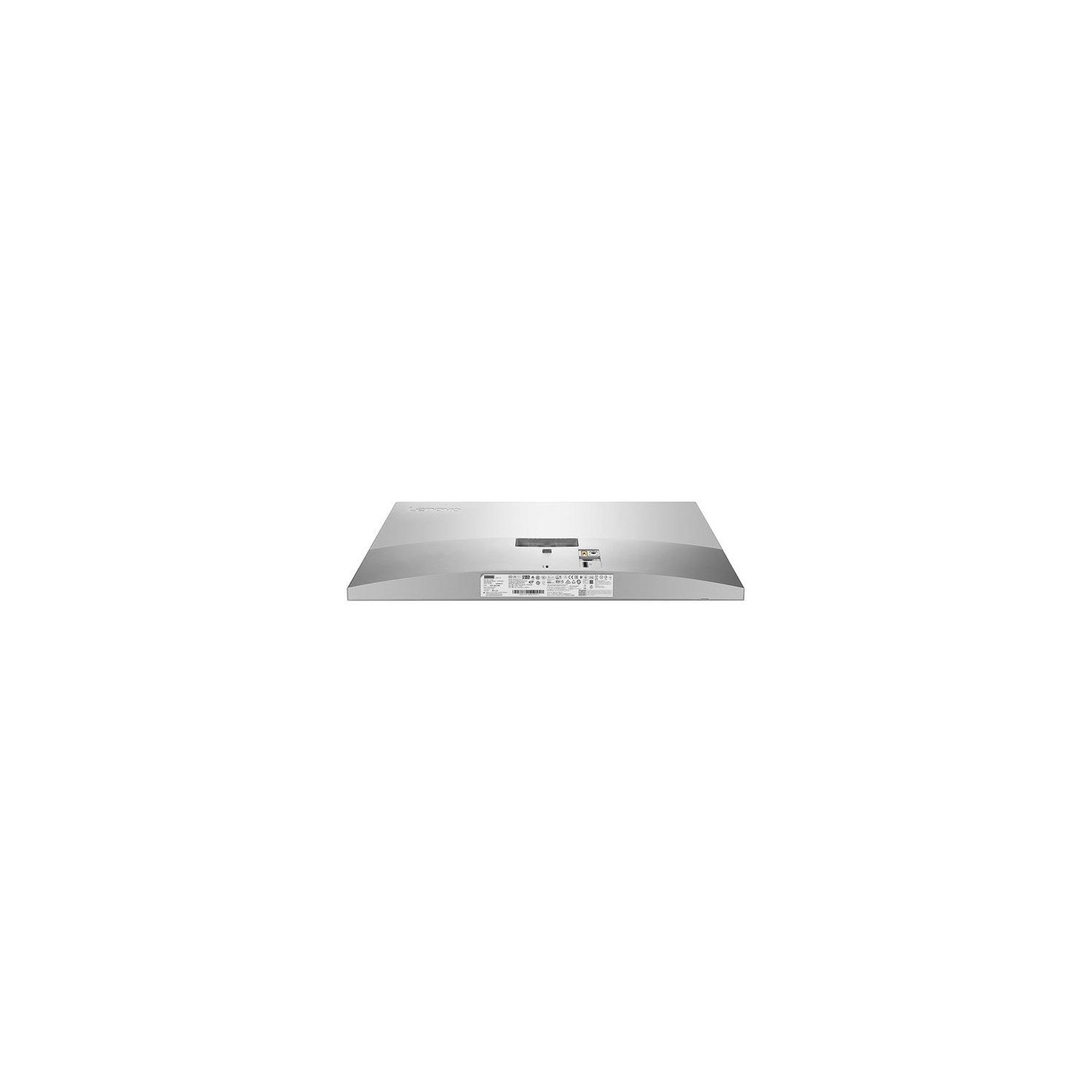
Lenovo Monitor, L24q 23.8-Inch Monitor, QHD Resolution, 16:9 Widescreen, 65D2GCC3US
Write a review
$14900

Lenovo Monitor, L24q 23.8-Inch Monitor, QHD Resolution, 16:9 Widescreen, 65D2GCC3US

Write a review
B071SGQP1T
+
Add to wish list
Target is a general merchandise retailer with stores in all 50 states and the District...

City: US, New York

Delivery
Pickup at your own expense
Tomorrow from 09:00 to 20:00, Store location
Free
Payment options
Apple Pay Google Pay Mastercard Visa
Cash, bank card, credit/installment payments, cashless payment for legal entities
Warranty and returns
Exchange/return of products of proper quality within 14 days Official manufacturer's warranty: 12 months
Features
Display Type
LED
Item Dimensions
8.65 x 21.26 x 16.63 in
Item Weight
7.81 lbs
Mount Type
Refresh Rate
120 hertz
Screen Size
23.8 in
Aspect Ratio
16:9
Description
This fits your .
Make sure this fits by entering your model number. HIGH DEFINITION: Enjoy the smallest details with the stunning QHD (2560 x 1440) picture resolution complemented by a 99% sRGB color gamut capable of over 1.07 billion colors. NEAR EDGELESS MONITOR: Uniquely designed 23.8" near-edgeless infinity screen provides an unobstructed, enhanced viewing experience. Tilt -5 to 22 degrees SMOOTH PERFORMANCE: Enjoy a smooth viewing experience with 4 ms response time, minimized reflection and reduced eye fatigue. SLEEK DESIGN: Designed with striking good looks, the impressive and elegant warm silver color assures an eye-catching display that will be a centerpiece in your home or office. FUNCTIONAL FEATURES: Built with HDMI and DP interfaces for versatile connectivity to PCs, laptops, gaming systems, and more. OS Compatibility- Windows 10, Windows 7
Reviews
4
Reviews: 20
5 stars
50%
4 stars
25%
3 stars
10%
2 stars
5%
1 star
10%
BigHNut
4
Not bad but not great from my experience thus far. To start, its definitely a pretty monitor with its simplistic design, minimal bezels, and a limited amount of IPS glow/backlight bleed. The resolution is excellent for the size of the monitor, and everything appears to be crisp! For anyone interested, the screen is by no means glossy, however, it does reflect light. However, where this monitor falls completely flat is in the OSD menu, the place where you adjust the displays settings. This monitor has a total of four Novo Vision modes, Text Mode, Web Pic Mode, Video Mode, and Low Blue Light Mode. Personally, I would have liked to either have more Modes to choose from or to have the option to adjust the color myself, as there isnt an option between Web Pic Mode and Video Mode I have to deal with the colors being either too warm or cool. Adjusting the Brightness and Contrast while on Web Pic Mode helped me get close to what I would have wanted, however, the monitor doesnt save your adjustments to both Brightness and Contrast. Upon powering on and off the monitor or allowing the monitor to sleep those two settings are reset. The default Brightness and Contrast arent enough for me personally, so enabling DCR gives it a slight boost but its still not enough (You cant adjust the brightness and contrast with this enabled). Now Im not sure if this is something Lenovo can patch with an update or what, but its a shame that neither settings are saved. There are two settings completely grayed out in the menu, color, and scaling. I would have liked to check these settings out. You can also adjust the response time with Overdrive, however, changing it from Normal to Extreme seems to cause ghosting/trailing. There are drivers available for this display on Lenovos support page for this product, however, I havent noticed any difference after installing them. In Device Manager, it does show the Model rather than simply stating that its a PnP device but thats all I have noticed. The monitors Refresh Rate in Windows defaults to 59Hz for whatever reason, but you can easily enough change this to 60Hz. Unfortunately, as with the Brightness and Contrast settings, it too resets, however unlike the others you dont have to power off the display for it to reset. After setting it to 60Hz and applying it, then hitting OK, and opening the display settings again itll show up as being set to 59Hz. Im not sure if this will be much of an issue but its something to think about. On my unit, I was unlucky enough to have a stuck pixel in the lower right portion of the screen. I attempted to use JScreenFix to fix it but it, unfortunately, hadnt worked. This is unfortunate, but I can look past it. Ill try again and note whether Im successful or not with it. Ill be sure to investigate a bit further and play around some more to see if I can find any more information. The lack of in depth reviews has been a real bummer regarding this monitor. Continued. If anyone is interested to know whether or not you can overclock the displays refresh rate, you can and cant. I was curious and tested pushing 75Hz through the Nvidia Control Panel at 2560x1440 and I was alerted that I was out of range and to return to "2560x1440 @ 60Hz". I tried again at 70Hz and although that worked and I could access my desktop, the same out of range message came popping up around my display. Oddly enough, I have begun noticing significant artifacting which starts up in spurts at random. Ill try another Display Port cable to see if the issue persists, and if it does Ill include a video. Artifacting does not occur while using my 4K LG television as a monitor. The issue appears to come and go. I managed to record footage, however, I have yet to encounter the issue again after. Update: Thanks to another Amazon user, I have been able to adjust both the Brightness, Contrast, and Color settings with them being stored! To do so, I had to set the display mode to Text Mode, and "Whallah!" it worked! In my opinion, having the ability to adjust these settings makes a night and day difference! Update 01/07/2018: I recently purchased a second one of these which unfortunately had issues. The back of the display wasnt flush and upon setting it up next to my original there was a noticeable difference in height. There was also a substantial amount of back-light bleed across the bottom of the display. Amazon quickly sent out a replacement and upon assembling it I was a little surprised. Theres a plastic clip on the back of the displays stand which on my original display and the defective one was completely transparent, but on the new monitor the clip was more opaque. Curiously I checked the assembly dates shown on each box and sure enough the replacement was extremely recent, while the others dated back to October. Now I havent really dug into what exactly differs between these displays, but I should note the calibration appears to differ from the other two. The two older units looked identical while the newer unit isnt quite as bright. It doesnt exactly bother me, but I figured Id note it for those intending to pick up another.
Prodigal Reviewer
4
I picked two of these up because they were under $200 and offer me 2560 x 1440 resolution. These are my 2nd pair of Lenovo monitors. Im coming from the 23.8 inch glossy display fork footed monitors that have been so popular. Unfortunately, even Lenovo has stopped making glossy displays in favor of the IPS monitors that get much closer to the clarity of glossy displays compared to regular matted LCD monitors. I cant complain with these new ones. Theyre quite good for the price and are very competitive on the performance side. I found the contrast to be fair although could use a slight bump towards darker / shadow response. Im a graphic designer at work so I dont expect a gaming monitor, but for those interested in knowing if this has dynamic contrast option, yes it does. I cant tell you how well it performs with games however. As far as ports in the back I do appreciate the simplicity of the monitor only having the power port and two display out options of HDMI and DVI out. While Im someone who loves additional USB ports, they could get ugly when it comes to monitor setup. Speaking of how things look. Aesthetically, the monitor is solid. I do prefer the fork foots of the previous generation, I think they were unique and very good looking. The circular base is quite far from the exciting look of the fork foot. I also do not like how the buttons are on the front of the monitor compared to how they were in my previous monitors, being under the display. While they are easier to reach and work with now, the subtle design of the previous generation was something to be admired, but thats completely subjective in this case and I suppose practicality beats minimalism. Atleast the buttons have a chrome appearance which isnt too bad. As for the color, if youre a Mac user, the color of these monitors are between (but closer) to the standard silver color of Macbook Pros and the new stealthier Space greys colors. I think they go well enough either way. To wrap this review up. I think these monitors are good keep. They offer you the great resolution now commonly in most 27inch monitors but without the additional size, youre eyes need to travel less across your screen while still giving you all the screen real estate youre asking for. This is exactly what Ive been waiting for. While theyre not perfect to me, they are absolutely great and highly recommended. If there was one thing I could change on them, its the circular base. It would be great if Lenovo made the fork foot for these and allow you to ship the circular base back to them since it is detachable when you set the monitor up. Anyways good luck to you shoppers!
Ilkan A.
4
I have been using this monitor around 2 months now. There is not much to say since my expectation from a monitor is only about resolution. This is a 2K monitor and $150. Therefore it is a good value. Image quality is good. Only thing is not good and worth to mention is the stand. Stand sucks. It is easily wobbling. Additionally, in the menu, overdrive mod made image quality worse for action scenes. Shadow is following every moving object. Other than those, it is a good buy. I would buy this monitor again.
Marshall
4
Debated between 3 and 4 stars because of the con listed, with a fix would be solid 5 star. So here we go... The great. (Nearly all of it) **1440p, 24inch, 4ms response time, 60hz, super thin border. This monitor is fantastic! Colors, picture, everything about it screams incredible buy and can be bought for under $200! The monitor itself deserves 5 stars. BUT the only issue I have that drives me crazy Id the stand is junk, and with no vesa mount to correct this I had to dock stars. The monitor will shake and wobble. How bad or sensitive is it? Lets say youre in the good old USA and a butterfly flaps its wings in China. This will wobble. Typing on the keyboard? Rock solid desk? Wobble. Moving your mouse fast? Wobble. But with that said the monitor itself is an amazing buy and I couldnt be happier with the performance. Absolutely steal at the price
M. Granger
4
I bought two of these, and I mounted them using 3m mounting tape (yeah it worked, no Im not joking). The backs are very flat, which is convenient for this sort of thing. The response time isnt amazing, but honestly at this price Im not complaining. I would recommend.
Product variations
Column filling
Sort by Price Sort by Availability Sort by CODE Sort by Screen Size
$14900
In stock
+
B071SGQP1T
Screen Size:
23.8 in
You may be interested
  • Bestsellers
  • Recently Viewed
 
Similar products
Show more
Fast and high quality delivery

Our company makes delivery all over the country

Quality assurance and service

We offer only those goods, in which quality we are sure

Returns within 30 days

You have 30 days to test your purchase