




























Particle
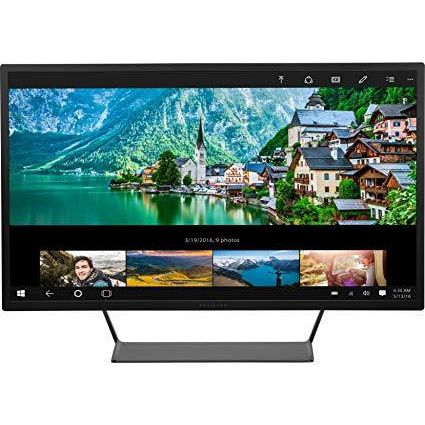
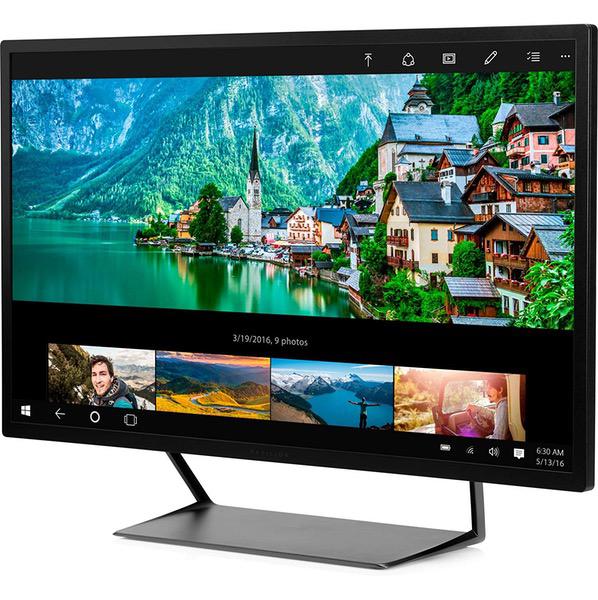
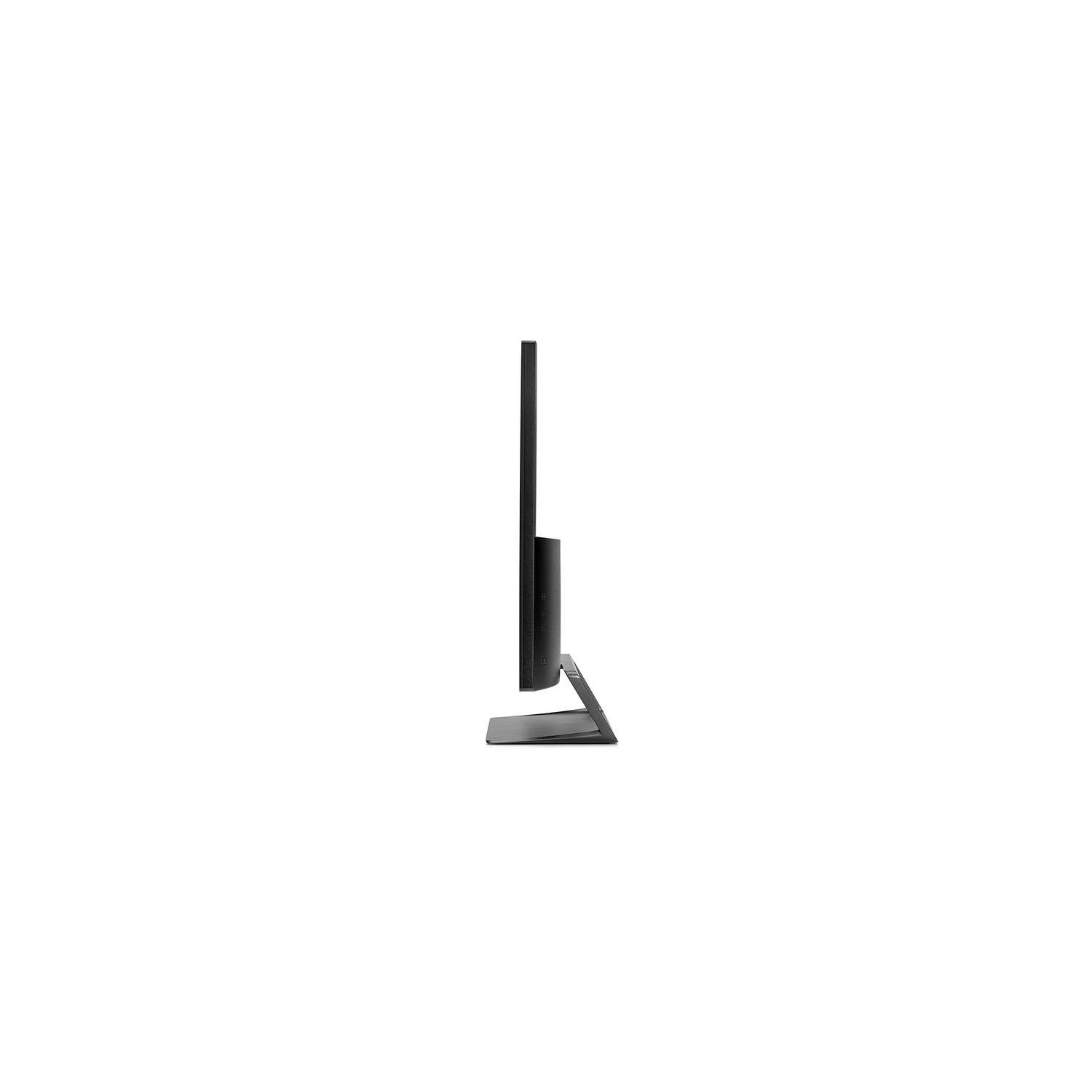
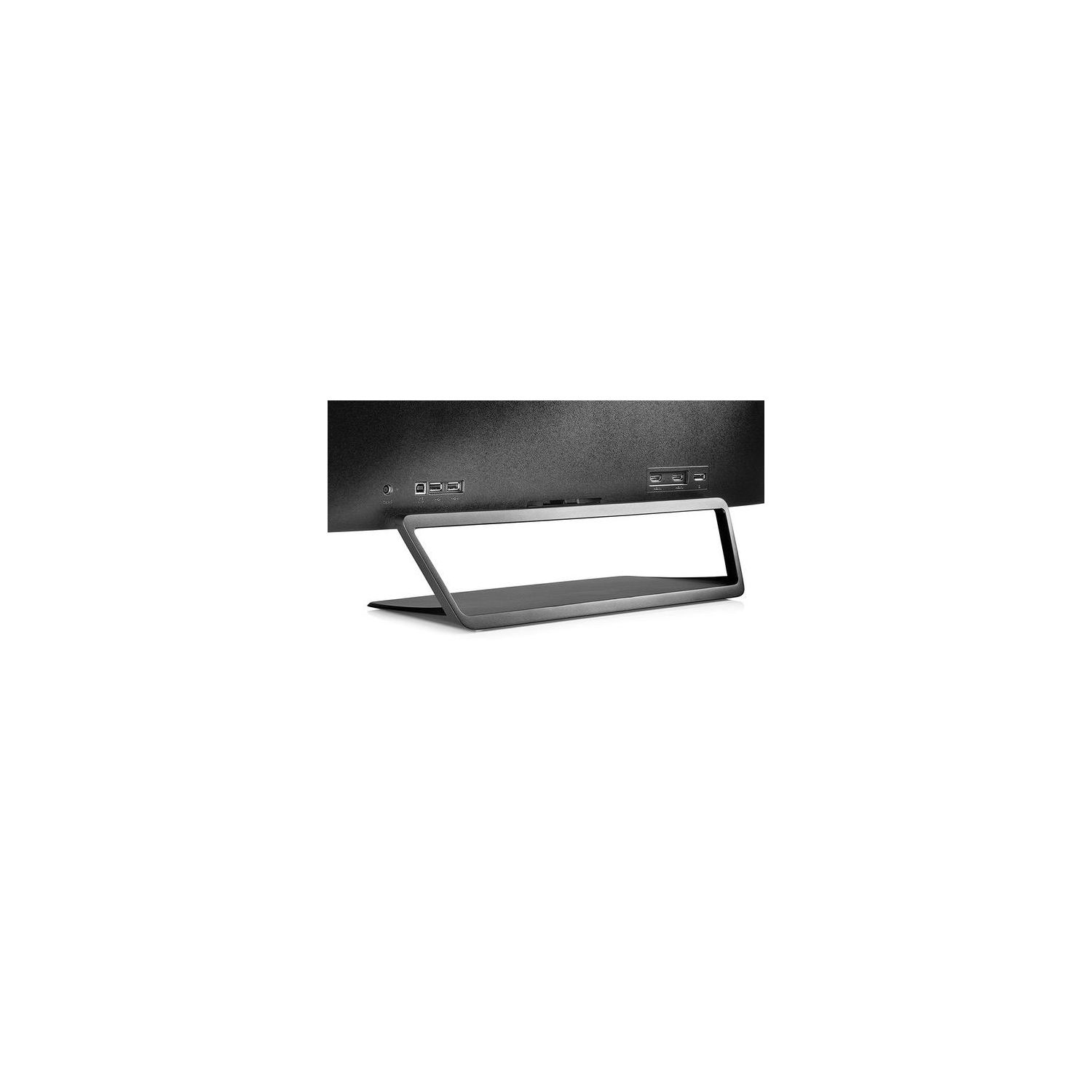
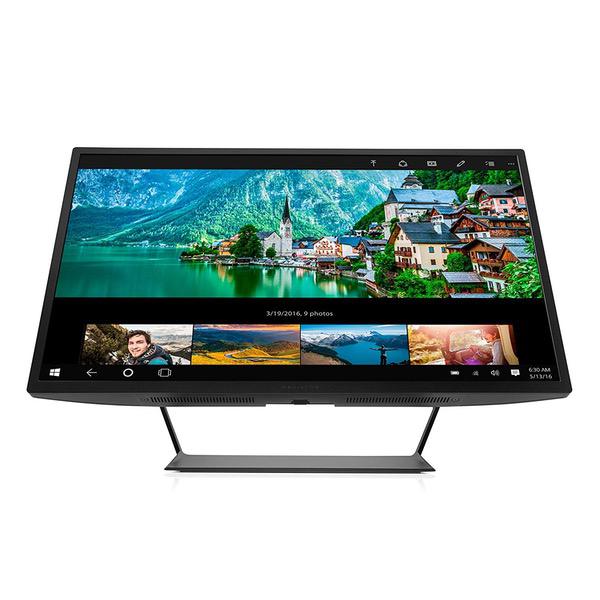
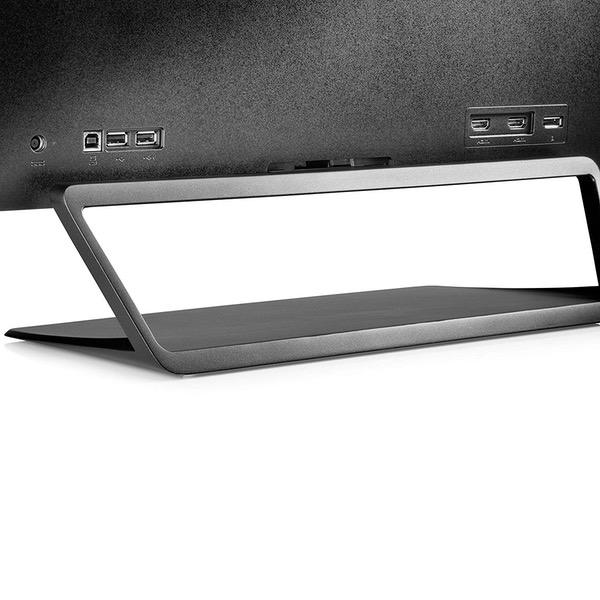
Ive been using 27-inch QHD (2560x1440) "Korean special" PLS/IPS monitors for years. Ive been happy with them for the most part, but occasionally I would do something with dark content that would demonstrate the core problems with IPS type displays. Unfortunately, IPS type panels have a relatively high black level floor and modest static contrast ratios. This makes black look glowy-grey and dark content muddy. Such is the case these last couple of weeks when Ive been trying to play Miscreated, a survival game with a full day/night cycle where night time is truly dark. I couldnt make out figures, shapes, or people very easily to the point where a friend of mine was standing right in front of me and wondering why I wasnt able to see him since he could see me plainly. With this problem in mind, I began my search for a VA type panel that would suit my needs. VA panels have much higher contrast ratios and lower black level floors than IPS or TN panels. The unfortunate problem today, however, is that VA panels have trailed off in popularity over the years as IPS has established itself as "the panel to have" in the performance space. This is unfortunate because it means there are not many choices available for someone in the market for a VA type display. I wanted a 27 or 28 inch QHD or 32 inch QFHD/UHD resolution panel. I did not find more than a handful of VA displays with these size/resolution configurations. The 32 inch UHD panel I found (Seiki Pro SM32UNP) had user reports of problems with the DisplayPort link dropping resolution down to lower levels during power save. The 27 inch QHD panel I found for whatever reason only listed a static contrast ratio of 1000:1 which is much lower than the 3000:1 typical of a modern VA panel. I was not willing to roll the dice with hundreds of dollars for either of those. Thankfully, the HP Pavilion 32 and HP Omen 32 are available. They both have modern VA panels inside of them. The only difference seems to be the maximum supported refresh rate being 75 Hz for the Omen and 60 Hz for the Pavilion. Their static contrast ratios are a proper 3000:1. The black levels are vastly improved over the PLS I was using, and the viewing angles are at least as good if not better despite this being a traditional weakness of VA compared to IPS. I can confirm that FreeSync is supported on the Pavilion 32 (V1M69AA#ABA), though the supported frequency range is only 48-60 Hz instead of 48-70 Hz as is reported by various lists of FreeSync monitors on the Internet. To enable FreeSync, you must put the monitor into "gaming mode". No printed manual seems to come with the monitor, but HP was kind enough to send me a PDF copy when I was asking questions before purchase. To enter "gaming mode", open the OSD, select "Main Menu" (the top icon), select "Color Control", select "Quick View", and select "Gaming". Once youve done this, FreeSync support will be reported by your display and if you have a supported AMD video card with recent drivers you will be able to enable FreeSync in whatever the replacement for Catalyst Control Center is called. That said, I cant say I can tell a difference so far between adaptive sync and no adaptive sync. Its possible I suppose that the 12 Hz range between the minimum and maximum refresh rate supported by the display is simply too small to do anything meaningful. --- To sum it up and add a few points --- Black levels: Very good. Better than either IPS or TN. Unless youre in the market for an OLED display, a VA panel like this is probably your ticket. Contrast ratios: Very good. Same as above more or less. Color: Pretty good. Orange and red are not as pronounced as they were on the PLS I was using, but its hard to say if the colors are undersaturated or they were just oversaturated on my last monitor. I have not attempted to calibrate the display with a USB color calibrator. Backlight flicker: Jury is still out on this one. I might have more eye strain which could possibly be due to a low-frequency PWM backlight, but I dont think that is the case. I took some pictures of my display at 1/2000 and 1/4000 shutter speed and everything looked lit and uniform. Ive not tested the driver circuit with my oscilloscope though, so this isnt definitive. The eye strain could be due to the larger pixels or even some external factor affecting me today. FreeSync: Supported. Put the monitor in "gaming mode" using the OSD and then enable it in your driver. Range is 48-60 Hz. Response time: Pretty good. I havent yet done anything that made me notice any ghosting or any other slow pixel response artifacts. Pixel density: Usable (over 90 PPI) but not ideal. A 32-inch panel at 2560x1440 has a pixel density of 91.8 PPI. This is the same as a 24-inch 1920x1080 panel. Its much lower than the 27-inch 2560x1440 panel I came from (108.8 PPI), a little bit lower than the 24-inch 1920x1200 panel I used years ago (94.3 PPI), and moderately lower than the 20.1" 1600x1200 panel I used a decade ago (99.5 PPI). Bezels: Modern and fairly thin. Theyre about half as thick as were the bezels on my first generation IPS Korean specials. Approximately half an inch wide on all four sides. Stand: Tilt-adjustable. No pivot. It seems solid compared to what Im used to with my previous Korean monitors, and having tilt adjustment is a welcome improvement. VESA mountable: Yes. Customer support told me it was not before purchase, but the manual reports that there is an adapter for a VESA mount, and I found that to be the case. The box includes the adapter. Included in the box: The box includes a power brick, power cable, DisplayPort cable, HDMI cable, stand, monitor, VESA adapter plate, and some papers about warranty and product notices. No manual that I saw.