
















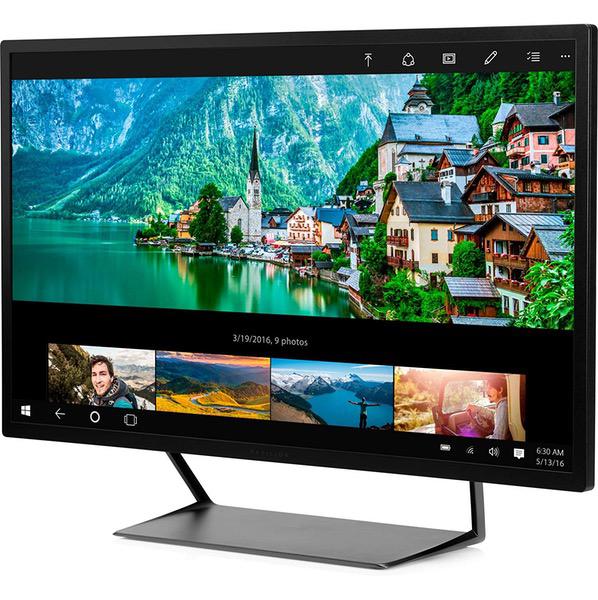
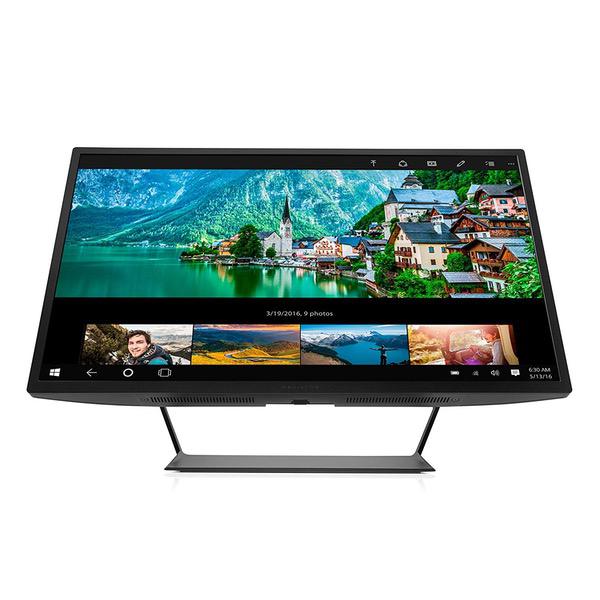
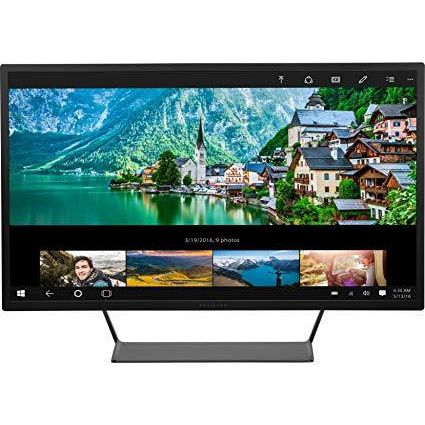
HP Pavilion 32-inch QHD Wide-Viewing Angle Display (V1M69AA#ABA)
Write a review
$31900

HP Pavilion 32-inch QHD Wide-Viewing Angle Display (V1M69AA#ABA)

Write a review
B01FGCJBGK
+
Add to wish list
Target is a general merchandise retailer with stores in all 50 states and the District...

City: US, New York

Delivery
Pickup at your own expense
Tomorrow from 09:00 to 20:00, Store location
Free
Payment options
Apple Pay Google Pay Mastercard Visa
Cash, bank card, credit/installment payments, cashless payment for legal entities
Warranty and returns
Exchange/return of products of proper quality within 14 days Official manufacturer's warranty: 12 months
Features
Display Type
LCD
Item Dimensions
7 x 29.1 x 20.6 in
Item Weight
21.6 lbs
Mount Type
Wall Mount
Refresh Rate
60 hertz
Screen Size
32 in
Aspect Ratio
16:9
Description
This fits your .
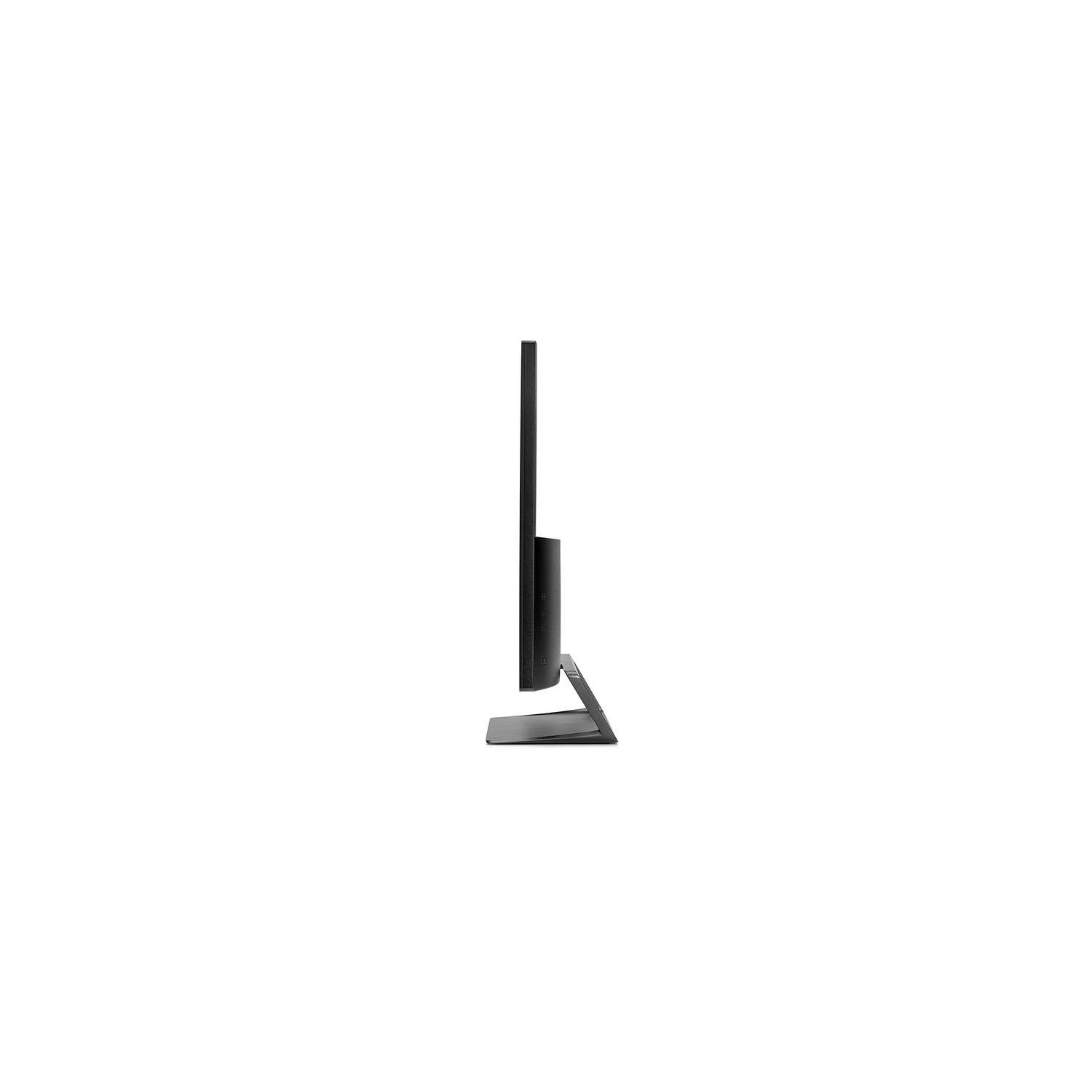
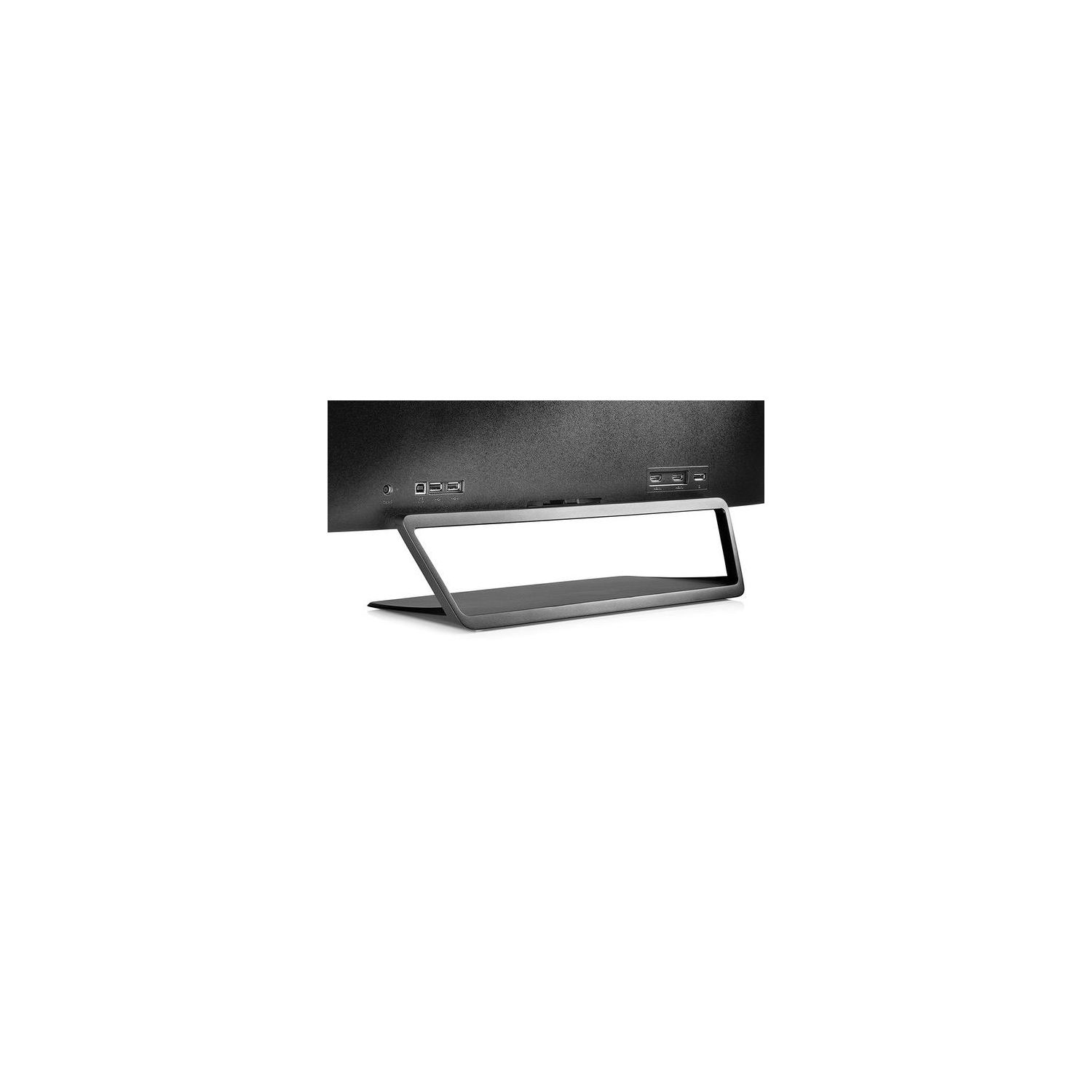
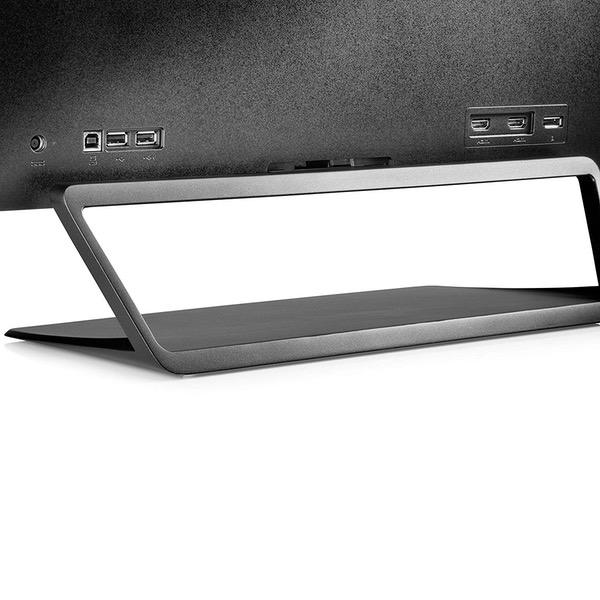
Make sure this fits by entering your model number. Unforgettable QHD picture: Brilliant details and captivating definition with 2560 x 1440 resolution. HP monitors are designed as ‘plug and play’ for all OS Highly accurate color: Standard 100% sRGB color space for ideal color reproduction. Perfect for photos, videos—all your creative projects. Dimensions (W X D X H)-29.1 x 7 x 20.6 inches(with stand), 29.1 x 2.1 x 17.1 inches (without stand) 2 HDMI (with HDCP support), 1 DisplayPort 1.2, Integrated USB 2.0 hub with 2 Downstream and 1 Upstream ports. Native resolution: 2560 x 1440 @ 60Hz; Contrast ratio: 3000:1 static; 10000000:1 dynamic Open and accessible: The display is suspended above a distinctly unique open-wedge designed stand, providing convenient access to rear ports, with your tablet or phone stored underneath. Seamless entertainment: With a 7ms response time, your action-filled content will look crisp and fluid without motion blur.
Reviews
4.2
Reviews: 20
5 stars
60%
4 stars
15%
3 stars
10%
2 stars
10%
1 star
5%
Mr. & Mrs. Hawks
3
This review is for Model# V1M69AA#ABA. Thats the 16:9 32" QHD with no speakers (Please separate products with their own reviews Amazon). Anyway, this monitor seriously rocks! Been gaming on a huge 4K TV @ 4K and my Single GTX 1070 sits at about 30fps playing most games at 4K. That said, on this beast I get to game at a smooth 70Hz @ 1440p, which looks really incredible! Was only expecting a 60Hz monitor so, BONUS lol. Also, if you have an AMD card it supports FreeSync. So if you dont mind 7ms response time (tv is usually around 50+ms!) Then at this price entering the realm of 1440p, you cannot go wrong! UPDATE: Been using daily since it arrived and noticed that there might be a display port issue or cheap cable? Once a day the monitor disconnects and resets, which can really suck in the middle of a game, especially if that game causes all kinds of crashing when your resolutions start cycling all over the place when the monitor reconnects. Maybe Ill give the HDMI a shot instead. LAST UPDATE! A while back after learning a lot about monitors, I learned how to test skipped frames due to a lack of processing power. This monitor sure does skip frames when set to 70hz. Dont know why that is an option when it cant keep up. So all in all for the low price this monitor is "decent" but cheap Korean monitors offer better bang for your buck! Also, the display port cable that comes with it was garbage and caused intermittent disconnects. Over and out!
Skyhawk
3
Does not wake up properly as instructed by Mac Pro. If you put your Mac to sleep the monitor will wake up. However, it will not wake up when the Mac Pro is started up cold. You must manually wake up the monitor first. Then turn on the Mac. I have purchased over 100 Macs and many displays. I have never seen this problem before. An excellent display otherwise. Almost as good is my 11-year-old Apple 30” Cinema Display. Using with a 2012 Mac Pro. After 11 years, my 30-inch 11-year-old Apple Cinema Display konked out. My old Apple Cinema Display had 2560 x 1600 resolution. The HP Pavilion 32-inch QHD, has almost as good at 2560 x 1440 resolution. The Mac Pro has both the older DVI output and the newer Mini DisplayPort. I purchased a cable that goes from Apples Mini DisplayPort to the (Windows style) DisplayPort. https://www.amazon.com/gp/product/B01N5RY8D7/ref=oh_aui_detailpage_o00_s01?ie=UTF8&psc=1 I plugged everything in and my Mac Pro immediately and automatically recognized the display and it powered up in the maximum resolution of 2560 x 1440. The Mac OS also automatically configured Color output to match the HP Pavilion 32-inch QHD display. I never took the owners manual out of the shrink-wrap bag. For Mac users, youll find some of the aspects of this display to be A LITTLE “old school”. The power supply is the good old fashion “Black Brick” with the typical round barrel connector that Apple quit using 20 years ago. Nevertheless, (almost) everything works as before and the display is SPECTACULAR. Naturally, the very first thing I did was check for stuck or damaged pixels using PiXel Check 1.3. They were all perfect. My main disappointment is that you cannot adjust the brightness using your Mac keyboard, you have to use a couple of buttons on the back of the display to set brightness (how quaint). Also, there appears to be no automatic brightness changing for ambient lighting conditions. I was shocked to discover that Hewlett-Packard has no driver to add using the keyboard to adjust brightness functions back in. The HP display has no USB hub like Apple has. The display does go to sleep as programmed in the Apple power settings but not as cleanly as you might be used to with an Apple display. With the HP display, it simply goes to sleep when the video output shuts down as opposed to Apples method of sending a shutdown command. Anyway, it does go to sleep. In my situation, I am eagerly awaiting for Apple to start making professional desktop computers again. So this display was a life-saver to try and get a another year out of my Silver Tower Mac Pro, until the 2019 Mac Pro is available. (The black trash-can looking Mac Pro is NOT an option.) The HP display is blue LED free, (blue light is possibly unhealthy). When operating, there is a low brightness white LED in the lower right corner. This turns to a low brightness Orange color when the display is asleep. The short-comings I mentioned are minor. I recommend this display to anyone, including Mac users.
Product variations
Column filling
Sort by Price Sort by Availability Sort by CODE Sort by Screen Size
$31900
In stock
+
B01FGCJBGK
Screen Size:
32 in
You may be interested
  • Bestsellers
  • Recently Viewed
 
Similar products
Show more
Fast and high quality delivery

Our company makes delivery all over the country

Quality assurance and service

We offer only those goods, in which quality we are sure

Returns within 30 days

You have 30 days to test your purchase