
















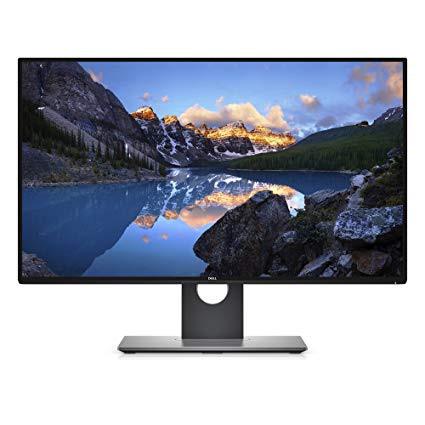
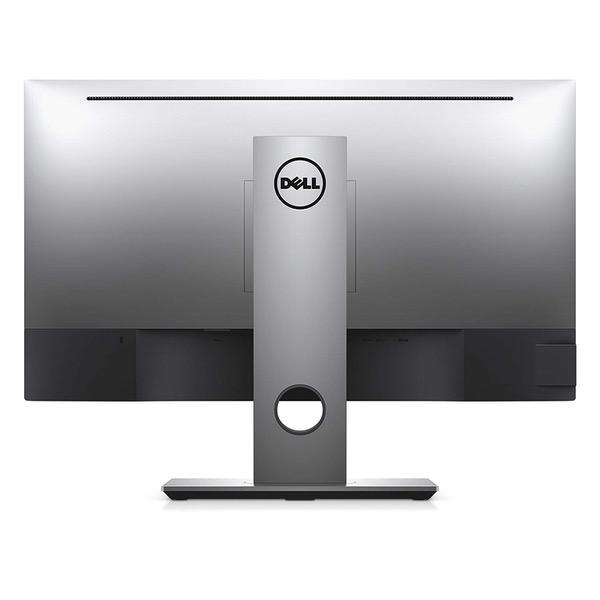
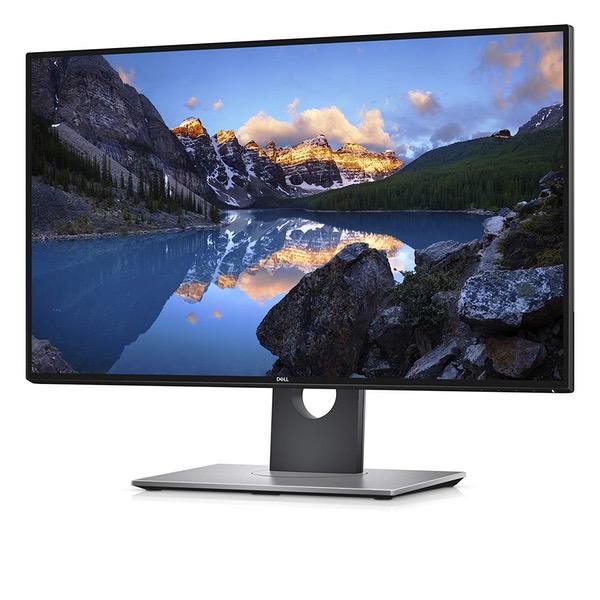
Dell Ultrasharp U2718Q 27-Inch 4K IPS Monitor
Write a review
$39900

Dell Ultrasharp U2718Q 27-Inch 4K IPS Monitor

Write a review
B073VYVX5S
+
Add to wish list
Target is a general merchandise retailer with stores in all 50 states and the District...

City: US, New York

Delivery
Pickup at your own expense
Tomorrow from 09:00 to 20:00, Store location
Free
Payment options
Apple Pay Google Pay Mastercard Visa
Cash, bank card, credit/installment payments, cashless payment for legal entities
Warranty and returns
Exchange/return of products of proper quality within 14 days Official manufacturer's warranty: 12 months
Features
Display Type
LCD
Item Dimensions
24.07 x 7.89 x 21.27 in
Item Weight
13.79 lbs
Mount Type
Wall Mount
Refresh Rate
60 hertz
Screen Size
27 in
Aspect Ratio
16:9
Description
This fits your .
Make sure this fits by entering your model number. Exceptional details, ultimate efficiency — a 27” 4K screen with incredibly thin bezels — ideal for multiple monitor setup Hone in on every task with a multi-monitor setup and experience a virtually seamless view thanks to ultrathin bezels Dell HDR combines greater depth of colors, remarkable clarity and a high contrast range of shades to create strikingly realistic images Connect up to six compatible RF devices or Bluetooth 4.0 through Dell Universal Pairing. Dell Display Manager Compatibility. Operating system supported-Windows 10, 8.1. 7. Tackle multiple tasks at once and stay organized thanks to Easy Arrange, a feature that lets you tile and view applications side by side From the #1 monitor Brand worldwide for four consecutive years*. Brightness 350 cd/m²
Reviews
4
Reviews: 20
5 stars
65%
4 stars
0%
3 stars
15%
2 stars
5%
1 star
15%
KBeat
3
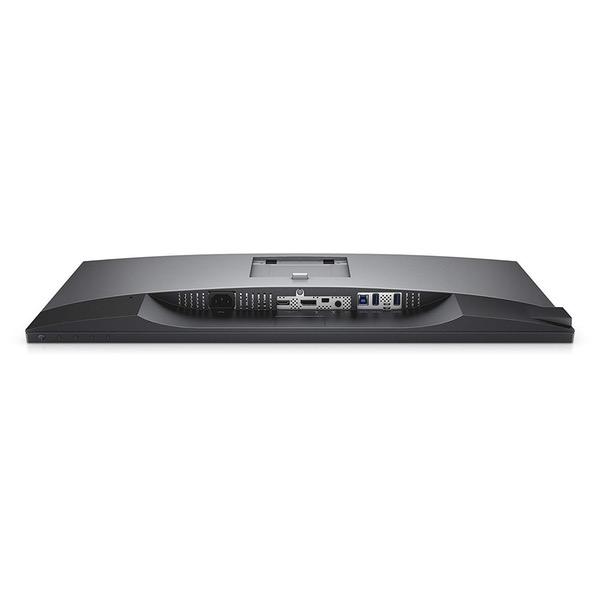
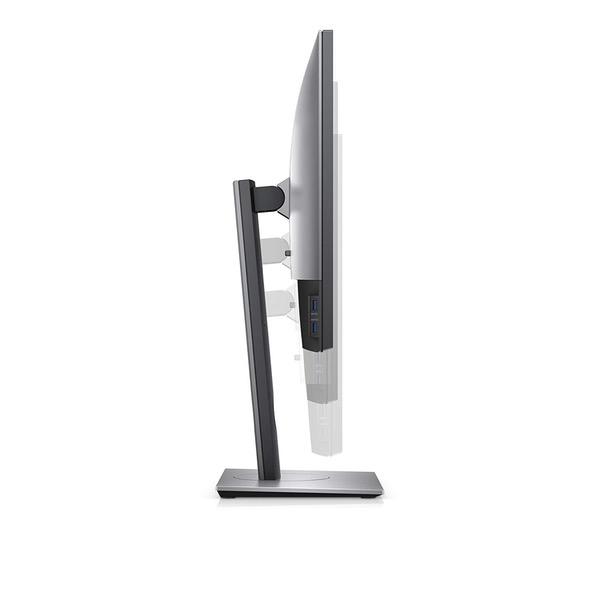
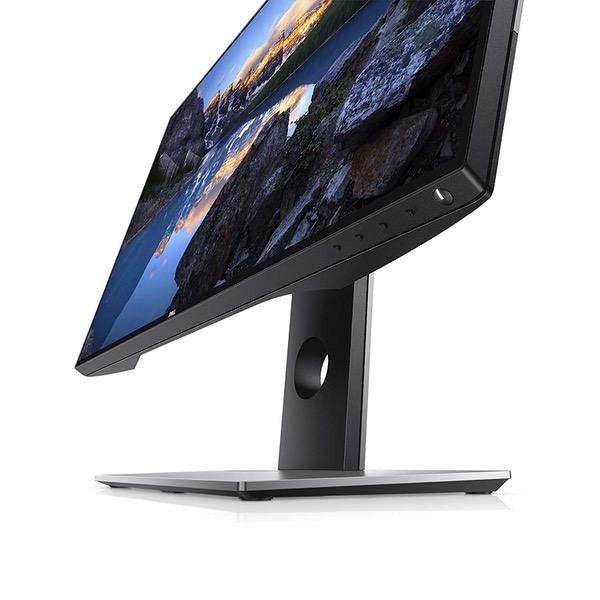
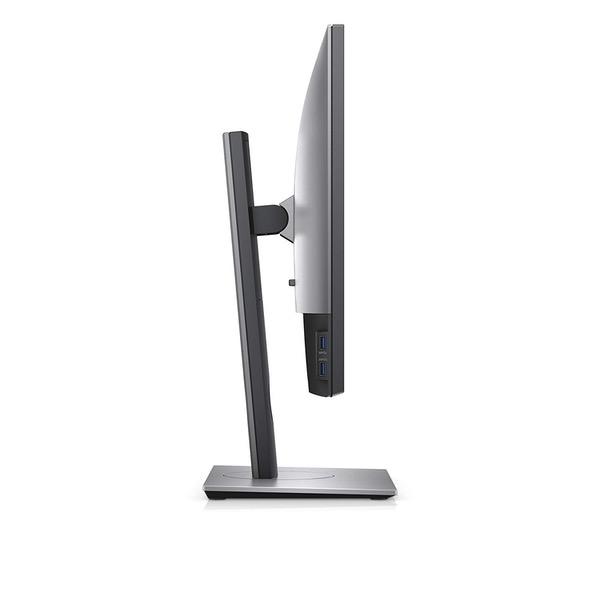
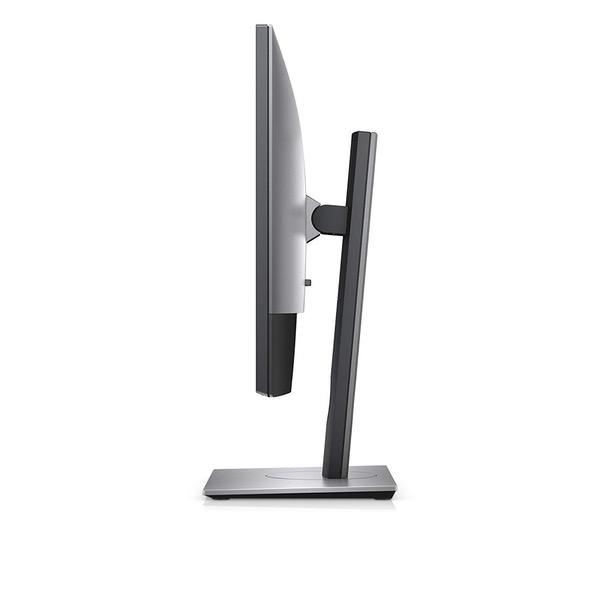
**Please see update at bottom for revised purchasing advice.** This is a solid upgrade to the insanely popular Dell Ultra HD 4k Monitor P2715Q 27-Inch Screen LED-Lit Monitor UHD monitor from the last generation. That one was hands down the best of the blossoming midrange UHD/4K pack and a no brainer pick. Dell sold them by the ton for a reason. This generation, its not so simple. From a pure panel performance standpoint, I think the LG Electronics 27UD68P-B 27" Screen LED-Lit Monitor is the better choice, especially if youre a gamer as it has FreeSync. For many, thats the midrange UHD Id recommend. However, there are advantages to the Dell that ultimately pushed me in that direction (I still use the beloved P2715Q as well). 1. The Dell has 4 USB ports, including 2 fast charging ports for charging iPhones/iPads etc. The LG has NO USB ports. This is a drag as USB ports are very limited on most laptops and who wants to have to have an extra hub on the desk. 2. The Dell stand is much more flexible, even allowing for vertical orientation which is great when doing page layout work, especially posters. 3. The Dell has a slightly higher contrast ratio which is great for editing. Well, at least on paper it does. Ive yet to do my own calibration, so well see. What about HDR? "Dell HDR" is NOT a reason to get this monitor over the LG. Its HDR-lite at best and while it adds a bit of extra pop to a HDR enabled PS4 game, its a long way from the true HDR10 standard. Heck, the monitor brightness is only rated at 350 cd/m² and the HDR standard requires at least 1000. Dell is doing a software HDR emulation which is a very noticeable leap from the real deal. File it under "nice to have, but ultimately forgettable". Besides, you have to connect via HDMI 2.0 to use it and my MacBook Pro with HDMI 1.4b requires the use of the Mini Display Port connection for 60Hz at UHD/4K. If this is an important feature for you, be sure your PC has HDMI 2.0 port(s). Overall, if youre in the market for a midrange UHD/4K display, your best bet is either this one or the LG 27UD68P-B. If the features I listed above are important to you, go with the Dell. Its got excellent image quality at a nice price. If you want the best panel possible in this price range, and do a lot of gaming, go with the LG. Either way youll have a very nice monitor. UPDATE: So, I had a chance finally to run calibration using an i1 Display Pro. Im sorry, but this monitor is a let down in image quality compared to the venerable P2715Q. Im really disappointed. First the good, it does indeed have a 1300:1 contrast ratio. Im measuring it at around 1275:1 which is close enough to call this a pass. Now for the bad. Dell promises the display is calibrated from the factory with a Delta E of ≤ 2. That would be great as far as color accuracy goes if it were true. However, after several calibration attempts (native white, D65, 80/120/native luminance, etc.) the best Delta I can achieve is an average of 3.63 with a max of the lowest 90% of 9.12!! Thats terrible. By comparison, my P2715Q measures an average Delta E of 1.85 with a max of the lowest 90% of 2.10. If this if foreign language to you its simply a measure of how close the display comes to matching a set of color swatches. The lower the number, the better. The P2715Q is truly remarkable for a display in its price range. Worse is that this isnt a theoretical issue. The greens are particularly bad, and no amount of calibration will get them to look just right. The display wont match the calibrated retina MBP display right next to it, while the P2715Q matches it dead on. My advice? If color accuracy is important to you, grab the P2715Q while you still can. Its cheaper, is much more accurate, has the same resolution, and save the faux HDR and bezel-less frame, is greatly superior to the newer U2718Q.
Sida Chen
3
While it provides good color accuracy on Windows, this monitor WILL NOT work properly on macOS since theres no official support on mac yet. You can see in the photos that the green is shown incorrectly (last few gradients are merged) on this display comparing to the one shown on macbook pros retina display.
G. B. Roberts
3
Mac user. Designer. Ive used the Apple 27" Thunderbolt monitor 2560x1440 for many many years. Loved it. But next to my Retina-class MBPs, it was starting to give me eyestrain with its chunky pixels. So with discount 4ks @ 3840x2160 hitting the $400 mark, I figured it was finally time to upgrade. I read all the reviews I could find. Despite very mixed Mac reviews, found out about the firmware upgrade, and decided to take the risk. Here is my personal experience: PROS: 1. setup was amazing. had it out of the box and assembled and on my desk and attached to the MBP in less than 6 minutes. True plug-and-play... well, sort of. 2. The slim bevel is kickass. 3. the 4k resolution is stunning. I now realise that even a lot of my digital photographs arent that high-rez. 4. Mac display scaling, once set up, works perfectly... better than expected. It scales all UX elements, yet still uses the 4k resolution for text rendering. Retina++ 5. vertical mode has completely re-written my web surfing experience. Reading many "long page" websites, including the New York Times, without having to scroll, is pretty amazing. 6. did I mention that the display rotates? 7. the base is ROCK SOLID. I read some reviews of some pretty white Samsungs that shook a lot. This thing is solid. 8. Really great range of Height adjustment AND significant leeway for vertical tilt angle. 9. This monitor actually looks good from its backside. The space-grey is almost a perfect match for the MBP. Im a designer. People visit my studio. Thats important to me. 10. The price : performance is superb. 4k tilt-able solid base for ~$450? nothing else comes close. CONS: 1. The native 4k resolution has an *insanely* high pixel density at 27", far surpassing the MBPs retina resolution. There is a solution here: you set resolution to "scaling" in the System Preferences, and up it a couple notches. 2. 20 years ago, I had a "pivot display" on my Mac Quadra 950. When I spun the display, the OS automagically adjusted, including my window placement. One of the reasons I bought this monitor was its "pivotability". But once you pivot it, you have to manually go into your System Preferences and map the rotation. 3. (this was also a problem on the 27" thunderbolt, still worth mentioning). 4. The on-screen menu system is at like 640x480 mono-color resolution. clearly its in the BIOS. But seriously, with a 4k monitor, couldnt they have put a cheap mobile graphics chip into there and at least made the text look decent? 5. As many many many online reviewers have noted, the green is hyper-saturated, off-target and "flourescent." This is a problem for photo editing. Presumably, there is a firmware update (DELL_U2718Q_FWUpdate_M2B102_Windows.exe) that fixes this. It, however, requires that I hook the monitor up to a Windows PC to install it. Luckily, I have one of those laying around. Many Mac users wont. Either way, the new firmware should come installed from the factory. PITA. 6. It should come with a USB-C to DP adapter. You have to buy one separately. Thats my feelings. What would have made it 5-star? • firmware for green-fix installed at the factory. • some kind of orientation / rotation auto-detect for the OS • better / high-res on screen menus.
Product variations
Column filling
Sort by Price Sort by Availability Sort by CODE Sort by Screen Size
$39900
In stock
+
B073VYVX5S
Screen Size:
27 in
You may be interested
  • Bestsellers
  • Recently Viewed
 
Similar products
Show more
Fast and high quality delivery

Our company makes delivery all over the country

Quality assurance and service

We offer only those goods, in which quality we are sure

Returns within 30 days

You have 30 days to test your purchase