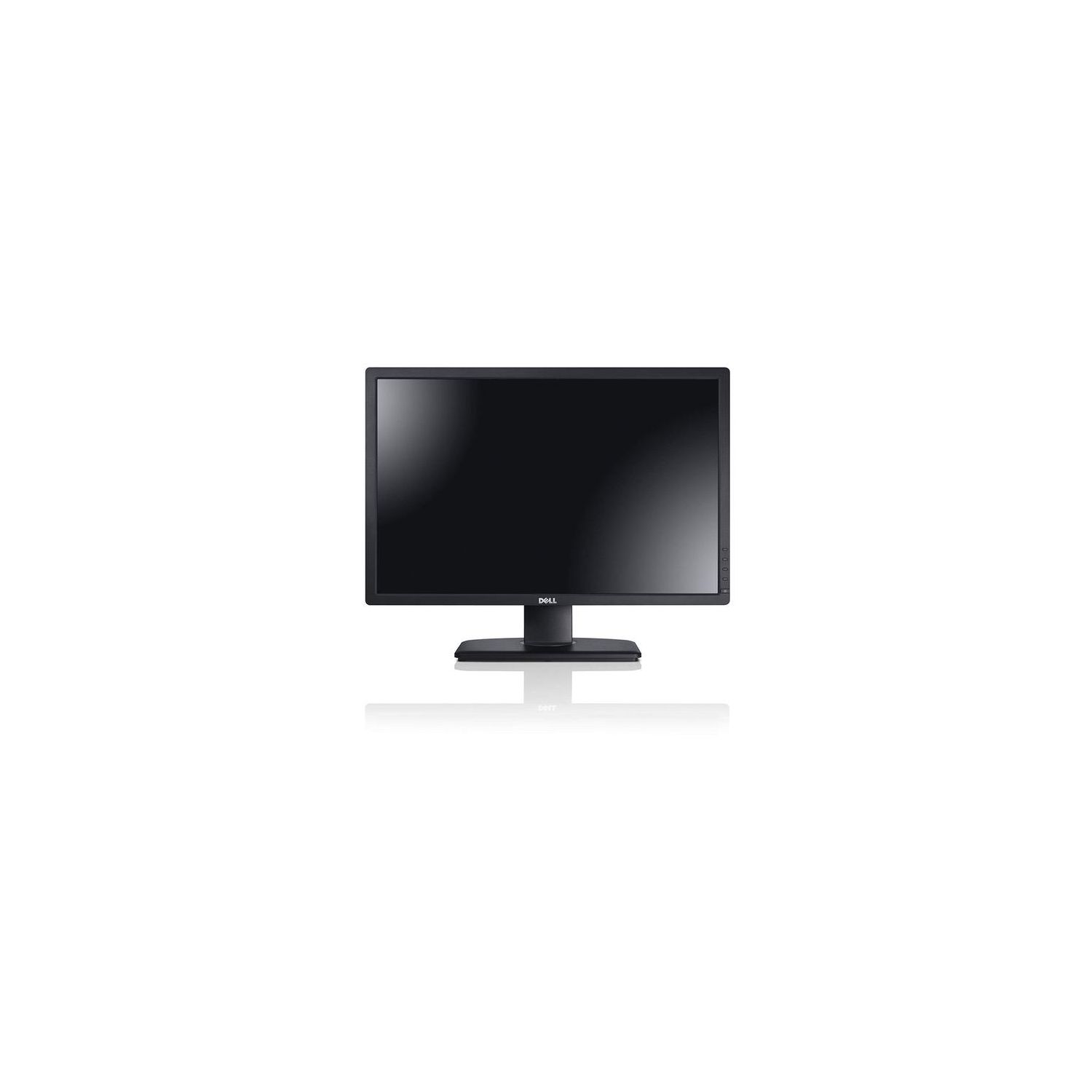
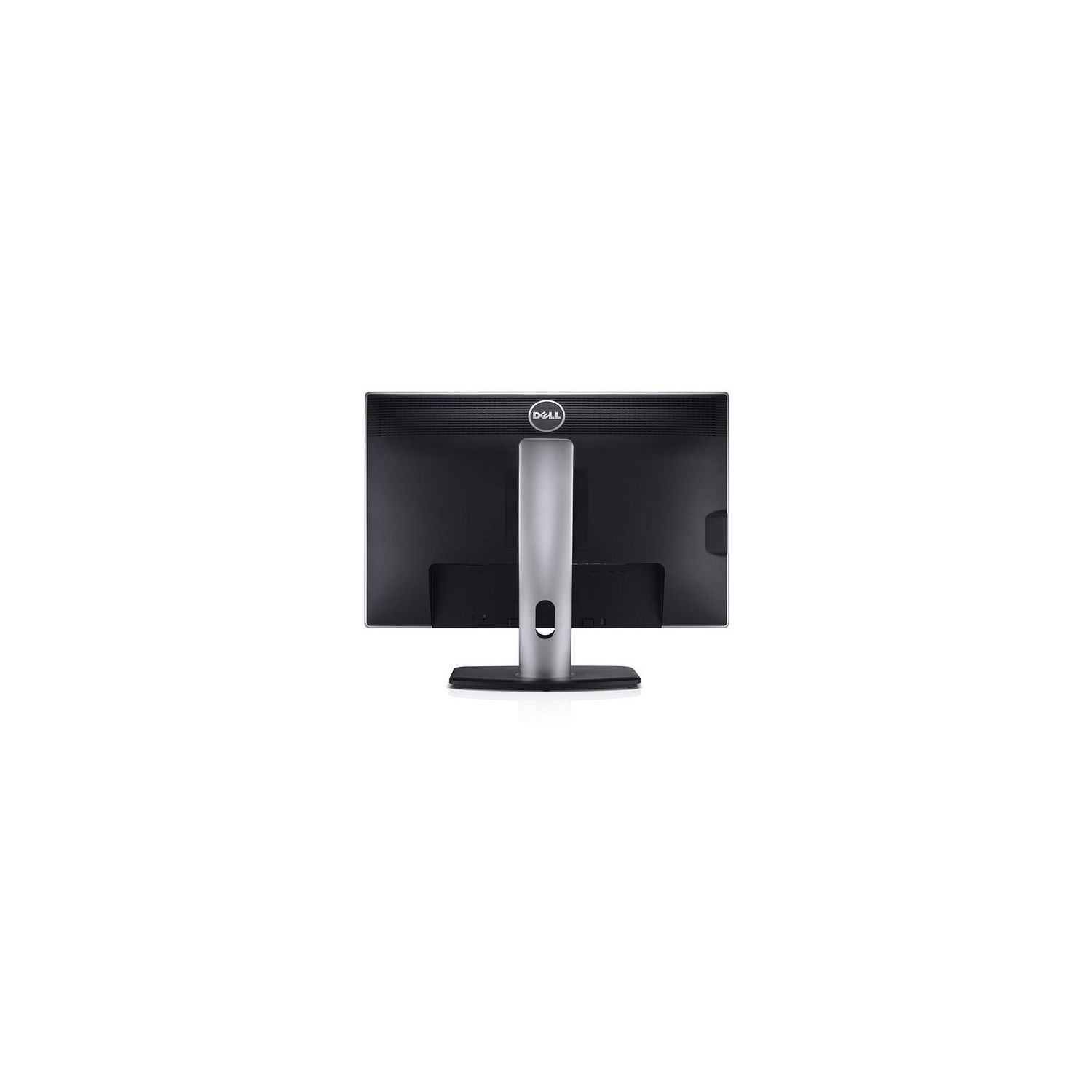
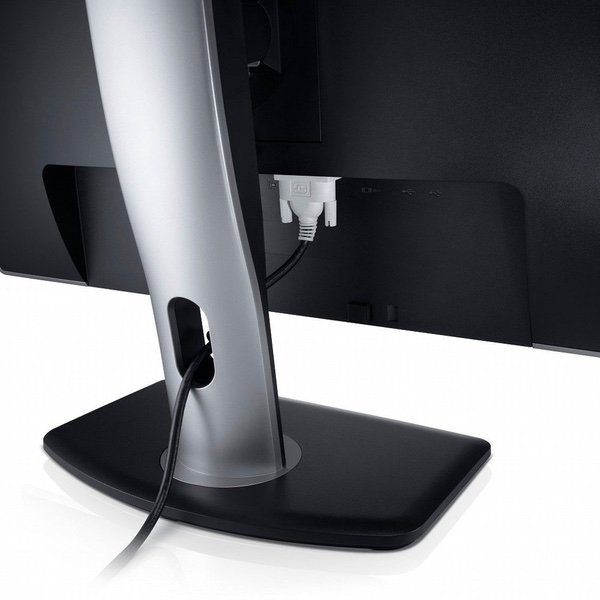
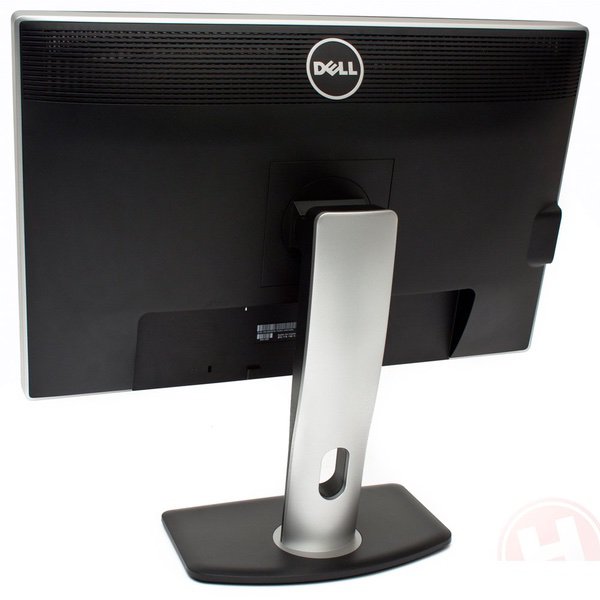
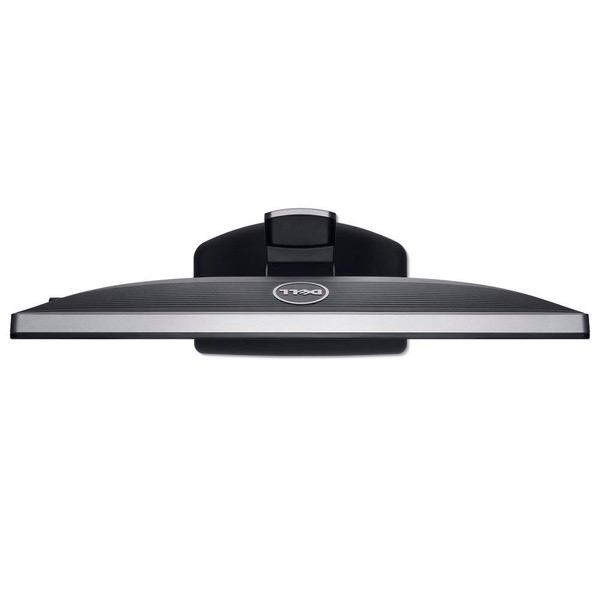
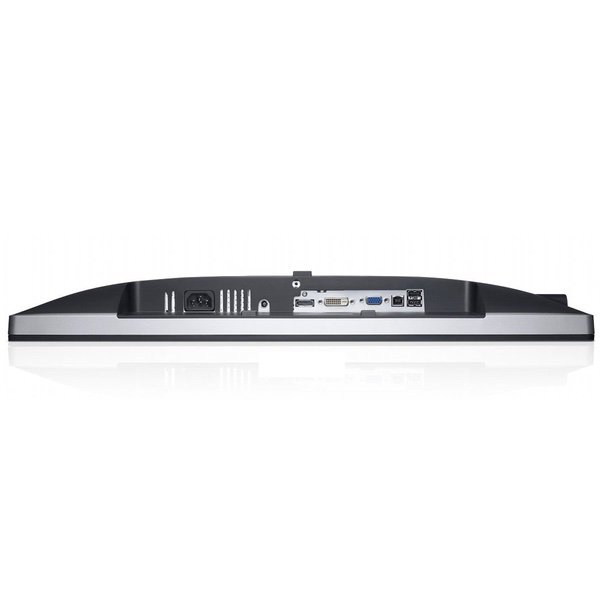
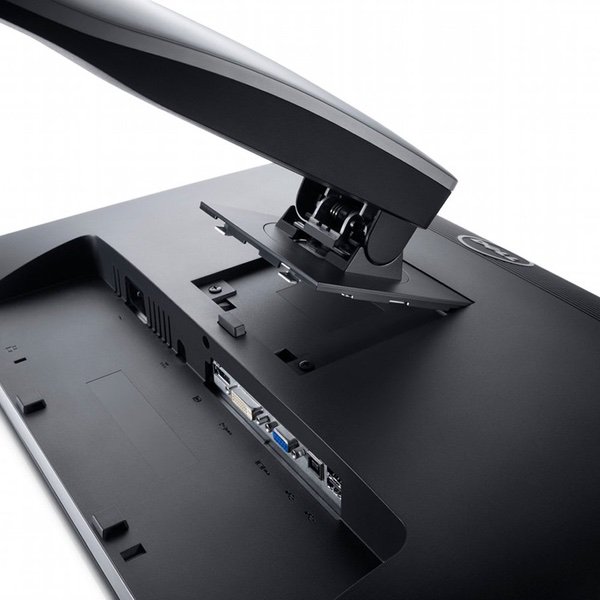
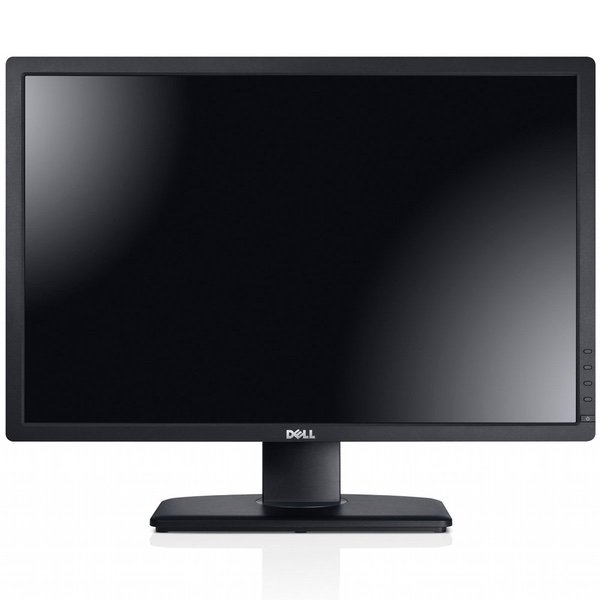
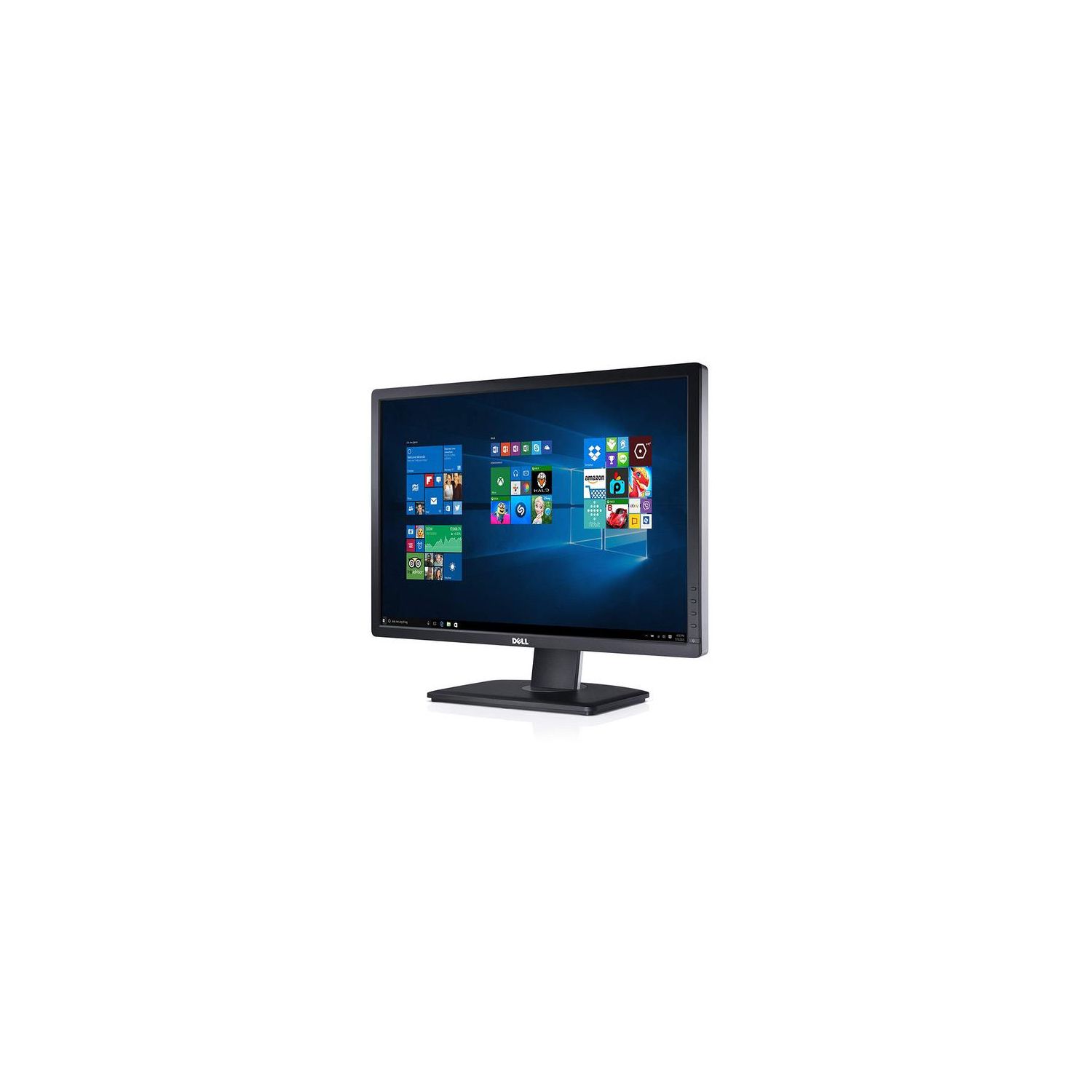
Make sure this fitsby entering your model number. AWESOME VIEW: Watch your graphics come to life on this great 24 LED-backlit screen, with it 1920x1200 resolution on a 16:10 widescreen to enjoy all your games and movies! COLORFUL DISPLAY: enjoy the amazing and rich range of colors, thanks to its IPS technology designed to give you color consistency across all the display EASY ON THE EYES: It is perfect for professionals who work long hours on the pc monitor, this model will display amazing visuals without causing you a vision fatigued. CONNECTIVITY: 1 Digital Visual Interface connectors (DVI-D) with HDCP, 1 DisplayPort(DP), 1 Video Graphics Array (VGA), 1 USB 2.0 upstream port, 4 USB 2.0 downstream ports and 1 DC power connector for Dell Soundbar.
I had two 16:10 LG monitors and at 9 months one went south. LG quit making them so they are issuing a refund. LGs customer service to this point is excellent btw. So, I ended up here looking for another comparable monitor for my dual monitor setup. In the price range it boils down to this Dell model and an Asus. If you are looking at these you will know which Asus I am speaking of. I read and researched forever it seemed and came up with two options. One may be yellow and one may flicker. Wonderful choice. If you are in that position then possibly this will help you decide. One site called TFT Central does a good job of reviewing both monitors. Both get reasonable marks with the edge possibly going to the Dell. What caught my eye is the Asus uses PWM or Pulse Width Modulation to dim the monitor and Dell does not. PWM is essentially turning the backlight on and off faster then the eye can detect and to dim the monitor the LED stays off for a longer interval. Thats how I understand it. It is said that this could cause some eyestrain in some people while reading. It reminds me of the old interlaced low frequency monitors that indeed caused me much eye strain so one strike against the Asus because I read a lot. At full brightness the PWM does not engage so it wont matter but you cant look any of these monitors for very long on full brightness so you will most likely be looking at the PWM working. Once again it may not bother many but I did not want to chance that. The Asus has some USB3 ports that may or may not work. Its the may or may not part that makes me wonder why I should use that as a criteria at all. Then there is the Dell where some were getting a distinct yellow tint and that certainly bothered me. You would possibly get the yellow tint with a Dell monitor that has a A00 revision number as reported by some here on Amazon. The numbers seem to go backwards as you read the reviews causing some head scratching. It didnt make much sense. I found a blog talking about this very subject and a fellow named Chris from Dell answered the question at some point. The A0... number starts over at 00 if there is a hardware change. For anything else like the case, stand or software change they add another digit to the revision number. So, what you have to do is compare the revision number to the date of manufacture to be meaningful. The yellow monitors appeared to be manufactured in the later part of 2013 with a revision number of A00. So I took the chance on a yellow monitor and ordered the Dell about 3 weeks ago which would have been the later part of May 2014. I received one with a date of manufacture of March 2014 and a revision number of A01. To my satisfaction there was and is no yellow tint with the unit I received. So it would appear that the one I have has had a software or firmware update based on the revision number. The part that I still find confusing is what if they have another hardware update immediately after a A00 revision? Hmm. The color was really very good out of the box and the only adjustment I have made to date is to turn the brightness level down a little. Much to my surprise it matches the LG color as exact as I can tell. I see virtually no difference. I also have a reference because while I waited for the new Dell I had an older Dell 19 inch running next to the LG and there was a major difference in color that could not be adjusted out. Last but not least I find out that the Dell U2412M and the Asus both use the same panel made by LG so any difference should only be in the electronics, case and stand. The Dell stand is very nice and the case very slim. I find the menu easy to use. The mat coating on the screen is not an issue. It looks just fine on both of my monitors. Some here have complained about the Dell warranty. That may be an issue to consider. I think they all could take a lesson in customer service from LG. Those folks have it down. So this is how I decided. Hopefully it will help if you find yourself with the same dilemma, yellow or flicker.
EvilDrJerkBerg
4
This is the 3rd U2412M Ive ordered. The previous two were ordered 11 and 13 months ago, and were REV A03. This is a REV A01 (model U2412Mb). It does have the yellow tint that others have talked about, and is very noticeable compared to the two previous A03 monitors. However I was able to adjust it so the difference is less noticeable by changing the preset to color temp and selecting 7500k (as opposed to standard and 6500k) - its still noticeable, but now mostly for blues instead of whites. Since Im not doing graphic design this is acceptable for me. I will be keeping this model, even with the yellow tint, but have to return this specific one as it has a loose part inside that rattles whenever I move it. I would have rated this monitor a 5 previously, but its dropped a star because of the color uniformity issues and the loose part inside (there is no damage to the monitor or the box, and it works). Update: Amazon shipped me a replacement, and this monitor works great. It is also a REV A01 (model U2412Mb). It does have a yellow hue compared to the REV A03 monitors, but this monitor isnt nearly as bad as the previous one, which stuck out very obviously when the monitors were next to each other. This one is much less obvious, enough that I may not even bother to adjust it. This monitor Ill be keeping.
untrioctium
4
Pros: + Nice 1920x1200 resolution. I dislike the recent trend of making computer monitors 16:9 instead of 16:10. + Extremely bright on full blast + Great and sturdy adjustable stand with a 90 degree swivel (great for coding or web use) + "Anti-glare" coating isnt as noticeable as other reviewers claim + Matte screen. I hate glossy screens with a passion. + Convenient USB ports on the side and back + Have yet to see a single dead pixel. + Decent response times. Ive done some gaming on it and havent noticed much (if any) ghosting. Cons: - Backlight bleed. Mine isnt as bad as others Ive seen, but its still there. Lowering the brightness seems to help; you can turn it down to zero even and still have a bright picture. Its really only noticeable if the entire affected area is black. Im not too upset with it, and I dont feel like playing the RMA lottery to see if I get a better one and then end up with a worse one instead. The bleed is my only real complaint. If youre looking for a quality monitor in an affordable price range, I would definitely encourage getting this. Dells monitors have always impressed me with their quality, and a cheaper off-brand monitor wont look as good (even if its the same actual panel).
Investdude
4
I purchased this monitor after hearing positive feedback from a couple of my friends who have this monitor as well as my own positive experience when testing this monitor on their PCs. The primarily glowing reviews here and elsewhere online confirmed the positive impressions that I had already developed for this monitor. So my expectations were high. Im going to begin this review with a problem that I had and end with the good stuff. If it wasnt for the flaw described below I would have given this monitor a solid 5 star rating. I cant recall reading any other reviews detailing the flaw that Im about to describe so I thought it wise to mention it in the event that anyone reading these reviews may encounter it themselves. The monitor it had a subtle flaw. A portion of the right hand 1/3 of the screen was slightly dimmer than the rest of the screen. It looked like a very subtle gray tint. It was probably an uneven distribution of brightness / luminance, possibly a backlighting problem. I understand that some unevenness in brightness / luminance can be expected but it should only be noticeable when testing / measuring with calibration software and not to the naked eye. The dimmer area of this monitor was visible to the naked eye. There was no way to adjust the problem away. It was most noticeable on a white background. I spend most of my time in Excel, Word, etc. so I always saw that slightly dimmer right hand 1/3 of the screen. I also use a live real-time stock quotation system that has numerous charts with white backgrounds so the charts on the right portion of the screen always appeared slightly dimmer with that grayish tint compared to the other charts. The problem was also noticeable on light colors. For example, if a light yellow or pink color filled the screen, the section of the monitor on the right 1/3 of the screen that was dimmer gave the light yellow and pink colors a slightly very subtle grayish tint. If the screen was filled with a fluorescent green, the same portion of the monitor with the problem had a slightly duller less bright fluorescent green color. The problem was not as obvious on really dark colors or video, but colors were less vibrant and rich. However, I played a couple of videos where there was a white background and paused the image and if the image was paused you could see the dimmer right hand portion of the screen even with a video. If it wasnt for this problem of a slightly very subtle dimmer section of the monitor, the positives were everything that I had experienced when testing this at my friends house and everything positive that I have read in all of these reviews. But since I hadnt read anything negative in these comments about the particular problem that I had experienced I decided that hopefully it was simply a flaw in this particular monitor that had been shipped to me. So I returned the monitor. I was willing to give this monitor another chance and simply wanted to exchange the flawed monitor for the exact same model. Well, upon receiving the replacement monitor I found that it had an uneven distribution of brightness / luminance on both sides of the screen. Less so than the original monitor on the right side but now the left side of the replacement had a touch of the same problem. I decided the original looked better and decided to keep it and return the replacement. Now the good stuff. If it wasnt for the flaw that I just described, the following comments would have warranted a solid 5 star rating for this monitor. I have not made any adjustments to the image at all because everything looks perfect to me right out of the box, at least to my naked eye. The colors are vibrant, rich, and natural. There is no greenish or bluish tint or any other color tint that some people seem to have noticed with their monitors (when using the color setting Standard preset mode). The movie mode setting gave the screen a bluish tint and the multimedia mode setting gave the screen a slightly yellowish tint. The text mode setting was much too dark for my personal liking. Text is crisp and sharp. I have no dead or stuck pixels. There is no backlight leakage visible to my naked eye. And there is no color bleeding. I quickly decided the Standard mode setting configuration was best for me. I made absolutely no adjustments and even video looks stunning in Standard mode. In fact, I prefer videos in the Standard mode rather than the movie or multimedia modes. Unlike most of the reviewers here who turn the brightness down to about 35, Im one of those people who like a nice bright screen and find the factory pre-set 75 level to be just perfect for my eyes. The anti-glare hard coating is typical of what you would find on most anti-glare monitors and does what its supposed to do without degrading the image quality. You can see a touch of the anti-glare coating on an all white screen background, but otherwise it is unnoticeable. If you spend all day in Excel with a white background like I do you will slightly notice it if you stare hard at the screen and think about it. But if you have previously used anti-glare monitors you wont consciously be aware of it or notice it. If you are currently a glossy screen user, you may be slightly conscious of it on a white background, but as I said it wont degrade or diminish the quality of your screen image. The stand is excellent. Very sturdy and offers a full range of height, tilt and swivel adjustments. As previously mentioned, I use this monitor primarily for business applications. If I were to use this for professional photography or video editing I would probably want to be sure I had the most accurate settings possible and would have the monitor calibrated or at least use one of the ICC Profiles for this monitor on the TFT Central web site. I did look at the test images on the lagom.nl/lcd-test/ web site and this monitor tested very well on most of the images. The only images that showed possible adjustments are necessary were the white saturation images and the gamma calibration. But this Dell monitor tested extremely close to those images right out of the box. The other test images showed the monitor was very well tuned. But as I said, to my naked eyes, colors look accurate and the image is absolutely beautiful right out of the box! Photos that Ive taken are displayed with accurate colors on the monitor and look just as they should. However, if youre a professional photographer the higher end Dell U2410 offers better color management with the color space having a wide gamut (102% NTSC) and this Dell U2412M having the standard gamut / sRGB (71% NTSC). Essentially, I was actually shocked that the image looked so good right out of the box and had fully expected to spend time calibrating or doing some sort of minimal tweaking to perfect the image. Thankfully, that was not necessary. Its almost as if the monitor was factory calibrated. Of course your monitor image is only going to be as good as your graphics card allows so be sure that you have a reasonably high end video/graphics card installed in your PC with the most current drivers. Since I use this monitor primarily for business, I run my stock quotation system and Excel all day long. One of the primary considerations in buying this monitor was the higher screen resolution of 1920 x 1200 since I need to maximize and make the most efficient use of my screen real estate space in order to display as much data and as many charts as possible at the same time. This monitor is perfect for providing that additional screen space. Most of my Excel spreadsheets are zoomed down to 80% with font sizes averaging 8 to 10 points. Even with worksheets zoomed down to 80%, the 8-10 point font sizes are crisp, clear, and sharp. I did make one change to how Windows handles font displays however. I was previously using windows font smoothing set to standard, which is probably the default setting. At this setting the text is crisp and sharp but I found it a little thin. So I changed the smoothing to ClearType, which made the text look a little fuller and darker, but still sharp and crisp. I prefer this setting on this higher resolution monitor. Its a matter of personal preference. So this monitor is perfect for investment managers, traders, technical chart analysts, or financial analysts in general. Its also great for people who spend considerable time in database applications. If you think you need a 27" monitor for these purposes plan on spending a minimum of $1,000 for the same specifications or better, and the features and customization capability of this 24" Dell U2412M. Do the extra 3 inches justify the big jump in price? But one distinct advantage of a larger monitor would be the ability to run at an even higher resolution than this Dell thus providing even more screen real estate space. When playing a video on this monitor either on YouTube or from any other source, a HD video will fill the screen width but you will see black bands on the top and bottom of the screen since it is a higher resolution than a standard HD monitor with a resolution of only 1920 x 1080. If you watch a movie shot with anamorphic widescreen lenses (usually Panavision) at a 2.39:1 aspect ratio or a movie shot with spherical lenses and cropped to a 2.35:1 aspect ratio (Super 35), you will notice much larger black bands on the top and bottom of the screen than you would see on a lower resolution monitor. The letterboxing effect is more noticeable on this higher resolution monitor. Thats not a negative; its just the result of a higher resolution. Movies shot with the best equipment (Panavision cameras and lenses) look stunning and sharp. Videos shot with a RED digital cinema camera and lenses, or even better with Panavision lenses, also look stunning and sharp. Movies shot anamorphically look the most stunning when Panavision anamorphic lenses were used. Other anamorphic widescreen lenses dont seem quite as sharp and can display a few moderate visual distortions, but then that is most likely the quality of the lens and not the fault of the Dell monitor. YouTube videos shot with reasonably high end HD cameras also look fairly sharp. Of course most of them are not professionally shot so YouTube videos are not the best judge of video images on this monitor. But for those YouTubers who take a professional approach and know what theyre doing and use high end software for editing and color correction, such as Final Cut Pro X, the images look great on this monitor. Of course the video quality for DVD and Blu-ray will also depend on the quality of the mastering of those disks. Im not a big gamer so I havent yet tested any video games on this monitor. I would definitely recommend this monitor. If youre looking for a reasonably priced IPS panel LED LCD 24" monitor with good viewing angles this monitor fits the bill. If you need extra screen real estate space, the higher resolution 1920 x 1200 gives you much more extra space. If you want a monitor with a slightly higher brightness capability of 300 cd/m2 versus the average 250 cd/m2 for this price range or lower, then this monitor will give it to you. If HDMI is a requirement for you, this monitor does not have that connection. It was not an issue for me so I cant give this monitor a reduced rating for its lack of HDMI. If you must have it, splurge for the higher end, higher priced Dell U2410. And hopefully if you buy this monitor you will end up receiving one with an even distribution of brightness / luminance. Bottom line, the Dell U2412M monitor provides a beautiful display for a moderately priced IPS monitor with many easy options for adjusting the OSD should you find it necessary to tweak the image more to your own liking. Finally, the actual vendor for this monitor was WeSellForLess, through Amazon. They were a great vendor. I simply sent an e-mail explaining the problem with the monitor and they immediately shipped a replacement monitor and e-mailed a UPS return label for the original monitor. Everything was handled smoothly and quickly without any hassles. Ive purchased products online for years and have never actually had to return anything for a refund or exchange until now. I guess Ive been lucky.
y3n
4
The Dell Ultrasharp series are my favorite monitors. I currently own 4 Dell UltraSharps. Most / all are typically IPS based (in plane switching) and offer the best viewing angles and clarity. The U2412M is currently my primary monitor. I own one that I purchased about 3 years ago directly from Dell. I decided to replace my secondary monitor (which is a Dell U2311H) with another U2412M which I purchased from Amazon. Out of the box the monitor looked great. The antiglare coating on this latest revision is not as aggressive as the older version I currently own. Colors and text look more vibrant and clearer. The one problem I had (which is mentioned quite often in the reviews here) is a slight yellow cast on the whites. I purchased a hardware calibration tool (ColorMunki Display) specifically to calibrate the new monitor. Even after calibration, I could not get rid of the yellow cast. Unfortunately that meant sending it back. I wished it didnt have that problem since I really like the new revision (mainly due to the lighter antiglare coating). I will be on the lookout for a good price on the newer U2415 model.