
















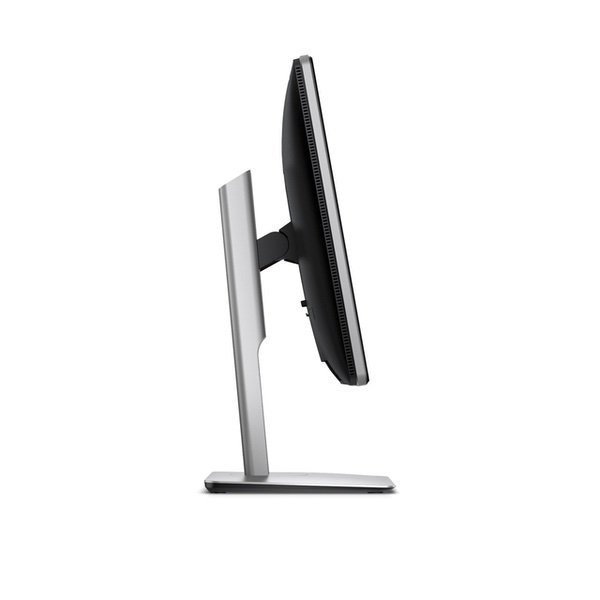
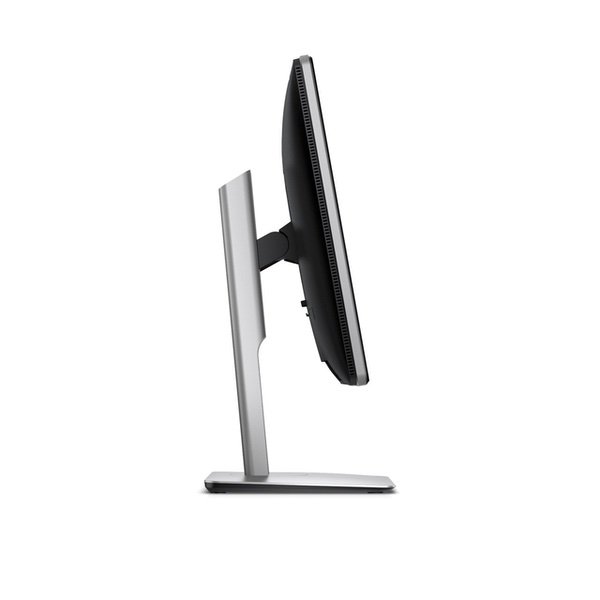
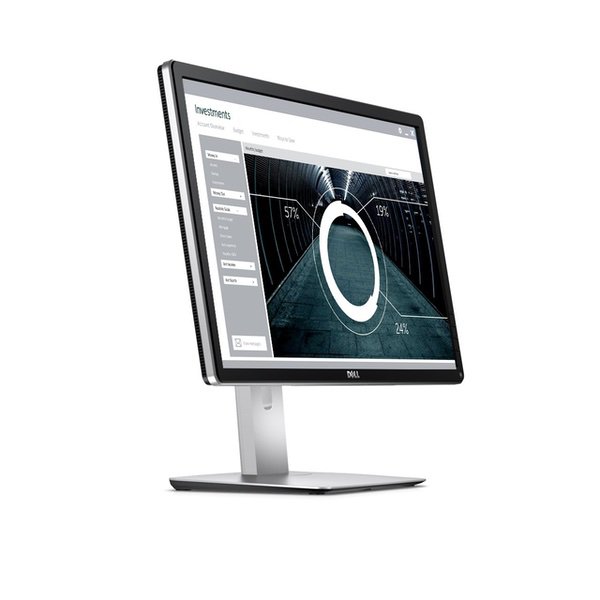
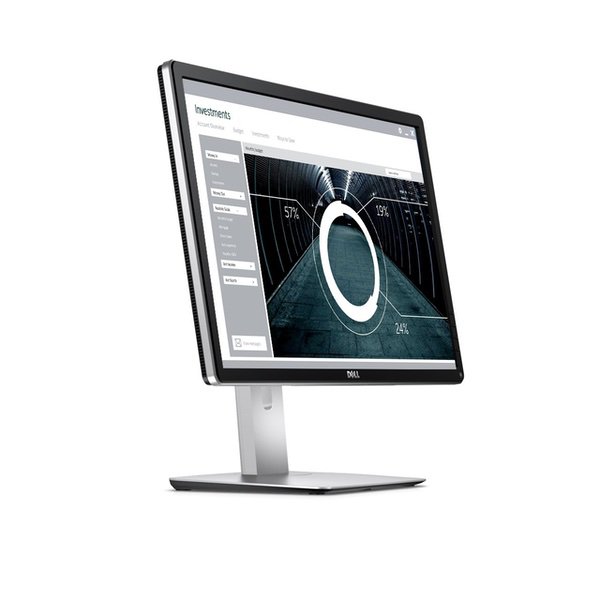
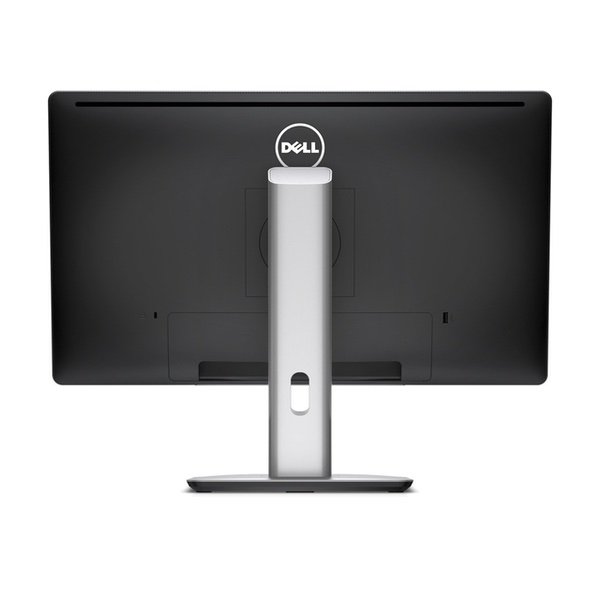
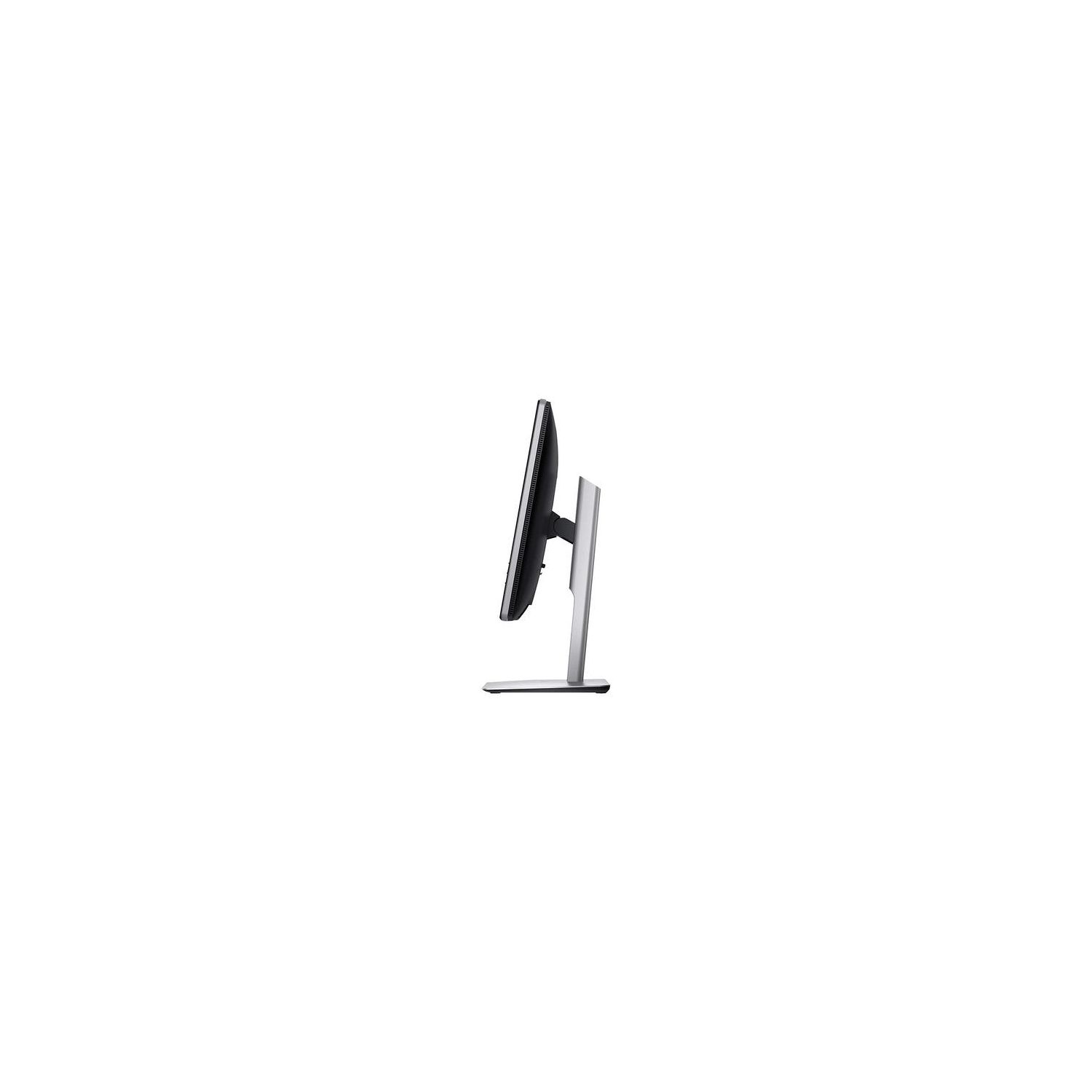
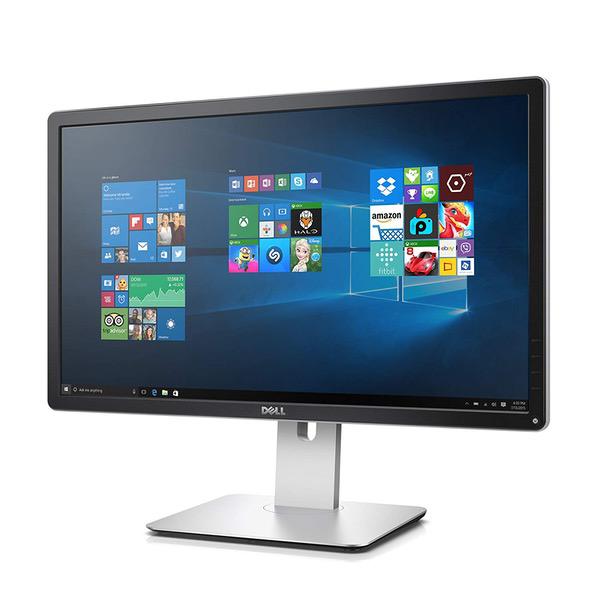
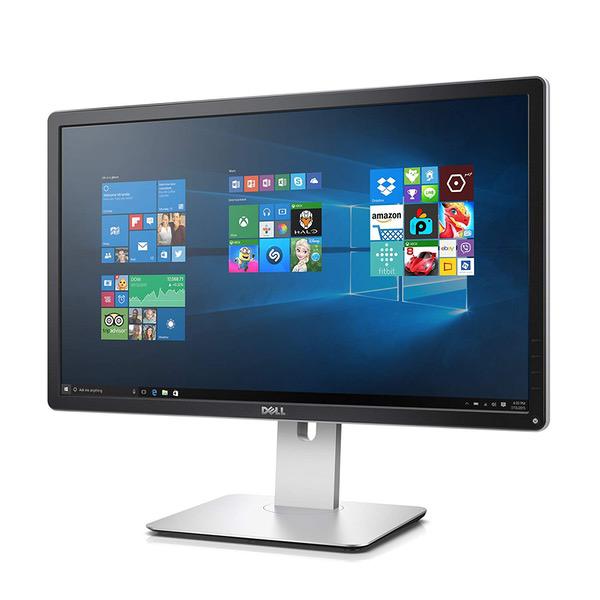
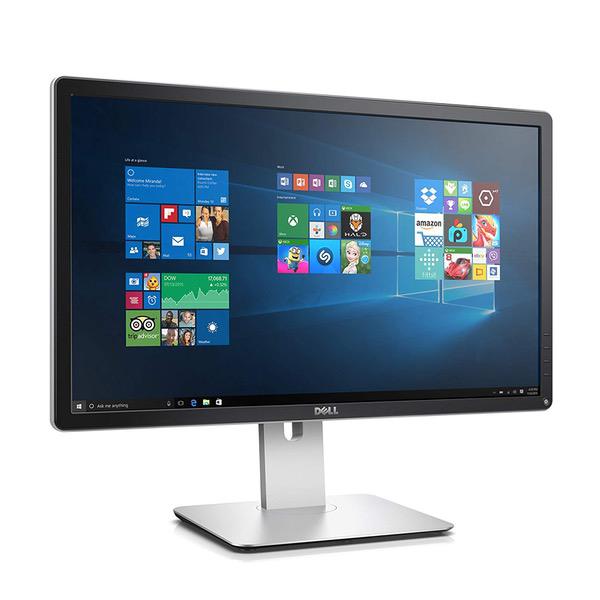
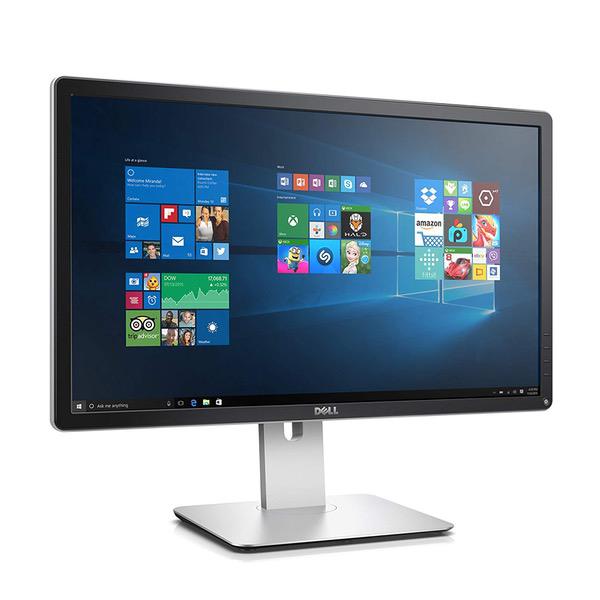
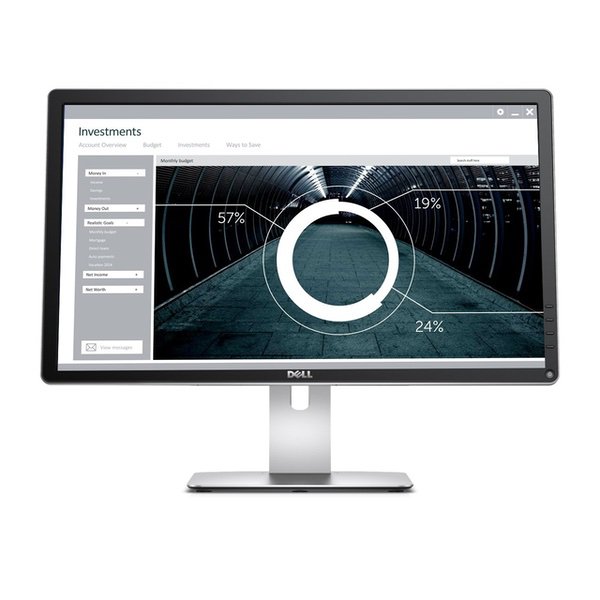
Dell Ultra HD 4k Monitor P2715Q 27-Inch Screen LED-Lit Monitor
Write a review
$60900

Dell Ultra HD 4k Monitor P2715Q 27-Inch Screen LED-Lit Monitor

Write a review
B00PC9HFO8
+
Add to wish list
Target is a general merchandise retailer with stores in all 50 states and the District...

City: US, New York

Delivery
Pickup at your own expense
Tomorrow from 09:00 to 20:00, Store location
Free
Payment options
Apple Pay Google Pay Mastercard Visa
Cash, bank card, credit/installment payments, cashless payment for legal entities
Warranty and returns
Exchange/return of products of proper quality within 14 days Official manufacturer's warranty: 12 months
Features
Display Type
LED
Item Dimensions
25.2 x 21.2 x 8 in
Item Weight
16.7 lbs
Mount Type
Wall Mount
Refresh Rate
60 hertz
Screen Size
27 in
Aspect Ratio
1.78:1
Description
This fits your .
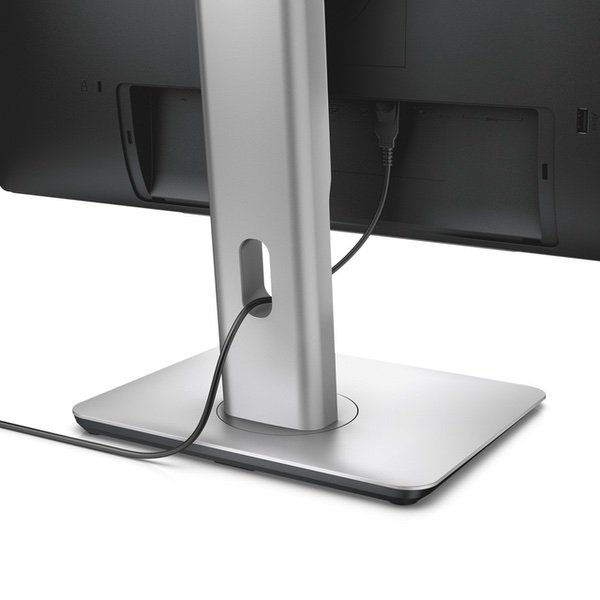
Make sure this fits by entering your model number. With 99% sRGB color coverage, and a factory color calibration report to certify that each monitor arrives at a deltaE of <3, youcan be sure that colors are as accurate as they can be Maximize your viewing options by adjusting the monitor to your desired height, or easily tilt or swivel to your preferred angle.Pivot from landscape to portrait view to easily see full pages at a glance Feel free to mount the panel head to the Dell Single Monitor Arm or the wall for even more flexible viewing options Compatible with Windows 7 .Your monitor has a built-in diagnostic tool that helps you determine if the screen abnormality you are experiencing is an inherent problem with your monitor, or with your computer and video card Brightness - 350 cd/m2 (typical). Color Support - Color Gamut (typical): 99% sRGB (DeltaE > 2) 1.07 billion colors. Screen Coating - Anti-glare, 3H Hard Coating. Increase brightness and contrast controls via OSD
Reviews
4.1
Reviews: 20
5 stars
65%
4 stars
10%
3 stars
10%
2 stars
0%
1 star
15%
Bob
3
Decent monitor but does have some issues. I have two of these and two of P2715Q as well. I work with DsiplayPort echnology so have some insights that may be helpful. First, a word about DisplayPort cables. There are many in the market that do not follow the DisplayPort Standard because they carry the DP_PWR signal, which is provided at the connector to power adapters. If you can turn on your PC and Monitor and then connect the cable and it works, but cannot get one or the other to wake from sleep or power back on, you may have a bad cable. You can tell by unplugging the DP cable see that the device will wake or power on. The monitor itself operates in three modes. Use the on-screen display (OSD) menu to navigate to Display. In those settings there is an option for MST (DisplayPort Multisream technology). MST is the feature that allows you connect these monitors in daisy-chain. If MST mode Off, the monitor operates as 4k, 60Hz refresh. In MST Mode Primary, the MST feature is turned on and the monitor operates at 4K 30 Hz refresh. Thats because at 4k 60Hz, it uses up all of the DisplayPort bandwidth so a device connected to the DP Out port would not work. In MST Mode Secondary, the monitor disables MST, declares itself to be "DP 1.1" and sets its resolution to 4k 30Hz. This is "compatible mode" and is default (out of box). By the way, most Apple laptops do not support MST. Regarding sleep/wake issues, this can be caused by an issue with monitor firmware. In MST mode, Ive observed that the Hot Plug Detect (HPD) signal that the source (computer) uses to detect the monitor is connected is not always sent correctly by the monitor. It doesnt fail all the time and does not seem to affect MST Off or Secondary modes. I do a lot of sleep/wake testing with various sources and I only see failure to wake occasionally but often in MST mode with another monitor attached downstream. Ive spoken with the company that makes the DP chip and they fixed the issue but firmware updates for monitors in the field are not available. If you arent using MST mode, turn it off. If you think the image quality is not up to par, check to see if using Secondary mode and try MST Off instead.
Christopher Davis
3
I purchased my first one of these monitors in April 2017 and it was amazing. I wanted to expand my setup to a dual display and ordered a second one. The new monitor the color match was way off, even after doing a factory reset on both the new and the old. I got it close enough with manual settings but you can not use the presets or it wont match. Also the new one had these faint horizontal gray lines going through portions of the display, at first I tried to ignore it but had to exchange it. If you google the monitor and gray lines it is a KNOWN ISSUE by Dell. If you get a bad monitor and purchased from Amazon your only options are to do a warranty from Dell and they give you a refurbished monitor (since you didnt buy direct from dell) or you can exchange through Amazon. I hated exchanging through Amazon since its not their fault but I did not want a refurb monitor for something I bought brand new and had for 2 days. I got the new monitor today, manufactured same date November 2017, likely same batch. Well, this one also has the gray line issue BUT its not as bad. Seems to come and go. I dont feel like being flagged by Amazon for picky/excessive returns and I dont want a refurb so I am going to live with it for now. Annoying for the price of the monitor I expected much better based on the first one. Will not be buying another Dell monitor in the future. I gave 3 stars because the first one from April 2017 is amazing. Just watch the mfg date and google for the issue. Dell knows all about it...
Product variations
Column filling
Sort by Price Sort by Availability Sort by CODE Sort by Screen Size
$39900
In stock
+
B00PC9HFNY
Screen Size:
24 in
$60900
In stock
+
B00PC9HFO8
Screen Size:
27 in
You may be interested
  • Bestsellers
  • Recently Viewed
 
Similar products
Show more
Fast and high quality delivery

Our company makes delivery all over the country

Quality assurance and service

We offer only those goods, in which quality we are sure

Returns within 30 days

You have 30 days to test your purchase