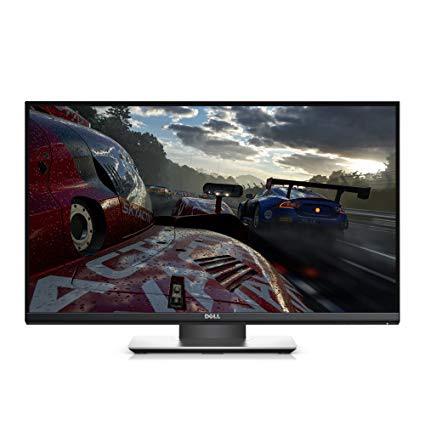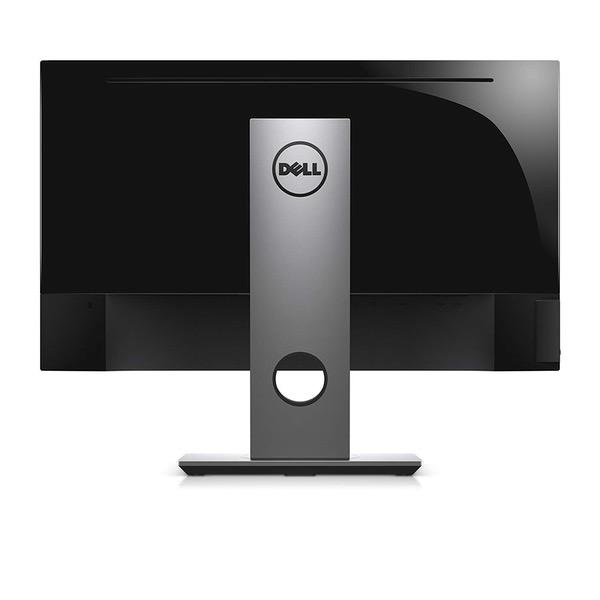
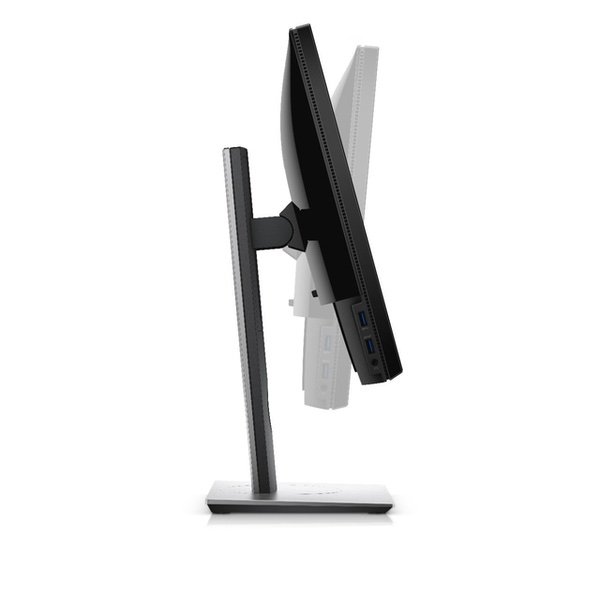
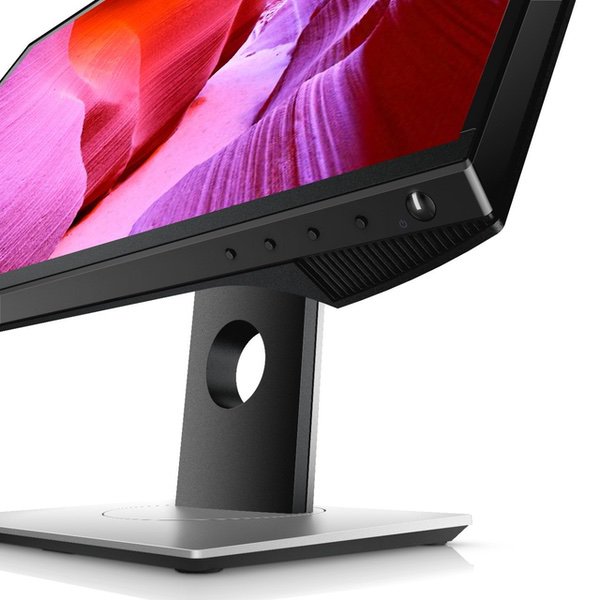
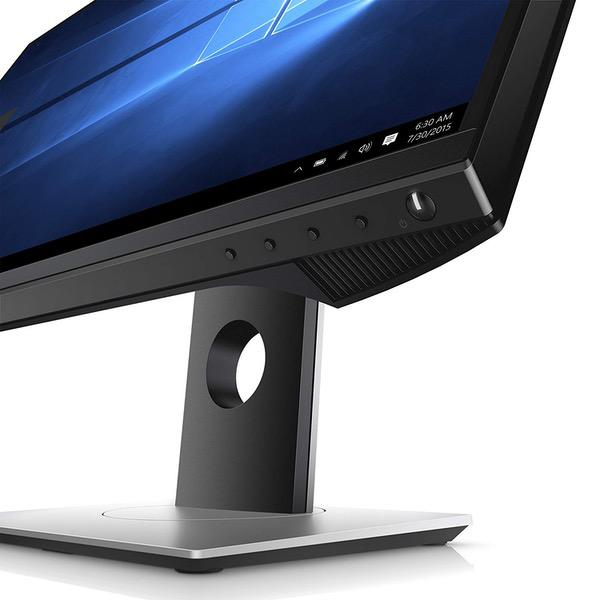
Dell Gaming Monitor S2417DG YNY1D 24-Inch Screen LED-Lit TN with G-SYNC, QHD 2560 x 1440, 165Hz Refresh Rate, 1ms Response Time, 16:9 Aspect Ratio
Write a review
$38800 $43800

Dell Gaming Monitor S2417DG YNY1D 24-Inch Screen LED-Lit TN with G-SYNC, QHD 2560 x 1440, 165Hz Refresh Rate, 1ms Response Time, 16:9 Aspect Ratio

Write a review
B01IOO4SGK
+
Add to wish list
Target is a general merchandise retailer with stores in all 50 states and the District...

City: US, New York

Delivery
Pickup at your own expense
Tomorrow from 09:00 to 20:00, Store location
Free
Payment options
Apple Pay Google Pay Mastercard Visa
Cash, bank card, credit/installment payments, cashless payment for legal entities
Warranty and returns
Exchange/return of products of proper quality within 14 days Official manufacturer's warranty: 12 months
Features
Display Type
LCD
Item Dimensions
21.28 x 7.09 x 19.44 in
Item Weight
13.4 lbs
Mount Type
Wall Mount
Refresh Rate
60 hertz
Screen Size
24 in
Aspect Ratio
16:9
Description
This fits your .
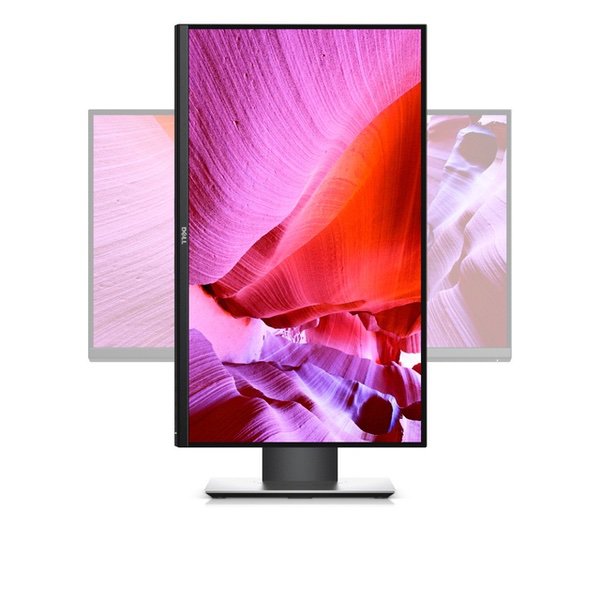
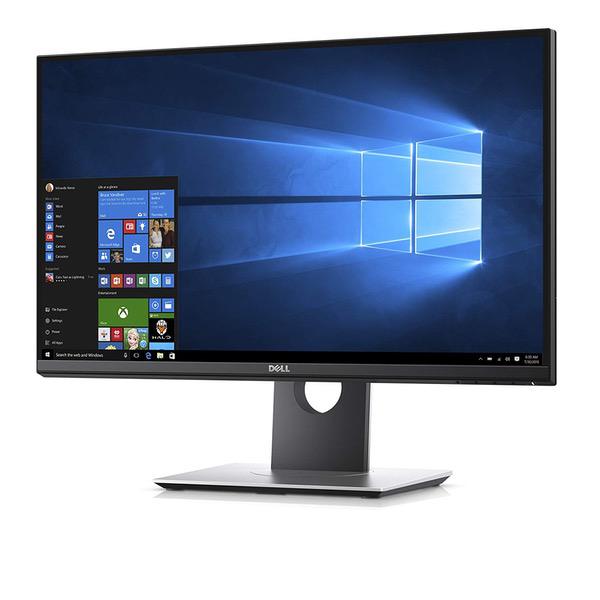
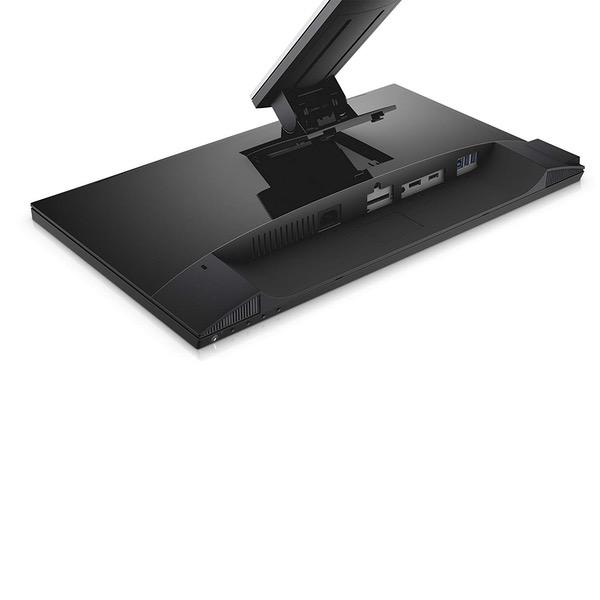
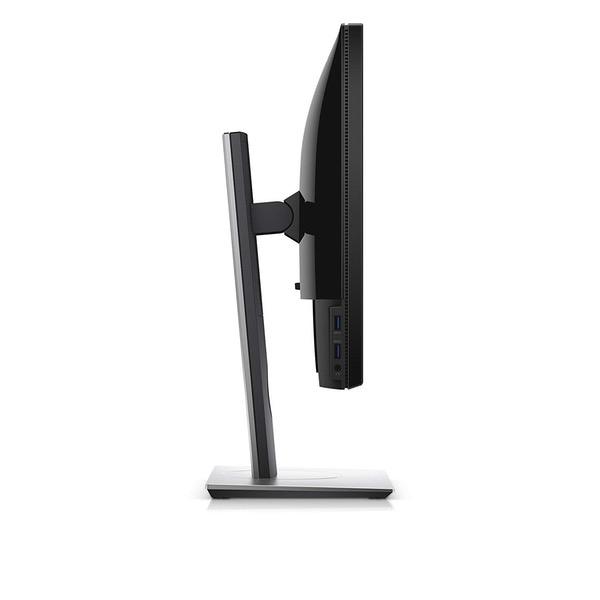
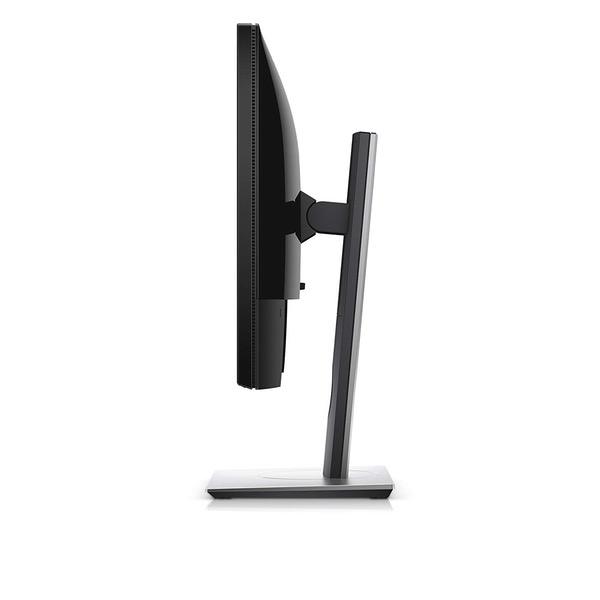
Make sure this fits by entering your model number. Get stunning clarity with QHD resolution - that's close to 2 times more screen details than Full HD Enhance your visual experience with optimal preset modes tailored to suit your gaming genre Optimize eye comfort with a flicker-free screen.Response Time:1ms. Contrast ratio: 1000: 1 (typical) Get a replacement monitor shipped to you the next business day with Dell's 3 years Advanced Exchange Service.Input connectors-HDMI, Displayport Refer user manual below. Compatibility- All Operating System. Dimensions (WxDxH) - with stand Height Compressed - 363.9 mm (14.33 inches) / 493.9 mm (19.44 inches). Width- 540.4 mm (21.28 inches). Depth- 180.0 mm (7.09 inches)
Reviews
3.8
Reviews: 20
5 stars
45%
4 stars
20%
3 stars
20%
2 stars
0%
1 star
15%
Amber
3
I originally ordered this monitor and received a revision of A04 (indicated on the side of the box) Set up and calibrated and produced significant color banding. In the areas of the screen where light shades fades to black you can easily notice this effect. I ordered another monitor directly from Dell with a Revision of A07 and it is literally night and day, even before calibration. Be diligent and ensure you receive the newest revision, if at all possible. Im not that picky when it comes to displays, but for the kind of money I spent on this monitor, terrible color bleeding/banding should NOT be an issue at this tier and price point of monitor.
mitch
3
I have the same ASUS 1080p 144hz monitor that most of the gaming community has. I bought this Dell monitor because I thought 165hz, 2k resolution, and G-Sync would be an upgrade but I was wrong. I had 2 major problems with this monitor... 1. There was noticeable light bleeding along the bottom of the monitor. This did seem to slowly go away after using it for a while. 2. When G-sync was enabled, I had very bad stuttering problems when playing games in Boderless-Window mode which is how I play all my games since I have multiple monitors. When using the monitor in Fullscreen mode, there was no issue. When it comes to 165hz VS 144hz, I could tell no difference at all. If you have a current generation graphics card (GTX 1060 or above) (I am using a 1080 in this case) then there is really no reason to pay extra for G-sync because you are probably running a higher fps than your monitor is capable of anyway so you wont see any real benefit. If you are running a GPU that has trouble keeping up, consider upgrading your GPU rather than dishing out a $200 premium for G-sync. As for the quality of the monitor, it was very well built and was very aesthetically pleasing. It had almost no bezel around the outside and viewing angles were decent for a TN panel. The stand was well made and sturdy.
Amazon Customer
3
I bought this Dell monitor last week after rave reviews on many different websites. My experience isnt translating as well. First of all, Im pretty sure I was sold a used monitor marked as new. I paid the full new price for it, and when it arrived the box was beaten up pretty badly. As well as multiple shipping labels on it that had been covered up various times. It was clear this box has been around. As for the physical monitor itself, the results were similar. The top bezel was coming loose from the monitor itself (looking like it either was dropped or that it had been pried off), and in the bottom left there are 2-3 dead pixels. That, coupled with either a dead pixel or scratch that manifests itself RIGHT in the middle of the screen during gray/black backgrounds that makes it impossible to ignore. Ive since been in touch with Dell due to their advance exchange program, but apparently this monitor has been discontinued and they are contacting me Monday with possible replacements. For 400+ I expected better quality control. Another note is 144hz is amazing, regardless of monitor. Absolute game changer. Gsync seems alright, wish Nvidia would get its head out of its ass and use the Adaptive standard like AMD with Freesync. The premium just doesnt seem worth it. I almost wish I had never entered the world of high refresh rates and adaptive sync. I know its going to make it hard to go back and keep me in the upper price brackets for any upgrades. I remember when 60hz looked normal and smooth; after this its a choppy mess.
Heather Abrahams
3
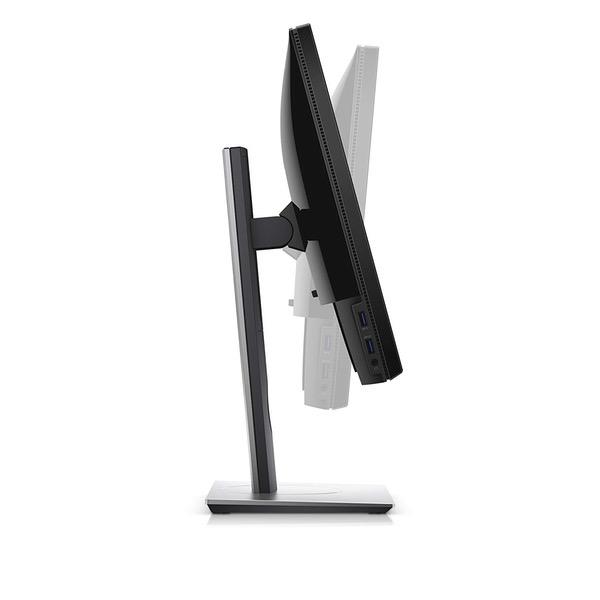
The Good: This monitor is shipped well, packaging is very protective. Easy to unbox and setup. Comes with all the necessary cables such as DP to DP, which can support 165hz, an HDMI to HDMI, power cable, and USB B Female to USB A male. The picture is clear and sort of color accurate, but as I am using it for gaming I dont really care about that so much. There are 6 usb 3 ports, 2 on the side, a headphone jack on the left. The built in menu is easy to navigate with the 4 buttons at the bottom. The Bad: The USB ports on my device are spotty, meaning that lets say Im listening to music with my headphones that are connected via usb. Every ten seconds or so the signal will just cut out, after 2 seconds the music comes back, but I missed those 2 seconds between the signal loss. Same thing with a keyboard, it will act like I didnt press keys while the usb timed out. This happened on every single USB port on the monitor. Replacing the USB B to A cable didnt work either, so it seems to just be inside the monitor. Not to mention that the USB A placement is incredibly hard to reach, so make sure you have everything plugged in before moving your monitor back so you dont have to keep readjusting. The Ugly: Customer support. I spent 20 minutes on the phone with this person who wasnt familiar with the monitor or any troubleshooting fixes. At some points she asked me if "The computer was plugged into the monitor". I ended up hanging up as the advice given was just insulting. UPDATE: Since the post, I have gotten a replacement cable rather than the one that dell provides, which works perfectly, but I will not be changing the stars as Dell really should check all accessories before sending them off. Overall, the monitor is good for gaming, but the quality control from dell is somewhat worrying considering the price point. I am still annoyed at the Tech supports lack of knowledge on their products and I hope that Ill find a fix for this issue, otherwise an okay purchase.
Product variations
Column filling
Sort by Price Sort by Availability Sort by CODE Sort by Screen Size
$38800 $43800
In stock
+
B01IOO4SGK
Screen Size:
24 in
You may be interested
  • Bestsellers
  • Recently Viewed
 
Similar products
Show more
Fast and high quality delivery

Our company makes delivery all over the country

Quality assurance and service

We offer only those goods, in which quality we are sure

Returns within 30 days

You have 30 days to test your purchase