
















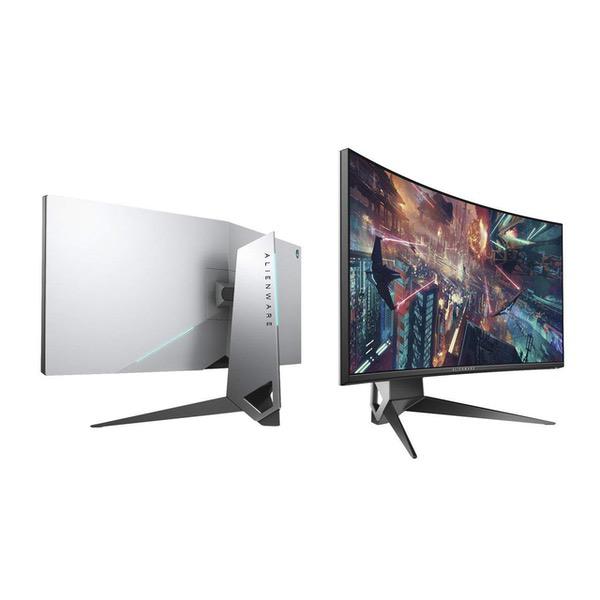
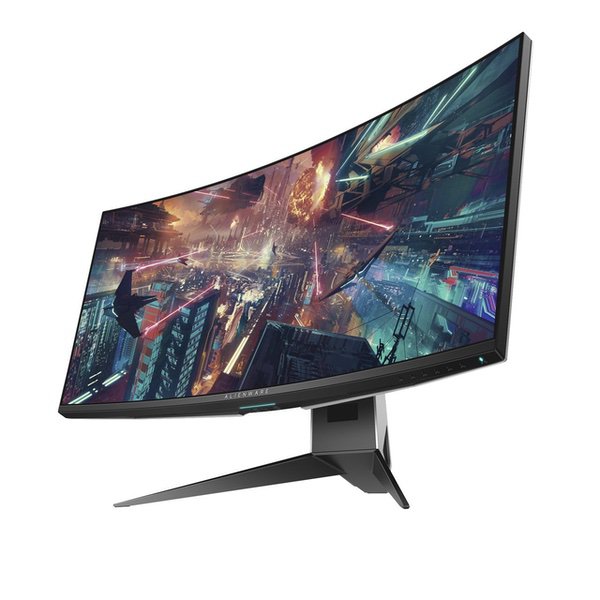
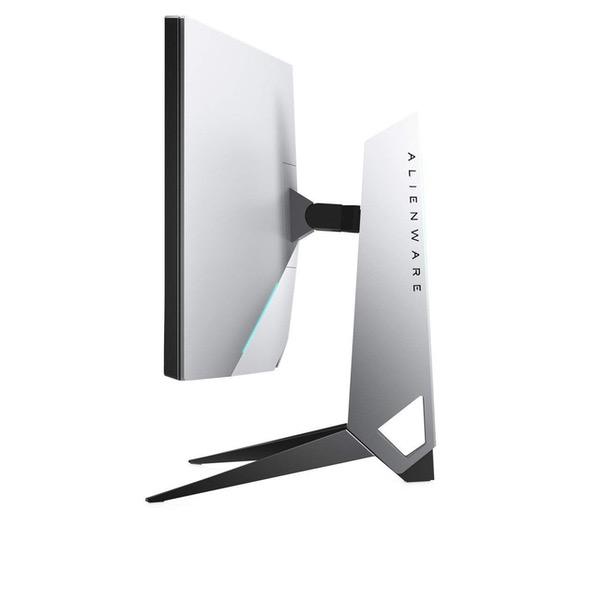
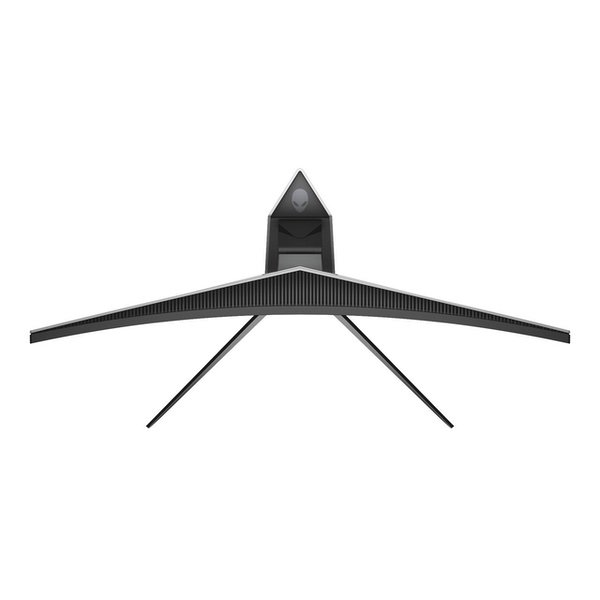
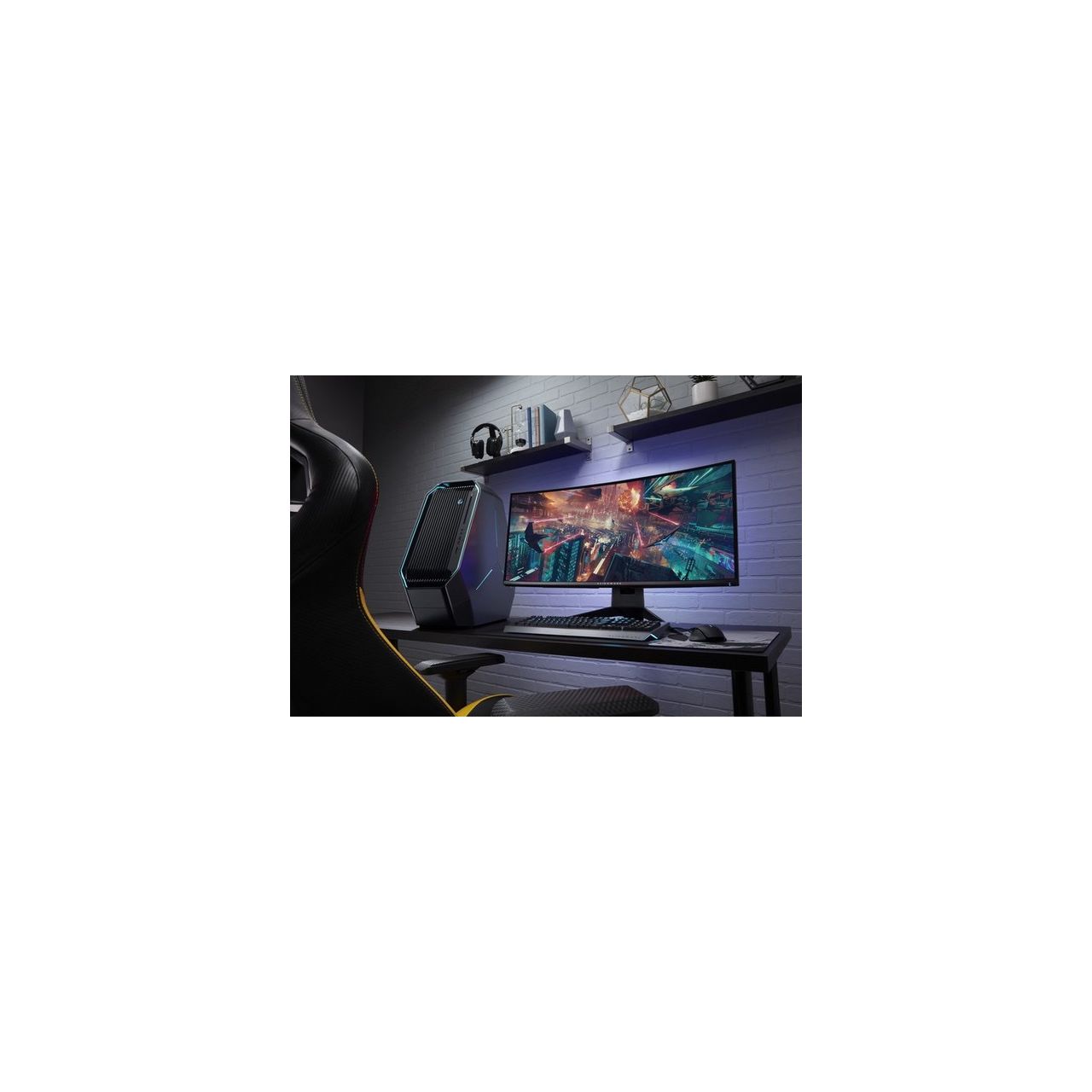
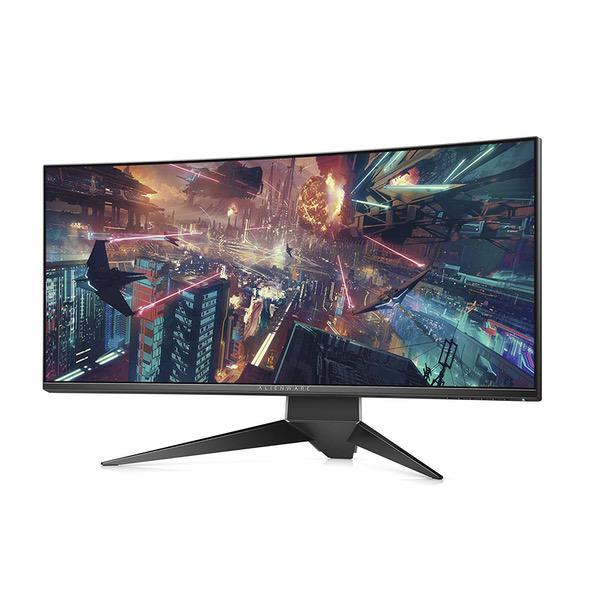
Dell Alienware 34" Curved Gaming Monitor Screen LED-lit Monitor AW3418HW
Write a review
$61500

Dell Alienware 34" Curved Gaming Monitor Screen LED-lit Monitor AW3418HW

Write a review
B0787KPCSP
+
Add to wish list
Target is a general merchandise retailer with stores in all 50 states and the District...

City: US, New York

Delivery
Pickup at your own expense
Tomorrow from 09:00 to 20:00, Store location
Free
Payment options
Apple Pay Google Pay Mastercard Visa
Cash, bank card, credit/installment payments, cashless payment for legal entities
Warranty and returns
Exchange/return of products of proper quality within 14 days Official manufacturer's warranty: 12 months
Features
Display Type
LCD
Item Dimensions
32.04 x 12.56 x 22.17 in
Item Weight
25.19 lbs
Mount Type
Wall Mount
Refresh Rate
160 hertz
Screen Size
34 in
Aspect Ratio
16:9
Description
This fits your .
Make sure this fits by entering your model number. Buttery smooth gameplay: NVIDIA G-SYNC eliminates screen tearing and stutter for smooth gameplay Unrivaled gaming advantage: 3 customizable game modes in addition to 3 Preset modes and game features such as timer, frc, dark stabilizer Visual ecstasy: a curved screen enhances field of vision and provides a "wrap-around" View for an epic Sense of immersion Contrast Ratio: 1000: 01 Mounting Type: VESA mount
Reviews
3.7
Reviews: 20
5 stars
55%
4 stars
5%
3 stars
10%
2 stars
10%
1 star
20%
Nik
3
I just purchased an RTX 2080 and wanted to put it through its paces with a great screen, so I ordered this. It was almost great, but disappointed me in some non-negotiable ways, so I returned it. There are some definite pros, but Ill start out with the cons: Cons: 1. A lot of IPS glow in the lower left-hand corner, and some in the lower right-hand corner as well. For this price, that should be non-existent. 2. It does not work well with the Macbook Pro 2018. I have adapters for DisplayPort to Thunderbolt 3 and for HDMI to Thunderbolt 3. With the DisplayPort adapter, the monitor did not work at all. The monitor would not recognize that a computer was connected to the display. I use that adapter at work on a daily basis and it works great, so it must be something with the monitor. I was able to get the display to recognize the computer when I used the HDMI adapter, but I typically have to disconnect/reconnect the adapter or the HDMI cable several times before the monitor stops flashing and works. Finally, when I connect the monitor to the Macbook Pro, it completely disables audio on the laptop. Very annoying. * It only has one DisplayPort jack, so I couldnt connect a DP-to-DP-mini and a DP-to-DP cable. It ended up not mattering, because it didnt work with my Macbook Pro anyway, but if they fixed the firmware or somehow made that work, then it would have been nice to be able to leave it connected to my PC and my Mac. Note: I tested an other Macbook Pro that has a native mini-DP port and it did work with that. Pros: * If you plan on using this exclusively with a PC, or with an other Macbook Pro, then the resolution and picture quality is excellent. Playing games on this was an incredibly immersive and satisfying experience, except for the ever-present IPS glow in the lower left-hand corner. If you are lucky enough to get one without IPS glow, and you dont use it with a Macbook Pro 2018, youll be very happy with this monitor.
Gwilk
3
I have a Ryzen 7 2700X and EVGA GTX 1080 TI FTW3 & Macbook Pro 13" 2015 and I have tested numerous monitors including: Dell Ultrasharp 2560 X 1440 @ 60 Hz Samsung curved 32" VA @ 144 Hz (no sync technology) LG 4K IPS @ 60 Hz (Freesync, but before Nvidia - Freesync compatibility driver update (google for more info)) LG Ultrawide 3440 X 1440 IPS @ 60 Hz (Freesync, have tested and can confirm moderate compatibility with Nvidia cards (slight problems due to low variable Hz range)) ViewSonic 35" Ultrawide 3440 X 1440 MVA @ 100 Hz Native (Freesync works great with Nvidia cards) Dell Alienware 34" Ultrawide 3440 X 1440 IPS @ 100 Hz Native; 120 OC (G-Sync, works great from my tests and comparable to Freesync namely ViewSonic panel) Im gonna make things simple, I love the colors/color reproduction and overall experience of most IPS panels I have owned. They look so crisp and clear and have consistent uniformity. The Dell AW3418DW was a noticeable and disappointing decrease in overall panel experience. The IPS had glow and backlight bleed, the whites looked warm, brightness suffers and colors look dull comparatively speaking. I had to pass on this monitor because I expected a better overall panel. G-Sync works good and gaming is sooo sweet. The design was a huge selling point as Alienware has always been a cool brand to me even before getting into PC gaming. Honestly, if you havent experienced an IPS panel and this is your first big step up then you probably wont be disappointed, but since I have used so many good panels and I can say that this one is a no go for the price. I listed the other monitors to give you an idea of what I have tested and some of those panels did have QC problems, but that aside, they lacked for my needs. I have found myself at the point of IPS love. BUT the new ViewSonic 35inch XG350R-C MVA Ultrawide with 100 Hz and Freesync is so nice besides some QC issues. I have tested it right next to the Alienware and can say that most pictures look better on the VS and gaming is very similar. Not gonna say this Alienware panel is bad, but it needs a better panel, but needs to keep the design. If you could update this monitor with a new LG Nano IPS display with G-Sync/Freesync, sign me up!
Product variations
Column filling
Sort by Price Sort by Availability Sort by CODE Sort by Screen Size
$84800
In stock
+
B0777RY75V
Screen Size:
34.1 in
$61500
In stock
+
B0787KPCSP
Screen Size:
34 in
You may be interested
  • Bestsellers
  • Recently Viewed
 
Similar products
Show more
Fast and high quality delivery

Our company makes delivery all over the country

Quality assurance and service

We offer only those goods, in which quality we are sure

Returns within 30 days

You have 30 days to test your purchase