


























P. Bosworth
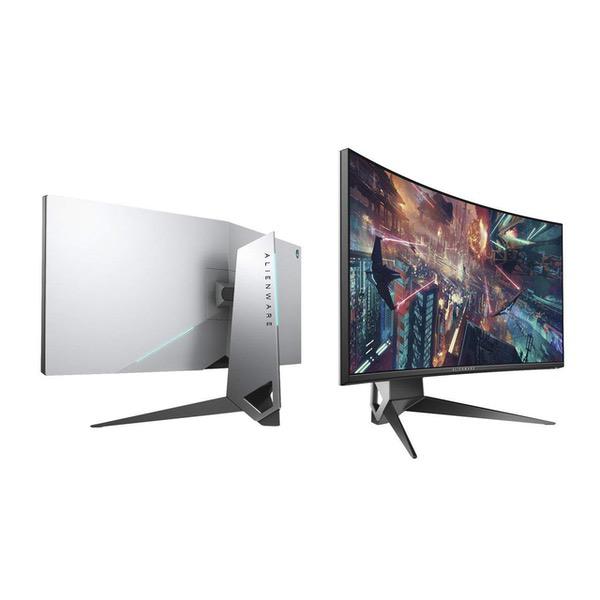
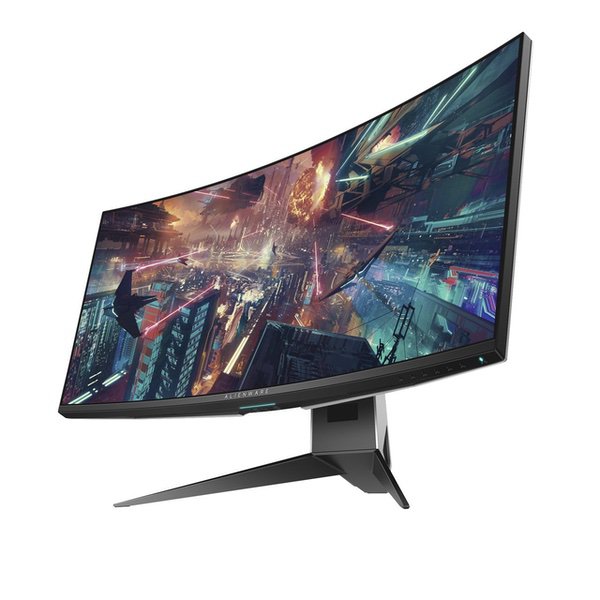
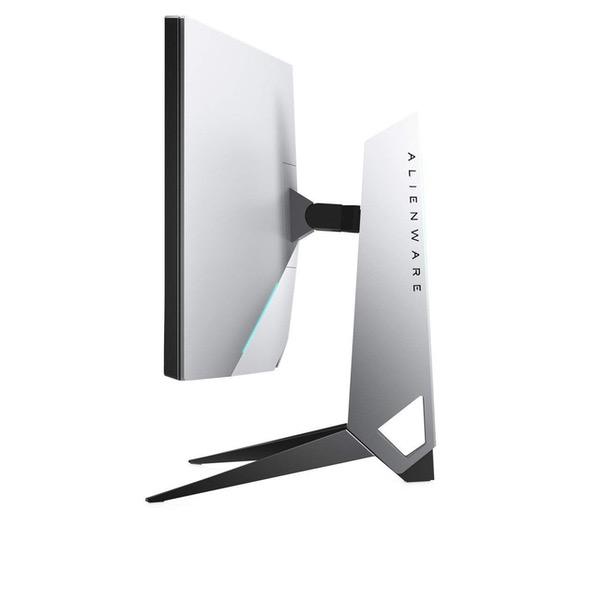
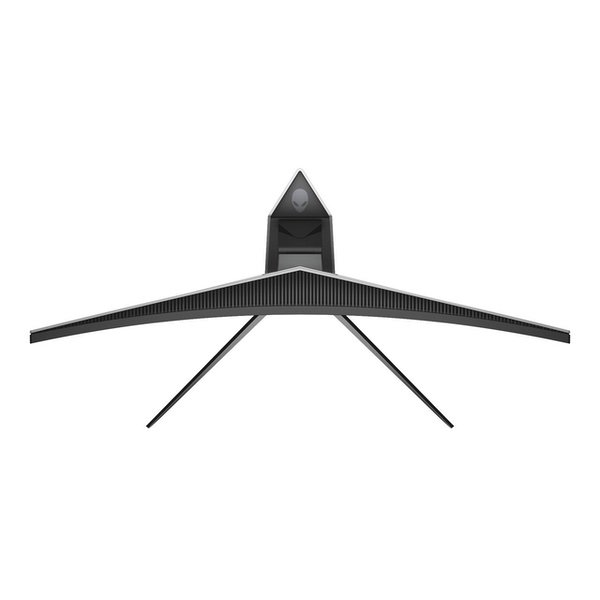
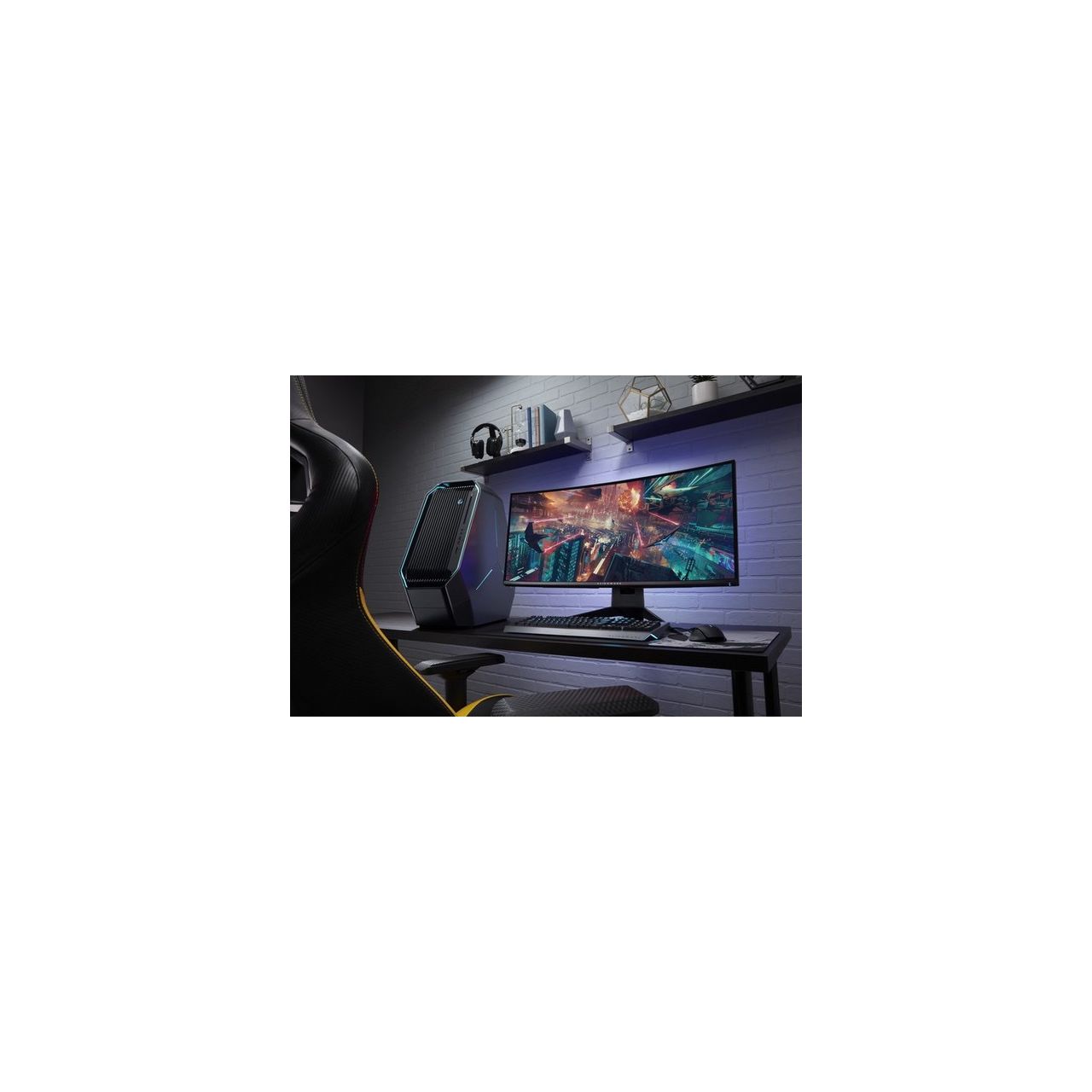
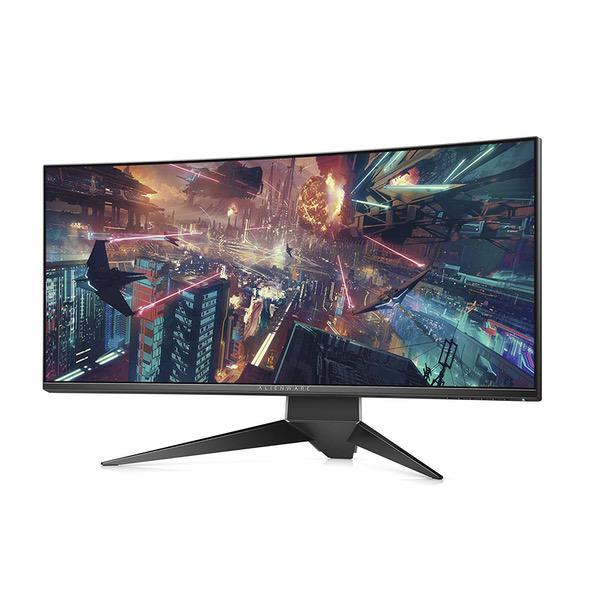
I was very excited to get this monitor, as I was coming from a pretty significant upgrade of 2x 24 in 1920x1200 monitors. Overall, the monitor is high quality, a little too gamer-ish in style for me, but I heard great reviews about the quality of it and decided to make the splurge. Unfortunately, due to some issues which I discuss below, one of which in particular being a major issue for me, I decided to return the monitor. Construction - Overall, the monitor appears well constructed and solid. The stand is definite a bit big, although I was prepared for the monitor taking up as much space as it did. Coming from 24 in monitors, this thing is definitely huge; it certainly took some getting used to the size, but it would be hard to go back to smaller monitors after this. Image Quality - Image quality is great. Images and text are clear. I was a little concerned about the curve at first, but I think for a monitor this size it is required. The corners of the screen were clear. However, there is a significant amount of backlight bleed on mine, and I am someone that has never really complained much about backlight bleeding. But, sitting here typing this up my bottom black taskbar has areas that are brighter due to the backlight bleed (and I’m in a well-lit room). Definitely disappointing, although I’m not sure if my panel is unusually bad for the monitor. Gaming - I’m sure most people looking at this monitor are considering at least some gaming. I didn’t game too much on this, as I don’t play nearly as much as I did in my youth, but the little I did do was fantastic. It definitely feels very immersive given the significant width of the monitor. Note, however, that I only ever tried playing DOTA 2 on this monitor. I never got around to playing another game (as I said, I don’t game as much anymore). However, one thing I noticed I had issues with when gaming was that I started getting a headache / nausea. I didn’t think it was related to the monitor at first, but I stumbled across many people online reporting this from ultrawide monitors. I did see one person say that issue went away after a while, but I only played games two or three times with the monitor, so I didn’t experiment enough to see if that would happen with me. Productivity - This is one area I was looking for major improvements on. I work from home as a programmer, so I wanted to explore how an ultrawide monitor would work for that. I found that I really did enjoy having the flexibility of one large canvas that I could divide how I liked depending on what I was doing. If I was working in an IDE that required significant screen space, such as Visual Studio, I would have that take up close to 2/3rds of the screen, while having the remaining 1/3 reserved for a web browser or other application. With web browsing, I typically just split the screen in half with a browser on either side. Overall, I felt this was slightly nicer in most ways than two individual monitors, but maybe not enough to say you should definitely go with an ultrawide monitor. However, there is a bit of ease lost by not being able to just maximize your window. Which option is best for you ultimately comes down to your own workflow and personal preferences. I eventually had one of my old monitors on the side as a second monitor to help with multitasking, although I imagine many people’s desks would not have the space to support that setup. Technical - While there aren’t too many input options, HDMI and DP were all I really needed. I had this monitor connected to a Windows 10 PC and a 2015 MacBook Pro. Switching between systems was relatively pain-free. When I wanted to switch from PC to Mac, I’d put the PC to sleep and could hit any menu button to bring up the input selection, hit up or down to change to the other input, press select and quickly be working on the Mac (it is slightly more difficult to change inputs when the first computer stayed on or awake, but only by a few key presses). I also enjoyed the USB ports in the monitor, as I could connect those to my PC so that I could plug the USB dongle for my wireless keyboard and mouse into the monitor when I was using the PC and quickly switch the dongle over to the Apple laptop when I was switching computers. While not a huge deal, it was a nice quality of life improvement compared to having to bend over and reach for my PC on the floor underneath my desk. There was, however, one major issue; the big deal breaker to me I alluded to at the beginning of this review. For some reason, the monitor sometimes refuses to wake up. My other monitor will wake up, but this one will not. Restarting the computer, turning the monitor off and on, pressing menu buttons, etc. all do nothing. The ONLY way I’ve found to awaken the monitor is to unplug it and plug it back in. This is extremely frustrating, especially when it can happen multiple times each day. To clarify, this doesn’t happen every time the monitor goes into sleep mode due to inactivity, but it happens often enough that it is frustrating to deal with. It is very inconvenient to have to unplug the monitor to get it working again. Overall - A high-quality monitor, with one major caveat; a serious defect with the monitor not waking from sleep. Unfortunately, this issue is annoying enough that I have trouble recommending this monitor to anyone. I’ve since read this happening to other people, although I’m unclear if this issue occurs with all of these monitors or just a select, unlucky few. While I would’ve loved to have had this work for me, this means I am returning it as there is just no way I can put up with something like that for years and years, especially given the price.
