BenQ GW2283 Eye Care 22 inch IPS 1080p Monitor | Optimized for Home & Office with Adaptive Brightness Technology
Write a review
$10900 $15900

BenQ GW2283 Eye Care 22 inch IPS 1080p Monitor | Optimized for Home & Office with Adaptive Brightness Technology

Write a review
B07N5MG9LP
+
Add to wish list
Target is a general merchandise retailer with stores in all 50 states and the District...

City: US, New York

Delivery
Pickup at your own expense
Tomorrow from 09:00 to 20:00, Store location
Free
Payment options
Apple Pay Google Pay Mastercard Visa
Cash, bank card, credit/installment payments, cashless payment for legal entities
Warranty and returns
Exchange/return of products of proper quality within 14 days Official manufacturer's warranty: 12 months
Features
Display Type
LED
Item Dimensions
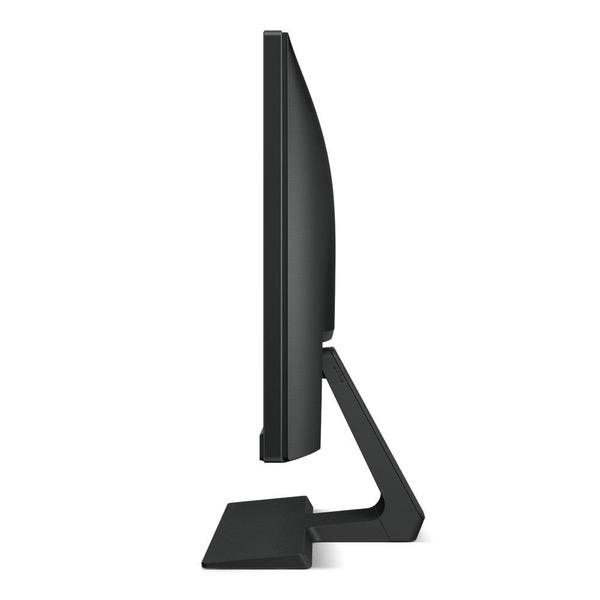
15.42 x 7.2 x 19.27 in
Item Weight
8.16 lbs
Mount Type
Refresh Rate
60 hertz
Screen Size
21.5 in
Aspect Ratio
16:9
Description
This fits your .
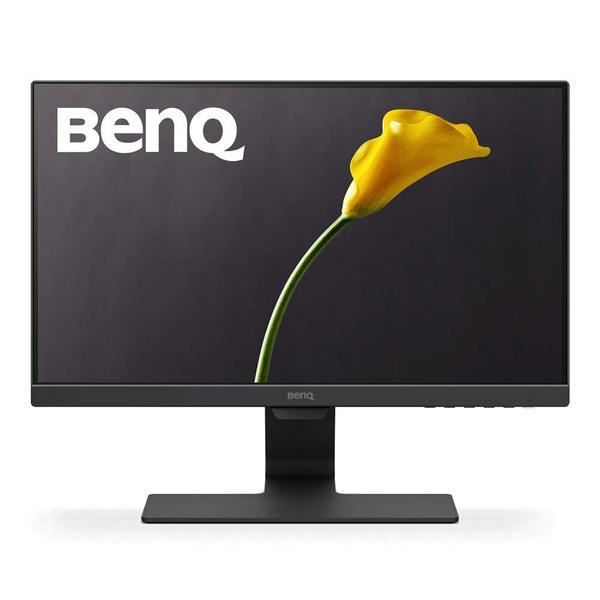
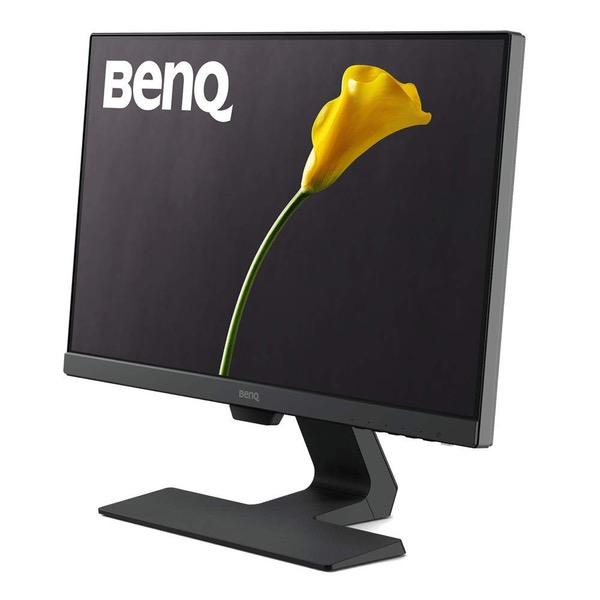
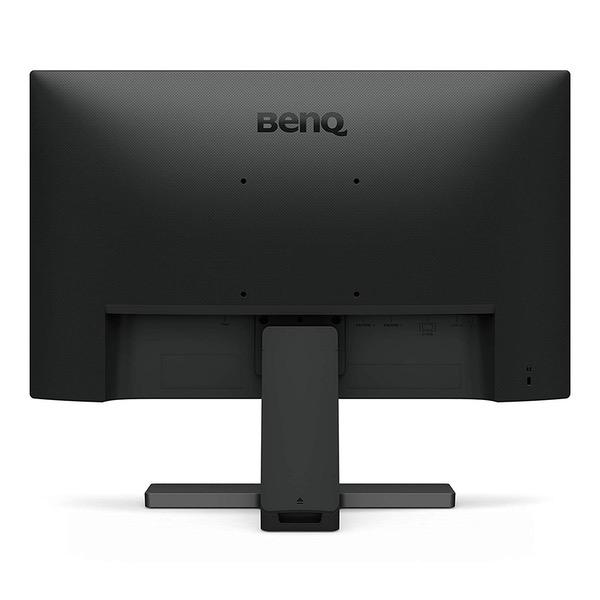
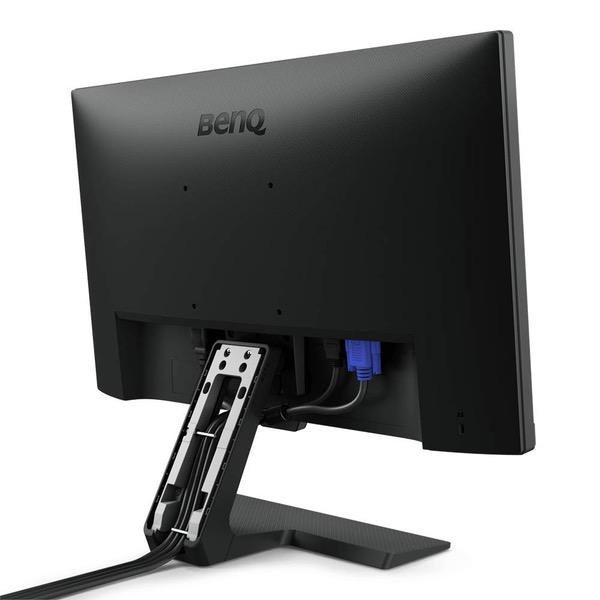
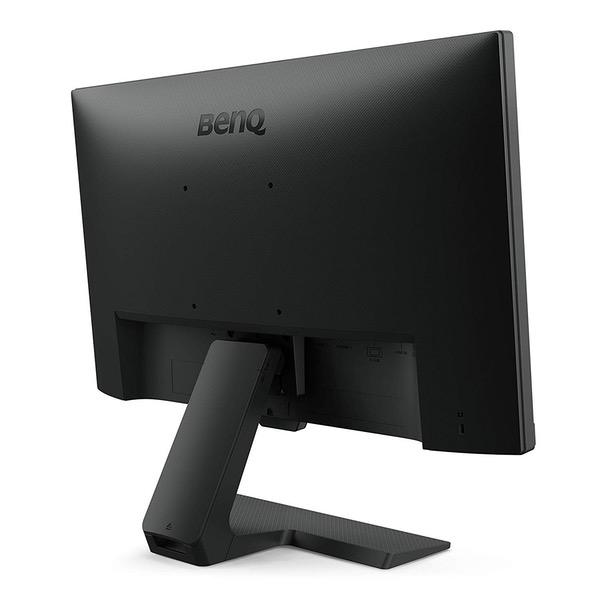
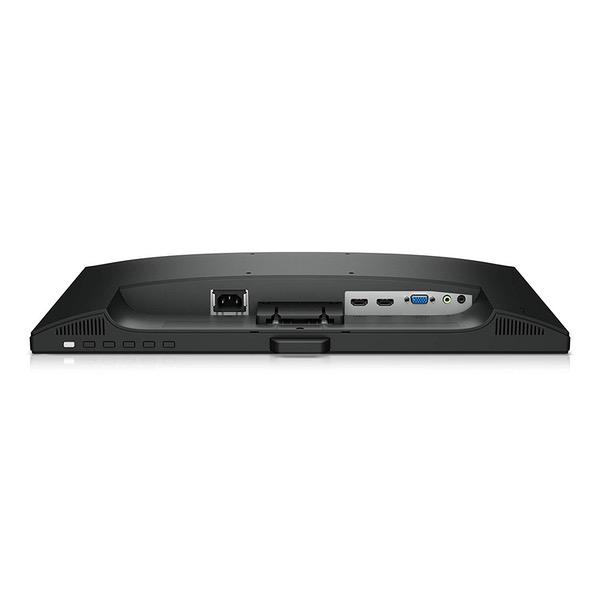
Make sure this fits by entering your model number. 21.5-Inch full HD resolution on IPS display Frameless monitor combines Ultra slim bezels with hidden cable management and exclusive Eye-Care technology to bring a new visual experience Brightness Intelligence Plus, benq’s patented Technology detects ambient light levels and on-screen content in your viewing environment to automatically adjust on-screen brightness and color temperature throughout the day Cable management system: neatly hides cables inside the monitor stand. Dual HDMI connectivity: 2 HDMI ports offer convenience to switch between media devices with ease.
Reviews
4.3
Reviews: 20
5 stars
60%
4 stars
20%
3 stars
5%
2 stars
15%
1 star
0%
K. Haenel
4
OK, Ive only had this monitor running for 10 minutes and it works fine, but it DID NOT AUTODETECT HDMI input!!! I actually returned the first one and reordered the same model after I had tried these troubleshooting steps: - Issue: At power-on, after splash screen, monitor displays "No cable detected" message. - I tried the laptops dual display settings, no good. - I checked cables, all ok. - I unplugged my larger BenQ monitor from other system to theses cables - display worked. - I tried the new BenQ GW2265 on the power and HDMI cables connected to other system - same "no cable" issue. At that point I was convinced that I had a defective monitor. After the replacement arrived and had the same issue, I searched BenQ support. It took me several tries before I found a troubleshooting article that said to try the menu buttons to select input. Sure enough, that fixed the issue. Now I need a segment of "REALLY!!" with Seth and Amy...
J.W. McGhee
4
I have yet to find a thorough review of this monitor anywhere online, so Im going to give it a shot here. I spent the past month researching monitors to upgrade from my 13-year-old glossy Dell 17" LCD monitor with a CCFL backlight. I am not a gamer, but I do need a good-working monitor for everyday home office tasks. My criteria were: - At least 21 inches - Matte display with as little compromise on image quality as possible - At least one HDMI input - VESA mount-ready - Under $150 As I began researching, it also became obvious that I would need to find a flicker-free monitor. I suffer from chronic migraine headaches and discovered in the research process that many LED-backlit displays use pulse width modulation (PWM) which generates a flicker that can trigger migraines. Doing a simple search for "flicker free monitors" led to a limited yet accurate listing, which ultimately weeded out most of my available options. Ultimately, I chose the BenQ GW2265HM. I came very close to buying the Viewsonic VX2263smhl-w, which is the same size with an IPS display and a frameless design, but I could never get past that monitors jet-white stand and black bezel. As far as cables go, the BenQ monitor included a VGA cable only, though I used a spare HDMI cable to connect my monitor to my PC. Out of the box, the factory settings were not great. Contrast and colors seemed very off from my old Dell display. A monitor calibration confirmed that the default gamma setting of 3 (on a scale of 1-5) was indeed incorrect; I adjusted this down to 1 which improved the image quality. Sharpness also needed to be adjusted ever so slightly downward. Color quality is acceptable and not quite as accurate as my MacBook Retina Display, though the black levels on the BenQ are the deepest I have ever seen on a matte monitor. This, apparently, is the nature of "VA" LED monitors and one of the few areas where they have an edge on newer IPS displays. For people who spend their time reading or typing, this monitor is going to perform nicely. At its native resolution of 1920x1080, the pixel density yields clear, smooth text that almost jumps off the screen. However, if I spent most of my time watching videos or movies, I would probably send this one back in favor of the color accuracy of an IPS display. The monitors menu included several presets, but for my use, the "Standard," "sRGB" and "Low Blue Light" modes were the only useful presets. The "Low Blue Light" feature, while sounding gimmicky, might actually be the best feature of this monitor. I see the blue light filter as an easier way to calibrate the color for real-world use. I currently have my blue light filter set to the -50% "Web Surfing" setting, which is quite pleasant and does seem easier on the eyes. This is one of those features that may take some getting used to for the average user, much like calibrating a TV for warmer colors. This monitor includes speakers built into the back of the display housing. I typically use headphones only, so for me, the speakers were not important. Nonetheless, they are adequate and reach a decent volume. Expect to hear highs and mids only; bass is nonexistent. Again, fine for an office. The one weak point on this package is the stand. I was surprised to find that the included stand had no screws or any way to secure the two base pieces together. This may be one reason why my monitor leans ever so slightly to the left. There is also a little bit of a wobble. Its not a dealbreaker given that I was considering a VESA mount solution anyway, but it might be irritating for those who are planning to use the included stand only. All in all, its a solid effort by BenQ and a good monitor for the price. It would be an outstanding monitor if it included HDMI and DVI cables and a sturdier stand.
Cabbit
4
Installed a pair on a dual monitor mount in a church office. Primary use is for spreadsheets, presentations, documents etc. so there are no impressions regarding media production or color accuracy. The primary users said the images are bright, clear and legible. Streaming video looks fine in their opinion. Speakers are junk, but expected on a low cost monitor as this one. With multiple inputs, the monitor supports most common connections (DVI, HDMI and VGA). The menu doesnt seem too hard to navigate, although the buttons can be hard to activate at time because of their placement. Since these were VESA mounted on monitor arms, cannot comment about the stand and functionality. Overall impressions: good monitor for general use.
mbarb54
4
This is the second one of this model that I have purchased. I bought it for a dual monitor setup. I like the BenQ monitors because I can easily adjust the blue light settings to be easy on my eyes depending on the type of work I am doing. BenQ has great technology for easing eye strain. I highly recommend.
You may be interested
  • Bestsellers
  • Recently Viewed
 
Similar products
Show more
Fast and high quality delivery

Our company makes delivery all over the country

Quality assurance and service

We offer only those goods, in which quality we are sure

Returns within 30 days

You have 30 days to test your purchase