

























Life
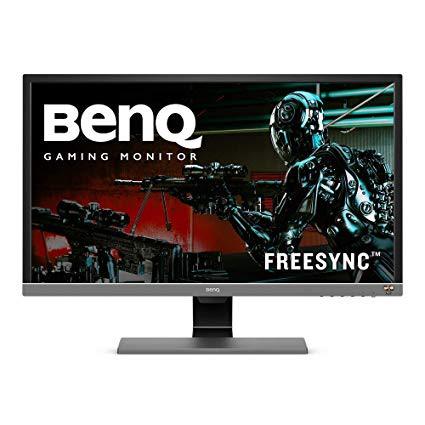
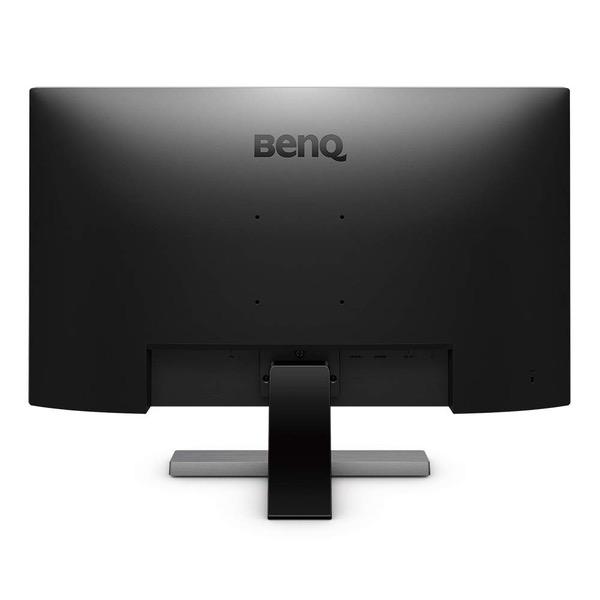
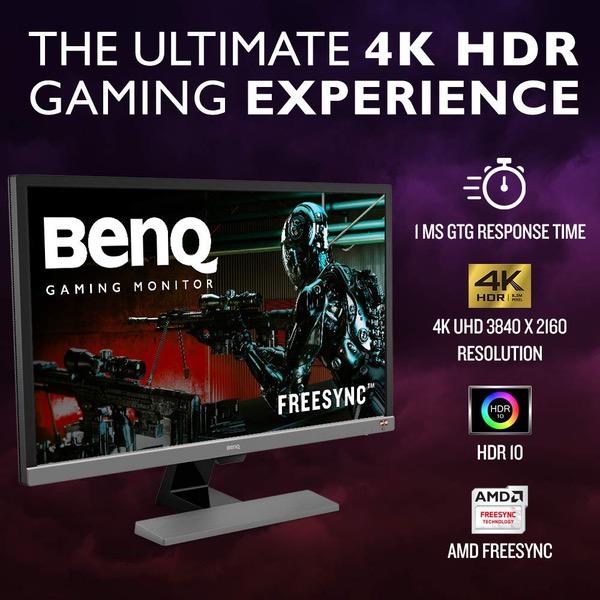
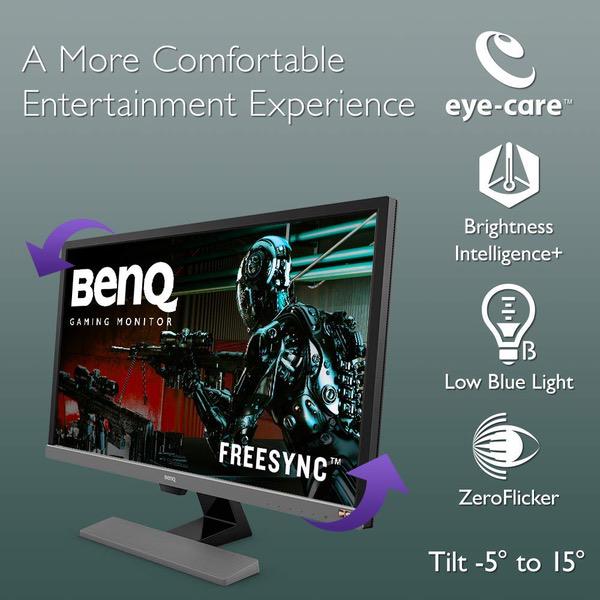
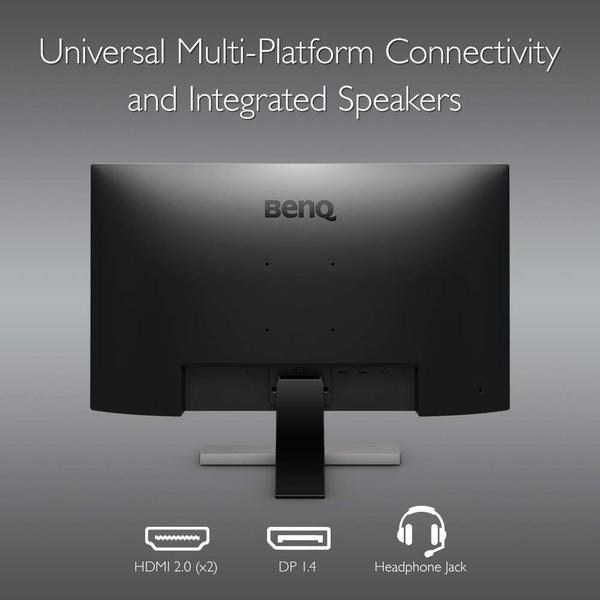
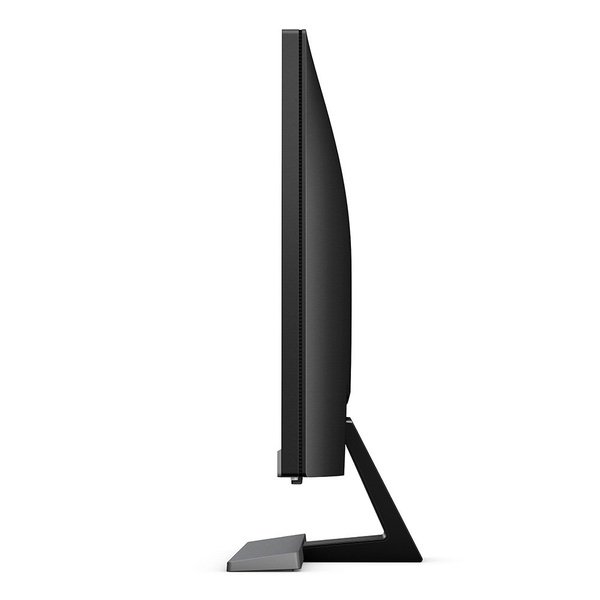
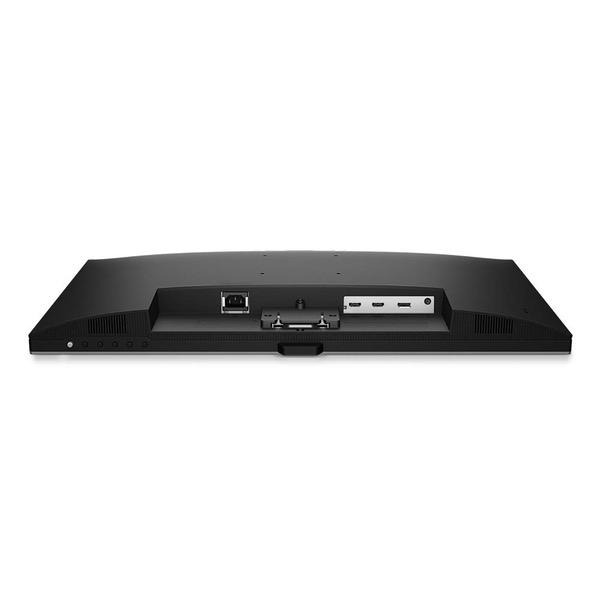
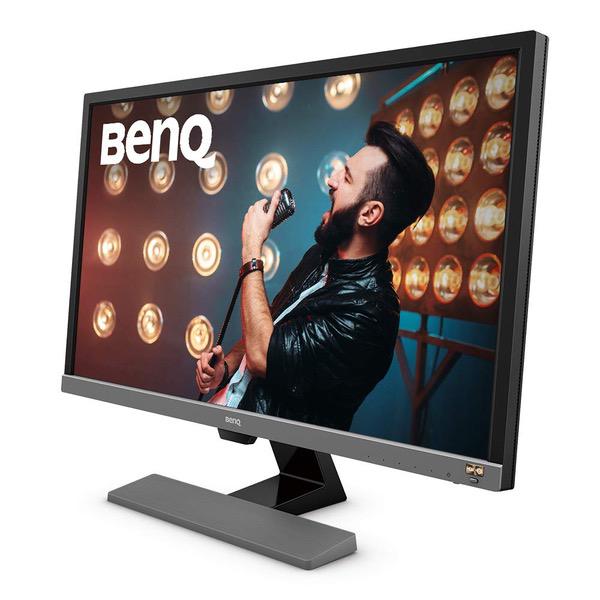
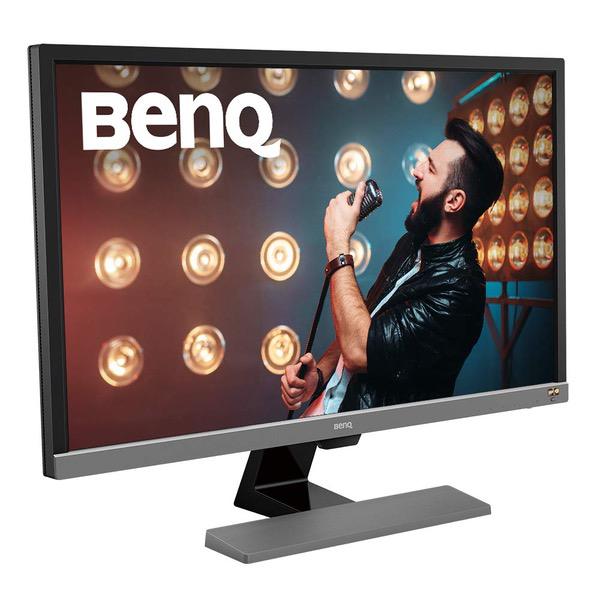
BenQ 28 inch 4K HDR10 Monitor (EL2870U), UHD 3840x2160, FreeSync, 1ms Response Time, Eye-Care, Brightness Intelligence Plus, HDMI, DP, Built-in Speakers -Update- Something happened to the HDR, it suddenly stopped working and it looked like an old CRT with magnet damage. Let me know if anyone else had this issue but I returned it for now and got an LG 27uk650-w and I am very happy with it. -Disclaimer- First of all, the reviews on here are confusing as they are all grouped together, this is for the el2870u (28" 4k HDR). I have only used this for my Xbox One X and not PC (my PC is old and does not even have an HDMI output). -1st Impression- I bought this monitor for my new Xbox One X as it seemed to fit all the specs. My first impression is that the picture is very clear but also very bright. So bright in fact that the colors looked a little washed out until I calibrated the brightness and contrast as well as the other settings (which are posted at the end). With the proper settings, I was impressed by the color and contrast despite being a TN panel with LED backlighting. -HDR- Yes it supports HDR10, but not it is not true HDR. It is barely a third of the required brightness to qualify for true HDR but it still made most games look better. My biggest complaint is that when an HDR source is detected, it goes into either HDR or Cinema HDR mode and you cannot adjust any of the settings. Without an HDR source, these two modes emulate HDR but I advise avoiding them and just using your own custom settings. On the Xbox One X, HDR was a hit or miss, most games looked great but some were washed out or too bright. There are some known HDR issues with certain games so I think that it is probably not the monitors fault. Despite being not true HDR, the games with working HDR looked fantastic and noticeably better with it on. -Construction- I was a little surprised how heavy and solid it felt when I first took it out of the box. The stand is pretty sturdy and doesnt really wobble but it is not very customizable. All you can do is tilt it up and down but luckily it can be mounted to a 3rd party stand. The buttons are mounted on the bottom and also feel very sturdy. The bezels are pretty thick and not ideal for more than one monitor setups. -Verdict- Pretty good value for what you get: A very clear 4K picture, great color and pretty good contrast once the settings have been adjusted, and hit or miss HDR depending on the game. This is a solid 4 star monitor but I got it during a BenQ promotion for 15% off which put it above the other monitors at that price point so that is why I gave it 5 stars. Thanks for reading my novel, a lack of reviews prompted me to write it. -Settings- The following settings are what I was using at the time of the review that look pretty good on my One X: - Mode: User - Brightness: 20 - Contrast: 56 - Sharpness: 5 - Gamma: 5 - Color Temp: Normal - Hue: 50 - Saturation: 65 - Everything Else: Default