
















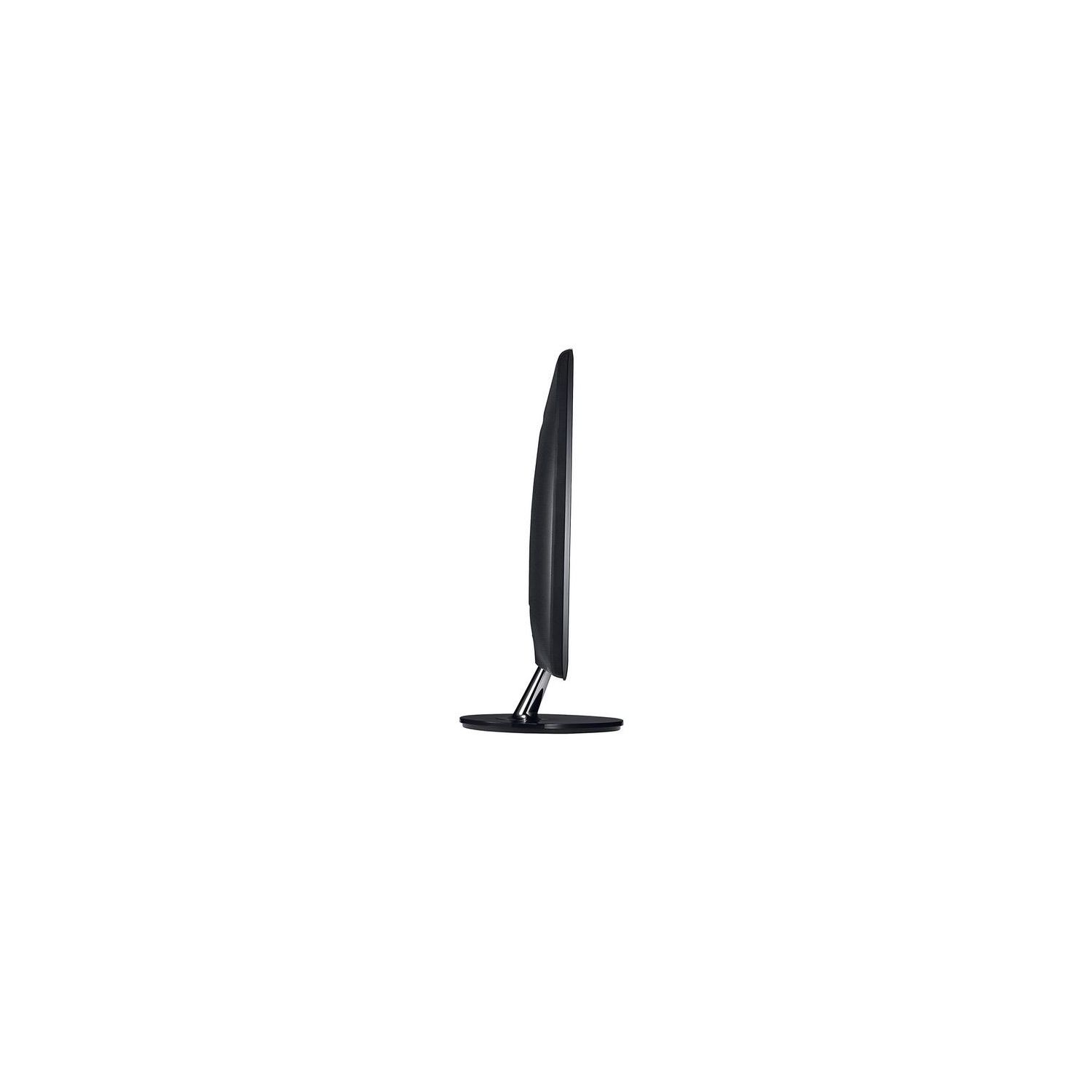
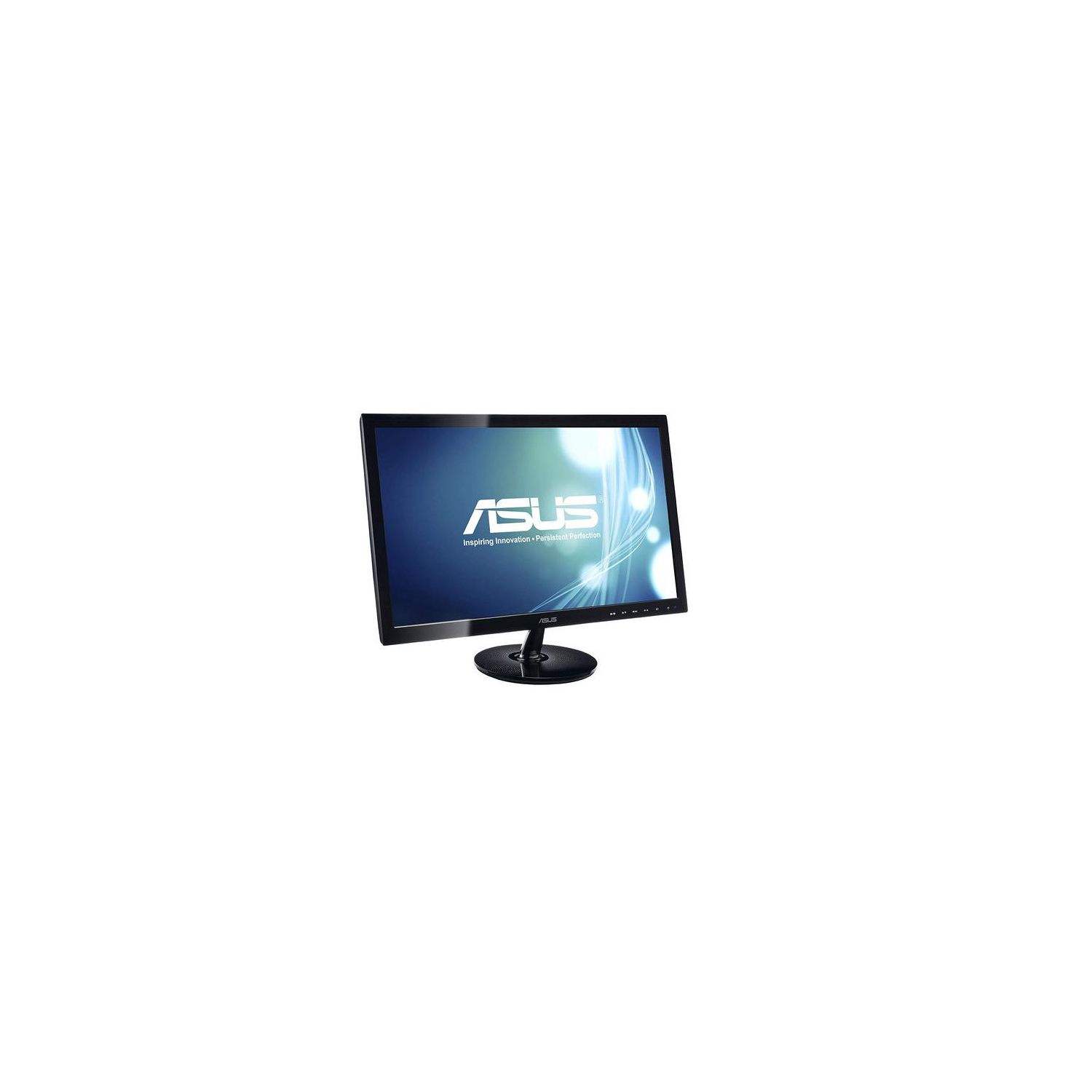
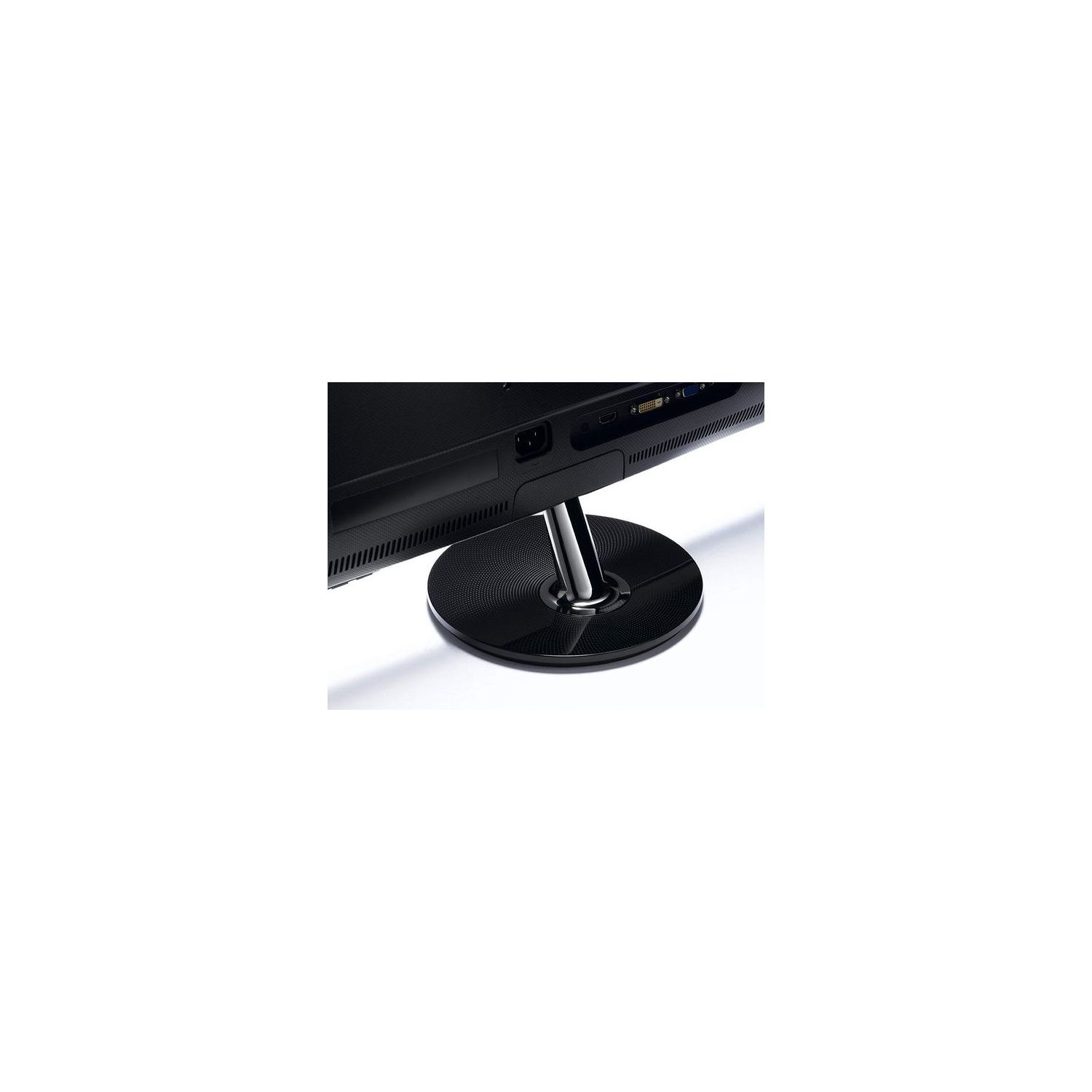
ASUS VS228H-P 21.5" Full HD 1920x1080 HDMI DVI VGA Back-lit LED Monitor
Write a review
$9900

ASUS VS228H-P 21.5" Full HD 1920x1080 HDMI DVI VGA Back-lit LED Monitor

Write a review
B005BZNDOO
+
Add to wish list
Target is a general merchandise retailer with stores in all 50 states and the District...

City: US, New York

Delivery
Pickup at your own expense
Tomorrow from 09:00 to 20:00, Store location
Free
Payment options
Apple Pay Google Pay Mastercard Visa
Cash, bank card, credit/installment payments, cashless payment for legal entities
Warranty and returns
Exchange/return of products of proper quality within 14 days Official manufacturer's warranty: 12 months
Features
Display Type
LED
Item Dimensions
20.2 x 7.9 x 15.2 in
Item Weight
6.83 lbs
Mount Type
Wall Mount
Refresh Rate
75 hertz
Resolution
1920 x 1080
Screen Size
21.5 in
Aspect Ratio
16:9
Description
This fits your .
Make sure this fits by entering your model number. Slim Design 21.5-inch Full HD Wide Screen LED display and Quick 5 ms response time delivering smooth video display. Pixel Pitch- 0.248mm. Viewing Angle (CR≧10) - 170°(H)/160°(V) Aspect Control function allows users to select a preferred display mode among Full and 4:3 for true-to-life gaming or movie watching without any data loss or image distortion. Smart View Technology can adjust color parameters to deliver the same image quality and colors with straight viewing. Splendid Video Intelligence Technology optimizes video performance and image fidelity by enhancing color, brightness, contrast, and sharpness. Compliance and Standards- EPEAT Gold Certified, Energy Star , UL/cUL, CB, CE, ErP, FCC, CCC, BSMI, Gost-R, C-Tick, VCCI, PSB, EK, J-MOSS, RoHS, WEEE, Windows Vista and Windows 7 WHQL 50,000,000:1 ASUS Smart Contrast Ratio dynamically enhances the display’s contrast to delivering lifelike images. Inputs of D-Sub, DVI, HDMI. Mounting Type: VESA Compatibility - Mountable 100 x 100mm
Reviews
3.2
Reviews: 20
5 stars
25%
4 stars
25%
3 stars
15%
2 stars
15%
1 star
20%
Joey
4
Go to your NVIDIA control panel, and click on "Change resolution" under Display. Scroll down, click on "Output dynamic range" and set it to full. Ive included a picture for help with this. It should fixed colors that look washed out, without having to modify any color settings. If you already made some, I suggest you factory reset your monitor (in the menus) as it will look strange after doing this. Other than that problem, this monitor looks great! Also, you shouldnt have to worry if youre using DVI.
Nick
4
Ive had the original Good version since 2013 when they came out, and as you can see in the pictures, the Bad model is much more yellow and less blue than the original. Ive filed for a replacement with hopefully a good model and will update the review to five stars if I happen to get that one instead. Having used the original since they came out I will say though that if you do get the good version its a fantastic monitor, its not too overbearing on the eyes and colors are mostly true with a little change here and there on the monitor and maybe your graphics card. I love this monitor when its the good one, and I didnt realize how poorly washed out the bad version was until I got mine in the mail today. Also the height difference doesnt matter that much to me but the bad version feels much less sturdy at the base. Ill update when I get the replacement monitor and hopefully bump this up to five stars, but for now its a solid 4 based on the original monitor and a 3 on the 2015 model. Again: Left is the Good version, right is the bad version. Its much more apparent in person as well.
Raymond H.
4
ASUS offered rebates in the past but will find fault if they can with the paper work f they can. I have bought three of these monitors for my business just this year alone. First monitor rebate was denied because they didnt like the Amazon invoice so it was recent then again denied. The a second monitor I requested rebate on was approved however I did receive the Email approval and here it is 4 moths later no rebate. The third monitor I purchased I needed but I gave up on their rebate procedure and wont be buying from them again. Their rebate in my opinion is a scam although the monitors worked well!
Haus
4
I like this monitor enough to own two of them now (bought one in 2014 and another in 2015). It is inexpensive, lightweight (for a wall-mounted multi-monitor rack; Im a developer and I like to have coding screens open along with output screens), and good looking. I havent had any problems with backlight color, bleed, or uneven-ness, so Im pleased overall. However, the monitor I bought in June 2015 has updated firmware thats has an annoying problem. I use an ultra-low power system (Rasberry Pi) on a secondary input (HDMI) for times when I want to look something up or check email without running my workstation. Normally my workstation goes to sleep and all the monitors go to sleep including the Asus VS228 monitors. The newest one, however, detects that there is still something active plugged into HDMI and instead of going to sleep, it switches input to the Pi. This means not only does the monitor stay on instead of going into low power mode, I also have to manually switch it back to DVI mode every time I wake the workstation from sleep. Auto input switching should be an optional feature instead of something we cant change. For now Im back to using the older Asus monitor with the secondary input, and Im trying to get reliable power saving mode working on the Pi, but its still annoying that the monitor doesnt respect the mode it is in. I understand its designed as a feature so that users dont have to switch modes when a new system is turned on or plugged in, but we should be able to turn that off.
Jill
4
Update - changing to 4 stars - figured out how to make the monitor tilt..I just had to adjust the stand a bit. thank goodness for reviews on YouTube! All of the things that make for a good monitor are here - the picture is actually very good. However 3 stars for not having an adjustable stand. The stand causes the screen to be permanently pitched slightly forward, which is super awkward. To compensate I have the monitor stacked on 3 books, which is also awkward. I think I can fix the problem by mounting it on one of those arms. But thats going to add quite a bit to the cost of the monitor. Still deciding whether to send it back.
Product variations
Column filling
Sort by Price Sort by Availability Sort by CODE Sort by Screen Size
$9900
In stock
+
B005BZNDOO
Screen Size:
21.5 in
You may be interested
  • Bestsellers
  • Recently Viewed
 
Similar products
Show more
Fast and high quality delivery

Our company makes delivery all over the country

Quality assurance and service

We offer only those goods, in which quality we are sure

Returns within 30 days

You have 30 days to test your purchase