
















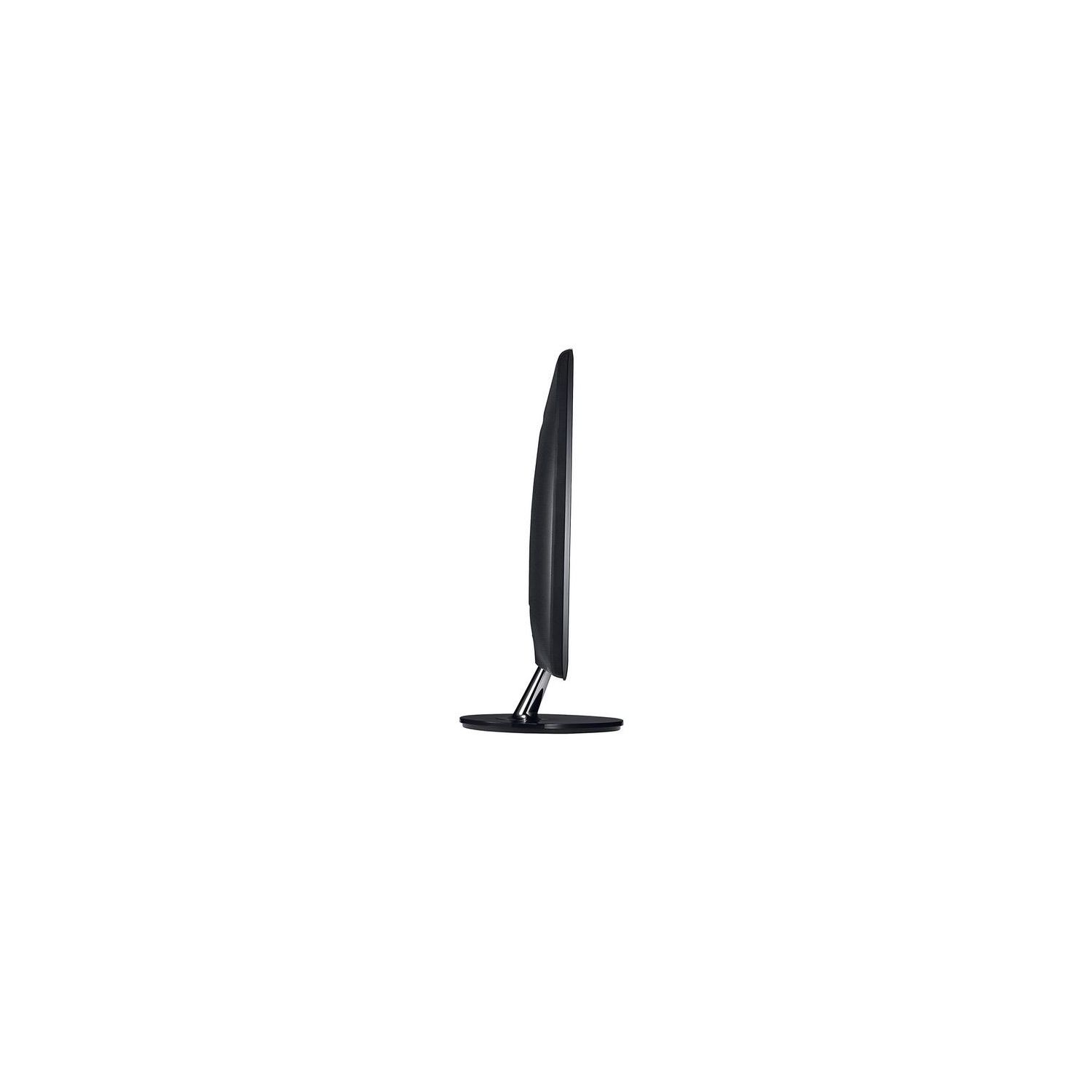
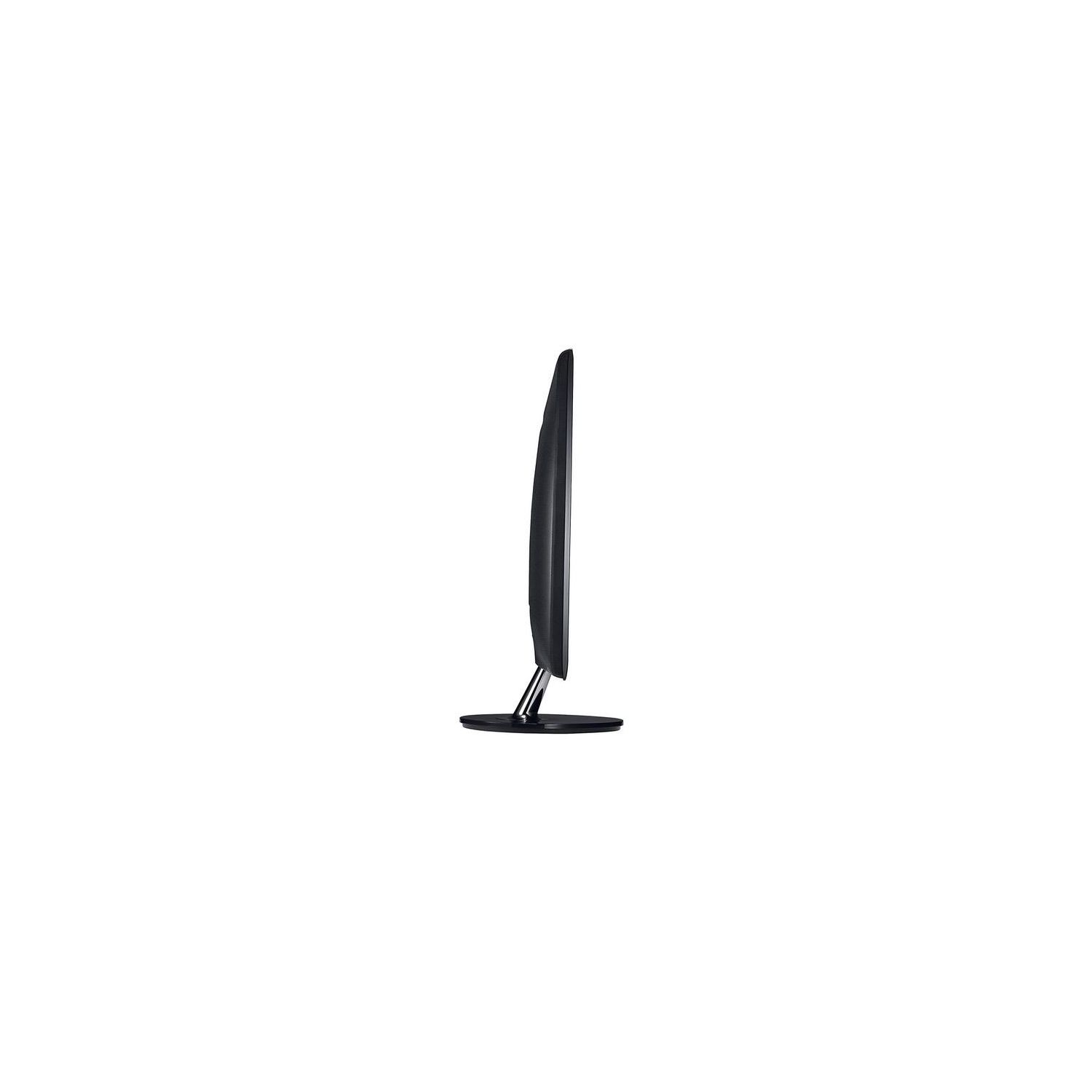
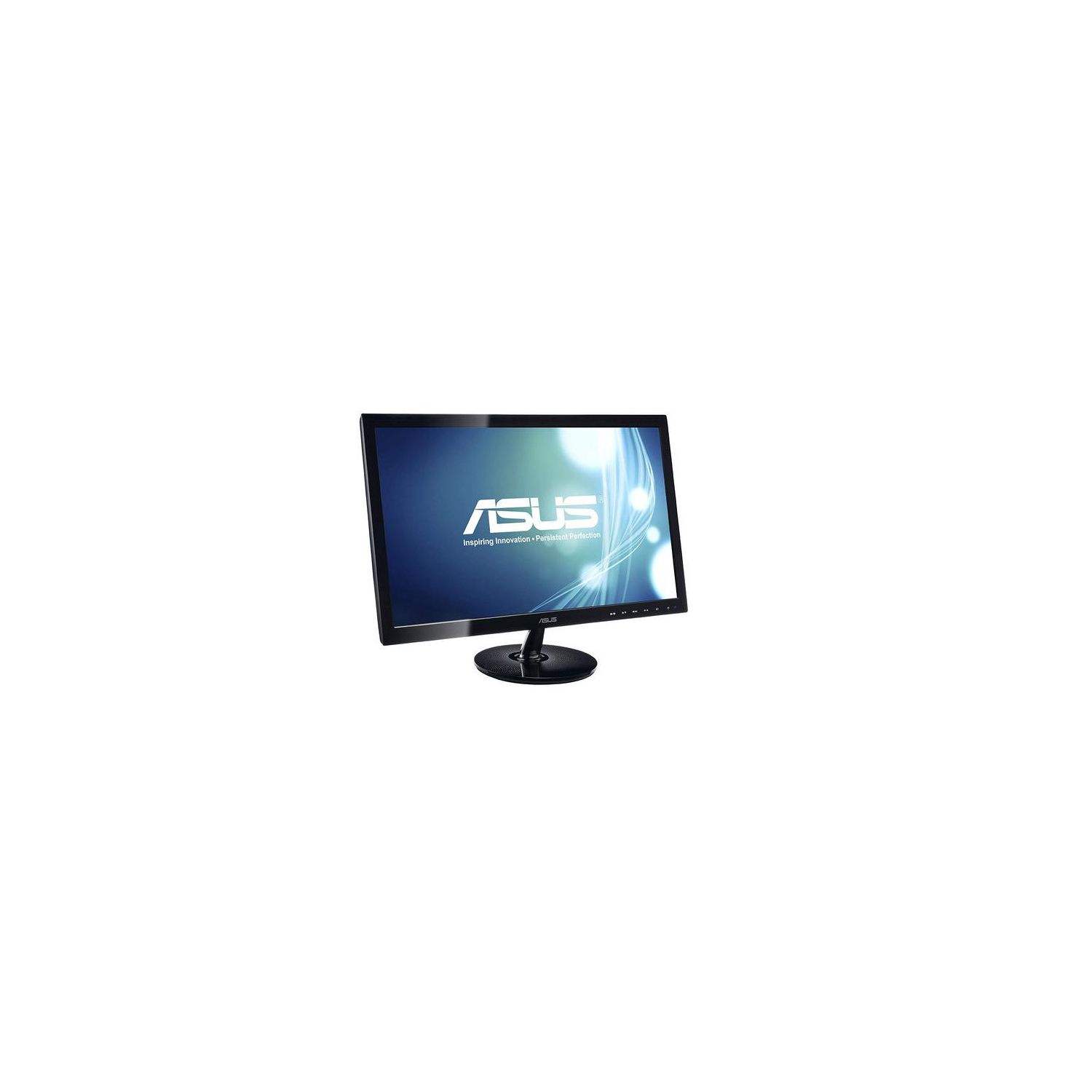
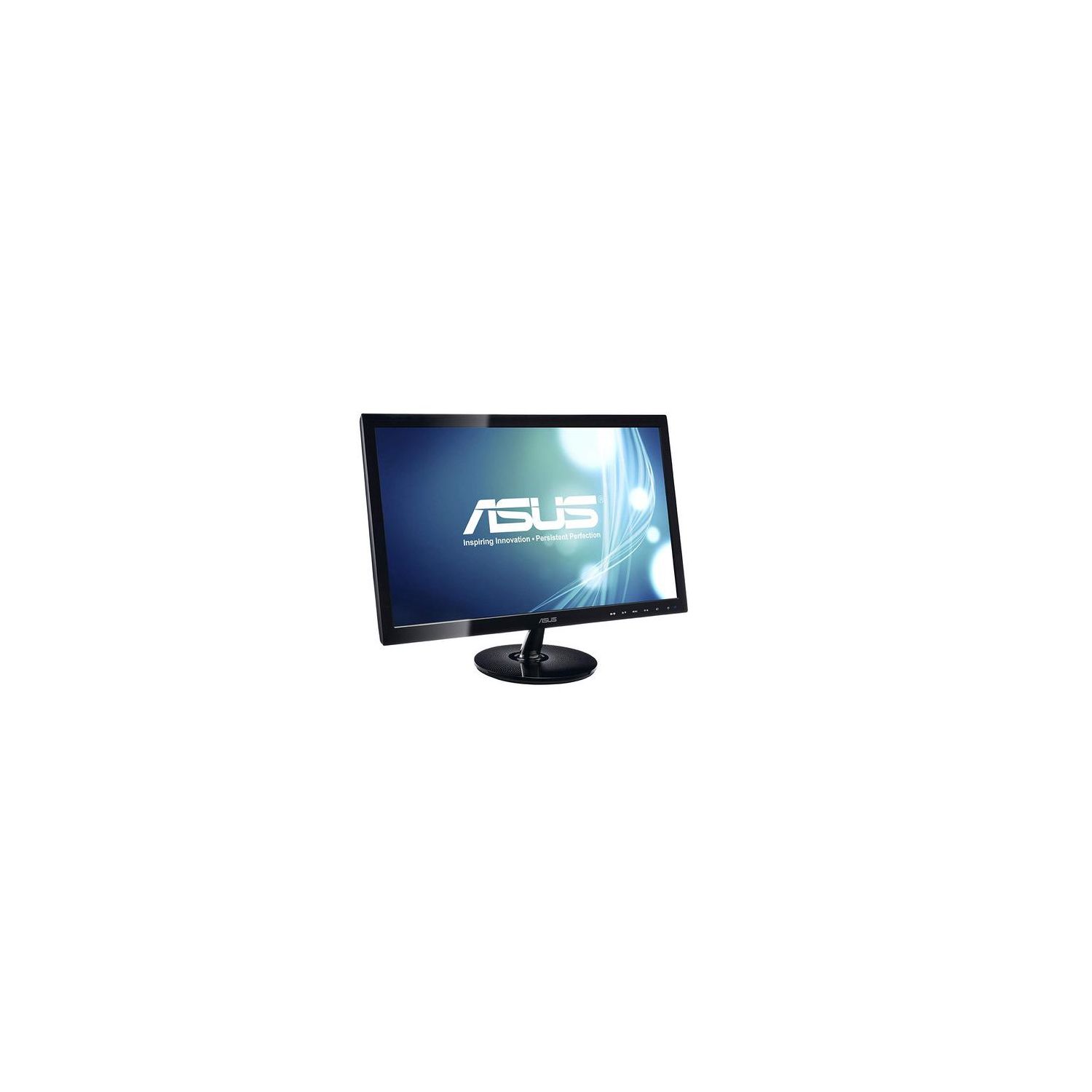
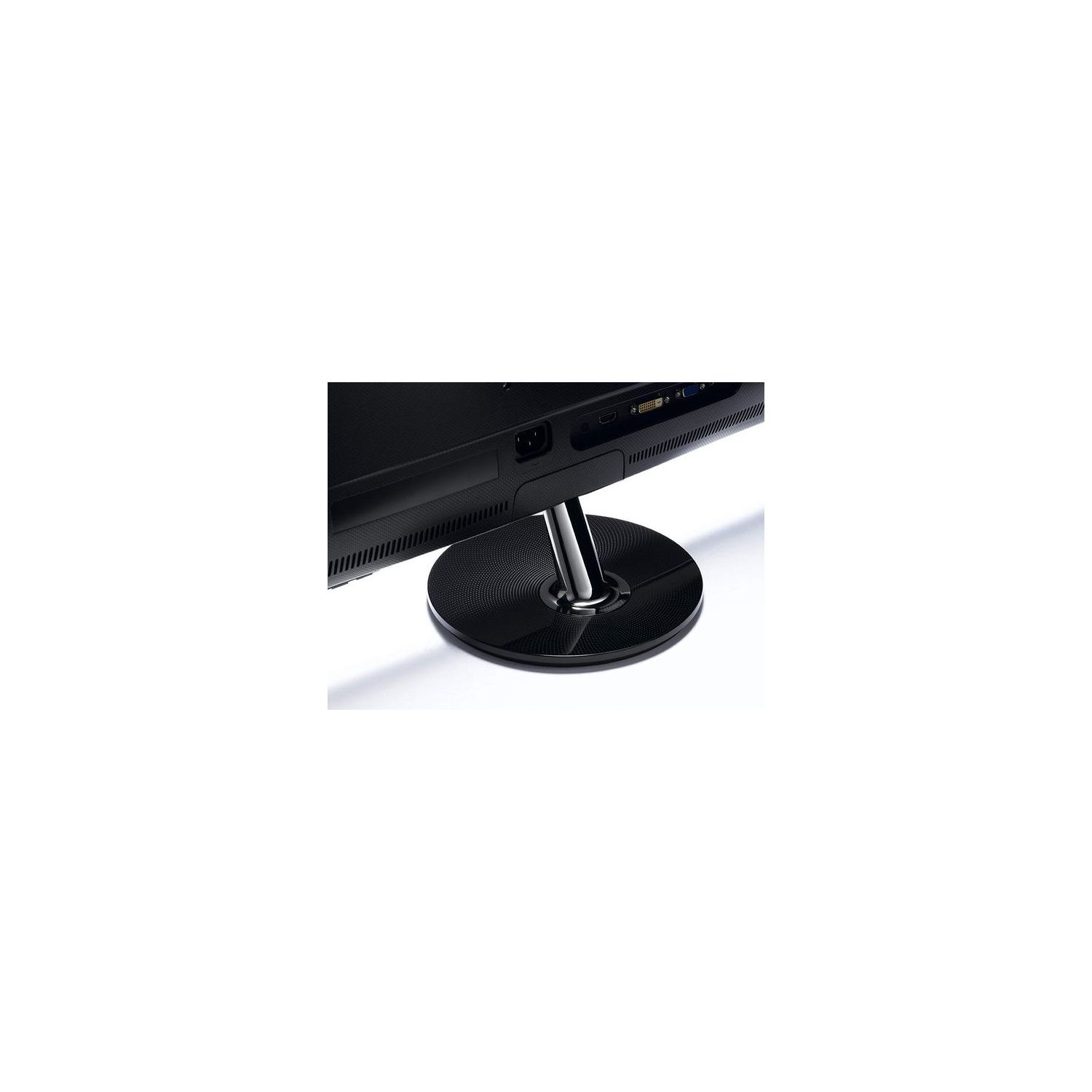
ASUS VS228H-P 21.5" Full HD 1920x1080 HDMI DVI VGA Back-lit LED Monitor
Write a review
$9900

ASUS VS228H-P 21.5" Full HD 1920x1080 HDMI DVI VGA Back-lit LED Monitor

Write a review
B005BZNDOO
+
Add to wish list
Target is a general merchandise retailer with stores in all 50 states and the District...

City: US, New York

Delivery
Pickup at your own expense
Tomorrow from 09:00 to 20:00, Store location
Free
Payment options
Apple Pay Google Pay Mastercard Visa
Cash, bank card, credit/installment payments, cashless payment for legal entities
Warranty and returns
Exchange/return of products of proper quality within 14 days Official manufacturer's warranty: 12 months
Features
Display Type
LED
Item Dimensions
20.2 x 7.9 x 15.2 in
Item Weight
6.83 lbs
Mount Type
Wall Mount
Refresh Rate
75 hertz
Resolution
1920 x 1080
Screen Size
21.5 in
Aspect Ratio
16:9
Description
This fits your .
Make sure this fits by entering your model number. Slim Design 21.5-inch Full HD Wide Screen LED display and Quick 5 ms response time delivering smooth video display. Pixel Pitch- 0.248mm. Viewing Angle (CR≧10) - 170°(H)/160°(V) Aspect Control function allows users to select a preferred display mode among Full and 4:3 for true-to-life gaming or movie watching without any data loss or image distortion. Smart View Technology can adjust color parameters to deliver the same image quality and colors with straight viewing. Splendid Video Intelligence Technology optimizes video performance and image fidelity by enhancing color, brightness, contrast, and sharpness. Compliance and Standards- EPEAT Gold Certified, Energy Star , UL/cUL, CB, CE, ErP, FCC, CCC, BSMI, Gost-R, C-Tick, VCCI, PSB, EK, J-MOSS, RoHS, WEEE, Windows Vista and Windows 7 WHQL 50,000,000:1 ASUS Smart Contrast Ratio dynamically enhances the display’s contrast to delivering lifelike images. Inputs of D-Sub, DVI, HDMI. Mounting Type: VESA Compatibility - Mountable 100 x 100mm
Reviews
3.2
Reviews: 20
5 stars
25%
4 stars
25%
3 stars
15%
2 stars
15%
1 star
20%
ansky
3
For a monitor of this size, 100 bucks was not a bad deal. The picture quality is very good for everyday tasks like internet, spreadsheets, etc. One thing I really dont like is that the monitor is very wobbly. When I am typing it picks up the vibrations from my keyboard and desk, and the entire monitor makes a slight shaking motion. That will take some getting used to. The monitor is simply too wide for the stand that it comes with. Unfortunately this seems to be a common problem with monitors of this size, as I have noticed the same thing with other models. I purchased 2 of these since I work from home, so I wanted one for my work computer and a separate monitor for my home computer. I have the 2 monitors side by side and one is noticeably higher than the other by about 1/2 inch. I have tried adjusting the monitor every which way but to no avail. This just looks a bit awkward when you have them side by side.
Sheepy
3
This is my first time having a tri-monitor setup. Ive encountered this issue with ALL of all of these monitors. I bought two of these monitors (using a different one for my third), and had to returned one to Amazon within a month because it was black screened. I thought it was a faulty monitor. Come to find out I am experiencing the same problem I had with the first monitor, with both monitors now, only months later outside of the return window for Amazon. So, I contacted ASUS support and the representative helping me wasnt surprised by my issue (doesnt seem to be a new one either). He told me essentially too much electricity is being built up in the monitor and it needs to reset. The idle light will be on for the monitor, but the menu button doesnt work. It will power up and down fine, but afterwards the screen will go black and the green light will turn amber for it going in idle mode. It doesnt matter if I switch any of the cords/outlets--Ive tried it all. I am forced to unplug my HDMI and power cable and reset my monitor with the power button (holding it down for 60 seconds). This is the most frustrating and disappointing thing ever. It started happening multiple times a week. So Ive resorted to physically unplugging my monitors when I put my computer to sleep now. An unnecessary hassle I shouldnt have to be doing. Display-wise... when everything else is working I have no complaints. Theyre light-weight and seem study.
DCNLC
3
Its a decent size 1080p screen that costs less than $130, so I cant be too harsh on this display, but the picture quality here is pretty terrible. Firstly, and most annoyingly, any off axis viewing angles are met with warping of colors. So much so in fact that there is no "perfect" angle. No matter how straight on your view to the screen is, at least one part of the screen, begins to discolor slightly. Fortunately, this is made bearable by the fact that this only happens on the very edge of the corners when looking at it straight on. Its also not an extreme discoloration, so Im sure many people who arent used to high quality displays may not even notice it. Still, its there, and if youre like me, its going to really annoy you. Secondly, and maybe even most importantly, the black levels on this screen are tragic. There is no such thing as a dark black on this screen. Instead, all you get is darker grays. What this does, is completely destroy contrast and ruin watching any movie that has a lot of dark blacks in it (The Walking Dead, etc). If youre only going to be using this as part of a work computer, than there is no horrible deed done. But if you plan on using this for any other reason, be aware of the fact that the lack of adequate black levels is going to kill picture quality. Lastly, the overall color accuracy here is not good. Not good at all. When I first connected the monitor, the typical gray gradient that mac users are accustomed to seeing head their finder windows, chrome, and other OS X applications, looked more like a gradient of gray-yellow-red. Ive spent close to thirty minutes trying to get a color temperature on this monitor that is neutral, but I havent been very successful at my aspiration to do so. So, fare warning: if you need a full-HD display that allows you to do work you need to do, and you need one on the cheap, this monitor is probably worth looking at. However, if you want a monitor that is going to look decent WHILE letting you get your work done, I would seriously look elsewhere.
Product variations
Column filling
Sort by Price Sort by Availability Sort by CODE Sort by Screen Size
$9900
In stock
+
B005BZNDOO
Screen Size:
21.5 in
You may be interested
  • Bestsellers
  • Recently Viewed
 
Similar products
Show more
Fast and high quality delivery

Our company makes delivery all over the country

Quality assurance and service

We offer only those goods, in which quality we are sure

Returns within 30 days

You have 30 days to test your purchase