

































Michael Mulcahy
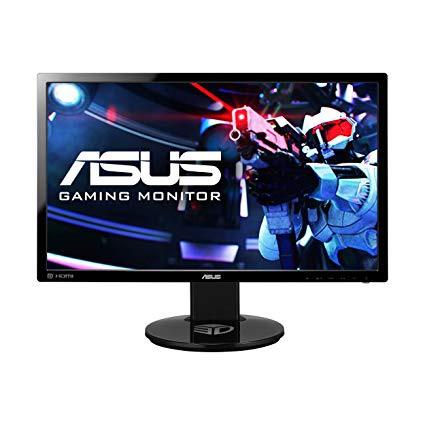
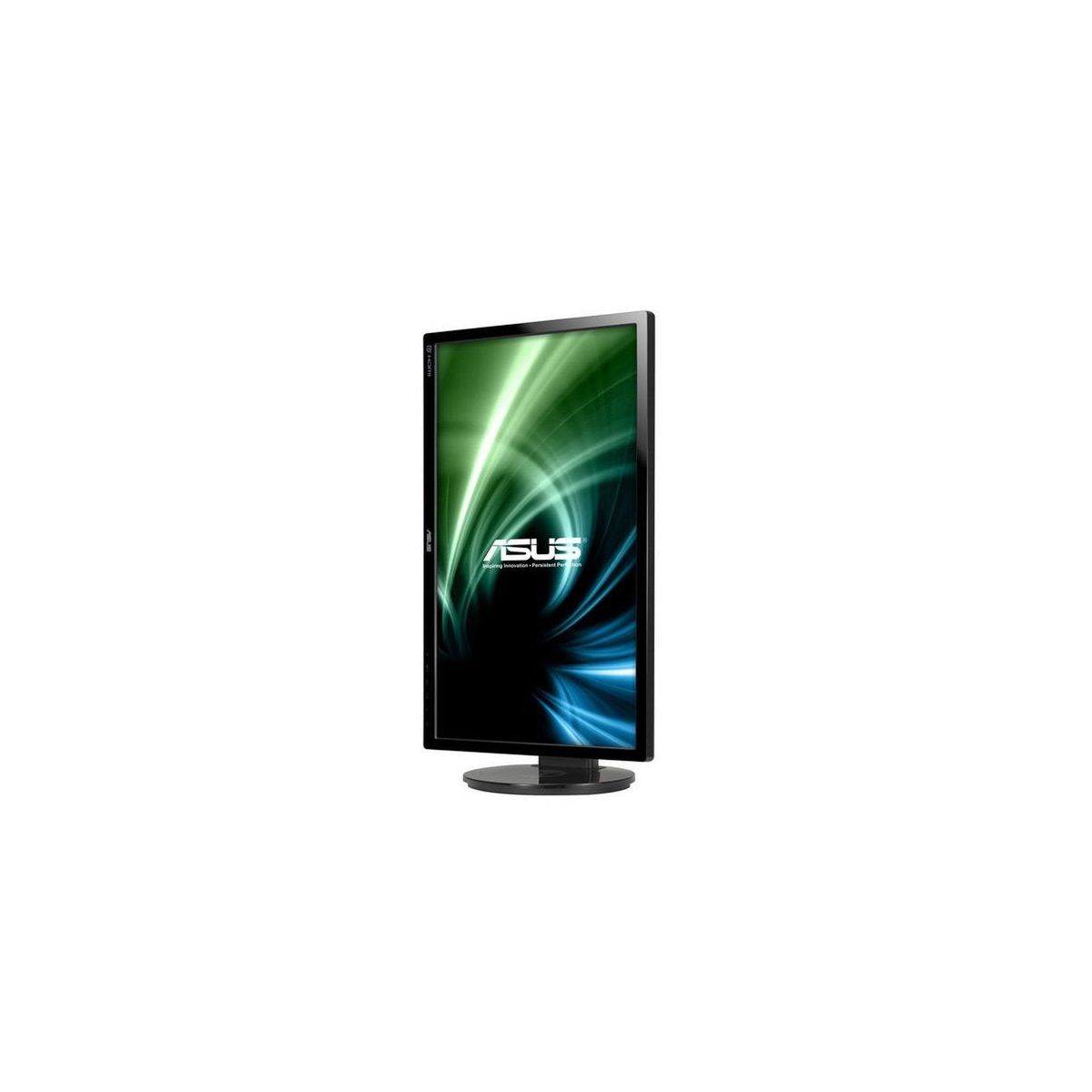
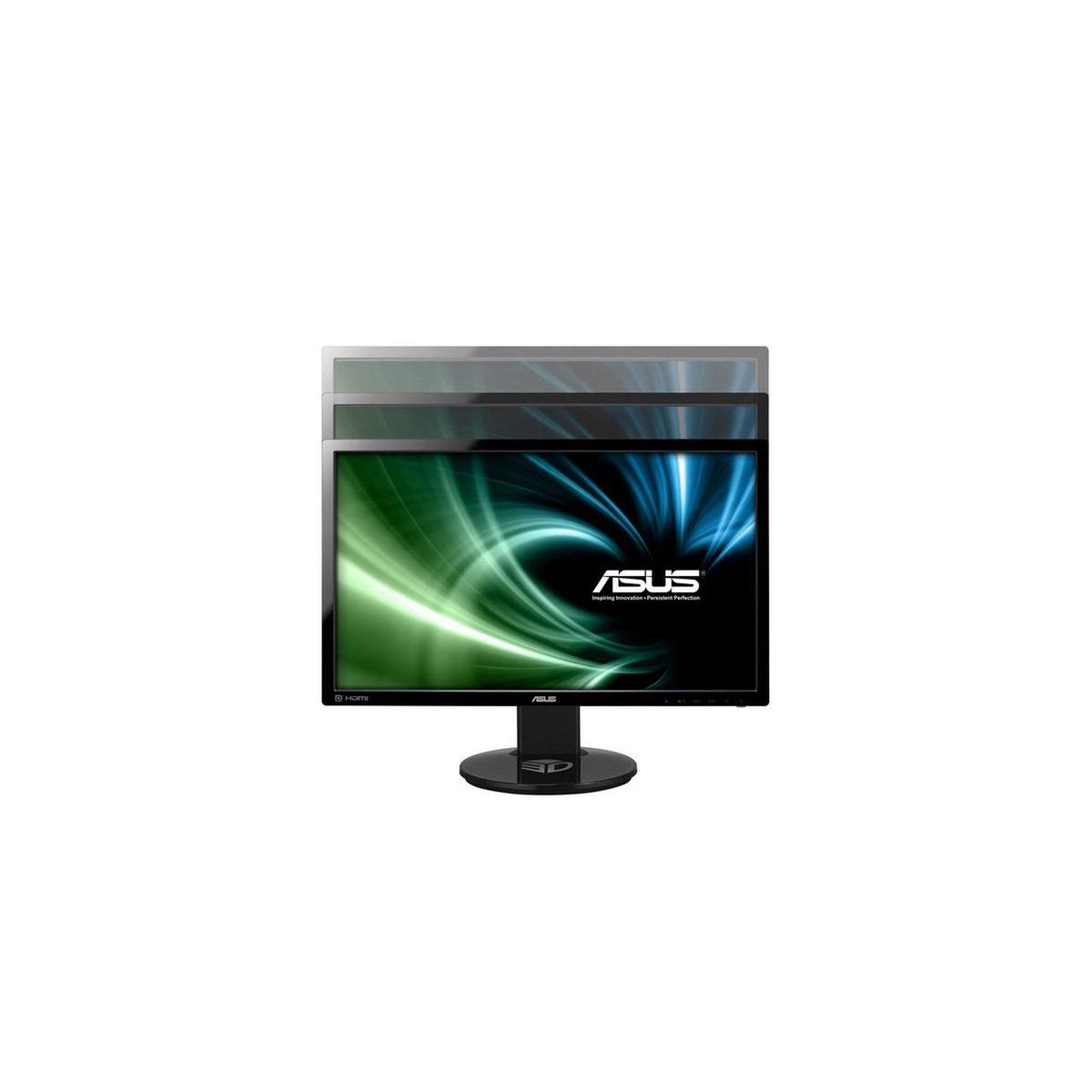
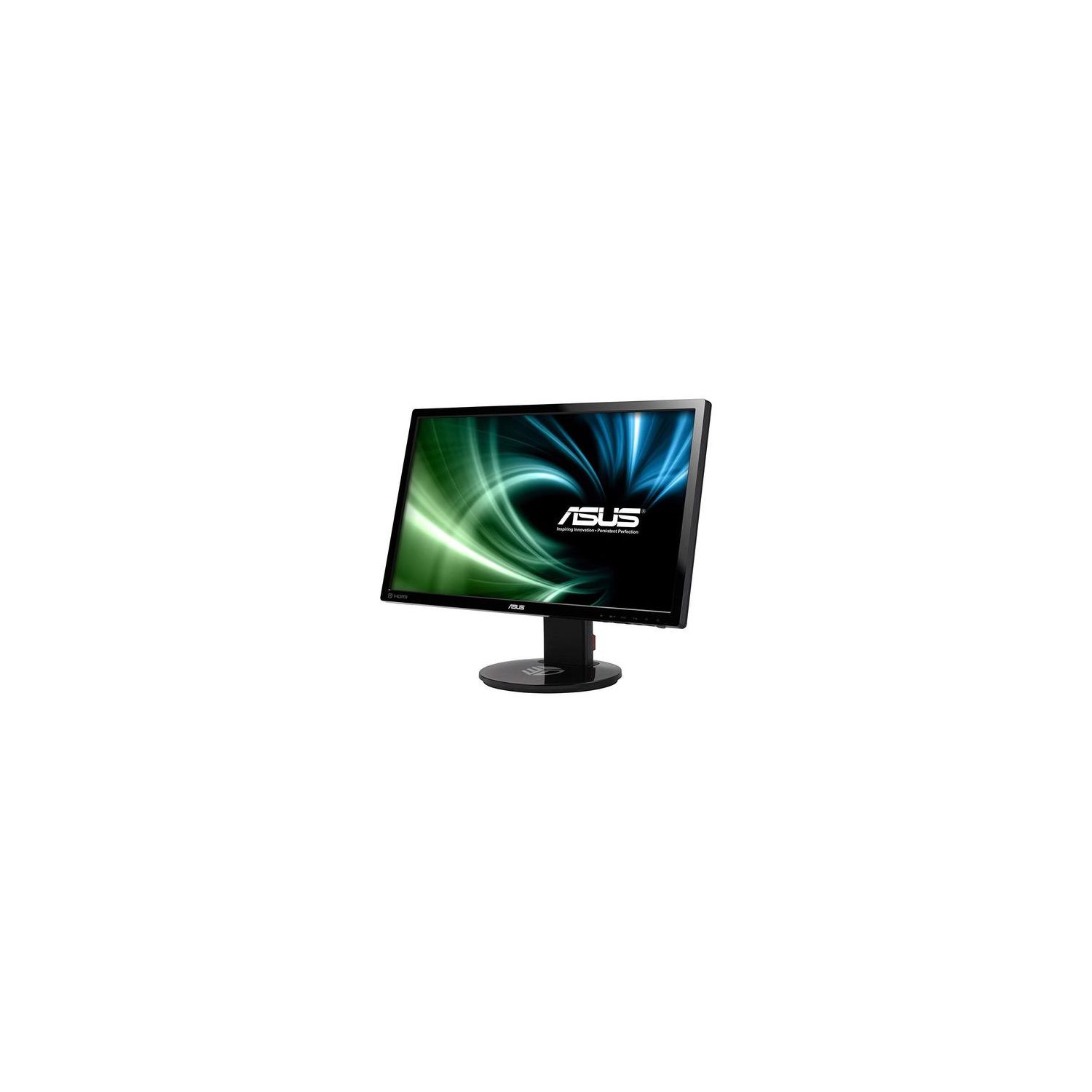
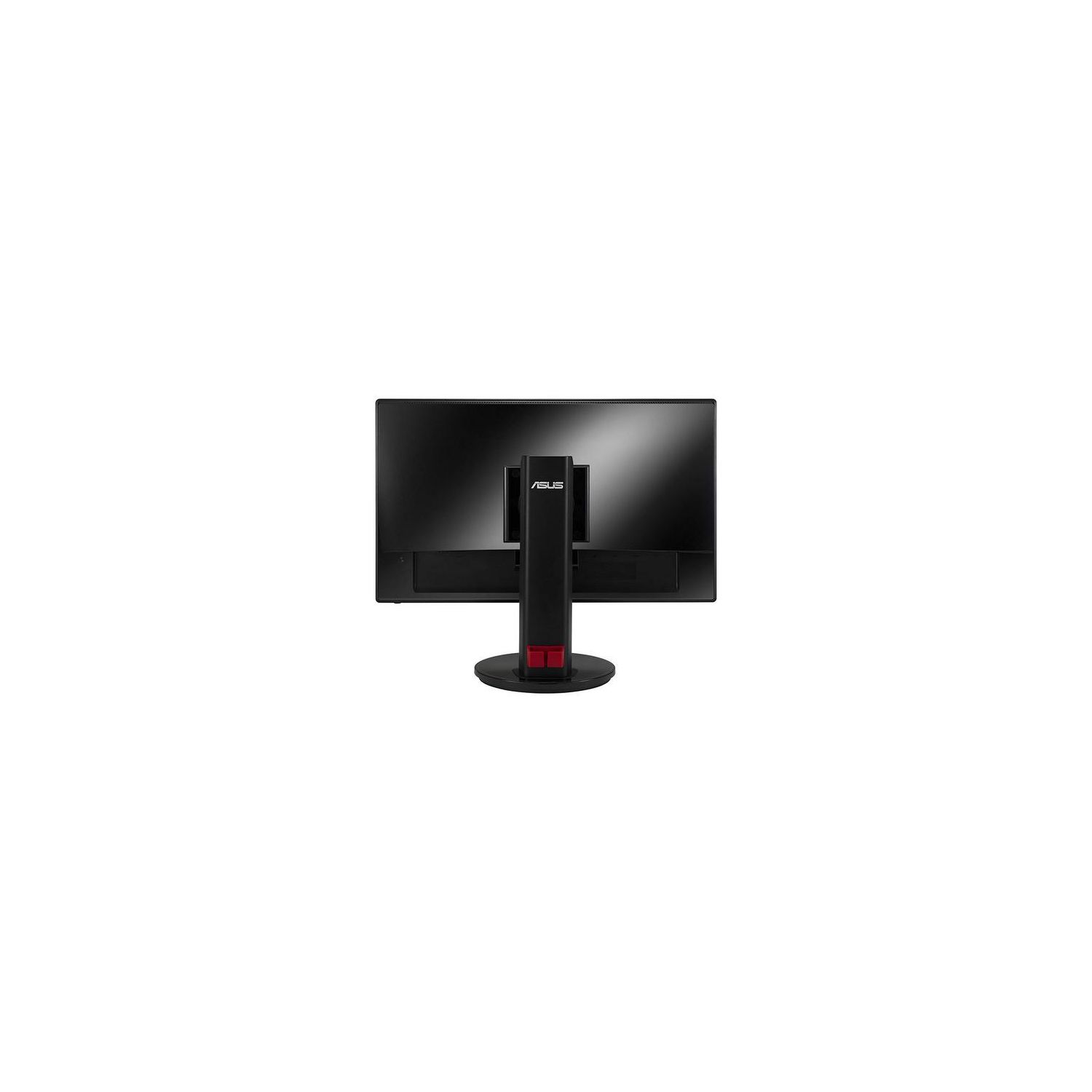
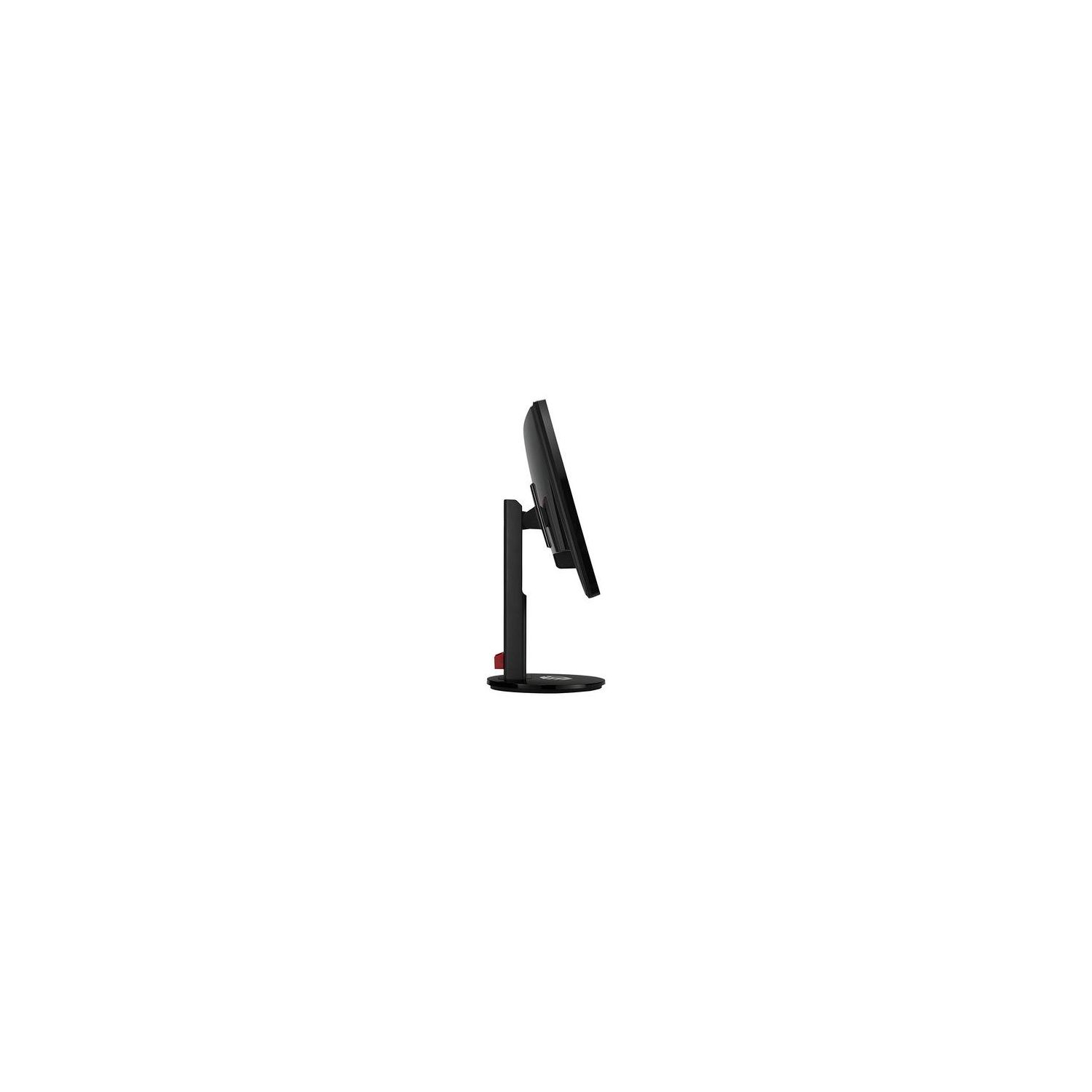
Okay, I have had this monitor for a while now. And it took a VERY LONG TIME to be able to get my settings right to make the screen look good. And my comparison was to my old off-brand tv that I also have connected. Out of the box, the monitor will look terrible. It will. The off-brand tv looked way better. I am going to post all of my settings so that it will hopefully help someone else. The reason I am only giving the monitor 4 stars is the fact that the speakers are completely useless and that was the main reason I chose this monitor. Dont use the speakers on this monitor. They are some of the worst speakers Ive ever heard. I bought a nice, THX rated, Logitech speaker set to fix that issue. If they wouldve decreased the price and took the speakers out, I wouldve given this monitor 5 stars. It spins around on its stand for easy adjustment. You can also raise or lower the screen by holding down the base and push the display using its frame up or down as needed. It doesnt take much pressure to adjust, but it will hold firmly in position. The build of the entire monitor screams pro gamer monitor. And I would agree. 144hz. If you havent seen a monitor functioning at 144hz, you really need to see it. 59/60 hertz shows trails and seems to have its own motion blur. When Im playing any game, this is distracting, I might try to predict the balls movement in the game Rocket League and then I miss because the low hertz cause a lot of problems. If you are using a tv for any of your gaming(like I did until I got this monitor) It is an amazing jump. You will instantly see all of the movement without any trails or motion blur. Nice clear fast movement. It wont look like a low frame rate or anything. The top review for this item gives advice before you buy about whether your computer can handle 144hz or not, I suggest that you read that review as well. Most other screen types also have really high input lag shown while this monitor is only 1 ms. You are unable to see input lag at 1ms. Its awesome. Now for my settings. I did not like the settings that were supposed to be the best. The screen looked foggy and the colors didnt look right. Splendid > Theater Mode Blue Light Filter > Level 0 Brightness > 60 Contrast > 83 Saturation > 50 (Dont worry, the colors are still very vibrant at this level) Color Temp > User Mode R > 89 G > 89 B > 90 Skin Tone > Natural Smart View > Off Image Sharpness > 60 Trace Free > 80 ASCR > Off Now whether you like these settings as they are is up to you. You may want to tweak them more. If you modify your settings afterward, post them here so I can try them as well. Sharpness is the only thing I cant decide on. 60 should be the max and you may want to lower it to either 40 or 50.