
















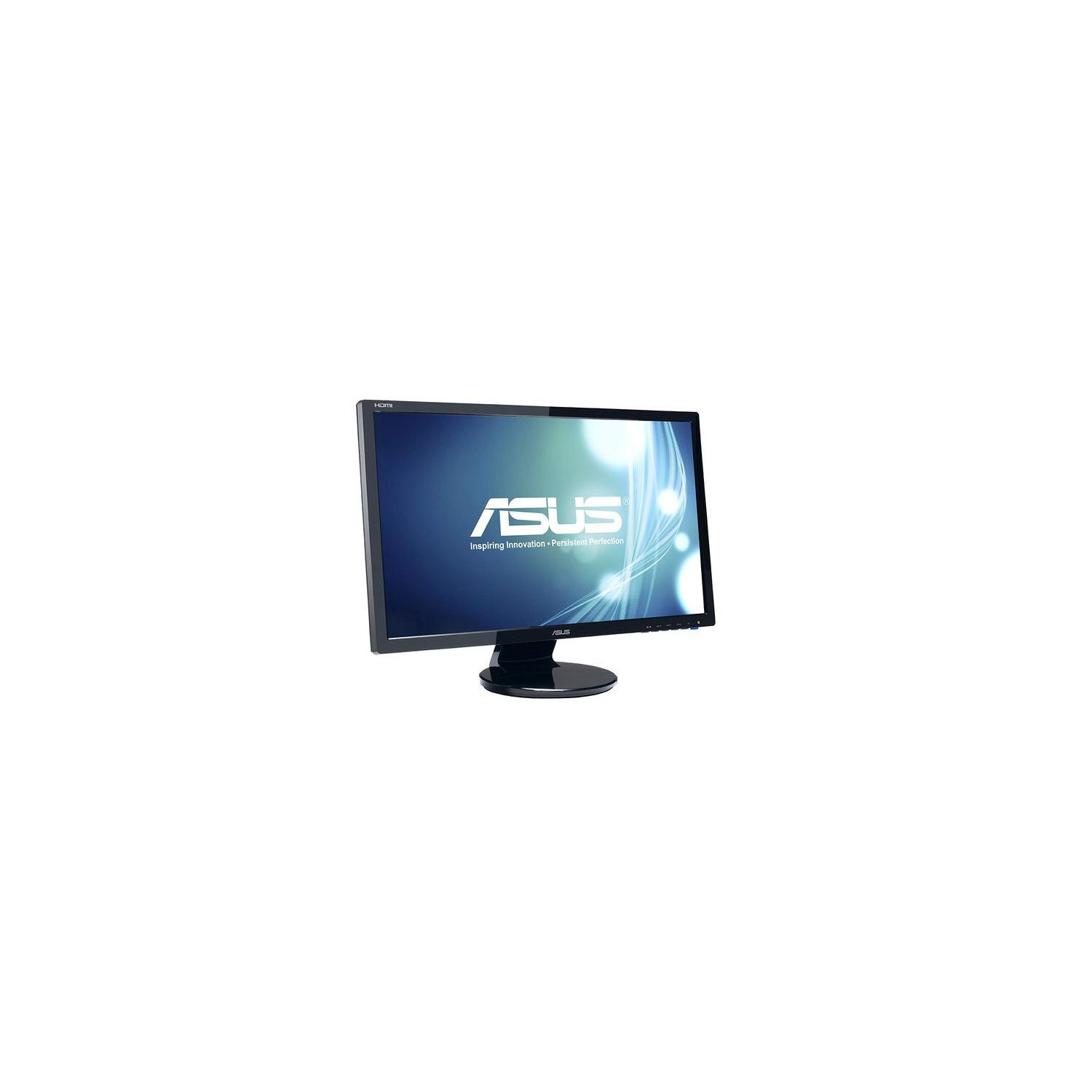
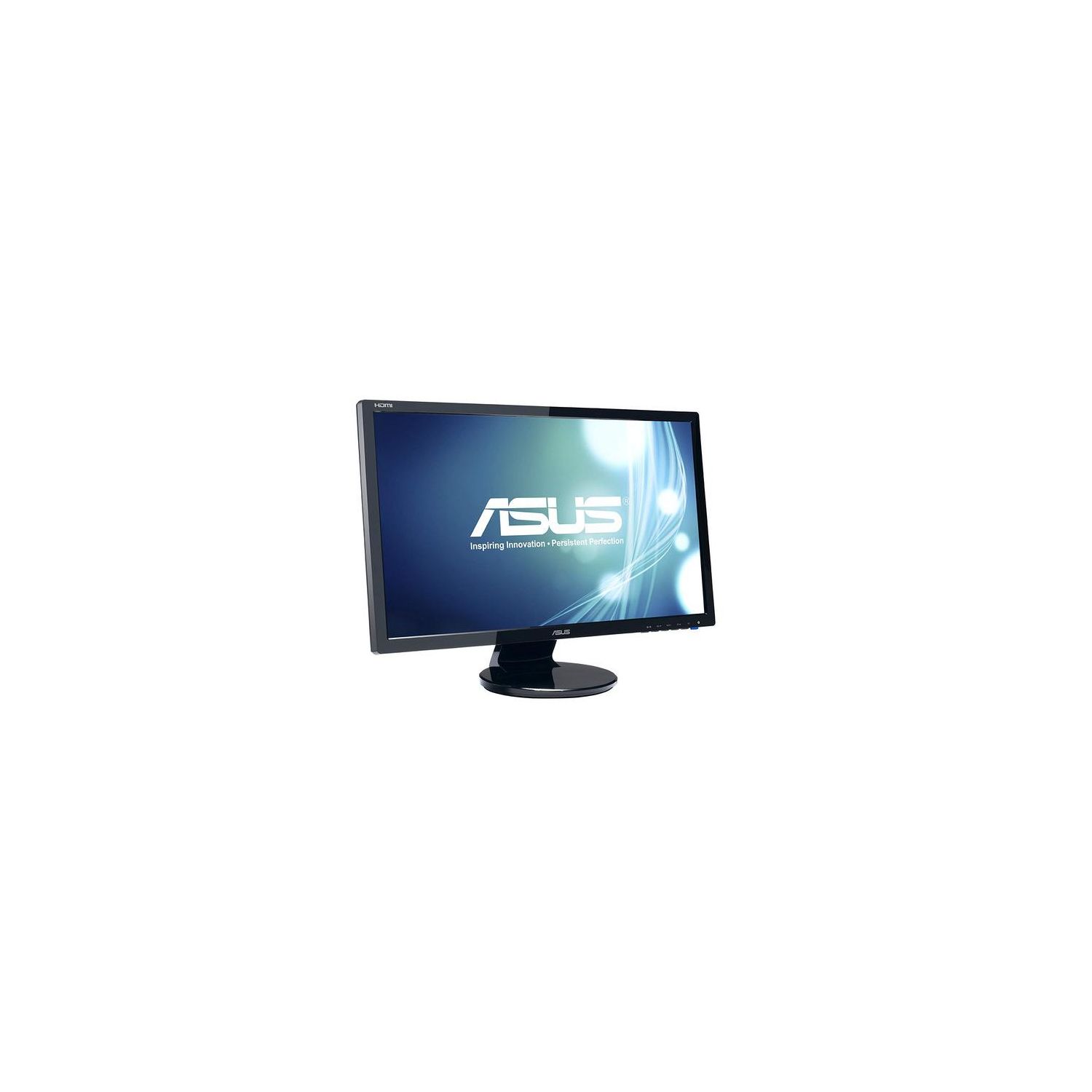
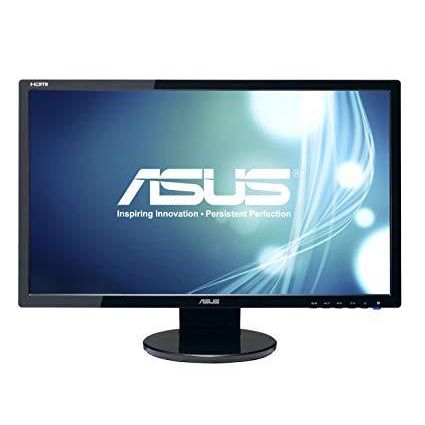
ASUS VE248H 24" Full HD 1920x1080 2ms HDMI DVI VGA Back-lit LED Monitor
Write a review
$13400 $18400

ASUS VE248H 24" Full HD 1920x1080 2ms HDMI DVI VGA Back-lit LED Monitor

Write a review
B0043T7FHK
+
Add to wish list
Target is a general merchandise retailer with stores in all 50 states and the District...

City: US, New York

Delivery
Pickup at your own expense
Tomorrow from 09:00 to 20:00, Store location
Free
Payment options
Apple Pay Google Pay Mastercard Visa
Cash, bank card, credit/installment payments, cashless payment for legal entities
Warranty and returns
Exchange/return of products of proper quality within 14 days Official manufacturer's warranty: 12 months
Features
Display Type
LED
Item Dimensions
22.42 x 16.13 x 7.91 in
Item Weight
9.7 lbs
Mount Type
Wall Mount
Refresh Rate
60 hertz
Resolution
1920 x 1080
Screen Size
24 in
Aspect Ratio
16:9
Description
This fits your .
Make sure this fits by entering your model number. Slim Design 24" LCD with LED backlit display with 1920x1080 resolution and Quick response time of 2ms (GTG) eliminates ghosting and tracers for more fluid video playback. Inputs of D-Sub, DVI and HDMI and Built In 1W X 2 Speaker Aspect Control function allows users to select a preferred display mode among Full and 4:3 for true-to-life gaming or movie watching without any data loss or image distortion. Exclusive Splendid Video Intelligence Technology automatically optimize image quality with intelligent color, brightness, contrast and sharpness 10,000,000:1 ASUS Smart Contrast Ratio dynamically enhances the display’s contrast to delivering lifelike images. Compliance and Standards- BSMI, CB, CCC, CE, CEL level 2, C-Tick, ErP, FCC, Gost-R, J-MOSS, PSB, RoHS, UL/cUL, VCCI, WEEE, WHQL (Windows 8, Windows 7, Windows Vista) Mounting Type: VESA Wall Mounting : 100 x 100mm
Reviews
3.2
Reviews: 20
5 stars
20%
4 stars
35%
3 stars
10%
2 stars
15%
1 star
20%
Dominick Young
4
This is definitely a great monitor in most ways. The picture is amazing in every way, no complaints at all under any usage conditions (gaming, movies, general use, whatever). However, I do agree with a different review I read about the speakers being horrible. Honestly, they should have left the speakers out. Even at max volume (and I mean everything at max: the PC volume, the monitor, the media player software), these are barely audible. I have bought incredibly cheap $10 desktop stereo speakers from the store which sound better and are MUCH louder. A good-quality $20 pair of stereo speakers would easily be better than the speakers in this monitor. Other than the speakers, this monitor is wonderful. Edit 2018-1-22: Monitor still works great. About the speakers, I found the sound was only as horrible as I described when using the dedicated audio-in port for a 3.5mm plug. If you use audio over the HDMI connection (I was using DVI & the 3.5mm input prior), it is at least reasonably audible. It still isnt great quality so I still suggest a decent set of speakers (Logitech Z313) if you want anything more than to be able to hear sound from it. But you can at least hear sound at a reasonable volume, so you would be fine without external speakers if thats all or more than you want. However, I dont know any monitors with built-in speakers which will ever compare to external speakers, so you shouldnt be expecting that anyways.
Stephen M.
4
I purchased this for a 40% discount, so I factored that into the rating. First, the package was properly sealed with no concerning damage to the box and delivered on-time (2-day Prime delivery). It was delivered in the product box, so I wouldn’t have felt comfortable leaving it outside for a long time. The good news is that this was made known at time of purchase. The monitor has a study base and has a sheen on the edges and on the base itself. This attracts a lot of dust and also shows scratches easily; I tried wiping off some fingerprints from setting it up with my sleeve and it left several scratches. No big deal, but that’s not really ideal either. The inputs in the back are well marked, but the HDMI input seemed a little tight. The power cord is also a little short (probably just 3 feet). The icons for adjustments are intuitive and it’s very easy to make adjustments, which made the setup very quick. When I first turned it on and hooked up to my PS4, I needed to set it to HDMI as it was on VGA by default. I bought this primarily because I have a Asus monitor and it performs very well. Also, built-in speakers were important so I could enjoy gaming w/o more wires from external speakers and so I didn’t have to wear a headset constantly. The sound quality is okay, but I had to really turn up the volume (65/100) to notice the sound. Overall, the monitor does its job and is definitely worth what I paid for it.
CP K
4
When someone mentioned their iphone has better speakers, they literally werent kidding. When you read how bad the speakers are, you have to understand no one is exaggerating. I only bought this monitor to use for my PS4 slim in my office, since the PS4 slim does not have an optical out, I figured to get a monitor with built in speakers. It definitely is one of the worst speaker you will experience in your. Not a big deal since I frequently move my system to the living room on my big screen. So it wasnt a deal breaker for me. But lets talk about the good stuff. I like how you can connect DVI and HDMI and select between the two with a press of a button. Ok, thats the only really good thing about this monitor. On a side note, its kind of a bummer that the monitor doesnt save the settings between inputs. Lets say you want game mode for HDMI, well, you have to manually choose game mode every single time. So yeah that sucks. You get what you pay for, you have to come to terms with that. Color reproduction is sort of annoying on this monitor and it is on the cheap side, obviously, having a hard time trying to calibrate the colors to match my more expensive monitor. To be fair, this is my first LED computer monitor- it seems way too bright even when I drop down the brightness to 25/100. Anyway, as stated, for the price it is a decent monitor. For anyone wanting to do artwork or graphic design, what are you doing looking at this monitor, Im sorry baby, youll need to shell out more dough for that. Anyone who just wants to surf the web or play on their HDMI console (but not using built in audio), this ones for you.
Uncle Buck
4
This monitor was simple to attach a VESA mount to (not included) to add to my multi-screen setup. Hookup was a cinch, as it typically is with a computer monitor, and the connection options were a plus. I just wanted the cheapest 24" 1080p monitor with VESA mount I could get, as Im just streaming investment newscasts to it and not games or shows. I dont think it would be very good at gaming though, as it is built to the lowest viable capability, and the picture is neither smooth nor high-contrast. The most obvious shortcoming to me is that the picture is much smaller than the screen, leaving a big, glowing, gray area around the picture. The viewable area is 22.25 inches, and the distance from the corner of the image to the corner of the frame is about 2 inches. I probably wouldnt be as bothered if my other screens - though very outdated and lacking modern features - werent of good quality. If youre really strapped for cash, or the application doesnt require much more than seeing your desktop (like a server terminal), then this monitor will work, but it would probably be a better idea to get a used monitor of higher quality if youre going to play games or watch shows on it.
R. Fritz
4
I use this monitor on a KVM in an arrangement where I dont actually use the KVMs video connection because its VGA. My desktop connects to this monitor on the DVI port. My laptop connects to this monitor via the HDMI using a DisplayPort to HDMI adapter. The monitor I replaced with this one had an extra bit of intelligence to it in that it automatically switched to the active video-input when there was only one present. That was convenient because depending on which machine I shut down last, I might power up the other one first the next time. It turned out that having the monitor automatically switch to that input during POST was convenient. The reason I gave this monitor 4 out of 5 stars is that it requires manual switching. Now if I boot up my laptop without it pre-selected to HDMI, even when it does switch, the laptop wont detect it. So while Ill keep this monitor, Ill make sure my next monitor has the auto-switching feature. Otherwise, like others have written, the monitor arrived in flawless condition with no dead pixels. I only had to adjust the brightness downward to 50% to eliminate bleed/wash-out. And I had to add post-it notes to mark the location of the menu / input selection controls. I use dim and indirect lighting which made the symbology over the button controls impossible to read. It would also have been nice if these controls had been back-lit or illuminated like the power button.
Random Customer
4
Despite the many positive reviews for this monitor I was a little scared to order any monitor sight unseen over the internet, especially with how other users prefer different screens. I myself seem to land somewhere in between the matte and glossy crowds. I dont want the screen glare or constant smudges from the glossy monitor, but I dont want my screen to look like Ive got a screen door in front of my monitor either. This monitor is a perfect combination. Its bright, beautiful, crisp and clear. It was easy to customize with Windows to adjust the colors and brightness and came with DVI and VGA cables so I was able to connect in a snap. There isnt a dead pixel anywhere and all in all Im very happy with the monitor, its a wonderful upgrade for me. The only downside is the speakers. I opted for this model hoping to replace the terrible cheap pair of speakers Ive been using for years on my PC, I was expecting something comparable to either my cheap speakers or what Ive gotten used to from television sets. These speakers were terrible. Even at the highest volume it was hard to hear and the sound clearly suffered from the tin can syndrome. I honestly get better sound out of my smartphone and tablet! Its a minor gripe and I was able to hook my old speakers back up. However, if youre going to sell a monitor with speakers the review has to take that into consideration. If you already have speakers for your PC opt for the slightly cheaper speaker-less model. All in all Id still easily recommend this monitor. Without the speakers its an easy five stars, with the speakers its got to be four.
Ashe
4
I replaced my trusty 9 year old ASUS monitor as an upgrade (the old one still works) so I trust the brand. PROS: -Great tilt! Totally changes my viewing experience and is more comfortable, which I was totally surprised by. -Feels spacious. Works well and has all the types of ports youd need. CONS: -Did not come with an HDMI cable. Includes a DVI, VGA, and audio. HDMI was the only one I really wanted. -The Power cable is really short. OTHER: -Bright! Wow this monitor puts off light (but not hot from my use yet). Even in a darker mode. -Wish the bezel was thinner.
Product variations
Column filling
Sort by Price Sort by Availability Sort by CODE Sort by Screen Size
$13400 $18400
In stock
+
B0043T7FHK
Screen Size:
24 in
You may be interested
  • Bestsellers
  • Recently Viewed
 
Similar products
Show more
Fast and high quality delivery

Our company makes delivery all over the country

Quality assurance and service

We offer only those goods, in which quality we are sure

Returns within 30 days

You have 30 days to test your purchase