
















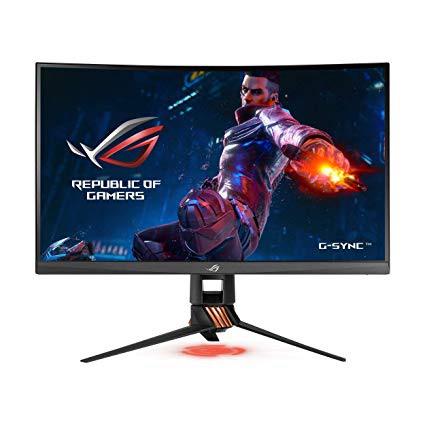
ASUS ROG Swift PG27VQ 27” 1440p 1ms 165Hz DP HDMI G-SYNC Aura Sync Curved Gaming Monitor with Eye Care
Write a review
$68900

ASUS ROG Swift PG27VQ 27” 1440p 1ms 165Hz DP HDMI G-SYNC Aura Sync Curved Gaming Monitor with Eye Care

Write a review
B0772CP7GC
+
Add to wish list
Target is a general merchandise retailer with stores in all 50 states and the District...

City: US, New York

Delivery
Pickup at your own expense
Tomorrow from 09:00 to 20:00, Store location
Free
Payment options
Apple Pay Google Pay Mastercard Visa
Cash, bank card, credit/installment payments, cashless payment for legal entities
Warranty and returns
Exchange/return of products of proper quality within 14 days Official manufacturer's warranty: 12 months
Features
Display Type
LCD
Item Dimensions
24.2 x 10.6 x 16.6 in
Item Weight
18.7 lbs
Mount Type
Wall Mount
Refresh Rate
165 hertz
Screen Size
27 in
Aspect Ratio
16:9
Description
This fits your .
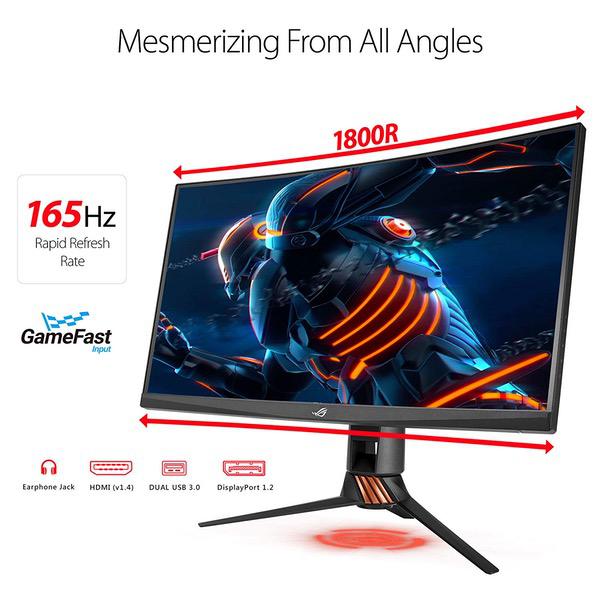
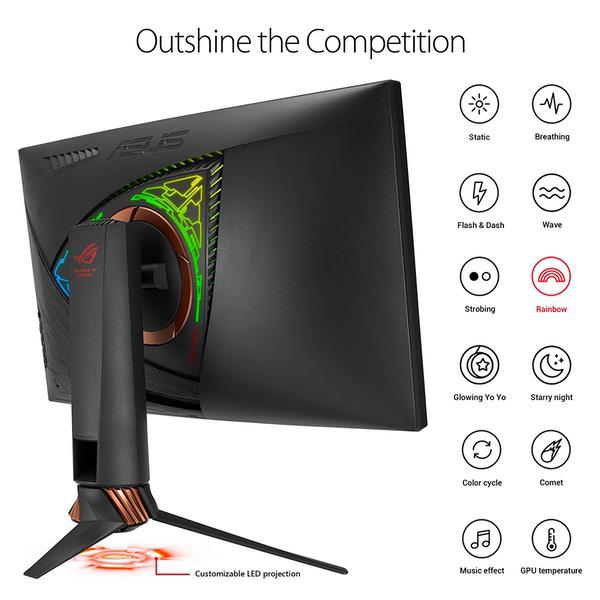
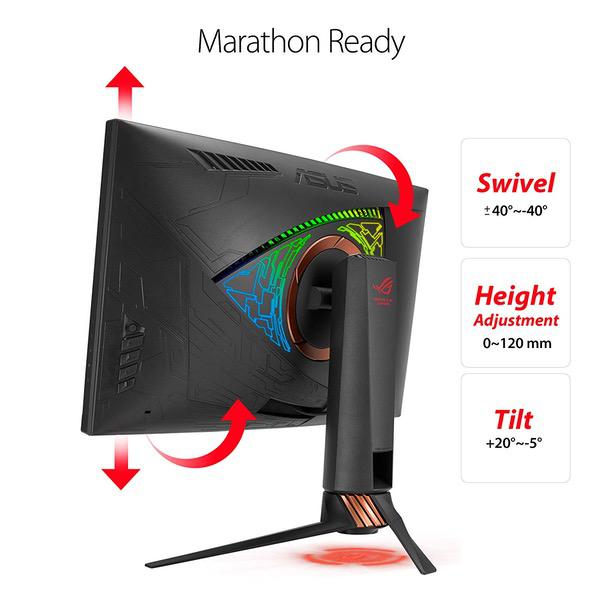
Make sure this fits by entering your model number. 27" WQHD (2560x1440p) 1800R curved panel with a 1ms response time and overclocked refresh rate up to 165Hz embraces ROG standards and design ASUS Aura Sync RGB lighting provides a nearly endless spectrum of colors with the ability to synchronize effects across an ever-expanding ecosystem of ASUS Aura Sync enabled product Flexible connectivity options with DisplayPort 1.2 and HDMI 1.4. Display Viewing Angle (CR≧10) : 170°(H)/160°(V) Marathon ready with game-grade ergonomics such as tilt, swivel and height adjustments and ASUS Eye Care Technology to reduce eyestrain via blue light filter and flicker-free backlighting NVIDIA G-SYNC ensures smooth gameplay by eliminating screen tearing and stuttering Industry leading 3 years warranty with Rapid Replacement Mounting type: VESA Wall Mounting : 100x100mm. 3D Technology
Reviews
3.8
Reviews: 20
5 stars
40%
4 stars
20%
3 stars
25%
2 stars
5%
1 star
10%
J. Robinson
4
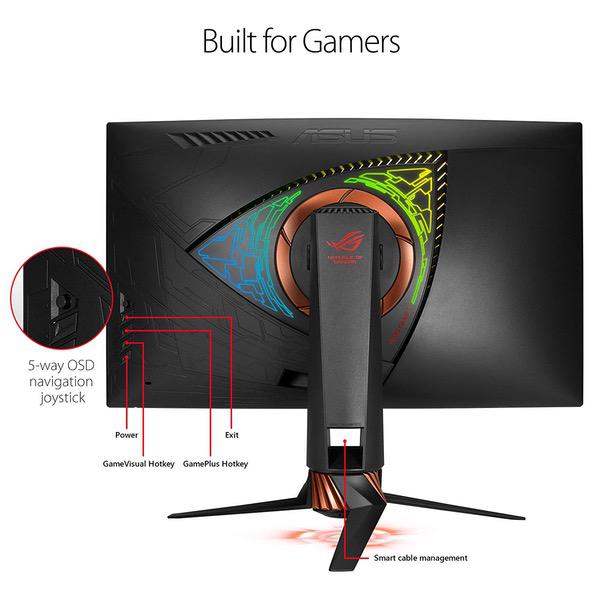
Here is my quick overview of the PG27VQ versus the PG278QR: 1. Curve! - Obviously the largest difference. At first I thought 27" 16:9 curved would be a bit of a gimmick, but after having used it some hours now I do prefer it. Granted, I have always preferred curved screens so this will be personal preference. 2. AR film - unfortunately the same matte film applied to seemingly every TN panel these days. 3. Backlight uniformity - VQ struggles a little bit on the left and right edges compared to the more uniform QR. 4. Backlight bleed - slightly more on the VQ, but nothing egregious such as on most IPS-type gaming displays. 5. Response time - This one I was hoping would be slightly better, but I found identical to the QR at around ~4.8ms MPRT. Supposedly there is new iteration TN technology coming out in Q2 2018 that can lower MPRT down to the ~3ms range. 6. Monitor overclocks flawlessly just like the QR. 7. Back case lighting, as does the image shooting down from the stand. I turn those off first thing. I use a true bias lighting system. 8. OSD - controls/joystick on the back right hand side are still top notch. ASUS has my favorite control system. 9. Stand - quite sturdy / tri-pod design. Although I quickly put it on my VESA arm. If I kept it on the stand I probably would have liked another inch in height adjustment. 10. Monitor feels sturdy and gives a feeling of quality. 11. Neither monitor had any dust, stuck or dead pixels. 12. Backlight - flicker free and this baby can get up to ~400 cd/m2. 13. ULMB - A dream on this monitor. Actually usable during the day as it can reach ~300 cd/m2! You set your brightness to 100% and then control luminosity with the backlight pulse duration. This allows the most clarity possibly under varying light conditions. Night time ~120 cd/m2 brightness is around the 35 pulse width setting, allowing for sub 1ms pulse duration for exceptional motion clarity. Strobe ghosting is also minimal on the display, given the fact ULMB pairs the best with TN panels due to their speed. Most of the strobe cross-talk is limited to the bottom 1/3rd of the screen, allowing for the center-top to be the clearest (preferred). One slight disappointment is that ULMB is capped at 120 Hz. I would have preferred 144 Hz as an option along with 100/120. 120 is still perfectly fine and so far this monitor is the best motion clarity experience yet Ive had for gaming. 14. Viewing angles - normal TN characteristic from top to bottom. For the sides, a bit of contrast shift that I believe is exasperated by the slight loss of brightness on either side edge. Final thoughts - If you want superior image quality, go with an OLED 4K TV. If you want "ok" image quality in the realm of the maximum quality LCD can provide, go with a high end VA or IPS (with the obvious speed/clarity trade-offs). If you want the best ULMB gaming experience, the PG27VQ is your huckleberry. Why only 4 stars? It does really well at its intended purpose. But it is still a LCD panel which comes with many inherant limitations.
Jordan
4
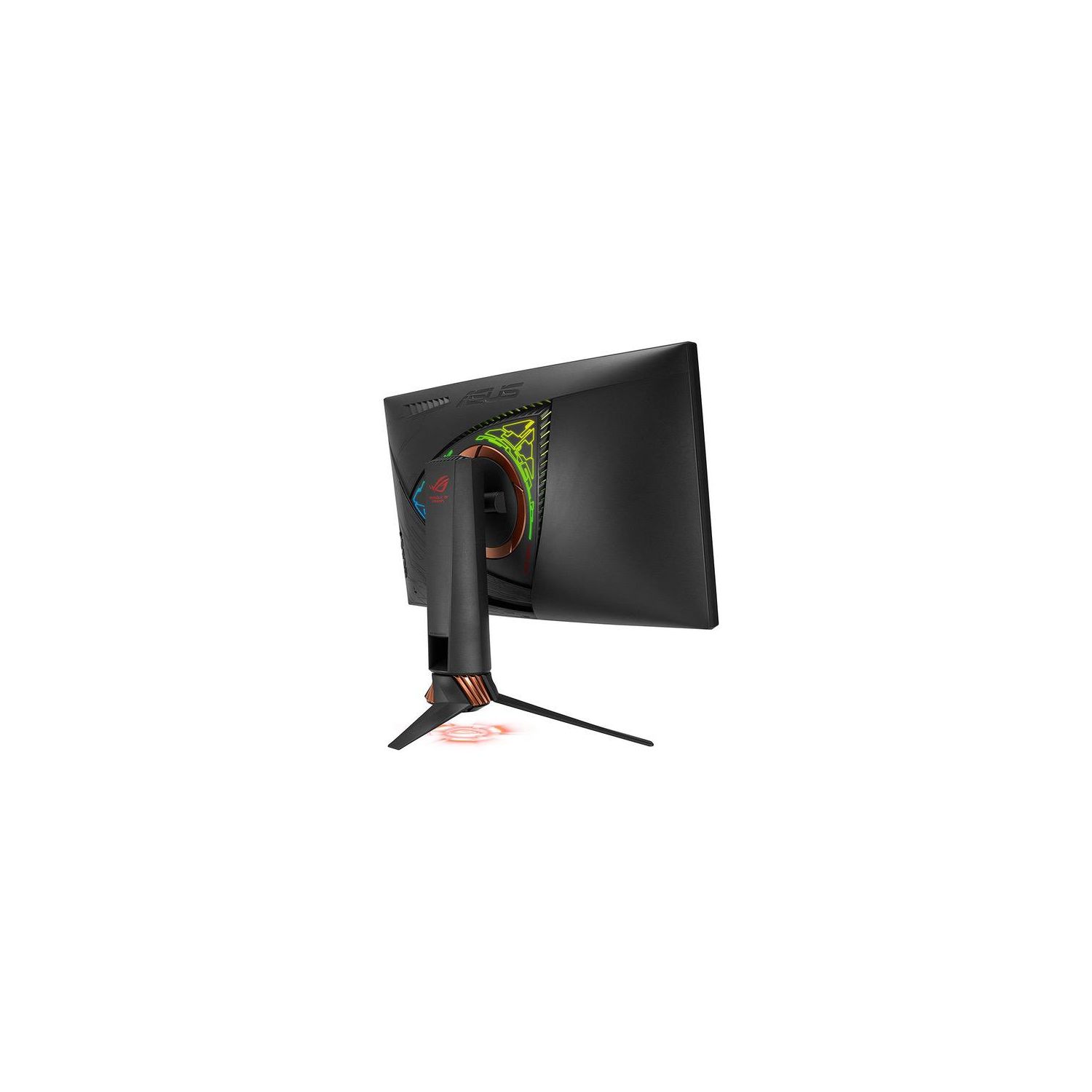
I highly recommend this monitor for anyone looking for a really good TN panel. It is well-built and has a cool design with the stand. I love the curved screen, but its definitely a preferential thing. The red asus logo that beams down on your desk is cool as well (I just wish I could change the color to anything other than red :p). I didnt have any issues with dead pixels or anything with the unit I received. The colors on the monitor are to be expected with a TN panel, but if you tinker with the settings then you can get it looking amazing. The only downfalls with this monitor are the RGB lightning on the back of the monitor is a joke. I honestly cant even see that anything is even going on back there unless I look behind the monitor. Honestly, not really a big deal for me since I can just get a cheap LED strip for the back of the monitor. Hopefully ASUS makes the lighting better if theyre going to start implementing this on their monitors. If youre really picky then youll notice that this monitor uses some special glossy coating on the screen that you can notice when in windows mainly looking at whites. It honestly doesnt bother me at all, since my last monitor had the same coating on it. Hopefully this review helps someone looking at this monitor. I mainly docked a star for the RGB lightning on the back, because I know for some people that will be a huge deal breaker. Other than that, I love this monitor! Thanks for reading.
Josh Deitrick
4
Reviewing the ROG Swift PG27VQ I received the box yesterday, the mail lady threw it at my feet unaware of its contents, Fortunatly the monitor wasnt damaged, to my knowledge. The screen has a weird oily look, and had some yellow screen profiles activated. After tweaking the settings, it looks great. Some slight screen flickering, even after checking the DP connection a few times. The refresh rate is.. refreshing, clean and great colors. The monitor is very aesthetically attractive. Will update in two weeks.
Amazon Customer
4
This monitor is by far the nicest monitor i have owned thus far. Would give it a 5 star but the price is pretty steep, custom crosshairs were obviously not designed by a gamer, and the monitors presets are not the best but arnt terrible either. 1440p is a nice step up from 1080 if you have the graphics card to handle it. 165hz....not many games are gonna be running 165 fps besides counter strike go. 144hz gsync is like butter though
Product variations
Column filling
Sort by Price Sort by Availability Sort by CODE Sort by Screen Size
$68900
In stock
+
B0772CP7GC
Screen Size:
27 in
You may be interested
  • Bestsellers
  • Recently Viewed
 
Similar products
Show more
Fast and high quality delivery

Our company makes delivery all over the country

Quality assurance and service

We offer only those goods, in which quality we are sure

Returns within 30 days

You have 30 days to test your purchase