


























davido
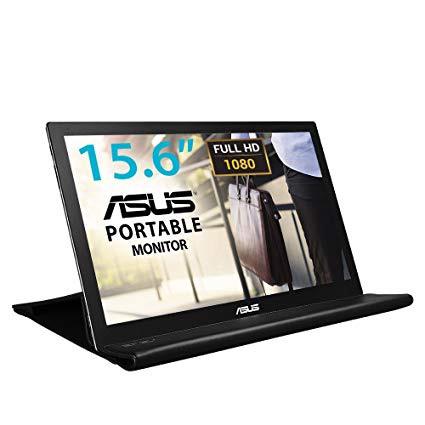
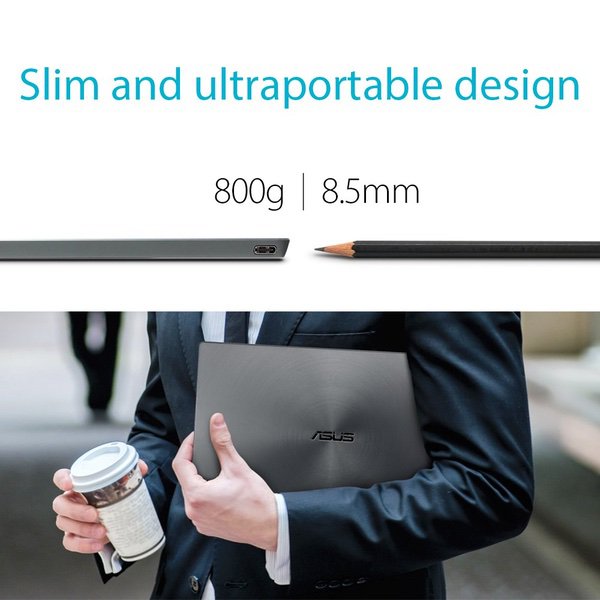
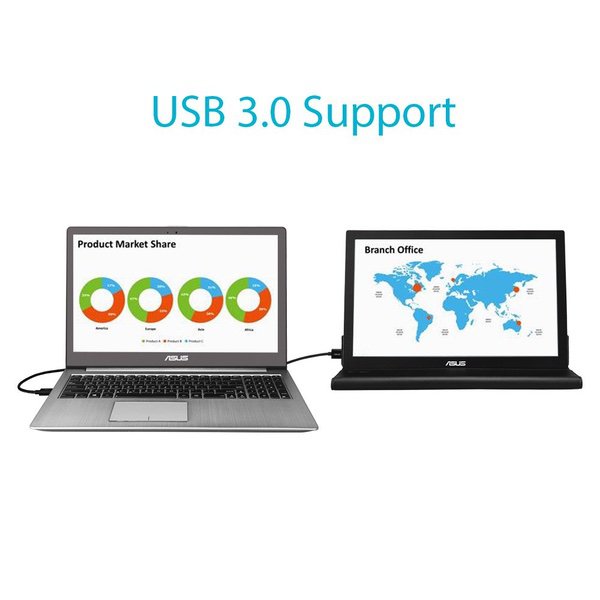
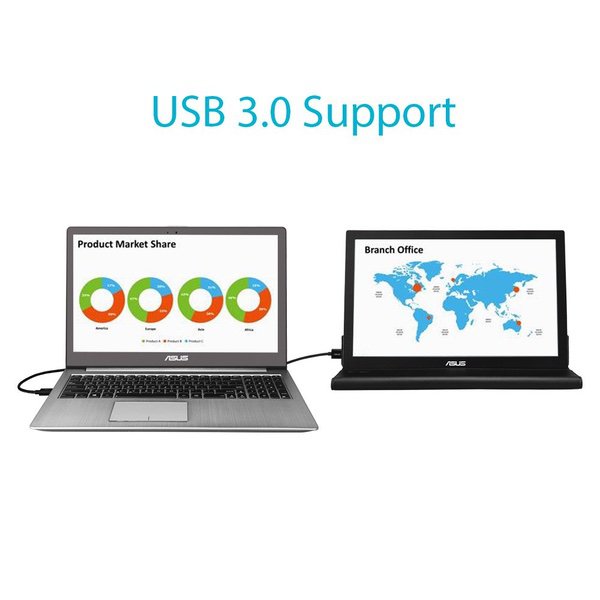
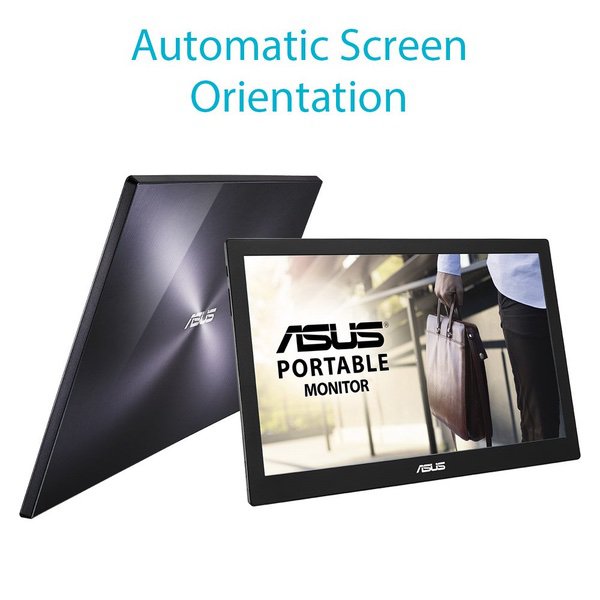
Exactly what I was looking for. Im a software developer, and work both on and off-site. When working in the office or at home I have a dual-monitor setup to complement my work-supplied laptop. But when Im really on the road, or working in conference rooms or team coding sessions, I really began to feel constrained by the single monitor. Its just nice to be able to spread code out across several screens while working on interconnected code. Or to be able to have API documentation open on one screen while vim is going on the other. So I began to seek a solution that would provide me with dual-monitor luxury even while away from the traditional desk. My requirements were: * Must work with Ubuntu (Linux). * Must not require an external power source. * Should require only a single cable. * Must be close to the same screen dimensions as my laptop (15.6") * Must be close to the same resolution as my laptop (1920x1080) * Must be lightweight. * Must fit into my laptop bag and backpack alongside my laptop. This unit fit all of those needs perfectly. There are several caveats that if understood ahead of time will help potential buyers make a good decision. First, its designed for Windows 7 or newer, or Mac OS-X. But it also works with Ubuntu by downloading the DisplayLink driver from the DisplayLink website. Some Ubuntu systems (particularly those built on 14.04LTS) will require a kernel update too. And under Ubuntu the auto-rotate capability is not functional. In fact, with current drivers, it only works in landscape mode. I havent tried overriding the basic settings with xrandr or xrotate. Its possible that a little more experimentation would enable portrait mode, which may come in handy for coders who like to do horizontal splits. This is a USB 3 device. I tried it with USB 2 as well, but that required being connected through a powered hub. Similarly, even though my other monitors have USB 3 ports in them, they dont supply enough power on their own to power this unit. But driven directly by USB 3 ports on my laptop (AC or battery powered), or the docking station, it works great. If your USB 3 ports arent capable of supplying sufficient power, though, you may need a powered hub. The color is good, though not identical to my laptop. I havent investigated calibration options because its close enough, and good enough for what I need. The brightness setting works as designed, and the screen is plenty bright. My laptops color doesnt match my full size monitors either (dual 27" Dells at work, and dual 24" Asuss at home), and that really doesnt bother me. The screen is crisp and sharp. And it renders 1920x1080 just as I had hoped. I expected to see some lag, but I dont detect any. The mouse moves across the screen smoothly. The carrying case that comes with it is perfect for carrying the monitor and for protecting it. And reasonably good for serving the second purpose of monitor stand. But I ordered a tablet stand to use instead, and like that better. The monitors build quality is nice. it is slender, light, pretty, and sufficiently robust. It doesnt have a "cheap-o" feel. Recently I plugged the monitor into my laptop at the same time that the laptop was docked, driving my dual 27 inch Dell monitors, and I was almost surprised to discover that it all worked fine. Including the laptops own screen, I had four monitors going in all, working as a single extended desktop. Combined with Ubuntus virtual desktops, the space was really liberating. So if you need a 15.6" portable monitor at 1920x1080 to use alongside your laptop, this is great. Be prepared to use USB 3, and to use a compatible operating system. If you prefer dual-monitors, even on the go, this is hard to beat for the price.