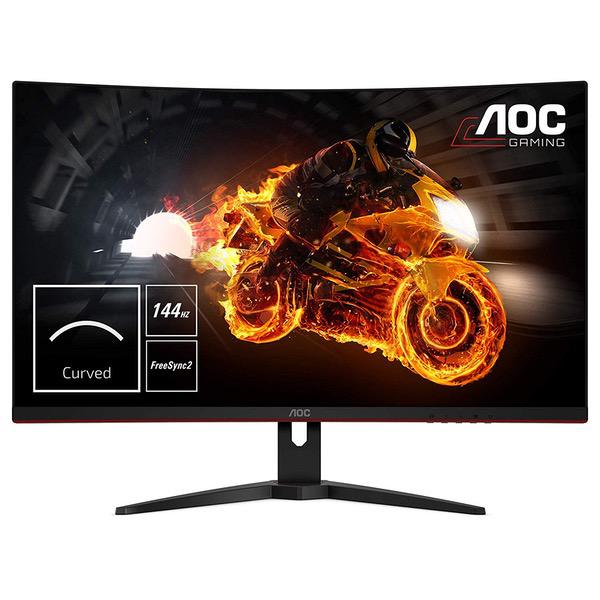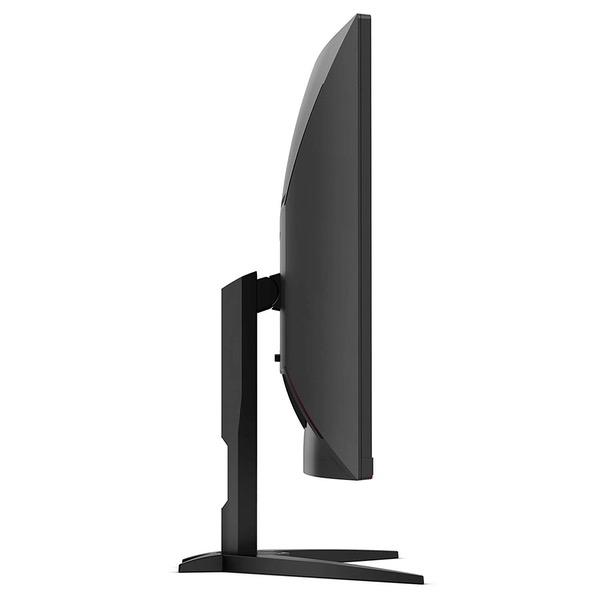
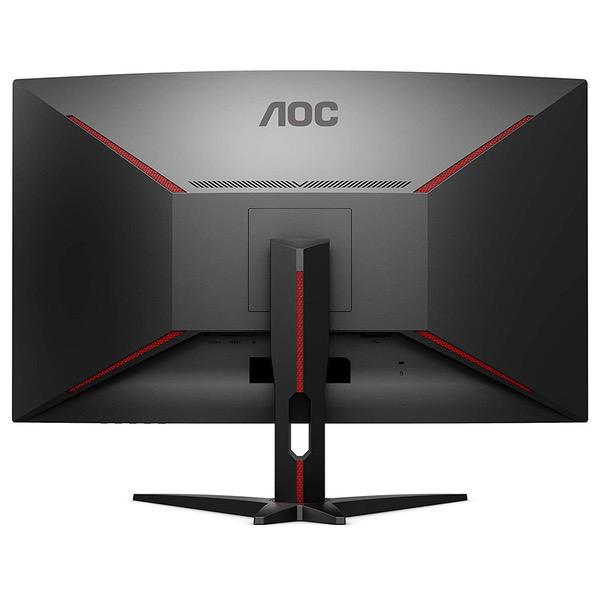
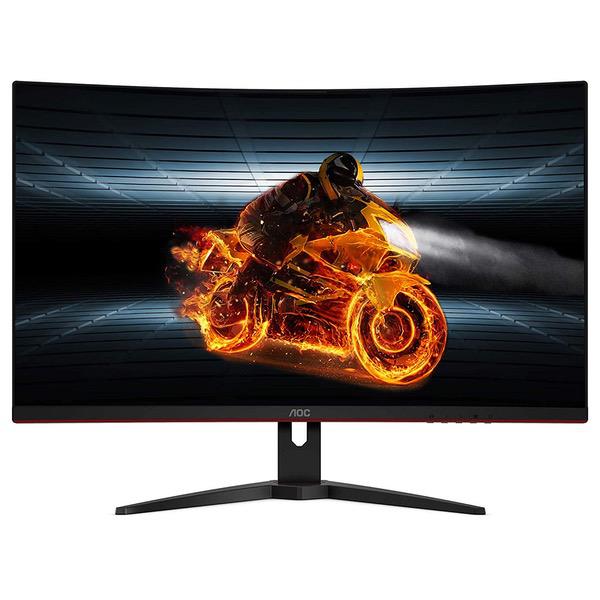
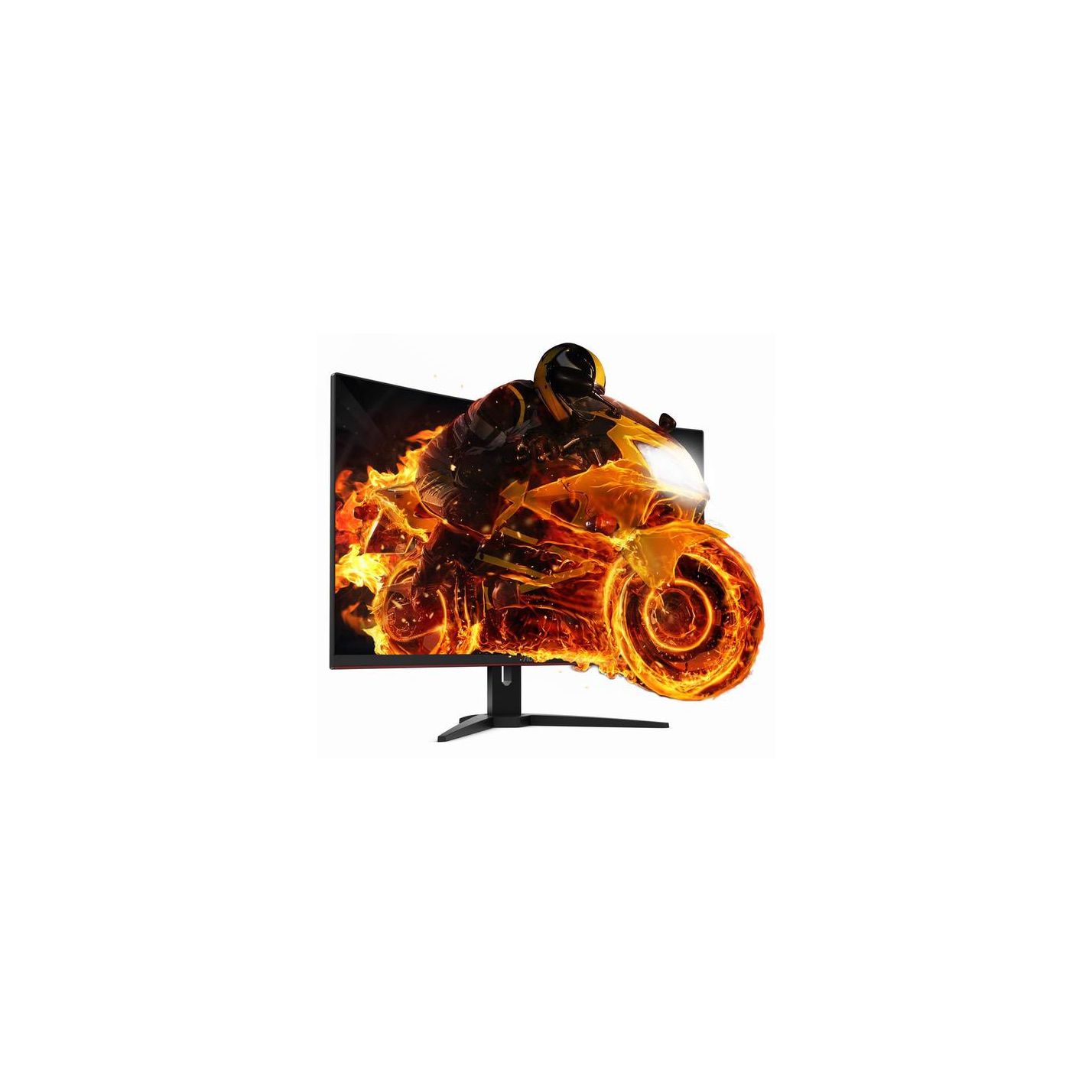
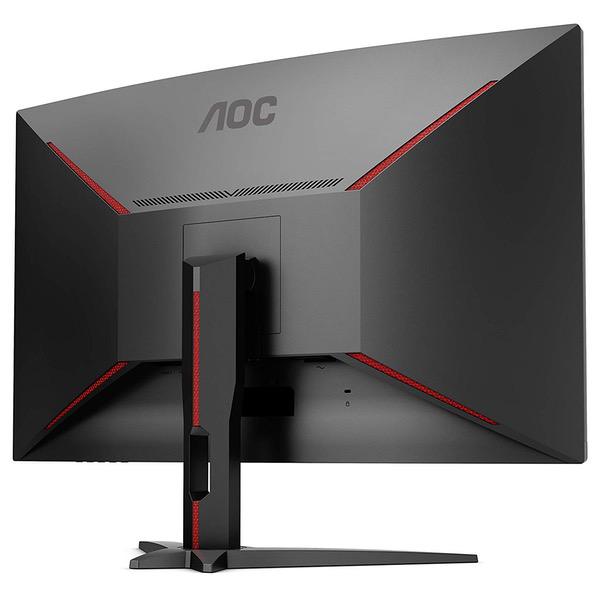
AOC C27G1 27" Curved Frameless Gaming Monitor FHD 1920x1080, 1800R, VA 1ms MPRT, 144Hz, FreeSync, DisplayPort/HDMI/VGA, Height Adjustable, VESA
Write a review
$24400

AOC C27G1 27" Curved Frameless Gaming Monitor FHD 1920x1080, 1800R, VA 1ms MPRT, 144Hz, FreeSync, DisplayPort/HDMI/VGA, Height Adjustable, VESA

Write a review
B07GD5XG5G
+
Add to wish list
Target is a general merchandise retailer with stores in all 50 states and the District...

City: US, New York

Delivery
Pickup at your own expense
Tomorrow from 09:00 to 20:00, Store location
Free
Payment options
Apple Pay Google Pay Mastercard Visa
Cash, bank card, credit/installment payments, cashless payment for legal entities
Warranty and returns
Exchange/return of products of proper quality within 14 days Official manufacturer's warranty: 12 months
Features
Display Type
LED
Item Dimensions
15.94 x 9.65 x 24.09 in
Item Weight
13.66 lbs
Mount Type
pc
Refresh Rate
144 hertz
Screen Size
27 in
Aspect Ratio
16:9
Description
This fits your .
Make sure this fits by entering your model number. 27" AOC gaming monitor with 1920 x 1080 Full HD Resolution 1800R curved monitor wrapping around you for an immersive gaming experience Rapid 1ms (MPRT) response and 144Hz refresh rate with AMD Free Sync for smoothest competitive gameplay AMD FreeSync for smoothest competitive gameplay 3-sided frameless design with ultra-narrow borders for the ultimate multi-monitor setup
Reviews
4.2
Reviews: 20
5 stars
55%
4 stars
25%
3 stars
10%
2 stars
5%
1 star
5%
Kainen
5
I love this monitor its my first pc gaming monitor and its perfect its stunning only issue is it didnt say that it has no built in speakers and i dont have any but for 300$ i was hoping it had some so now i have to buy speakers too
Emirhan Erdal Akdeniz
5
I was searching a new monitor that has 144 hz and a big screen like 32 inch. If you looking for 32 you dont have too many option if you dont want to pay high prices. So i saw this new aoc c32g1 and price was okay for a brand new monitor. This one is really came out lately and you cant see a proper review. So i hope this will help you. İt came with a huge box thanks to its curve, i set up and look for a dead pixels, it has none. The monitor is too big that i couldnt guess so it stands big on my table. İt has vesa so i can mount the wall later. Curve level is well adjusted and its not disturb when you look far, and when you are playing games it feels nice. No commend for 144hz, if you used to 60 hz before, you definetly will notice the speed. You need to do some adjustment for color qualify, because it comes bad color setting out of box. One thing i tought it has a pivot feature like c24g1 or c27g1 but its not, you can just tilt the monitor and its a dissapointing for me. Another thing is using windows on 32 inch 1080p, well.. very bad. You need some time for get used to. Overall the price what you get is very well i like it a lot, thanks to amazon they help me to receive it nice as always. Pros: +Brand new +VA panel +Curved +Nice desing +144 hz +Vesa +Nice picture quality Cons: -No pivot -Texture quality badc(for 32 inch 1080p its normal) -No built in speaker
Amazon Customer
5
Beautiful design, love the curve, thin bezel is really nice too, and 144hz refresh is good and has low input lag. The picture quality is pretty good for the price too. I mainly play Fortnite and this monitor has greatly improved my gameplay with peaking, reactions, etc. I would suggest this gaming monitor to anyone.
AZ Run
5
I am updating my review. Most of the negative comments about this monitor can be easily addressed with a return on a DOA/mfg defect/dead pixel, buying the extended warranty ( really cheap through Amazon) or simply by reading the little booklet called THE MANUAL (144hz through display port for example). Moving on; otherwise good picture out of the box, great picture once calibrated. I use X-rites i1 Display Pro with open source software called DisplayCAL ((free) does better then x-rites software IMHO). A screen not calibrated is like a sports car without a tune. Black levels are superior to IPS by a mile (not like OLED but very good otherwise). Coming from an IPS monitor to VA...colors are more vibrant and blacks are darker. 144hz is icing on the cake.
Macatticus
5
I am very happy with this monitor. I use it for 1400p gaming at 144hz. Make sure you search for how to turn on freesync on Nvidia cards via Google. Its a very simply process and 144hz with Freesync was enabled on my monitor but NOT automatically enabled on my RTX2080. Once you enable Freesync, it works great with your monitor and all games look great. I also use this for my PS4 Pro and XBox One X.. All of them look amazing. No dead pixels for me.. Would absolutely buy again.
ben akin
5
Make sure to reinstall your graphics drivers after you hook this monitor up to your PC for the first time, Nvidia gives you the option to do a custom installation with a clean installation ,which will help to resolve any leftover conflicts with your previous monitor. Also, use the displayport cable that came with the monitor, I noticed that images in games were sharper compared to when I used any third party cable. I dont know if it just placebo but I tried using 4 other dp cables and the images were not as good in my opinion compared with the one added in the box.Okay on to the review,I took the plunge and bought this monitor. Its a 32 inch curved monitor and it is much larger than I thought it was going to be. if you have a small desk u might want to think of getting a larger one. I hooked it up to my pc using an RTX 2080 and it looked good but not great in gaming. I knew something was definitely off. I tried all kinds of configurations for 4 days but nothing worked until I played with the picture boost menu which I finally understood what it does. The picture boost option applies an extra virtual film over the screen which allows u to tweak the brightness and contrast more than in the luminance option. Just go into the menu under Picture boost and enable Bright frame to On , after that increase the frame size all the up to 100. My brightness setting in picture boost is 34 and contrast is 50.Adjust to ur own desire but I notice lower brightness improves in game shadows. I did notice if I used any of the present game modes (Hint: leave Game mode off) under game setting option, it would shut off Picture boost and I would have to enable it again and redo the entire process. I wish we could save our settings presets files in the monitor. Picture Boost Bright Frame on Frame size 100 Brightness 34 Contrast 50 Under Game settings, Game mode is off (if u enable, it will disable picture boost mode) set low blue mode to off , override to medium, Freesync to On Under luminance, Contrast is 45 Brightness is 95 (lower it if you like) Eco mode standard Gamma set to gamma 2 DCR is off Under Color Setup Color Temp is set to User Red is 43 Green is 48 Blue is 49 shadow control 50 Once I setup this config, I can now fully say that this monitor is a must buy and I am now totally loving it. playing games on it has been very immersive and u just cant go wrong with this product. Once properly configured this monitor is amazing. Edit: I just want to add that this AOC monitor is G sync compatible. I previously used a Dell S2417DG TN panel G sync monitor, I can say that I am having a much smoother and consistent performance with this AOC freesync monitor in G sync mode. The problem which nobody wants to address is that G sync on native Gsync monitors is broken on Windows 10 since last years Windows March update, the micro stuttering on the Dell monitor with Gsync was driving me crazy. I am having a much better experience now with adaptive sync on this monitor. Games like Far cry 4 and 5 are much smoother. I dont think this monitor will ever get official Gsync compatible certification due to the freesync range of 48 - 144hz. Nvidia will only certify monitors that are 30- 144hz. Even with that , i dont get below 48 fps unless the game is broken like Gears of War ultimate edition. All my games are running fantastic and smooth , u will probably need a minimum of gtx 1070/gtx 1660 ti or Vega 56/Rx 580/590 to fully enjoy this monitor. In freesync mode , the monitor automatically caps ur max fps at 144, u cant go higher even on powerful Gpu.It helps to ensure you have a consistent experience while game, native Gsync doesnt do this and u need to cap it yourself manually. Once again, no regrets with this monitor and it is worth the money.
SgtHawker
5
I love this monitor. I wish I had bought this one instead of going cheaper first. My first real gaming monitor was a 32" Curved Sceptre. I liked that monitor a lot and had bought a second one even though the first one I got lasted a year. But it was less then 200 bucks. That one was an upgrade from a T.V. So it blew that one out of the water. The second monitor arrived and was DOA out of the box. To say I was disappointed is an under statement. I searched and searched for another one with in the price range and could not find any that I liked. During this search this one popped up. More then I wanted to spend on a gaming monitor. I fretted over this decision for several days and finally went it is only money and if it sucks I will send it back. I can only say I wish I had the money to buy a second one for my dual set up. The colors are nice and crisp, whites are white not yellowish, and streaming movies look really good. I decided I wanted to test it on a game that would put it through its paces. So I played Pong on it. Ha! I played The Witcher 3, as a base, I went on to Sub Natica, Assassins Creed Odyssey, Far Cry 5 and New Dawn, WWZ, X4, every game I threw at it was better. I mod the heck out of my games that I can, So Witcher and X4 are running the best quality mods I can find, the immersion is wonderful. Even if you have a good graphics card like I do GTX 1080ti, and with a sub par monitor you never get the full experience. I have several other demanding games I want to try this one but so far the images can not be beaten unless I go with a G-force Monitor and spend twice as much. I would say this is a solid Mid-range gaming monitor. No pixel dead spots, no graying or ghosting of blacks that I have seen unless it is an older movie. Having 144Hz, even without an AMD is nice. The G-sync compatibility is a definite plus. My one gripe is the button placement for power, modes etc... For the price they should give you a remote, or at least put the buttons on top where you can see them or even put icons on the front side so if you want to change modes, power it off or whatever, you do not need a flashlight and mirror to see what button your pressing. Also the "Set Up Guide" could be more then one page in your language. A simple 5 page manual would be nice. Oh and the packaging was not bad, I have seen worse, well protected by foam and tight, shipped in a larger Amazon box with their standard cheap packaging. But the AOC was in it own box. Comes with an HDMI, power and even an Old school nine pin connector. I have better cables but having extra never hurts. Final thought, instead of settling for a cheaper monitor wait a little longer and get this one or as close as you can.
J. Baldwin
5
After two weeks of research I chose this 31.5" curved monitor due to the advertised great refresh rate, extra large screen size, good reviews, and its curved screen. What I got was giant screen that is easy to see all at once thanks to the curved screen, with a great refresh rate, no dead pixels, and excellent performance. Note: Even with a Nvidia 2070 the monitor works fine, just dont try to use G-Sync compatibility mode (as of 5/11/19).
Alex Sobieski
5
To start off with, I am fairly into gaming, especially with higher end systems. So when I say that this is a great monitor I believe it means a lot. From the box the settings are fine but if you are huge into color there is no problem adjusting them. Out the box it comes with the "warm" settings which gives the screen a... "warmer" look to it. I simply changed this over to just normal and had it on "fps" mode. The stand is a metal one and feels nice and heavy, so Im not too worried about me bumping into the desk and having the monitor fly off. Came with no dead pixels as well which is always nice. If you are going to buy a 1440 monitor at 144hz and 1ms I would highly recommend this one.
D. Lewis
5
Wow! I plugged this in and hooked it up and went straight into Warframe at max settings and I was completely blown away! But, thats enough about me dying in my game. I got the 24" AOC monitor because first I trust the brand. Always high quality and durable. Ive never personally owned an AOC but I always use them at work. They always have a high quality display that sets themselves above their counterparts. Having a daisy chain capability was a priority to me as Ill be running these off of my ASUS ROG gaming laptop and it only has 1 hdmi port. Going from a 17.5" laptop screen size the to the 24" is obviously a huge step up. I toyed with the idea of going three 27" but the real estate on my desktop wouldnt allow it, but can be accomplished with three 24". I got one today and the other 2 come in Tuesday. Why one monitor was overnighted from Indiana and the other 2 shipped from Georgia to arrive several days later is beyond me. Anyways, the monitor is plug and play. I adjusted the graphical setting using my Nvidia control panel in about 5 minutes. After tweaking the settings through Nvidia, I was immediately a changed man! The clarity and definition is beyond what I expected and the entire framework of the monitor is heavy duty aluminum. There is a considerable amount of weight in the base that leaves me with the utmost confidence in its stability and support. Simple touch to raise and lower and great tilting abilities adds to the charm of the monitor. There are 2 HDMI ports in the back and also an audio out 3.5mm port. In addition there is a newer style HDMI port that allows you to daisy chain. Packaging includes the monitor, the base, the stand, 1 HDMI cable, 1 power cord and 1 of those new style HDMI cables. (I cant remember the name of that port and cable because its 3am and Im about 4 hours past my bedtime and my wife is out cold next to me on the bed snoring like a freaking freight train). Anyways, I was so excited about getting this 1st monitor that I dont know how Im going to contain myself until Tuesday to get the other 2 monitors. Im probably going to have to go to the local psychiatric clinic due to my brain stem choking off my blood supply to my head due to the excitement which will cause a head explosion leading to brain stuff draining out of my nostrils. Ill be sure to add photos and video of the monitors after I get the rest in and hooked up in gameplay. I will definitely buy these again for my wife if she stops snoring and gets that fixed. Extremely satisfied customer and I would definitely recommend to anyone!

Showing 10 of 11 reviews

Product variations
Column filling
Sort by Price Sort by Availability Sort by CODE Sort by Screen Size
$29100
In stock
+
B07HKGFB27
Screen Size:
32 in
$18900
In stock
+
B07GD7H18F
Screen Size:
23.6 in
$24400
In stock
+
B07GD5XG5G
Screen Size:
27 in
You may be interested
  • Bestsellers
  • Recently Viewed
 
Similar products
Show more
Fast and high quality delivery

Our company makes delivery all over the country

Quality assurance and service

We offer only those goods, in which quality we are sure

Returns within 30 days

You have 30 days to test your purchase