
















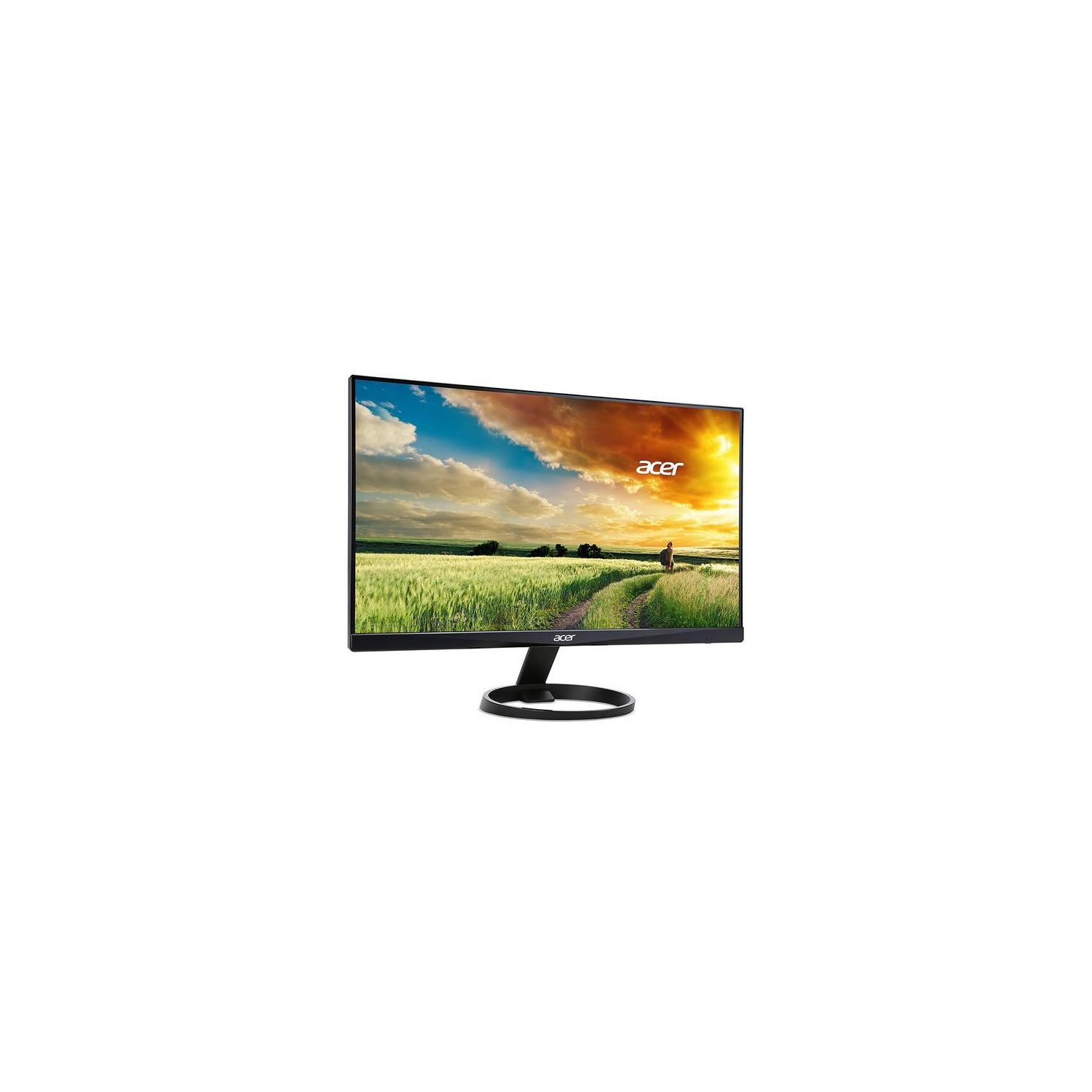
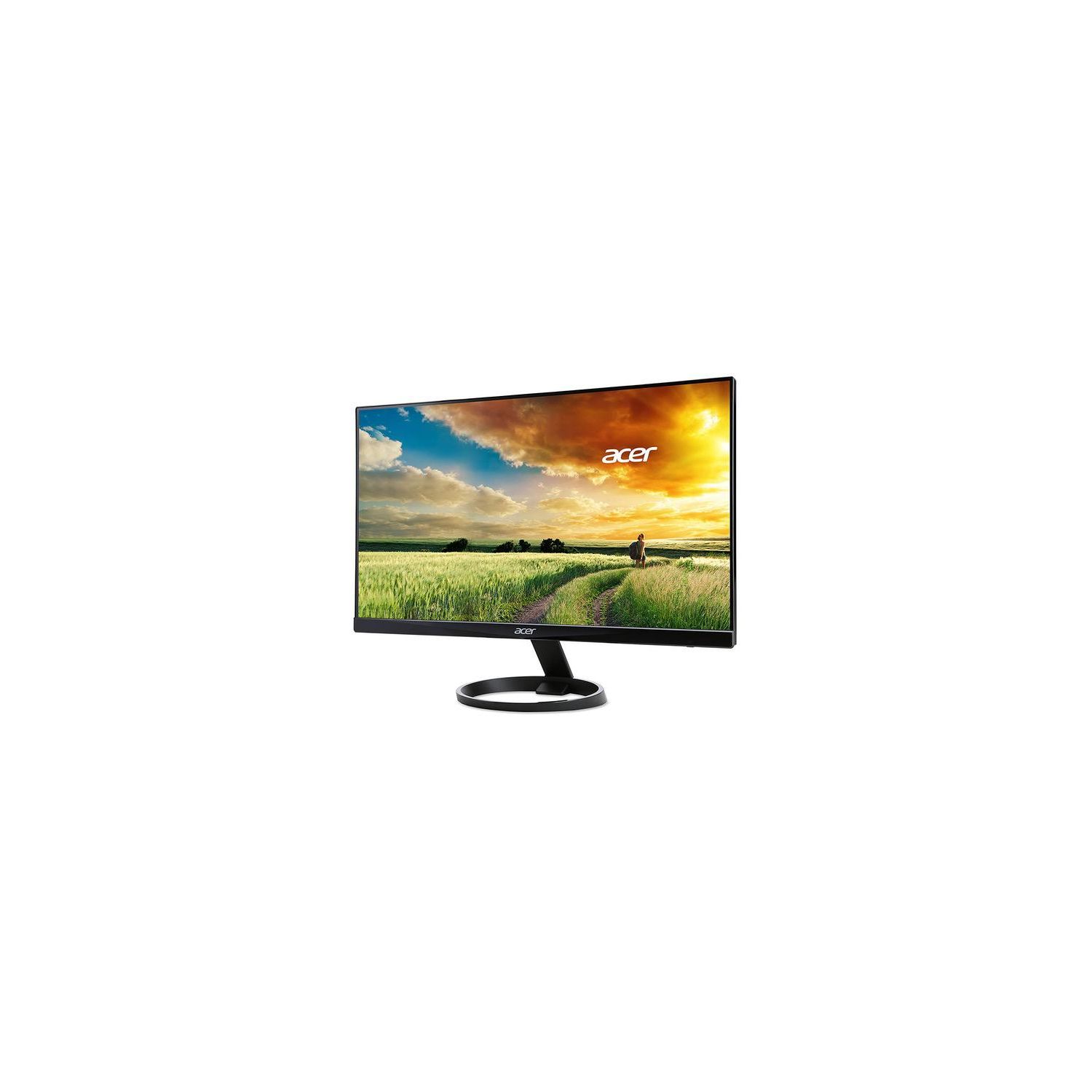
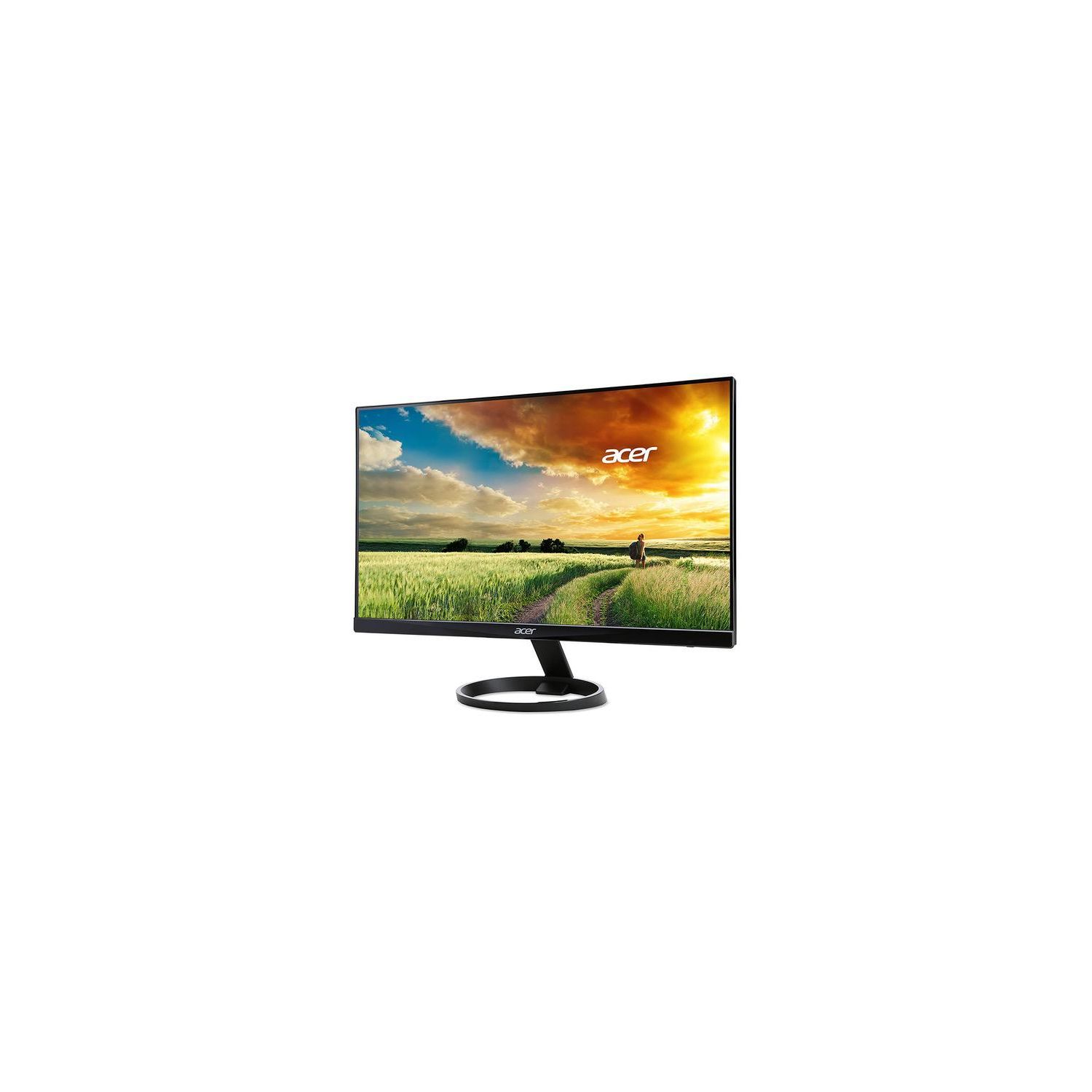


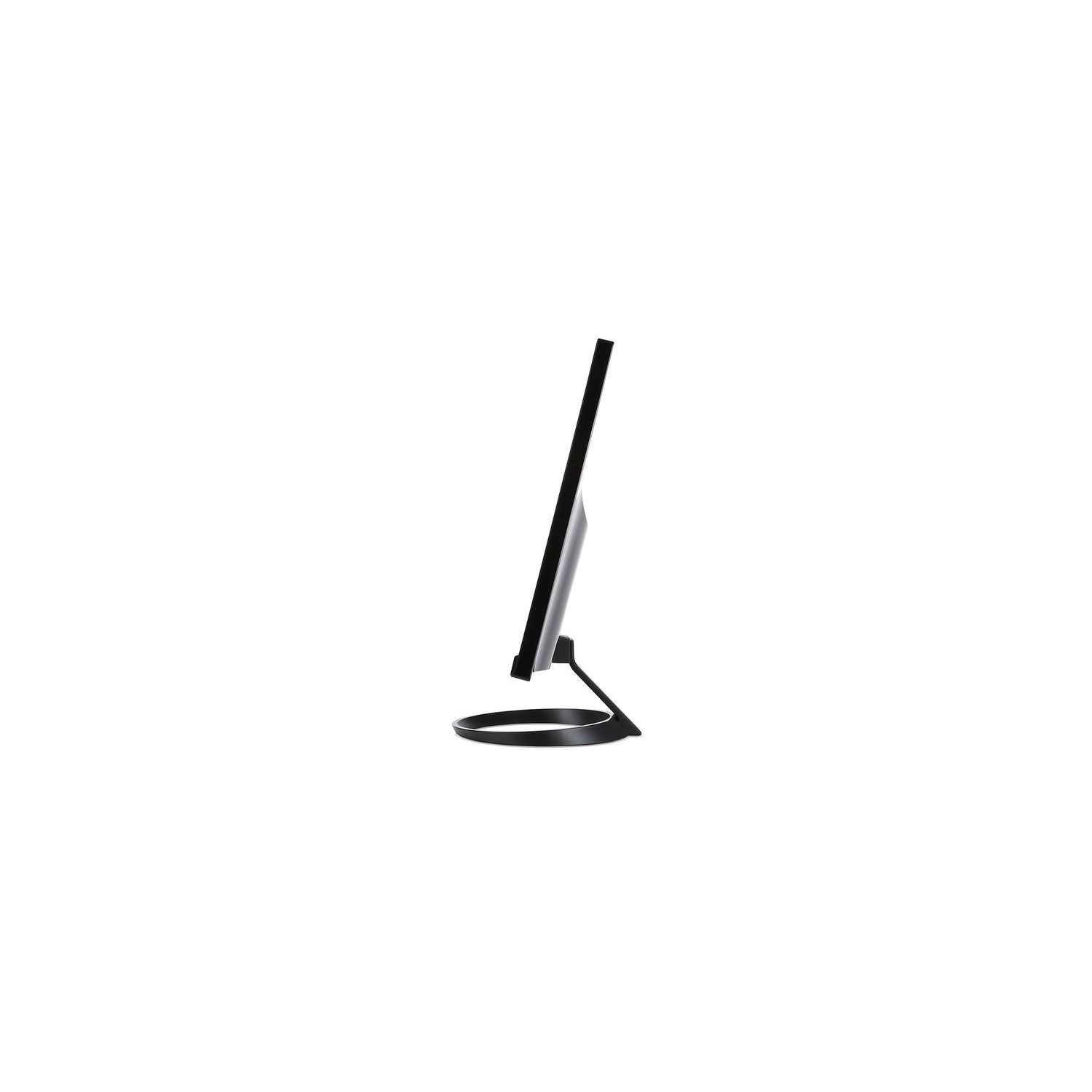
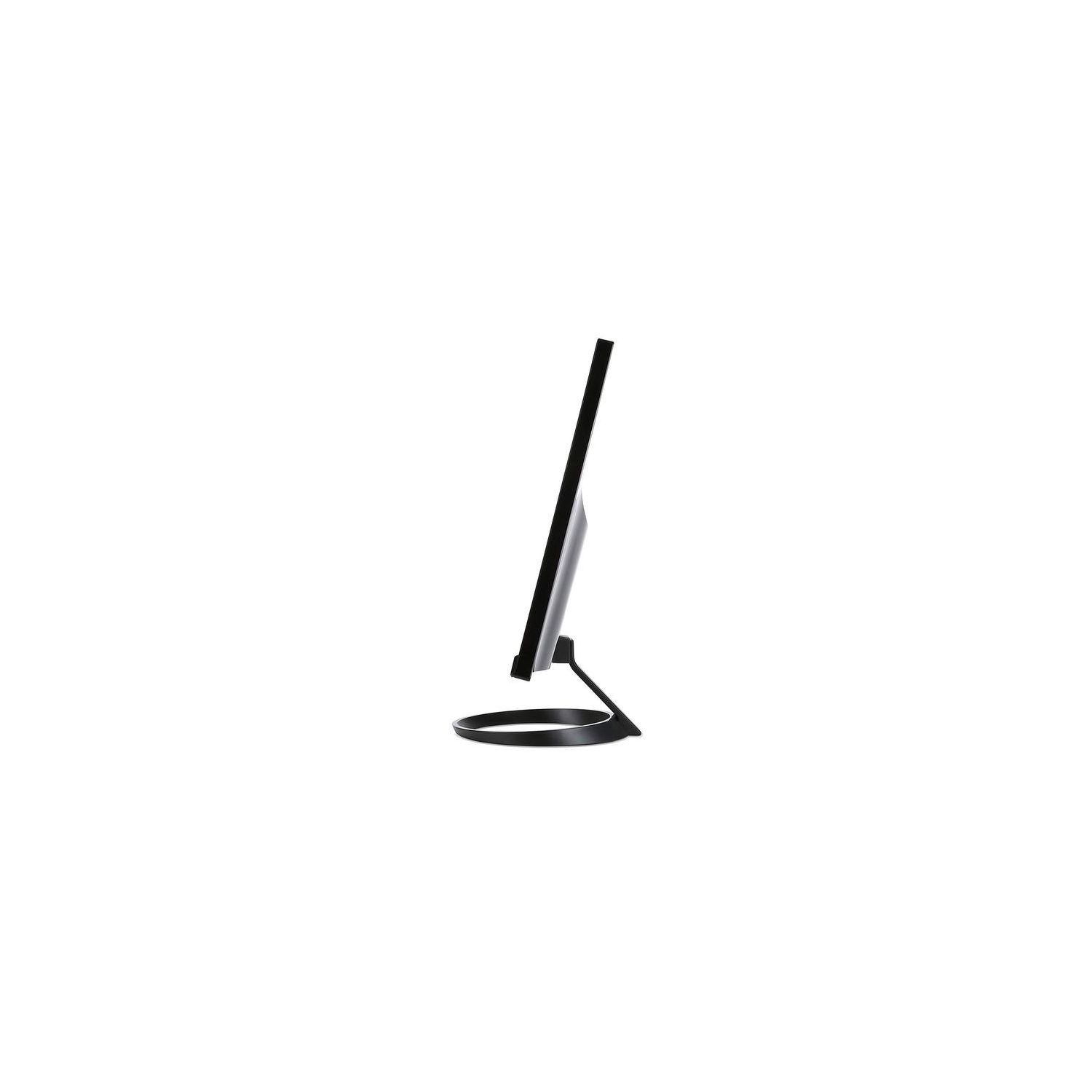
Acer R271 bid 27-inch IPS Full HD (1920 x 1080) Display (VGA, DVI & HDMI Ports)
Write a review
$18800

Acer R271 bid 27-inch IPS Full HD (1920 x 1080) Display (VGA, DVI & HDMI Ports)

Write a review
B01DM2D8TW
+
Add to wish list
Target is a general merchandise retailer with stores in all 50 states and the District...

City: US, New York

Delivery
Pickup at your own expense
Tomorrow from 09:00 to 20:00, Store location
Free
Payment options
Apple Pay Google Pay Mastercard Visa
Cash, bank card, credit/installment payments, cashless payment for legal entities
Warranty and returns
Exchange/return of products of proper quality within 14 days Official manufacturer's warranty: 12 months
Features
Display Type
LED-Lit
Item Dimensions
24.8 x 9.4 x 18.1 in
Item Weight
8.1 lbs
Mount Type
Wall Mount
Refresh Rate
60 hertz
Screen Size
27 in
Aspect Ratio
16:9
Description
This fits your .
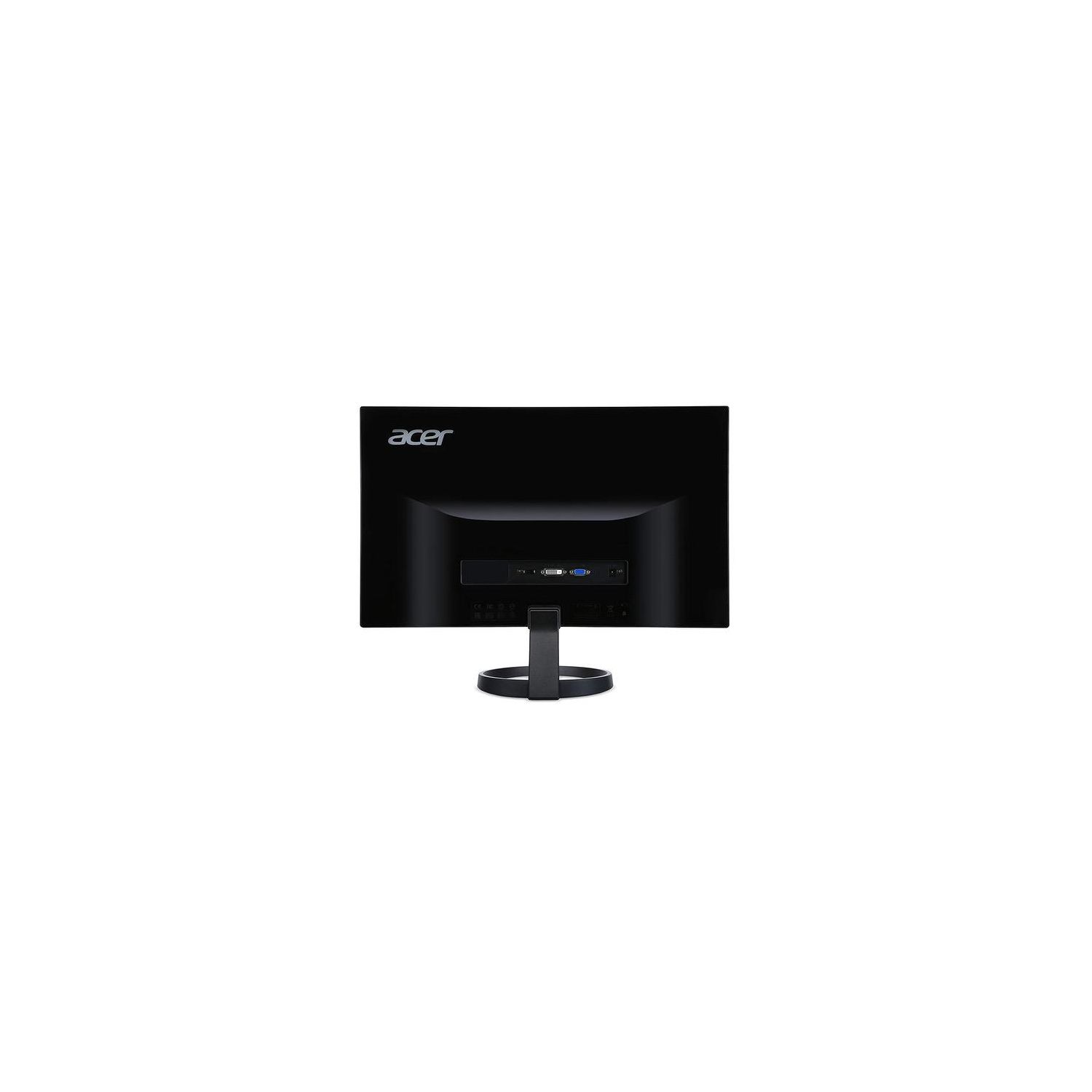
Make sure this fits by entering your model number. 27" Full HD IPS Widescreen with 1920 x 1080 resolution Response Time: 4ms Pixel Pitch: 0.311mm Signal Inputs: 1 x HDMI, 1 x DVI (w/HDCP) & 1 x VGA Brightness is 250 nit; Standby Power Consumption: 450 mW
Reviews
2.7
Reviews: 20
5 stars
20%
4 stars
20%
3 stars
10%
2 stars
10%
1 star
40%
Ray B.
5
I bought two of these and enjoy them quite a bit. A few reviews complain about ghosting, which I experienced until I realized in the default settings on the monitors had "overdrive" or "OD" on. As long as you disable this feature you will no longer have ghosting trouble! Hope this helps anyone who bought these and was disappointed, I saw nothing online about fixing this issue other than figuring it out myself by chance.
Jonathan
5
This is a very good monitor for its price! I upgraded from a previous monitor that came with my Dell Inspiron that had Windows Vista LOL!. Very Old. Anyways my reason for upgrading: 1) Using it as an external monitor for my macbook pro for college work. 2) It connects to my xbox one s very nicely. Battlefield 1 and titan fall 2 looks awesome in this (in my opinion) BEFORE YOU BUY YOU MUST KNOW: 1) the monitor does not tilt up or down. 2) monitor does not rise in height and visa versa. 3) the monitor does no rotate To me this isnt a problem since my monitor is sitting on a monitor riser. However, if you are nit picky about this type of stuff, i recommend you look else where and compare! OVERALL THOUGHTS: 1) set up is very easy! can be done in 5 minutes. Simply connect the circle base to the back of the monitor screen and you are done! Its a awesome monitor for its price!!
Charles Bradley Scott Jr.
5
I purchased 2 of these a few weeks ago and have enjoying the hell out of them ever since. The slim bezel was a big selling point for me. They look amazing side by side. -Pros- -Unbeatable price/value for a full 1080P monitor. -Wonderful picture. LED lit makes images come to life. -Easily calibrated or adjusted. -Matte finish reduces any background light glare. Looks great with room lights on or off. -Lightweight (only 6 lbs). -Best response time out of any IPS panel display Ive seen (only 4 ms) -Very sturdy base. -High viewing angles. -3 different input ports makes this a dream for compatibility. -No backlight bleeding(a common problem with some displays) -No assembly, the monitor just slides on to the base and clicks in place. I set up 2 of these in less than 5 minutes. -Packaged very well. -Includes VGA cable, which I though I was going to have to purchase separately. -Cons- Not VESA mount compatible. (I knew this before I bought them. Didnt have plans to mount them anyway.) I will be purchasing a 3rd to add to my workstation soon. (see picture)
Honey Badger
5
At this point, Im giving this 5-stars based on the 27" screen that will be so incredible when I have multiple windows open and the color. I have hundreds of NASA photos on my desktop and it feels as if Im approaching a nebula the color and definition is so extraordinary. However, attaching the base arm to the monitor was no simple feat. After calling Acer and finally get past the obnoxious auto-responder, an agent instructed me how to go online (via my cell phone) to get the manual. Yeah, Acer doesnt put the actual manual in the package, just the Quick Guide which states that the monitor should be removed from its packaging carefully since the base is attached. Then, what am I holding? Kinda looks like a base to me. Attaching the arm to the base - piece of cake. But getting the arm into the bottom of the monitor, ah, not so much. When I got on the Acer website, following the agents instructions, I was unable to find a manual - just the legal agreement. Time to do a Google search, which lead me to a YouTube video where the man took a flat screwdriver and snapped a piece of plastic off his R271 monitor to get the arm into the slot. Okay. So, before Ive even had a chance to plug this puppy in, I have to break it. Sure, makes sense to me. But, it worked. I managed to fit the base arm into the monitor slot and the monitor isnt wobbling now. I like Acer products - theyve been around for decades. Have no complaints with my Acer PC and this monitor (so far) seems to be of very good quality. But really, no instructions? Come on. Even Pop Tarts come with instructions.
Product variations
Column filling
Sort by Price Sort by Availability Sort by CODE Sort by Screen Size
$9900
In stock
+
B01DM28XYM
Screen Size:
21.5 in
$10900
In stock
+
B0148NNKTC
Screen Size:
23.8 in
$16900
In stock
+
B07JR9MQJ2
Screen Size:
25 in
$18800
In stock
+
B01DM2D8TW
Screen Size:
27 in
You may be interested
  • Bestsellers
  • Recently Viewed
 
Similar products
Show more
Fast and high quality delivery

Our company makes delivery all over the country

Quality assurance and service

We offer only those goods, in which quality we are sure

Returns within 30 days

You have 30 days to test your purchase