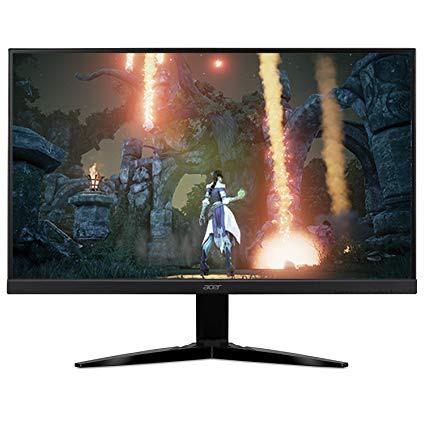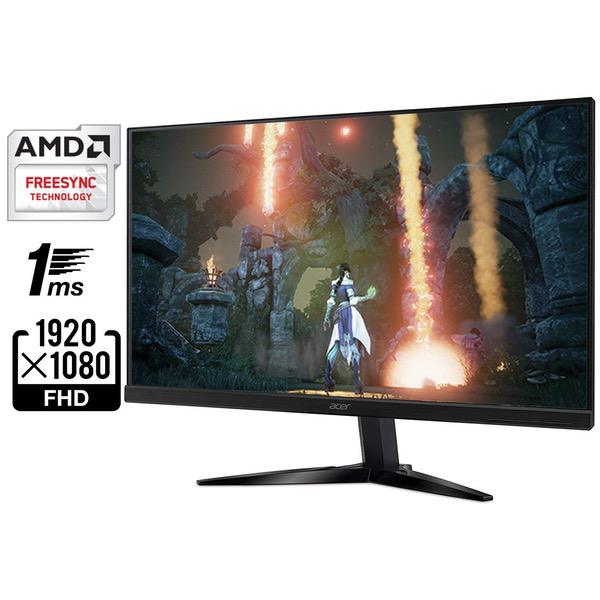
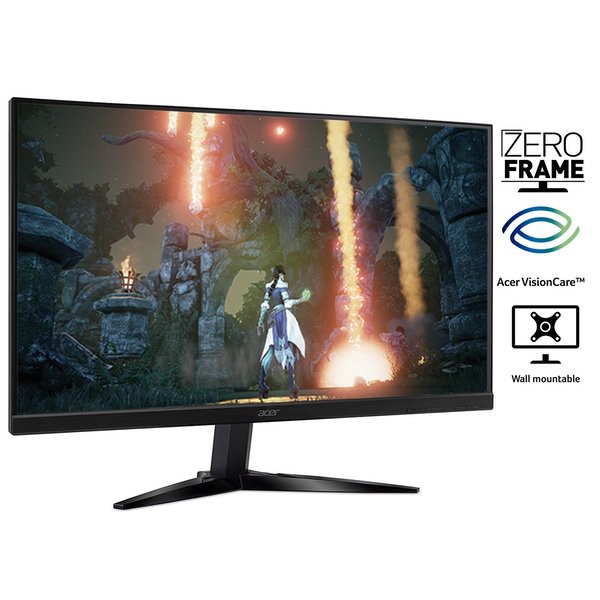
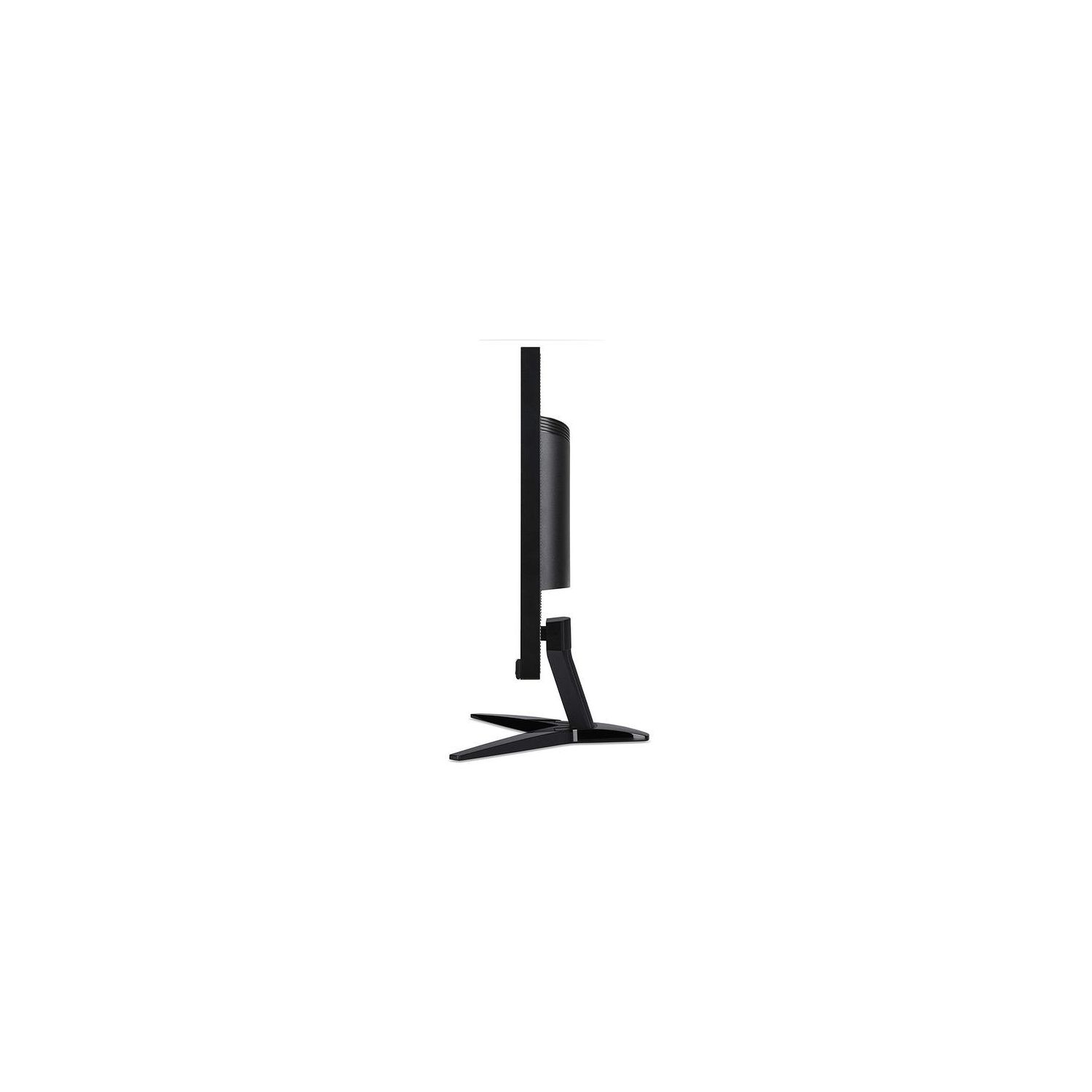
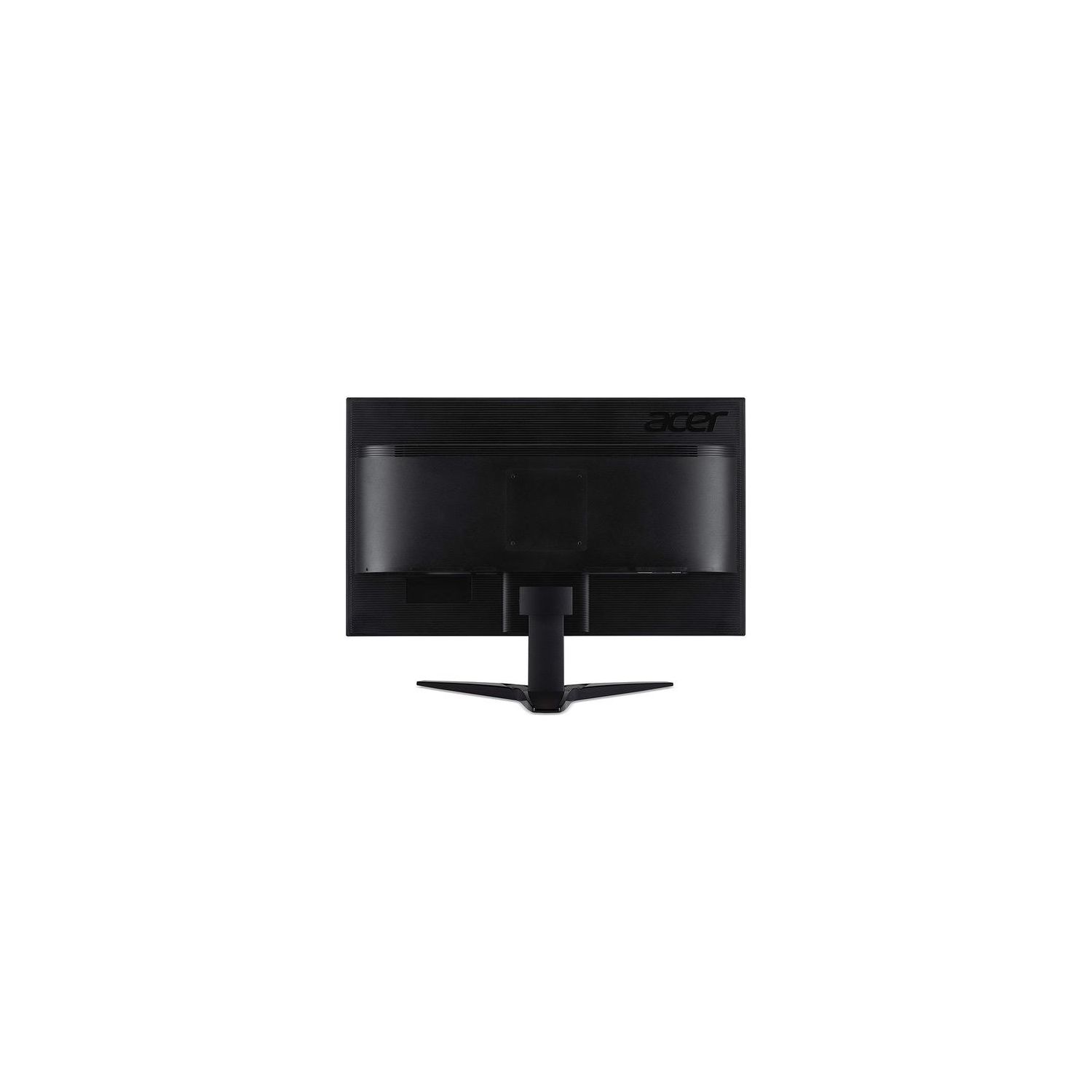
Acer KG271 bmiix 27" Full HD (1920 x 1080) TN Monitor with AMD FREESYNC Technology (2 x HDMI & VGA Port)
Write a review
$14900

Acer KG271 bmiix 27" Full HD (1920 x 1080) TN Monitor with AMD FREESYNC Technology (2 x HDMI & VGA Port)

Write a review
B072HGR5HB
+
Add to wish list
Target is a general merchandise retailer with stores in all 50 states and the District...

City: US, New York

Delivery
Pickup at your own expense
Tomorrow from 09:00 to 20:00, Store location
Free
Payment options
Apple Pay Google Pay Mastercard Visa
Cash, bank card, credit/installment payments, cashless payment for legal entities
Warranty and returns
Exchange/return of products of proper quality within 14 days Official manufacturer's warranty: 12 months
Features
Display Type
LCD
Item Dimensions
24.2 x 9.1 x 18.3 in
Item Weight
12.39 lbs
Mount Type
Wall Mount
Refresh Rate
75 hertz
Screen Size
27 in
Aspect Ratio
16:9
Description
This fits your .
Make sure this fits by entering your model number. 27" Full HD (1920 x 1080) widescreen TN Display with AMD FreeSync technology; Tilt Angle: -5°to15° Response time: 1ms Pixel Pitch: 0.3113mm Signal inputs: 2 x HDMI & 1 x VGA
Reviews
4.3
Reviews: 20
5 stars
45%
4 stars
45%
3 stars
5%
2 stars
0%
1 star
5%
Brandon H.
4
Pros: + Capable of being an amazing display. + 75hz is great for people that dont have high-end rigs that can reach 144+ fps. + Sleek design, minimally-sized bezel. + Quick and easy swapping between HDMI 1, HDMI 2, and VGA channels. + Great OSD. Cons: - Terribly calibrated out of the box. It will need a little bit of TLC through the OSD. (Set color mode to SRGB, set "overdrive" to 0, set "black boost" to 0.) - Seriously, disable the "overdrive" setting in the OSD under the "Gaming" tab. Its by far the worst thing anyone has ever created. Thats the feature that is causing your monitor to have that really strange draggy, clippy effect. - Stand is stuck at a standard height, but it can be tilted upward and downward. The stand is at a fairly decent height for most users, anyway. - Absolutely horrendous internal speakers. Summary: With amazing color (after re-calibration), 1080p @75hz, and sleek body-design, and cheap price, this monitor is easily comparable to my primary monitor which cost me $200. The only major difference between my $200 monitor is that it has a better internal speaker and extremely adjustable swivel stand.
AgentWafflez
4
Had a few issues at first When i first plugged it in it recognized freesync fine but after a few hours freesync stopped working but it had nothing to do with the monitor it was the drivers that got corrupted. Its 75Hz but I extended the freesync range to 80hz with CRU.I tried extending the lower end range but i just got black screens when entering games. But hey for $109 for 80hz freesync cant go wrong there i think this is the cheapest freesync on the market right now. As of the time of this review. Colors: Theyre really bad Its a TN panel. I knew that before buying of course. But a little tweaks here and there and the colors become tolerable. Build Quality: Cheap plastic no big deal. Adjustability : No adjustability just tilt. No lightbleed but i did see a really really tiny amount of ghosting when i used the freesync demo. But its not even noticeable unless you have the monitor 1 inch form your eyes. As for gaming features black stabilizer ect. I set mine to 10. The brightness in this monitor is really high. Had to lower it down to 50% for my retinas not to burn.The crosshair icon feature i dont use it . If youre a first time freesync user get an hdmi 1.4a cable.If you get a generic $6-8 HDMI cable and it does not say what revision it is, see if the cable says High Speed HDMI Cable with ethernet support 3D that means its 1.4a. If doesnt say support 3d its probably just plain 1.4 and freesync might not work for you.
Wes
4
Having purchased the bigger brother, a KG271U, at a brick-and-mortar last week, I kept looking to find a smaller secondary monitor to use for incidentals -- a secondary screen to keep an eye on Discord or TeamSpeak while in game, for example, since I dont have room for large dual displays. I went looking on the Acer website to try and find one that was similar in function and appearance. Thus, I found the KG221Q. Unable to find it locally, I opted to order from Amazon. As Ive only had the monitor set up for a couple of days, I can only offer initial impressions: 1) Its *bright*, just like the bigger brother. Colors are fairly well replicated an, at 1920 x 1080; images and text are clear and crisp... as they should be on a 21.5" monitor. I have not had opportunity to test movies, but suspect there will be a touch of light bleed in dark scenes. YouTube HD video playback has been more than acceptable. 2) Because of the matte screen and viewing angles, it actually fares well in portrait mode -- especially for a TN panel. 3) While it does not include a height adjustable stand, it does offer VESA compatibility, something difficult to find in a budget monitor such as this one. It mounted painlessly to an Ergotron Neo-Flex stand. The only major complaint I have is actually aesthetic: In searching on the Acer site, the images show the KG221Q as resembling the rest of the KG1 line with the matte finish, "zero frame" trim. While the "zero frame" is something of a misnomer -- there *is* a narrow frame around the monitor, if not a bezel -- this was one particular selling point to me, as I was hoping to match the KG271U as closely as possible. Unfortunately, the monitor I received, manufactured in January of this year (2018), was not similar to that of the 27" monitor. It is instead, as pictured here on Amazon, a normal, somewhat-irritatingly glossy frame. If it is not intended to have the zero frame trim, it would be nice if there were some consistency between Amazon product listing and the Acer website. Not a deal breaker but a bit frustrating for someone who might be picky about both form and function. TL;DR: For a budget 21.5" monitor, it appears to be worth the $100ish price.
Xipo
4
Horrible calibration by the factory make this a monitor for the enthusiast. You will have to spend quite a bit of time tuning this monitor. The good news is once its tuned its amazing. A few tips. Turn OFF Overdrive Turn On RGBcolor Black Boost 0 Super sharpness : Off Gamma 2.2 HDMI Black Level Normal. Then be sure to go into your graphics card setting and turn your monitor resoultion to 1980x1060 and make the refresh rate 75 Mhz. You will then have good color representation and a blindly bright display. The hardest part for me was turning the brightness down to a very low setting as to not feel lile my eyeball were on fire. It takes some getting used to going from a 20’ to 25’, but over all the added desk top space make it wonderful. You could use the blue light filter, but I felt the colors suffer when in this mode. Of course your setting will need to be tweaked to your preferences but hopefully this helps .
Bob Baust
4
Im using this for a small video-editing station, nothing fancy, just trimming or splitting videos so I just needed a cheap 1080P display. Like others have mentioned, the default settings dont look very good - too bright and washed out. After fiddling with it a while I could get a decent picture but was never happy with the blacks, they were always too gray. Then I noticed that if I sat lower in the chair the picture was much better. From 3 feet away, moving my head up or down 6 inches made a significant difference in the picture quality. Moving side-to-side was barely noticeable but vertical orientation is quite critical for a good image. Make sure you are looking straight at the center of the monitor and that its angled directly at your eyes and youll be OK. Once I had that figured out the next step was to get rid of the annoying "60" or 75" displayed in large yellow text at the upper right corner. Turns out the default setting is to have a constant on-screen display of the refresh rate. How silly, but fortunately it could be disabled in the settings. Speaking of the settings, the user manual was not written by an english-as-a-first-language person. Its not very easy to understand and in the instructions every button (6 of them) is labelled "Function". Thats not very helpful. My suggestion - dont read the instructions for using the buttons because the on-screen prompts are very easy to understand. Once you get it turned on (far right button) just press the next button and a pop-up appears that identifies the rest of the buttons with their functions and navigation directions. That was nice.
Michael Gallagher
4
Pulling this out of the box and setting the stand up was fairly straight-forward – you will need either a thicker flat head screwdriver or a penny to tighten the included base to the actual monitor – and took about five minutes start to finish. Hooking it up to a MacBook Pro laptop was also easy. The display, colors, fonts, etc., are crisp. It also does a good job of playing back video. If you are looking for a larger-sized color monitor, I would recommend this one.
Dillon Gilbert
4
Great product. The viewing angles are pretty good, not great, but as expected for the price point. The features are nice for gaming. It includes options for cross-hairs for games that do not have them built in. It also has good ports. The two HDMI ports are very useful if you have a desk setup that utilizes multiple screens or if you want to hook up another console or PC. The speakers are not amazing or very loud, but good enough for typical Youtube and movie watching. If you play games with positional audio you will want headphones or decent speakers. Over all it is a very good panel for a very competitive price. Most gaming screens are in the $200- thousands of dollars range, so this is a good option for entry level people who just want a decent screen or for those looking for a 1080p work space screen.
Amazon Customer
4
for the money, it is the best monitor you can get for gaming performance. the response time and everything is great, but it has just a 75 Hz refresh rate.
Matt McDermott
4
I bought this as an upgrade from an ancient 22" Dell monitor. Installing the base was simple and it came with the power cable, an HDMI cable, and VGA+Audio cables. I like the matte finish on the screen to reduce glare and it looks very nice overall. Once hooked up using the provided HDMI cable, the picture wasnt the best. The colors were washed out and scrolling webpages seemed to produce a ghosting effect. I found out through another review here that this was because of the overdrive feature. After I turned that off, the ghosting stopped. I also turned off the black boost and the color quality seemed to improve. The built-in speakers are about useless though. At max volume, I can barely hear any sound and it is very high-pitched. Also, be careful changing settings because some of them (Like the blue light filter) like to turn overdrive back on without telling you. Overall, Im pretty happy with my purchase. I got a really nice monitor without spending a fortune.
Product variations
Column filling
Sort by Price Sort by Availability Sort by CODE Sort by Screen Size
$14900
In stock
+
B072HGR5HB
Screen Size:
27 in
$8900
In stock
+
B06WV6MHLX
Screen Size:
21.5 in
$12900
In stock
+
B06X6HJ1SF
Screen Size:
24.5 in
$11900
In stock
+
B06XYGQBY2
Screen Size:
23.6 in
You may be interested
  • Bestsellers
  • Recently Viewed
 
Similar products
Show more
Fast and high quality delivery

Our company makes delivery all over the country

Quality assurance and service

We offer only those goods, in which quality we are sure

Returns within 30 days

You have 30 days to test your purchase