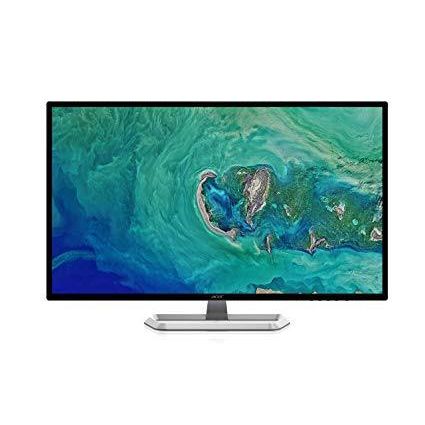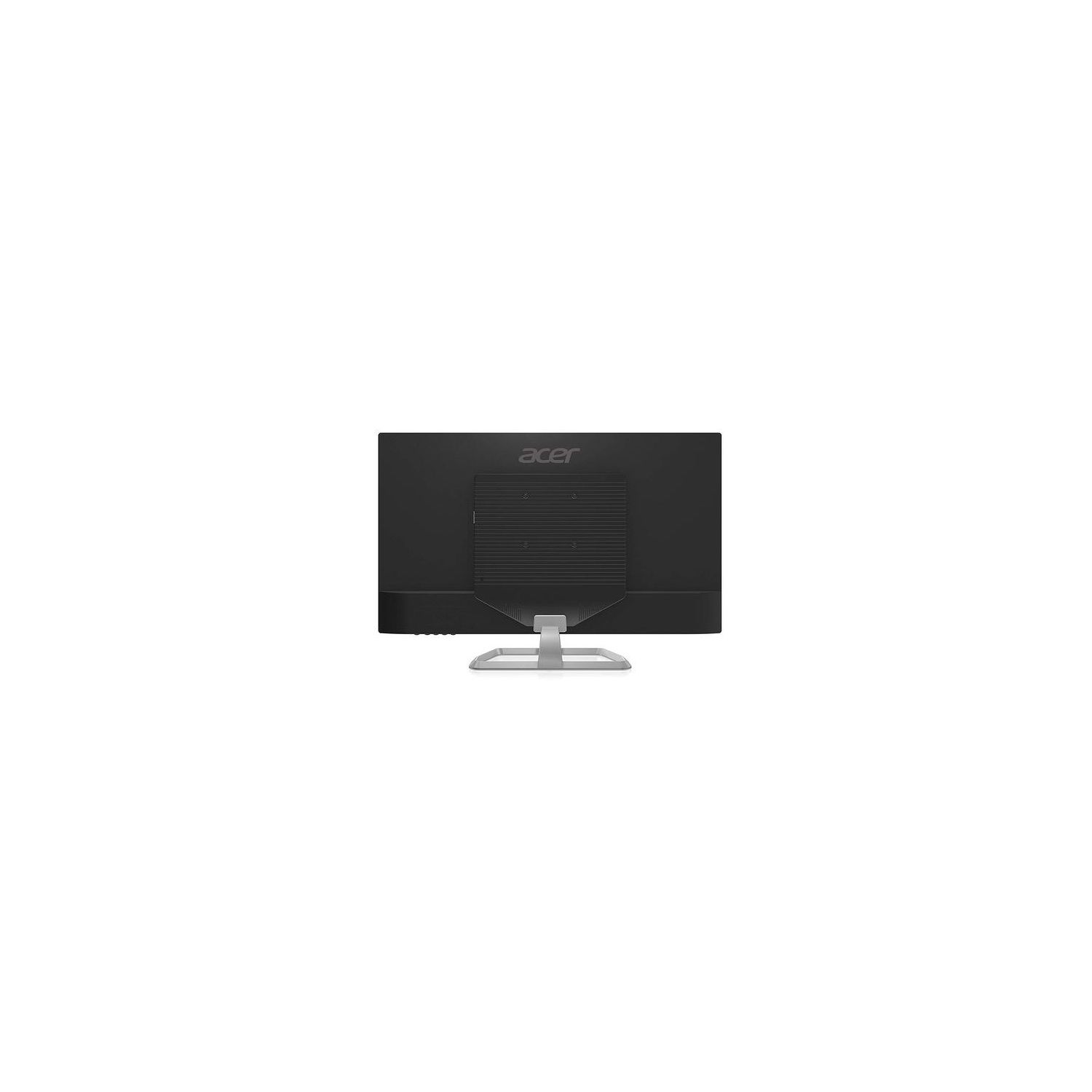
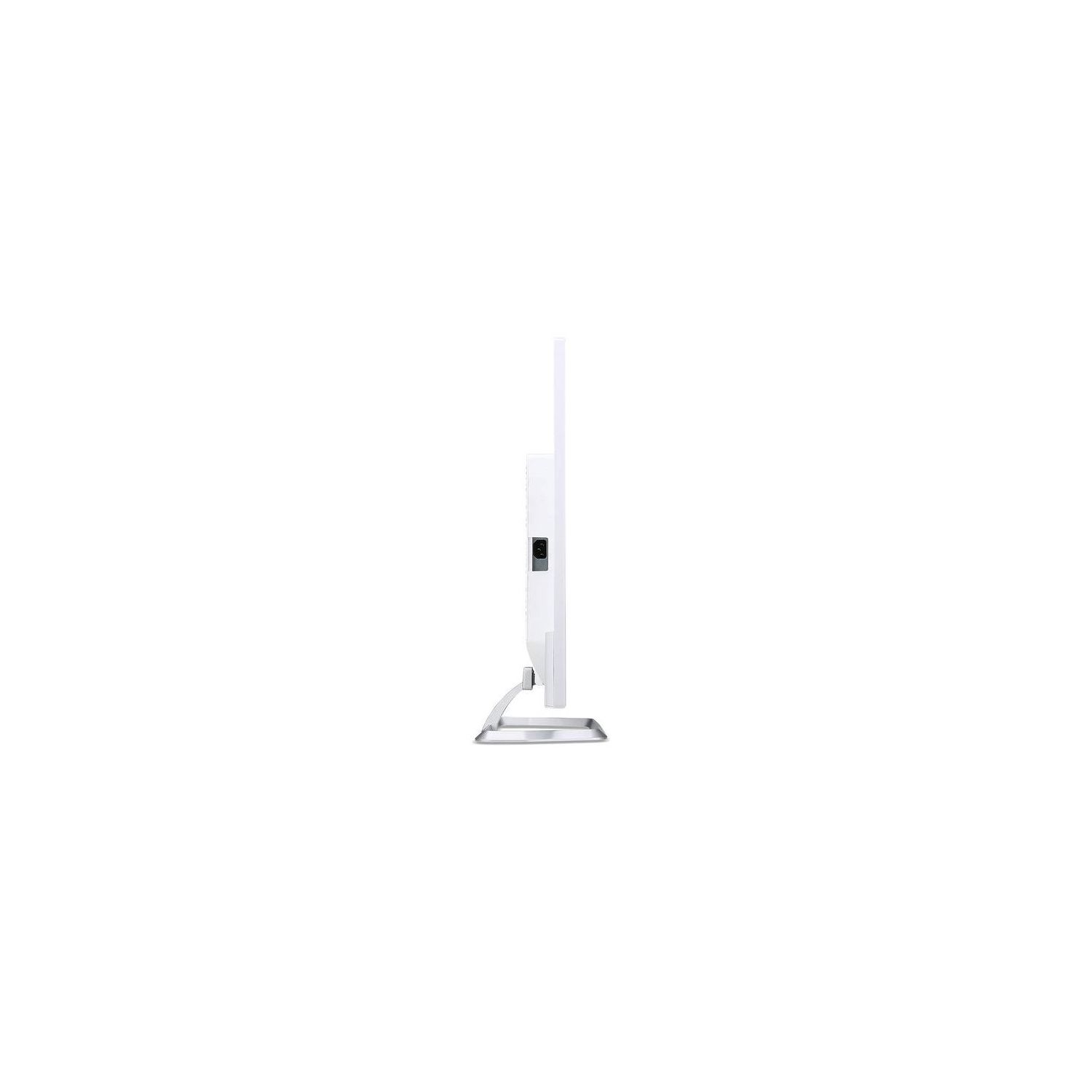
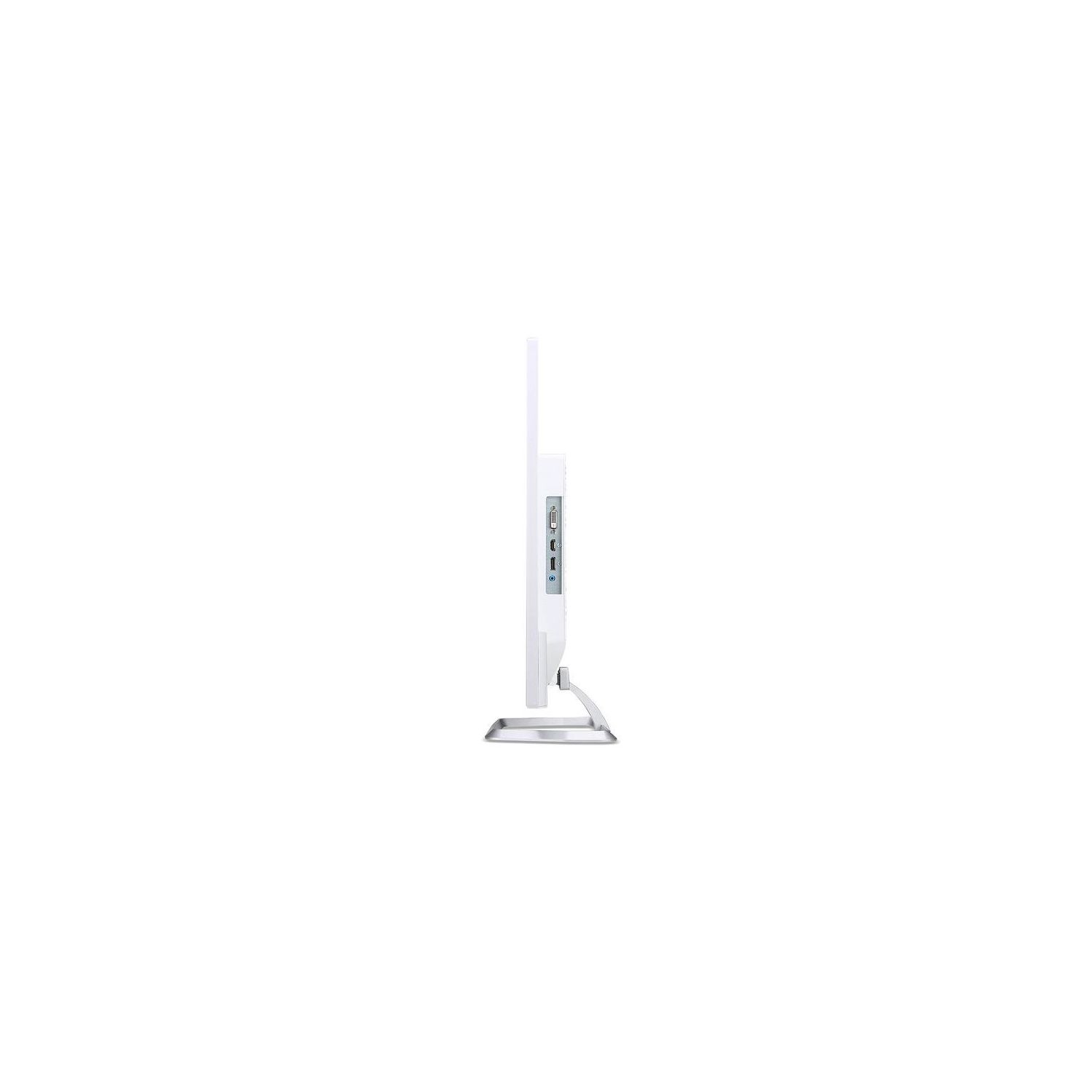
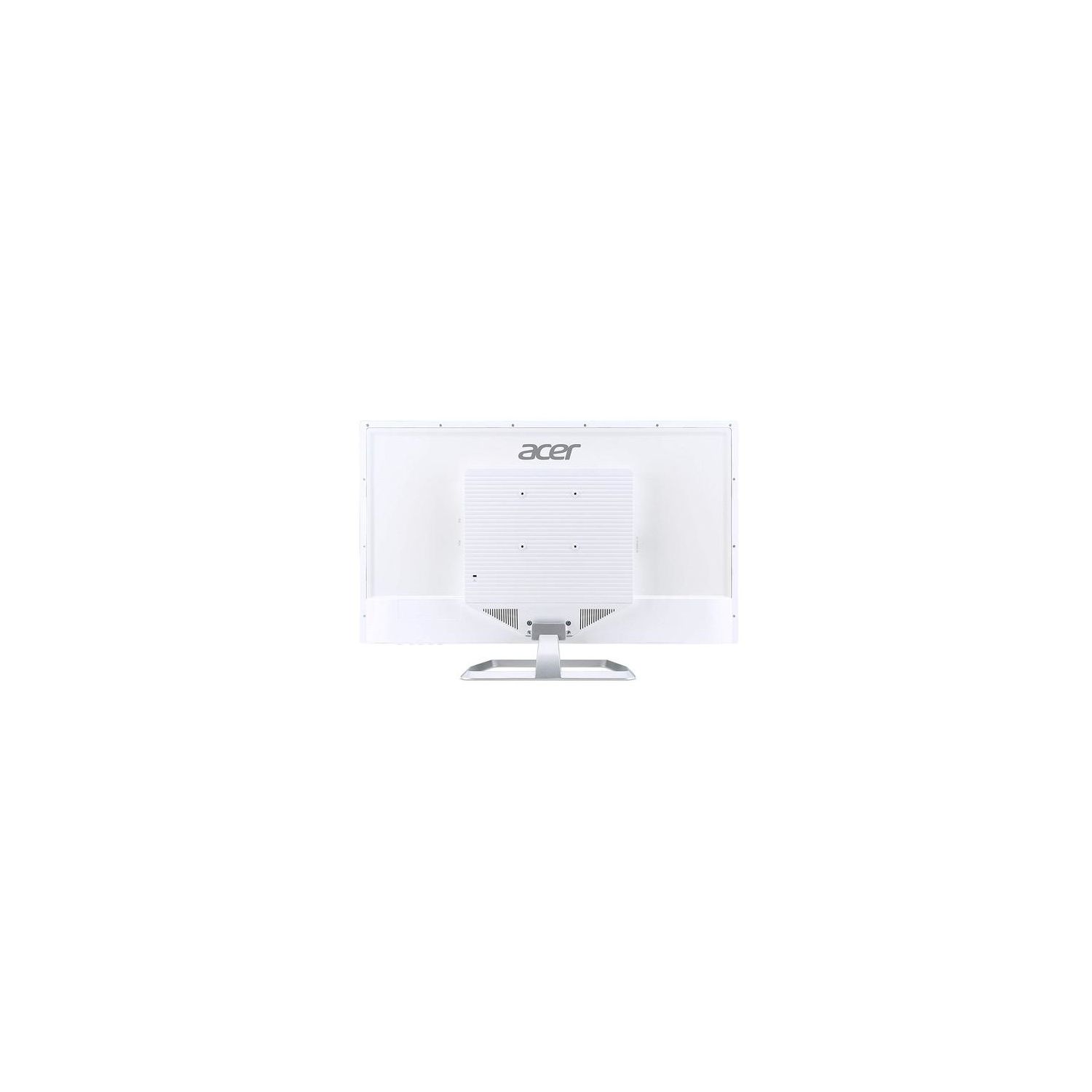
Acer EB321HQU Awidpx 32" WQHD (2560 x 1440) IPS Monitor (Display Port, HDMI & DVI port)
Write a review
$24900

Acer EB321HQU Awidpx 32" WQHD (2560 x 1440) IPS Monitor (Display Port, HDMI & DVI port)

Write a review
B077BSWLTL
+
Add to wish list
Target is a general merchandise retailer with stores in all 50 states and the District...

City: US, New York

Delivery
Pickup at your own expense
Tomorrow from 09:00 to 20:00, Store location
Free
Payment options
Apple Pay Google Pay Mastercard Visa
Cash, bank card, credit/installment payments, cashless payment for legal entities
Warranty and returns
Exchange/return of products of proper quality within 14 days Official manufacturer's warranty: 12 months
Features
Display Type
LCD
Item Dimensions
28.7 x 7.09 x 19.1 in
Item Weight
15.2 lbs
Mount Type
Wall Mount
Refresh Rate
60 hertz
Screen Size
31.5 in
Aspect Ratio
16:9
Description
This fits your .
Make sure this fits by entering your model number. 32” WQHD (2560 x 1440) widescreen IPS Display Response time: 4ms Pixel Pitch: 0.273mm Ports: 1 x Display port 1.2, 1 x HDMI 1.4 & 1 x DVI (w/HDCP) Display port cable included Mounting type: VESA Compatible
Reviews
3.5
Reviews: 20
5 stars
35%
4 stars
25%
3 stars
15%
2 stars
5%
1 star
20%
Alastair G. Stell
5
First, a reality check. This is a low cost monitor when you consider the IPS technology, the resolution and screen size. Adjust expectations accordingly! Although IPS the screen is wide enough that at close range the screen darkens appreciably towards the left and right edges - move your head to the left or right and the banding disappears. The color does not wash out towards the edges so the screen is definitely IPS. Perhaps this is why curved screens are popular? If your graphic card has vignette adjustments, you might want to try playing with the settings. In terms of connections, some DVI-D cables will struggle at the native resolution. The DVI-D connection does work, but I needed to use a quality, fully pin-populated DVI-D cable to get native resolution. However HDMI worked perfectly, even using a 10 foot cable of dubious quality. Starting out Id suggest you set the resolution to 1900 x 1200 (or something in that range), then experiment with cables. Also check your graphic card is capable of DVI-D output at the native resolution! I do wish they had opted for 2 HDMI connectors rather than 1 HDMI + 1 DVI-D. Because Netflix / Amazon etc. refuse (stupidly) to work with VPN solutions, I want to have a picture-in-picture solution using a Fire TV stick (which is HDMI of course). The easiest solution will be to upgrade my graphic card to one that supports Display Port output. Assembly was easy. There are 4 screws already inserted into the case for the VESA mount. Remove the screws and re-use for the stand (assuming youre not using VESA of course). I read a few complaints the screen is not bright enough. Actually I found the default brightness sufficient to make my eyes sore - so I backed off the brightness. Its definitely worth playing with the out-of-the-box settings (more-so than any 24 inch IPS display Ive owned). My screen had zero dead pixels and no stuck pixels. This is the 3rd Acer Ive bought and they were all perfect. Controls are easy to use (the menu options align cleverly with the buttons under the low, right-hand edge of the screen. No complaints. I really wanted a black casing however I found that aside from a 1/16th inch surrounding border, you really cant see the white casing from the front. So not a problem for me. Overall then, very good value, functions perfectly.
Eight_Quarter_Bit
5
First, to get the good bits out of the way: the picture and connectivity on this monitor are excellent. It stands up surprisingly well next to my 4K OLED display, which is an impressive feat. The build quality is also great, with no cheap plastic creaking or flex when moving it about. I recommend this monitor to anyone looking for a nice, solid, 2K display. The only real "issues" to be aware of surround VESA-mounting this display, particularly if you plan to use it in portrait (tall instead of wide) orientation. Since this is pretty uncommon Im still going to give it 5 stars for its other excellent attributes, and simply make note of a few items here. First of all, while its great that screws are included for the VESA mount (many monitors dont include them at all,) the threaded portion of the mounting holes on the monitor are recessed in the plastic fairly deeply, to the point that the included screws were too short to be used with either my monitor arm or an intermediate quick-release VESA plate that I purchased. The screws included with the arm and mounting plate were also too short —in all cases, the threads never engaged at all. I had to make a run to my local hardware store to pick up some M6 screws with a longer shank (threaded portion) before I could mount the monitor. Second, if you plan on using an arm or mount that allows the screen to be rotated between portrait and landscape orientations, you will need to ensure that the rotation feature has a fair amount of friction or a locking mechanism for portrait. Unlike most displays, the weight distribution on this one is not even. Its quite bottom-heavy in landscape. This leads to the monitor trying to rotate itself back to landscape any time it is placed in portrait, with a fair degree of force. Of course, this should have been obvious looking at the pictures, but I didnt think of it before purchase and thus maybe you, dear reader, havent either. Aside from those two minor issues that dont apply to the majority of individuals, this is an excellent display I heartily recommend. If you are looking to implement the somewhat oddball arrangement of a VESA-mounted portrait display, just be aware of the items above and youll probably still be A-OK.
Kapagama
5
I really enjoy this monitor so far. After more than half a decade with a 1080p monitor this is a very nice improvement. Pictures and movies look great when you have 1440p or 4K content. Ive never used a 144hz monitor or one with g-sync or anything like that and Im not a very competitive gamer so for me this monitor also works very well for gaming at higher resolutions, colors are great. Im using a two monitor stand currently and the VESA mount on the back of this monitor is a nice touch. I havent run into any weird issues with this monitor so far.
Michael Huang
5
love this monitor! bought 2 to run for pro tools and loving it. at first I bought a similar size more expensive monitor from another brand but that monitor had light bleed and dead pixel issue, so I return those and got these monitor instead, and no issue whatsoever with this monitor, with both that I bought. Acer monitor is quality you can trust, I personally have 4 other acer monitor and they perform just as well with no issues. P.S. I also hook up this monitor to my xbox 360 and nintendo switch and it works excelelnt.
Dubs
5
I have an HP Omen 32” monitor for one of my PC’s and wanted another 32” monitor for my second PC that has a GTX 1050 video card. This monitor was much cheaper than the HP Omen, so I decided to try it. I’m very happy with the results. Right out of the box with no adjustments, the monitor provides a sharp, bright picture with good contrast comparable to the HP Omen. It’s great for graphics or just surfing the web. The large screen works well to edit my action camera videos also. I mounted it on a wall behind a desk using the “Mounting Dream MD2463 TV Monitor Wall Mount Bracket” sold here on Amazon. Didn’t use the included monitor stand. My main concern before receiving this monitor was the possibility of dead pixels and the white color of monitor body. But there are no dead pixels at all. And the white monitor body is not noticeable since the front bezel is black and that’s all I see with the unit on the wall. The included display-port cable is about 6’ long and was just barely long enough for routing through the wall to the PC on the floor. The cable should be plenty long enough if you’re just placing the monitor on a desktop with the stand. For the price, this is a great buy. Once you use a monitor this large, it’s hard to go back to a smaller one. I would definitely recommend this monitor.
Montey224
5
thought it would be too big but I cant ever go back to a smaller monitor.
Kristian Forestier
5
This monitor looks great. It is much brighter than my last one and much larger (I had an HP 25es). When the item fist arrived I was worried. The box was destroyed, within that box was another box in perfect condition. Not sure if this was UPS fault or not but the monitor is in great condition so far and it doesnt seem to have been affected. I was also able to overclock the monitor to 75hz for anyone wondering. Im not sure about the 4ms response time though, I need to do some more testing. Either way I would definitely recommend this monitor for the price. Not a fan of the white back and the anti glare coating but you cant get everything you want for this price point.
Product variations
Column filling
Sort by Price Sort by Availability Sort by CODE Sort by Screen Size
$24900
In stock
+
B077BSWLTL
Screen Size:
31.5 in
You may be interested
  • Bestsellers
  • Recently Viewed
 
Similar products
Show more
Fast and high quality delivery

Our company makes delivery all over the country

Quality assurance and service

We offer only those goods, in which quality we are sure

Returns within 30 days

You have 30 days to test your purchase