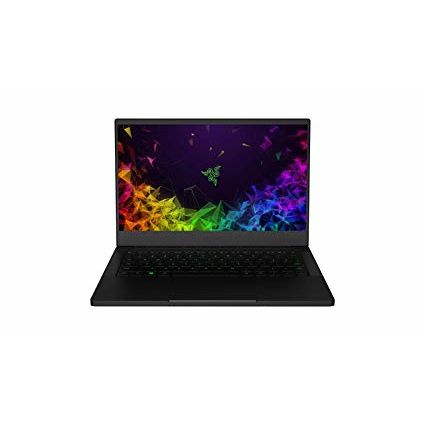
Razer Blade Stealth 13.3" Thin, Light Gaming Laptop - Slim Bezel Full HD - NVIDIA GeForce MX150 - Intel Core i7-8565U - 16GB RAM - 256GB SSD - Windows 10 - CNC Aluminum
Write a review
$1,39900

Razer Blade Stealth 13.3" Thin, Light Gaming Laptop - Slim Bezel Full HD - NVIDIA GeForce MX150 - Intel Core i7-8565U - 16GB RAM - 256GB SSD - Windows 10 - CNC Aluminum

Write a review
B07L39PH24
+
Add to wish list
Hard DriveFlash Memory Solid State Processor BrandIntel Processor4.6 GHz Intel Core i7
Starget Electronics is a leading online electronics store offering a wide range of g...

City: US, New York

Delivery
Pickup at your own expense
Tomorrow from 09:00 to 20:00, Store location
Free
Payment options
Apple Pay Google Pay Mastercard Visa
Cash, bank card, credit/installment payments, cashless payment for legal entities
Warranty and returns
Exchange/return of products of proper quality within 14 days Official manufacturer's warranty: 12 months
Features
Graphics Coprocessor
NVIDIA GeForce MX150
Item Dimensions
8.27 x 11.9 x 0.58 inches
Item model number
RZ09-02812E71-R3U1
Item Weight
2.91 pounds
Operating System
  • Windows 10 Home
Hard Drive
Flash Memory Solid State
Batteries
1 Lithium ion batteries required. (included)
Brand Name
Razer
RAM
16 GB LPDDR3
Processor
Processor Brand
Intel
Processor
4.6 GHz Intel Core i7
Processor Count
1
USB
USB 2.0 Ports
2
USB 3.0 Ports
2
Description
This fits your .
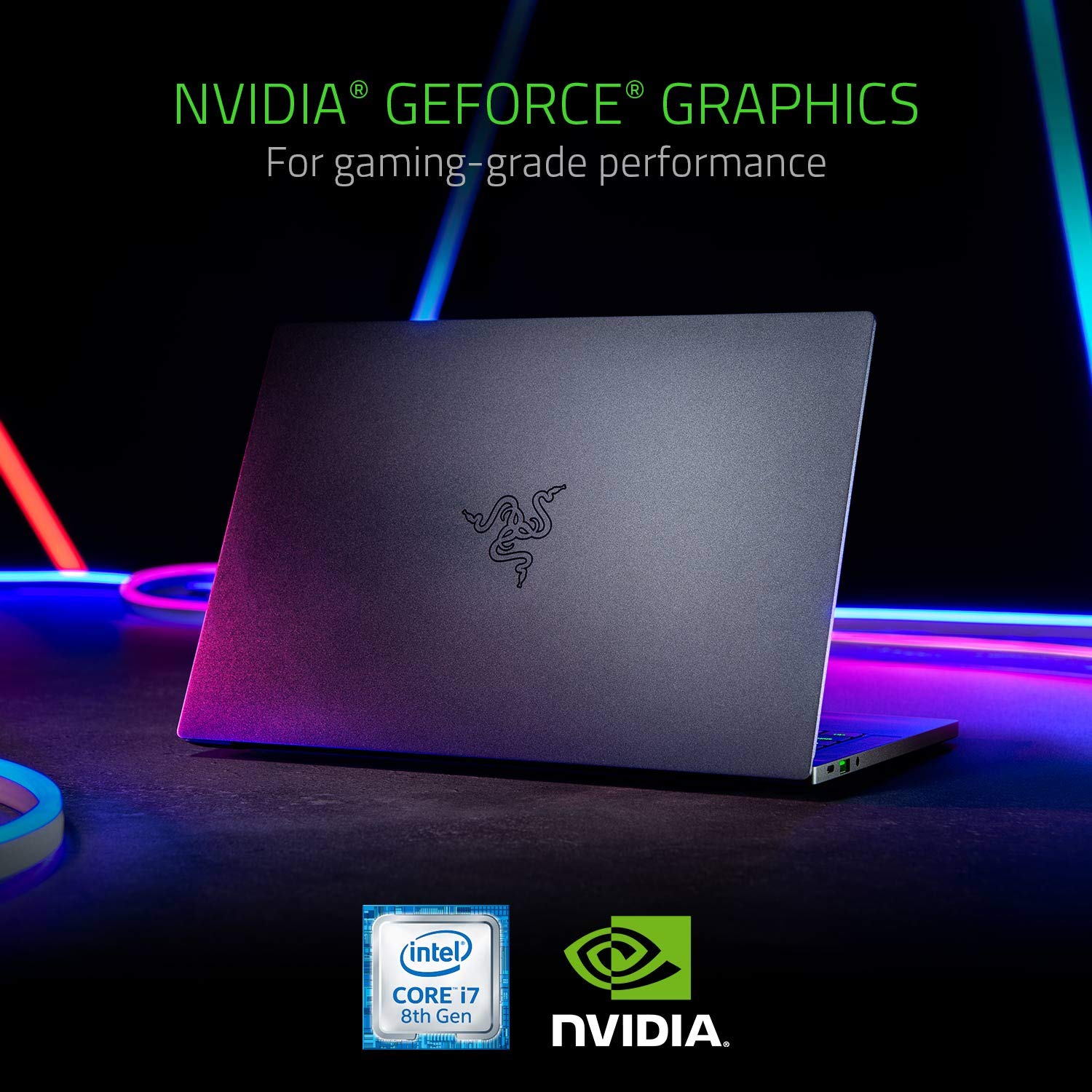
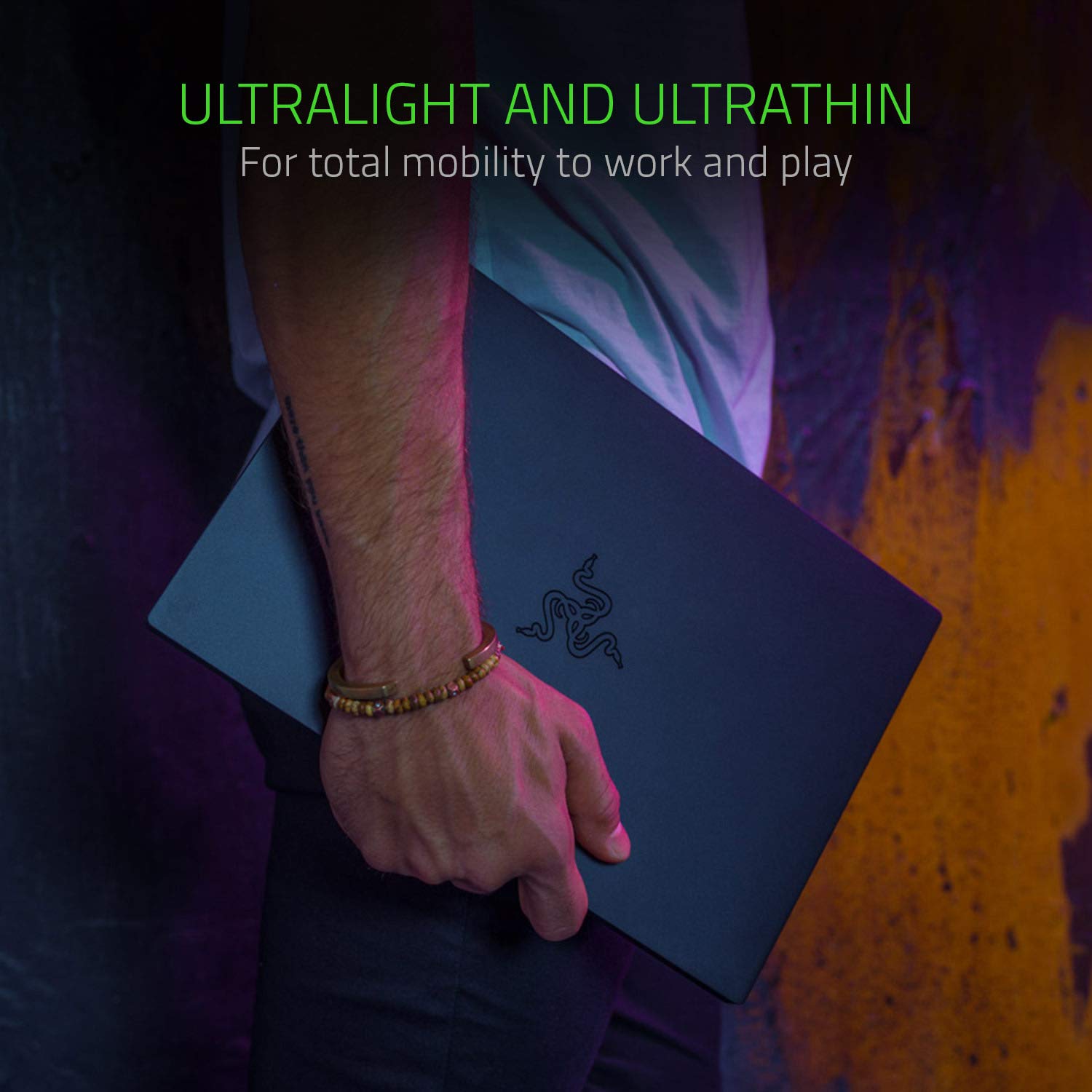
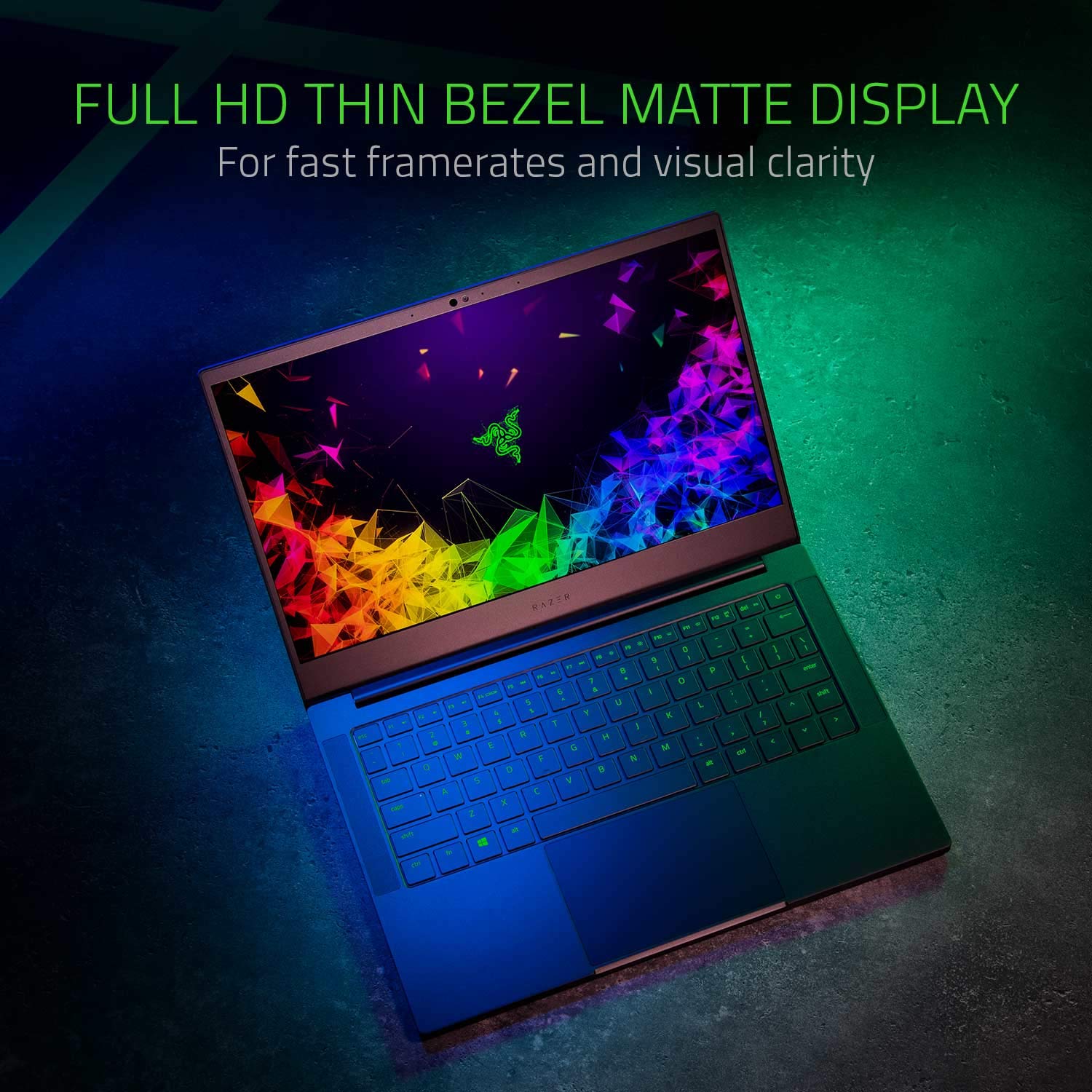
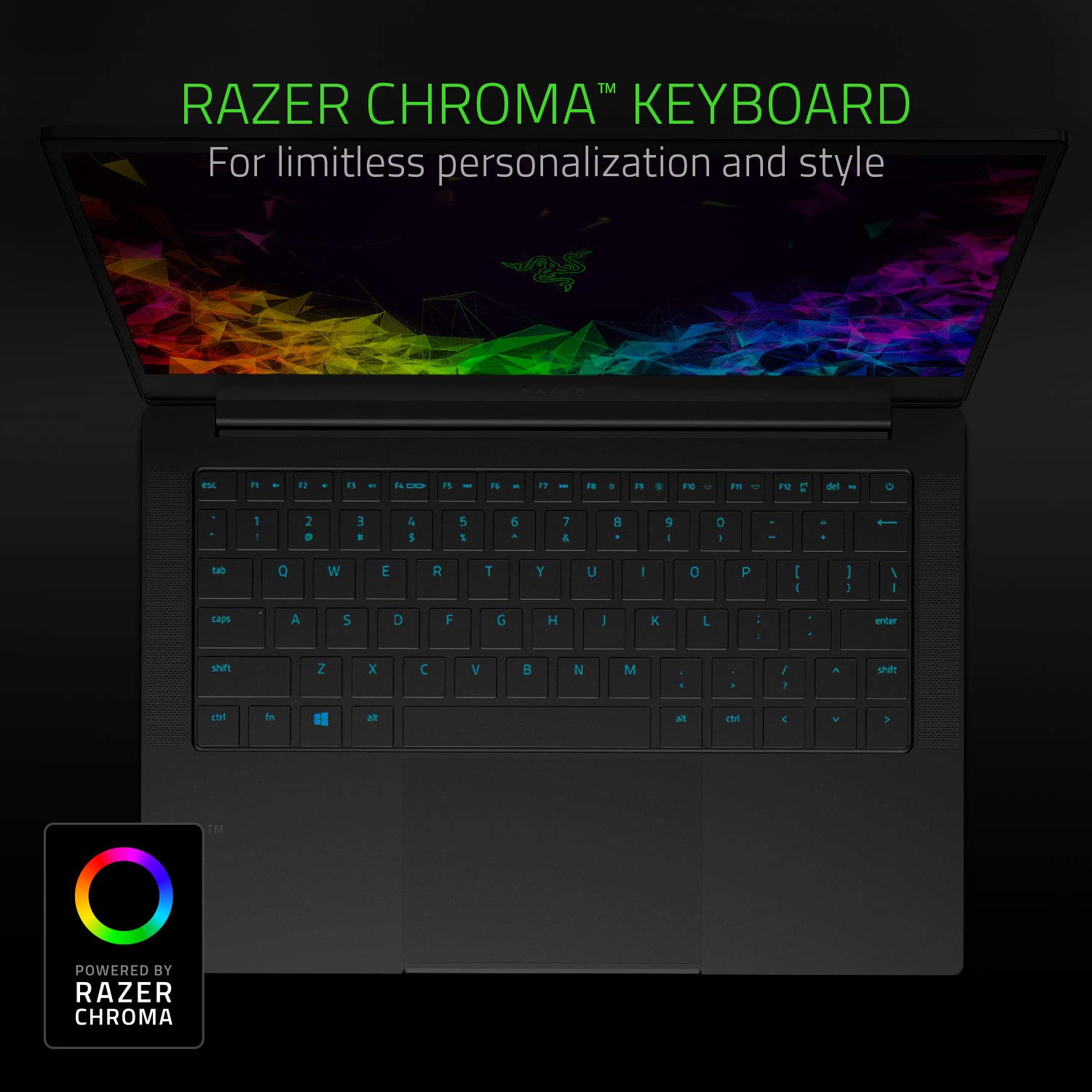
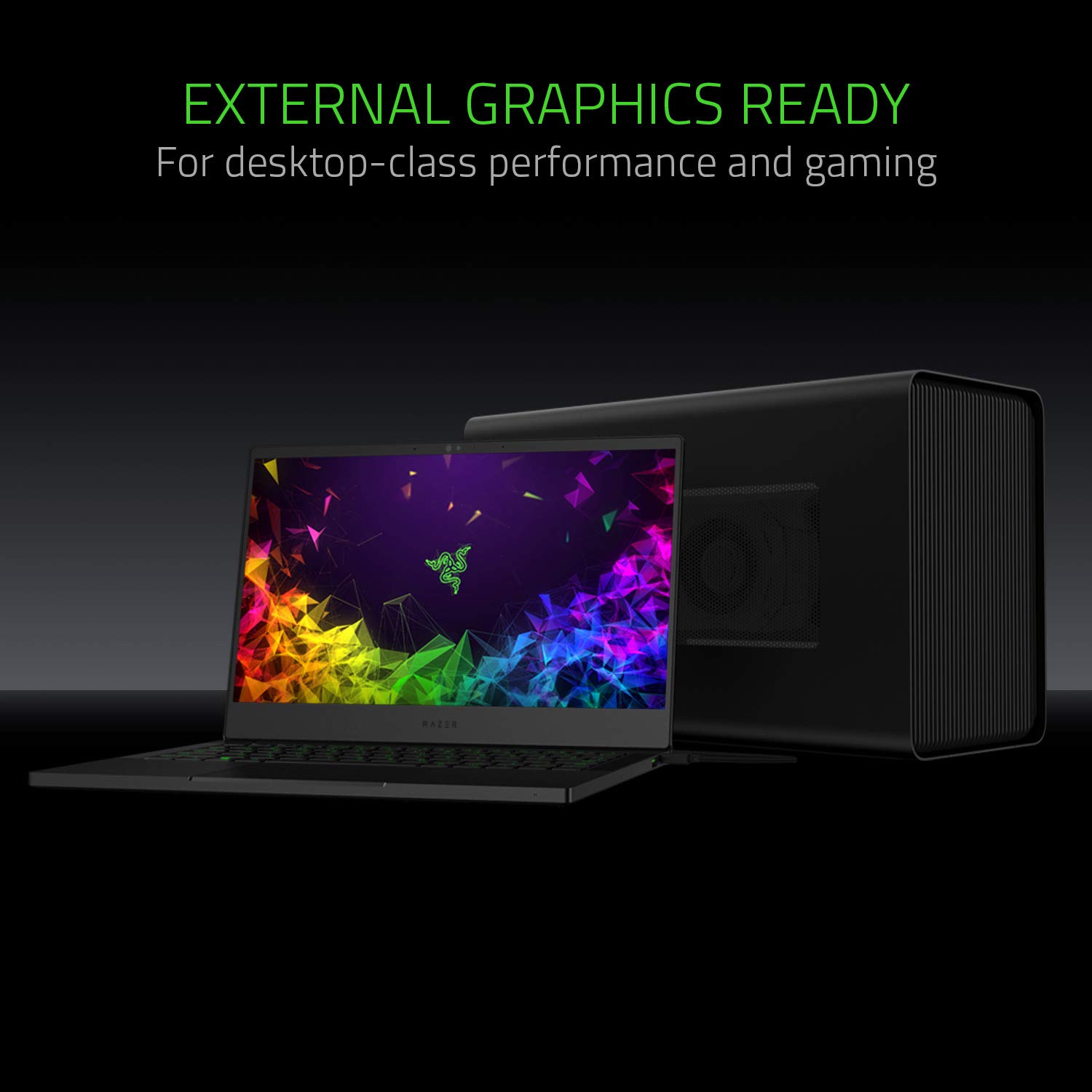
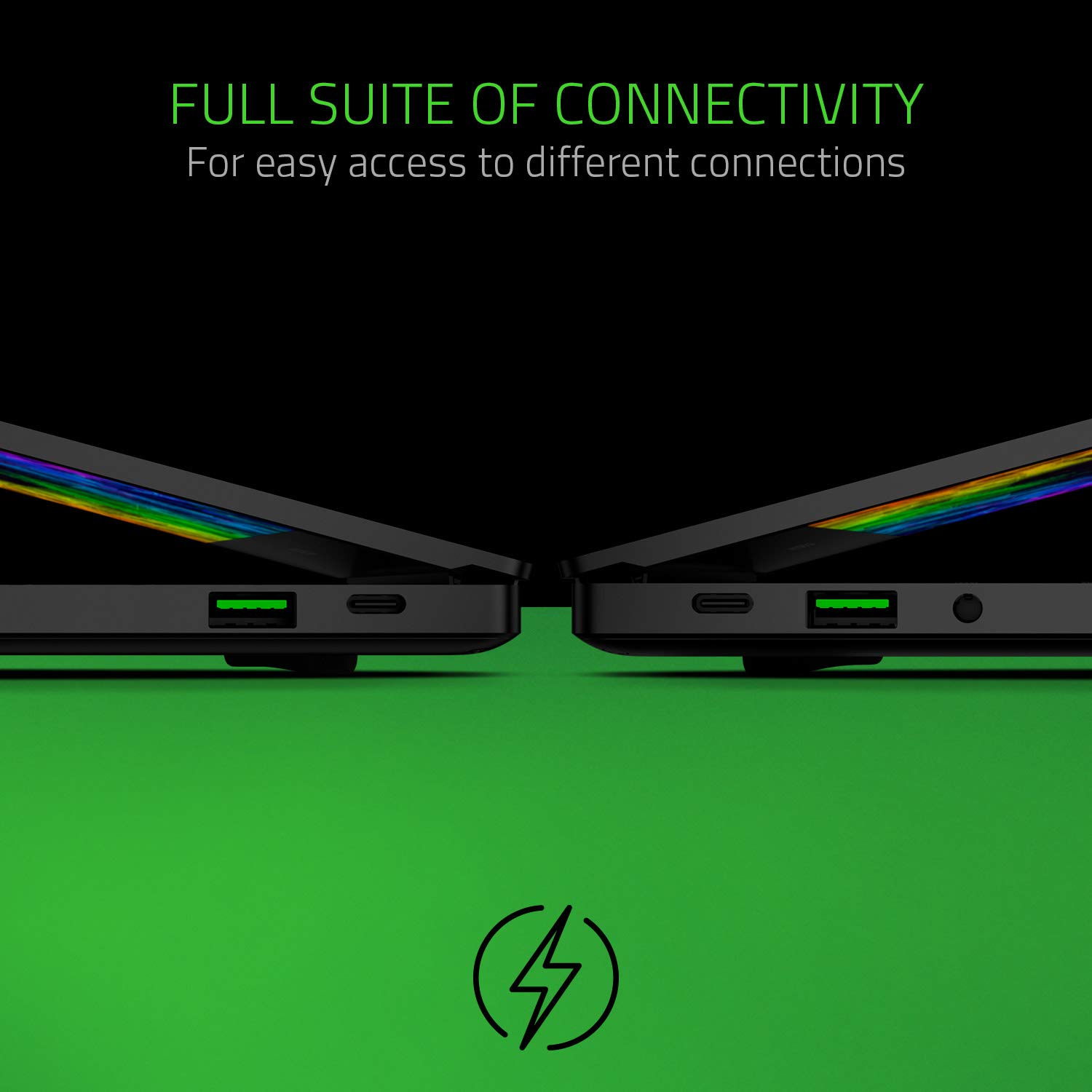
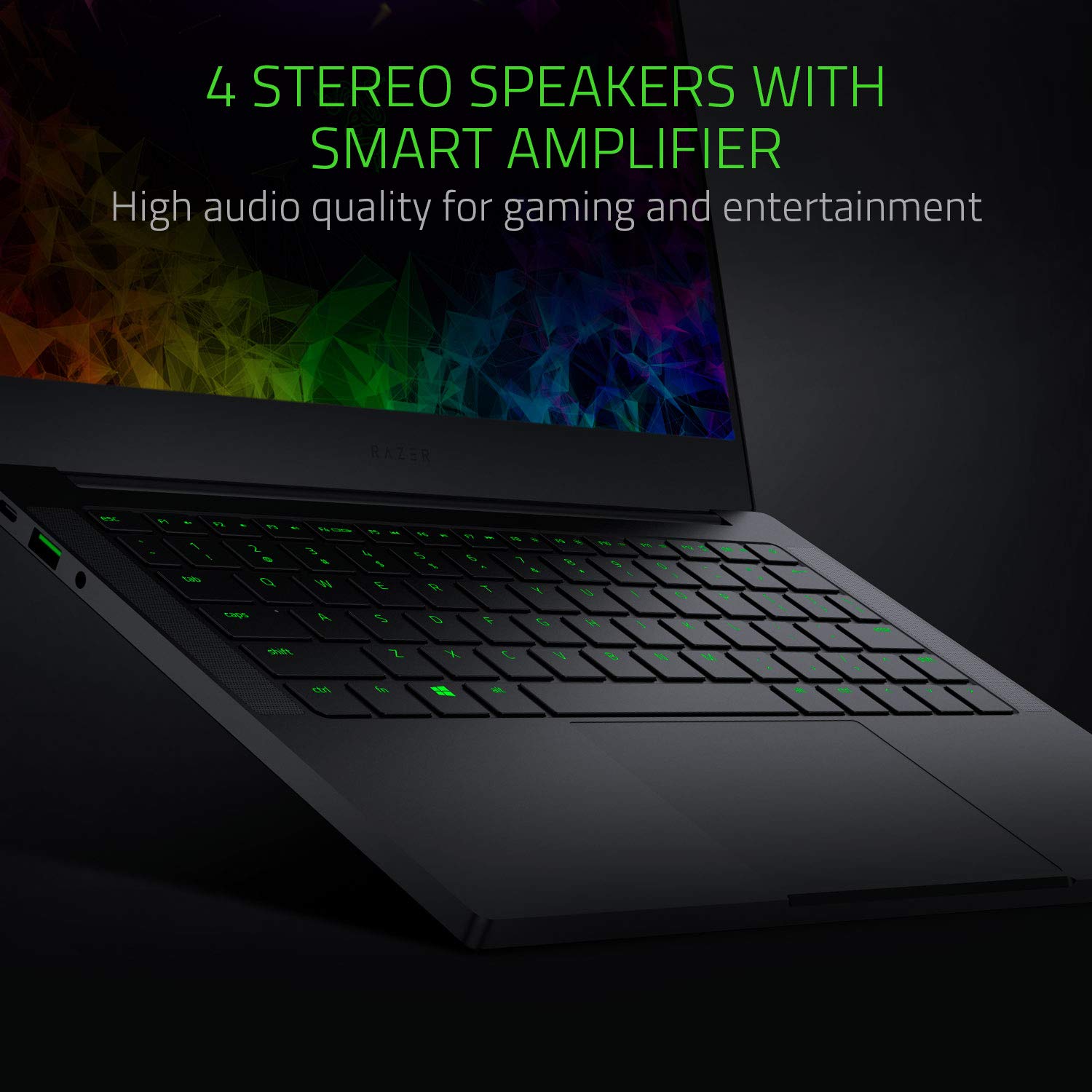
Make sure this fits by entering your model number. PERFORMANCE FOR WORK AND GAMING: NVIDIA GeForce MX150 (25W) 4GB VRAM graphics, Quad-core 8th Gen Intel Core i7 -8565U processor, and 16GB dual-channel memory DESIGNED FOR MOBILITY: Up to 11hrs long battery life - Ultra thin, light and incredibly durable with a CNC unibody aluminum frame THIN BEZEL FULL HD DISPLAY: Visually stunning matte Full HD screen with 100% sRGB color saturation for work and entertainment POWER BY RAZER CHROMA: Keyboard featuring single-zone RGB lighting with 16.8 million color options, and a precision glass touchpad COMPLETE CONNECTIVITY: Includes Thunderbolt 3, USB-C, USB-A, Wireless AC, Windows Hello infrared camera, and dual-array mics
Reviews
3.6
Reviews: 20
5 stars
30%
4 stars
40%
3 stars
5%
2 stars
5%
1 star
20%
Elizabeth
4
I was hesitant to purchase this unit based on the lack of reviews (3) negative reviews (2) and the one positive one which seems like it was written by a PR department. The good, the laptop is fast, small, and light. I have not yet put it through the paces with some science data crunching and 3D graphics but so far so good. Paired with a MSs2 anywhere mouse this thing is a very portable, has solid battery life. The case is very robust and does not flex like some of the bigger laptops I had previously owned (toshiba) and I really do not miss the heft of my old Dell workstations. The only little knock on it is the keyboard keys are a little different from a typical layout due to the speakers but even after only an hour of two of banging away on the keys I am mostly adapted to it with few mistakes. Reviewers knock the unit for having few ports (1 USC thunderbolt, one USBC, 2 USB 3.x) but I find this approrpiate considering I can add a docking station if I need more for only $40-80. The screen is bright and images look great so far.
Mike
4
So far great. Build quality is awesome, battery is good and no issues. This machine has all the features that I wanted in a thin and light laptop. Update 5/3/2019 on 4/18/2019, I noticed a horizontal scratch on the screen. It looked as if the space bar has scratched the screen when the lid pressed against the keyboard when laptop was in my bag. I contacted the Razer and laptop was shipped out for replacement as this is clearly a design flaw. The rep told me 4 days max on replacement (business days) It took them total of nine business days to get me a replacement. Shipped to Razer 2nd day air. spend 4 days in warehouse (promised one day turn around time) and finally 4 days to get the laptop back (ground shipping and was promised 2nd day air) over all 9 days to get a replacement. Not bad considering horror stories about Razer customer service, however, I think the rep I talk to in the beginning compromised a little. Finally the customer service people, warehouse people and sales department do not talk to each other. Laptop still a 5 star review, however, I am taking a star away for the design flaw and customer service.
Nate
4
Its a great laptop, I bought this for school. I dont really like the right shift key, but Im sure I will get use to it. I have a desktop PC that performs waaaay better, but I needed something on the go. I would not use this laptop as a daily driver, but it is great for on the go, school work and so on. When I get some time with it, I will post my personal benchmarks and thoughts.
Adham Khairy
4
Battery doesnt last as much as advertised, I expected it to last at least 7-8 hours but I dont get more than 4 hours out of it. Which I know will be even worse as it gets older. As soon as the chroma effect is enabled on the keyboard, the battery life goes down dramatically. I thought they opted out of the individually lit keys to increase battery life but I dont think this made much of a difference. It is very easy to scratch and the black color makes the scratches very visible. I got the Core V2 with it and expected it to work without a glitch but this wasnt the case. Every time I disconnect the core I have to reinstall the driver for the MX150 onboard as Windows doesnt recognize it any more (issue is now resolved after removing all drivers and using GeForce Experience to install the drivers instead). The location of the right shift key is horrible and takes a lot of time to get used to. Im a touch typist and this could be the most annoying thing about it. Also, you dont get the context menu key, usually fn+right ctrl without programming it using Synapse 3. Synapse 3 itself is very buggy and is very annoying having to watch the intro every time my laptop starts. Windows Hello is beautiful, I never expected to like it that much (Also issues were resolved with the latest updates for Synapse 3, still does not recognize the Core V2 which is a major bummer). Synapse 3.0 also causes all input devices, including the laptops touchpad and keyboard to stop responding for a few seconds while it starts! The trackpad is either very sensitive or doesnt do well recognizing palm. Sometimes both the keyboard and the mousepad just act weird. The keyboard on my Surface Go is way better and the touchpad on my XPS 9350, which is way smaller, is also better. On several occasions too some keys double registered, dont know if its a software or a hardware issue or maybe its jut that Im still not used to typing on this keyboard yet. The documentation, especially with the Core V2, is not sufficient to understand how to properly configure the pair. Is it safe to unplug without disconnecting the GPU first? What if I want to disconnect the GPU only and still use the USB ports and the ethernet port? How will keeping the laptop connected to the core, which means its always being charged, affect battery life and performance? Coming out of the Dell experience, I really expected more from this machine and from Razer overall. Dell has this nifty software tool that scans your laptop and tells you exactly which drivers you should get and updates everything automatically. It just works. Another major let-down was the fact that if you turn on the USB charging feature by adjusting the setting for it in the BIOS, the laptop will actually discharge while turned off. The battery died out on me a couple of times before I took to the internet and found that other people had the same problem too. Another minor issue but to me is quite annoying, when the power adapter is connected, there is no LED indicator that the laptop is charging which is 1 very useful when the laptop is actually turned off while charging, and 2 every other laptop I have ever used does indicate somehow that the laptop is being charged. I understand theres this tiny green LED on the charger itself, but it is just not enough. The LED is actually there right on the front of the laptop! Why are you not using it? The worst issue I had with it is the rubbish screws used to attach the bottom panel. I have upgraded the original 256 GB SSD to a 512 GB one which was originally installed on my Dell XPS 13. The panel on the Dell can be removed and screwed back on very easily, but on the Razer, it gave me hell, it was as if the screws arent aligned anymore to the holes in the chassis. All the screws are now scratched with the black paint removed. Very ugly experience really. I guess it is because the screws are painted the same way the unit itself is causing the screw-driver not to gain sufficient grip on them. Its a lovely little machine, I love how it looks and love its size which is exactly the same as my old Dell XPS 9350 which to me is the perfect size for a laptop. Just make sure you skin it as soon as you get it and carry it in a proper sleeve so it wont get scratched.
Larry Curry
4
I wanted a laptop that was fast! I was a little hesitant about buying this one due to some reviews having problems with the battery discharging while connected to the charger, and that was exactly what happen. There was a lot of complaints with the Razer support but I got fast response from them with follow ups via emails with more information and help. The problem with the charger seems to have been with windows 10 battery control. After removing the drivers and letting windows reinstall the charger is working. The only concern at this time is the battery gauge will sometimes read 1Hr30Mis and then after a time it will read 9Hrs 30Min. This is something I will l work on and update this review at a latter date. Bottom Line... I like this computer ... Just wish that the larger SSD was available. Will probably need to upgrade in the future.
Genos54
4
I bought this laptop for portability and some gaming, but if youre gonna buy this for the purpose of gaming, then forget about it, even low settings of league of legends lags, the fps drops fast even with the nvidia Mx150. But all in all its awesome! you can buy 30w charger from anker and its like the size of your phone charger, you can also charge your phone using the same charger (USB C).
Joao Dias
4
Bought an RBS 2019. Pretty happy with my purchase. Just a couple of notes. CONS Was unable to install Throttlestop or Intel XTU to undervolt. Left USB-C is a little fiddly. Need to play with it in order to get it working correctly. But its not too difficult. Had the charging problem which was solved by buying a 120W travel charger from BatPower. USB C at 90W is perfect and solves that problem. Highly recommended that one. PROS Looks. Not gonna lie, this over the Huawei Matebook X Pro. A million times over. The logo is subtle enough that I didnt feel the need to skin it. The right shift button wasnt a problem for me as I rarely use it anyway. Performance is stellar and I use it as my go anywhere do anything (within reason) laptop. Screen brightness and sound is above average, as well as battery life. Overall just the port issue for me to deduct the star. These types of issues shouldnt happen in a product this premium. As for the rest, very happy with my purchase and would recommend it to anyway looking for a lightweight travel notebook to pair with a tablet or something along those lines.
hayley
4
I got this for gaming and I got the core as well because I need a desktop but I also need a laptop. It is amazing for its size definitely. But I had a lot of issues with shipping and am currently having issues with the software that recognizes the core. So kind of annoyed but overall I love it
Product variations
Column filling
Sort by Price Sort by Availability Sort by CODE Sort by RAM Sort by Processor
$1,39900
In stock
+
B07L39PH24
RAM:
16 GB LPDDR3
Processor:
4.6 GHz Intel Core i7
You may be interested
  • Bestsellers
  • Recently Viewed
 
Similar products
Fast and high quality delivery

Our company makes delivery all over the country

Quality assurance and service

We offer only those goods, in which quality we are sure

Returns within 30 days

You have 30 days to test your purchase