


























Caitlyn Gullett
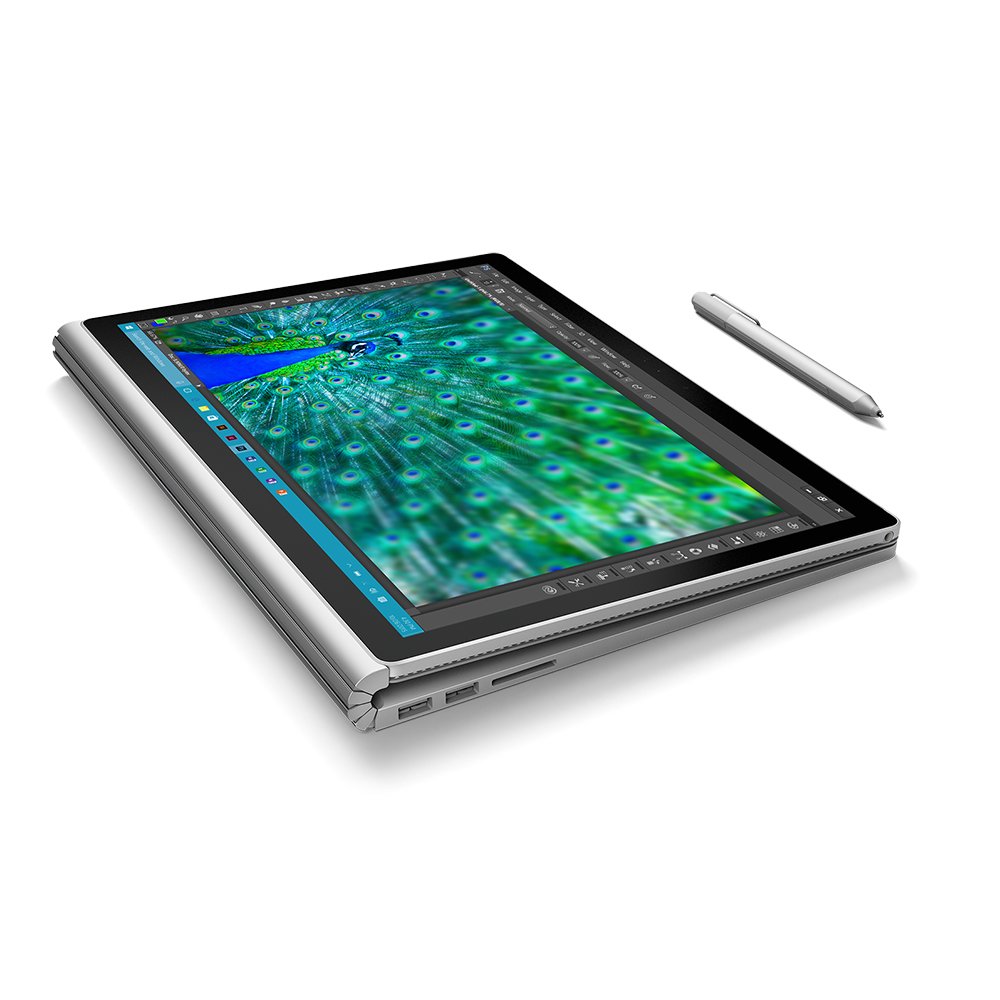
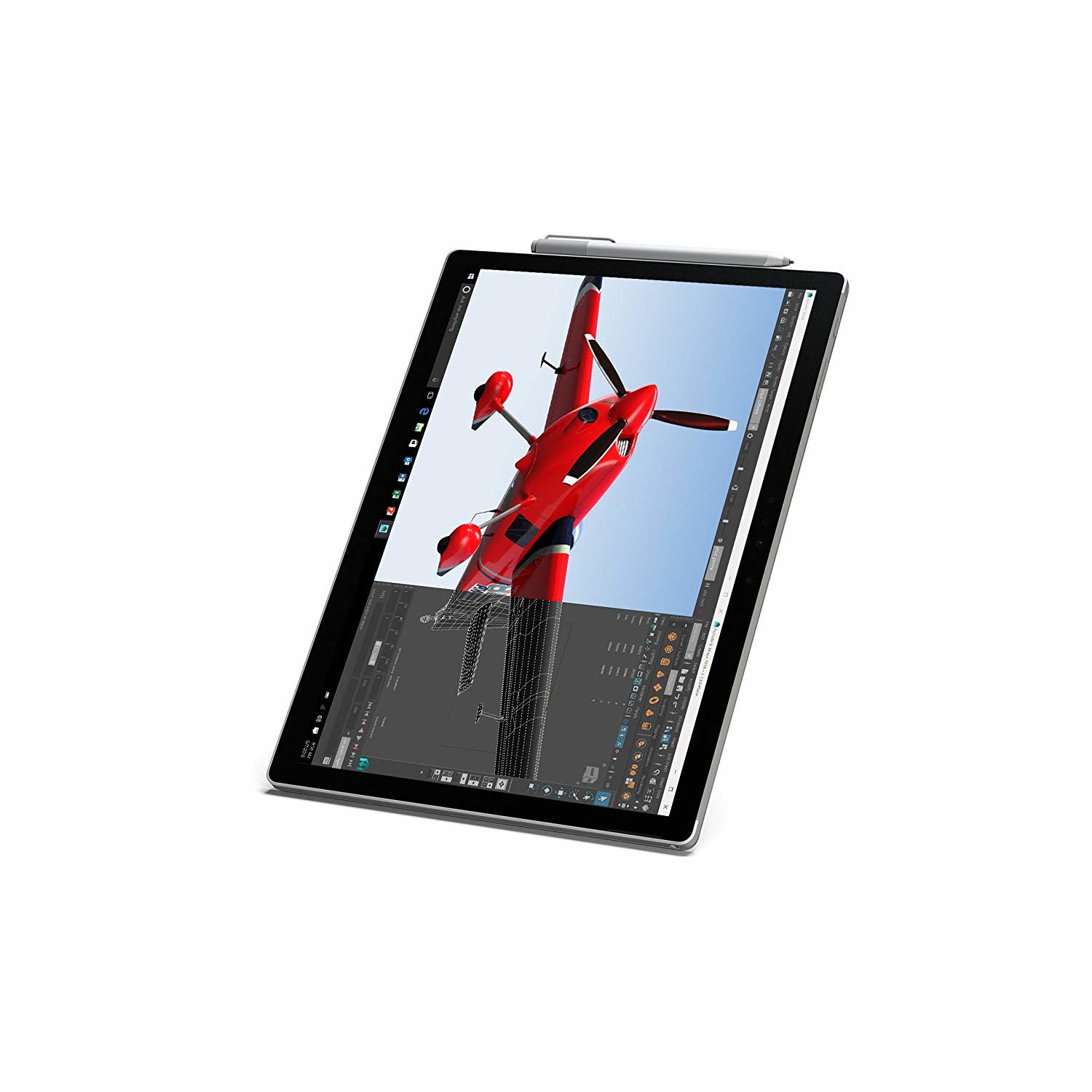
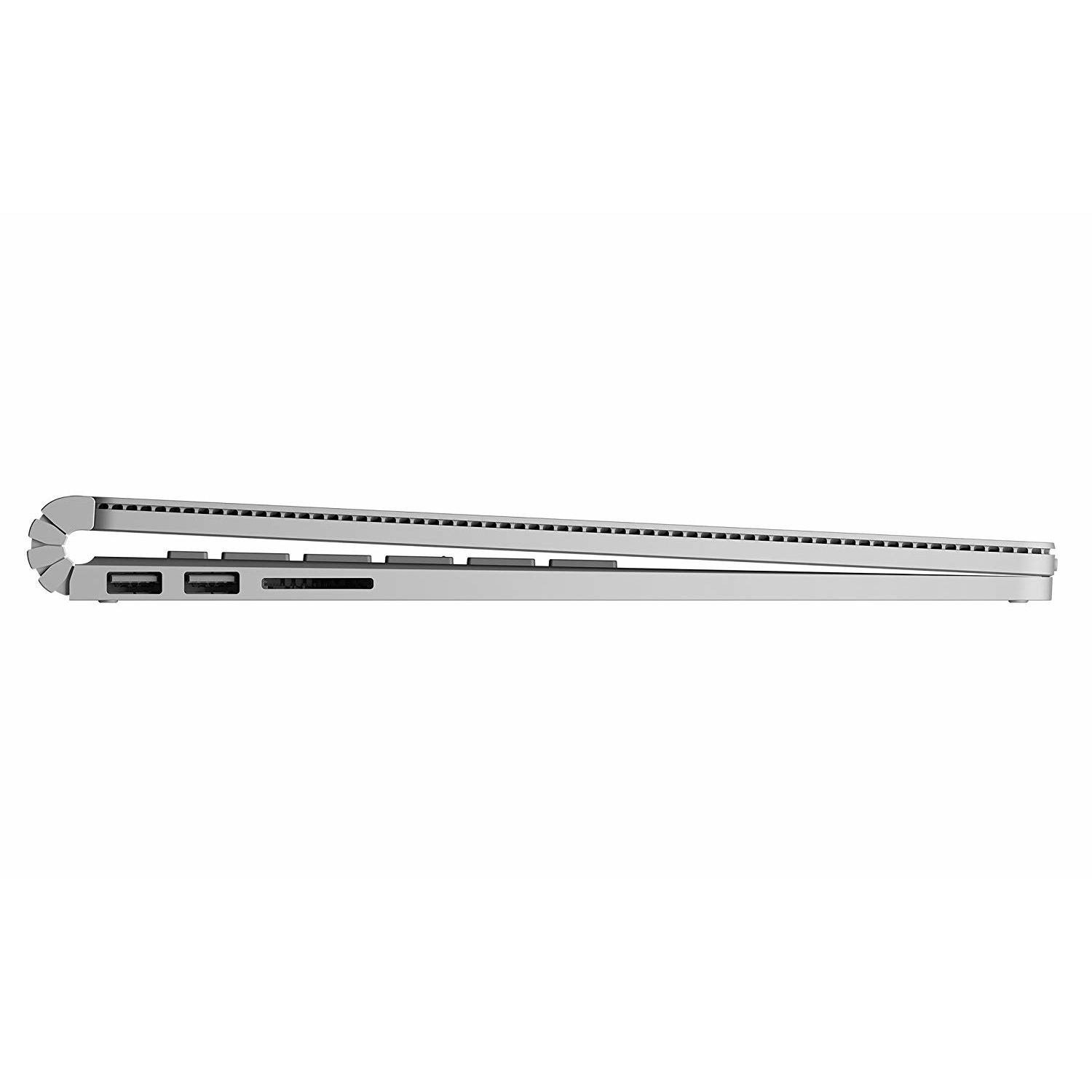
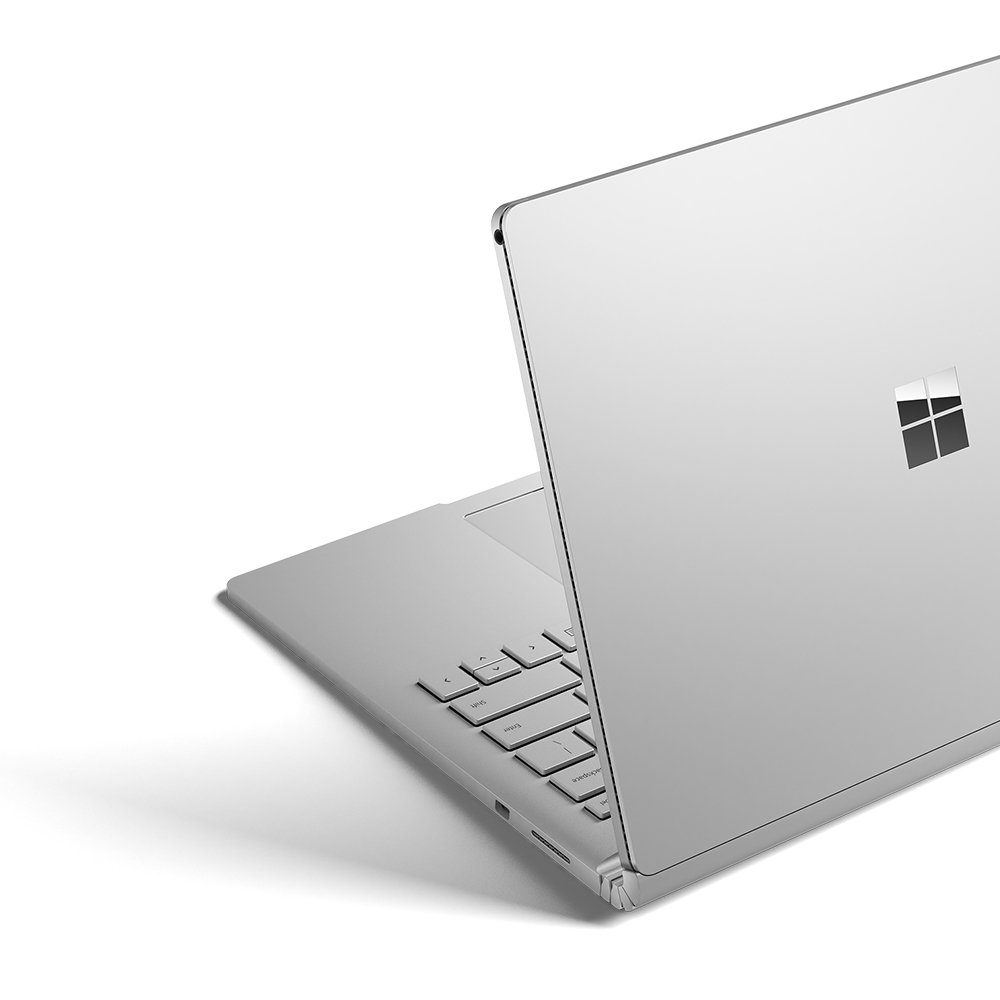
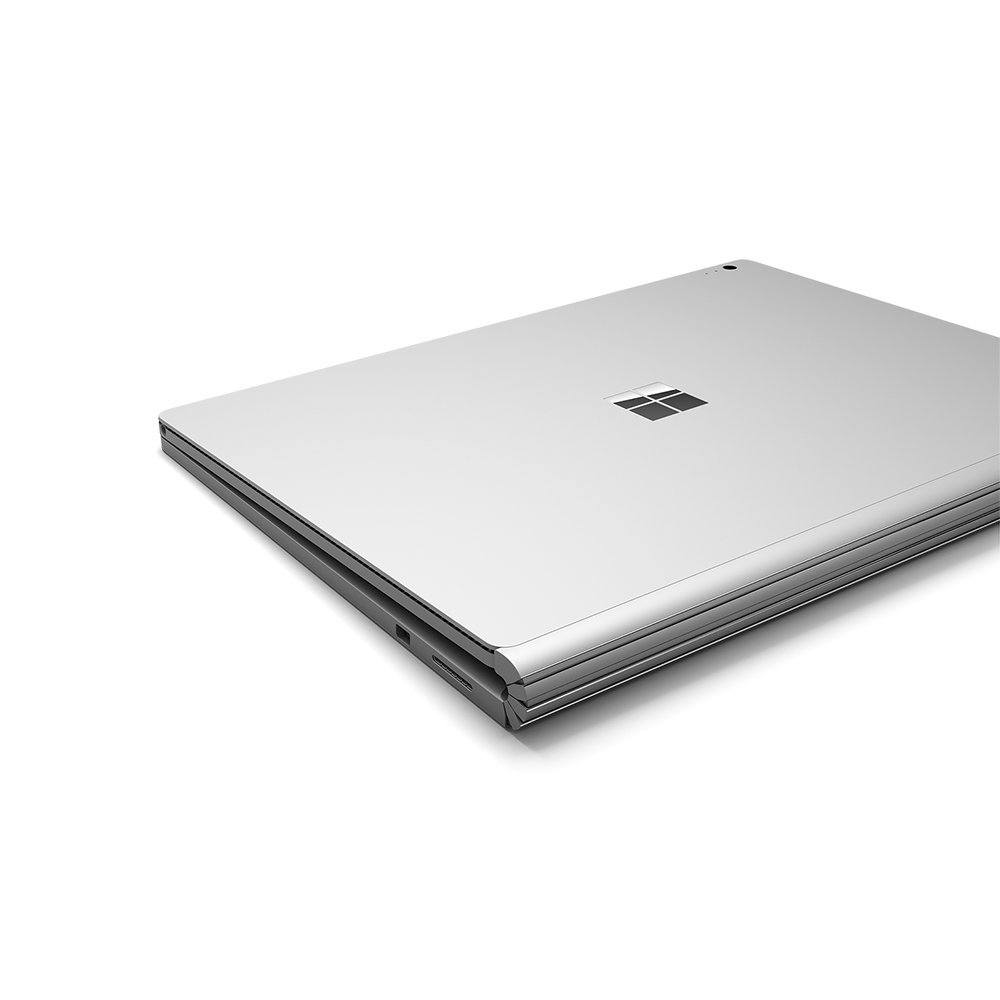
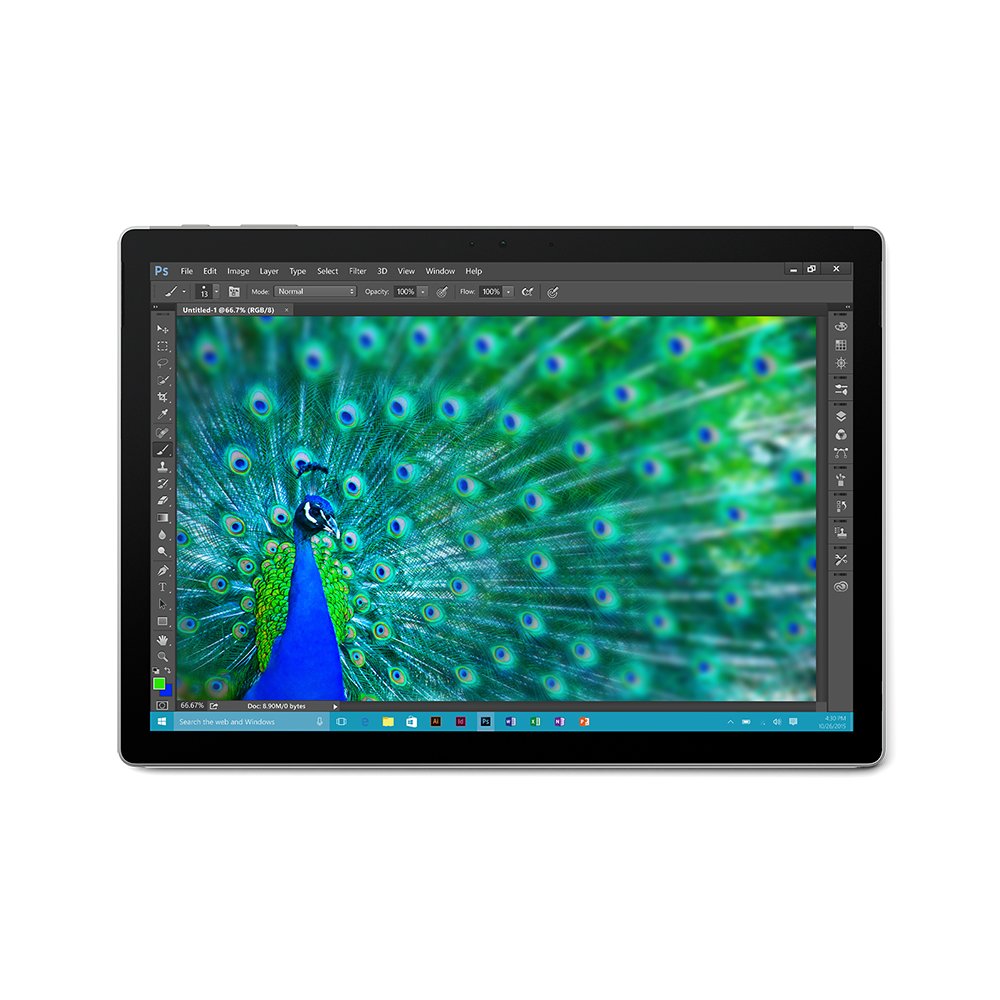
To start, Im going to say that I was ready to return this upon delivery; the Surface Book would not start even though I had it plugged in. I even let it sit charging for two hours. How could I say that and give it five stars? Let me explain and hopefully help someone who has a similar issue. The Surface Book would not charge and after I started to really investigate reviews, I noticed that this product has A TON of complaints and forum topics about its buggy performance and people with a similar issue, but for different reasons. Finally, I discovered a topic on Microsofts own forum page that was answered by someone afflicted in the same manner as I had. All I had to do was locate the holes on the tablet to manual release the magnets that lock the tablet to the keyboard. These holes ARE TOUGH TO SEE, even in light. Once I found them and took a thin paper clip to push the button and release it, I was able to charge it and clean the ports to ensure the issue did not repeat in the future. For those with a similar issue of not starting (notice I keep saying starting and not the term booting, the tablet literally wouldnt start), look at either side of the tablet portion. Then, look or use a paperclip to feel in the holes about 1 to 2 inches up from the bottom of the tablet. PLEASE NOTE that these holes are DIAGONAL (angled UP towards the TOP of the tablet). Once found, push a paperclip up in the hole. My tablet required a fair amount of push to get the magnet to release. If youre doing this yourself, be sure to put some kind of shim/object between the tablet and keyboard to prevent the tablet from clipping back onto the keyboard. Repeat the process on the opposite side and itll be free! Once free, you will be able to charge the tablet directly AND clean the ports the keyboard. Im not sure what product is best, but I just used a very small amount of rubbing alcohol. When I was able to finally fire the Surface Book after the frustration of discovering the above... I was blown away by the display and graphics. Ive never seen such amazing quality in display with a tablet let alone such a small laptop when compared to bulkier gaming laptops. It came pre-loaded with Microsoft Office installed which was convenient considering Im a Office 365 as well as Office 365 for Business user. Discovering the OneNote program, not the same as OneNote 2016, I felt like a kid in a candy store. The way I felt when experimenting with the stylus that comes with the Surface Book... Thats probably how the early Neanderthals/humans felt when they discovered fire. Ive played with other tablets and convertible laptops that supported styluses, but none of them were as sensitive and accurate as the way the Surface Book and its stylus communicate. Then, discovering the feature in the task bar to "write on" the screen... Incredibly handy as I do a lot of architectural drawing reviews as well as software design... Instead of going through the hassle of printing to PDF or equivalent, marking up, and then sending, I could simply press the button in the task bar and I was at it. Given I still have to markup drawings officially, but there are more times where I need to mark it up quick and send it off immediately. That feature is a huge time saver. Ive had this Surface Book for a week now and about to purchase a "lesser" model for my girlfriend; only reason why Im not considering purchasing another one of this exact product and seller is because she doesnt need the horsepower this one offers.The last piece of feedback I could provide is that I purchased the UAG Surface Book Feather-Lite Rugged Case with it. Id strongly recommend purchasing the same case to be safe!
