
















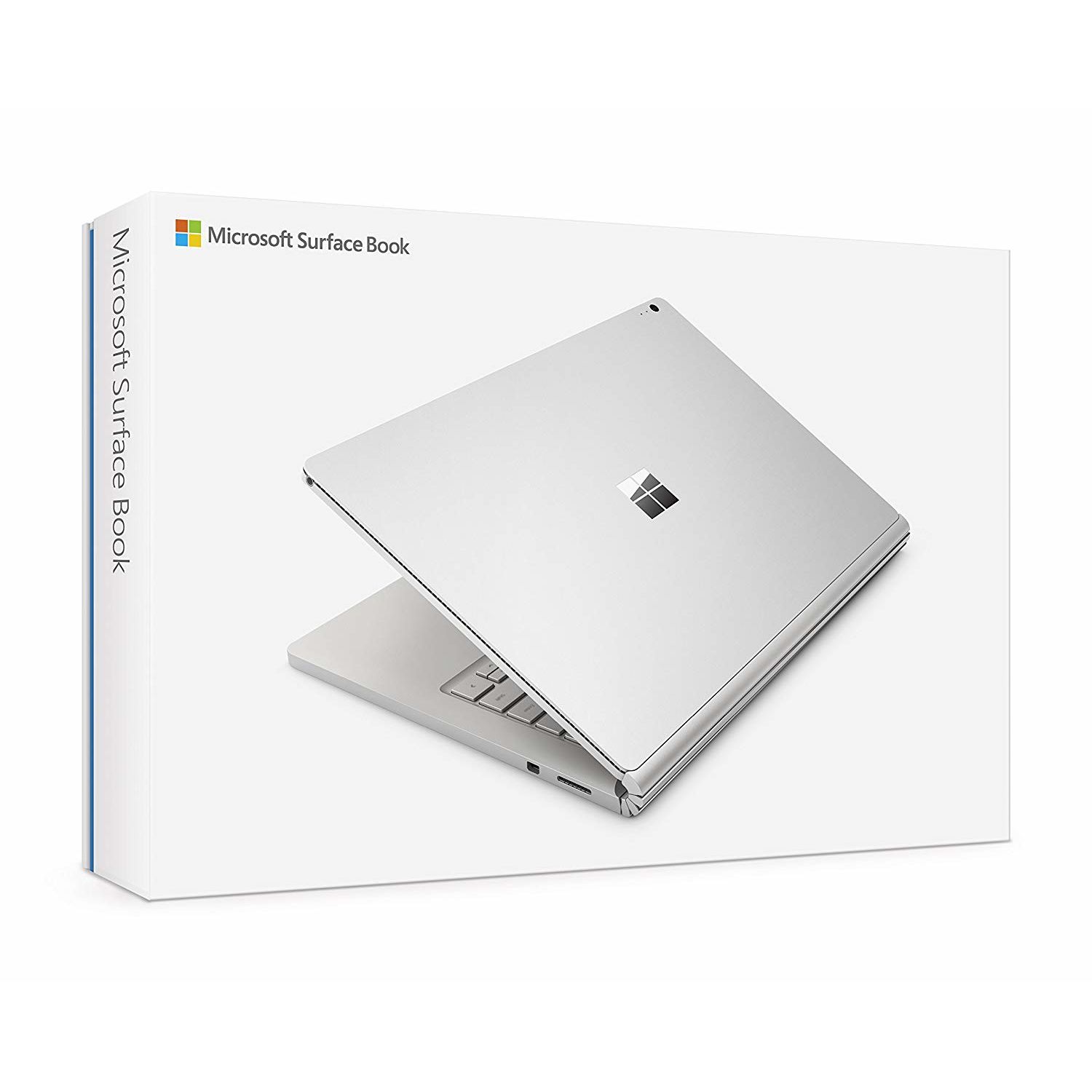
Microsoft Surface Book (512 GB, 16 GB RAM, Intel Core i7, NVIDIA GeForce graphics)
Write a review
$45760 $1,14400

Microsoft Surface Book (512 GB, 16 GB RAM, Intel Core i7, NVIDIA GeForce graphics)

Write a review
B0163GNS5S
It’s Black Friday all month long with new deals each week.
Promotion expires within:
+
Add to wish list
Hard Drive512 GB 512GB Solid State Drive Processor BrandIntel Processor2.6 GHz Core M Family
Target is a general merchandise retailer with stores in all 50 states and the District...

City: US, New York

Delivery
Pickup at your own expense
Tomorrow from 09:00 to 20:00, Store location
Free
Payment options
Apple Pay Google Pay Mastercard Visa
Cash, bank card, credit/installment payments, cashless payment for legal entities
Warranty and returns
Exchange/return of products of proper quality within 14 days Official manufacturer's warranty: 12 months
Features
Graphics Coprocessor
Nvidia GeForce GPU
Item Dimensions
10.95 x 16.46 x 1.93 inches
Item model number
CR7-00001
Item Weight
3.48 pounds
Operating System
  • Windows 10 Pro
Resolution
3000 x 2000
Series
CR7-00001
Wireless Type
802.11ac
RAM
16 GB LPDDR3
Hard Drive
512 GB 512GB Solid State Drive
Batteries
1 Lithium Polymer batteries required. (included)
Brand Name
Microsoft
Processor
Processor Brand
Intel
Processor Count
2
Processor
2.6 GHz Core M Family
USB
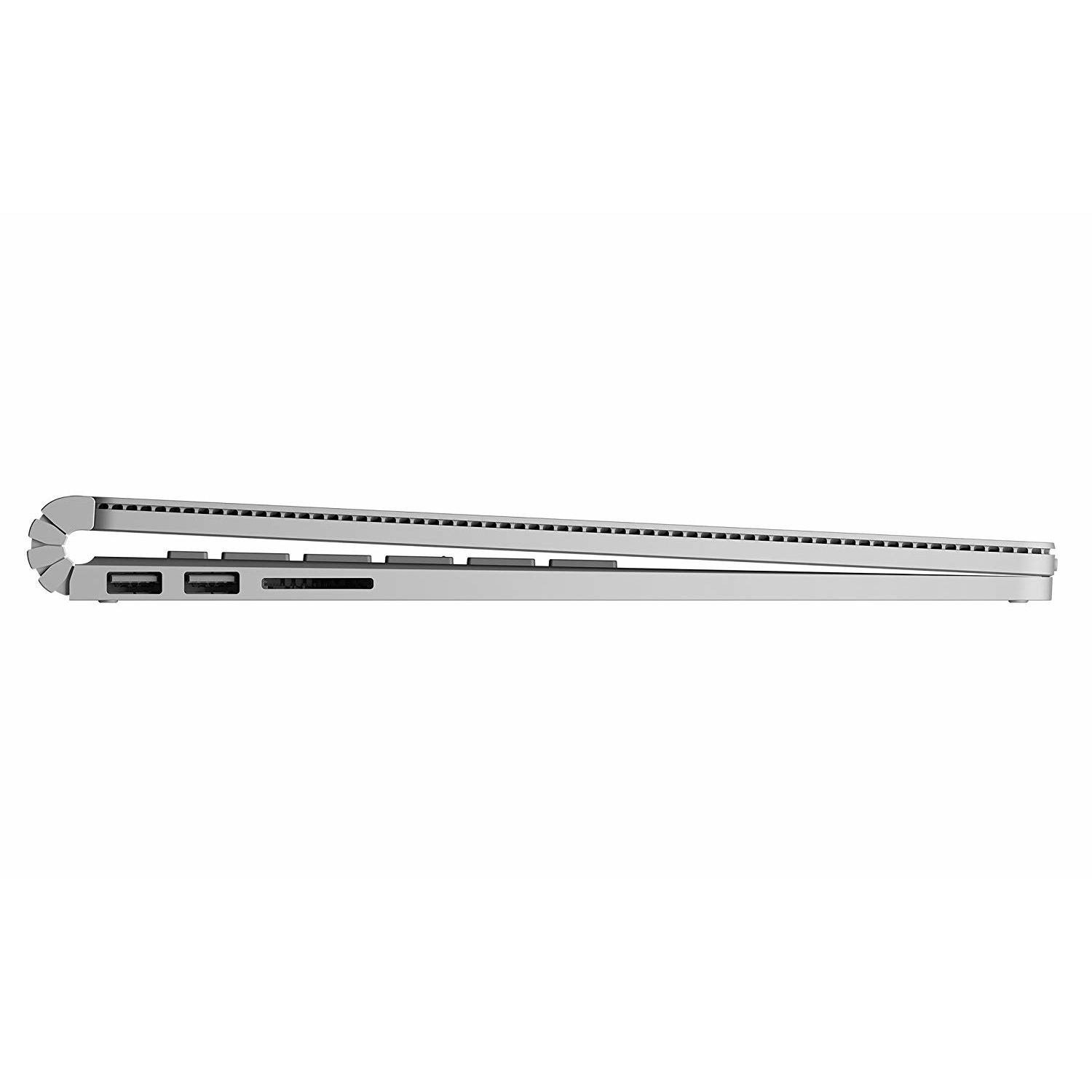
USB 3.0 Ports
2
Description
This fits your .
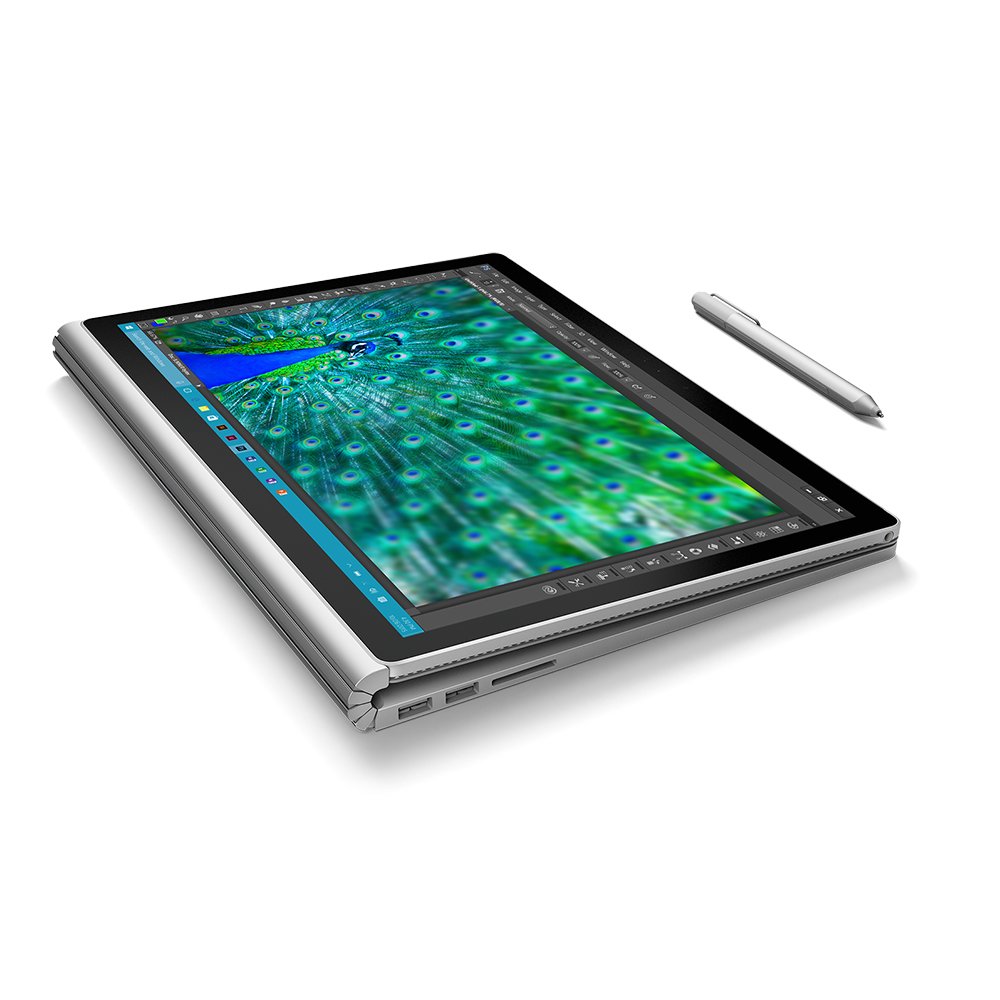
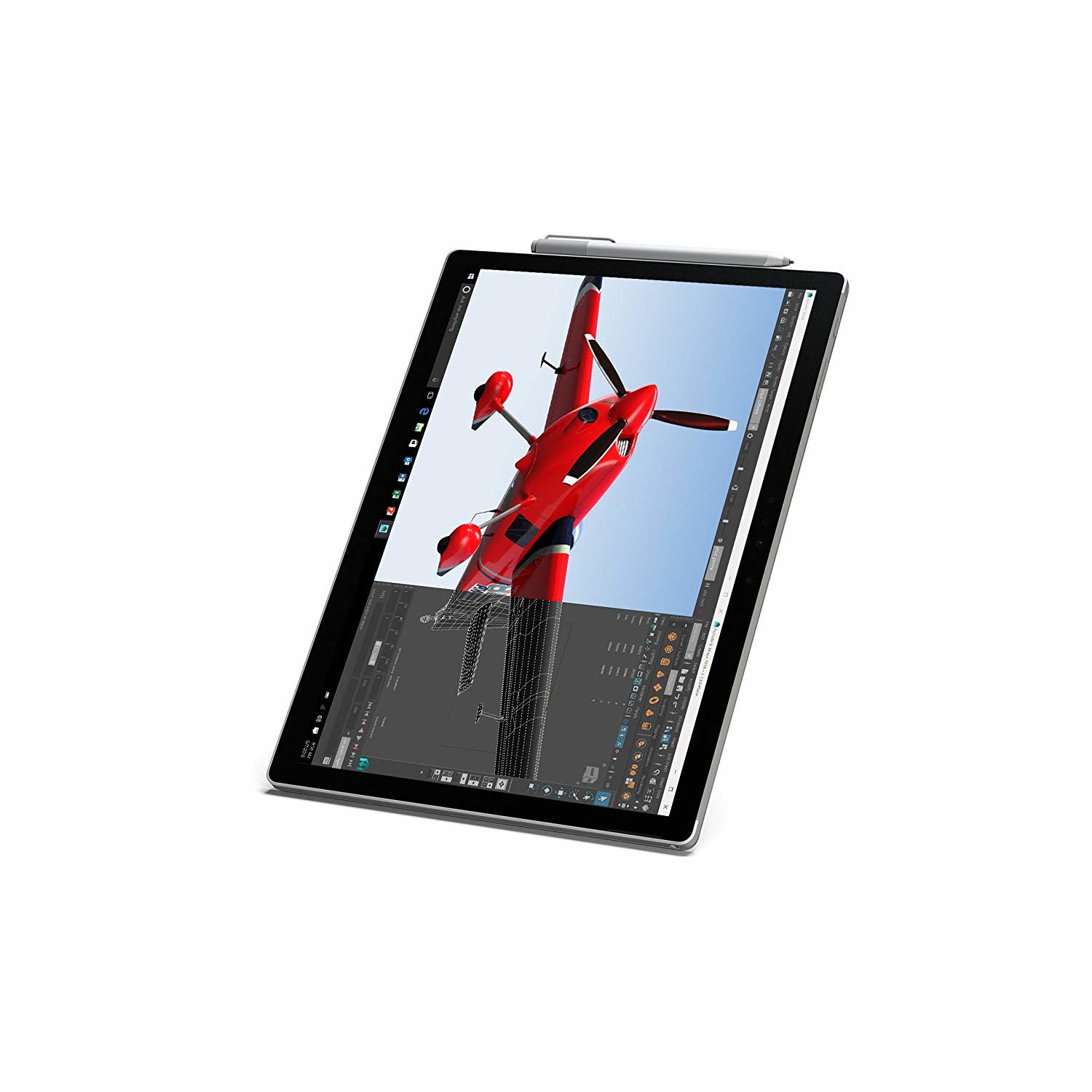
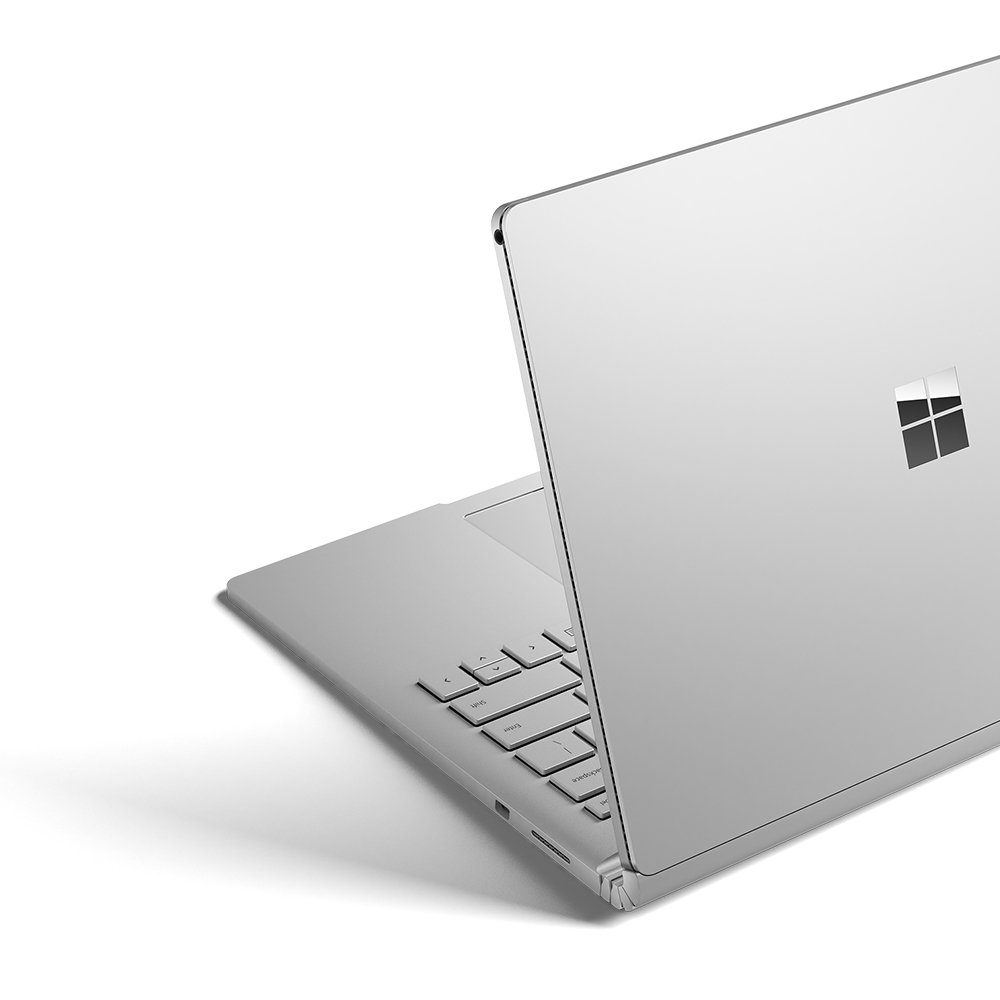
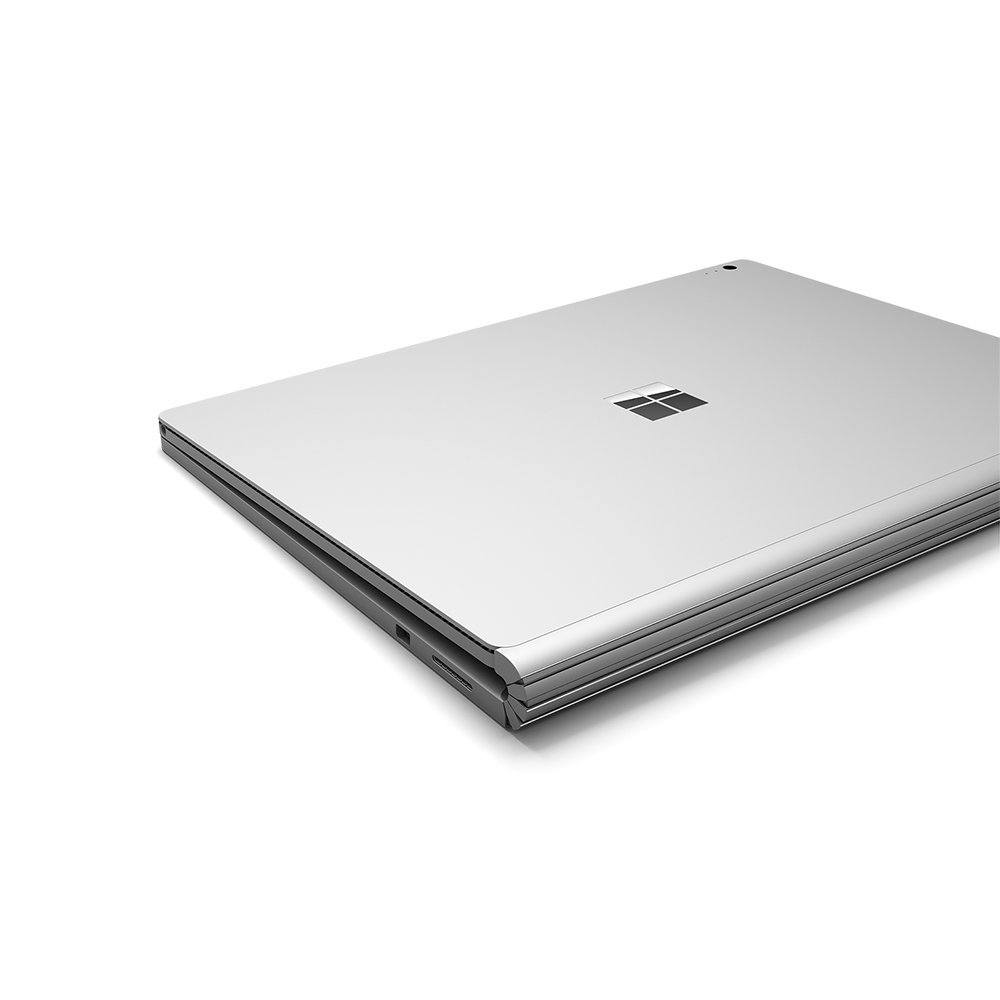
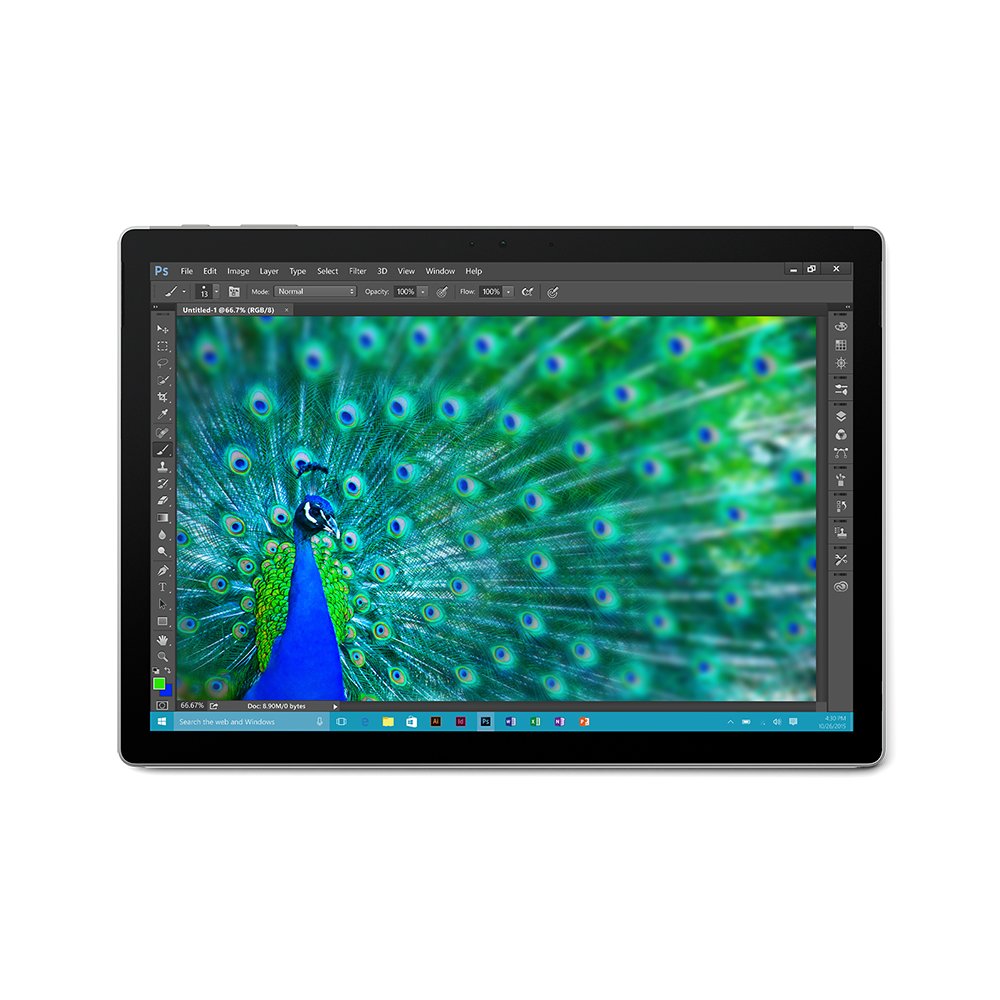
Make sure this fits by entering your model number. 13.5-inch PixelSense touchscreen display (3000 x 2000) resolution Windows 10 Pro operating system Incredibly mobile at 3.48 pounds (1576 grams) Surface Pen included Ships in Consumer packaging.
Reviews
2.1
Reviews: 20
5 stars
15%
4 stars
15%
3 stars
0%
2 stars
5%
1 star
65%
Ibrahim Alloub
4
I did extensive research about the surfacebook and I read so many negative reviews about the software and the bugs, but I was so impressed by the idea of the product so I ended up buying it. I have to say, the best thing that happened to me was reading all those early reviews about how buggy it is, wireless issues, sleep issues, screen issues all of that. I expected this device to arrive and then Id have to struggle with it until I find suitable workarounds for the device Ill get. In the end, I received a product that blows my mind away. 1 week in and I havent had a single issue with it at all. Im happy with the purchase and I would recommend it (unless you want your decision to make financial sense, because it doesnt) Pros: Unbelievable screen Touch and pen work really well Great finishing and quality Fast performance and no preinstalled software apart from a couple that are meant to show the capabilities of the surface book Great battery life (base part) Cons: Wireless performance is OK but 2 years older laptops with Intel 802.11ac Wi-Fi cards perform better Youll have to install loads of updates when you first receive it, not really a con but it took me a few hours Long charging time Not very easy to open the lid when its closed
C. Moschini
4
First of all, what a great machine. * Magnesium shell does a great job cooling a beast of a laptop (Core i7, 16gb ram, half tb SSD). Its a strong sturdy laptop thats light as heck, very legitimately portable. * Its fast and comes with Windows 10 Pro so some of the weird gotchas of Home arent in the way (examples below). * The pen is cool as heck and it comes with some impressive apps to use it with, especially Sketchpad - even if accessing them is really weird (theyre not in the Start Menu at all, but instead in a badly designed pen-drawing icon called Windows Ink at bottom-right). * The screen brightness is perfectly ranged from incredibly dark to incredibly bright, the keys have not just backlighting but 4 levels, its great. OK now that Im done gushing lets complain about the quirks: * The charger is extremely proprietary and not detachable from the power brick, meaning if you have a backup battery (like I do) getting that to charge this is going to be a major challenge. Microsoft also keeps changing that charger Surface to Surface so theres a proliferation making them hard to find in general. * The Function keys have been crammed in a way that they overlap a bunch of other really important keys I use all the time, like Home, PgUp, etc. For example I frequently tap F2 to rename things, but that overlaps with Increase Keyboard Backlight. In addition, Microsoft made the poor choice of eschewing normal keyboard design and moved the Fn on/off light down away from that top row to the Fn key itself, so you are constantly covering that light with your left hand, then right before you press a key wondering... what am I about to do to my work? Going for Home and accidentally pressing F8, or vice versa, is extremely irritating and I do it constantly. Workaround: You can install AutoHotKey and at least eliminate the keys you never ever use. Heres my script - keys I never use on left, keys I always use on right (its the syntax for AutoHotKeys remapping): Insert::F12 F8::Home F9::End Media_Play_Pause::F3 Volume_Mute::F4 * The laptop could really stand to be 15", especially at such a high resolution. I see that the Surface Book 2 has a 15" option (at $3200, hell no), but, they still cram the poor keyboard into the same space as the 13", wasting that larger space to still burden the F5 Refresh with an Fn overlap to Increase Volume. * First setup is going to take a very long time. You basically need to set aside 4-6 hours of just checking on the PC while it gets itself ready. It will need to be plugged in this entire time. This includes a fairly awkward setup of "Windows Hello," but, once you shake out the awkward stumble to set that up, the face-to-sign-in is very cool and very impressive - it uses an LED at top of screen to see your face even in a completely dark room, and only when you ask it to sign in. Impressive. * But youre not done. The laptop has a major bug you have to fix manually for some reason. The first is "Sleep of Death," which means periodically if the machine sleeps it will "wake up," look OK a moment then implode to BSoD, losing all your work. The default setting is to sleep (of death) after 5 minutes idle, so death looms. The fix is simple but strange - you have to uninstall Surface Telemetry Device Driver in Devices, hunt down the latest Surface Drivers, download and install the package. That replaces the broken driver that was causing the Sleep of Death. * The top screen part gets kind of so-so battery life when detached, yet its a lot of why one buys the device. Thats made much worse by the fact that the Surface always discharges both the little battery in the top part and the large battery in the bottom at the same time, same rate. Thats really unwelcome - it would be nice if the bottom battery always discharged first, then top, so that when you do detach, that little battery is at full charge. I cant find a fix for this. One proposed hack is to never actually detach it, but instead detach it briefly, flip it 180, and fold it down so its Tablet-ish. This does also have the added advantage of providing the equivalent of a big kickstand. * The Tablet Mode is just kind of a fart. Microsoft just hasnt thought it through. The default turns off the Taskbar and Start Menu which makes you wonder what youre even supposed to do with this thing - how do you open any Apps or switch between them? You can turn that off so it never enters that Mode again. But using the top part detached, youll still sometimes need to type. The Virtual Keyboard is half-baked. Its WAY too big and there are 2 alternate sizes: Still-Too-Big and Way-Too-Small. Theres a config/options are for this and it doesnt have any sizing configs. It does have a lot about Predictive Text, which is simply broken. I have never seen a Text Suggestion appear. It also seems to be able to show you swyping, like that great way of typing on Android, but, ignores/is unable to handle that method of typing, responding to it by just doing nothing. * Maybe Im just being fussy but I personally find the default Gestures too glitchy. Scrolling with 2 fingers is awesome but too often its interpreted as 3 or 4, which do very different things - usually, it closes everything on me and shows the Desktop, a jarring, unwelcome experience and sometimes very long wait as the CPU churns. You can turn this off though - in my case I got rid of 4 finger gestures and made the 3 just change the volume, much lower side effects. With Win 10 Pro, it comes with BitLocker, which is a good way to create a Secure Folder/Virtual Drive inside the machine with a secondary password, to store things you would never want a thief to have access to in case they grab your laptop unlocked while youre using it. Overall this laptop is awesome. The quirks above are extremely irritating, but, mostly because this could be an AMAZING laptop instead of an awesome one with these constant pokes in the eye.
Candice Weaver
4
Ive owned the Surface Book (i7, 8 GB RAM, 256 GB storage) for a year, and use it for web surfing and amateur digital art. The good: - Snappy processing, and havent noticed any slowdown since purchase. - Powers on and off in seconds. - Looks like a Macbook, but with a Windows operating system: a personal win-win. - Perfect for casual storage (~100 pictures and documents, a couple Steam games, and half the disk still available). Plus a low-profile flash drive, which stays connected at all times, means I have more storage than I could ever need. - Hinge has held up against original worries that it might get loose over time. - Signing documents directly through MS Word prevents printing and scanning drudgery. - The screen being roughly the size of A4 paper makes reading documents in portrait mode feel very natural. The OK: - The Surface pen: -- Paint Tool Sai doesnt play nice with it. Pen pressure fades in and out, and single taps are treated as double-clicks (not good when hitting the undo button). -- Photoshop works better with a drawing tablet because detaching the screen means you lose keyboard shortcuts. -- No jitter, in my experience! -- Side note: the Apple pencil gives a better drawing experience IMO. Worse charging and storing, but better drawing. - Outward facing camera means I could record class lectures, but doing that clogged storage. - Laptop only opens to slightly more than a 90-degree angle. The bad: - Battery is weak. I keep it on battery-saver mode and 25% brightness, but it still seems to need charging about twice a day. Weirdly, at 100% charge it estimates 12 hours of use, but at 95% the estimate drops to 10 hours. - Keyboard and track pad go unresponsive sometimes. Happens rarely, but resolves after de- and reattaching the screen. - Cant find a case. Tried the UAG case, but it blocked the power and volume buttons. It also weighted the screen, so the laptop would flop shut if open less than 90 degrees. Ive been surviving with a keyboard cover and a sticker skin. Conclusion: Knowing then what I know today, would I still buy the Surface Book? I do all my drawing on the iPad now. I cant tell you the last time I picked up the Surface pen or used the touchscreen in general. That means I could have gotten the same (great!) specs on a different laptop for cheaper.
Product variations
Column filling
Sort by Price Sort by Availability Sort by CODE Sort by RAM Sort by Processor
$45760 $1,14400
In stock
+
B0163GNS5S
RAM:
16 GB LPDDR3
Processor:
2.6 GHz Core M Family
$84000
In stock
+
B0163GQJOU
RAM:
8 GB DDR3
Processor:
2.1 GHz Core M Family
You may be interested
  • Bestsellers
  • Recently Viewed
 
Fast and high quality delivery

Our company makes delivery all over the country

Quality assurance and service

We offer only those goods, in which quality we are sure

Returns within 30 days

You have 30 days to test your purchase