
















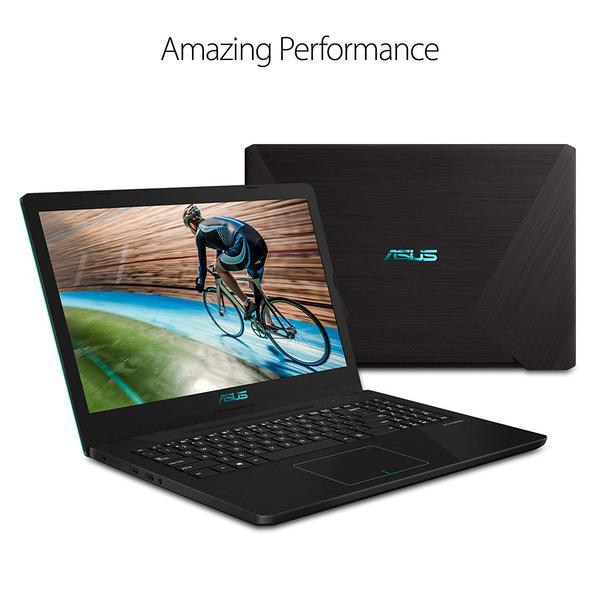
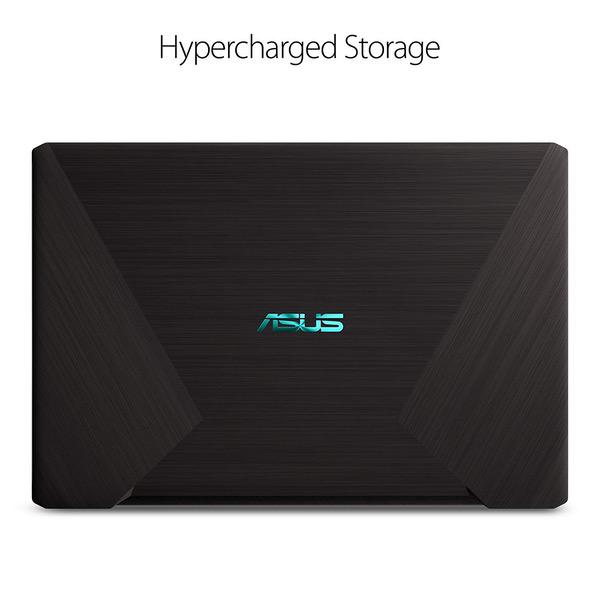
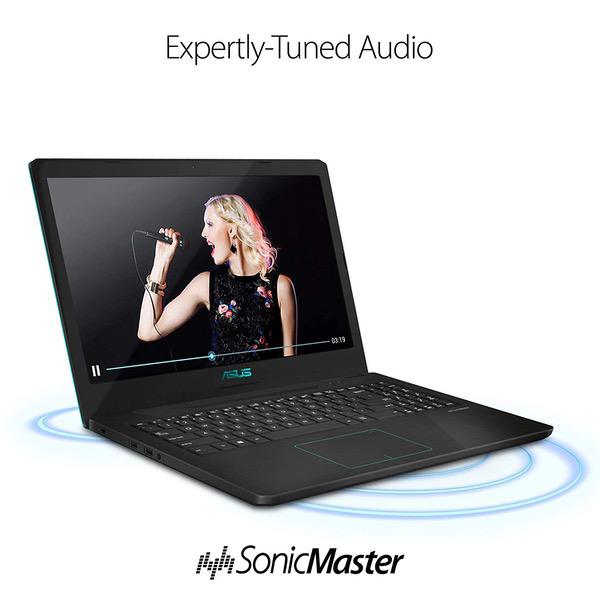
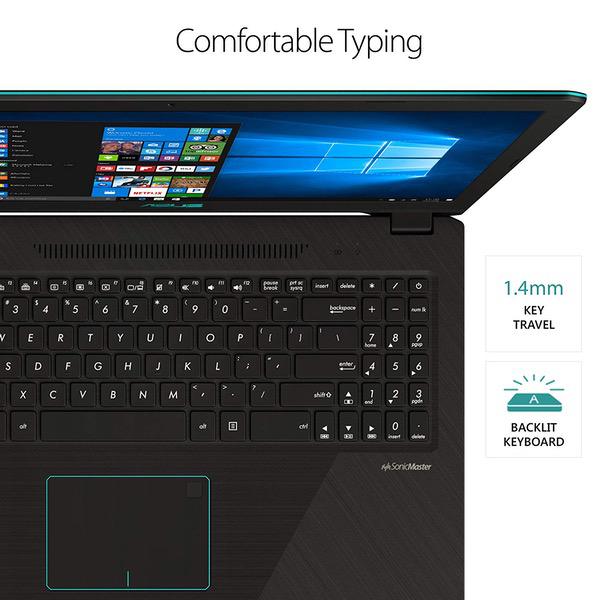
ASUS Vivobook K570ZD Casual Gaming Laptop, 15.6” Full HD IPS Level, AMD Quad Core Ryzen 5 2500U CPU, GeForce GTX 1050, 8GB DDR4, 256GB SSD, Fingerprint Reader, Backlit KB, Windows 10 – K570ZD-ES51
Write a review
$59000

ASUS Vivobook K570ZD Casual Gaming Laptop, 15.6” Full HD IPS Level, AMD Quad Core Ryzen 5 2500U CPU, GeForce GTX 1050, 8GB DDR4, 256GB SSD, Fingerprint Reader, Backlit KB, Windows 10 – K570ZD-ES51

Write a review
B07MKLLVFZ
R5-2500U | GTX 1050 | 256GB
+
Add to wish list
Hard Drive256 GB Mechanical Hard Drive Processor BrandAMD Processor3.6 GHz Ryzen 5 2500U
Target is a general merchandise retailer with stores in all 50 states and the District...

City: US, New York

Delivery
Pickup at your own expense
Tomorrow from 09:00 to 20:00, Store location
Free
Payment options
Apple Pay Google Pay Mastercard Visa
Cash, bank card, credit/installment payments, cashless payment for legal entities
Warranty and returns
Exchange/return of products of proper quality within 14 days Official manufacturer's warranty: 12 months
Features
Graphics Coprocessor
NVIDIA GeForce GTX 1050
Item Dimensions
14.7 x 10.1 x 0.9 inches
Item model number
K570ZD-ES51
Item Weight
4.32 pounds
Operating System
  • Windows 10 Home
Series
VivoBook K570
Style
R5-2500U | GTX 1050 | 256GB
Wireless Type
802.11a/b/g/n/ac
RAM
8 GB DDR4
Hard Drive
256 GB Mechanical Hard Drive
Batteries
1 Lithium Polymer batteries required. (included)
Brand Name
ASUS
Processor
Processor Brand
AMD
Processor Count
4
Processor
3.6 GHz Ryzen 5 2500U
USB
USB 2.0 Ports
2
USB 3.0 Ports
2
Description
This fits your .
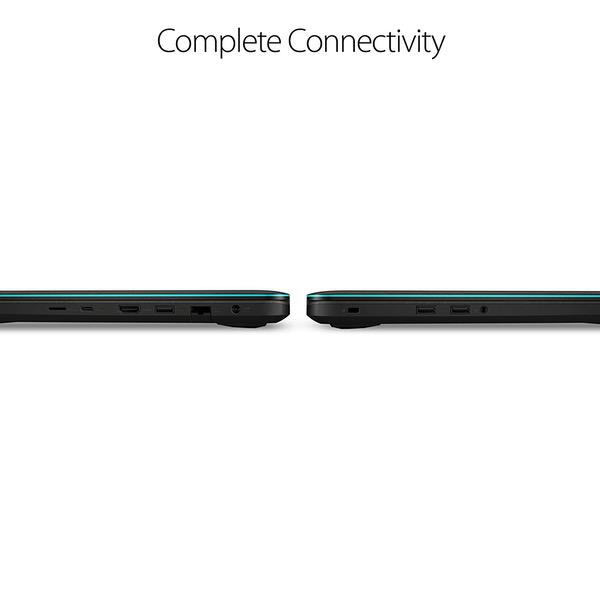
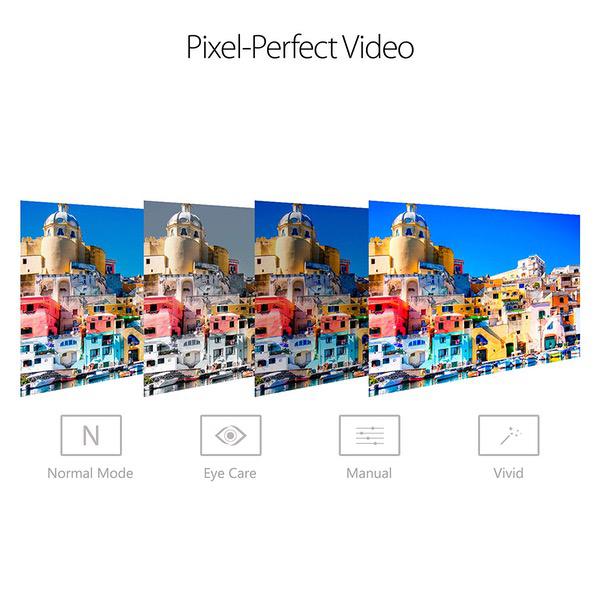
Make sure this fits by entering your model number. Amd Quad-core Ryzen 5 2500U Processor (Up to 3.6 GHz) and NVIDIA GeForce GTX 1050 2GB GDDR5 Graphics 15.6” FHD IPS level display 8GB DDR4 RAM; 256GB M.2 SSD; Windows 10 Home Fingerprint reader and backlit keyboard; casual gaming laptop Comprehensive connections including USB 3.1 Type-C (Gen1), USB 3.0, USB 2.0, HDMI, & headphone/mic port.Bluetooth 4.2 Durable thin and light chassis & long-lasting lithium polymer battery charges up to 60% capacity in just 49 minutes; lightning-fast dual antenna 802.11AC Wi-Fi keeps you connected through any congestion or interference
Reviews
4
Reviews: 20
5 stars
40%
4 stars
30%
3 stars
20%
2 stars
5%
1 star
5%
Bruce M.
3
After about a month, everything seems OK, but not great. Here is a run down. Keyboard not as good of a layout as my old Toshiba (both 15.6" formats). The basic keyboard (Caps Lock to Enter) is close to the same width (ASUS=282.9mm vs Toshiba=278.9mm), but ASUS has a little wider "frame" around the keyboard so this ends up with number pad section having a full column fewer of keys. This layout requires you basically need to either keep toggling the "Num Lock" key to be able to use the page up/dn keys vs the number keys whereas on the Toshiba they had an extra column / more keys allowing for dedicated page up/dn, home & end keys in addition to being able to toggle the "Num Lock" key to make the (apparently standard) 7=home, etc... So with the Toshiba, you virtually always kept the Num Lock key on VS with the ASUS I usually keep it off and only switch it on when doing lots of arithmetic. And this ASUS only has 2 whopping indicator lights: #1 for computer being on/off and #2 for if you are charging ... none of which you can see if the lid is closed. The Toshiba had them on the front edge so you could always see them, plus an indicator light showing how much hard drive action was going on as well as colored Cap Lock and Num Lock indicator lights on the keys so you could tell what state they were in. Very handy ... vs this computer where you do get a message that comes up if you are typing a blind password, but that is it. Even after trying to adjust it, this touchpad and its pseudo left & right mouse key buttons dont work as well. I think the biggest issue is that instead of actual left/right buttons, this has touch pad areas that double as buttons but if you finger moves at all while trying to push a button, the cursor can move and you miss your target. At first it seemed like the single audio jack that is supposed to be for both microphone and remote speakers/headphones didnt work unless you physically pushed the plug into the hole, but it disengaged as soon as you let go. But then I figured out you just needed to push it in much harder than Ive needed to with any other such jack. This seems to be a running theme with this computer. While the AC adapter plugs into the computer normally, the connection between the wall cord and the AC-to-DC converter that then goes off to the computer is a super tight fit and the USB ports even seem tighter than usual as well. And while the computer is relatively it this has the heaviest AC-to-DC converter that Ive ever seen. So while I like the lightness, improved battery life, lighted keys, speed and increased disk space, the issues above lead me to only giving 3 stars.
PurpleHeartLane
3
Buying this laptop was a mistake. Its not that its a bad machine, but I can only afford a $1,000. or $1,100. which is pushing it, computer maybe about once every 5 years or longer, so I cant afford to make a mistake. My bad luck began In the span of just 2 days when the HDDs on both my laptop, a Lenovo Y510p, a heck of a laptop, I bought in either 2013 or 2014), AND my old desktop Dell, a 2010 model, died. What were the odds of that happening? With the new SSD HDs and other components, like the much more powerful RAM, Video Cards, & CPUs, collectively making my machines obsolete, it was a no brainer to upgrade versus fixing the Dell for sure and the decision about the Y510p was harder but upgrading finally was my decision. This was my first time in about 25 years that I had absolutely no computer access. The reality of just how much technology has changed my life and how dependent I had become on it really hit home. I honestly had never thought about that before. It is hard for me to describe how I felt. Out of touch? Blind? Those and more. What hurts the most though was losing ALL my precious familys photos, and other precious things. I live alone, and instead of spending money on a costly exterior backup HD, I made each machine the others backup. Somewhat "down," I left for the local library to use one of its computers to buy my next one. My mission was simple, to find the laptop that gave me the most bang for the buck. I could only afford X amount. So I searched and searched and after a good 2-3 hours of intensive searching, with my eye strained to the max, I felt this one was the one. I was wrong. I should have rested my eyeballs and researched later on or come back the next day. I was well aware that rushing like this could cost me big time. It did. I got a good machine, no doubt about it, at a good price, but in one of the nooks and crannies I didnt look was Le Machine. A machine that cost the same amount but was a full generation better in almost every category, for exactly the same price. Ill call it Le Machine. For example, Le Machine had a GTX 1060 video card versus this ones GTX 1050. It had the CPU i7-850 CPU (The best CPU before the prices becomes ridiculous.) vs. this ones i7-8550u and most importantly I overlooked for me, a very headache prone person due to eye strain, the Le Machine had an anti-glare screen. I was naive at this point. I honestly thought all computer screens came with anti-glare materials. This one must be kind of glossy. It fries my eyeballs if the lighting and other adjustments arent just right in 1 to 2 hours which always triggers a headache, most of the time a migraine. Consequently, I can only use it for an hour here and an hour there. Ive heard that there are some good anti-glare films I can put on my 15.6" screen (If anyone can give me the name of a good one, I would appreciate that tremendously.). Finally there are two or three other things, like the HDD s RPM is 7200 vs. this ones 5400, & several other less important, but still important, things that make Le Machine clearly superior. Ive made my point so Ill wrap my review up. I got a good machine but could have gotten a better one for no additional cost. I included the tax and shipping as well. As they say, Live & Learn, and NEVER, NEVER RUSH Into Buying Something That You Barely Can Afford Without Thoroughly Doing Your Homework. I was impatient and liken my purchase to a Lexus with no bells and whistles, while I could have had a Lexus with many, not all, but many of the bells & whistles. Undoubtedly I would have spotted my dream with just a few more hours of research. So, I will fix the glare problem and will enjoy my lesser demanding video games with the GTX 1050, and the less able i7-8550u, but when I see my better games sitting there and not being able to play hem, it hurts. Ill somehow locate all the lost family photos. This hurts the most, but that was just a one in a million type thing, but it still sticks in my craw. Several articles have pointed out just how much superior the GTX 1060 is. I find the difference shocking, and the techs rave about the capabilities of the i7-8750 CPU when the price of it is factored in. As they say, Live & Learn. Ill survive. Everything is relative and if you look at the big picture, Im pretty darn lucky to be able to afford a machine as good as this one. Looking at the big picture, and putting things into their proper perspective, many people on this planet, not just in Africa & Asia, will never even use never mind own a computer, and that includes a lot of poor folks in America as well. The bottom line is that Im still am a very fortunate person.
Silvie
3
I took it out of the package and immediately discovered it couldnt connect to wifi. It didnt even give an option, only for me to connect via Ethernet. I did, to see if it was just a driver issue, and I ran all the windows updates -- but nada. I connected with Asus support and they tried helping, made sure I was looking for the correct driver download, etc... but nada, again. Asus advised I return it. Since I have the thing and cant return it until tomorrow, I went ahead and downloaded WoW on it to see if the specs were at least good enough for me (so I know if I should get anything better when I reorder). It downloaded very very quickly (thank you ethernet), and loading times were instant! Super disappointed it didnt work. I love the look of this thing (it is plastic, but not ugly cheap plastic -- and rather than obnoxious red like other gaming laptops, this guy has nice teal accents), and it works so well. The battery lasted hours while it installed windows updates. But, its a laptop -- Im not going to be able to stretch hundreds of feet of wiring through my house so it can be plugged in all the time. Buy at your own risk. If you intend on using it wired, go full speed ahead! If not, you might consider whether or not you would be comfortable buying a USB wireless receiver -- because you may be stuck with that in a few days/weeks/months, if other reviews are to be believed.
Altra
3
This is review is for the i7 Version. I bought this laptop specifically to play VR. While games do run smooth at medium/high settings; there is issues. When shown on the monitor display, it appears fine and smooth. But once you put the headset on [I have a vive] theres a constant trail effect upon movement. No framerate issues, but the onboard graphics card prevents VR from running smooth, thus inducing motion sickness. The problem comes from not being able to bypass the UHD graphics right to the nvidia card. [There wasnt even a chipset option in the bios]. Which is unfortunate, because this product is one of the few able to 5 month finance. TL;DR - Great for casual gaming, terrible for VR.
Product variations
Column filling
Sort by Price Sort by Availability Sort by CODE Sort by Style Sort by RAM Sort by Processor
$59000
In stock
+
B07MKLLVFZ
Style:
R5-2500U | GTX 1050 | 256GB
RAM:
8 GB DDR4
Processor:
3.6 GHz Ryzen 5 2500U
$41960 $1,04900
In stock
+
B07B2DTYFX
Style:
i7-8550U | GTX 1050 | 256GB/1TB
RAM:
16 GB DDR4
Processor:
4 GHz Intel Core i7
You may be interested
  • Bestsellers
  • Recently Viewed
 
Fast and high quality delivery

Our company makes delivery all over the country

Quality assurance and service

We offer only those goods, in which quality we are sure

Returns within 30 days

You have 30 days to test your purchase