


























Dennis Candey
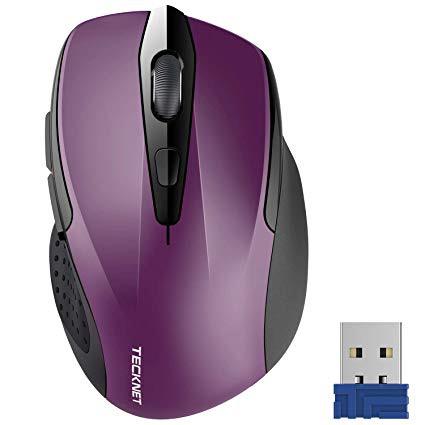
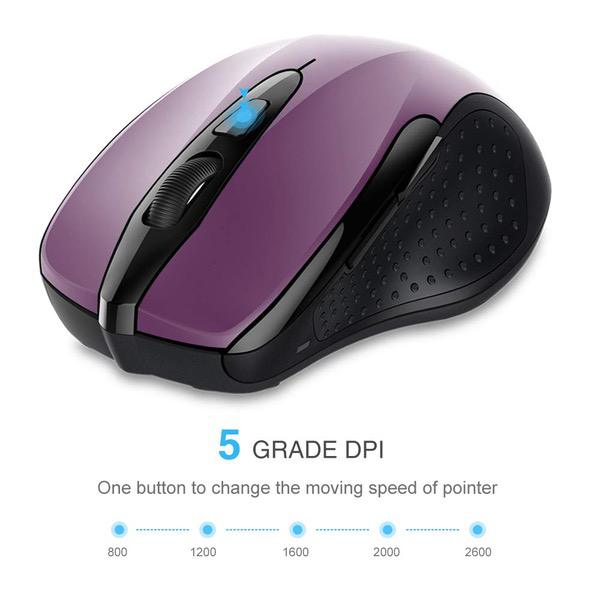
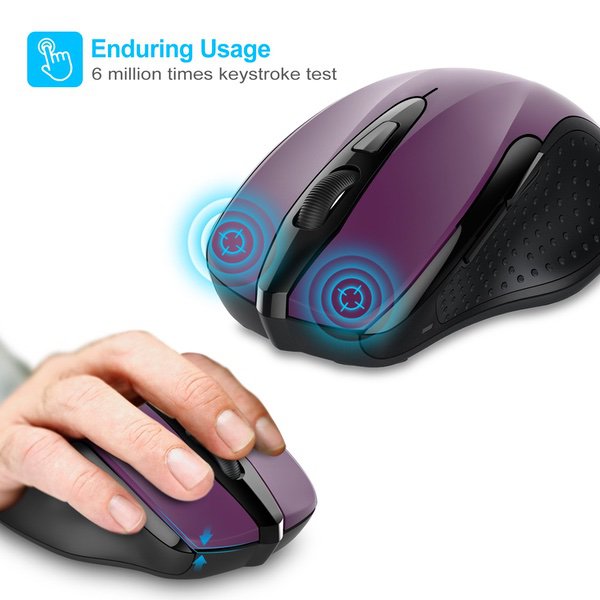
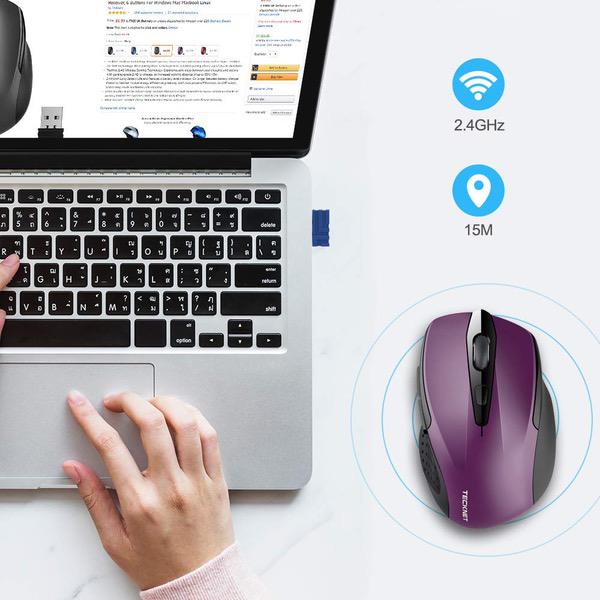
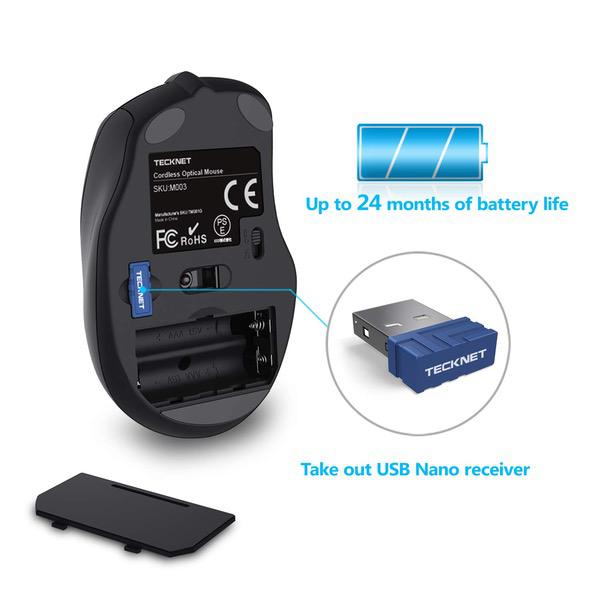
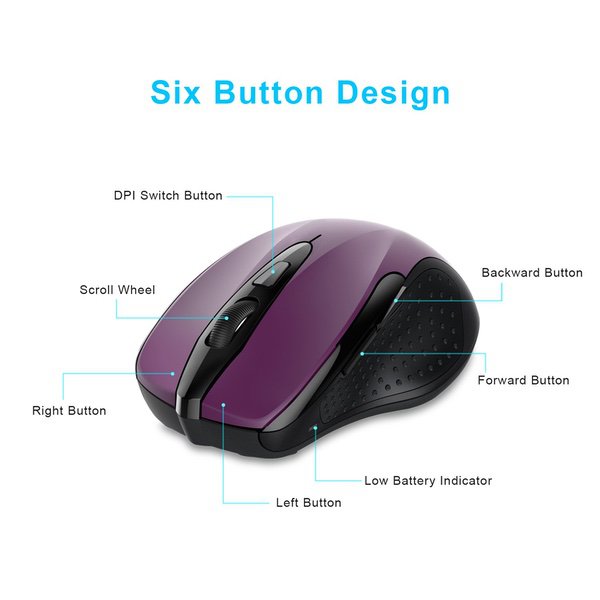
0:00 0:00 This video is not intended for all audiences. What date were you born? January February March April May June July August September October November December 1 2 3 4 5 6 7 8 9 10 11 12 13 14 15 16 17 18 19 20 21 22 23 24 25 26 27 28 29 30 31 2019 2018 2017 2016 2015 2014 2013 2012 2011 2010 2009 2008 2007 2006 2005 2004 2003 2002 2001 2000 1999 1998 1997 1996 1995 1994 1993 1992 1991 1990 1989 1988 1987 1986 1985 1984 1983 1982 1981 1980 1979 1978 1977 1976 1975 1974 1973 1972 1971 1970 1969 1968 1967 1966 1965 1964 1963 1962 1961 1960 1959 1958 1957 1956 1955 1954 1953 1952 1951 1950 1949 1948 1947 1946 1945 1944 1943 1942 1941 1940 1939 1938 1937 1936 1935 1934 1933 1932 1931 1930 1929 1928 1927 1926 1925 1924 1923 1922 1921 1920 1919 1918 1917 1916 1915 1914 1913 1912 1911 1910 1909 1908 1907 1906 1905 1904 1903 1902 1901 1900 Submit Adobe Flash Player is required to watch this video. Install Flash Player In general Ive been very satisfied with the Tecknet mice. I like the way they perfectly fit my hand and the two units Ive purchased previously have performed well, but my latest experience is disappointing. The mouse I just received yesterday was a replacement for one that had served me well for nearly 2 years. This one, the new Tecknet Pro 2.4g wireless mouse, was Dead on Arrival. Inserted USB nano receiver in my laptop, which was recognized and installed by my system. Then installed freshly charged AAA batteries. With previous Tecknet mice, when batteries are installed the DPI setting LED flashes by the DPI selector button located below the top wheel. In this case, no light flashed and the receiver did not pick-up any signal from the mouse. I removed the batteries and checked them with a multimeter, verifying full charge, reinserted them, turned on the mouse again, clicked the left and right buttons, and the DPI selector button, but again no lights flashed and no signal received by the Nano receiver . SEE VIDEO. Normally Id suspect the receiver, but the absence of the flashing light to indicate DPI setting is convincing evidence the mouse itself is defective, not the receiver. Grabbed my wifes 2 year old Tecknet muse, plugged in her Nano receiver and everything is OK... except her not wanting me to keep her mouse. LOL Will give Tecknet 1 last try, but my confidence is shaken.