OMOTON Ultra-Slim Bluetooth Keyboard Compatible with 2018 iPad Pro 11/12.9, New iPad 9.7 Inch, iPad Air, iPad Mini, iPhone and Other Bluetooth Enabled Devices, White
اكتب تقييم
$‎ 1500 $‎ 6500

OMOTON Ultra-Slim Bluetooth Keyboard Compatible with 2018 iPad Pro 11/12.9, New iPad 9.7 Inch, iPad Air, iPad Mini, iPhone and Other Bluetooth Enabled Devices, White

اكتب تقييم
B00GD1BGYO
Target is a general merchandise retailer with stores in all 50 states and the District...

المدينة: US, New York

Delivery
Pickup at your own expense
Tomorrow from 09:00 to 20:00, Store location
Free
Payment options
Apple Pay Google Pay Mastercard Visa
Cash, bank card, credit/installment payments, cashless payment for legal entities
Warranty and returns
Exchange/return of products of proper quality within 14 days Official manufacturer's warranty: 12 months
Description
This fits your .
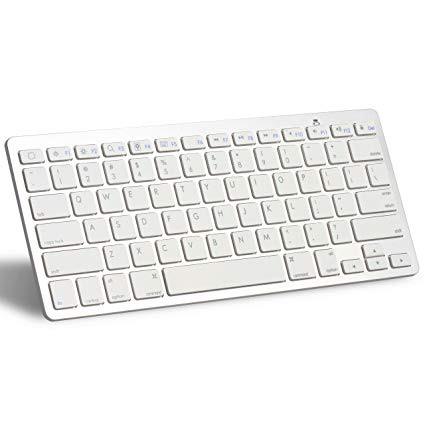
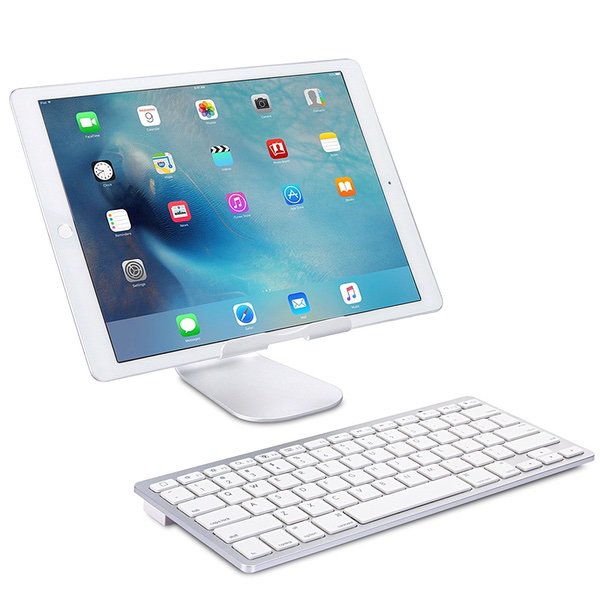
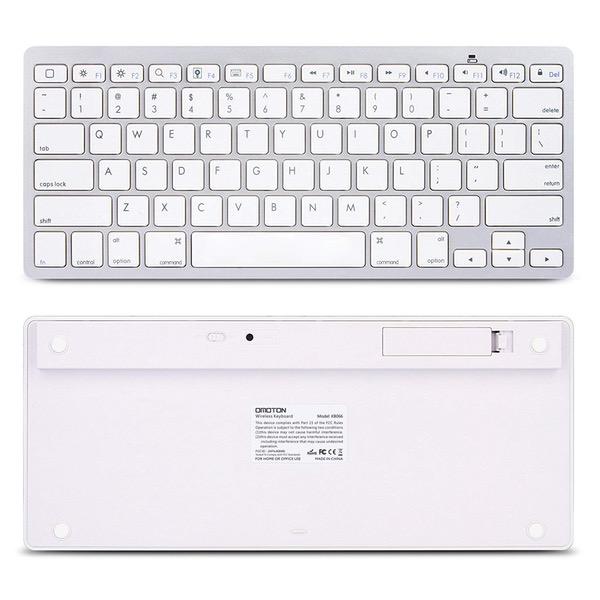
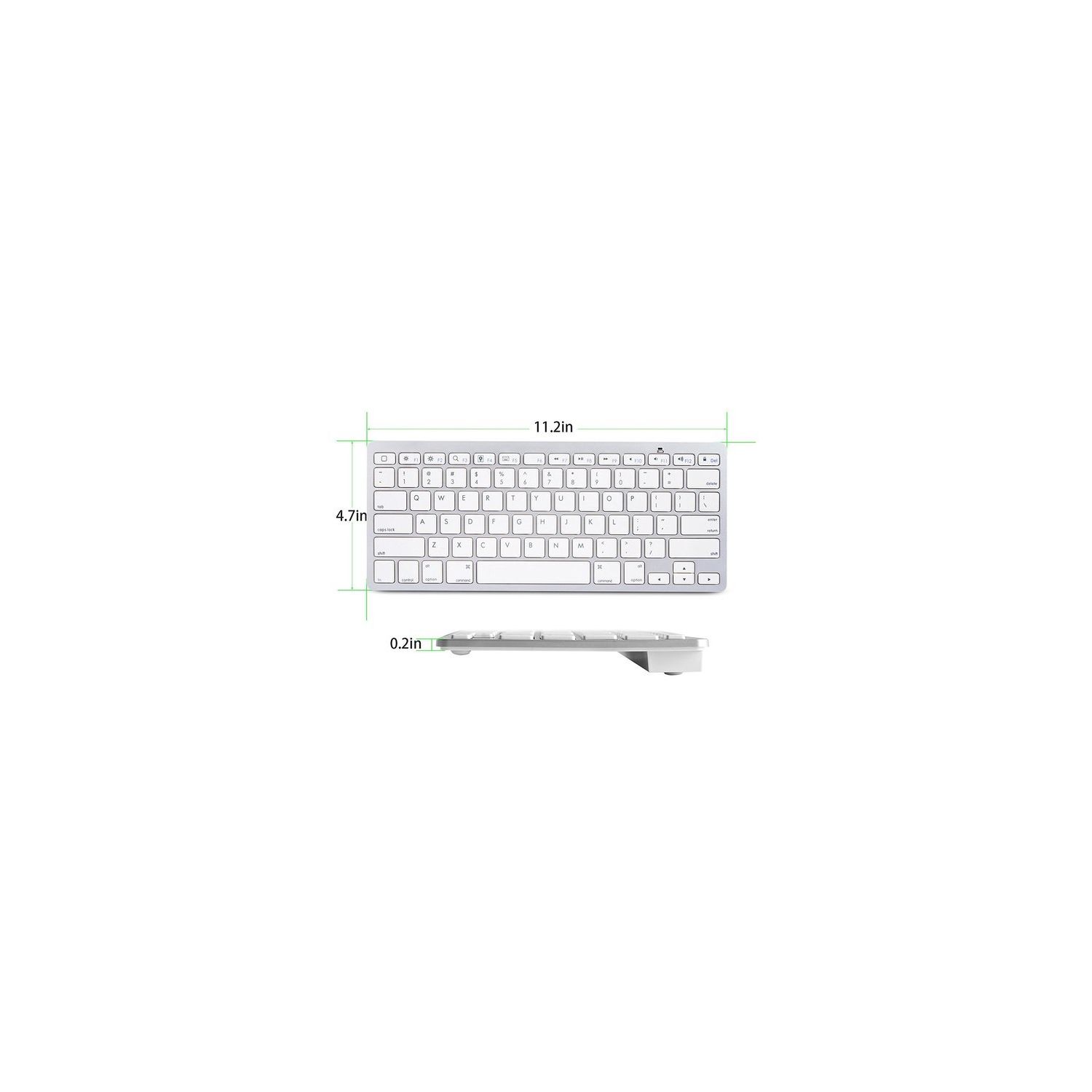
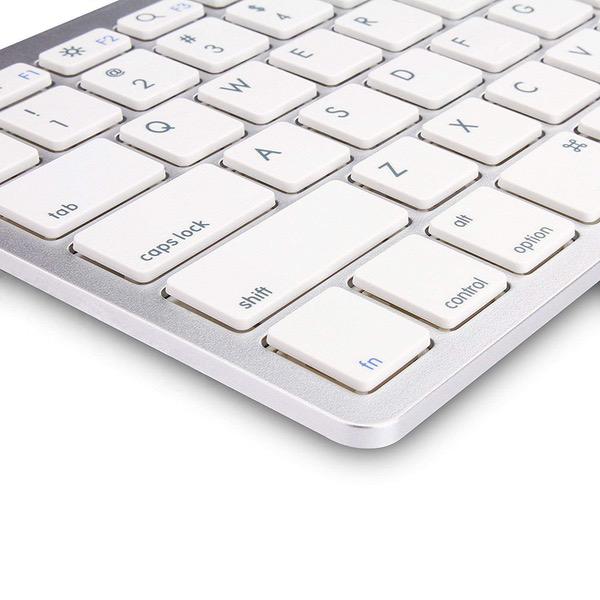
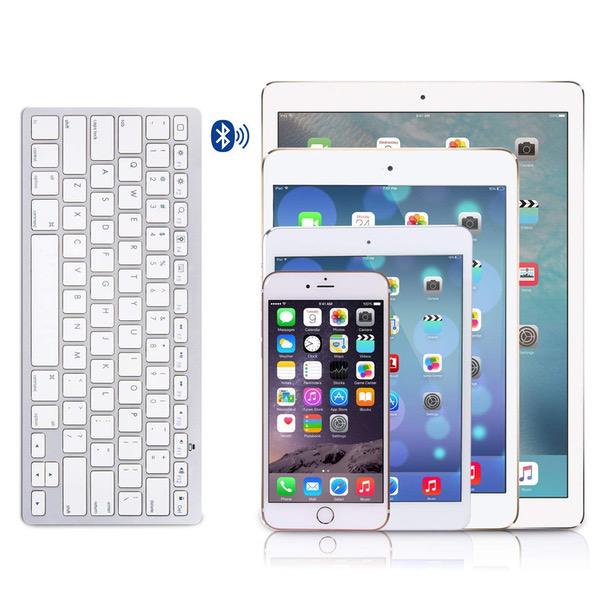
Make sure this fits by entering your model number. 1. Cable-Free. Bluetooth Connection with your Mobile Devices such as Tablets and mobile phones, Bring you more convenience when you need to type, Operating Distance up to 10 meters. 2. Super Compatibility. Compatible with iPads, iPhones and Bluetooth-enabled Tablets, Laptops, and Mobile Phones, such as iPad air 10.5 2019, iPad mini 5 2019, new iPad Pro 12.9/11, iPhone Xs Max etc. 3. Reasonable Layout. QWERTY Layout with Hot keys Customized for iPads, Including Volume, Music Control, Brightness etc. 4. Long Battery Life. 30-days continuous use and automatic sleep mode allow up to half a year between battery changes. (2 X AAA Battery, Not Included) 5. Perfect Size. Just Big Enough for your fingers to enjoy a wonderful typing, and small enough to put it into your suitcase/handbag. And OMOTON Mall provide you friendly customer service and worry-free 1-year warranty.
Reviews
4
التقييمات: 20
5 نجمة
50%
4 نجمة
30%
3 نجمة
5%
2 نجمة
0%
1 نجوم
15%
Jordan
4
Just got this yesterday and my first impression is very positive. The keyboard is light, the keys have a nice little click and travel. The keyboard shortcuts built into IOS are very cool and boost your productivity nicely. Its nice to have shortcuts for volume, brightness, home button, volume, play pause, and many more. None of which are available on the super overpriced apple Smart Keyboard. I use the pro case leather folio case and this keyboard and it suits me fine at a fraction of the price of a Logitech. One down side is the keyboard is not rechargeable. It takes 2 AAA batteries which were not included, unfortunately. Also the lack of a backlight is a downside. But for the price and function Im giving it 4 stars. If i run into any issues i will update this review.
PeterP
4
i just got this keyboard for my iPad Pro 10.5, and as others have reported, it is a lovely keyboard design. the instructions say it shuts off after 10 minutes to conserve battery life — which seems about right with my calculations. the keys are well spaced, and easy to type with. as a bonus, and of additional value, i can lock the iPad with one key, return to the home screen with another, or open and close the touch screen keyboard with another. for an external keyboard, its lightweight, comfortable, and quiet to tap on. ... but, and there always seems to be one of those, i regret to report that not all the keyboard characters work. to date, neither the concatenation key, or forward slash work on my iPad Pro 10.5. nor does the left carat above the comma, or the single apostrophe. while this may be fine for some keyboarders, it creates havoc for anybody typing HTML. i found myself having to use the touch screen keyboard to finish my coding. for some people this may not be a fatal flaw, but as it impacts my use, why keep a keyboard where only some of the characters work? [EDIT] July 25, 2017 ive upgraded my review by one star, because all keys seem to work on the MacBook Pro, and Monica offered excellent customer service — genuinely working with me to help me troubleshoot it. due to its compact size and design ill keep it as a backup for my MacBook. regrettably, my original caveat still applies to the iPad Pro 10.5. id love to get this fully functioning on all my bluetooth devices — but it was not to be.
Jan
4
I just got mine yesterday. It’s a great keyboard. It runs on 2 AAA batteries instead of being rechargeable which we don’t mind. It’s very lightweight and not too bulky. Connecting it to our iPad Pro and iPhones were a breeze. Reconnecting it between devices were easy as well. Just make sure that when you switch devices, you have to pair it back again to that device. I am currently using this keyboard to type up this review from my iPhone 6s and will be reconnecting it back to my iPad Pro after this. So far, keys are functioning properly although I haven’t really tried each one of them yet. UPDATE 05/24/2019: The keys are still working great. The batteries are still good, still the same ones I used from the beginning. I love this keyboard.
Zullo
4
Wow, this is a really nice keyboard, especially for the price. It has a vey nice tactile feel, and the appearance is close to that of an Apple keyboard. Two small nit-picks, however. First, the keyboard lacks support in the center, so aggressive typing makes it bend and clatter. I fixed this by adding a rubber "bumper" (those things that make your cabinet doors close quietly) in the center under the space bar. It is rock solid now. Second, and I dont know if this is they keyboard or a feature of Bluetooth on the iPad itself, but after the keyboard has been idle for a while (10 minutes?), the connection times out and it takes 5 seconds or so of tapping on a key to restore the connection. A minor annoyance, but I thought it was worth mentioning. All in all, I am quite pleased with it.
dep
4
GREAT replacement keyboard. There are a couple drawbacks, but for the price its great. Pros: 1. Springy, responsive keys feel nice. 2. Takes 2 AAA batteries which can be easily replaced, also has a standby mode so you dont need to power it off every time. 3. Far cheaper than the official Apple alternative 4. Easy, no-hassle set-up 5. Same keyboard layout to the official Apple keyboard. Cons: 1. The ESC key is replaced with a generic "home" key which doesnt work on MacOS, but thats ok, I can remap the CapsLock to use ESC. 2. The Fn key doesnt appear to do anything. So using Fn-F# to use Fn-F1 thru F12 if you have set this up for MacOS do not work, and some other system shortcuts I have configured that rely on Fn do not work also, but again, not a huge deal, just some muscle memory to unlearn. All in all a fantastic replacement for the external Apple keyboard. Far more affordable.
CylonGlitch
4
Updating the review to reflect a more accurate review, originally I posted that it was completely useless under MacOS because it would go to sleep and never wake up. While the keyboard I received did this, Omoton has worked with me and replaced the keyboard and the new one does not have this defect. Big thumbs up to Omoton who has tried hard to make me happy. MacOS (take two) - While the keyboard works almost flawlessly under MacOS, the wakeup speed is fast and does doe what it is supposed to do; the lack of a n Escape key is a problem. I have tried hard to find a way to map the HOME button to an Escape key but was not able to do so, it just isnt seen as any key under MacOS. Generally this is not a problem and the keyboard would be find as it is; as long as whatever applications you are using do not need the ESC key (Im look at you VIM coders, this is not the keyboard for you then). Windows - Didnt spend a lot of time with it under windows, it is not recommended in general for windows; thus I didnt try too hard to get it to work. iOS (Pad & Phone) - This is where the keyboard shined, worked flawlessly. Work up rapidly, synced to the device without a problem and did great. If this is what you want to use the keyboard for, then this keyboard will be great. Its not expensive, it is well designed. Did everything that I needed it to do under iOS. AppleTV Gen 4 - Synced and just worked. Much like under iOS, it worked perfectly. If there was something that I would change, I would love to see the home button have a switch on the back side (just like the power switch) that allows it to be Escape instead of Home. That way the keyboard would work without a problem for either MacOS or iOS.
You may be interested
  • Bestsellers
  • Recently Viewed
 
Similar products
Show more
Fast and high quality delivery

Our company makes delivery all over the country

Quality assurance and service

We offer only those goods, in which quality we are sure

Returns within 30 days

You have 30 days to test your purchase