

























Amazon Customer
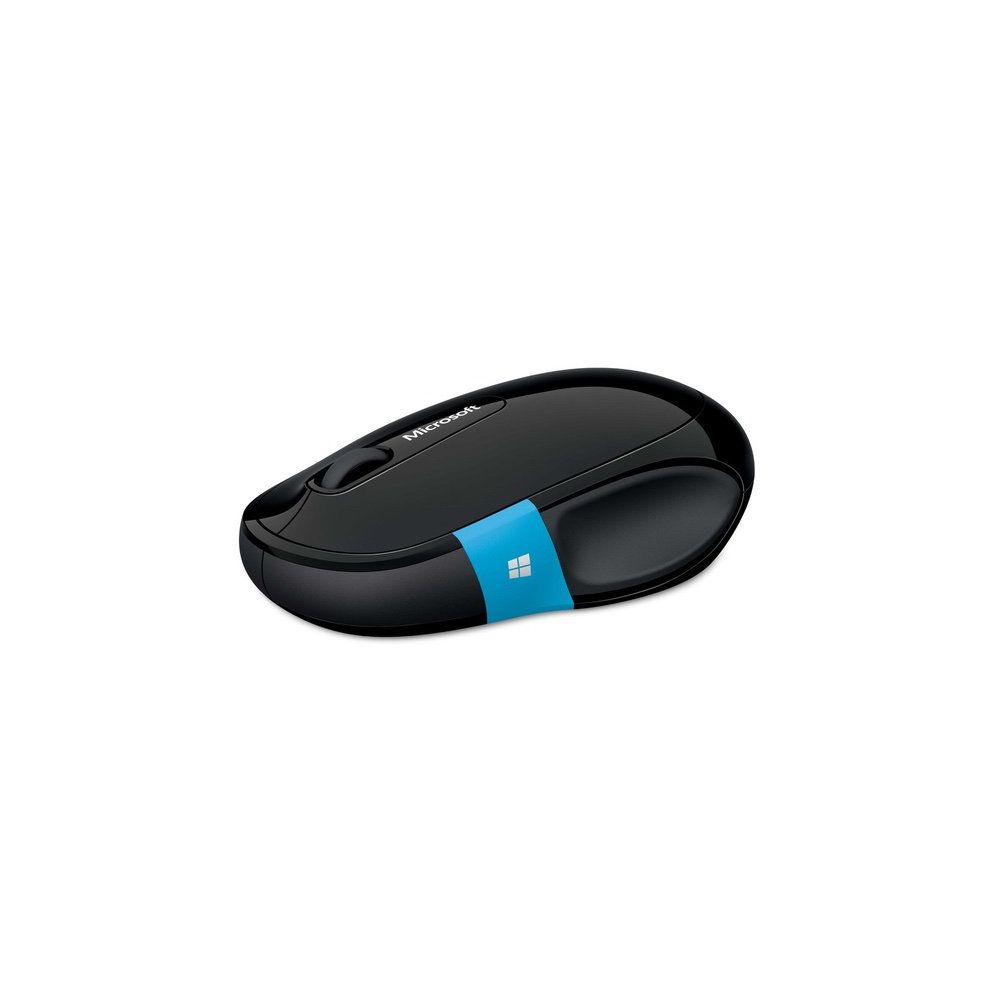
I researched this on Amazon but finally purchased it in a retail store (it was about $5.00 less there!). I have a new Lenovo Ultrabook running Windows 8.1, and it came with built-in Bluetooth. I got tired of plugging a wireless adaptor in and out, so I thought Id give a real Bluetooth mouse a try. It connects just fine and works on several different surfaces without difficulty (it uses Microsofts Bluetrack technology for better tracking). Others have noted that with Windows 8 and 8.1, the Bluetooth connectivity would go in and out. Ive had that same experience, but the problem is not with the mouse but with how Windows Bluetooth is configured by default. There is a setting in Device Manager, under Bluetooth, under the Intel hardware adapter, on the power management tab that allows for a correction of the problem. Simply uncheck the box labeled "Allow the computer to turn off This device to save power" and your intermittent connection problems will go away. It might cost you a bit of battery time, but really not very much, and its worth it. If you dont make this change the mouse is almost useless because if it sits idle for a few minutes, windows will turn off Bluetooth and - no more mouse. The mouse has a power switch on the bottom so you can save battery power when its not in use. The side touch pad works OK, but I dont think its really an improvement on a back button. I reprogrammed it so a thumb swipe down acts as back button in Windows and more importantly in a web browser. Clicking the touch pad brings up the Start screen, which is not really all that useful (at least it hasnt been yet) and that does not appear to be programmable. Im still accustomed to clicking my thumb to move back, so maybe Ill get use to it. The Left and Right mouse buttons on top work as expected and are perhaps slightly quieter than most mice. The scroll button works well, and has both horizontal and vertical scrolling. It is a clickable wheel also, which is very convenient in a web browser (wheel click on a link and it opens in a new, separate tab). Some have asked so: the wheel is smooth, but the motion of it has a tactile click. Id give this mouse 5 stars if it were slightly smaller. I have medium sized hands, and a smaller mouse feels a little more comfortable to me, but this too, is simple what Im used to. I prefer Microsoft mice to other brands, including Logitech. This one works just fine, and its saving my sanity with quirky nature of the touchpad on my Lenovo, when trying to touch type on the keyboard. Anyway, those of you that are reluctant to use this mouse due to the connection problems, there is a simple fix, and once thats done the mouse works great with no disconnect problems.