



























Michael
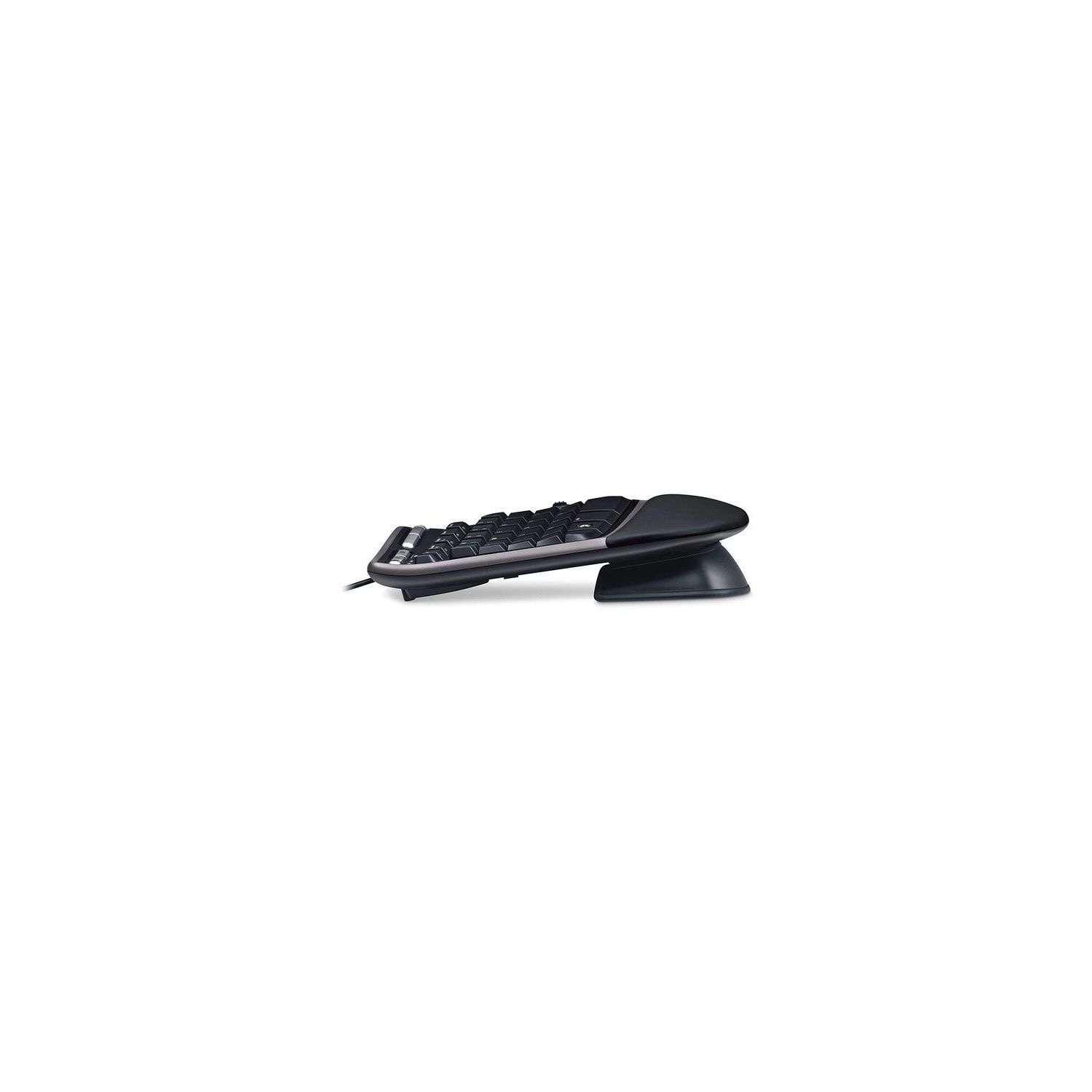
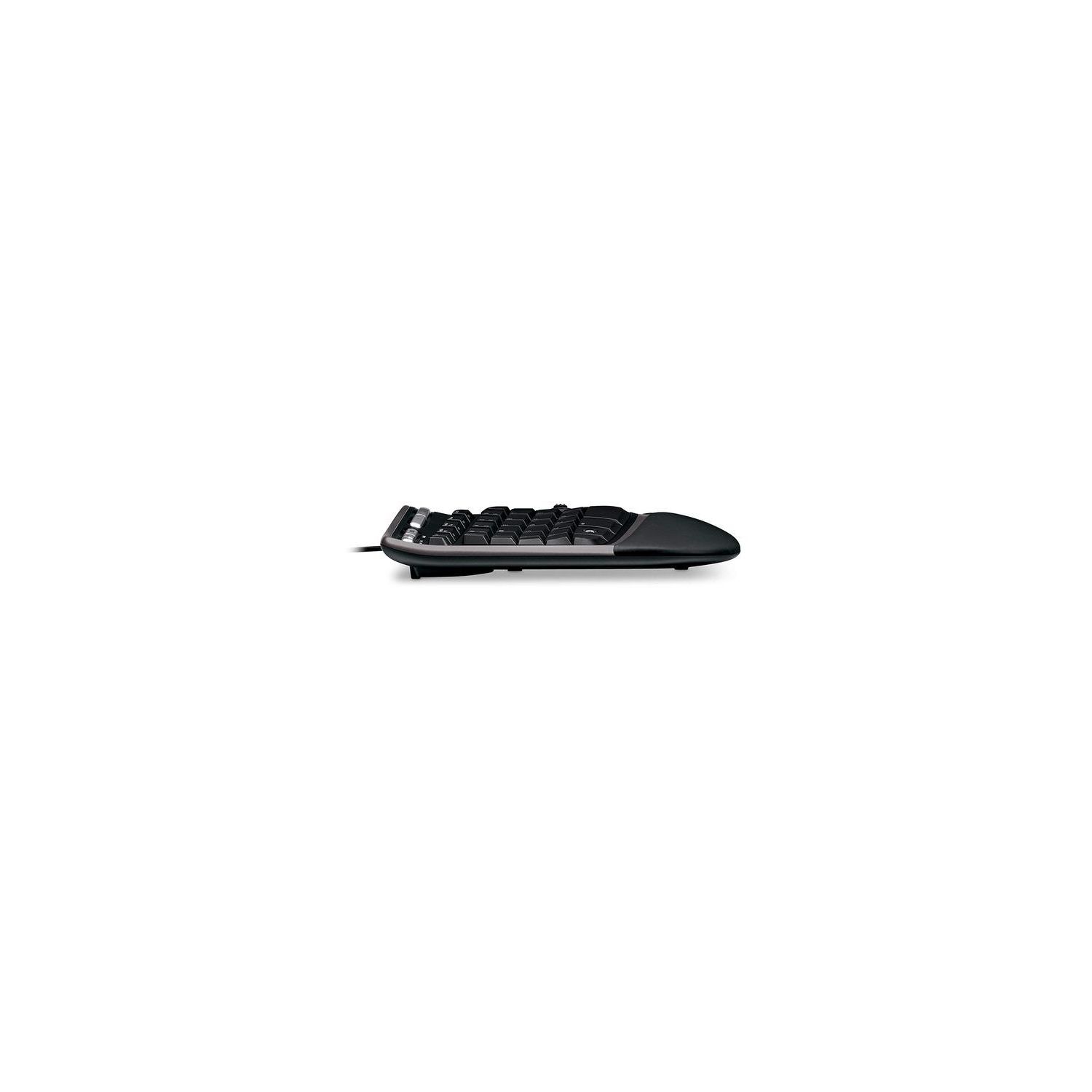
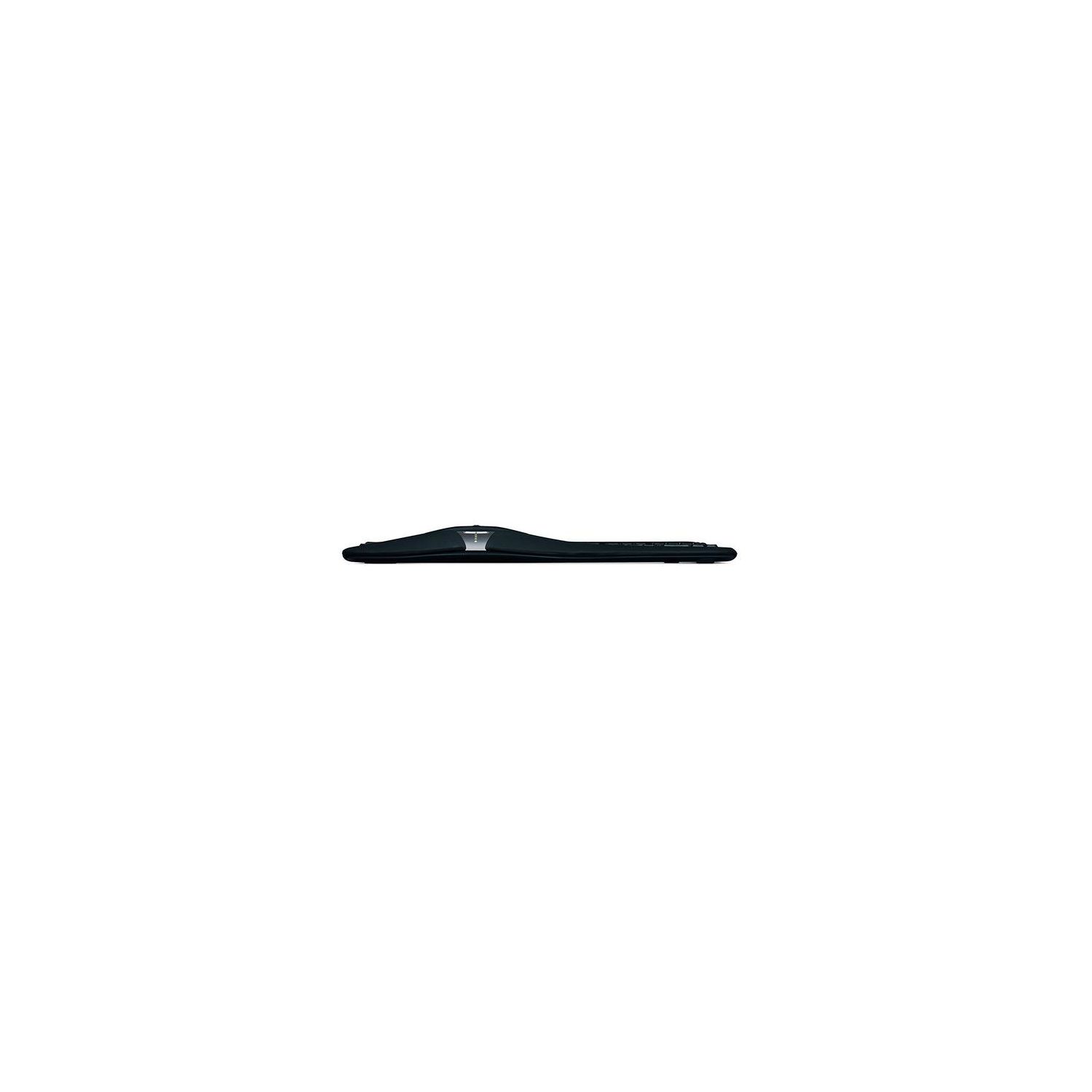
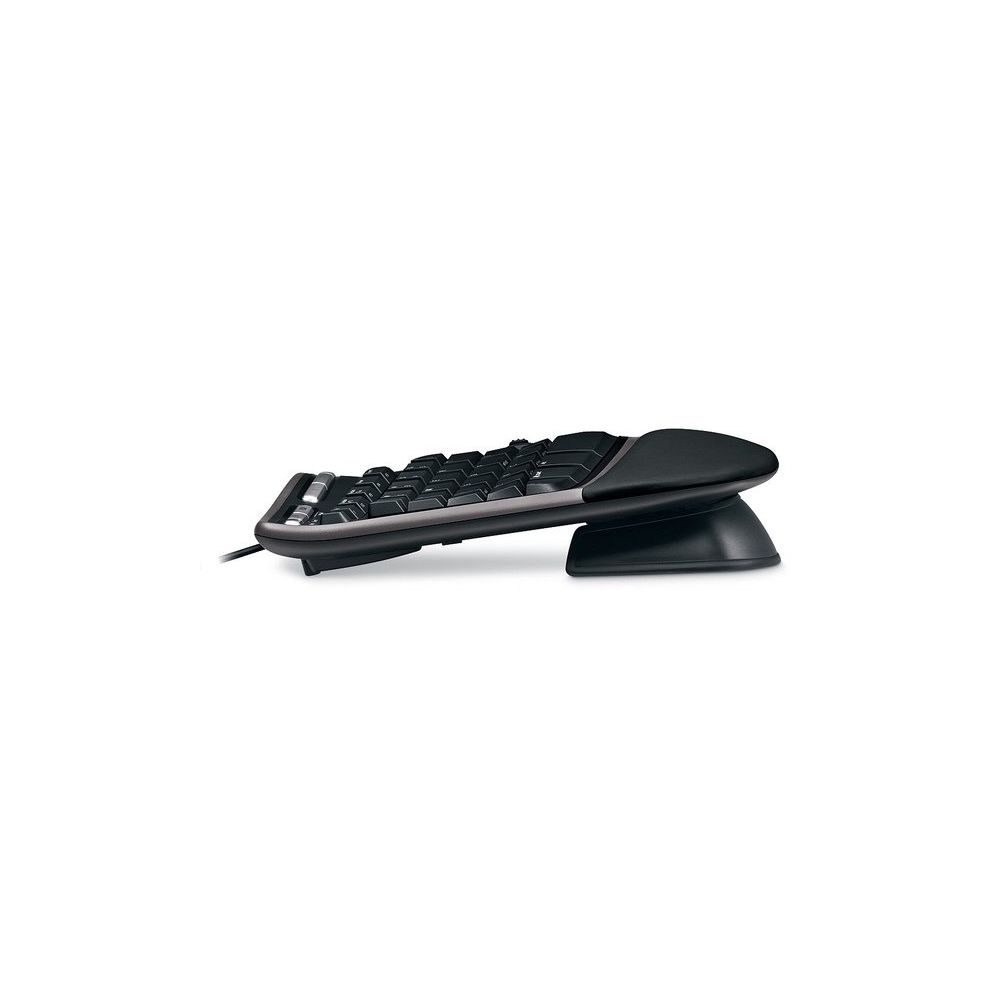
I had a prior version of this keyboard (the Microsoft Natural Ergonomic Keyboard 3000) for my office PC. It did admirably, but after a year or so, my wrists were starting to hurt IN SPITE OF the ergonomics helping. This one is better rated. So far, it has helped, but it took at least a week of use just for my hands to BEGIN to get used to the differences. Id do a pro/con list, but Im not sure there are any "cons" as compared to "issues to expect" if you buy this keyboard. 1. Expect a steep learning curve to get used to the layout. The "bend" in this keyboard is significant, and it will take time for your fingers to get used to hitting the right keys on a consistent basis. Give it one or two weeks of regular use before deciding if you like it or not. You cant know in a couple of days if its helping you because you do need to re-learn your hand placement and fingering to some degree. 2. There is a physical break in the left and right hand keys. This "no mans land" means you need to unlearn using the wrong hand for the wrong keys because you will either miskey or just hit nothing when you go to use your right hand to it the G key (or a similar situation). Likewise, some of the keys have an odd shape that takes getting used to. I had considerable issue getting used to hitting V and B correctly. Again, this is all about relearning how to keyboard properly. My best tip is to avoid looking at the keyboard while typing. For me, looking at the keyboard made it harder compared to just backspacing and repeating until I got it right. Passwords are about the only thing where I still watch what keys I strike. 3. This keyboard is wider and "taller" than most. If you use a keyboard tray, clearing it might pose and issue (see next point below). You will likely have less room for your mouse as well, but I found it something I could live with. 4. The keyboard has three (maybe four) resting positions. Theres a removable front skirt that elevates the front. There are the standard rear folding supports to elevate the rear. So, thats resting flat (none), rear elevated, front elevated, and both elevated. Lying flat, the keyboard works fine with my keyboard tray. Set the way I find its most comfortable for me, I can only push the tray in halfway before the keyboard hits the desk. This isnt a deal breaker for me, so Ill live with it. You keyboard tray may need to allow at least 3 inches of vertical clearance to not have an issue with this keyboard. I was divided on four or five stars, but since I need this more extreme curve to deal with wrist pain, its not the products fault, so I wont hold the awkwardness of it against the designers. It does what its designed to do for a good reason. That comes with a trade off.