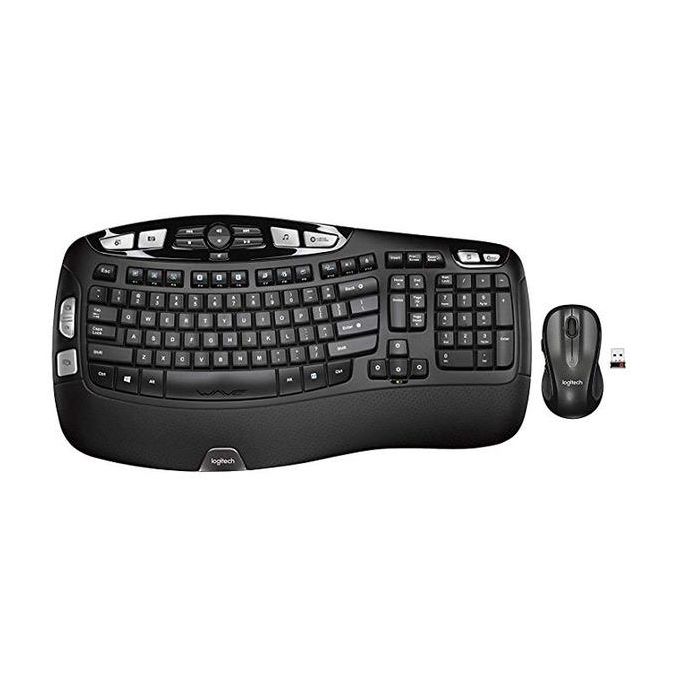
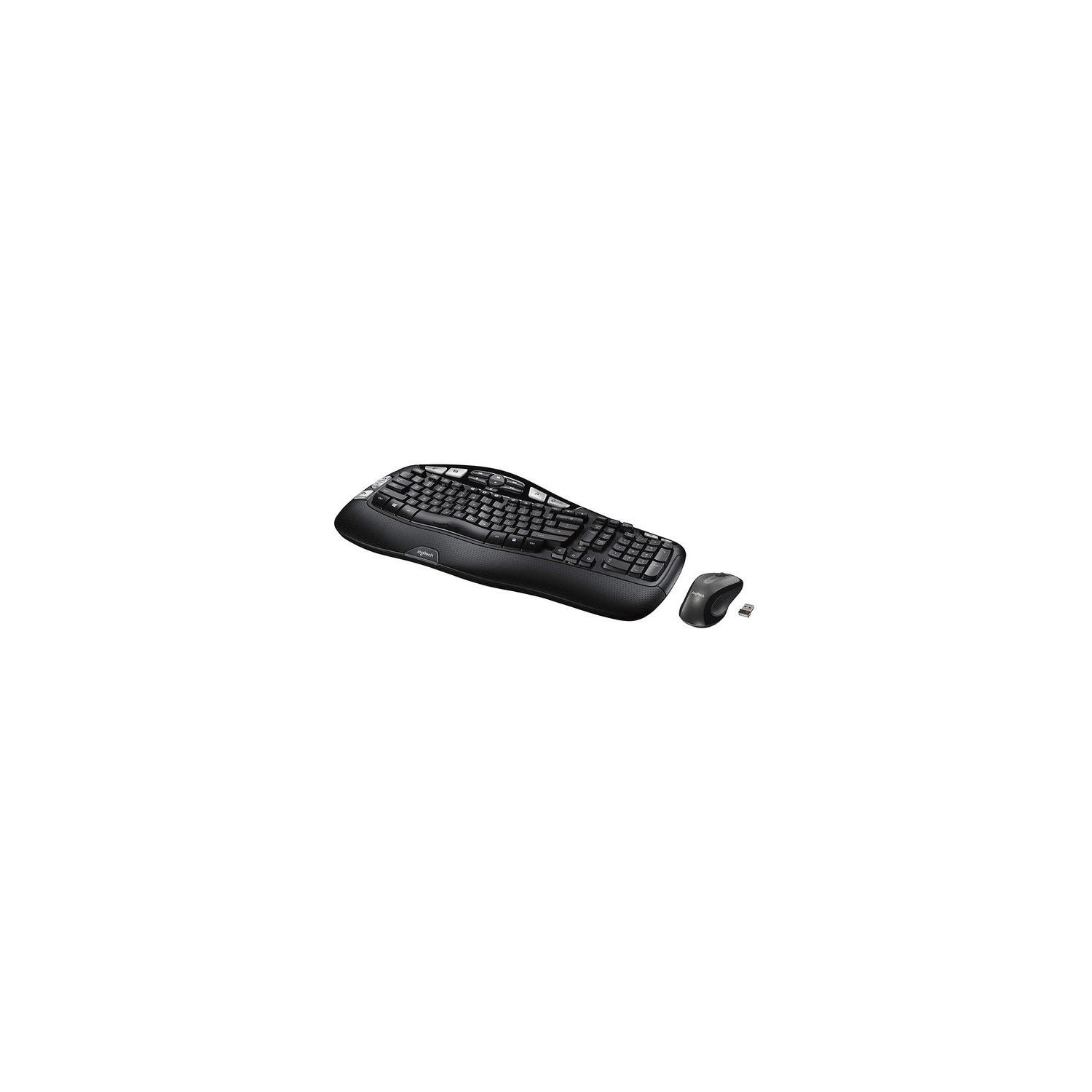

Logitech MK550 Wireless Wave Keyboard and Mouse Combo — Includes Keyboard and Mouse, Long Battery Life, Ergonomic Wave Design
Write a review
3438 3906

Logitech MK550 Wireless Wave Keyboard and Mouse Combo — Includes Keyboard and Mouse, Long Battery Life, Ergonomic Wave Design

Write a review
B003VAHYNC
+
Add to wish list
Target is a general merchandise retailer with stores in all 50 states and the District...

City: US, New York

Delivery
Pickup at your own expense
Tomorrow from 09:00 to 20:00, Store location
Free
Payment options
Apple Pay Google Pay Mastercard Visa
Cash, bank card, credit/installment payments, cashless payment for legal entities
Warranty and returns
Exchange/return of products of proper quality within 14 days Official manufacturer's warranty: 12 months
Description
This fits your .
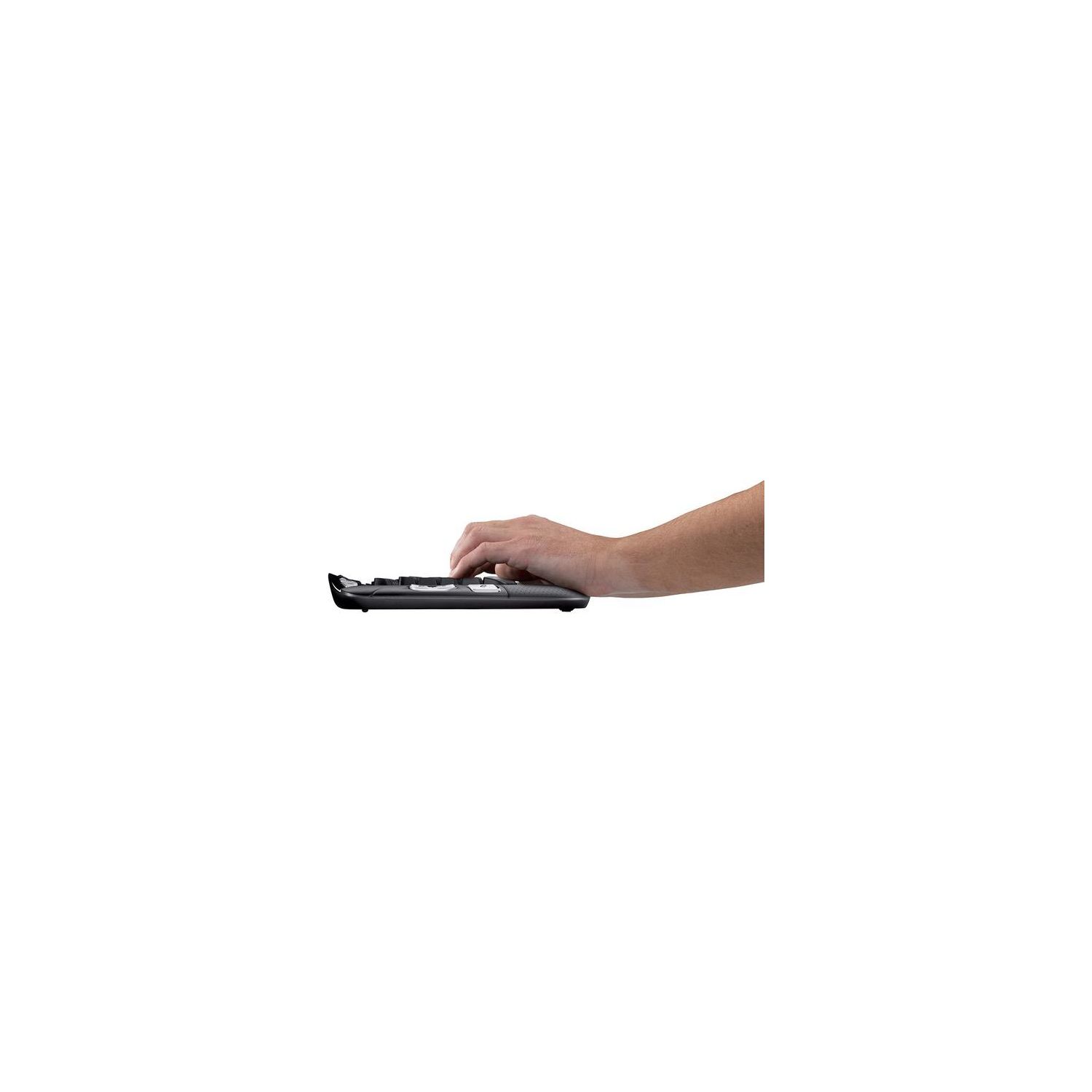
Make sure this fits by entering your model number. ERGONOMIC WAVE DESIGN – The MK550 uses Logitech’s Constant Curve layout for reduced stress and better, more natural typing INTEGRATED PALM REST – Experience lower wrist fatigue with the integrated palm rest , Three options for leg height allow you to adjust the keyboard to the height that feels most comfortable to you PRECISION-LASER MOUSE – Say goodbye to your touchpad with the included MK510 precision-laser mouse; The mouse and keyboard are so energy efficient LONG BATTERY LIFE – Use your keyboard and mouse for longer with the MK550’s extended battery life. The K350 keyboard has a battery life of up to 3 years, and the mouse, up to 2 years SIMPLE SETUP – There’s no additional setup involved when using the MK550. Windows-based PC - Windows XP, Windows Vista, Windows 7, Windows 8, Windows 10
Reviews
3.2
Reviews: 20
5 stars
40%
4 stars
10%
3 stars
10%
2 stars
5%
1 star
35%
RAR
2
I suggest a more cautious approach to buying this board than I had time to take. I regret this purchase at this price but had to replace my failing, old wireless Microsoft ergonomic keyboard. It was my mistake in not being more thorough about looking at the photo so I thought I was getting a duplicate key layout to the Microsoft board. This is clearly not as comfortable to use as the Microsoft keyboard. I also prefer to have a Caps Lock status indicator and wonder why that functionality was left out. The mouse buttons on the Logitech mouse are noticeably harder to press (and it becomes uncomfortable if I have to press several times in one sitting). There were no instructions about how to set up the keyboard (the options) and no web address to find that info. The keyboard is attractive and the initial setup only required minor tweaking. If I could have put my hands on this keyboard and mouse before I bought it, I would not have. Since this is a Logitech product, I assume it is of good quality otherwise. I have been using this combination for a few weeks now and Im less impressed than originally. The mouse has started dropping out intermittently. Ive changed batteries (which I dont believe fits Logitechs prediction on battery life) and the problem persists. Logitech makes it hard to ask them directly for information pertaining to this issue. Ive dropped my rating to 2 stars. I much preferred the performance of my old wireless ergonomic Microsoft keyboard and mouse.
You may be interested
  • Bestsellers
  • Recently Viewed
 
Fast and high quality delivery

Our company makes delivery all over the country

Quality assurance and service

We offer only those goods, in which quality we are sure

Returns within 30 days

You have 30 days to test your purchase