
















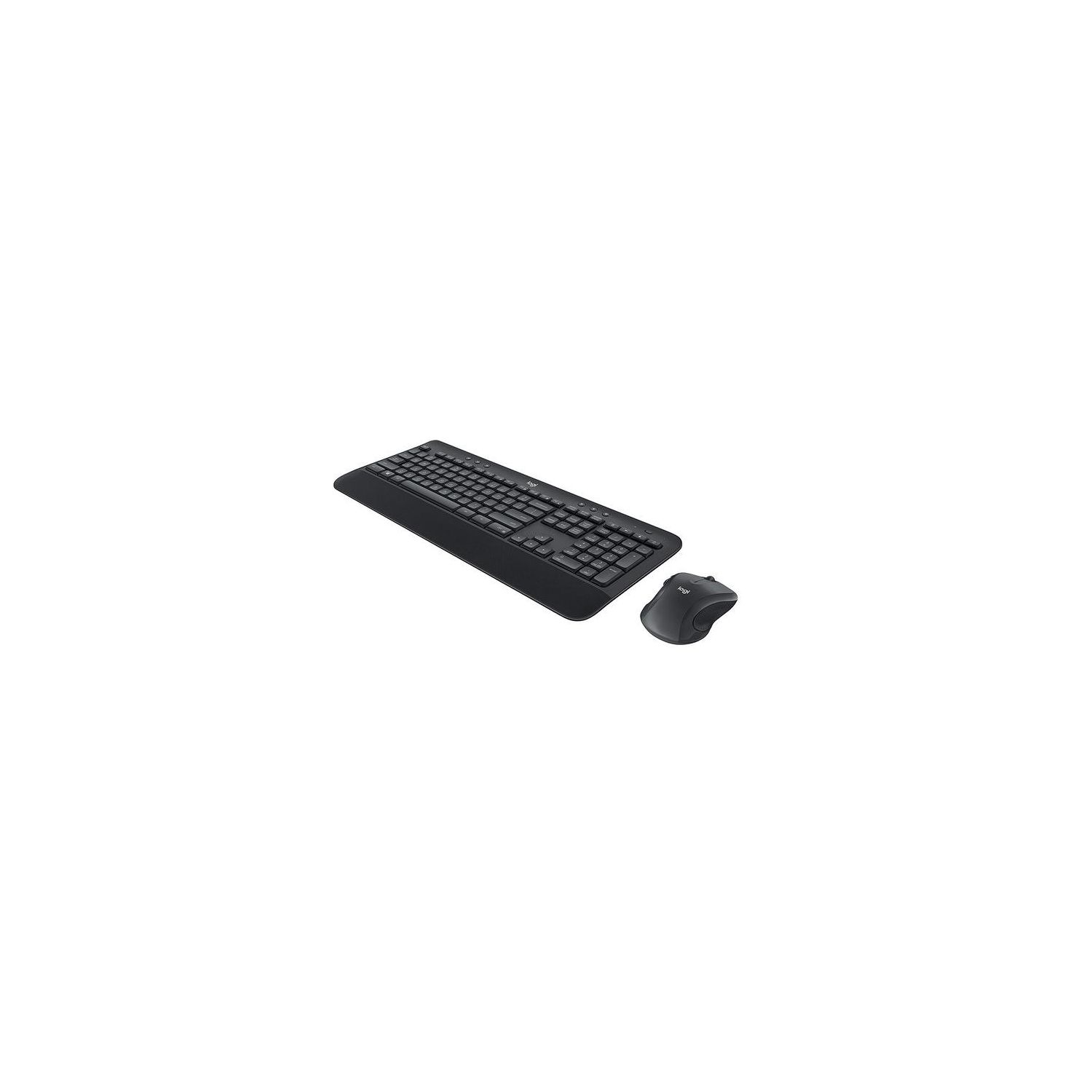
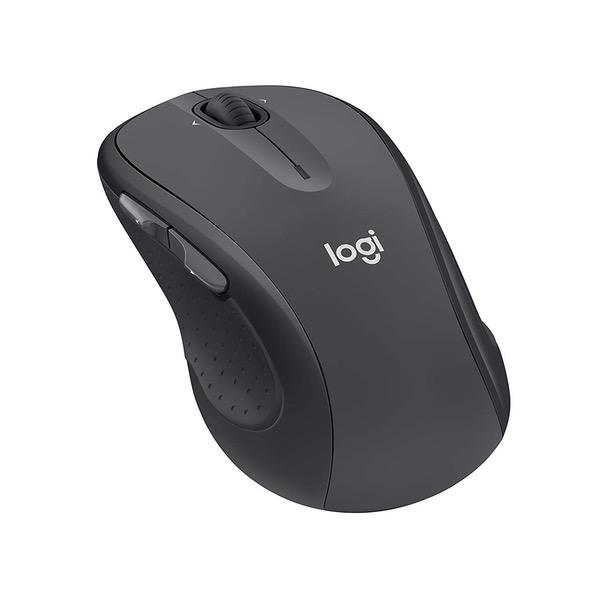
Logitech MK545 Advanced Wireless Keyboard and Mouse Combo
Write a review
$3900 $5000

Logitech MK545 Advanced Wireless Keyboard and Mouse Combo

Write a review
B079HR85C3
+
Add to wish list
Target is a general merchandise retailer with stores in all 50 states and the District...

City: US, New York

Delivery
Pickup at your own expense
Tomorrow from 09:00 to 20:00, Store location
Free
Payment options
Apple Pay Google Pay Mastercard Visa
Cash, bank card, credit/installment payments, cashless payment for legal entities
Warranty and returns
Exchange/return of products of proper quality within 14 days Official manufacturer's warranty: 12 months
Description
This fits your .
Make sure this fits by entering your model number. Type comfortably and accurately on a full-size keyboard with textured palm rest, media controls, f-key shortcuts, and adjustable tilt legs for the perfect typing position Stay productive for hours with a comfortable full-size mouse that combines precision laser-grade tracking and advanced controls Your keyboard stays powered for 36 Months and your mouse for 24 Months with no battery changes Hot keys put media, calculator and battery check functions at your fingertips One tiny Unifying receiver connects both the keyboard and mouse to your computer.Advanced 2.4GHz wireless (10 meters) Keyboard: 3 tilt positions (natural, 4°, and 8°)
Reviews
3.1
Reviews: 20
5 stars
35%
4 stars
10%
3 stars
10%
2 stars
20%
1 star
25%
Dave
4
I bought my first MK520 set a couple years ago. The mouse and keyboard both worked great until recently I noticed my left mouse button wasnt working properly. It would register single clicks as double clicks and wouldnt always register when I was performing a long press. Because I was still within the warranty period I contacted Logitech and requested a replacement. After providing proof of purchase from Amazon, Logitech sent me a brand new MK520 set. The warranty process took about a week -- all by email -- and was easy and painless. I was very pleased to see Logitech stand by its product and send me a replacement mouse and keyboard even though my keyboard was still working perfectly. Now that I have the new set, I am enjoying this product even more. The latest version of the keyboard has different keys than the set I had previously. The keys feel a little more "gritty" which allows my fingers to grasp the keys better. Not much changed about the mouse, but it was already adequate. Wireless signal strength is still great and never was an issue. Battery life is much better than the cheaper Logitech set I owned several years ago before my first MK520 set. Overall I am very pleased with this product and would recommend it for anyone looking for a decent keyboard and mouse at a reasonable price. Also and most importantly: if you run into any problems or defects with your keyboard or mouse and youre within the warranty period, contact Logitech! They will work with you to rectify the issue and will send you a free replacement if need be. (Note: one star was deducted from rating because the first mouse failed. While Logitech did a great job resolving the issue, the fact is that it still occurred.)
grizzled old man
4
I like the full size keyboard. I have it only 4 stars for the following reasons: 1. The keyboard requires AAA batteries. There would be plenty of room for AA batteries and I would expect that battery changes would be far less frequent. The mouse takes one AA battery. Thus you need two sizes of batteries to keep this puppy running.2. The keyboard has an ON/OFF switch, which is fine. But what dweeb thought it ought to be located on the underside of the keyboard, instead of the top? Perhaps the dweebs at Logitech could explain why its better to have the switch on the bottom and out of sight with black raised letters on a black background to indicate the switch position. The mouses switch is also on the bottom, which I can sorta understand, but it has contrasting labeling of the switch position. and 3. i HAD A LOT OF PROBLEMS IN THAT THE KEYBOARD, AND SOMETIMES THE MOUSE, SEEMED TO BE VERY SLOW TO RESPOND. TURNING THE KEYBOARD IN AN UPRIGHT POSITION SEEMED TO HELP. iT WAS SO BAD i HAD TO GO BACK TO WIRED KEYBOARD AND MOUSE. THOSE WIRES DROVE ME QUICKLY NUTS. I REALIZED THAT THERE WAS SOME INTERFERENCE ISSUE. AS I WAS LOOKING AT USB HUBS, TO PUT SOME DISTANCE BETWEEN THE COMPUTER AND THE DONGLE, I NOTICED SOMEONE MENTIONING THAT THERE WAS INTERFERENCE PROBLEMS WITH SOME DEVICES USING THE USB 3.0 CONNECTIONS. I SWITCHED THE MOUSE/KEYBOARD DONGLE OVER TO A USB 2.0 PORT AND THE THING WORKS FINE. MAYBE LOGITECH OUGHT TO MENTION THIS PROMINENTLY.
You may be interested
  • Bestsellers
  • Recently Viewed
 
Fast and high quality delivery

Our company makes delivery all over the country

Quality assurance and service

We offer only those goods, in which quality we are sure

Returns within 30 days

You have 30 days to test your purchase