
















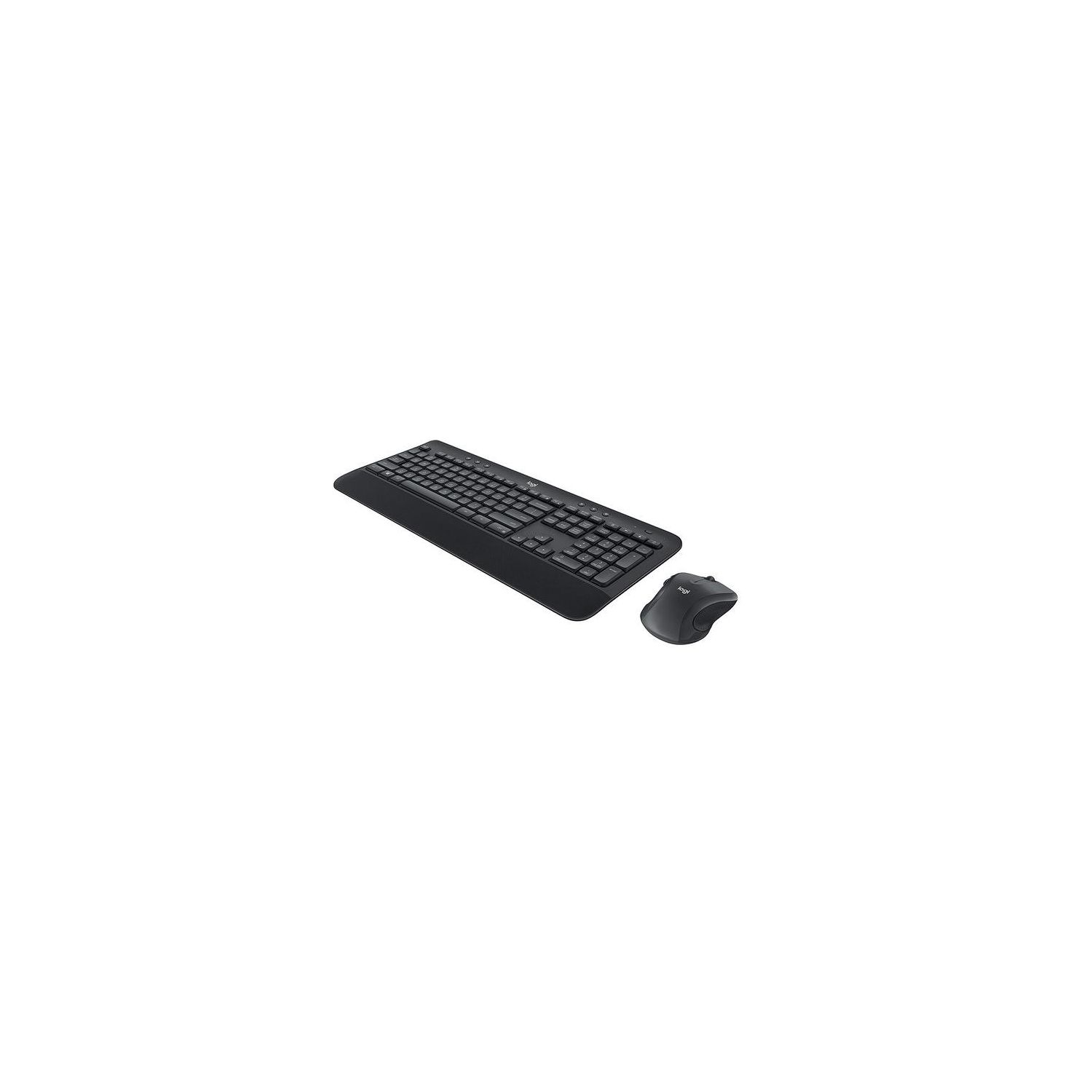
Logitech MK545 Advanced Wireless Keyboard and Mouse Combo
Write a review
$3900 $5000

Logitech MK545 Advanced Wireless Keyboard and Mouse Combo

Write a review
B079HR85C3
+
Add to wish list
Target is a general merchandise retailer with stores in all 50 states and the District...

City: US, New York

Delivery
Pickup at your own expense
Tomorrow from 09:00 to 20:00, Store location
Free
Payment options
Apple Pay Google Pay Mastercard Visa
Cash, bank card, credit/installment payments, cashless payment for legal entities
Warranty and returns
Exchange/return of products of proper quality within 14 days Official manufacturer's warranty: 12 months
Description
This fits your .
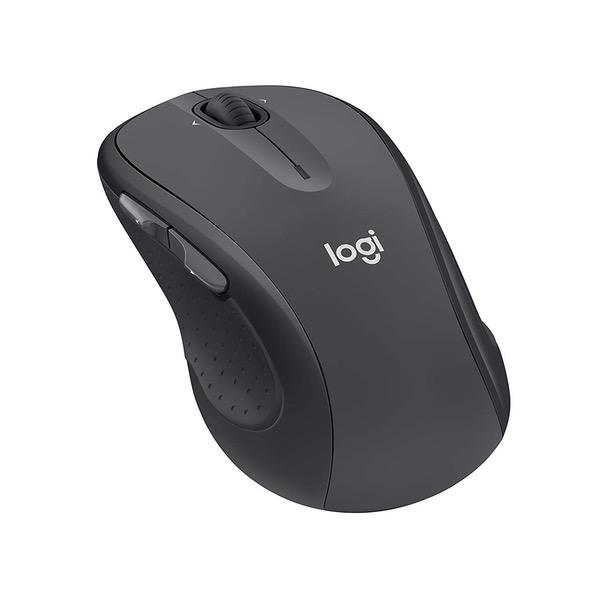
Make sure this fits by entering your model number. Type comfortably and accurately on a full-size keyboard with textured palm rest, media controls, f-key shortcuts, and adjustable tilt legs for the perfect typing position Stay productive for hours with a comfortable full-size mouse that combines precision laser-grade tracking and advanced controls Your keyboard stays powered for 36 Months and your mouse for 24 Months with no battery changes Hot keys put media, calculator and battery check functions at your fingertips One tiny Unifying receiver connects both the keyboard and mouse to your computer.Advanced 2.4GHz wireless (10 meters) Keyboard: 3 tilt positions (natural, 4°, and 8°)
Reviews
3.1
Reviews: 20
5 stars
35%
4 stars
10%
3 stars
10%
2 stars
20%
1 star
25%
John W. Wagonis
3
I have had this mouse and keyboard set up for 7 years on a Dell computer. I have just upgraded computers and wanted the same mouse and keyboard to keep my feel on the keyboard the same. And I will refer to the Dell once and a while as my backup computer. So the new keyboard and mouse are working great now. Yesterday not so great as I figured one thing out. I had put the receiver in a USB port directly beside the USB connection for my laser printer. When I was printing, the mouse would stutter, freeze, or disappear. I have a new Duracell battery in it, not the cheap supplied battery. But I was noticing a pattern, and yes, when I typed, sometimes what I typed took several seconds to appear. I now re-located the receiver to another USB port not near the laser printer cable. And mouse speed and typing speed are back to their exceptional fastness. So for anyone encountering the drag problem, get the receiver away from printer cables, or possibly other USB devices. I would think external hard drives and DVD players would not be as big of an issue as a laser printer. But they could be. And for those who actually complain about the noise of the keyboard, yes it makes noise. If no radio or TV are on in the room, you will hear every keystroke. But it is not a loud annoying sound, it is just the flow of your work. The keyboard feels great to use. You get to snap the keys a little and they respond well. A fair trade off for a little bit of noise. And if the noise is a problem, turn up the music a little. The fan in my laser printer next to me is far more annoying than the keyboard click. Better than having to shove your fingers on the keys to get them to respond. 4-10-19 Add on and change to review. I am purchasing another one because very possible this set is a bit defective. Having a problem with the mouse. It seems to be receiving a single to double click or click and drag when I am just single clicking the button. Not a dirt problem, not a battery problem, and I am pretty sure it is not a driver or setting problem. I have tried several times of setting the double click speed both faster and slower. It is becoming difficult to select a block of text with it. So I am replacing it after a year. Just goes to show you that in a production run of products, sometimes you get a good one, sometimes you get a bad one.
Dena Martin
3
I ordered one set for my home office and once I realized how super quiet the keyboard is I decided to order sets for my other computers. However, Im having an issue with one two keyboards. Its as if it goes to sleep. Ive found that sometimes when I start typing it will miss the first letter, like it needs a few keystrokes to wake up. I was concerned it may be that the wireless signal was being blocked somehow, but thats not the case. I dont have the issue with the other two that I use, just this third one. And it doesnt happen all the time. I havent tested how long of a pause causes it to sleep (it may not be sleeping but thats the only analogy I can come up with), but Im a very fast typer and sometimes Ill cause all sorts of mayhem thinking the keyboard is catching everything as I zip through just to see my screen start to freak out because it doesnt understand all my commands due to missing the first letter. Frustrating! Now I have to type a letter and wait to see if it registered or if that letter woke it up before I continue. Otherwise, I like it. Mouse is good shape and size.
You may be interested
  • Bestsellers
  • Recently Viewed
 
Fast and high quality delivery

Our company makes delivery all over the country

Quality assurance and service

We offer only those goods, in which quality we are sure

Returns within 30 days

You have 30 days to test your purchase