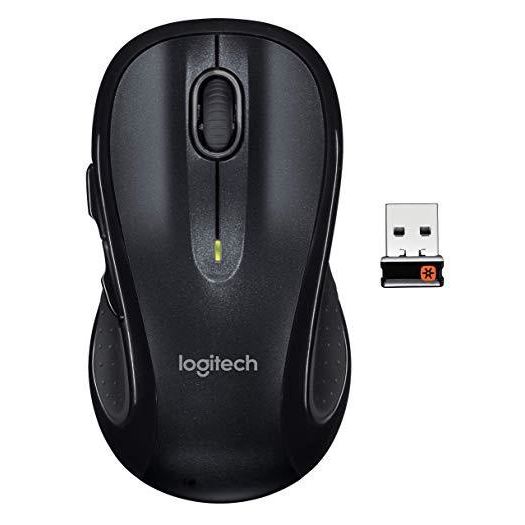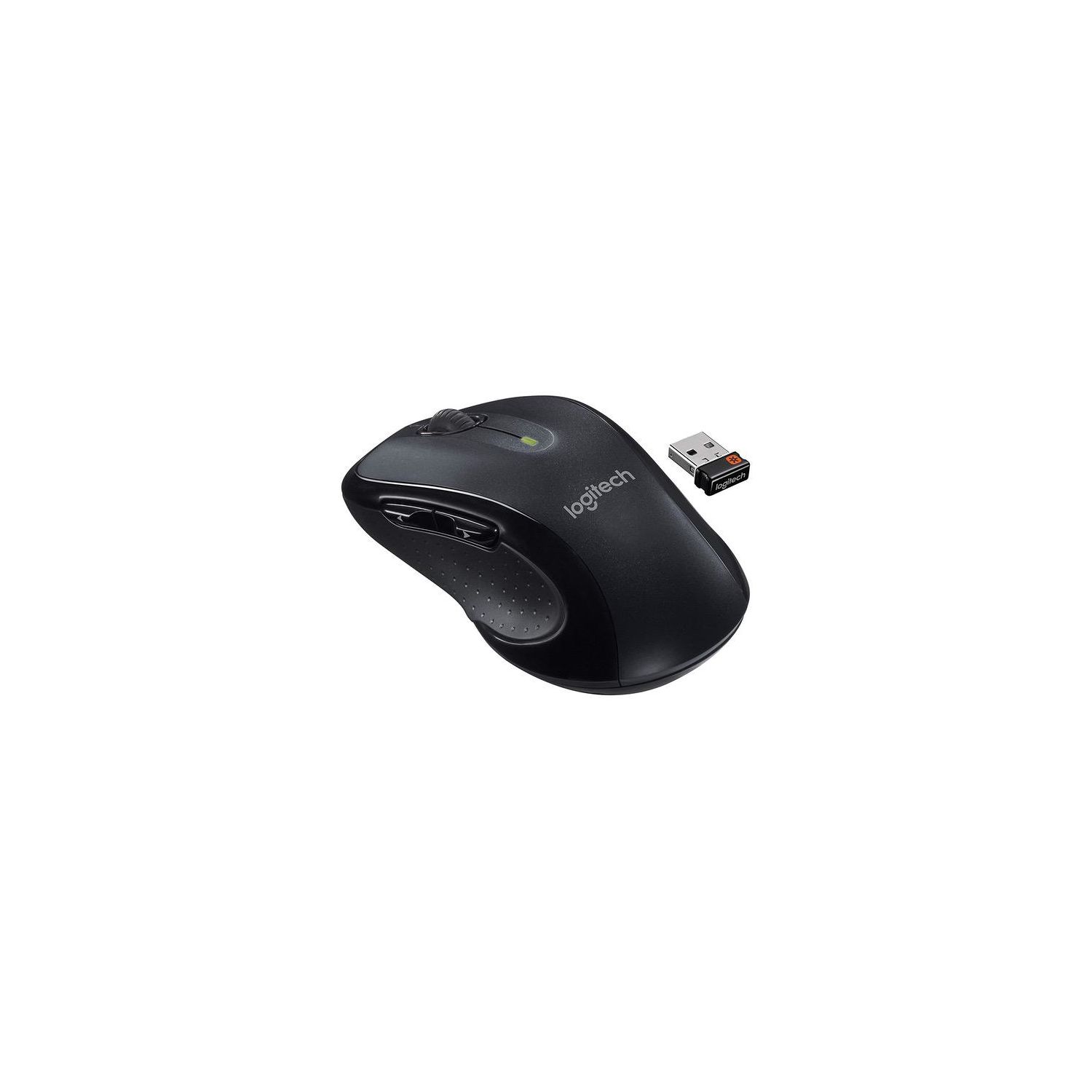
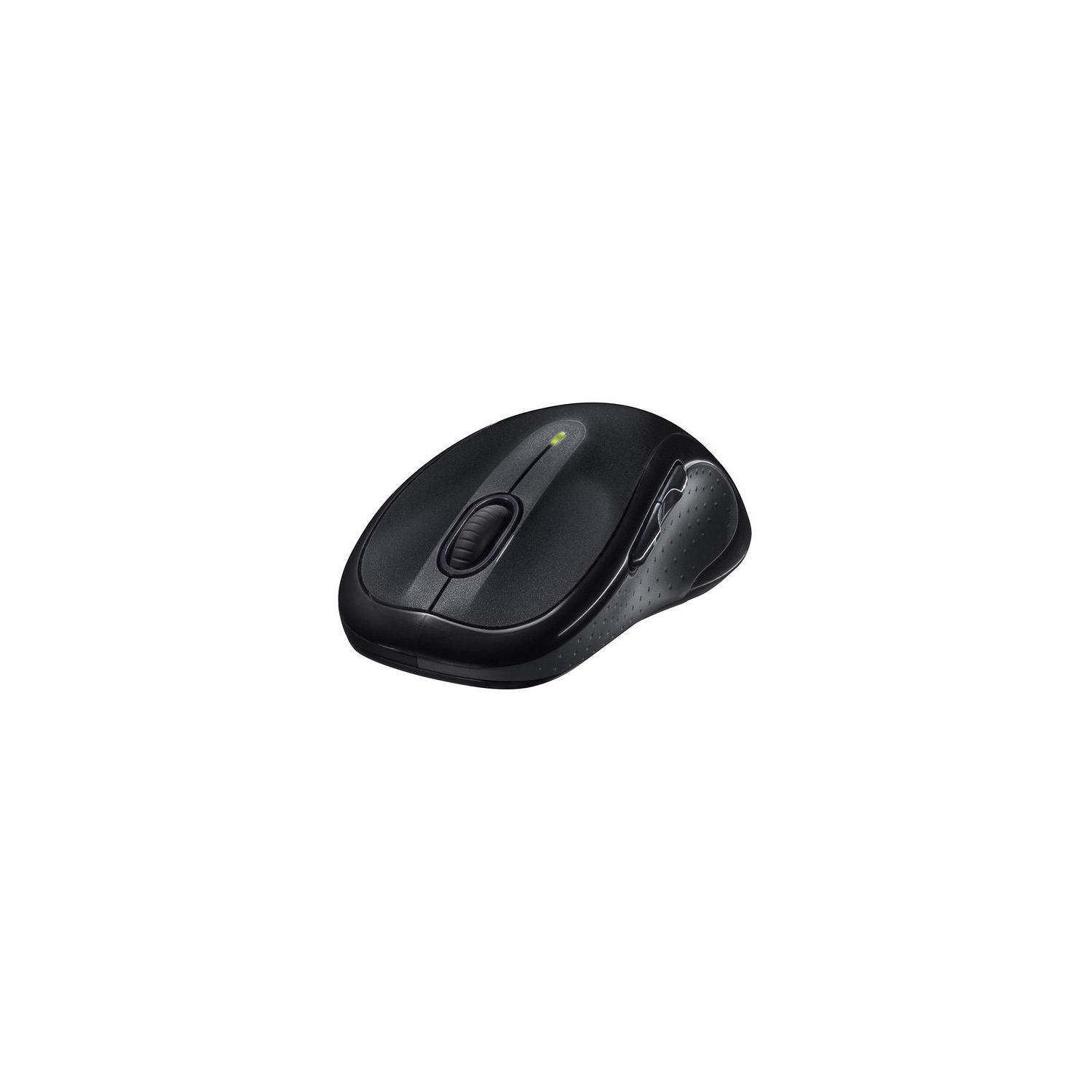
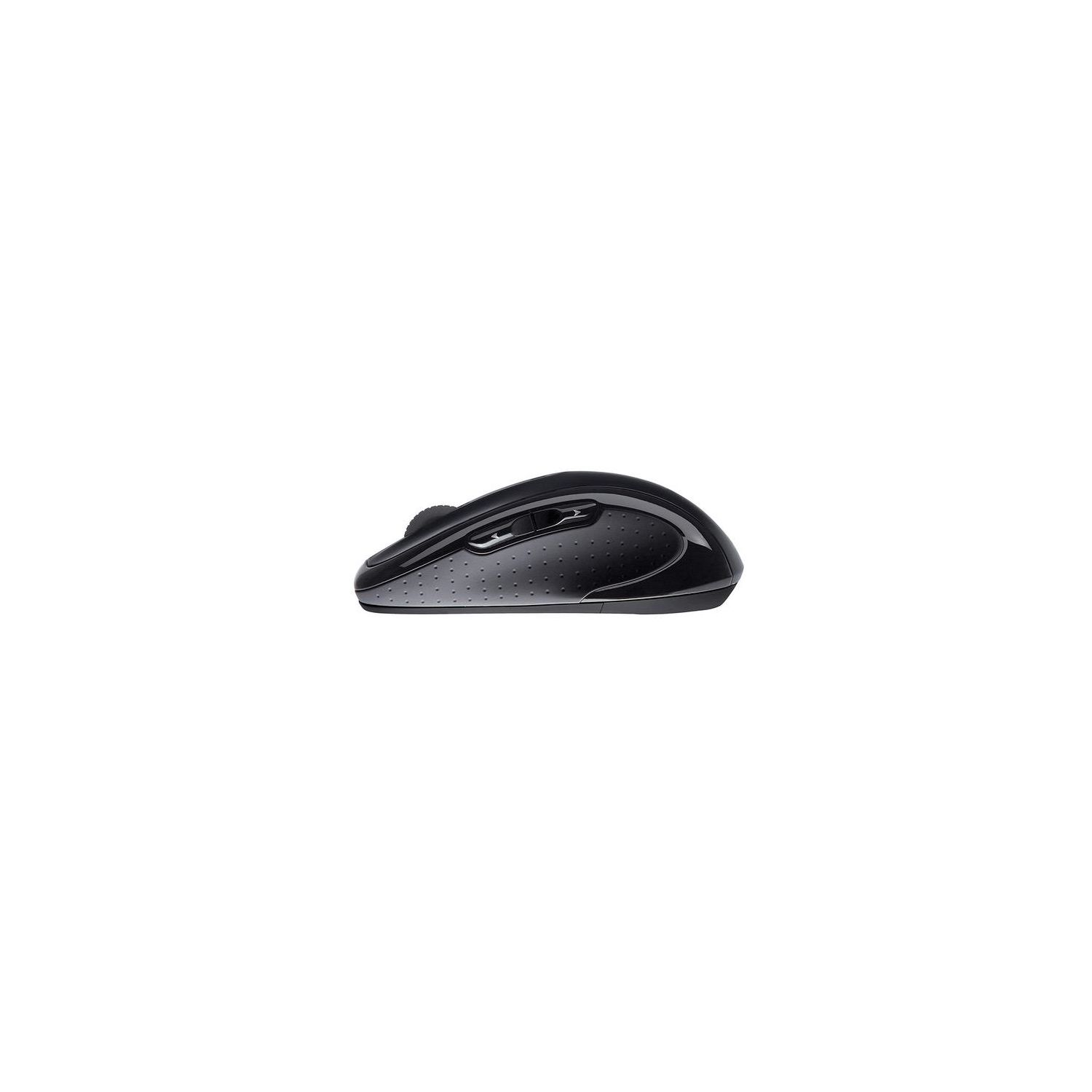
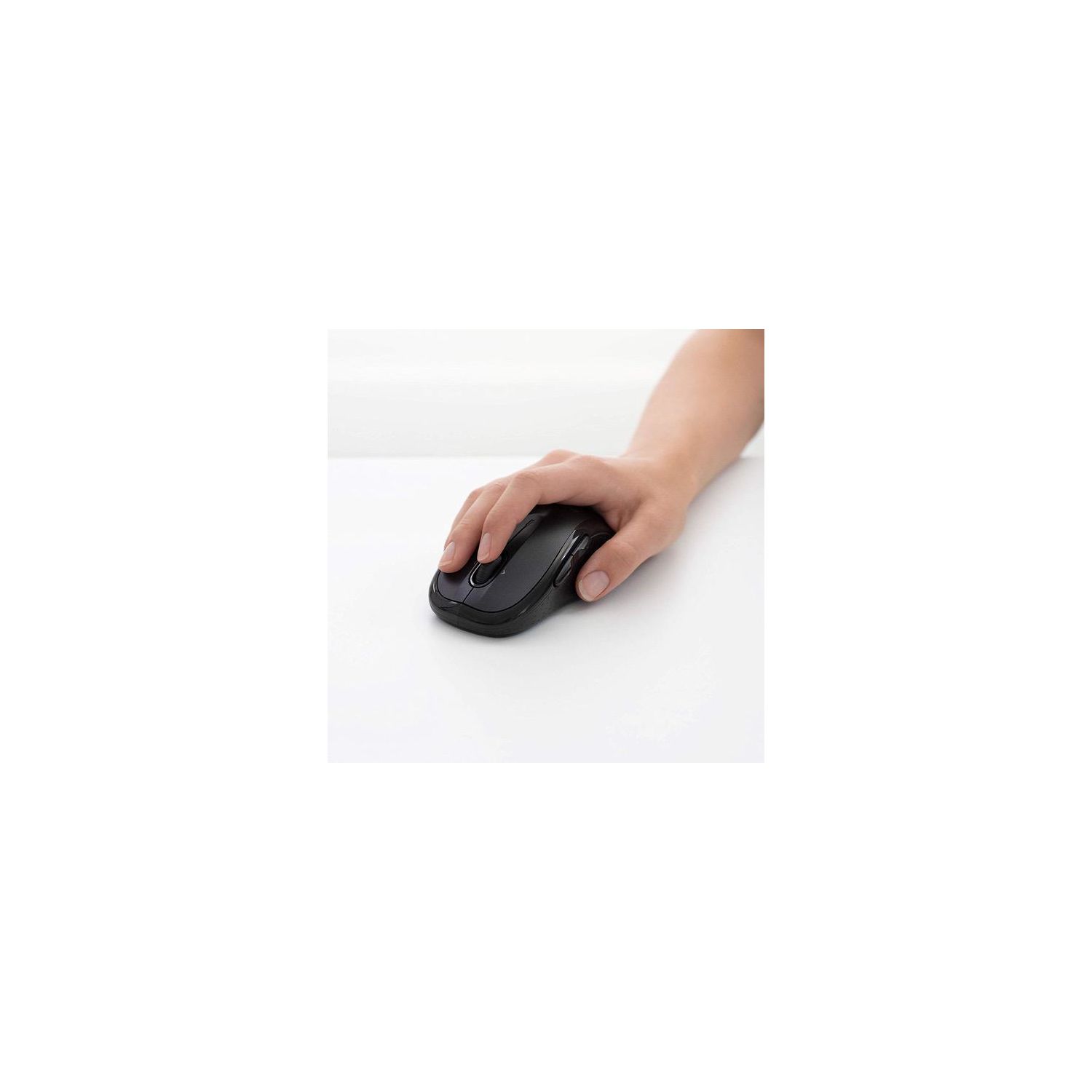
Logitech M510 Wireless Computer Mouse – Comfortable Shape with USB Unifying Receiver, with Back/Forward Buttons and Side-to-Side Scrolling, Dark Gray
Write a review
$1800 $5000

Logitech M510 Wireless Computer Mouse – Comfortable Shape with USB Unifying Receiver, with Back/Forward Buttons and Side-to-Side Scrolling, Dark Gray

Write a review
B003NR57BY
+
Add to wish list
Target is a general merchandise retailer with stores in all 50 states and the District...

City: US, New York

Delivery
Pickup at your own expense
Tomorrow from 09:00 to 20:00, Store location
Free
Payment options
Apple Pay Google Pay Mastercard Visa
Cash, bank card, credit/installment payments, cashless payment for legal entities
Warranty and returns
Exchange/return of products of proper quality within 14 days Official manufacturer's warranty: 12 months
Description
This fits your .
Make sure this fits by entering your model number. ERGONOMIC SHAPE - Ergonomically sculpted design and soft rubber grips conform to your right or left hand to be naturally comfortable, and the compact size makes it easy to take with you wherever you use your computer—at home, at work, or anywhere else CONVENIENT CONTROLS - Back/forward buttons and side-to-side scrolling plus zoom let you do more, faster (requires free Logitech Options software) LONG BATTERY LIFE- You might forget this mouse runs on batteries with 2 years of power from two AA batteries PROGRAMMABLE CONTROLS - Configure the buttons to do exactly what you want like switching applications, opening browser windows or jump to full screen while watching videos PLUG'N'PLAY CONNECTION - Nano-sized Logitech wireless unifying receiver stays in your computer— plug it in, forget it, even add compatible wireless devices without multiple USB receivers Wireless technology: Advanced 2.4 GHz wireless connectivity (Unifying supported)
Reviews
2.4
Reviews: 20
5 stars
10%
4 stars
20%
3 stars
15%
2 stars
10%
1 star
45%
Nick
5
This review is for the returning M510 users out there. If youve owned this mouse, you should know that that Logitech has changed the design a little bit. Along with their new logo, the new "2nd Edition" M510 (missed opportunity by not calling it M510S or something) now also sports a "laser-grade" optical sensor, as opposed to the old "actual laser" sensor. After doing a deep dive for some information, the internet scholars on a couple first-page forums have confirmed a few facts for me. First, the optical sensor is not necessarily a downgrade. Laser sensors have inherent issues - some complaints on the old 510 were that it exhibited cursor stutters, jitters, and shakes - and the modified design is likely to address those concerns. That being said, laser sensors have higher a DPI resolution, which should mean that they are more precise. Conventional wisdom might make you hesitant to purchase this new M510S (my nickname for it). Why would the newer model have LESS DPIs? What an outrage! Well, lets be true millennials and talk about how it feels. The optical sensor feels smooth and rounded, yet agile and lively. Its actually really enjoyable. The cursor "acceleration" on the older version became more pronounced while using them side by side, and it started to get annoying after I actually noticed it. Without subtle wiggles, the overall experience is more precise. Fortunately, the folks at Logitech seem to be pragmatists and have figured that, while they took away some of the super-awesome DPIs, the mouse actually performs more satisfactorily during real-world use. After doing way more research that I bargained for, I found out that most people would agree too. I wish the change was more clearly communicated, though. I almost didnt even open the packaging because I thought it was counterfeit, so my first time using it was littered with skepticism. I wrote this review because I dont think Ill be the last person to go through that. If you currently own or have owned the 1st version M510 and want to replace it or get a second one but are now reluctant because its a different design, just buy it. Thats the beauty about this thing: a mouse is not something worth obsessing over, and it just works well.
LJ
5
So, I purchased this Logitech M510 mouse because its compatible with a MAC PC, along with my OS version. Upon on receipt, unwrapped, ensured batteries were set properly, plugged in the USB wireless reader. PC recognized it immediately. I had to go to Logitech site to download the options program to set the back/forward buttons. That was easy, and the entire process of setting this mouse up took approximately five (5) minutes. I couldnt be more pleased. After using Apples white mouse for two years, because there wasnt anything out there that would work, or was compatible, for a MAC, its GREAT to be able to use the back / forward buttons again. The Apple mouse was pure manual, having to move the cursor up to the back / forward arrows on a website, if you wanted to go back or forward. Just a lot of unnecessary moving around of the cursor...IMHO. If I have any issues with this mouse in the future, Ill come back and update this review. But for now, Im pretty darned happy and content with this Logitech mouse. I would recommend this product for anyone using the Apple mouse, and want their back / forward button operations back.
You may be interested
  • Bestsellers
  • Recently Viewed
 
Fast and high quality delivery

Our company makes delivery all over the country

Quality assurance and service

We offer only those goods, in which quality we are sure

Returns within 30 days

You have 30 days to test your purchase