
















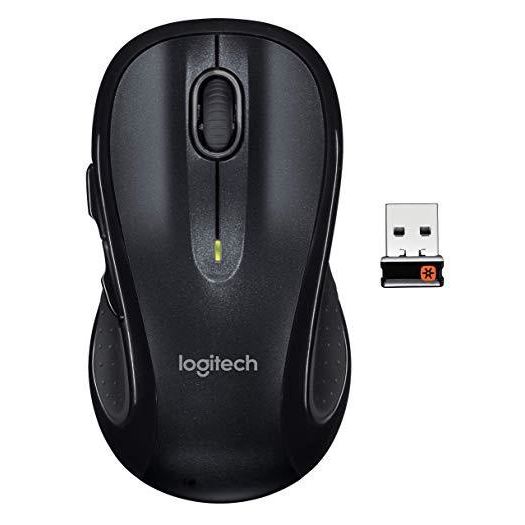
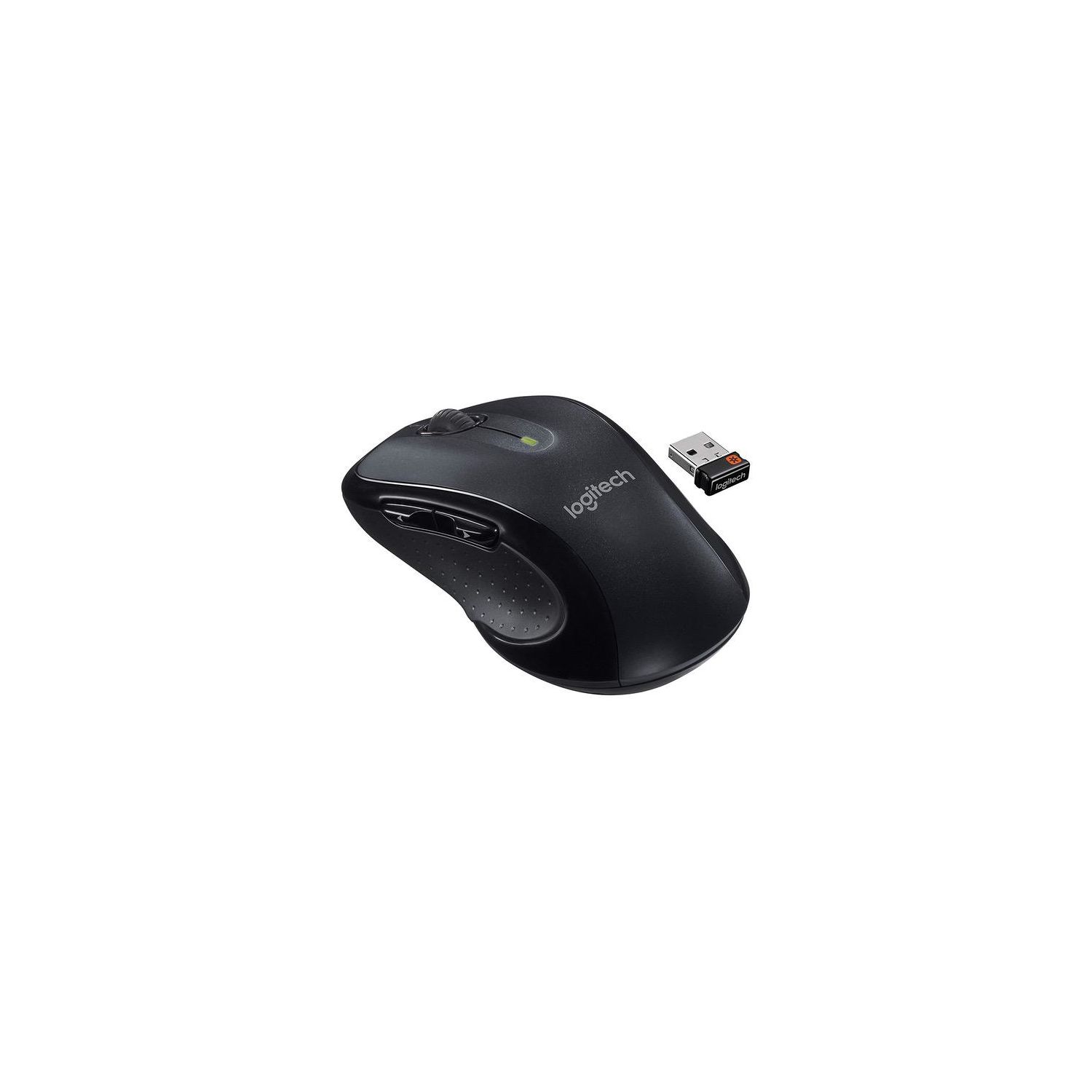
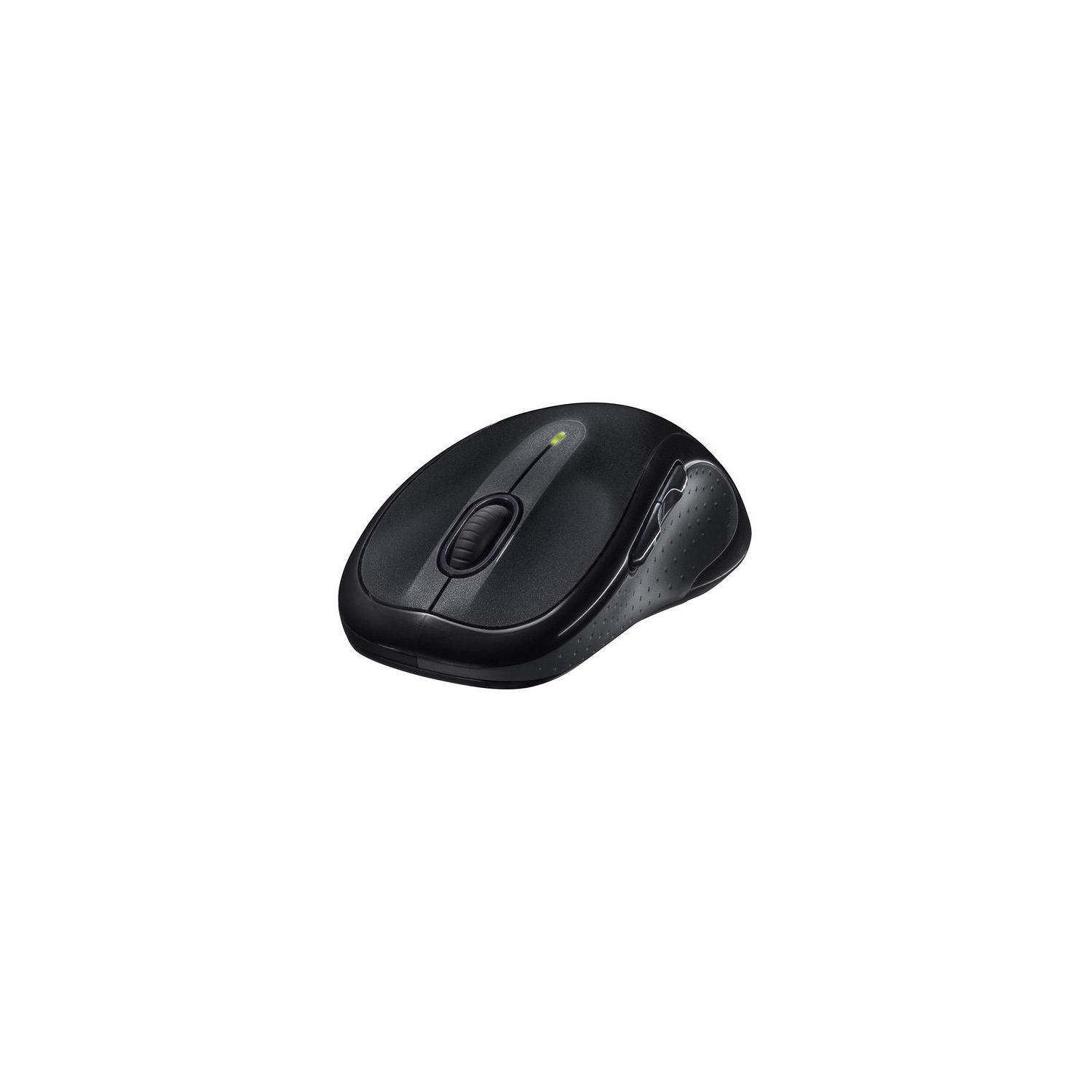
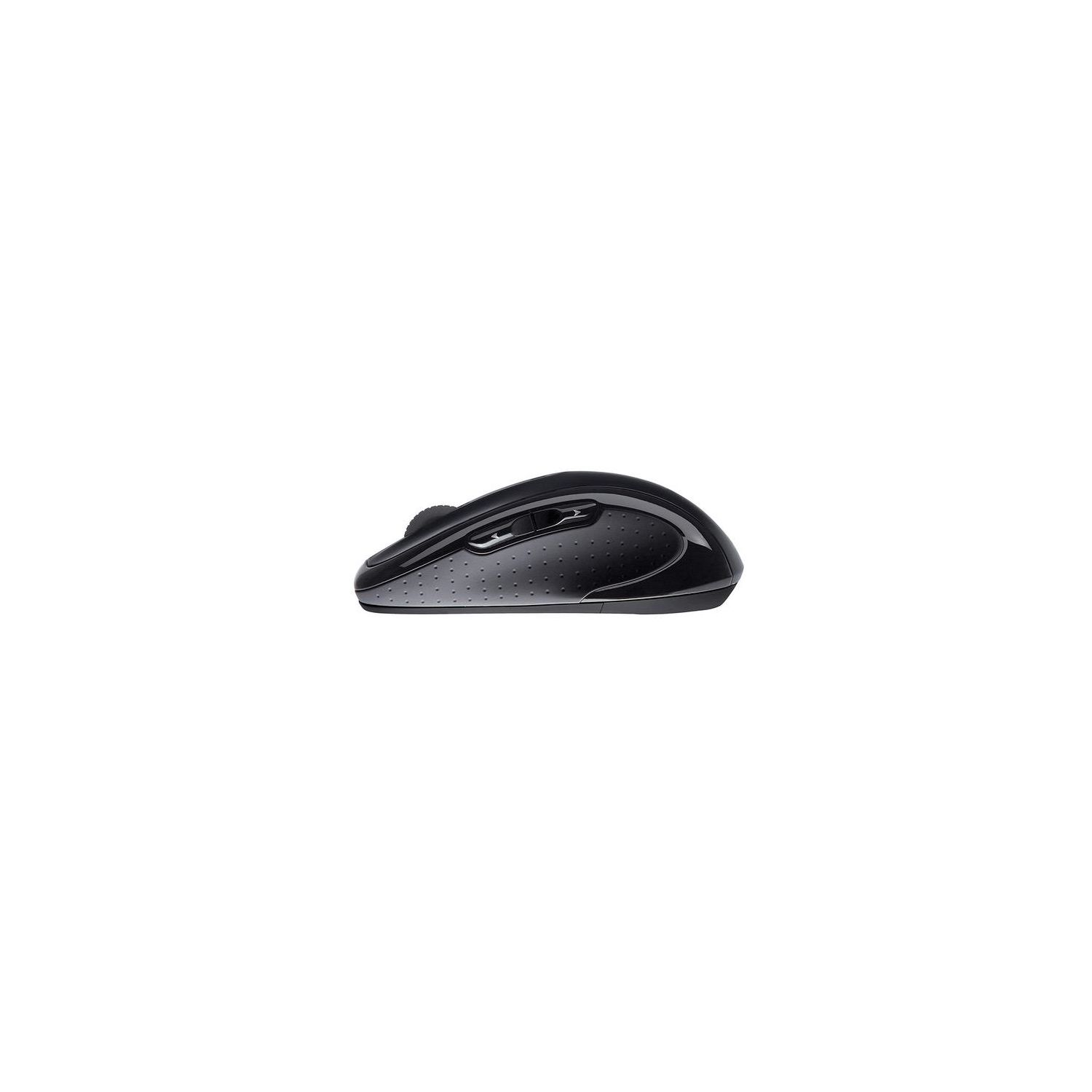

Logitech M510 Wireless Computer Mouse – Comfortable Shape with USB Unifying Receiver, with Back/Forward Buttons and Side-to-Side Scrolling, Dark Gray
Write a review
$1800 $5000

Logitech M510 Wireless Computer Mouse – Comfortable Shape with USB Unifying Receiver, with Back/Forward Buttons and Side-to-Side Scrolling, Dark Gray

Write a review
B003NR57BY
+
Add to wish list
Target is a general merchandise retailer with stores in all 50 states and the District...

City: US, New York

Delivery
Pickup at your own expense
Tomorrow from 09:00 to 20:00, Store location
Free
Payment options
Apple Pay Google Pay Mastercard Visa
Cash, bank card, credit/installment payments, cashless payment for legal entities
Warranty and returns
Exchange/return of products of proper quality within 14 days Official manufacturer's warranty: 12 months
Description
This fits your .
Make sure this fits by entering your model number. ERGONOMIC SHAPE - Ergonomically sculpted design and soft rubber grips conform to your right or left hand to be naturally comfortable, and the compact size makes it easy to take with you wherever you use your computer—at home, at work, or anywhere else CONVENIENT CONTROLS - Back/forward buttons and side-to-side scrolling plus zoom let you do more, faster (requires free Logitech Options software) LONG BATTERY LIFE- You might forget this mouse runs on batteries with 2 years of power from two AA batteries PROGRAMMABLE CONTROLS - Configure the buttons to do exactly what you want like switching applications, opening browser windows or jump to full screen while watching videos PLUG'N'PLAY CONNECTION - Nano-sized Logitech wireless unifying receiver stays in your computer— plug it in, forget it, even add compatible wireless devices without multiple USB receivers Wireless technology: Advanced 2.4 GHz wireless connectivity (Unifying supported)
Reviews
2.4
Reviews: 20
5 stars
10%
4 stars
20%
3 stars
15%
2 stars
10%
1 star
45%
Daryn
4
I have purchased several of these mice over the last 5 years and continue to do so. It is a good mouse with long battery life and an off switch, but looses points because they fail after 9 months of daily use. Size: 4 Stars The mouse is a bit longer than most, but smaller than many of the ergonomic mice. It fits my larger hands comfortably which many smaller mice dont. My wife has smaller hands and finds it comfortable to use. I have several young children and they have no problems with it either. the mouse is pleasantly symmetrical, and while nice to look at and fit in smaller pockets, my hand is not symmetrical. I have a thumb on one side and a pinky on the other. I would say like most people, but I havent met most people. this leaves your ring finger kind of hanging and your pinky to rest on whatever surface you are using the mouse on. If you were to pull your pinky into the thumb groove, it would cramp. You may think this symmetry makes it good for lefties, and while my wrong handed sister says it is the most comfortable right handed mouse she has ever used, the extra forward and back thumb buttons are on the other side, making them awkward to operate for a leftie who has to use her ring finger. Something she assures me she could get used to, but in order to shed have to get her own dang mouse and stop stealing mine. Connection and Laser: 5 Stars The mouse connects to a nano receiver that connects to any USB port. It is NOT Bluetooth (this is good, it doesnt have paring issues like Bluetooth). The connection is good and the movement smooth. Other wireless mice suffer from an issue where they go into standby after a few seconds and dont catch the initial movement when you start using the mouse again. Not this one. This mouse will track on any surface I have used it on and moves smoothly. I have used as many as 5 of them in the same room at the same time with no ill effects or cross talk. I have read that there is a way to connect a mouse to a different nano receiver, but I have not tried or messed with this and have also heard that posting a legal notice on your Facebook wall will protect your copyright and privacy rights, so who knows just dont lose the tiny receiver, there is a storage space for it in the battery compartment. Also, dont store it in the battery compartment and forget you put it there and tear your house apart looking for it. Finally, the optic is invisible so no red light or blinding death laser shoots out the bottom. Durability: 3 Stars I am not easy on my mice. Neither are my children. I have a work laptop and a personal laptop. Both have their own mouse (different colors thank you Logitech). My work one gets used 50 hours a week or so but only on a desk and rarely gets dropped. My work mouse tends to last 9 months before buttons start double clicking. My personal mouse gets used less, but still several hours a week and it is used on every surface in the house, couch, bed, dog, desk, wood grain table, pant leg, childs diapered bottom, carpet, wall, glass stove top (while stove top is off), tile wall, leg without pants, wifes back, bottom of shoe (ineffective, yes), and on rare occasion, a mouse pad. My personal mouse is dropped, thrown, used as a shield defending from a wife slap, drooled on, and occasionally kicked. When not in use it sits in a bag that gets thrown around with regularity. This one usually lasts 7-8 months before buttons stop clicking (or double clicking) or the laser stops reading as many surfaces. My media center has a mouse that is used very sparingly, a few minutes each day starting or ending a show. When a previous mouse did 7 months with me and the laser started getting picky with surfaces, we moved it to the low use media center mouse. This mouse has lasted in this position for more than a year without getting any worse. So I firmly believe that this is an over use/abuse issue. It is worth noting that I have owned and used other mice from Microsoft and HP and Dell, and none of them lasted so long. Battery Life: 5 Stars The mouse takes 2 AA batteries (and puts them facing the same direction ick) and they last a while. the cavity is large enough to accommodate slightly larger rechargeable batteries of you use them. My 2 mice are turned off when not in use but experience heavy use and the included Duracell batteries last generally longer than the mice. My wifes mouse sits on all the time and gets moderate to heavy use and her batteries last more than 6 months. There is a nice little strip of plastic built in that when you pull on it, the batteries pop up, this is a nice extra feature for changing batteries so you dont have to jam a butter knife in there to get them out, then slip and rake your finger with the jagged edge and pathetically explain to your wife how you managed to cut yourself with a butter knife and watch as she hides the scissors. Weird light on top: 3 Stars There is a weird light on top. It turns on when you turn the mouse on, reassuring you that the mouse is, in fact, on. This saves you from the gut wrenching anxiety of wondering if the batteries are dead every time you turn it on, only the batteries last forever... The light turns off after a couple of seconds to not waste battery power. Its nice, but not necessary. Also, I think I remember it flashing angry red at me after it got thrown across the room one time, so this may be the mouses primary method of communication and who am I to silence it. Noise: 5 Stars The mouse is whisper quiet. I am usually unable to tell if it is on or not by sound alone. There is a light and satisfying click sound when clicking either button or turning the switch on and off. Usually whatever I am using for a surface for the mouse makes far more noise than the mouse itself. Off Switch: 5 Stars It works. there is a small ridge in the middle offering enough friction to easily turn the switch on or off and there is a colored pad under the switch so you can see a bit of red when off and green when on. This is useful because the words for on and off are etched on and can only be seen if you catch the light just right.
UltraGeek1111
4
The new 2nd generation M510 uses a "laser grade" optical sensor whereas the 1st generation M510 used an actual laser sensor. You can tell the difference because the 1st gen has Logitechs full logo on the palm whereas the 2nd gen only says "Logitech" across the palm in large font, has an updated nano receiver and new minimalist packaging. I had 2 of the first gen and both were plagued with horizontal stuttering issues (new Duracell batteries or q-tip cleaning the sensor would not help) so Im hoping the new optical upgrade/downgrade (depending how you look at it) will be more reliable. I believe Logitech must have acknowledged the original faulty sensor and did a quiet overhaul without changing the model number. The cursor on the new gen feels more buttery but at least its not stuttering. This is probably the best bang 4 buck lefty/righty mouse on the market thanks to its sleek design and 24 month battery life but keep it mind its not bluetooth and wont be as precise as their more expensive dark field laser sensors.
Zar
4
After years of faithful service, it was finally time to retire my old Logitech M510. Years of video games, office work, and general abuse had taken its toll. The left mouse button no longer registers hold down, instead just repeat clicking. The scroll wheel now skips every other scrolling motion. The rubber pads on the sides have been worn smooth from thousands of hours of use. And...thats about it. Everything else still works great! Its actually kind of unbelievable. This thing survived gamer button mashing in Call of Duty and World of Warcraft raid wipes, getting tossed about the desk in frustration. It survived my cat knocking it off the desk countless times, for no other reason other than he is a cat, and therefore a jerk. It survived 3 moves around the city, getting unceremoniously thrown into a moving box to be unpacked at a later date. And yet, it still tracks perfectly. It registers clicks (with the exception of the hold-down issue). The batteries still last forever. It still just... works. Im not even going to throw it away. It will live in the old computer stuff box as a backup in case my cat strikes again. So, when it came time to retire my old friend, I had a hard time finding a suitable replacement. I looked at Logitechs newer offerings. Many of which were "gamer-tailored" offerings. I looked at wired mice for the latency advantage. I even tried one of those new vertical mice ( Anker AK-98ANWVM-UBA 2.4G Wireless Vertical Ergonomic Optical Mouse, 800 / 1200 /1600DPI, 5 Buttons - Black ). I liked it, but it had glitches (see my review of it for details). In the end, I just didnt find anything that was the right fit. Everything was either huge with 37 buttons I would never use, or was shaped oddly. Then I realized. What I was looking for was not an improvement over my old M510. It was a new M510. But maybe a new color. The metallic grey was getting old! So here I am, with my shiny (or not shiny, rather) new M510 in a gorgeous cranberry red, and I have to say, I have a couple gripes. They changed a couple things that I may or may not like. The texture of the red parts is now matte, a little grainy. I actually like that over the old glossy 510, which attracted every finger smudge imaginable. The other thing I notice is the scroll wheel rotation is not nearly as refined as the old wheel. It is much rougher. It feels like they went cheaper on materials for the wheel. Only time will tell if the legendary 2+ year battery life still holds true, but they DO include batteries to start you off. And I should mention the awful blister pack packaging now has perforations for "tool-free" opening! But it is still sharp, so watch out! Other than that, its still the same great M510. Tracking is accurate. Latency is extremely low for a wireless mouse. Im a happy camper.
PDX_innovation
4
Update: So this mouse worked fine on my SurfacePro4 Win10 machine for several months without issue. It was plug and play. Then, one day, nothing. My system cant even see the USB transmitter. I plugged in my cheapo wireless travel mouse, and it worked fine. I took the Logitech mouse home and plugged it into my home computer (Win7), and viola, it worked! I swapped out my work mouse for the identical one I had at home, and when I plugged that second one into my Win10 machine, nothing. So, its either my machine or my OS. Since my cheapo wireless mouse works, its not my machine... its Win10. I did a quick internet search and found Logitech has some unifying software found here: support.logitech.com/en_us/product/wireless-mouse-m510/downloads# ...once I downloaded their support software, restarted my system, and then plugged in the mouse, all was up and running smoothly again. Ah, Win10... there must have been an update somewhere in the background that blipped the usability of the mouse. Its all fixed now and Im a happy camper again... for the moment. Original: I really like this mouse. Fits well in hand, is super fast and accurate in movement, clicks, and scrolling, but it died after about 3 months... just like several of the reviewers had noted (heavy sigh). If I would have dug deeper into the reviews, I would have seen several people have the same issue with the mouse just stopping working after a few months... just like mine did. I have mine at work and it stays on my desk. I shut down my SurfacePro every day, but the transponder stays in the docking station and I turn the mouse off in the evening when I leave. This morning, it just never woke back up. Who knows what went bad, but I tried different ports and different batteries... to no avail. I initially ordered two of these, so Ill do a little troubleshooting on the working one at home and see what went kaputz.
You may be interested
  • Bestsellers
  • Recently Viewed
 
Fast and high quality delivery

Our company makes delivery all over the country

Quality assurance and service

We offer only those goods, in which quality we are sure

Returns within 30 days

You have 30 days to test your purchase