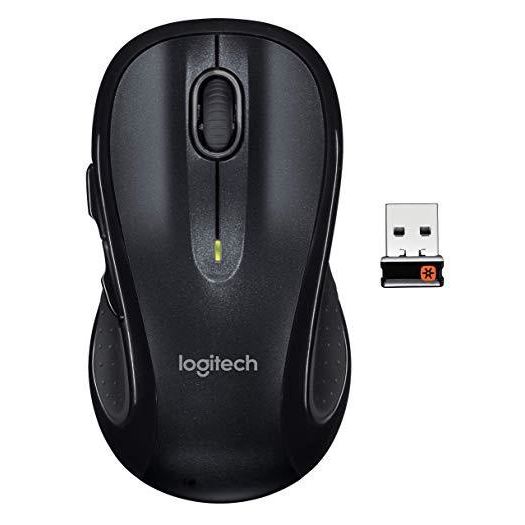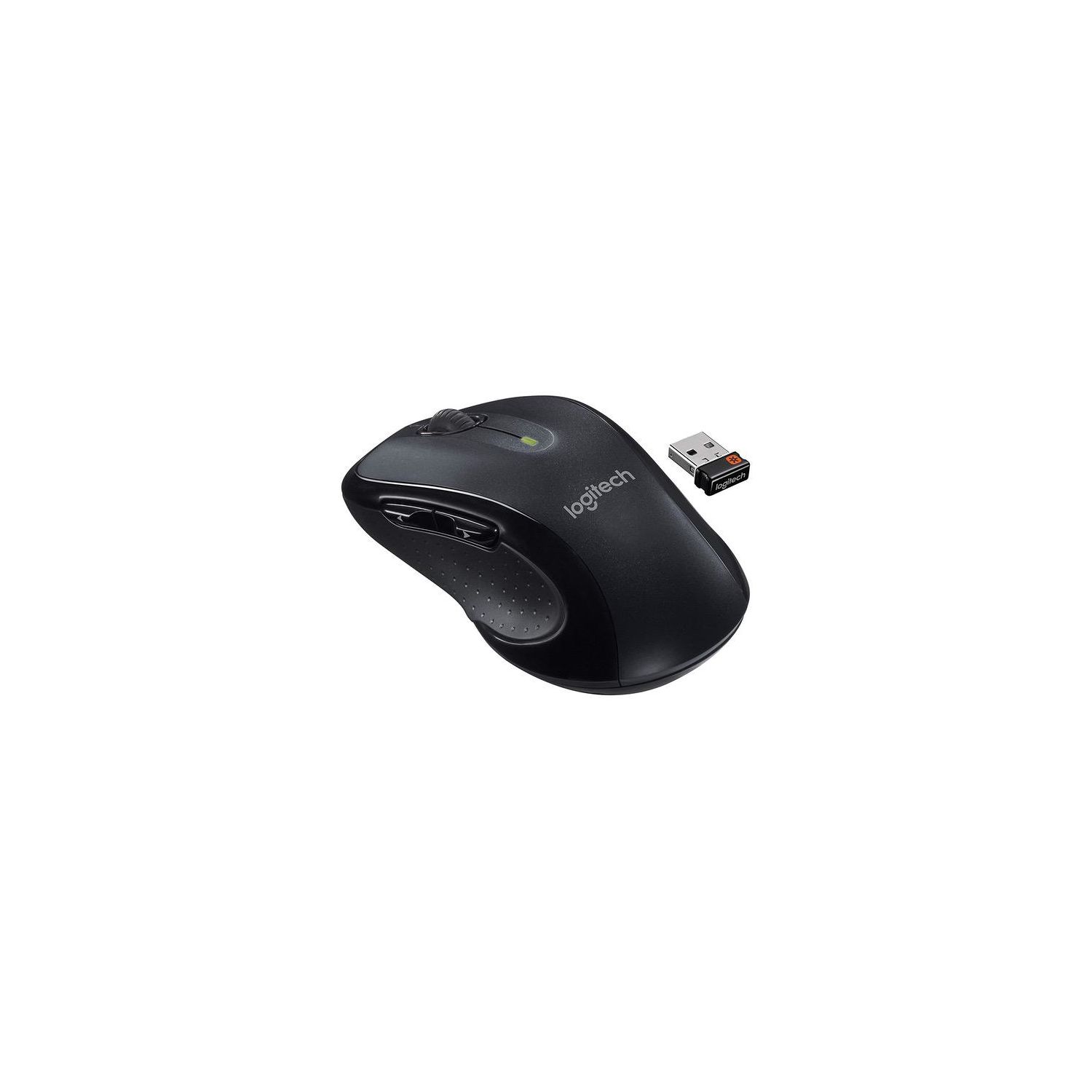
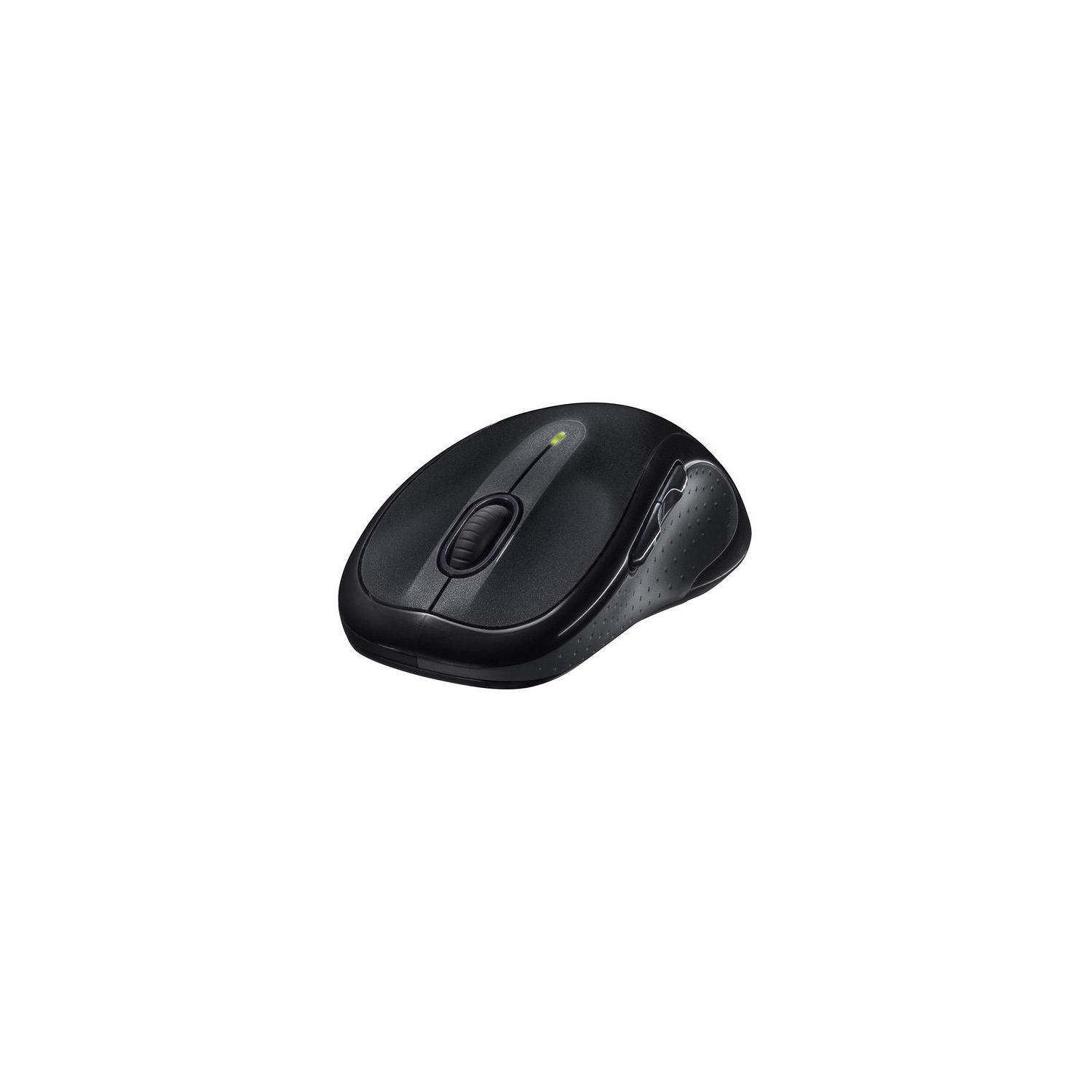
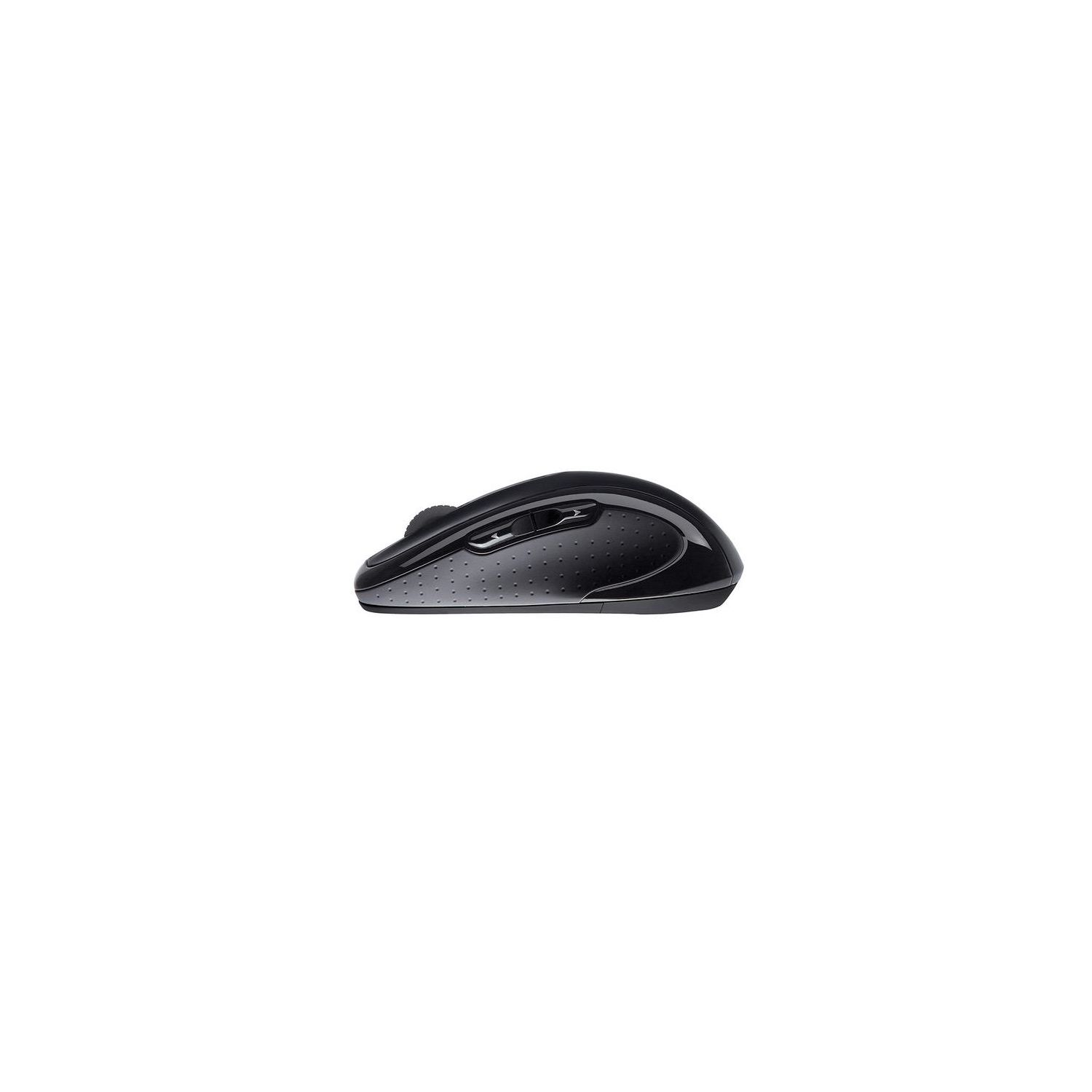
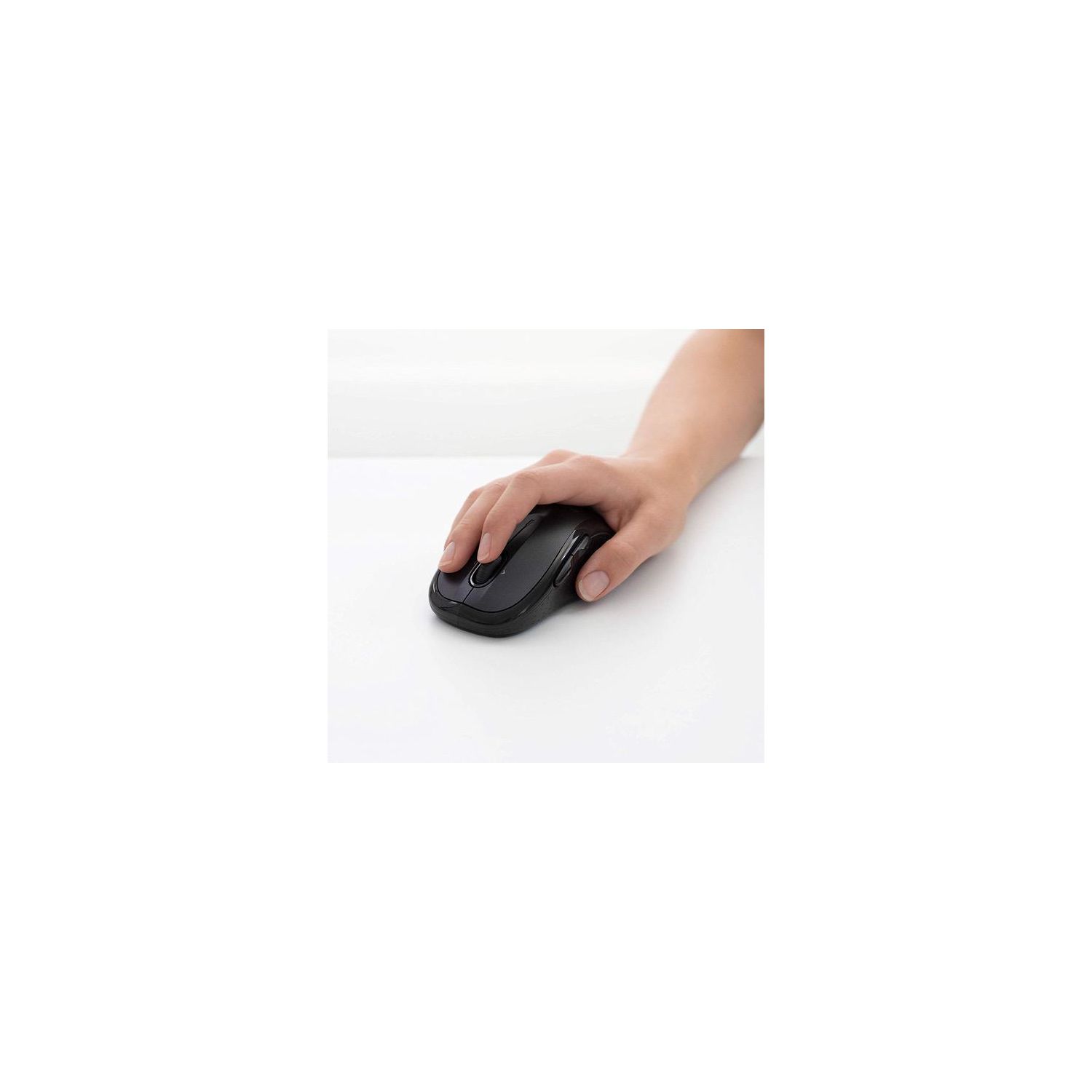
Logitech M510 Wireless Computer Mouse – Comfortable Shape with USB Unifying Receiver, with Back/Forward Buttons and Side-to-Side Scrolling, Dark Gray
Write a review
$1800 $5000

Logitech M510 Wireless Computer Mouse – Comfortable Shape with USB Unifying Receiver, with Back/Forward Buttons and Side-to-Side Scrolling, Dark Gray

Write a review
B003NR57BY
+
Add to wish list
Target is a general merchandise retailer with stores in all 50 states and the District...

City: US, New York

Delivery
Pickup at your own expense
Tomorrow from 09:00 to 20:00, Store location
Free
Payment options
Apple Pay Google Pay Mastercard Visa
Cash, bank card, credit/installment payments, cashless payment for legal entities
Warranty and returns
Exchange/return of products of proper quality within 14 days Official manufacturer's warranty: 12 months
Description
This fits your .
Make sure this fits by entering your model number. ERGONOMIC SHAPE - Ergonomically sculpted design and soft rubber grips conform to your right or left hand to be naturally comfortable, and the compact size makes it easy to take with you wherever you use your computer—at home, at work, or anywhere else CONVENIENT CONTROLS - Back/forward buttons and side-to-side scrolling plus zoom let you do more, faster (requires free Logitech Options software) LONG BATTERY LIFE- You might forget this mouse runs on batteries with 2 years of power from two AA batteries PROGRAMMABLE CONTROLS - Configure the buttons to do exactly what you want like switching applications, opening browser windows or jump to full screen while watching videos PLUG'N'PLAY CONNECTION - Nano-sized Logitech wireless unifying receiver stays in your computer— plug it in, forget it, even add compatible wireless devices without multiple USB receivers Wireless technology: Advanced 2.4 GHz wireless connectivity (Unifying supported)
Reviews
2.4
Reviews: 20
5 stars
10%
4 stars
20%
3 stars
15%
2 stars
10%
1 star
45%
Raymond Heely
3
This is my 3rd Logitech programmable mouse. I got spoiled being able to use mouse buttons for other options (copy, paste & cut). This one was replacing one that just wore out after years of use and probably abuse. One M510 for another M510. Evidently each mouse has specific usb receiver. The receiver is cleverly hidden, stored under the battery cover with nothing obvious in the instructions about where to find it. This M510 would not program using the other M510s software. Not a big deal just download the latest software which didnt work. After downloading 3 versions of the software for programming options I found previous versions and after another 2 tries found one that worked (3 hours of aggravation). Once running with the correct software it is a great, very convenient mouse. This is not a retailer problem it is a Logitech problem.
Tyrion
3
Ive used this mouse for about 2 years. I find it comfortable, smooth and accurate. The battery life is great. I have used it for probably an average of 36 hours each week and have gone through 1 set of batteries. I do not like the side click with the scroll wheel. I find it very difficult to only press down. This I could not map the left and right to do anything special. After 2 years of CAD type work, the middle mouse button has stopped being as responsive and requires far more force to actuate. I plane to take it apart and see if I can breath some life back into the switch, but it would be nice if it would have lasted longer than 2 years. They likely design to wear out so that you need to buy another one.
videobruce
3
I wish I had a dollar for every lame review that complained about the receiver wasnt included and/or the need to wake the mouse up by clicking a button. To get the longest cell life all of these goes into sleep in a very short period of time (a few seconds). The USB receiver is always located in the body of the mouse under the battery cover. Range seems to be on par with all the others I have had experience with. Longevity will be determined in time. Pros; 1. Full size, easy to hole, 2. Two AA cell, no short life AAAs, 3. Side to side wheel function perfect for Streaming Boxes that access some movie sites, Cons; 1. Debatable left side buttons, the rear one acts as an escape (return) when using Streaming Boxes. (I havent tried these on a Win PC). I have hit that more than once causing extra buttons clicks to return where I was, 2/ Not the best value, others as good less expensive, 3. I prefer more of a detent for the scroll wheel. This has very little.
You may be interested
  • Bestsellers
  • Recently Viewed
 
Fast and high quality delivery

Our company makes delivery all over the country

Quality assurance and service

We offer only those goods, in which quality we are sure

Returns within 30 days

You have 30 days to test your purchase