

























Jared K. Wengert
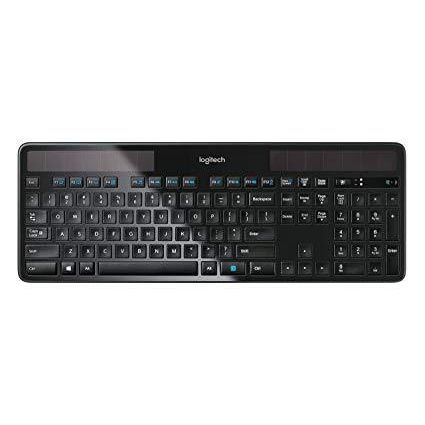
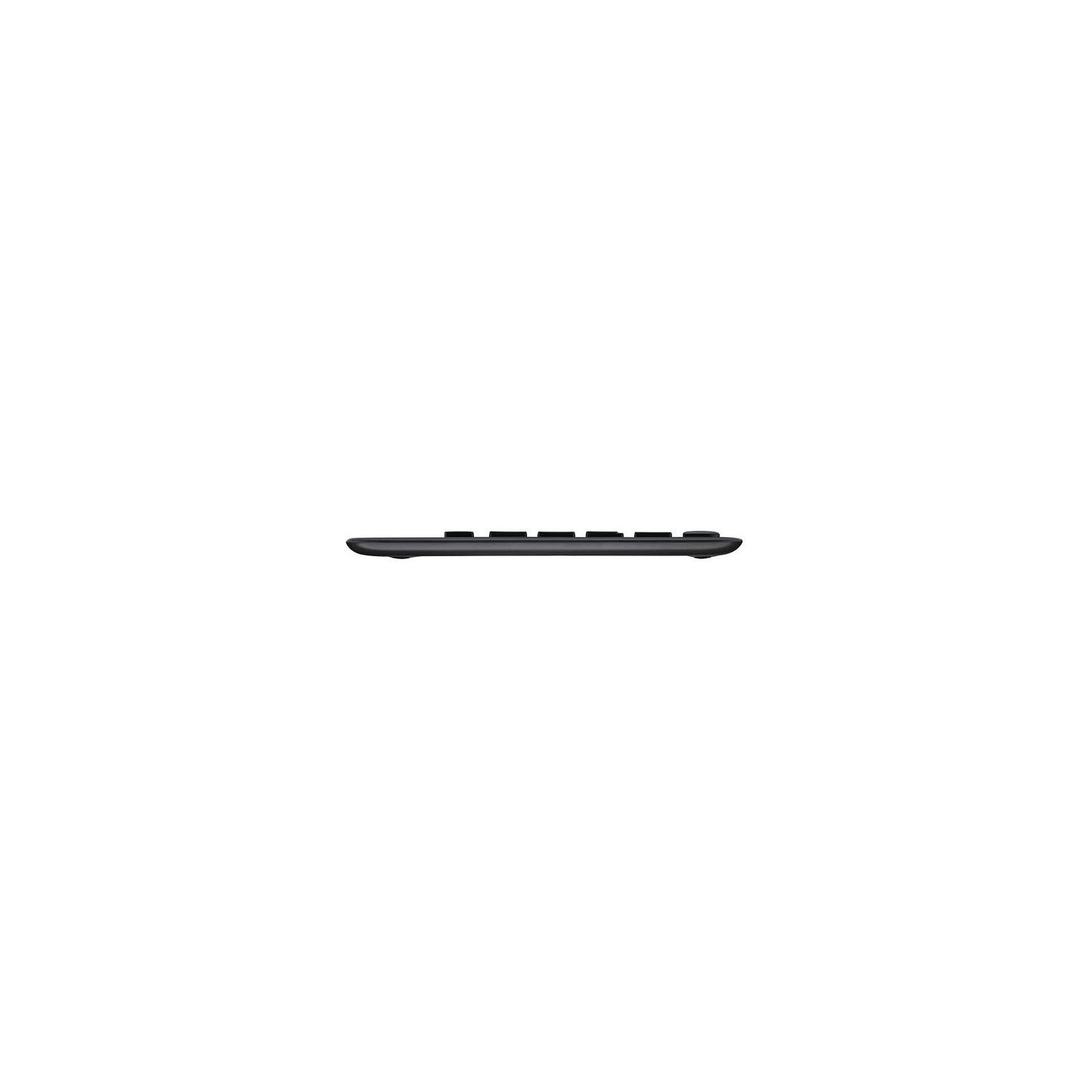
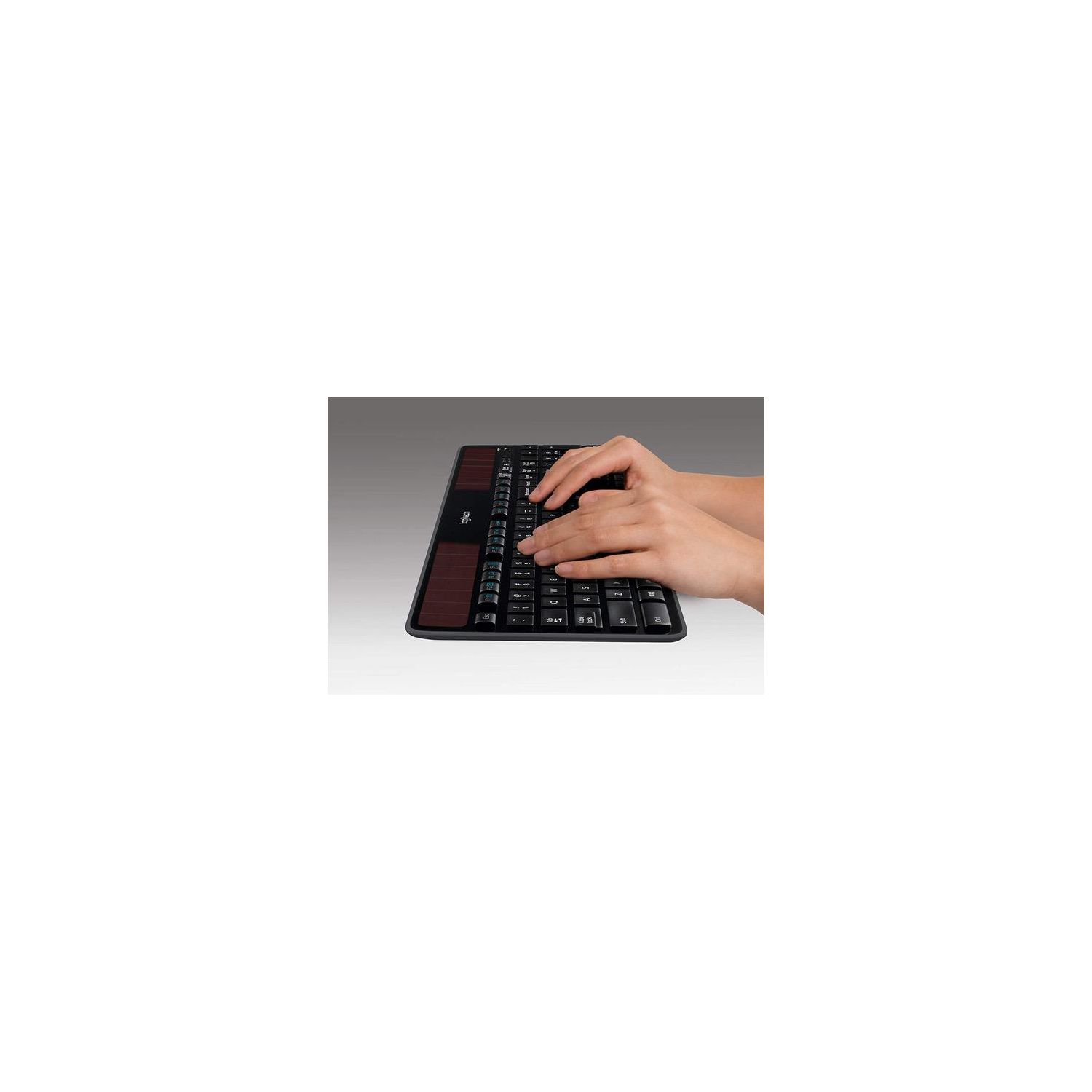
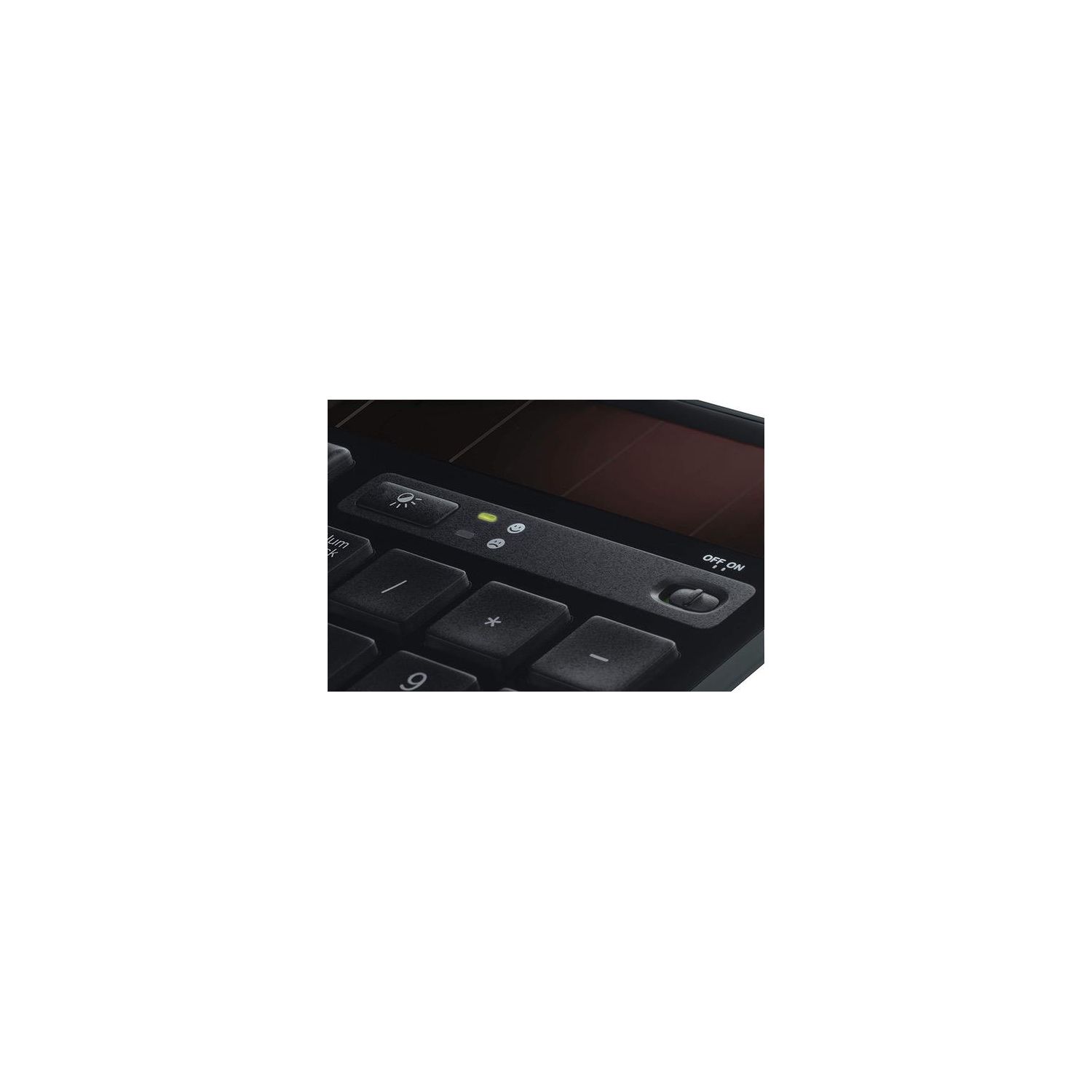
I love and loathe this product, all at the same time. This is a long one, but hopefully the points make sense. LOVE: 1. The speed at which I can type on it. 2. How responsive the keys are. 3. How flat the keys are and the overall size of the keyboard. 4. The fact that it is wireless and "solar." 5. How light but well-built the keyboard feels. 6. The very minimal design as I dont need an extra dozen or so "gamer" or programmable keys. 7. The Solar App is clean, informative, and necessary to understand if youre maximizing the recharge capability of your keyboard. LOATHE: 1. The battery usually lasts 2-ish years, then the keyboard becomes a doorstop as you cannot replace the battery. 2. "Solar" in function only. It requires a fairly strong light source to compensate for consistent use. 3. The "stays charged for 3 months in total darkness" is great and all as a marketing tactic, but who leaves their keyboard untouched for months on end? This leads you to believe the keyboard will retain a charge while being used and it really doesnt. If youre a gamer or use the keyboard for a heavy word processing type of job, you need to have a strong light source on the keyboard or it will be depleted within 36 hours. That said, the Solar App specifically states that with a 100% charge, "Your current reserve lets you use your keyboard in total darkness for three months-so you can type all you want." Thats a rather bold lie unless you use the keyboard only a few minutes a day over that three month period. 4. I literally use the LED flashlight on the back of an old cell phone and prop it up a few inches above the keyboard in order to provide enough light to keep a solid charge through heavy use. I dont see how ambient light from outdoors (or especially off even a very large monitor) could possibly recharge the keyboard, unless its sitting right next to a window. 5. There is no indicator that you have Caps Lock enabled. I often find myself typing in a "bad password" and its because Caps Lock is on and I didnt realize it. Given there is an app that shows you the charge, there should be an overlay function or light on the keyboard to notify you. 6. Very often, the charge % is wrong. Just now, it says my keyboard is at 82%. However, if I repeatedly tap on the light button that calls up the Solar App, it will very gradually (over 20 or so taps) raise the charge 1% at a time until it finally stops increasing. OTHER CONSIDERATIONS 1. If you prefer a keyboard that has a wrist rest, this isnt for you. 2. If you prefer a keyboard that has a solid angle to it, this probably isnt for you. While there are two "feet" that can pop up the keyboard, theyre very slender and dont offer a ton of stability, especially if you have a firm keystroke. TLDR: Bottom line -- the minimal keyboard does a fantastic job at being a keyboard, but the solar recharge will require a stronger light source than expected. Also, while a corded keyboard may last longer, I really havent found anything that can compare with how this solar keyboard feels when in use.