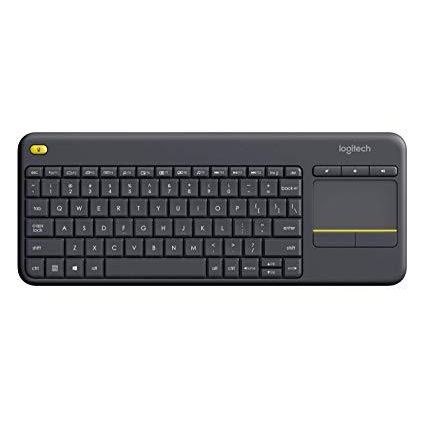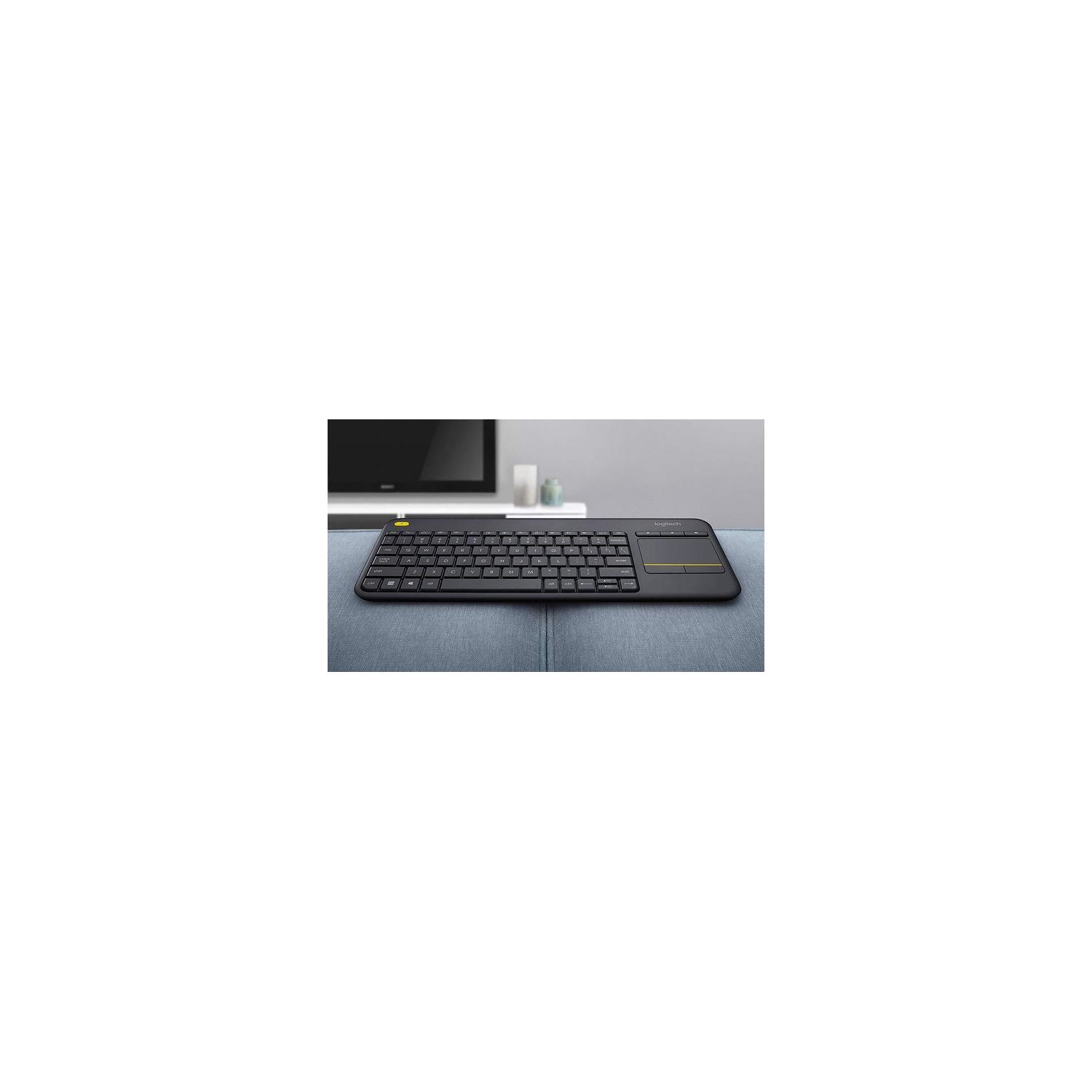
Logitech K400 Plus Wireless Touch TV Keyboard with Easy Media Control and Built-in Touchpad
Write a review
$2400 $5000

Logitech K400 Plus Wireless Touch TV Keyboard with Easy Media Control and Built-in Touchpad

Write a review
B014EUQOGK
+
Add to wish list
Target is a general merchandise retailer with stores in all 50 states and the District...

City: US, New York

Delivery
Pickup at your own expense
Tomorrow from 09:00 to 20:00, Store location
Free
Payment options
Apple Pay Google Pay Mastercard Visa
Cash, bank card, credit/installment payments, cashless payment for legal entities
Warranty and returns
Exchange/return of products of proper quality within 14 days Official manufacturer's warranty: 12 months
Description
This fits your .
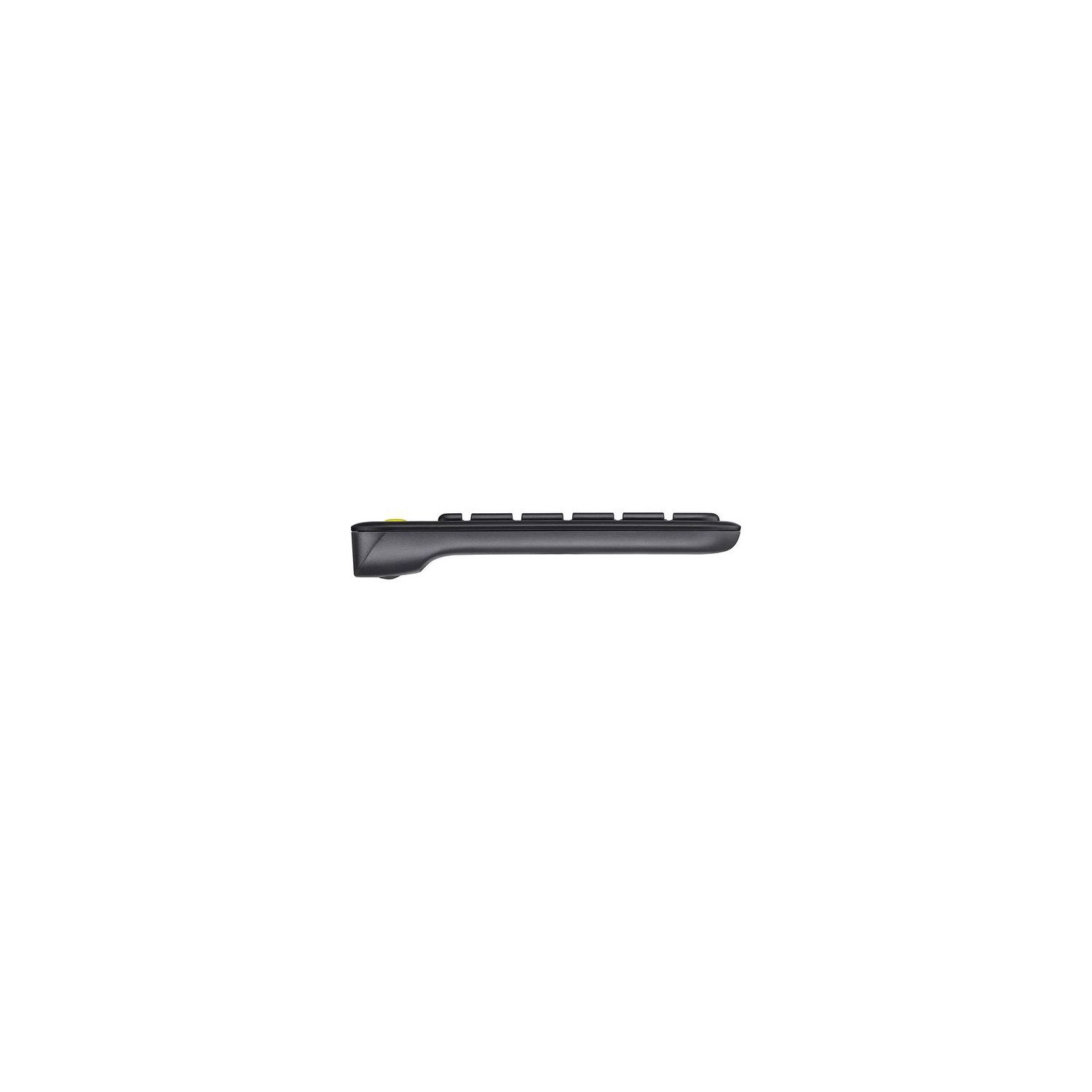
Make sure this fits by entering your model number. Wireless TV keyboard with touchpad: Enjoy effortless control of your TV-connected computer Compact and slim: Perfect for the living room Comfortable, quiet keys and large (3 -inch) touchpad: The ideal HTPC keyboard. Overall Dimensions-Height-5.5 inch, Width-14 inch, Depth-1 inch. Touchpad-Height-3 inch, Width-2 inch 10-meter (33-foot) wireless range: Ensures trouble-free connection in the largest room ( Wireless range may vary depending on operating environment and computer setup) Familiar, media-friendly key layout: Eliminates any learning curve while adding easy-access volume controls and arrow keys Plug-and-play design: Unifying receiver makes setup of your TV keyboard a snap. Connection type: Logitech unifying protocol 2.4GHz 18 months battery life: Goes for well over a year without changing batteries. Wide compatibility: Works with Windows 7, 8, 10 or later; Android 5.0 or later; Chrome OS
Reviews
3.1
Reviews: 20
5 stars
25%
4 stars
30%
3 stars
5%
2 stars
10%
1 star
30%
Davey Ram
5
It works great on ChromeOS, Windows, Ubuntu, and OSX Ubuntu wont pick up the fact that it is a touchpad, so if you want to do any modding to the touchpad like changing the speed, just change your mouse settings. Now, if you want to enable "natural scrolling" also known as "reverse scrolling" or "Australian scrolling", just run this in terminal: echo "pointer = 1 2 3 5 4 7 6 8 9 10 11 12" > ~/.Xmodmap && xmodmap ~/.Xmodmap if you want to undo what that does, all you have to do is run this in terminal: echo "pointer = 1 2 3 4 5 6 7 8 9 10 11 12" > ~/.Xmodmap && xmodmap ~/.Xmodmap OR you can do this: rm -r ~/.Xmodmap && reboot NOW If you are interested in pairing other devices to the Logitech Universal Receiver (the little USB thingy that communicates with your device) or if you want to monitor the battery levels of the keyboard, just install the app called Solaar by doing the following: sudo add-apt-repository ppa:daniel.pavel/solaar && sudo apt-get update && sudo apt-get install solaar
J. Carlos
5
It is very comfortable to use on the bed, It works on two AA batteries that are already included. It is smaller than your ordinary keyboard, but large enough not to press two keys at a time. The trackpad (or "mouse") is as good as any PC laptop on the market. I use it to control my Raspberry Pi 3 (Model B) and it works perfectly by just pluggin in the USB receiver, no need to download additional software or drivers. The only CON on this keyboard is that I couldnt find where to store the USB receiver on the keyboard (the hole near the batteries that Logitech puts on its mouses).
Richard T. Horwath
5
After much searching, research, returned items, this is the keyboard that worked. I have a Samsung UN43J5200FXZA 43" Smart TV with Smart Hub and web browser. This keyboard is the only one I found that works seamlessly with the TV. Other keyboards either didnt work at all, or some features of the keyboard, (like the touch pad) would not work or be recognized by the Smart TV. I purchased a 3 foot USB extension cable that I routed from the USB connector behind the TV to the bottom edge of the TV to eliminate the "behind the tv" range restrictions, allowing the USB "dongle" to be seen by the keyboard for longer range and better fidelity. The keyboard is well built, with good tactile response, and the mouse pad is sensitive enough with being too sensitive. Adjust the mouse speed in the TVs setup menu to find the speed you are comfortable with. Although the supplied manuals are not very helpful, lets be honest; its just a keyboard. Its not that hard to figure out the right settings. The single and double finger shortcuts are very intuitive, and the extra "left mouse button" in the upper left is actually quite useful. Overall, a nice little wireless keyboard/mouse product that works with a Samsung Smart TV as well as just about any computer with a spare USB port. It should work with any Samsung J5200 series Smart TV.
MikeBWCA
5
Great keyboard. Logitech should have been my first choice. An a+ company. 1. Touchpad. The touchpad is slightly smaller than the ms version. However, this is a benifit. On the ms keyboard, I was constantly moving the pointer when holding the keyboard. This does NOT happen on the Logitech keyboard because the touchpad does not go all the way to the bottom. There is a small area under the touchpad that you can hold the keyboard without touching he touchpad. 2. Receiver. If the receiver gets lost or damaged, you can simply purchase a new one (for $15). The use the Logitech software to pair it back up with the keyboard. Also, the Logitech receiver can connect to several Logitech devices. (The ms version is hard coded to the 1 keyboard) I already have a spare receiver because I also purchased a Logitech wireless mouse, and paired it up with the receiver that came with the keyboard. 3. Keys seem better, and the function key and placement seems better. I previously purchased the Microsoft keyboard a few years ago. The receiver got damaged, and I was upset that it was not possible to replace the receiver and pair them up. I was told I needed to simply purchase a new keyboard!!!! What! Nice for ms, bad for consumers.
L. Anderson
5
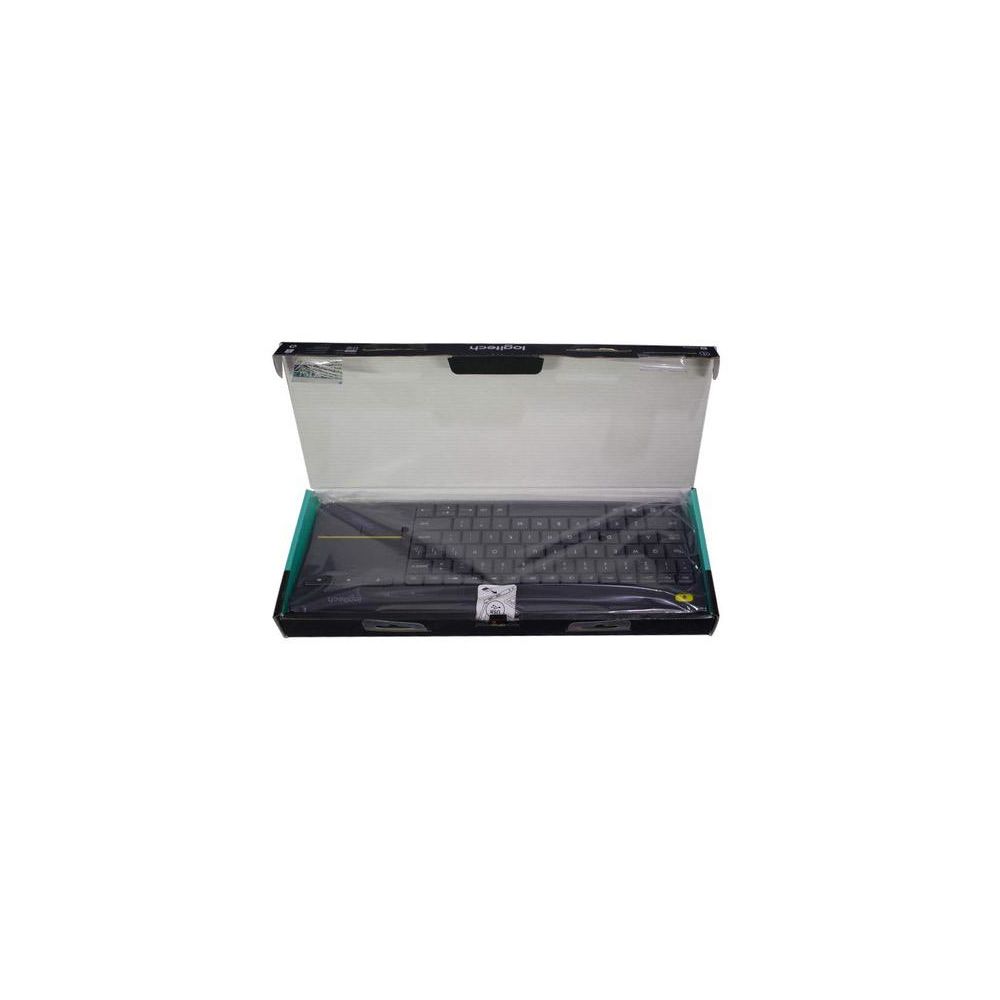
Only complaint I have is when I got it I couldnt find the wireless USB dongle wasnt in the packaging wasnt in the battery/dongle receptacle It was "in" the box wall in its own little pocket in the cardboard box wall, why? I mark it up to bad design in general. Otherwise its does what it needs and a nice feature is the extra left-click button on the top left corner to make dragging easy if you are sanding and holding the keyboard while working. Keys are not too bad; would have preferred more 2000s laptop style but at least it is not 2014ish spaced really flat keys laptop style, nor is it colicky bubble membrane like the tiny wireless trackpad/keyboards. Good stuff.
You may be interested
  • Bestsellers
  • Recently Viewed
 
Fast and high quality delivery

Our company makes delivery all over the country

Quality assurance and service

We offer only those goods, in which quality we are sure

Returns within 30 days

You have 30 days to test your purchase