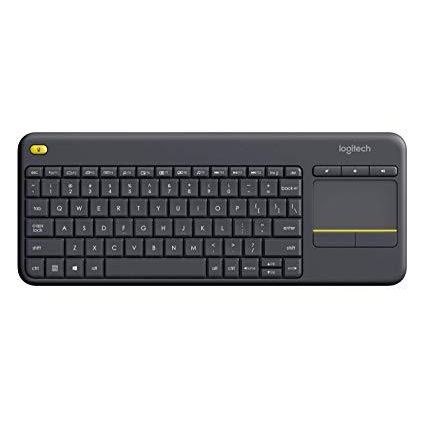
Logitech K400 Plus Wireless Touch TV Keyboard with Easy Media Control and Built-in Touchpad
Write a review
$2400 $5000

Logitech K400 Plus Wireless Touch TV Keyboard with Easy Media Control and Built-in Touchpad

Write a review
B014EUQOGK
+
Add to wish list
Target is a general merchandise retailer with stores in all 50 states and the District...

City: US, New York

Delivery
Pickup at your own expense
Tomorrow from 09:00 to 20:00, Store location
Free
Payment options
Apple Pay Google Pay Mastercard Visa
Cash, bank card, credit/installment payments, cashless payment for legal entities
Warranty and returns
Exchange/return of products of proper quality within 14 days Official manufacturer's warranty: 12 months
Description
This fits your .
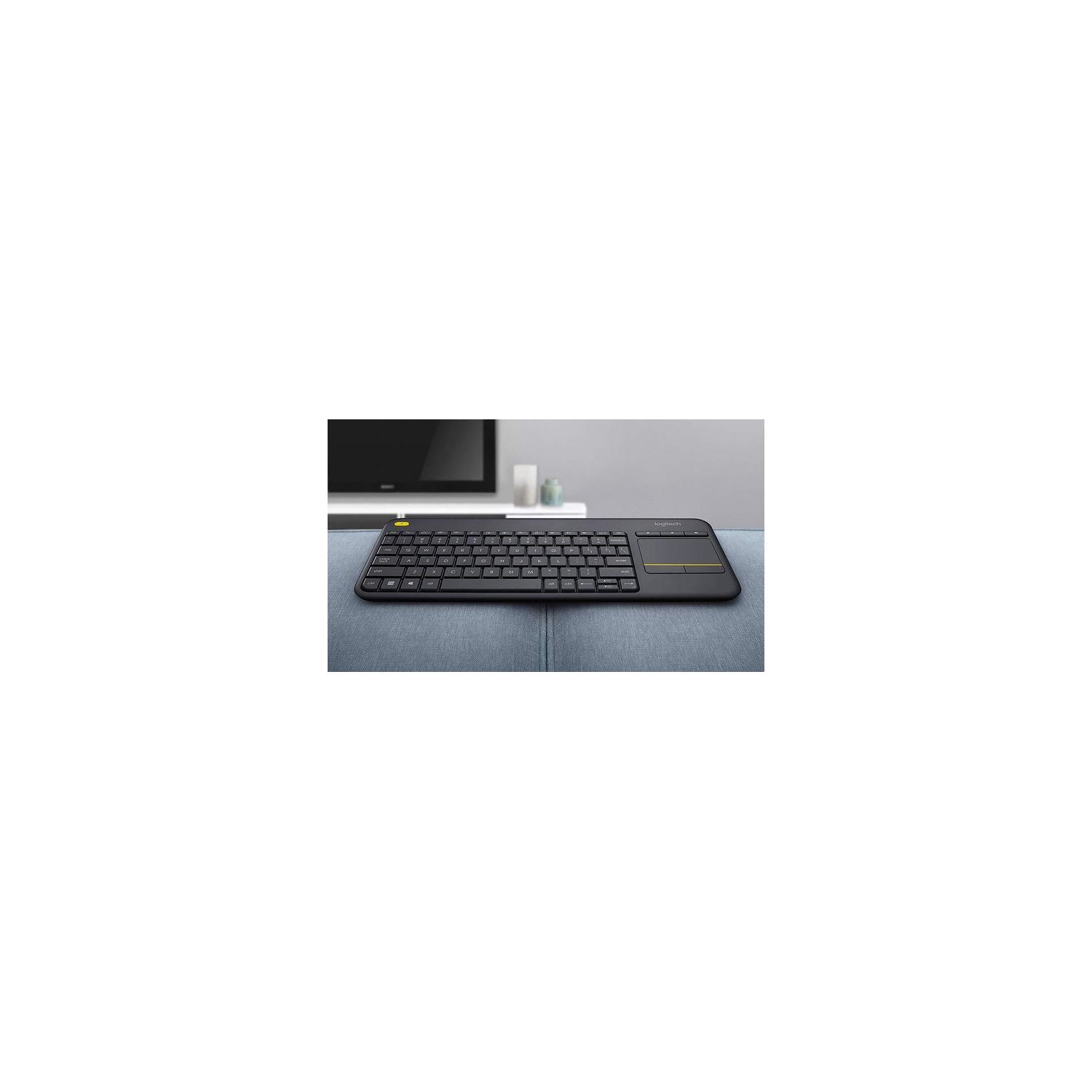
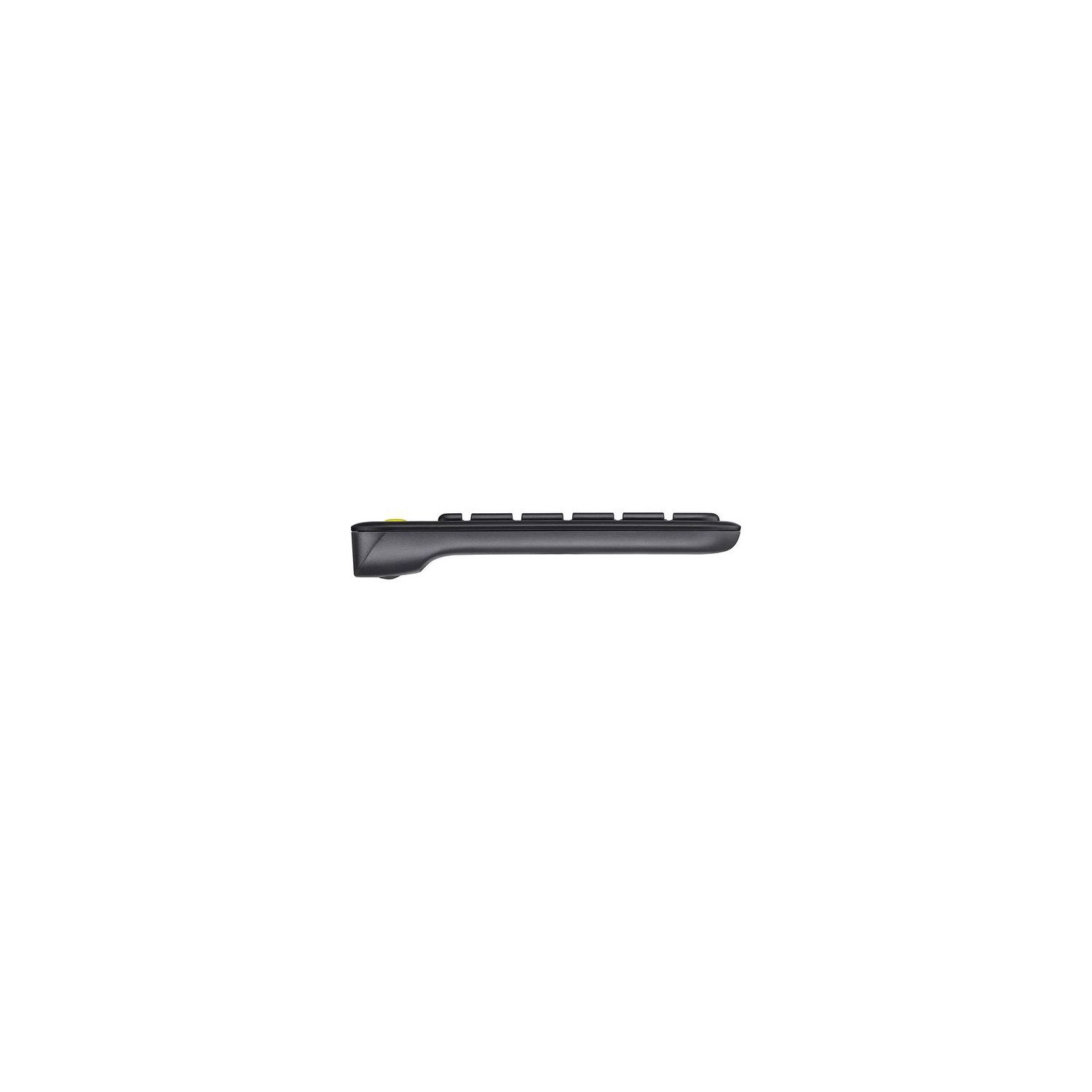
Make sure this fits by entering your model number. Wireless TV keyboard with touchpad: Enjoy effortless control of your TV-connected computer Compact and slim: Perfect for the living room Comfortable, quiet keys and large (3 -inch) touchpad: The ideal HTPC keyboard. Overall Dimensions-Height-5.5 inch, Width-14 inch, Depth-1 inch. Touchpad-Height-3 inch, Width-2 inch 10-meter (33-foot) wireless range: Ensures trouble-free connection in the largest room ( Wireless range may vary depending on operating environment and computer setup) Familiar, media-friendly key layout: Eliminates any learning curve while adding easy-access volume controls and arrow keys Plug-and-play design: Unifying receiver makes setup of your TV keyboard a snap. Connection type: Logitech unifying protocol 2.4GHz 18 months battery life: Goes for well over a year without changing batteries. Wide compatibility: Works with Windows 7, 8, 10 or later; Android 5.0 or later; Chrome OS
Reviews
3.1
Reviews: 20
5 stars
25%
4 stars
30%
3 stars
5%
2 stars
10%
1 star
30%
Gregory L. Firth
3
Had trouble with the tap-to-click feature of the track pad (touch pad) when using the keyboard with an Android box. The track pad would open things although I had not clicked and I could not determine why. Well, by default the K400 Plus is set with tap-to-click on the track pad. Very annoying and seemingly glitchy. To turn it off, hit the Function key and left click button under the track pad simultaneously. You must do this every time the keyboard is turned on. There should have been some way to disable this feature so that it stays off - thus 3 stars. Plus there is no manual for this model. Jeez. With windows you can turn off tap-to-click by reverting to older drivers that allow this feature to be disabled - check YouTube for details.
You may be interested
  • Bestsellers
  • Recently Viewed
 
Fast and high quality delivery

Our company makes delivery all over the country

Quality assurance and service

We offer only those goods, in which quality we are sure

Returns within 30 days

You have 30 days to test your purchase