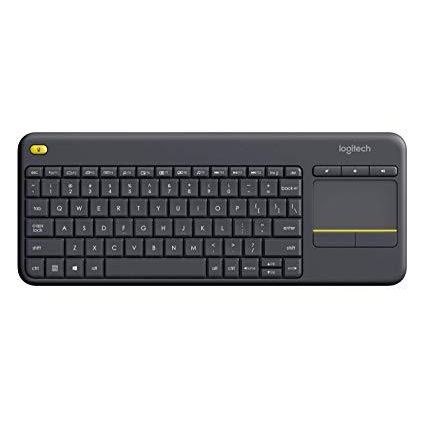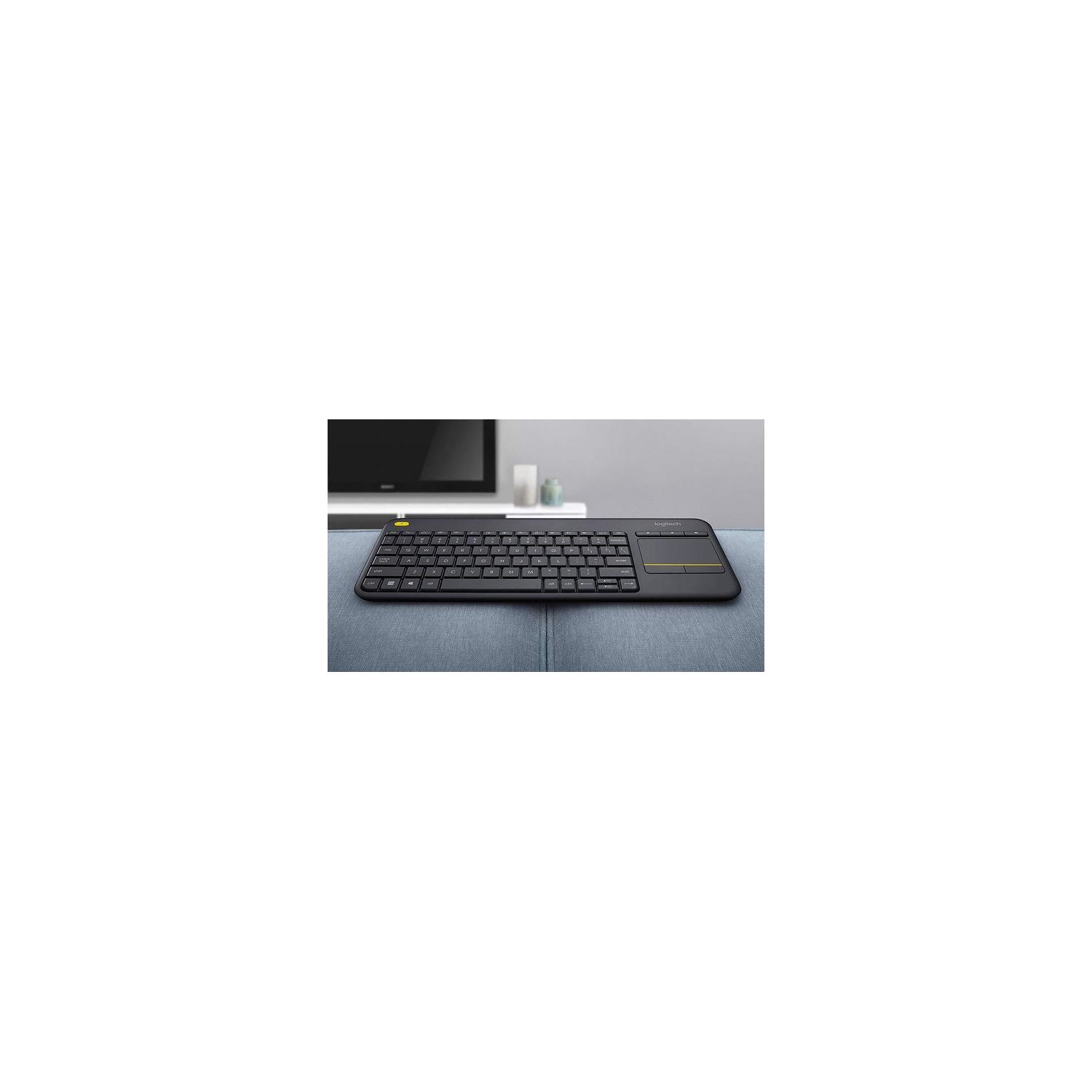
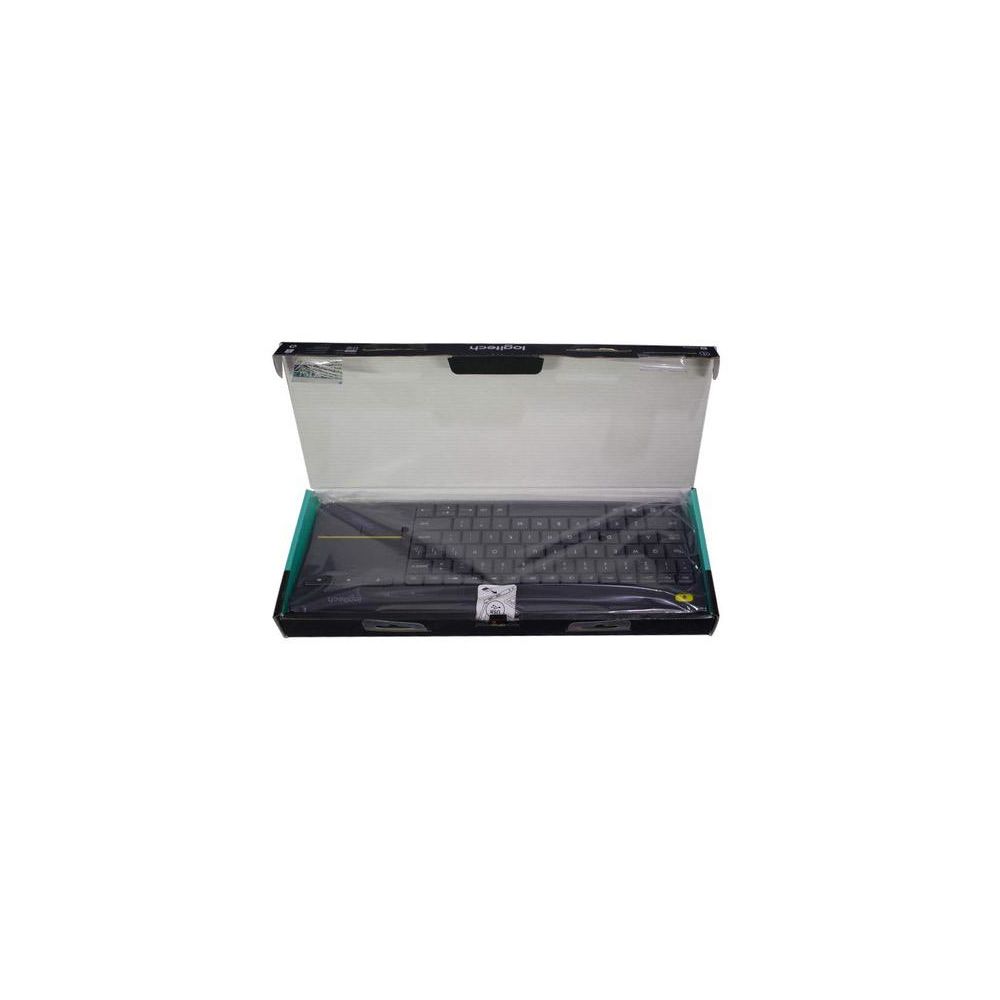
Logitech K400 Plus Wireless Touch TV Keyboard with Easy Media Control and Built-in Touchpad
Write a review
$2400 $5000

Logitech K400 Plus Wireless Touch TV Keyboard with Easy Media Control and Built-in Touchpad

Write a review
B014EUQOGK
+
Add to wish list
Target is a general merchandise retailer with stores in all 50 states and the District...

City: US, New York

Delivery
Pickup at your own expense
Tomorrow from 09:00 to 20:00, Store location
Free
Payment options
Apple Pay Google Pay Mastercard Visa
Cash, bank card, credit/installment payments, cashless payment for legal entities
Warranty and returns
Exchange/return of products of proper quality within 14 days Official manufacturer's warranty: 12 months
Description
This fits your .
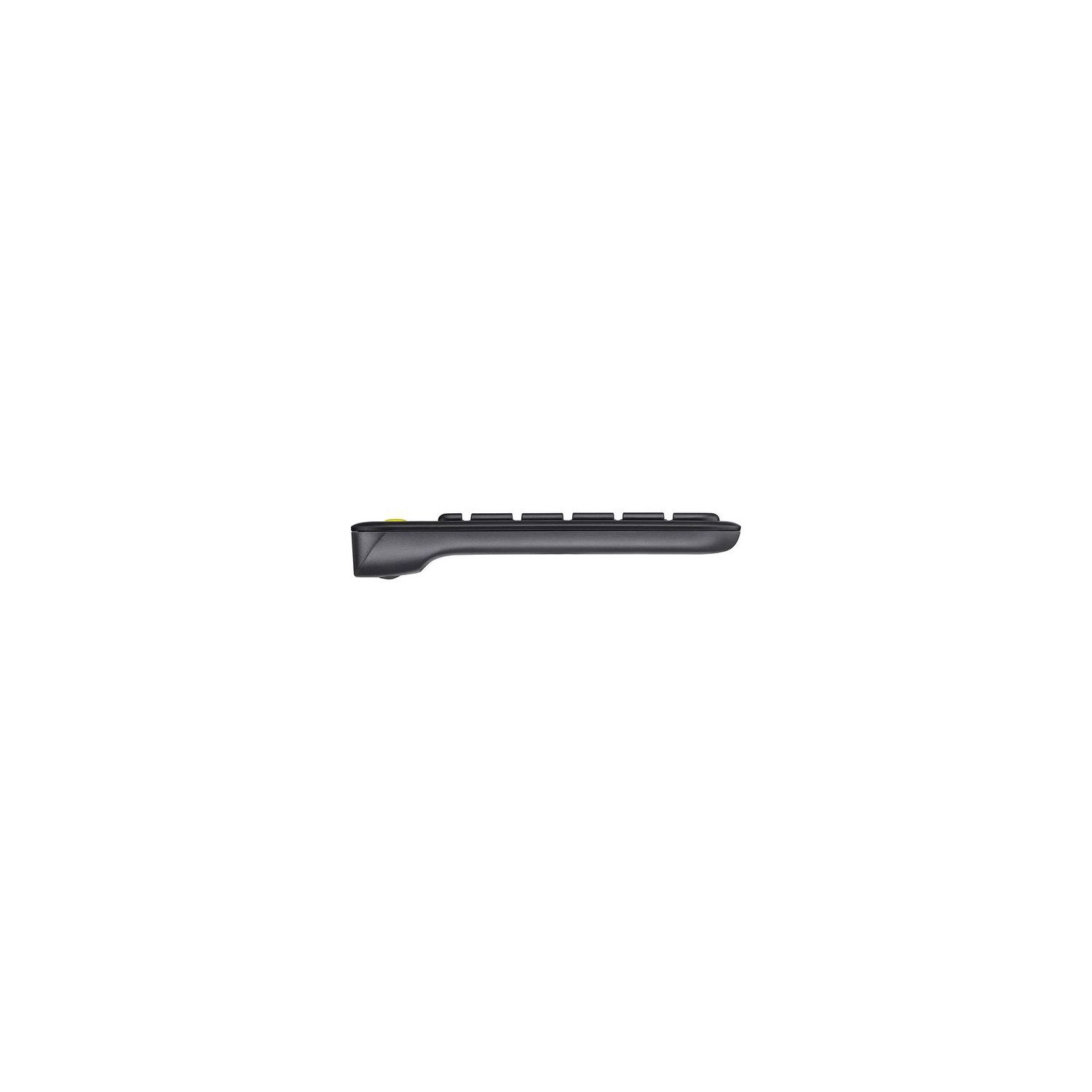
Make sure this fits by entering your model number. Wireless TV keyboard with touchpad: Enjoy effortless control of your TV-connected computer Compact and slim: Perfect for the living room Comfortable, quiet keys and large (3 -inch) touchpad: The ideal HTPC keyboard. Overall Dimensions-Height-5.5 inch, Width-14 inch, Depth-1 inch. Touchpad-Height-3 inch, Width-2 inch 10-meter (33-foot) wireless range: Ensures trouble-free connection in the largest room ( Wireless range may vary depending on operating environment and computer setup) Familiar, media-friendly key layout: Eliminates any learning curve while adding easy-access volume controls and arrow keys Plug-and-play design: Unifying receiver makes setup of your TV keyboard a snap. Connection type: Logitech unifying protocol 2.4GHz 18 months battery life: Goes for well over a year without changing batteries. Wide compatibility: Works with Windows 7, 8, 10 or later; Android 5.0 or later; Chrome OS
Reviews
3.1
Reviews: 20
5 stars
25%
4 stars
30%
3 stars
5%
2 stars
10%
1 star
30%
M
1
This Professional version is just a money-grab. The older models are way better. Ive been using the K400 and K400r for years. My issue with the K400r is that it replaces the K400 and makes unnecessary changes like defaulting F keys to Media buttons. You need software to reverse this behavior. The K400 Professional was the answer to this. It had the standard behavior for F keys, and it looks sharper than the other 2 models. Thats where the pros end. The touchpad has terrible sensitivity compared to either the K400 or K400r. The Page Up and Page Down keys are half the size to make room for a larger right Shift key. The most frustrating aspect of this keyboard is the touchpad. The buttons are not as responsive as the older models. A simple drag and drop using the physical button and the touchpad will fail after a few pixels, and the button will start clicking random things as the cursor moves. Furthermore, forget about anything that requires double clicking and dragging anything with the touchpad without using the buttons. It simply doesnt do this. I tested with a few applications and dragging this way does not work. It certainly seems like Logitech decided to release this product in black, replace the F keys to the default behavior, call it Professional version and charge $40, while at the same time completely making it unusable and much inferior to the non-Professional version. Skip this and get a K400r and use the Setpoint software to flip the F buttons behavior.
Toska
1
I had an old K400 which I loved and used for years. Alas, the mouse gave out after years. When I replaced it with this new one. I noticed everything was cheaper and worse than the old one. The mouse was oddly plasticey and sticks to your finger like a cheap laptop from 2006s trackpad. I suppose the bright side is I didnt have to deal with it for long. The mouse crapped out after 33 days of EXTREMELY light use as a keyboard for use on a TV.
Amazon Customer
1
This is a terrible product. The keyboard portion seems to work fine, but if you need a touch pad, forget it. I got this to use with an Intel Compute Stick where size and mobility is important for me, and wondering if it was the compute stick causing the issue, I hooked it up to the desktop and... nope... more of terrible. It is so terrible that I am writing a review for this and I almost never write reviews of any kind. It makes me physically not want to use the compute stick when paired with it. It goes from anywhere between barely functioning to having a mind of its own (i.e. moving around after I take my finger off, inexplicably changing sort type in windows, random pinch/zoom, etc.). The two finger scroll seems to be the only function that seems to work reasonably for some reason. Avoid this product and save yourself the trouble. Your time is more valuable than the time youre going to spend buying, finding out how bad this is, then dealing with returning this. Something like this just makes me wonder if their mentality in creating this was "well just make this piece of junk and maybe 4 out of 5 will like it and not return it and well profit an x amount despite the return rate." Ive been buying Logitech products for years and this is by far one of the worst products Ive ever purchased, of any kind, from any company. Ive had good experiences with their products, but if I run into one more terrible Logitech product like this, it will be my last. Please stop making junk, Logitech.
M. Divine
1
Out of the box, it didnt work; I believe I may have received a faulty transmitter. Spent many hours on the Logitech website trouble shooting. Nothing worked. Would be happy to change my review if Logitech reaches out to help.
Ken325
1
These are kinda cheep. I was surprised the price was so low when purchasing it. I wanted a product like this for a PC that I hooked up to my TV in my living room. I like having the touch pad and a small keyboard. The problem is it keeps losing the signal. I keep replacing the batteries hoping that is the issue but it is not getting better. I wish I had bought a little better quality. update: I am giving up on this after a few months. I cant get it to work reliabily and Im tired of trying to fix this. I like the form factor but my keyboard is just unreliable. Im looking for a replacment.
Hank
1
Im amazed at the 5 star reviews for this!? Im usually fan of Logitech devices but this one was a glaring exception. The plastic was flimsy and flexed when typing. The keys had little travel. The mouse pad had such poor sensitivity that I had to crank the sensitivity bar all the way up in Windows settings to make it usable. Even then it wasnt all that accurate or good. Look elsewhere!
You may be interested
  • Bestsellers
  • Recently Viewed
 
Fast and high quality delivery

Our company makes delivery all over the country

Quality assurance and service

We offer only those goods, in which quality we are sure

Returns within 30 days

You have 30 days to test your purchase