

























Karen G
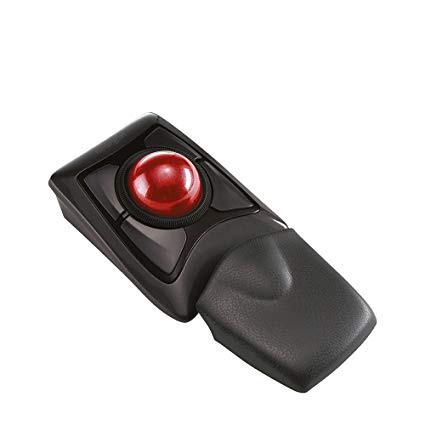
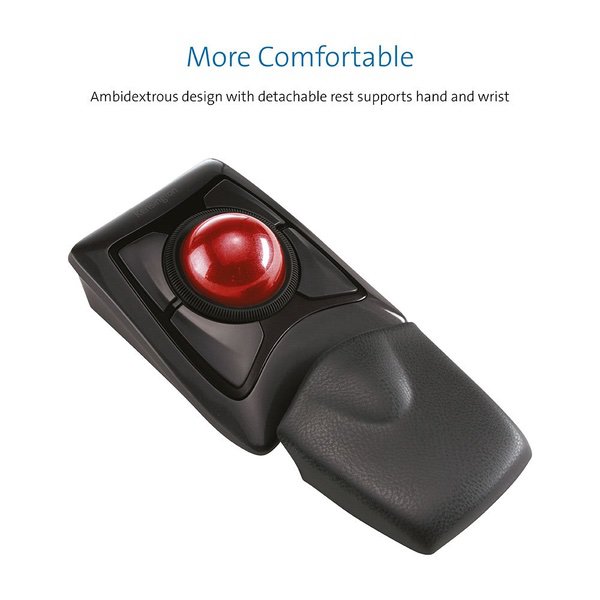
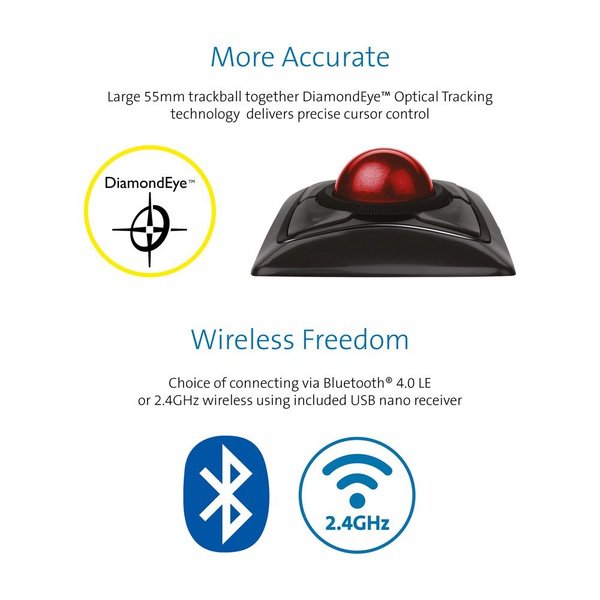
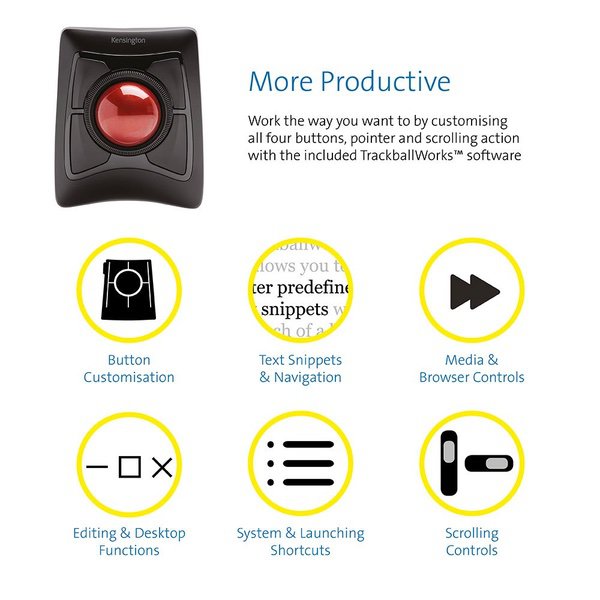
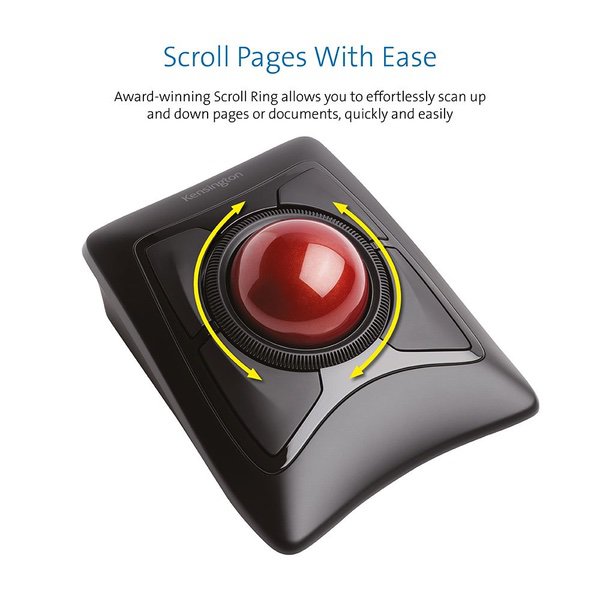
Full disclosure: I have Fibromyalgia which effects the movement of my hands. I spent more than 40 years working in IT. I am an old female online gamer (not many of us around). I used to play Star Trek on the mainframe back in the 70s. I use my computer all day long, from espresso to bedtime. Lets start with the competition. Logitech M570 Wireless Trackball - Now I will admit I have never used this device but I have used its grandfather. This is a thumb trackball. I used to have one at the office and one at home. I loved it and used it for seven years until my thumb stopped working. I stopped using it over 15 years ago. Recently I started getting thumb pain for no apparent reason. Then I realized that even though I had quit using it I still had trackball thumb and was getting arthritis in it. It is kind of like quitting smoking and then 20 years later getting lung cancer. Use at your own risk. Logitech Trackman Marble Mouse - This is what I currently have and am trying to get away from. This is a finger ball like the Kensington Expert. We will start with the good. It has a smaller ball which I prefer. Due to the ball and the software your pointer will fly across your screen at the speed of light which I like. I have found the buttons are put in a convenient location. They take very little hand effort to press which I like and need. The bad is the universal scroll which is not so universal. For me it works in my Firefox browser and it will work with Microsoft programs and thats about it. If you want to zoom in or zoom out (which is quite common) in another program you are out of luck. So if you play MMORPGs like WOW, Rift, EVE, SW, GW2, TSW you are out of luck. If you play single player games like CIV 6, HOMM7, MOO, Endless Space, Gal Civ III, Stellaris, you are out of luck. I had to write my own code and assign it to keyboard keys so I could zoom and I dont have a programmable keyboard. It sounds like Logitech needs to hire better help. My dogs are pretty good coders and they only charge $50 an hour. This device may be usable if you only do office work. Now lets get to why we are here, the Kensington Expert Wireless Trackball. I know there have been complaints about the scroll ring but I dont know why. I love it. It is a thing of beauty. It is located in just the right place and requires just the right amount of pressure to operate. People who dont like it need to get out more. I find the ball really big making it a bit awkward for me. It takes some getting used to. It is also quite heavy. Even with the software set to the fastest speed it takes some hand effort to get the pointer across the screen. Its like watching molasses in January. This is something I dont need. After a couple of hours I end up with hand pain. I need a trackball I can use all day. I find the upper buttons awkward to use. Reaching across that big ball every time I want to do a double-click is a bit awkward. I havent been able to double-click in 25 years. I have to have a button do it for me, so yeah, this is awkward. Having four buttons beneath the ball I think would be a better design. The good news is you dont have to be a programmer to use this device. Summary Logitech M570 Wireless Trackball - use if you are a masochist Logitech Trackman Marble Mouse - use if you are only going to do office work or you are a programmer Kensington Expert Wireless Trackball - use if you have healthy hands and are not a programmer