
















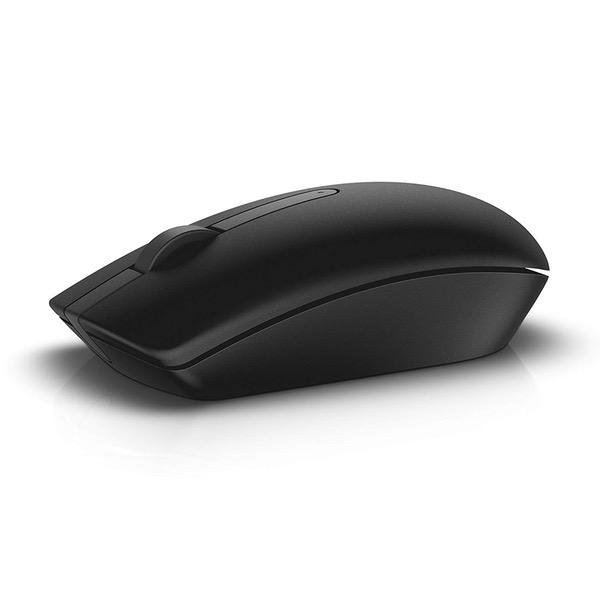
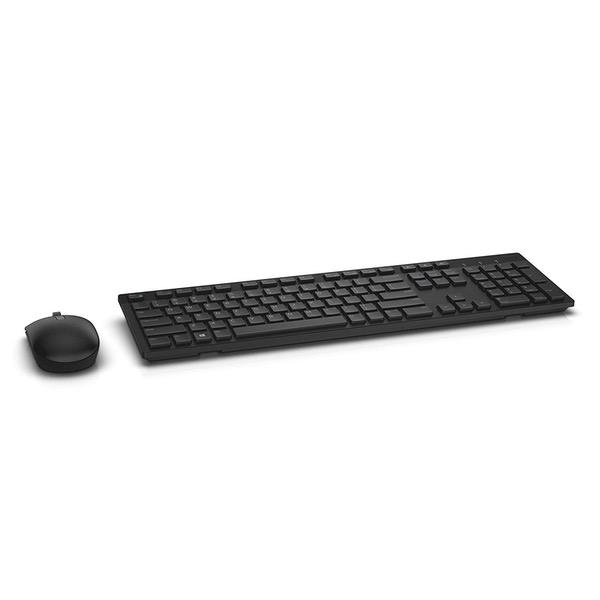
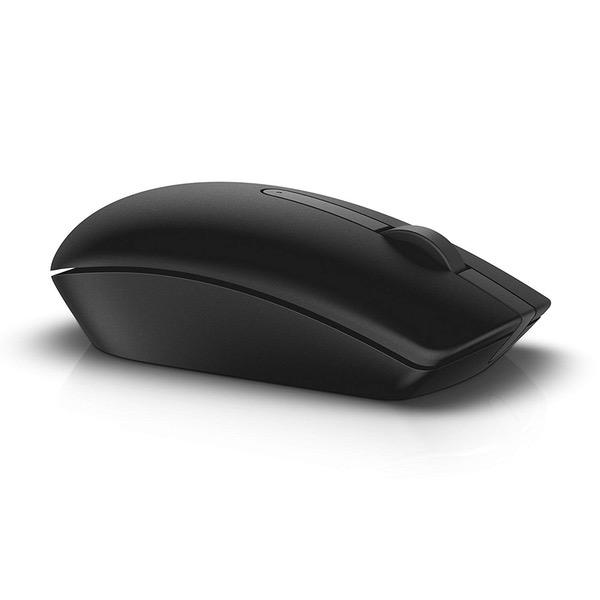
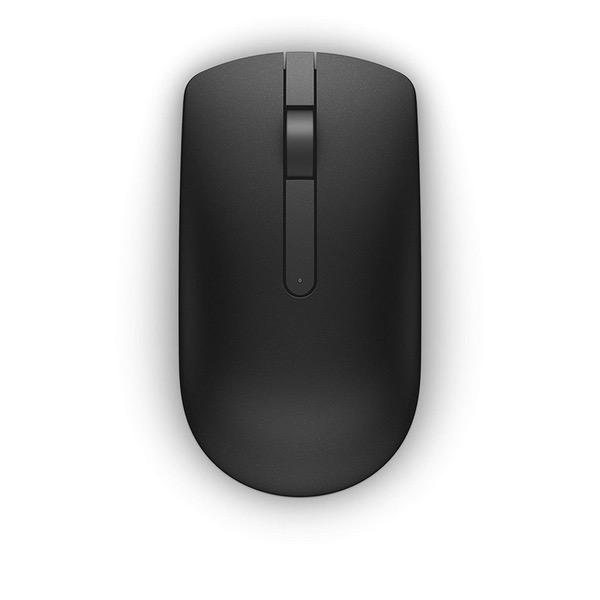
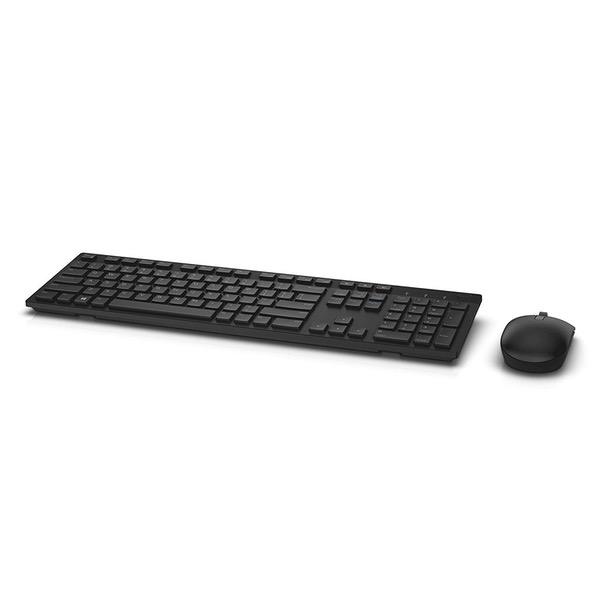
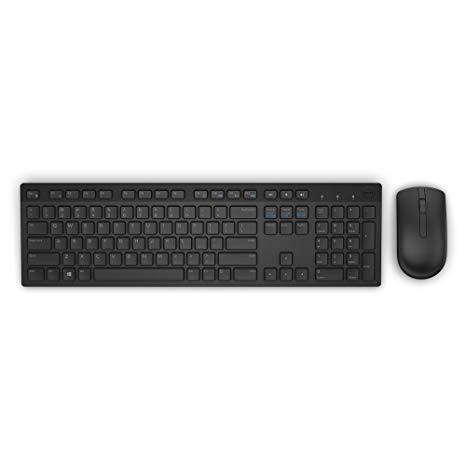
Dell KM636 Wireless Keyboard & Mouse Combo (5WH32)
Write a review
$3200 $8200

Dell KM636 Wireless Keyboard & Mouse Combo (5WH32)

Write a review
B01FM8H22S
+
Add to wish list
Target is a general merchandise retailer with stores in all 50 states and the District...

City: US, New York

Delivery
Pickup at your own expense
Tomorrow from 09:00 to 20:00, Store location
Free
Payment options
Apple Pay Google Pay Mastercard Visa
Cash, bank card, credit/installment payments, cashless payment for legal entities
Warranty and returns
Exchange/return of products of proper quality within 14 days Official manufacturer's warranty: 12 months
Description
This fits your .
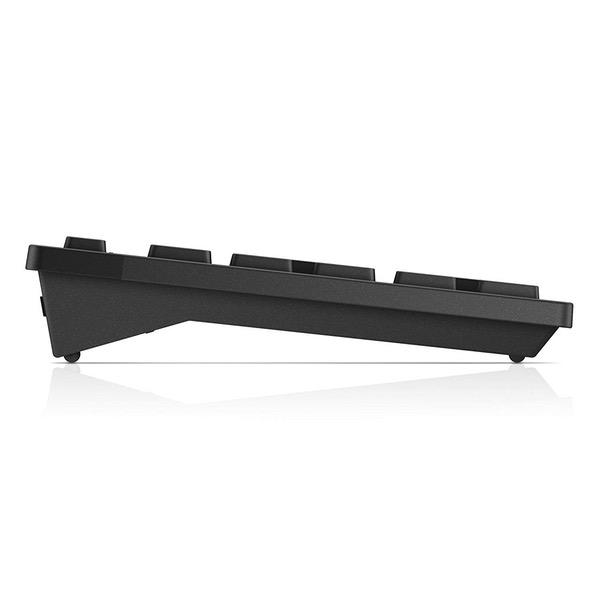
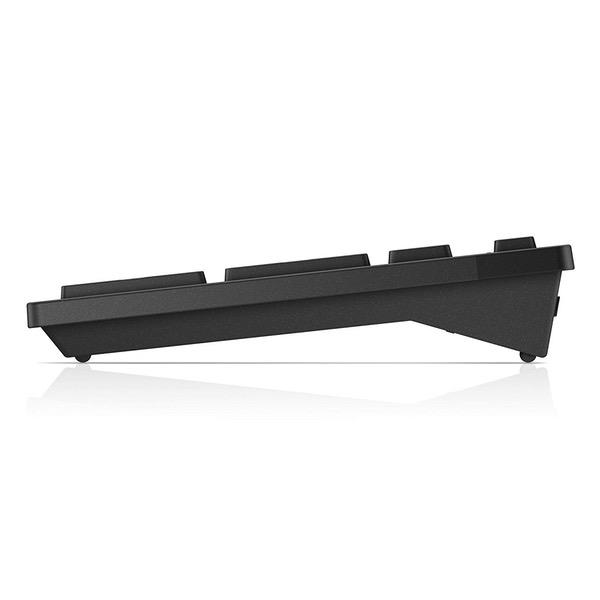
Make sure this fits by entering your model number. Contemporary Design Wireless convenience and performance Designed for: Inspiron 11 3179, 32XX, 3459, 3668; latitude 12 5289, 13 7350, 7370, E5270, E5460, E5470, E5570, E7270, E7470; optiplex 30XX, 3240, 50XX, 5250, 70XX, 7440; precision mobile workstation 3510, 55XX, 7510, 7710; precision tower 3420, 3620, 5810; vostro 15 35XX, 32XX, 3668; dell wyse 30XX, 50XX, 7010. Long, efficient battery life Elevated and spacious chiclet keys, multimedia keys, plus optical tracking for precise mouse movement Refer user guide below
Reviews
3.3
Reviews: 20
5 stars
35%
4 stars
15%
3 stars
15%
2 stars
15%
1 star
20%
Shopper C
4
Great product, especially for the price. I have mostly good things to say; so, I will start with the worst part--which is that the mouse clicking noise a little loud. Other than that, the wireless works without delay or difficulty from around my office, although I havent tested it for distance. Keys are thinner than your average keyboard, built in and flat on top to somewhat resemble the mac-style boards although they feel like a normal keyboard with the springiness you would expect. That being said, the keys are are easy to press and especially quiet for such a cheap keyboard. Your noise level will be somewhere in between tapping and clicking (unfortunately, its the backspace key thats the loudest, haha), To add context onto my review, I am used to mac keyboards and wanted something wireless for my work PC that would look a little cleaner. My work PC had a pretty basic dell keyboard that wasnt wireless and had the trapezoidal keys. It worked fine, but I figured for the price, why not try this one? I am satisfied. I am a little bit particular when it comes to keyboard typing but im not extremely sensitive. So, those who want a mid-level keyboard that isnt a complete piece of junk will find this to be quite nice but, obviously, has no special features and is the same size and structure as any average old keyboard.
Ella
4
**UPDATED** 10/10/17 The period key is super touchy and does 90% of the time does not confer information to the computer that I want to type a period. The only time it works is if I distinctively press the key perpendicularly. *** This is one of the few options out there for slimline, simplistic keyboards that ARENT mac. Its great. Beautiful aesthetic and excellent connectivity options. That being said, the keys are a little more difficult to press than the typical laptop chiclet keyboard. You get used to it if you only use this keyboard, but if you switch consistently, youll probably notice. I have to put so much force into my typing that my monitor shakes a little if Im typing too close to its base. Maybe my table isnt secure enough, maybe its the keyboard. The mouse has no sides, so that also takes some getting used to. With most mice, you grab the sides with your thumb and your pinky, but you kind of have to learn to just let those fingers float or grip the sides more precisely.
Eric
4
I have had this keyboard & mouse on my office computer for well over a year now, and I am very happy with it. The keyboard is solid, and very compact. I have a stand-up desk so I appreciate the small keyboard footprint. I have only one complaint: with every other wireless keyboard I have owned, when the batteries wear down it just stops working. You replace the batteries and it starts again. But with this one, when the batteries start to wear down it begins to make typos. For example, when you tap the "p" key you might get 8 ps, or you might not get any ps at all. You end up with some pretty strange text if you are not paying attention. This begins to happen long before the batteries actually wear out. In fact, in over a year of daily use I have never kept the batteries in the keyboard long enough to wear out because I get irritated with all the typos long before this happens. If you can live with this strange feature, you will probably like the keyboard just fine. Ive learned to deal with it.
You may be interested
  • Bestsellers
  • Recently Viewed
 
Fast and high quality delivery

Our company makes delivery all over the country

Quality assurance and service

We offer only those goods, in which quality we are sure

Returns within 30 days

You have 30 days to test your purchase