
















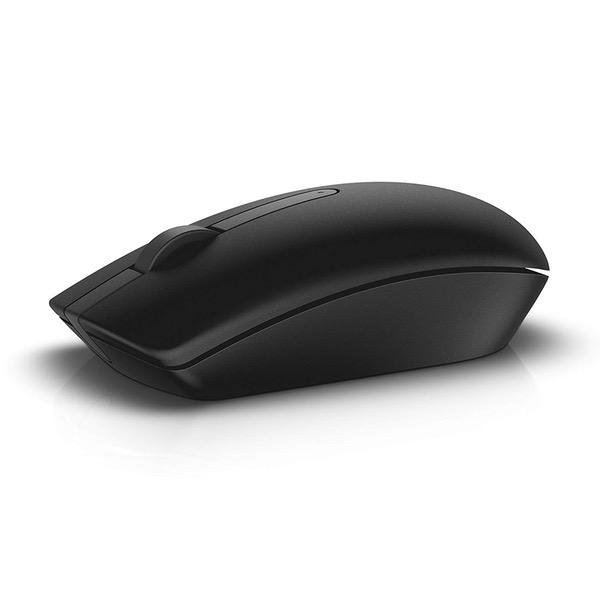
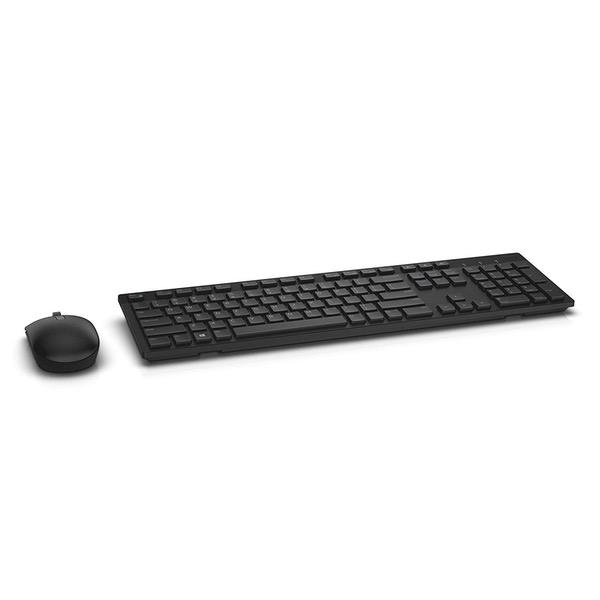
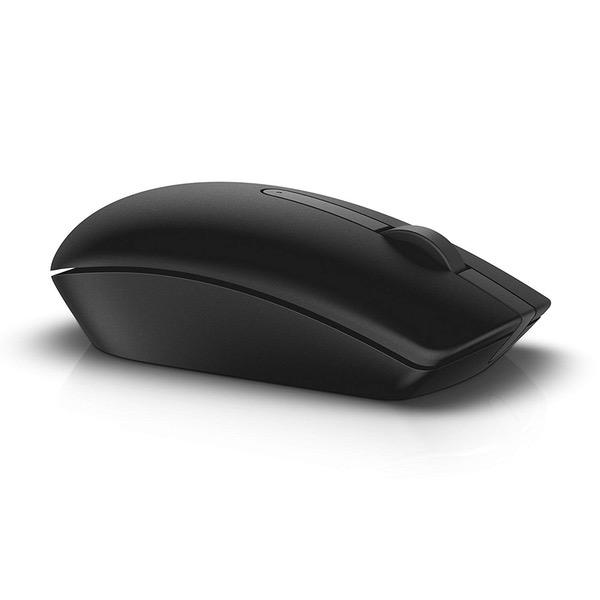
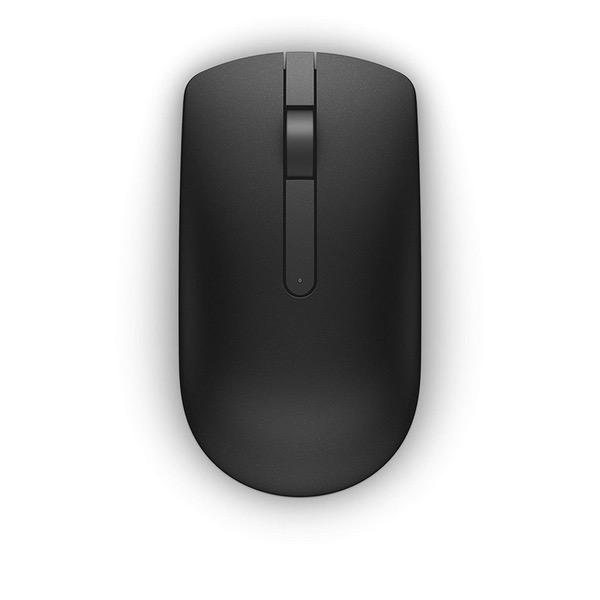
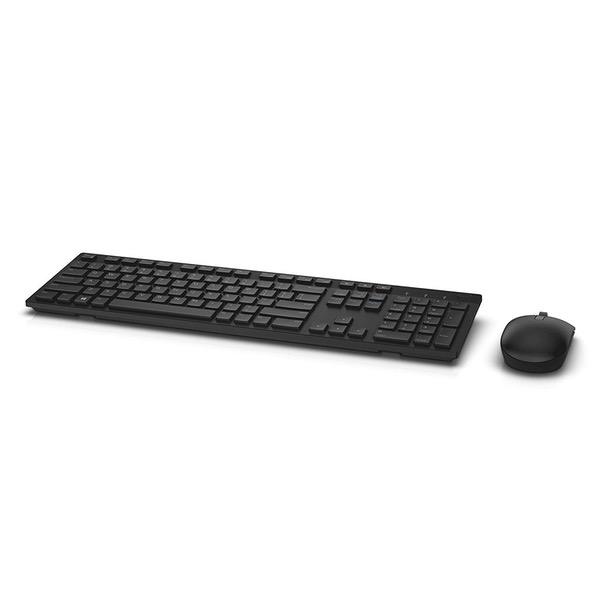
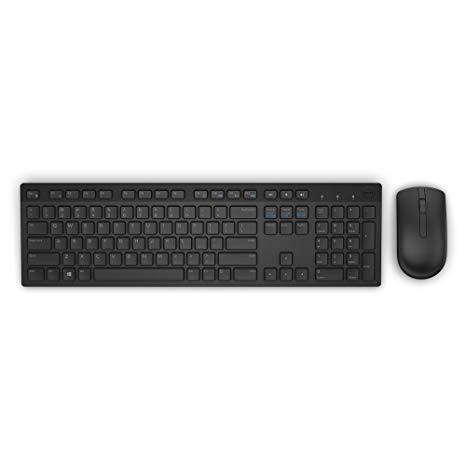
Dell KM636 Wireless Keyboard & Mouse Combo (5WH32)
Write a review
$3200 $8200

Dell KM636 Wireless Keyboard & Mouse Combo (5WH32)

Write a review
B01FM8H22S
+
Add to wish list
Target is a general merchandise retailer with stores in all 50 states and the District...

City: US, New York

Delivery
Pickup at your own expense
Tomorrow from 09:00 to 20:00, Store location
Free
Payment options
Apple Pay Google Pay Mastercard Visa
Cash, bank card, credit/installment payments, cashless payment for legal entities
Warranty and returns
Exchange/return of products of proper quality within 14 days Official manufacturer's warranty: 12 months
Description
This fits your .
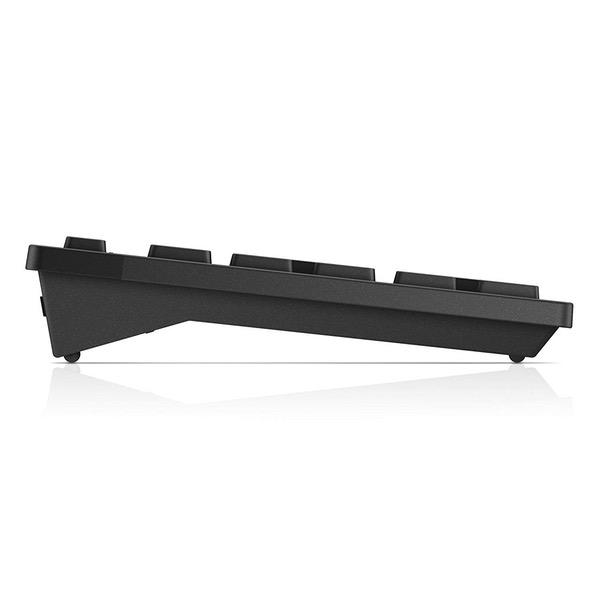
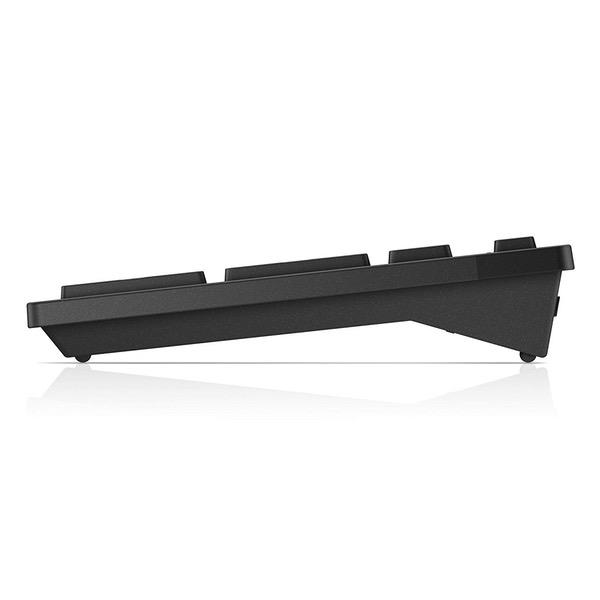
Make sure this fits by entering your model number. Contemporary Design Wireless convenience and performance Designed for: Inspiron 11 3179, 32XX, 3459, 3668; latitude 12 5289, 13 7350, 7370, E5270, E5460, E5470, E5570, E7270, E7470; optiplex 30XX, 3240, 50XX, 5250, 70XX, 7440; precision mobile workstation 3510, 55XX, 7510, 7710; precision tower 3420, 3620, 5810; vostro 15 35XX, 32XX, 3668; dell wyse 30XX, 50XX, 7010. Long, efficient battery life Elevated and spacious chiclet keys, multimedia keys, plus optical tracking for precise mouse movement Refer user guide below
Reviews
3.3
Reviews: 20
5 stars
35%
4 stars
15%
3 stars
15%
2 stars
15%
1 star
20%
Dan Neuwirth
2
Im really torn over this. On the one hand, it feels nicely designed, the keys feel great, and coming from my prior (10 year old) keyboard I no longer sound like Im pounding on the desk when Im on a speaker-phone call. However, the mouse is really "skippy"---its almost as if theres interference, it phases in and out of working perfectly. Sometimes the mouse pointer just skips around and other times its flawless. The keyboard randomly loses keystrokes. Ill go back over a paragraph Ive written and there will be 30 missing keystrokes, one or two here, one there, requiring me to proof-read absolutely everything Ive written. Distance to the receiver is a non-issue: its line of sight and approximately 18 inches from both; I should certainly hope 18 inches is not too significant a distance. The mouse also does not have any rubberized padding on the underside--as a result, it makes a scraping sound on the desk during movement. My prior mouse (Microsoft Basic Optical) was whisper silent during movement. Im torn on this, as I REALLY like the look and feel of this combo. But it just "misses" the mark and it feels like Im spending a lot more time rereading what Ive written. Im wondering if I should have spent more on a Bluetooth unit rather than this proprietary wireless one. UPDATED 06/07/18: Ive tried everything to resolve the keyboard skipping issue, moving the receiver, replacing all batteries with good fresh ones, etc). The USB dongle is now 12" away from the keyboard and it still loses about 1% of the keystrokes. My productivity has been dramatically reduced with this keyboard/mouse combo as everything I type, I have to go back nd edit (theres one--I tyed "and" and it came out "nd", and "typed" not "tyed"---see, this is my new life with this keyboard). I love Dell, I love the FEEL of this keyboard, but Ive given up on it and Im replacing it with a different brand.
SGoldfarb
2
So I got a new job where I would be working with multiple devices (a contract issued Dell and a site issued mac and iPad) so I wanted a single keyboard and mouse to keep my desk uncluttered. I wanted to like this thing. The build quality looks very nice but it is a little lightweight for my tastes. I like how it types and how it feels but I picked up on negatives right out of the box. - The three function-ness of it is very specific. #1 NEEDS to be paired to a Dell Link dongle. #2 and #3 NEED to be bluetooth. I bought this as an Amazon Warehouse Deal and it arrived without some critical parts. Both the keyboard and dongle were not present in the box (dont cry for me Argentina, Amazon realized they sold me a bad deal and gave it to me for free). But the missing dongle meant that function #1 was unusable without me tracking down a dongle. Now, Dell used to use Logitechs Unifying hardware in their stuff but I guess they got tired of paying the licensing or whatever. So, they switched to their own "Dell Link" but unfortunately because it is new and not being used on much hardware the dongles are rare and expensive so it became not worth it to track down one. Maybe this will change with time but the idea that such a small, easily misplace-able part would be hard to replace was a big negative for me. Plus, I had already lost functionality of 1 device. The Dell provided by the company I work for has bad bluetooth but since I just use it as a time-clock and to officially file reports (that can be generated in google docs and copied over) I decided to skip pairing with it and focus on just using my site provided Mac (it added an extra step to my workflow but it was minor). However, the mac sometimes had a hard time being woken up by key-presses. I dont know if this was a keyboard issue, or a bluetooth issue. But, it was an issue non the less. The iPad I was using would be spotty connectivity wise with this keyboard - it might have been the fact that it was a warehouse deal, I dont know - but I would type full words and even sentences sometimes and the iPad just wouldnt get them. But, when I paired an old portable bluetooth keyboard it worked the first time every time. The last issue came after about a week and a half of use. I had put a fresh pair of Duracell Pros in it after I got it and it burned right through them. Now, I am sure that it was a problem with my particular keyboard, but that was the last straw. I put it in a cabinet and went back to Logitech by purchasing a K780. Does all the things this Dell promised only better. And, I was able to use old Logitech dongles I had accumulated during my tenure working on repairing PCs.
Mark Twain
2
Update on Mouse Bluetooth issues You might want to look up the mouse (Dell WM527) and see all the problems other people are having with it since the keyboard hasnt had any problems so far. The mouse for some reason goes to a standby mode after 20 seconds and changes status from Connected to Paired. So if you stop using your mouse after 20 seconds, next time you try to move it or click on something, you have to move it around for at least 2-5 seconds to wake it up and reestablish the connection. This can get really really really annoying and frustrating when youre trying get some work done. Im digging into this issue and will update as soon as I speak to Dell. --------------------------------------------------- Original Review This is a very classy, minimalist and attractive combo. I chose this over other options so I could toggle back and fort between my laptops and use the Bluetooth mouse with my laptop when I travel to avoid carrying USB C dongles for traditional wireless receivers. Who wants to go around and ask Hey Bro Can I Borrow Your Dongle? Im trying really really really hard here to love this combo and as much as the keyboard is growing on me, at this price point, I may have to return it because of how bad and frequently the mouse is either freezing or losing bluetooth connection. I read on some other reviews that the work around people found for this issue was using the dongle but why pay extra to have a bluetooth combo and then end up using a dongle? And the dongle can only handle 1 PC and the other two connections have to be through bluetooth. I might be better off finding one of my old beat up keyboards and mouse combos and just purchase a KVM switch and settle for the track pad on the go. Pros Looks classy Good key travel Lights on Num and Caps Very light to carry around if you ever had to Cons The mouse constantly freezes up and/or loses Bluetooth connection The keys have lost their high profile but because the spacing between has stayed the same, it may take sometime for you to get used to tying on it
You may be interested
  • Bestsellers
  • Recently Viewed
 
Fast and high quality delivery

Our company makes delivery all over the country

Quality assurance and service

We offer only those goods, in which quality we are sure

Returns within 30 days

You have 30 days to test your purchase