



















Anderic RRMR600 Universal Magic TV Remote Control for LG with Pointer Function
$3380
$3995


Anderic RRMR600 Universal Magic TV Remote Control for LG with Pointer Function
1004640316

Starget Electronics is a leading online electronics store offering a wide range of gadg...
City: US, New York
Delivery

DHL express - Fast
1 day, Door-to-Door, Courier Delivered
from 26$

Pickup at your own expense
Tomorrow from 09:00 to 20:00, Store location
Free
Payment options


Cash, bank card, credit/installment payments, cashless payment for legal entities
Warranty and returns
Exchange/return of products of proper quality within 14 days
Official manufacturer's warranty: 12 months
Description
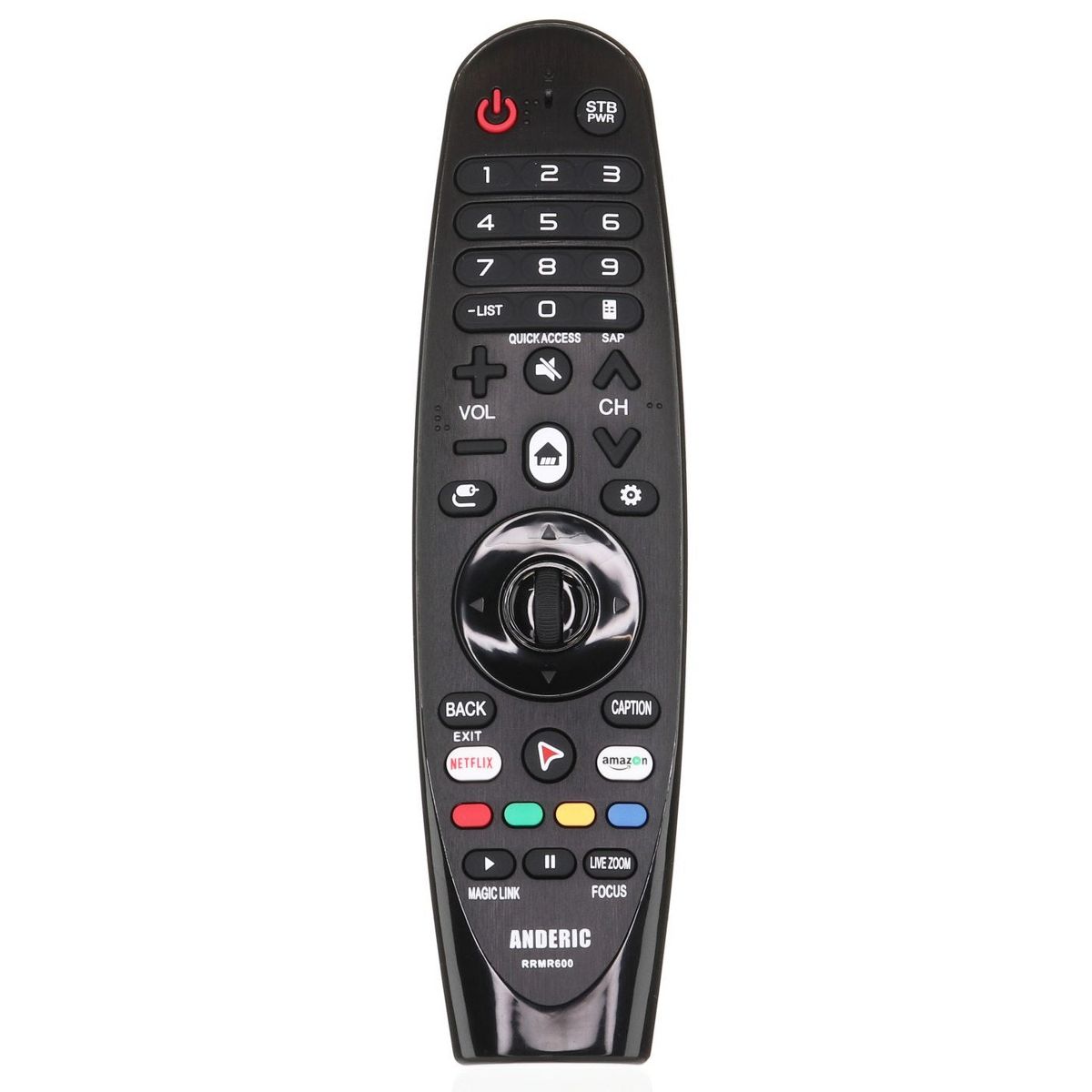
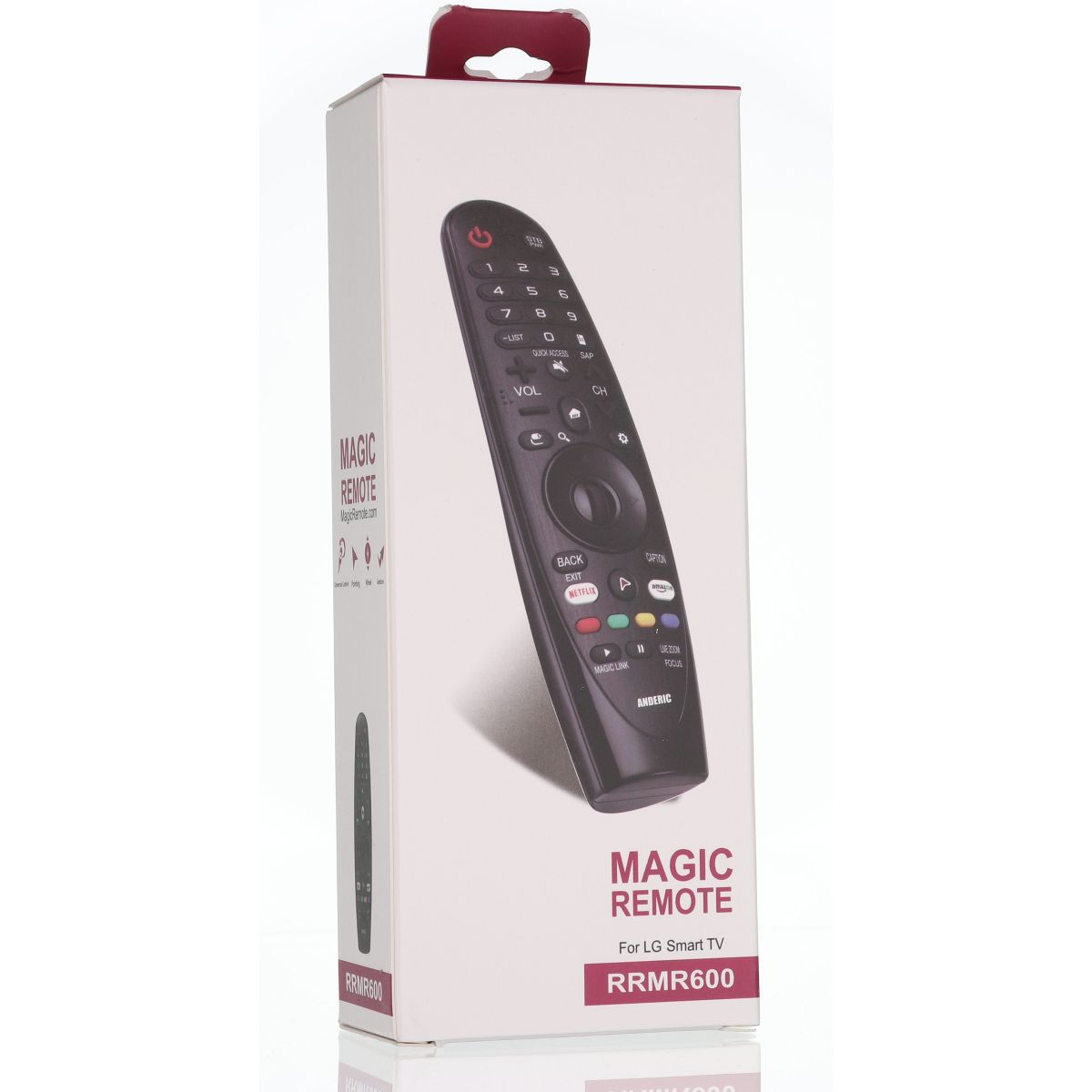
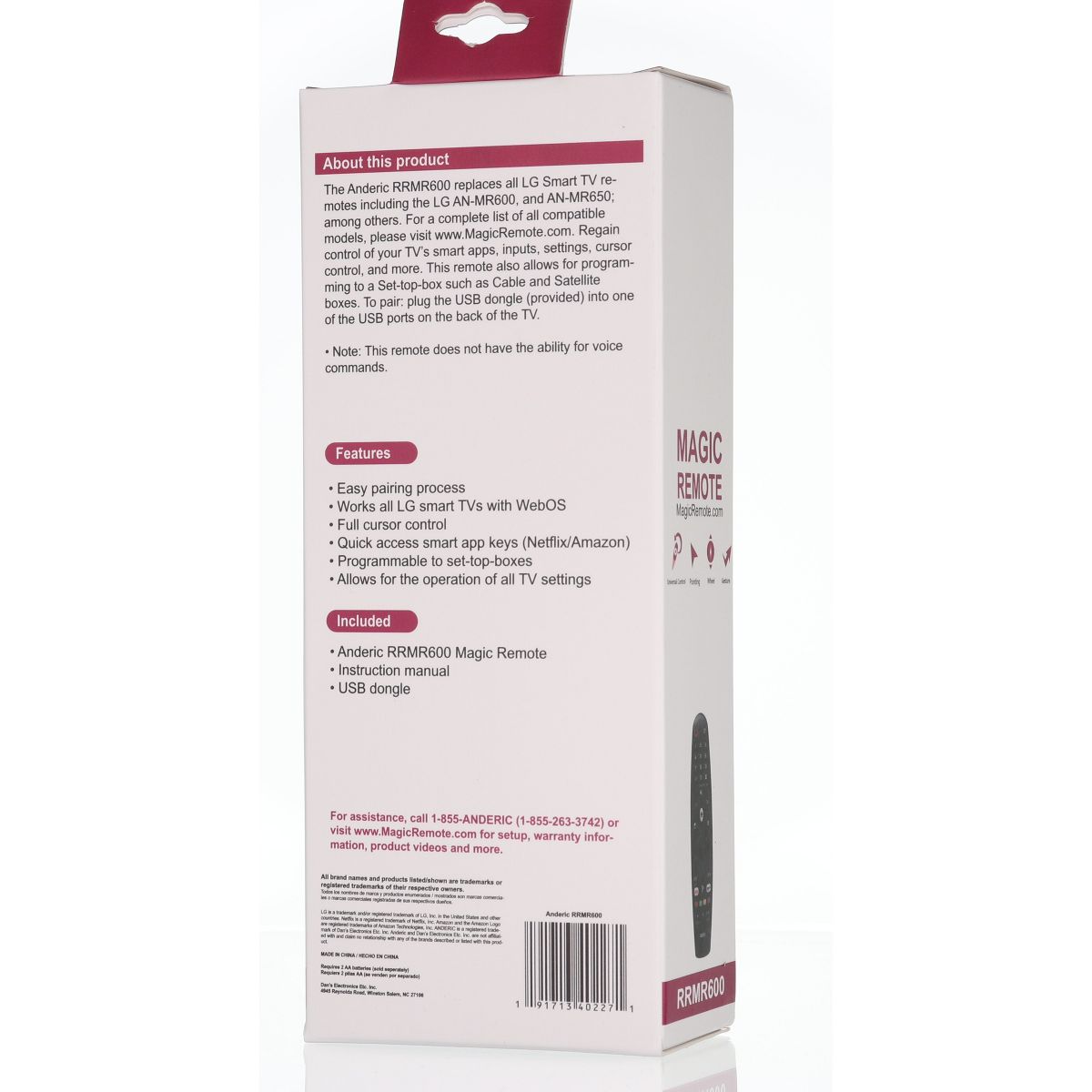
The Anderic RRMR600 will replace all LG Smart TV remotes. It will perform all functions as the original remote, except for VOICE Functionality. Simply plug the USB dongle into one of the USB ports on the back of the TV and remote will pair just like the original remote. You will have the full functionality of the default on-screen cursor. You can access your smart apps, inputs and more. This remote can also program to a Set-top-box for controlling your Cable or Satellite box.
Features:
- Full functionality for all LG Smart TV (except voice control)
- Includes: RRMR600 remote, Receiver dongle, and instructions
- Replaces all LG smart remote controls
Troubleshooting/pairing:
If the mouse pointer does not register using the USB dongle,
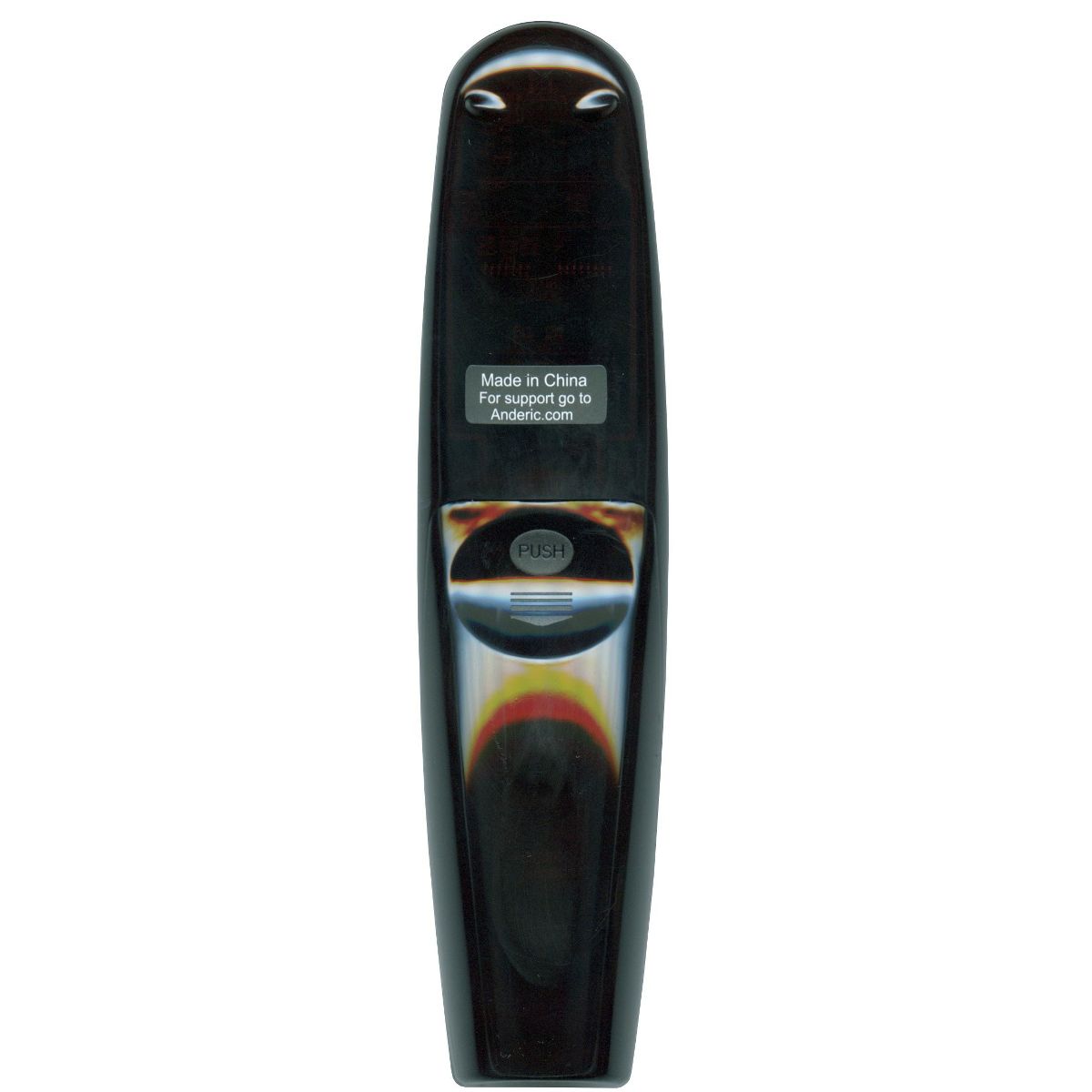
Getting startedPower on TV Insert the supplied USB dongle into a USB port located on the back of the TV Install two AA-size batteries into the remote (not included)
Registering the remote
After plugging in the supplied USB adapter (dongle) to any USB port on the back of the TV, Press and hold the [WHEEL (OK)] key for about 3 seconds, and the indicator light (power key light) will light and remain in the on position. After a few moments, the indicator light will blink three times and go off, indicating that the pairing has been successful. The pointer icon will appear on the TV screen. Remote is now fully operational.
If the POWER key continuously blinks.
Features:
- Full functionality for all LG Smart TV (except voice control)
- Includes: RRMR600 remote, Receiver dongle, and instructions
- Replaces all LG smart remote controls
Troubleshooting/pairing:
If the mouse pointer does not register using the USB dongle,
Getting started
- The batteries installed are weak. Replace batteries.
Features
Brand Name
Anderic
Item Weight
.32 pounds
Battery
2 AA Alkaline, Required, Not Included
Dimensions (Overall)
1.75 inches (H) x 3.25 inches (W) x 8.0 inches (D)
Wireless Technology
- Radio Frequency
Reviews
No reviews found
Please sign in so that we can notify you about a reply