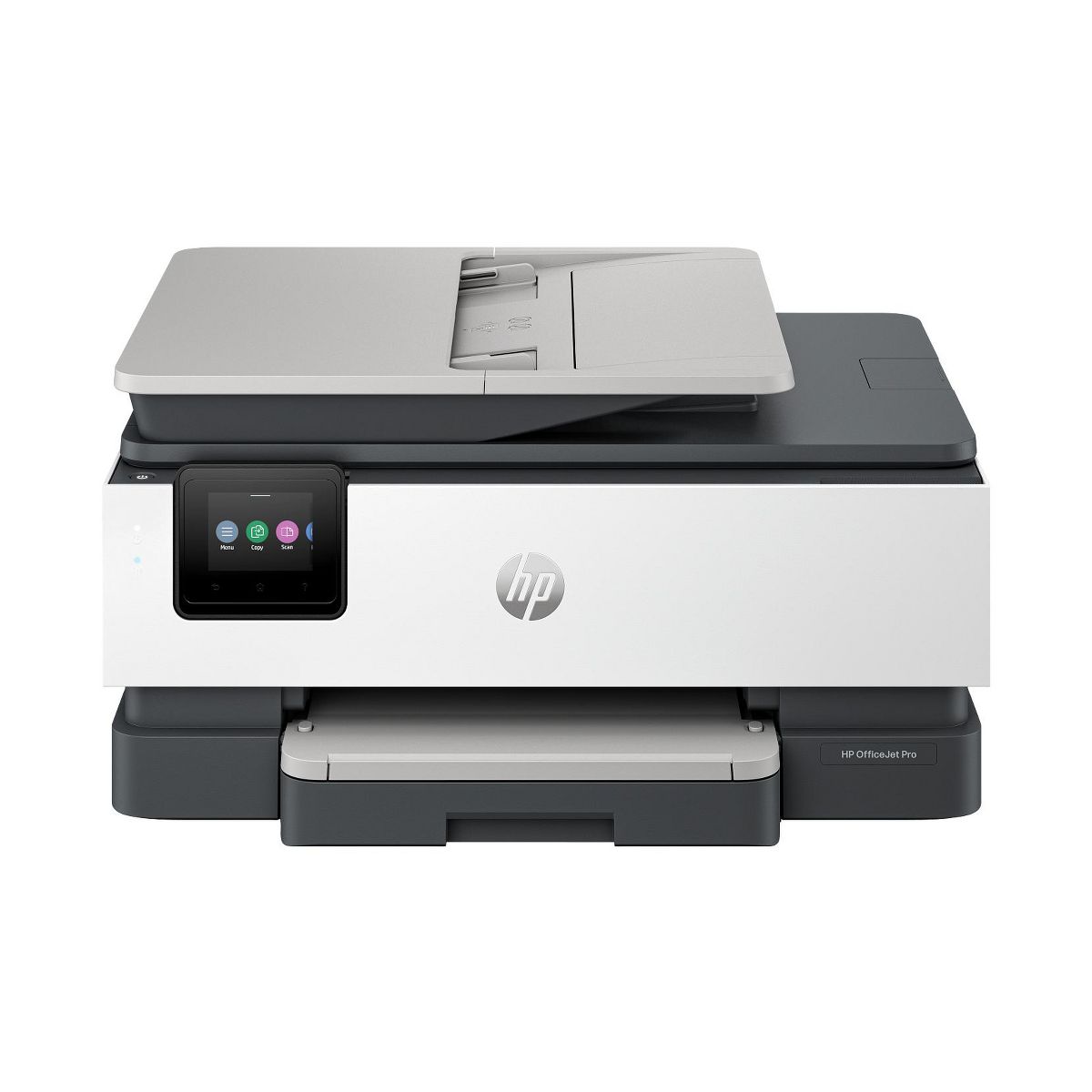










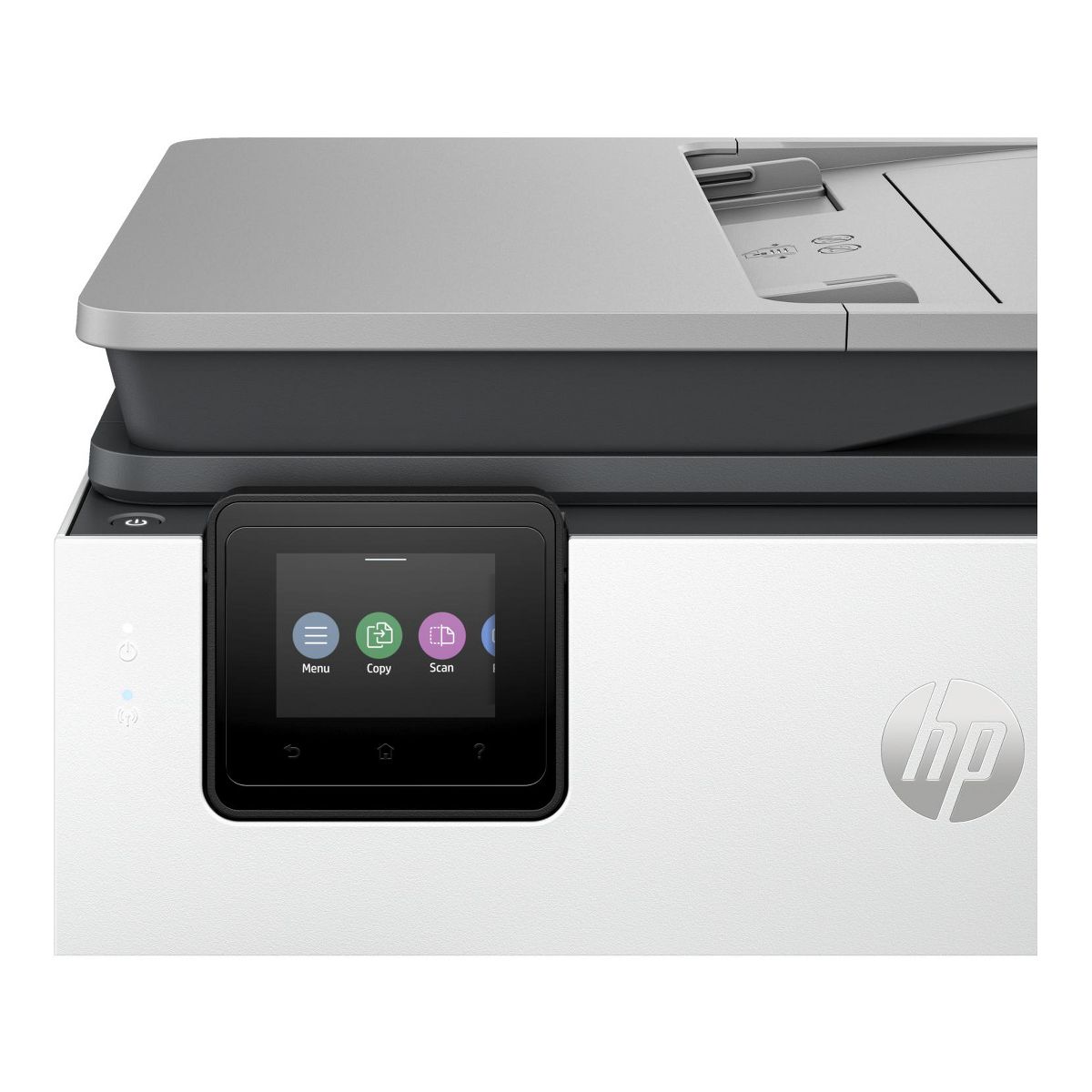
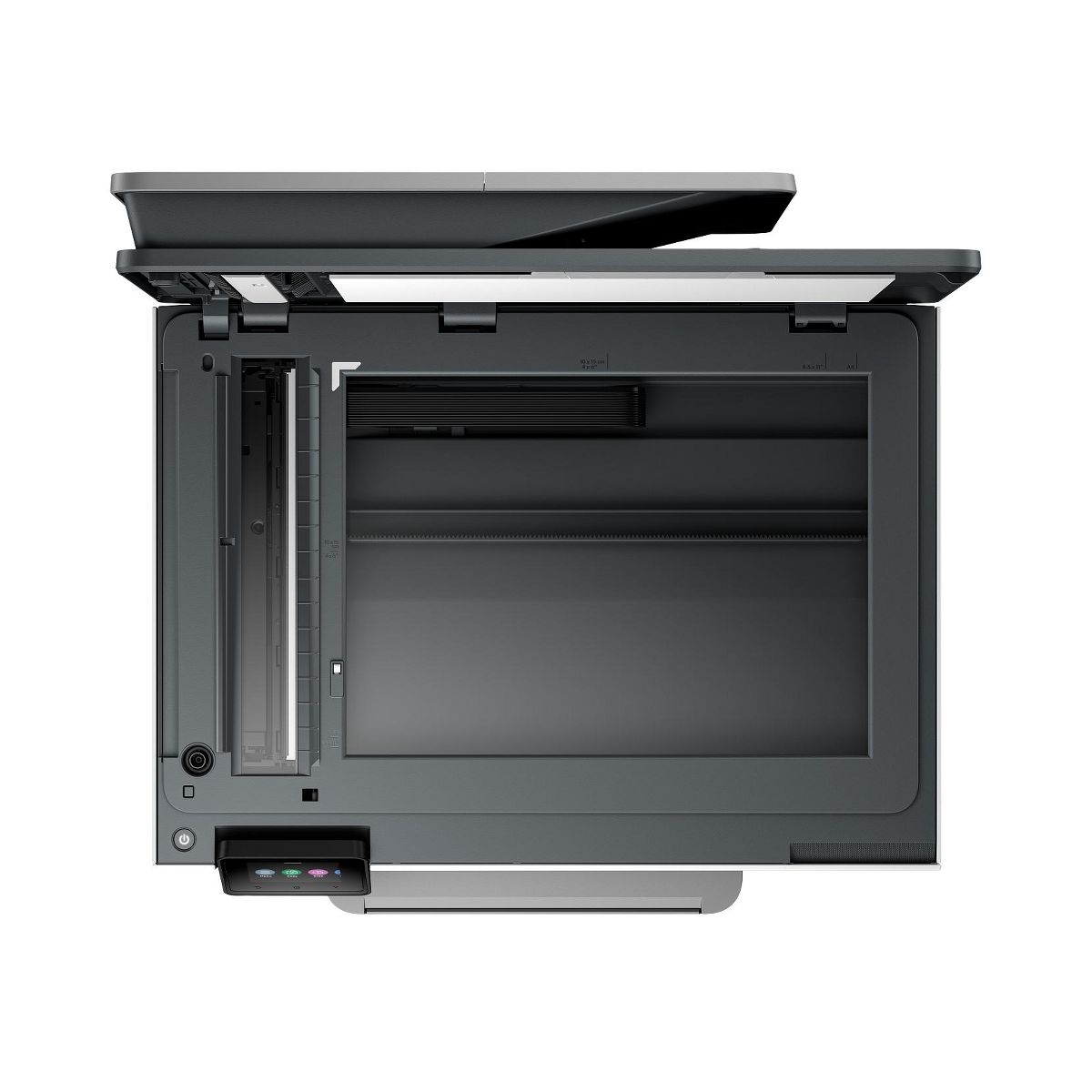
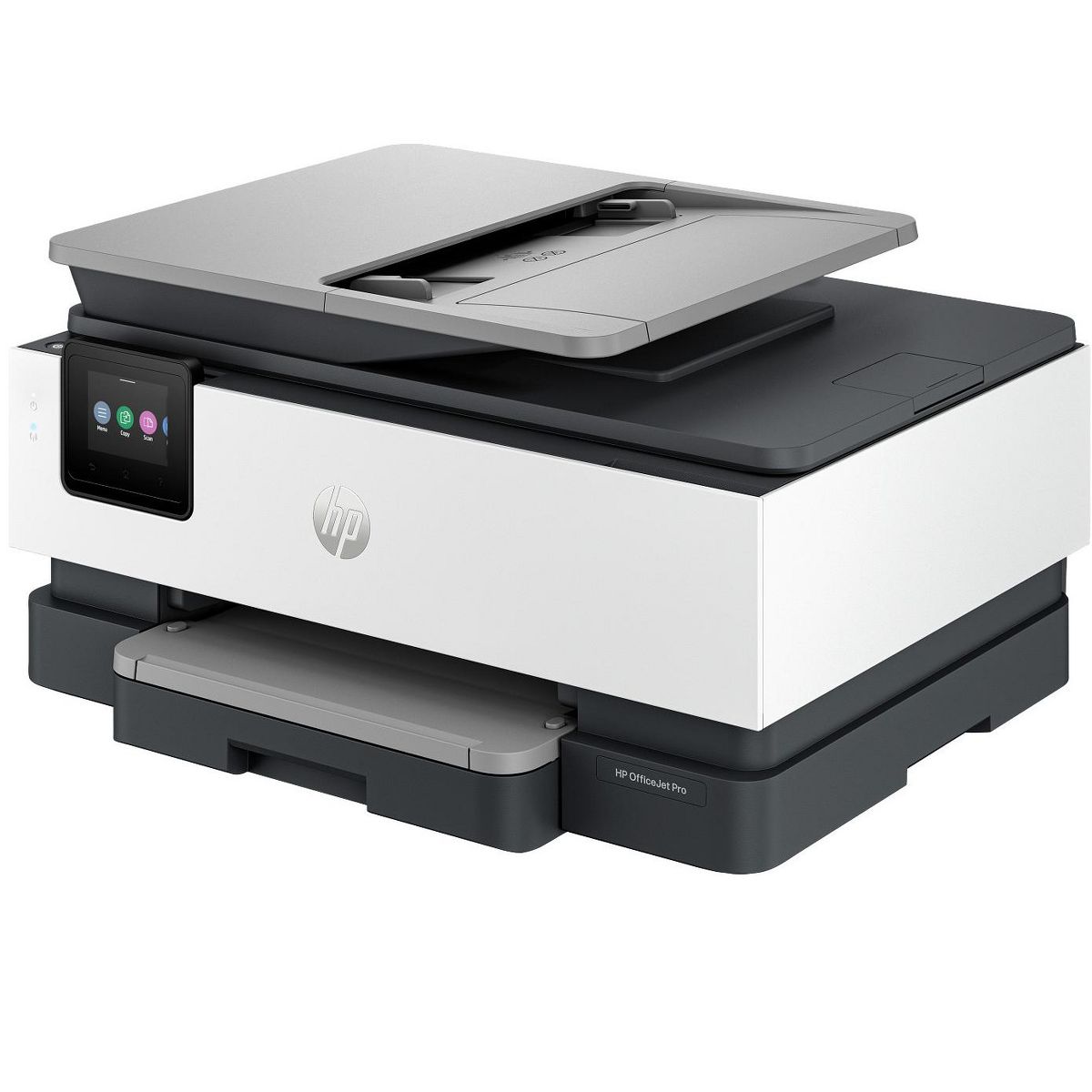
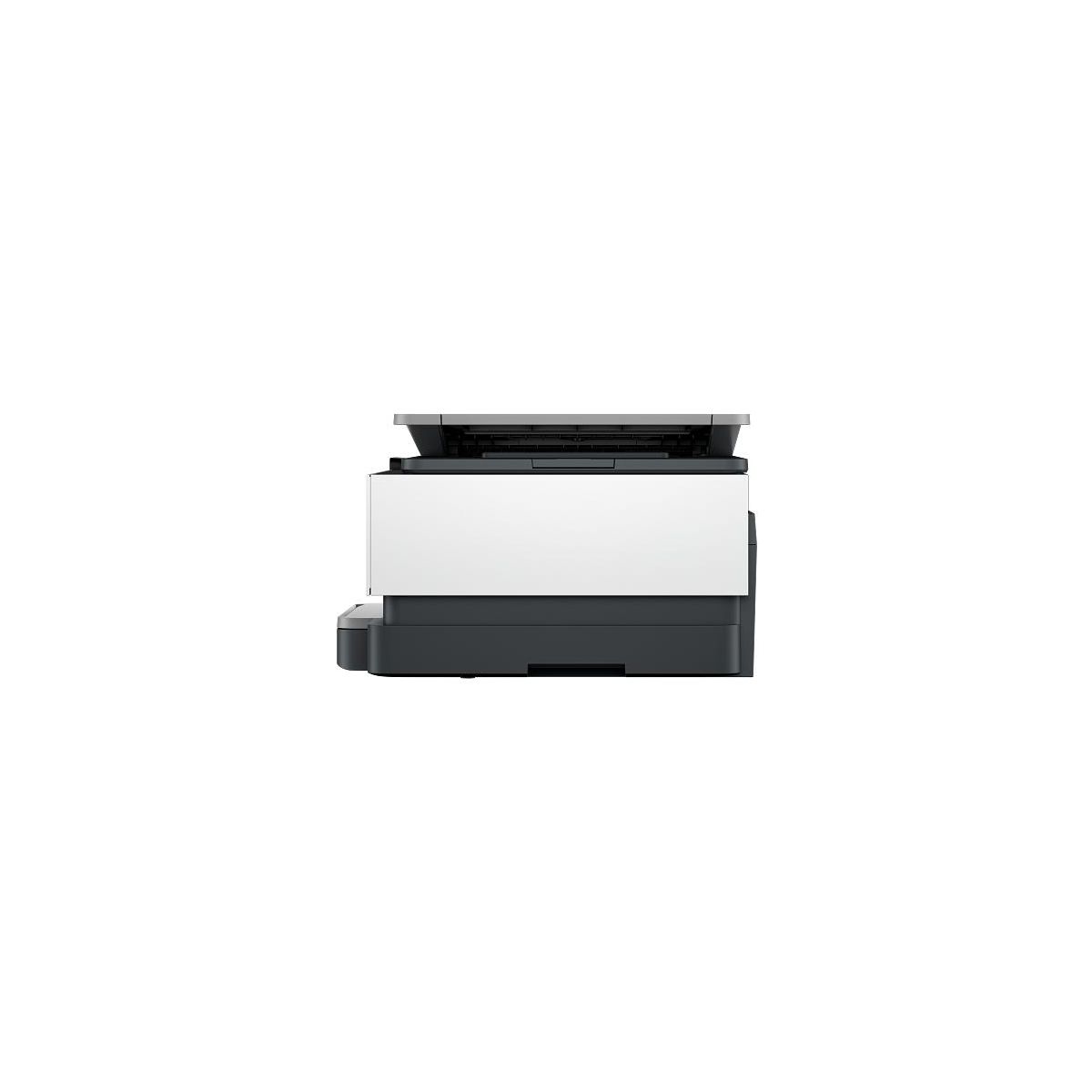
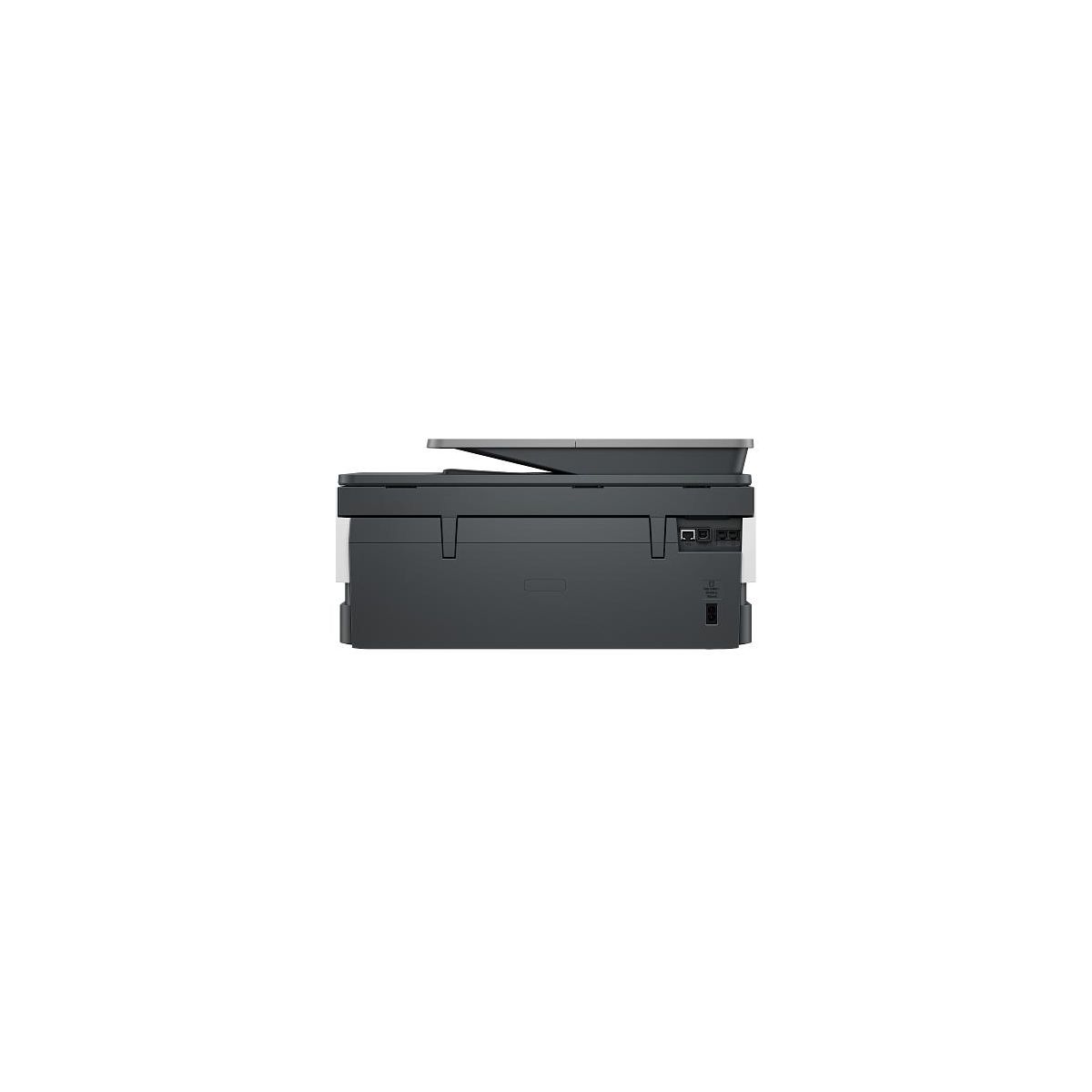
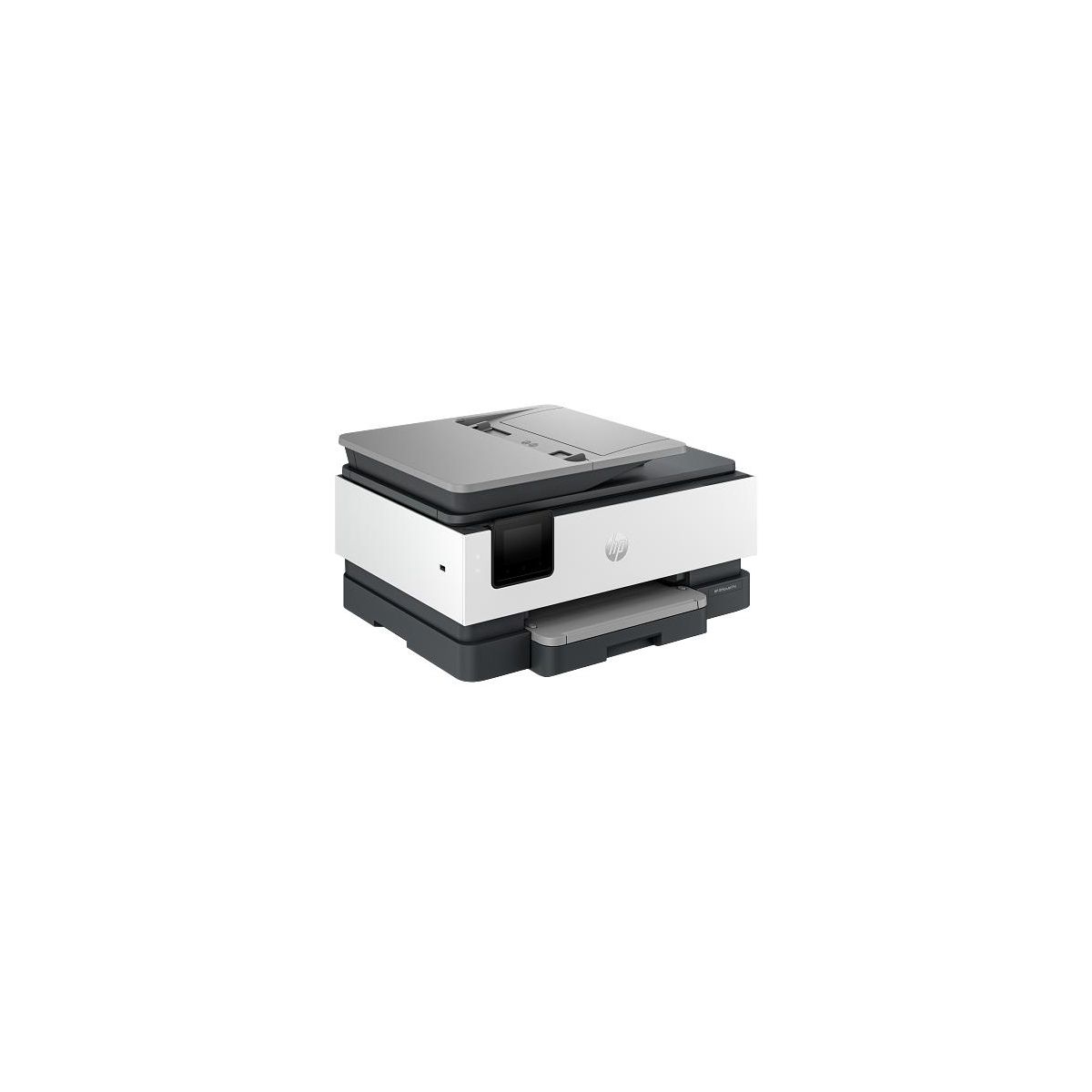
HP OfficeJet Pro 8139e Wireless All-in-One Printer with 1 Full Year Instant Ink with HP+, AI-enabled
Write a review
$17999 $27999

HP OfficeJet Pro 8139e Wireless All-in-One Printer with 1 Full Year Instant Ink with HP+, AI-enabled

Write a review
91271172
+
Add to wish list
Starget Electronics is a leading online electronics store offering a wide range of gadg...

City: US, New York

Delivery
Pickup at your own expense
Tomorrow from 09:00 to 20:00, Store location
Free
Payment options
Apple Pay Google Pay Mastercard Visa
Cash, bank card, credit/installment payments, cashless payment for legal entities
Warranty and returns
Exchange/return of products of proper quality within 14 days Official manufacturer's warranty: 12 months
Description
Overview - Say hello to the professional color inkjet printer for your home office from America’s most trusted printer brand, paired with the easiest-to-use print app. Enjoy easy printing designed to make you succeed at work. Fax included. - For professionals who work from home and want a professional color inkjet printer that enhances their productivity, just like in the office. - This printer is intended to work only with cartridges that have a new or reused HP chip, and it uses dynamic security measures to block cartridges using a non-HP chip. Periodic firmware updates will maintain the effectiveness of these measures and block cartridges that previously worked. A reused HP chip enables the use of reused, remanufactured, and refilled cartridges. Features Reliable technology uniquely built to work at home - Say goodbye to noisy printing and stay focused on your work with quiet mode. Print from your couch with the best print app - Print, scan, copy, or fax right from your smartphone with the best and easiest-to-use print app. Always be ready to print. Never run out of ink. - With an Instant Ink subscription, you can get ink delivered directly to your door before you run out. Driving innovation with 45% recycled plastic - Choose printers made with at least 45% recycled plastic. Compatible Supplies - HP 923 Black Original Ink Cartridge 4K0T3LN; HP 923 Cyan Original Ink Cartridge 4K0T0LN; HP 923 Magenta Original Ink Cartridge 4K0T1LN; HP 923 Yellow Original Ink Cartridge 4K0T2LN; HP EvoMore planned to be available April 2024: HP 923e EvoMore Black Original Ink Cartridge 4K0T7LN; HP 923e EvoMore Cyan Original Ink Cartridge 4K0T4LN; HP 923e EvoMore Magenta Original Ink Cartridge 4K0T5LN; HP 923e EvoMore Yellow Original Ink Cartridge 4K0T6LN. Minimum system requirements - Microsoft® Windows® 11, 10: 32-bit or 64-bit; 2 GB available hard disk space; Internet connection; Microsoft® Internet Explorer or Edge What's in the box? - HP 923 Setup Black Ink Cartridge; HP 923 Setup Cyan Ink Cartridge; HP 923 Setup Magenta Ink Cartridge; HP 923 Setup Yellow Ink Cartridge; Power Cord; Regulatory Flyer; Ink Caution Flyer; Setup Poster; Reference Guide Disclaimers - Based on 2022 Q4 shipments in the IDC Worldwide Quarterly Hardcopy Peripherals Tracker®, 2022 Q4 Release. Includes shipments of all printing devices (inkjet printers, laser printers, copiers and multifunction devices, including production units). - Compared to OEM printing apps for the majority of top-selling, network-capable inkjet/laser printers and all-in-ones for the home and office, priced ≤$450 USD. Printers selected by market share as reported by IDC Quarterly Hardcopy Peripherals Tracker – Final Historical CYQ1 2023. Claim based on research of printer manufacturer’s print apps and Keypoint Intelligence hands-on testing and study commissioned by HP, July 2023. Requires HP app download available at www.hp.com/go/mobileprinting. Certain features are available in English language only, and may vary by printer model/country, and between desktop/mobile applications. HP reserves the right to introduce charges for use of functionality facilitated by the HP app. Internet access required and may not be available in all countries. HP account required for full functionality. Fax capabilities are for sending a fax only. List of supported operating systems available in app stores. - HP OfficeJet Pro 8130e printer series has self-healing Wi-Fi, HP’s best and most reliable wireless technology to experience uninterrupted printing. Internet access required and must be purchased separately. Wireless operations are compatible with 2.4 GHz and 5.0 GHz operations only. HP Security is now HP Wolf Security. Security features vary by platform, please see product data sheet for details
Reviews
4.1
Reviews: 28
5 stars
57%
4 stars
25%
3 stars
4%
2 stars
4%
1 star
11%
Most Helpful Positive Review
bdisimone
5
love it
I absolutely love this printer ! It prints so easy and fast. My ink dried fast and the paper tray is great at the bottom instead of the top because its easier to reach. By it being a tray i find it doesnt get jammed. Its innovative that it faxes, scans and has two sided printing. It was very easy to use and set up. I was so excited to receive this.
Most Helpful Critical Review
Labrette
3
Mediocre printing - Set up easy
The colors are not nearly as bright nor as crisp as I had hoped. As most of my printing is colored pictures, this was not the right printer for me and I will not be able to use it for anything but letter printing.
Divasoul
5
OfficeJet Pro 8135e replaced my HP4560 printer that died after 10 years! HP product's are the best!!
My HP OfficeJet Pro 8135e wireless printer was easy to install, prints are perfect and instant ink os fantastic!!
IrenaC
1
BAD PRODUCT/DO NOT BUY
The Printer constantly disconnects from my computer and refuses to connect until I reset BOTH the computer and the printer. When the printer is actually working, it keeps discoloring the files i try to print. This printer is only one month old and should not already be having issues like these.
OMG!
2
No printer ink control. HP Smart is a joke. Dumbed down AIO
Cannot control print lightness, darkness or do printhead maintenance of any kind. That feature has been completely removed from all menus and in printer properties! Printing really wets the paper with ink and prints, especially colored prints are over inked. Intant ink calculates a whole page for just an extra line of text. Printer tray is flimsy. You have to open the printer to get the PIN for any kinf of information through HP Smart. the printer egisters a cartige change every time you open it for the PIN. HP Smart is anything but Smart. It's dumb and insulting to someone who wants the option of having even minimal control over print quality and maintenance. Calling it an All in One is a strech. Buyer beware. Website acount, my devices doesnt work properly. Even if I were interested in a better printer, I'm not anymore.
Stan P
1
Printer Driver is Buggy, Forces to use Slow Cloud Printing
Forces to send print job to cloud just to return back yo your printer - a lengthy process depending on the speed of your internet connection, when it could be done instantly if printing locally. Printer driver isn’t automatically uploaded to to your PC. You have to downloaded from website and with every use trying you are dodging the pop-up the the cloud print app is creating. HP driver sucks. I have an error since day one. Simply printing if bot an option. First you must power cycle, reset and burp the printer before it produces a printed page
Olie7
5
Affordable Top Quality Printer
This is an excellent printer. It was a breeze to set up and It prints fast and perfectly. I like that I can print and scan directly from my phone if I want to. I also like the ink and paper plan. The printer actually detects when these items are going low and that is when these products are sent out. What a novel idea. Overall, this is a nice home use printer with many cool functions.
Ritaaa9
4
Great at Home Printer
What a great printer, it does everything our household needs it to do and more. I really enjoy the scan feature which makes send copies of paperwork over to someone very easy. The printing is quick and the quality is great. If I had one complaint it would be its footprint; it is a big printer. Overall, I am very satisfied.
bdisimone
5
love it
I absolutely love this printer ! It prints so easy and fast. My ink dried fast and the paper tray is great at the bottom instead of the top because its easier to reach. By it being a tray i find it doesnt get jammed. Its innovative that it faxes, scans and has two sided printing. It was very easy to use and set up. I was so excited to receive this.
Asuane
4
Fast connection and printing
I have been using the HP8135E for a few weeks now and I like the fast connection and printing. I love the phone to printer capabilities. Easy to use and setup was a breeze. Quality is pretty good as well. I will say the only thing it is missing is the double sided scanning option but other than it is a great product for me and my family. We do a lot of coloring and activities so this works perfect for us. I have not used the fax option but that is another compatibility you have to pay for. I like how you can see your scan in live action on your HP smart app while actively scanning. I scanned an 80 page document with no issues through the document feeder. I personally did not sign up for insta ink as you get charged regardless if you order or not, just a membership fee. It is a compact sleek design so no oblong or odd shapes . The HP smart app does have pre loaded printables like games coloring pages ect for free which we have been taking full advantage over. Overall a good product
Yanghong1020
5
Multifunctional printer
This printer is high quality printer. It has copy, scan, print even fax functions. It is so convenient for all in one. The printed paper is also high quality, color is sharp as well. Highly recommended.
hj0028
4
Perfect home office printer
I was in the market for a new printer and had the opportunity to get an HP Officejet Pro. I currently own a different inkjet printer, but the start up is slower than I'd like for daily use and I have never been able to connect to it wirelessly, which is a bit of an inconvenience. Thankfully, the HP OfficeJet Pro 8135e connected to my laptop with ease and I didn't have to troubleshoot or waste time rebooting the printer or laptop. The first thing I noticed was how well the printer was packaged. There wasn't excess packaging and it even had a handle to help slide it out of the box. In a world of over packaged product, this was a pleasant surprise. The set up was easy and straight forward. There was a small paper manual as well as a QR code you could scan to get setup instructions on your phone. I chose the QR code and followed the steps. I had my printer set up and running within 25 minutes. (Possibly less. I was interrupted a few times by my toddler.) The warmup time for the printer is short and it didn't take long for it to print fairly large jobs (30+ pages). I also had it print envelopes, which again, was pleasantly surprised at how quickly and efficiently it printed. The envelopes never got caught up or jammed. I also appreciate how there is a subscription based printer ink program, which they offer 3 free months of. How convenient is that?! I also like that the menu screen pop out for easy viewing. My only constructive criticism would be that I wish the tray held more paper and that the tray that slides out was a bit more heavy duty. It's very thin and I feel like it would be easy for it to break. The printing itself is clean, but I didn't notice much of a difference in print quality between standard printing and high quality printing. However, all and all it will be a great little machine for my printing and scanning needs and I recommend it for your home office.

Showing 10 of 28 reviews

You may be interested
  • Bestsellers
  • Recently Viewed
 
Similar products
Fast and high quality delivery

Our company makes delivery all over the country

Quality assurance and service

We offer only those goods, in which quality we are sure

Returns within 30 days

You have 30 days to test your purchase