










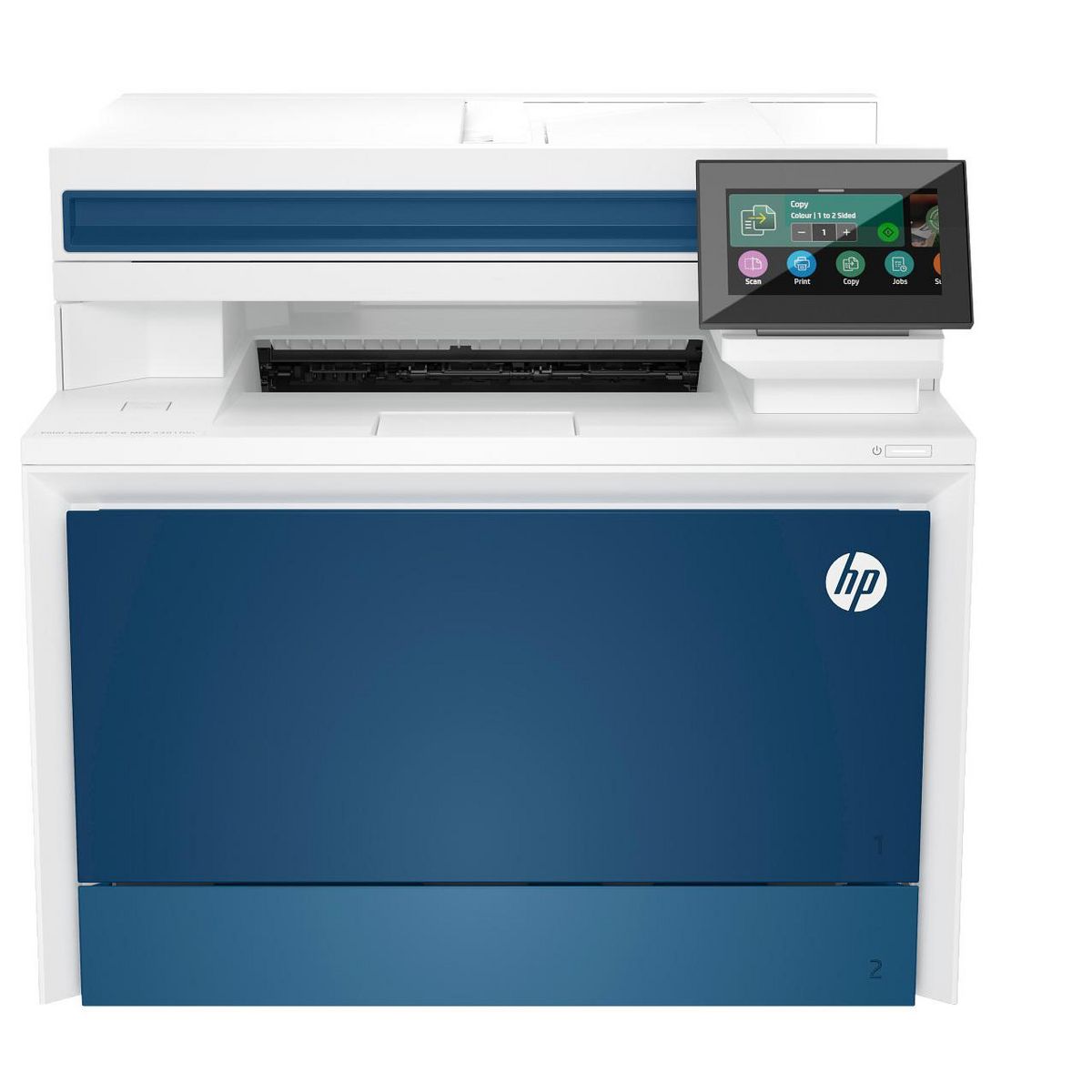
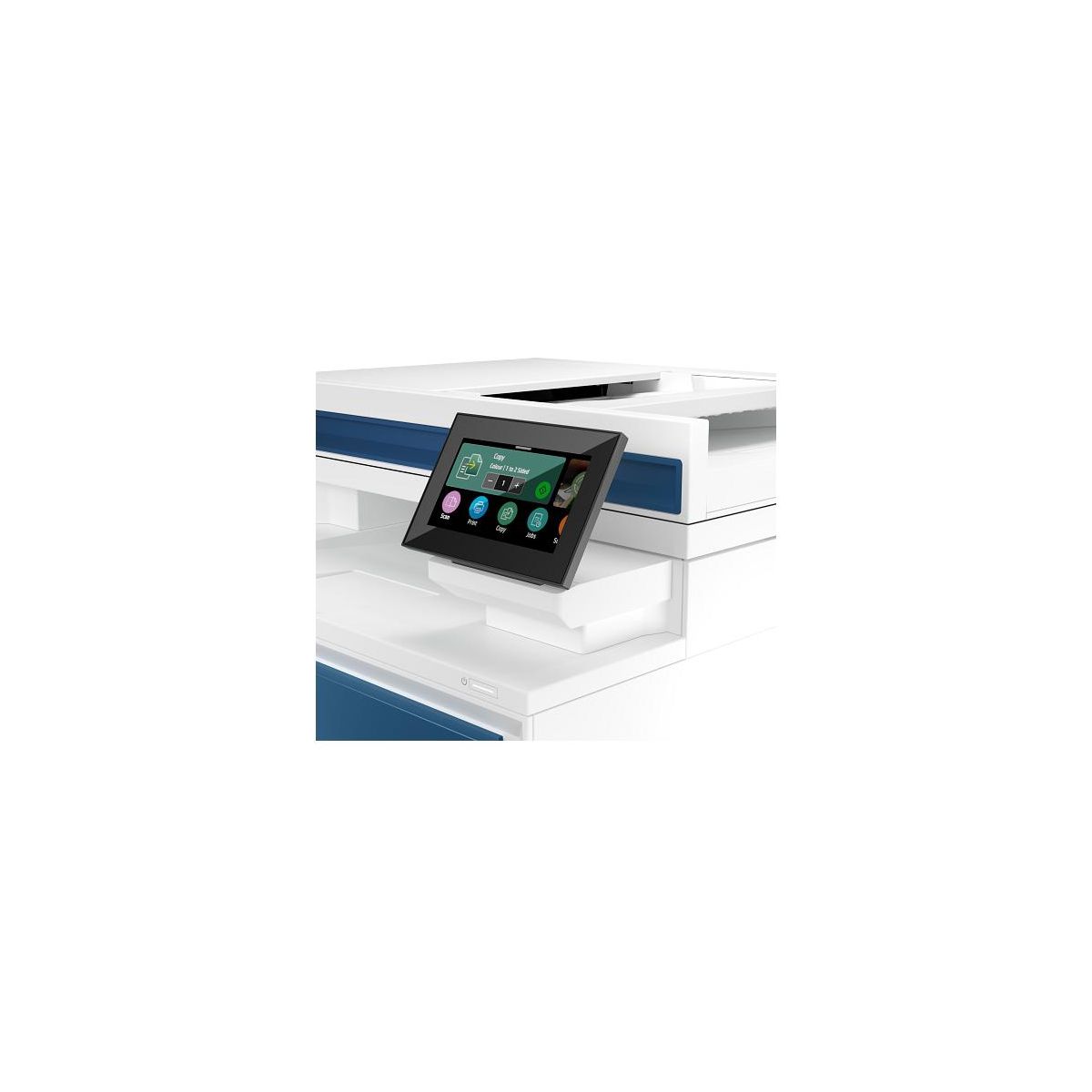
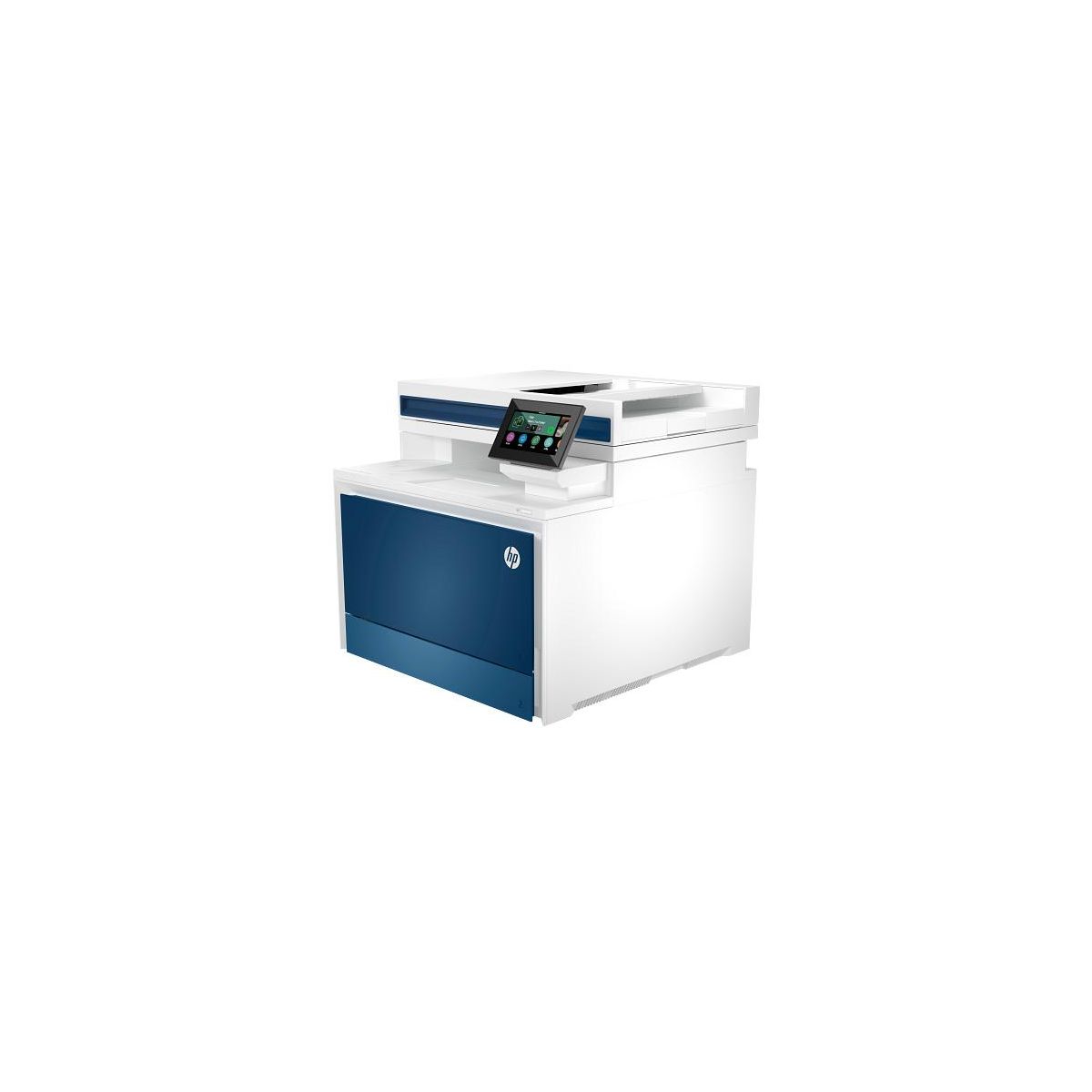
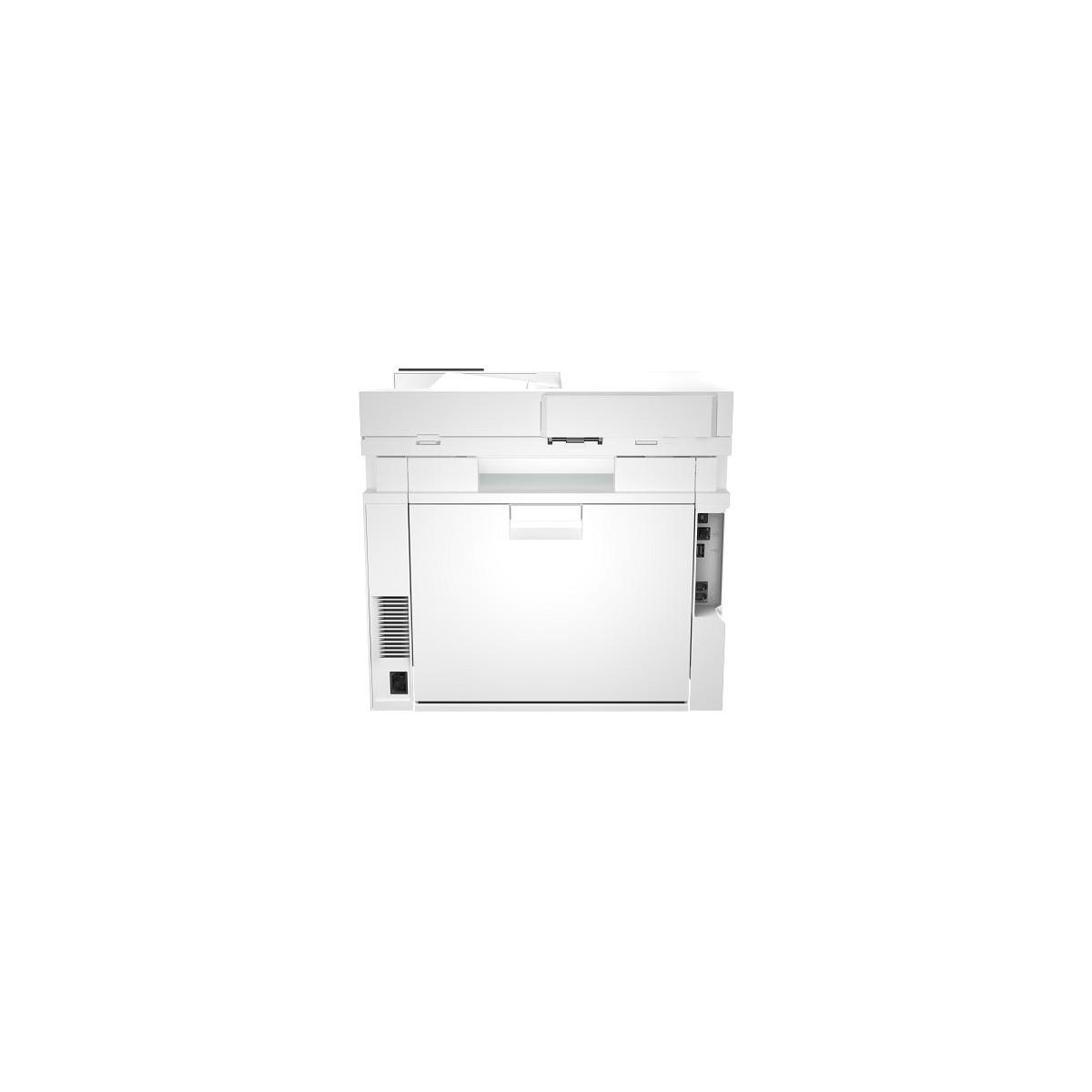
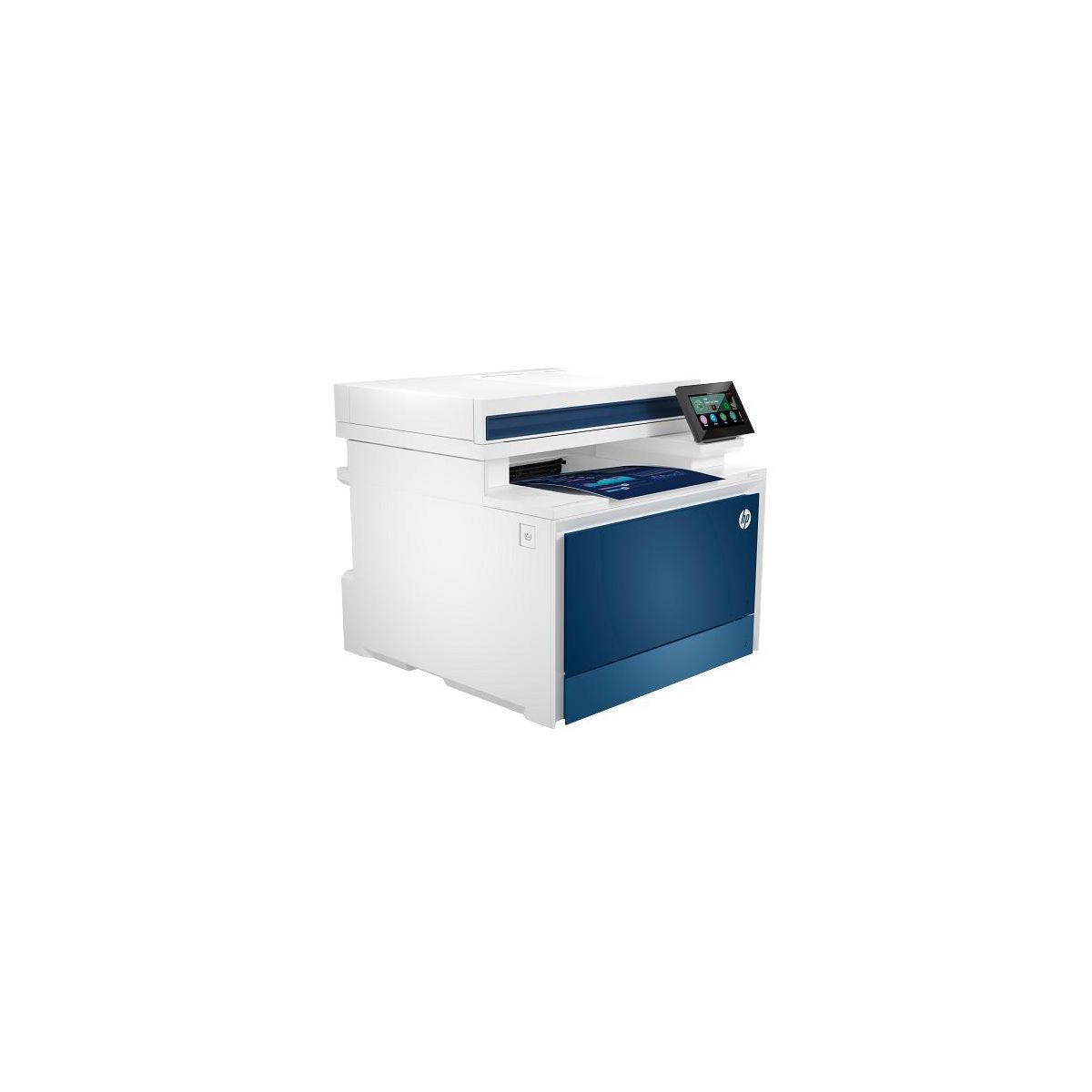
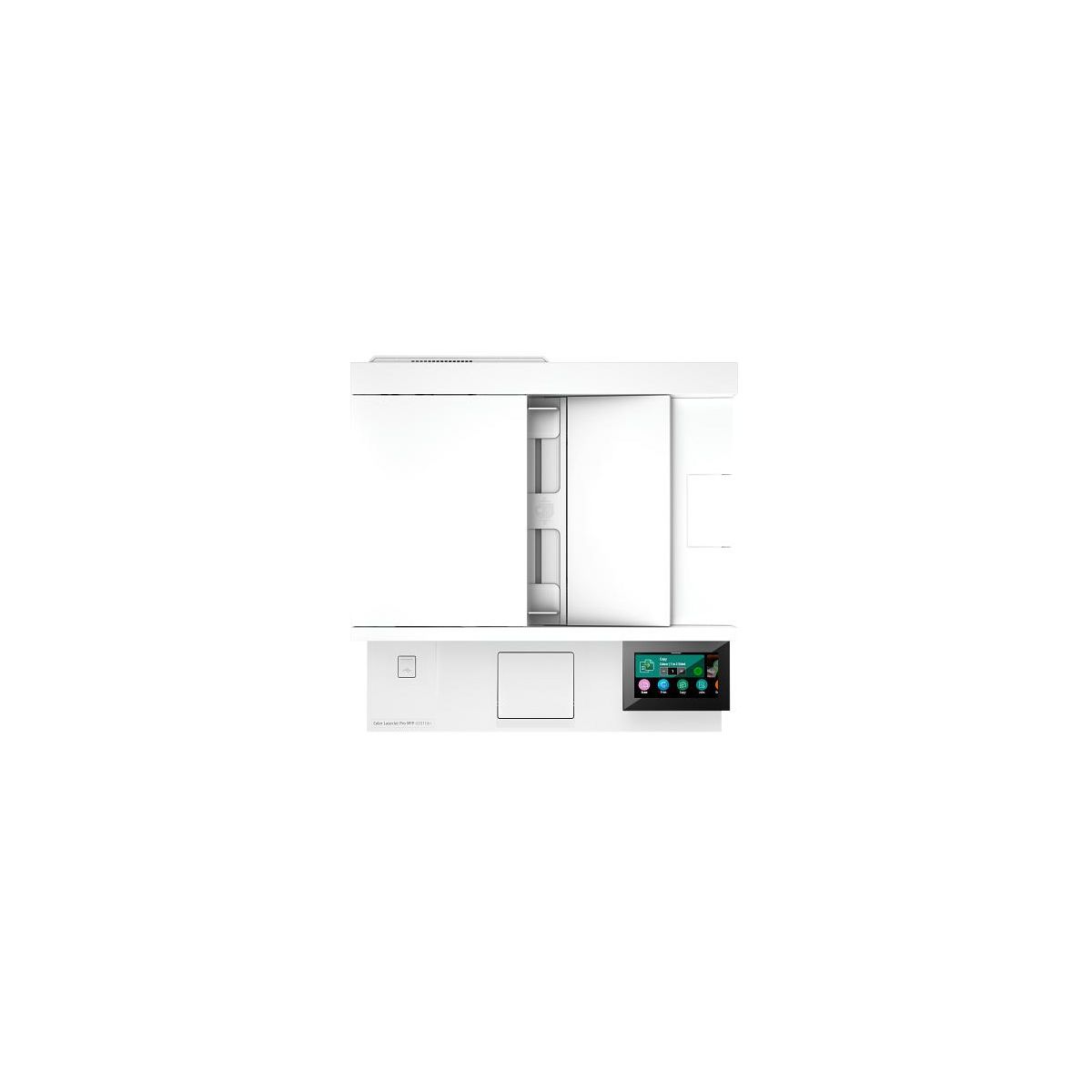
HP Color LaserJet Pro MFP 4301fdn Certified Refurbished, AI-enabled
Write a review
$60500 $78000

HP Color LaserJet Pro MFP 4301fdn Certified Refurbished, AI-enabled

Write a review
1000137697
+
Add to wish list
Starget Electronics is a leading online electronics store offering a wide range of gadg...

City: US, New York

Delivery
Pickup at your own expense
Tomorrow from 09:00 to 20:00, Store location
Free
Payment options
Apple Pay Google Pay Mastercard Visa
Cash, bank card, credit/installment payments, cashless payment for legal entities
Warranty and returns
Exchange/return of products of proper quality within 14 days Official manufacturer's warranty: 12 months
Features
Description
Overview - Get a blazing fast color printer and easy management tools with LaserJet Pro. - HP Office Laser Multifunction Printers are designed for SMBs and small workteams in larger companies, delivering enhanced productivity, simplified workflows and reduced costs. - - Save on quality, refurbished products. The HP collection of Certified Refurbished products are thoroughly tested to meet the same functional standards as comparable new products. HP’s refurbished products are put through a series of mechanical and electrical stress tests, complete software re-installation, a final inspection, and then thoroughly cleaned, sanitized and packaged in new boxes with the same supplies as new version printers. Refurbished Print products are covered by a same as new HP limited warranty and offer optional HP Care Pack Services. Most often, refurbished products are indistinguishable from their comparable new counterparts, though some may have cosmetic blemishes or scratches. This printer is intended to work only with cartridges that have a new or reused HP chip, and it uses dynamic security measures to block cartridges using a non-HP chip. Periodic firmware updates will maintain the effectiveness of these measures and block cartridges that previously worked. A reused HP chip enables the use of reused, remanufactured, and refilled cartridges. More at: Features Maximum productivity in full color - Support your business workteam with this compact, high-performing, color printer, ideal for up to 10 users. Seamless management - Centralize your print management. HP Web Jetadmin easily adds and updates devices and solutions. HP Wolf Pro Security - Get printer fleet security out of the box. Preconfigured settings mean it's ready when you are. Sustainable printing - Redesigned Original HP TerraJet Cartridge for reduced plastic use and energy consumption when printing. Minimum system requirements - 2 GB available hard disk space, Internet connection or USB port, Internet browser. ; What's in the box? - HP Color LaserJet Pro 4301fdn; 4 preinstalled HP LaserJet Toner cartridges (Black: ~2,000 pages, Introductory-Cyan, Magenta, Yellow: ~1,000 pages); In-box documentation (Reference Guide, Setup Card); warranty card (Where required). Power cord; fax cable (New Zealand only). Disclaimers - Requires HP app download available at www.hp.com/go/mobileprinting . Certain features are available in English language only, and may vary by printer model/country, and between desktop/mobile applications. HP reserves the right to introduce charges for use of functionality facilitated by the HP app. Internet access required and may not be available in all countries. HP account required for full functionality. Fax capabilities are for sending a fax only. List of supported operating systems available in app stores. See details at http://123.hp.com . - Requires use of Smart Admin Dashboard for printer setup and onboarding of users. - HP Web Jetadmin is available for download at no additional charge at hp.com/go/webjetadmin. - HP calculations based on ENERGY STAR® normalized TEC data comparing HP LaserJet 200-500 series printers at launch. - HP Auto-On/Auto-Off Technology capabilities subject to printer and settings; may require a firmware upgrade. - Internet access required and must be purchased separately. Wireless operations are compatible with 2.4 GHz and 5.0 GHz operations only. Supports both 5.0 GHz and 2.4 GHz using up to 112 non-overlapping channels vs. only 3 non-overlapping channels for 2.4 GHz only. Supports 5.0 GHz band (up to 150 mbps) v. 2.4 GHz band (up to 72.2 mbps). Learn more at: www.hp.com/go/mobileprinting. - HP JetAdvantage Security Manager must be purchased separately. To learn more, please visit hp.com/go/securitymanager.
Reviews
4.7
Reviews: 25
5 stars
72%
4 stars
28%
3 stars
0%
2 stars
0%
1 star
0%
Got_Toys
5
HP LaserJet Pro MFP4301fdn
I have a home office and recently upgraded my HP Laser/Printer/Copier I previously used for over 10 years. This model is the newest version and I was amazed on how much quicker it printed. In addition, this printer can do doubled sided prints and scans which save me money on paper. I was hesitant on purchasing a "Certified Refurbished" unit, but so far (approx. a month when writing this review), I have had zero issues. The laser cartridges are expensive, so I choose to print most thing in black and white, unless I need color copies. There was quite a few negative reviews online, but I'm not sure why. It seemed like a lot of negative comments were based on the software and slow printing. For best results, use the HP computer software to scan and have the printer is connected directly to the network. Hope this helps!
TorresFam
4
All around home or office printer!
My wife and I have a business so we need to have a good quality printer to print documents and other items. My kids are also big printer users and they love this printer. The printer setup is easy and i life how fast it prints! Its prints super clear and the colors are vibrant and seem to last long. The dual paper trays are a nice touch and i love it has an automatic feeder. The touch screen works easily and fast and is super easy to read and maneuver. It connects easily to your devices and the HP app although it does have to be hardwired to the router! I like having 1 printer at least hardwired since it does get the job quicker and prints faster but no WIFI on this printer! This has become an all around printer for our home and is great for school projects, home office and much more. It’s an all around printer, copy scan, and fax and I haven’t had any issues with using any function.
Bonnie H
5
One “Happy Camper” owning and operating this printer!
This printer replaces a very similar printer (Laser Jet Pro 477) so the learning curve has been shortened and there are no surprises. First, this printer/scanner/copier/Fax was easy to install. I did everything myself except lift the printer from the packing box to my desk. Thank you for making that task so simple! Learning to operate this machine was also very simple. As already mentioned, I used a similar HP printer for many years. My comments about the functioning of this printer are all positive. The print quality is excellent! The machine operates with minimal noise. The sheet feed has not created problems so far. One purely personal reaction to this printer is my dislike for the “modern” design of the cabinet.
ancysunil
5
Excellent printer
I love the printer, it’s super fast when making multiple copies for my work, color quality is brilliant, print quality is good, prices of the cartridge are too expensive but hopefully this will last a while. I also wish that it has internet available via wifi instead of just the hard wired connection limits your option to place the printer in certain areas. Overall enjoying the printer it gives speed flexibility of work printer at home
youngk
5
Super fast
This laser printer is a real workhorse. Prints crazy fast, able to print color & on both sides and can scan & copy. Perfect for home office or if you have kids with many projects. This can print all kinds of things. I also like the big menu screen. Compared to my old printer which had a very dim and small screen, this is night and day difference. On top of that it is very quiet which I like to most. Highly recommended
jziegler1
5
Awesome... except USB cable is not include
The initial setup of the HP Color LaserJet Pro MFP 4301fdn was a nightmare at first, I only had a networking cable connected. Neither my computer nor network would recognize it. Then I found an old USB cable… With the USB connected to a computer and the network cable plugged into the wireless router, It was up and running within 2 mins. All drivers and firmware updated automatically. The HP Color LaserJet Pro MFP 4301fdn prints and scans both quickly and beautifully. Anything connected to the wireless/network has access to it, cellphones, laptops, tablets, computers… The HP Color LaserJet Pro MFP 4301fdn is robust in size so you are going to need to give it its own space but you get a lot in that package. It’s the new gem of our home office. I would highly recommend. I did receive this HP Color LaserJet Pro MFP 4301fdn at a discount for my fair and honest review, and it is amazing!
Syuliant
5
Fast performance and excellent output
I have been using this printer for few months and I can tell with great certainty that this printer print super fast and very easy to use. The color reproduction is superb with great detail and high accuracy. I include a demo video when printing an artwork of my daughter. Took about 35 seconds to complete from warmup to finish which is considerably fast when taking into account the 30 seconds warmup time. This printer capable to scan, fax, scan to email, and much more. Toner can be quite expensive but you might not need to replace anytime soon for low to average usage. Highly recommended.
doliverz
5
Loving It!
I am loving my new printer! I got it for my classroom for next year. I have not had the opportunity to really use it, but I am happy it is not made of cheap material. I can tell by the weight of it that I will be able to use it for a long time. I have a lot of printing to do for the upcoming school year. I already have co-workers who are impressed with it and is ready to order theirs. Get yours before it's too late because teachers are always jumping on a good deal. Stay tune... I will come back and post a picture of it in my classroom. I have finally opened the box. Not only was it easy to put together, it didn't take me all day to do it. The real challenge was how fast it would print. It didn't disappoint. I was fast and the color was beautiful. The best reward was finding out that I could print line paper without using my computer or copying it from a printed paper. This is an A+ in my book! I can't wait to work on bigger projects. All I need now is a laminator.
SElliott4
4
Nice Printer
PROS: This printer quickly scans, copies and prints very clear pages. Some scanners create a gray background when scanning. The scanner is the best I have ever had in our home office. I was surprised at how well it printed photos on standard paper. It put my photo printer to shame when it came to printing on standard paper. CONS: Even though it is connected to our network, it doesn't 'wake up' all the time. I have to manually turn on the printer.
Scott924m
5
HP Color LaserJet 4301
This is really a nice printer. Very astheticly pleasing. Ive printed a few things (it isnt my printer) but printouts are crisp and clean, Nice sharp edges, and colors are very vibrant and bright. Copies once sent to the printer came out really fast and it was so quiet I didnt even know it actually printed anything. Printer itself seems like a workhorse and is very solid. It seems like it will last a very long time. The best feature I like is it can print on both sides so I dont have to flip the paper and reinsert it and print the other side, nice feature.

Showing 10 of 25 reviews

You may be interested
  • Bestsellers
  • Recently Viewed
 
Similar products
Fast and high quality delivery

Our company makes delivery all over the country

Quality assurance and service

We offer only those goods, in which quality we are sure

Returns within 30 days

You have 30 days to test your purchase